Yottamaster
Yottamaster Discount Code
The Yottamaster discount code KATIE is listed for 5% off orders at yottamaster.com, which sells NVMe enclosures, M.2 cloners and multi-bay hard drive enclosures.
Links on this page are not paid links. We list codes on merit, and we will say so clearly here if that ever changes. How we are paid
5%
off
Sitewide
5% OFF All Orders
Not checked by our team yetIt copies itself when you show it.
Go to YottamasterNo reader reports yet. Yours would be the first.
Show the code or visit the shop, then tell us if it worked.
Did it work for you?
How to use the Yottamaster discount code
Add your enclosure, cloner, or multi-bay unit to the cart and proceed to checkout. On the payment page, look for the discount or promo code field, paste KATIE, and click Apply. Check that the discount shows in your order total. Complete your shipping and payment details to finish the order.
-
-
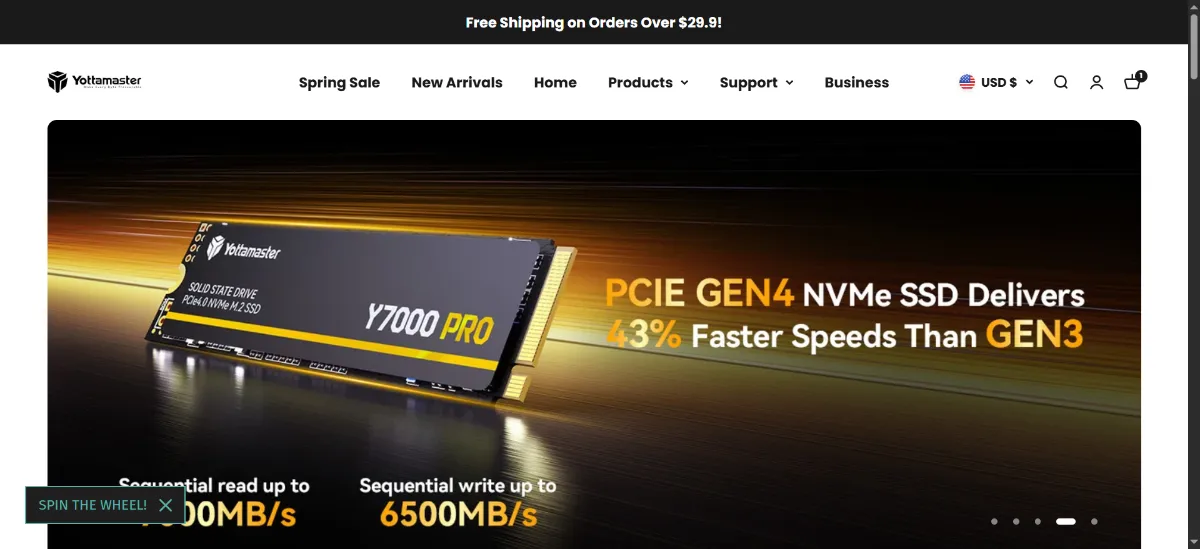
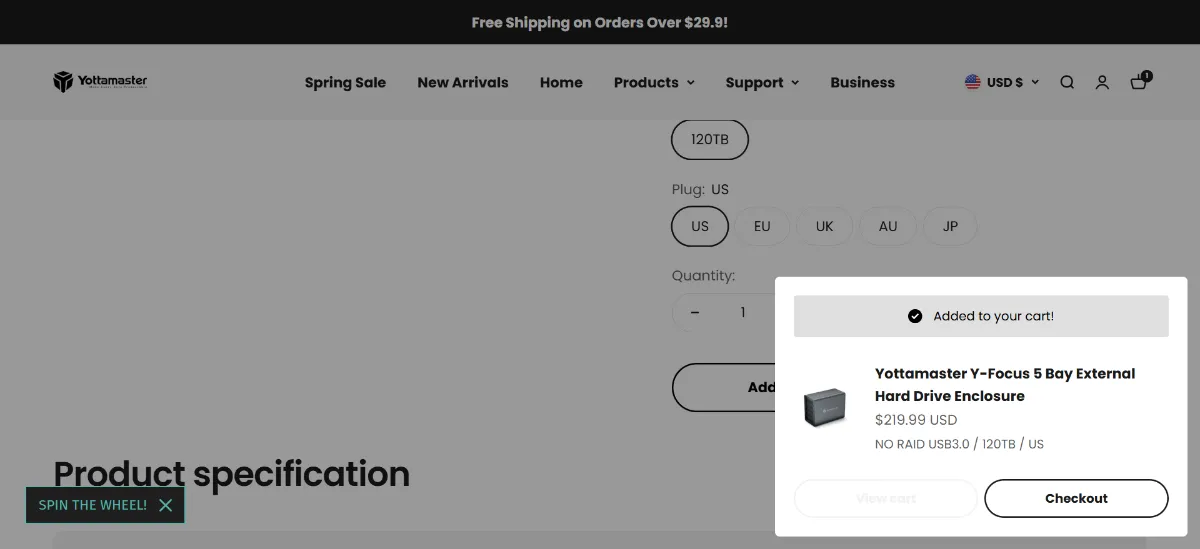
Open your cart and check out
Open the cart, check the items and sizes, then press the checkout button.
-
Enter the code KATIE
The promo code box appears on the checkout page, usually labeled "Discount code" or "Promo code," just above the order summary. Enter KATIE and click Apply to see the discount.
KATIE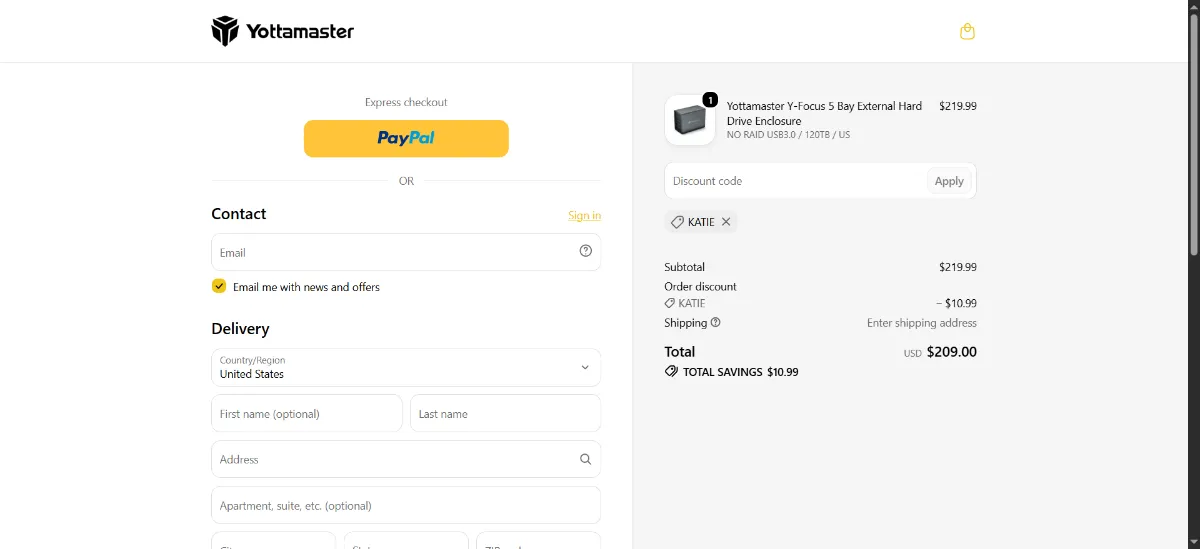
-
Check the discount before you pay
Your order total should drop by 5% before you pay. If it does not, read the notes below.
What people buy at Yottamaster
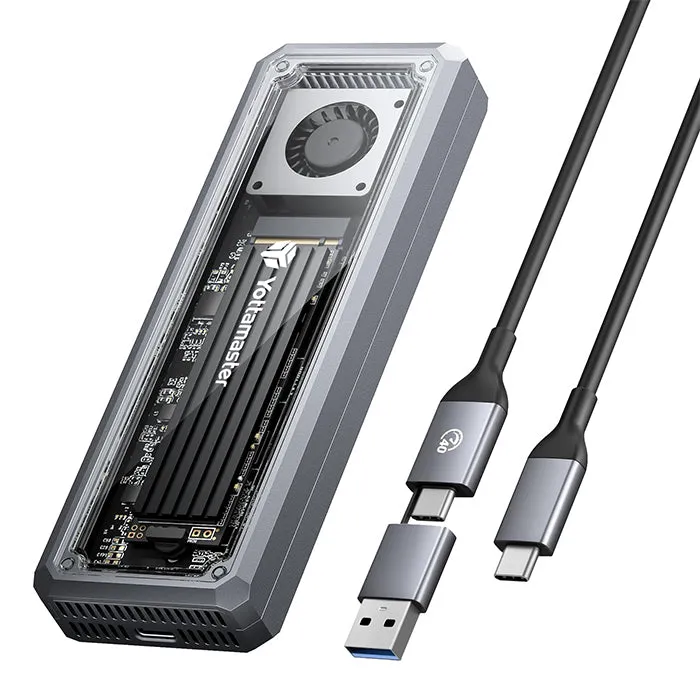
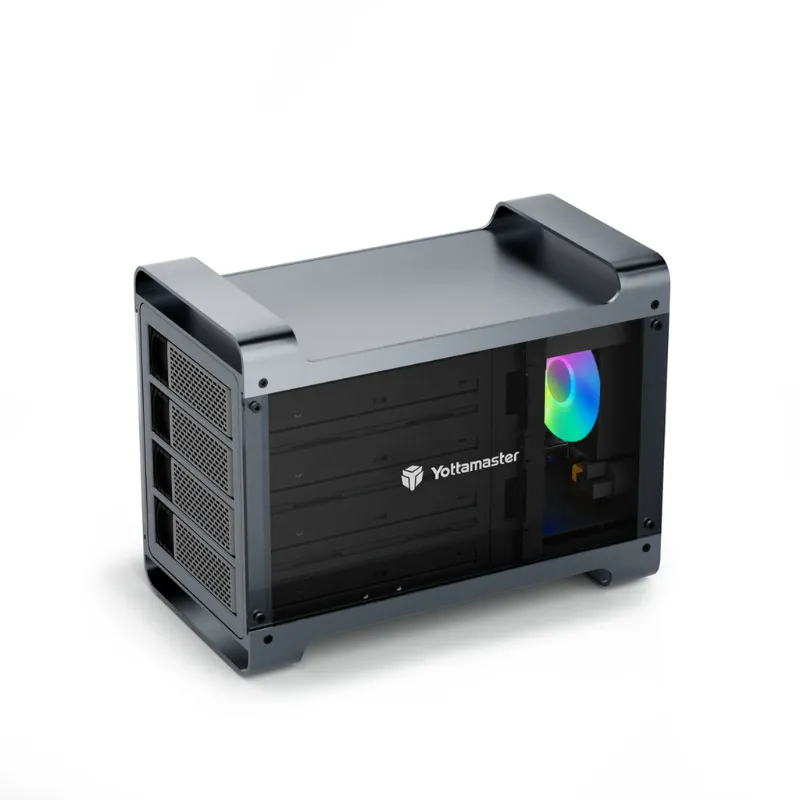
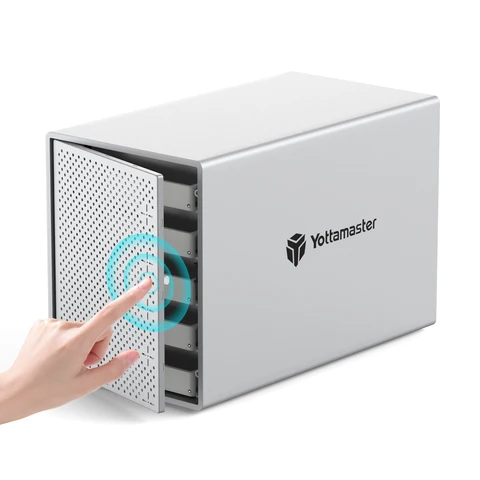
What shoppers say
We have not collected any third party reviews for Yottamaster yet. When we do, they will appear here with the reviewer, the date and a link to the source.
About Yottamaster
Yottamaster sells external storage hardware: M.2 NVMe enclosures, standalone M.2 cloners that work without a computer, and 2-bay to 5-bay hard drive enclosures with optional RAID. It also sells NVMe SSDs, a PS5 SSD, NAS units, USB-C docks and hubs, card readers and cables.
Products ship internationally from yottamaster.com and are also sold on Amazon.
Buying guide
3 parts, about 2 min readBefore you buy
Before buying, confirm whether the unit is an enclosure (needs a host computer) or a cloner with an offline clone function (works standalone). A cloner removes the need for cloning software. Enclosures are better for permanent external storage or hot-swapping multiple drives during testing.
For RAID enclosures, consider your actual use case. RAID 0 doubles speed but offers no redundancy, so it suits scratch disks for video projects. RAID 1 mirrors drives for safety but halves capacity, which works well for archival storage. RAID 5 balances both but requires at least three drives and takes longer to rebuild if a disk fails. The RAID versions of the Y-Pioneer 4 and 5 bay enclosures list RAID 0, 1, 3, 5, 10, JBOD and clone modes; the NO RAID versions do not.
What to buy
Yottamaster's M.2 NVMe enclosures turn bare SSDs into portable USB drives. Some models, such as the TR4, take both NVMe and SATA M.2 drives. Most connect over 10Gbps USB-C, and the YACOM2 (USB4) and Thunderbolt models run up to 40Gbps. They suit repurposing laptop upgrade pulls or making external project drives. Several models, such as the YACOM2 and TR13, are tool-free.
Keep reading 3 more paragraphs
The standalone NVMe M.2 SSD cloners are offline duplicators: insert a source and target drive, press a button, and the unit copies bit-for-bit without a PC. These are faster and simpler than software cloning for system migrations or creating drive images. The PS500C3 and similar models support both NVMe and SATA SSDs in the same device, which eliminates the need for multiple cloners when handling mixed drive types.
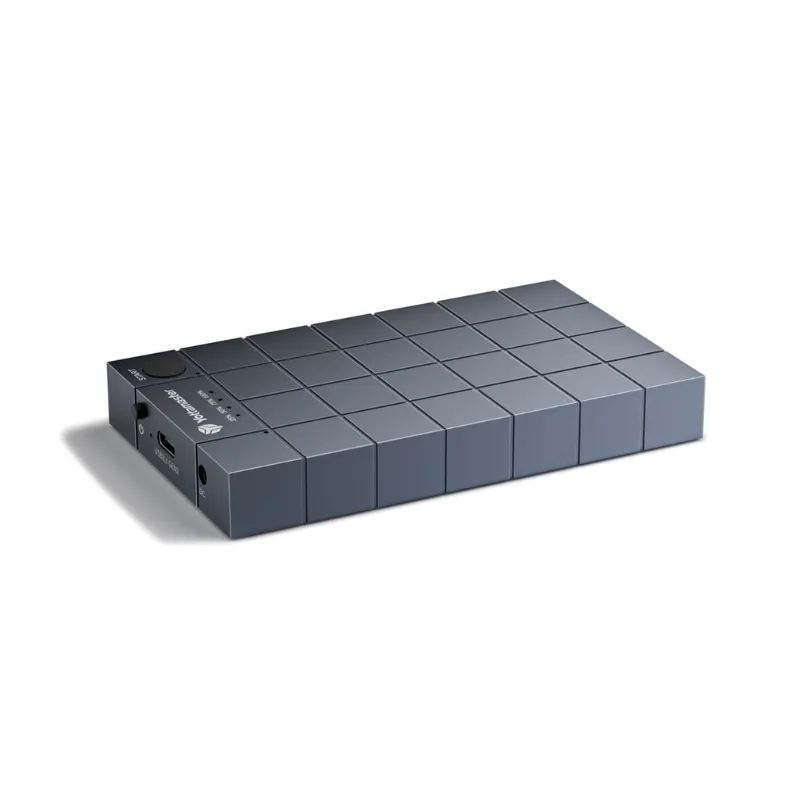
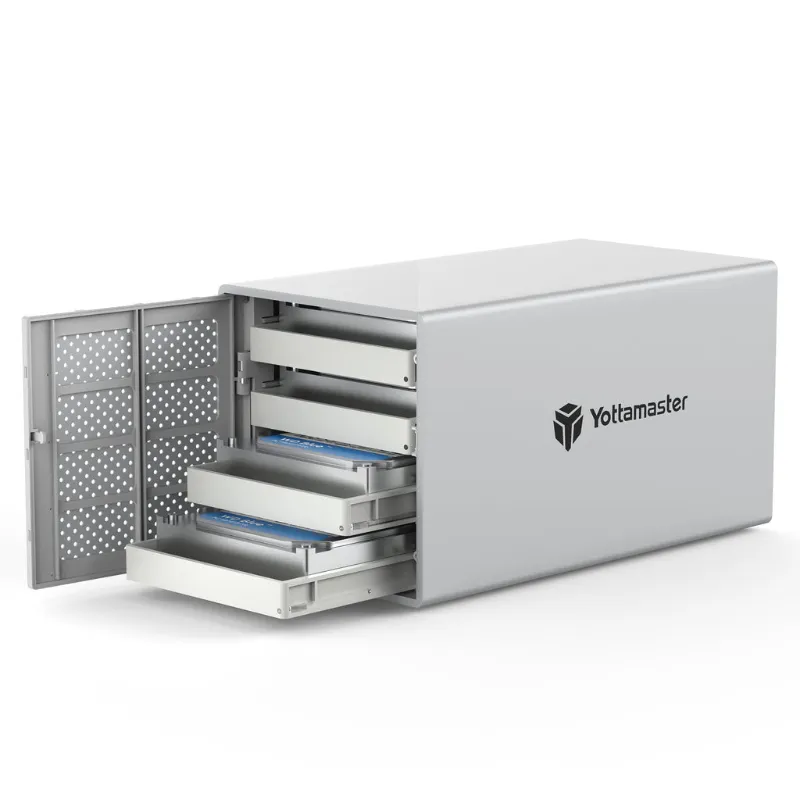
Multi-bay hard drive enclosures like the Y-Pioneer 4-bay and 5-bay units come in RAID versions (RAID 0, 1, 3, 5, 10, JBOD and clone) and NO RAID versions, take 2.5 and 3.5 inch drives and have an 80mm fan. If you are exploring storage solutions for builds or workstations, browse our PC Components discount codes for related hardware savings.
For offline copies of SATA drives, the Knight KB400C and KB500C bays add an offline clone function.
How to save
Code KATIE is listed as sitewide, so you do not need to wait for category sales. Eligible orders of $29.99 or more ship free, though hard drive enclosures can carry extra shipping in some regions.
Keep reading 2 more paragraphs
Yottamaster runs its own sales, so check its site before you order. Apply the Yottamaster promo code at checkout and confirm the discount appears before completing payment. The site has a News and Offers email signup.
Since the hardware is use-case-specific, choosing the correct enclosure the first time saves return shipping, which you pay for returns that are not quality related.
Questions
Does the Yottamaster discount code work on all products?
KATIE is listed for 5% off sitewide. We have not checked it ourselves, so confirm the discount shows at checkout before you pay.
How do I apply the code at checkout?
Paste KATIE into the promo code field on the checkout page and click Apply. Check that the discount shows in your total before you complete payment.
Are Yottamaster coupon code, promo code, and voucher code the same thing?
Yes, all three terms refer to the same code. Whether you search for a Yottamaster coupon code, promo code, or voucher code, KATIE is the code we list.
Does Yottamaster offer free shipping?
Yottamaster's shipping policy offers free shipping on orders of $29.99 or more of eligible items, and $9.99 below that. It also says hard drive enclosures may carry extra shipping in some regions, and orders outside the US may cost extra to ship.
Is Yottamaster a legitimate brand?
Yottamaster sells storage enclosures, cloners, SSDs, docks and USB hubs on its own site and on Amazon; its after-sales service covers purchases from either. Contact is [email protected].
Which NVMe enclosure should I buy?
If you are repurposing a single M.2 SSD from a laptop upgrade, a basic NVMe enclosure is enough. If you clone drives often, a standalone cloner like the HC1 copies one M.2 NVMe drive to another without a computer.
Our Yottamaster guides
Yottamaster NVMe Duplicator Troubleshooting: What to Do When Cloning Fails19 Aug 20263 minCan M.2 NVMe Enclosures Handle Heat During Long File Transfers?19 Aug 20264 minHow to Set Up the Yottamaster PS500C3 5 Bay Enclosure and Pick a RAID Mode19 Aug 20263 minYottamaster HC1 Offline Clone vs Software Clone: Which Should You Use?19 Aug 20263 minYottamaster 4 Bay vs 5 Bay Enclosure: Which Should You Buy?19 Aug 20263 minHow to Clone an M.2 NVMe SSD Without a Computer19 Aug 20264 min