 A Yottamaster guide
Can M.2 NVMe Enclosures Handle Heat During Long File Transfers?
An m 2 nvme enclosure can handle heat during long file transfers if it includes proper thermal management like aluminum heatsinks or active cooling.
Yes, most quality m 2 nvme enclosure models handle heat during long file transfers through aluminum construction, thermal pads, and passive or active cooling, though performance depends heavily on the specific enclosure design and ambient conditions.
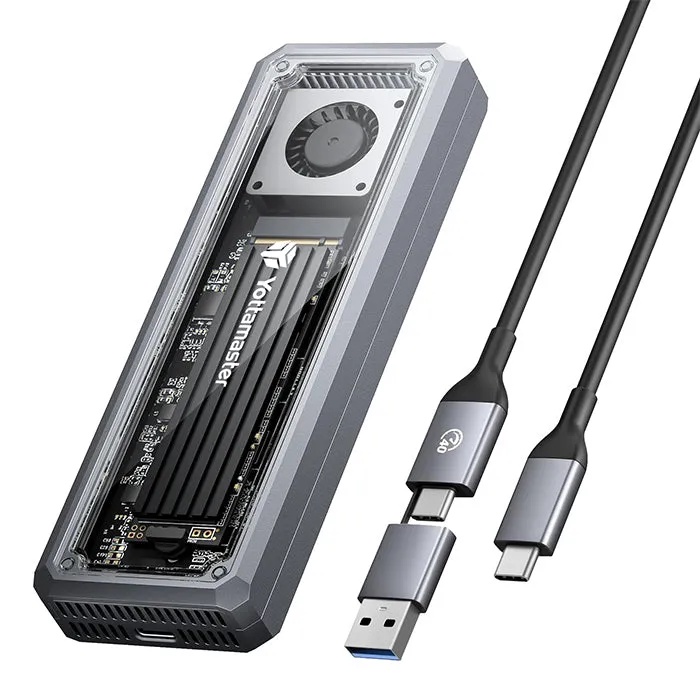
The best designs keep drive temperatures below 70°C even during multi-hour cloning sessions, while budget enclosures without heatsinks can hit 85°C and throttle speeds by 40 percent or more. If you’re moving large video libraries, running virtual machines from external storage, or using an m 2 nvme enclosure as a daily work drive, understanding thermal performance matters as much as raw transfer speed.
Why NVMe Drives Generate Heat in External Enclosures
NVMe SSDs draw 3 to 8 watts under load, and PCIe 4.0 drives push even higher when hitting sequential read speeds above 5000 MB/s. Inside a laptop or desktop, motherboard heatsinks and case airflow dissipate this heat passively. Once you move that same drive into a compact external enclosure, you’re trapping thermal energy in a small metal or plastic shell with zero active airflow.
The m.2 nvme ssd enclosure adapter itself adds another layer of resistance. The bridge chip that translates NVMe protocol to USB or Thunderbolt also generates 1 to 3 watts of heat, and when both components share a confined space, temperatures climb quickly during sustained writes.
Thermal Management Features That Actually Work
The most effective solution is a full aluminum body that acts as a giant heatsink. Models machined from a single block of aluminum with direct thermal pad contact to both the SSD controller and the bridge chip spread heat across the entire surface. External enclosure reviews consistently show aluminum designs running 10 to 20°C cooler than plastic equivalents.
Higher-end enclosures add these features:
- Thermal pads pre-installed between drive and enclosure body for conduction
- Finned heatsink surfaces that increase radiative cooling area by 30 to 50 percent
- Active cooling fans (less common, adds noise but keeps drives under 60°C indefinitely)
- Silicone thermal interface material rated for 6 W/mK or better conductivity
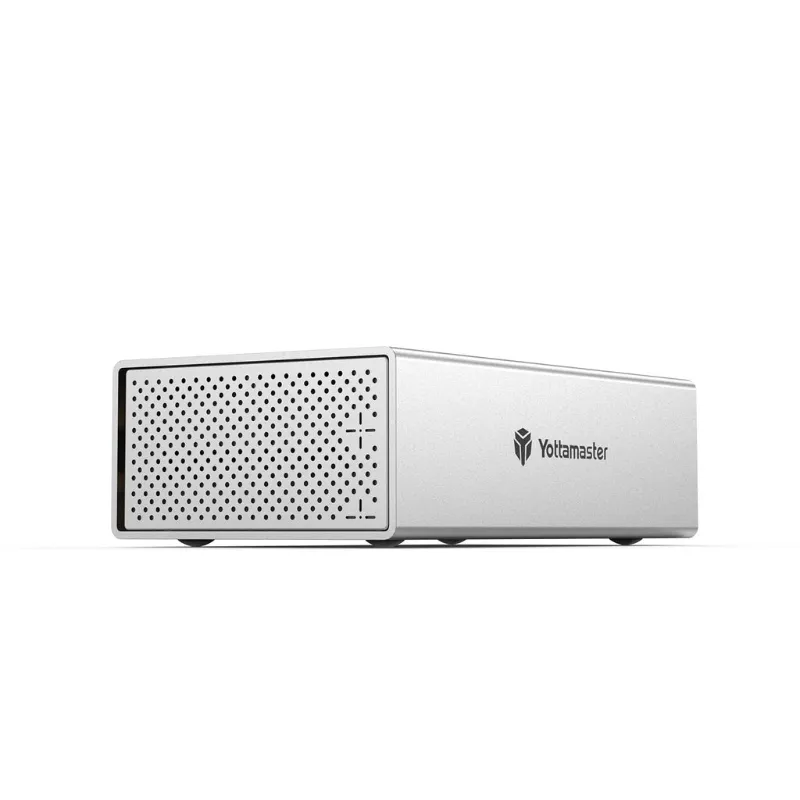
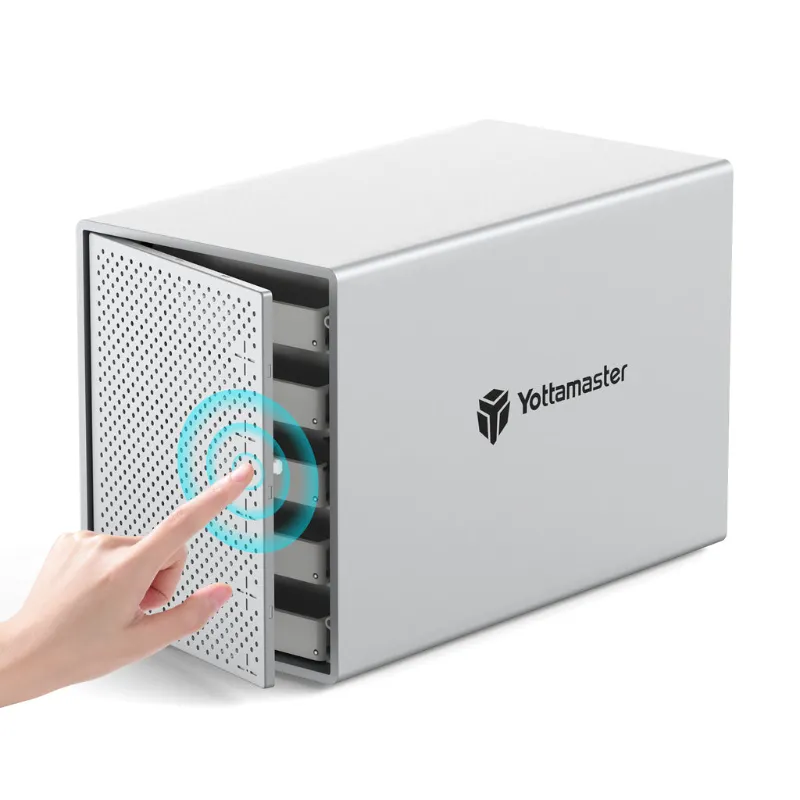
Thunderbolt nvme enclosure models often include better cooling because Thunderbolt controllers themselves run hotter than USB-only bridge chips. If you’re considering a yottamaster ps500c3 or similar multi-bay setup, check whether each bay has independent thermal management or if drives share a single heatsink block.
What Determines Peak Temperatures During Transfers
A drive that hits its thermal limit can lose 40 percent or more of its transfer speed, which is why thermal design matters as much as raw specs. The fastest nvme enclosure setups pair high-quality aluminum construction with PCIe 4.0 bridge chips, but those speeds mean nothing if thermal throttling kicks in after just a couple of minutes under load.
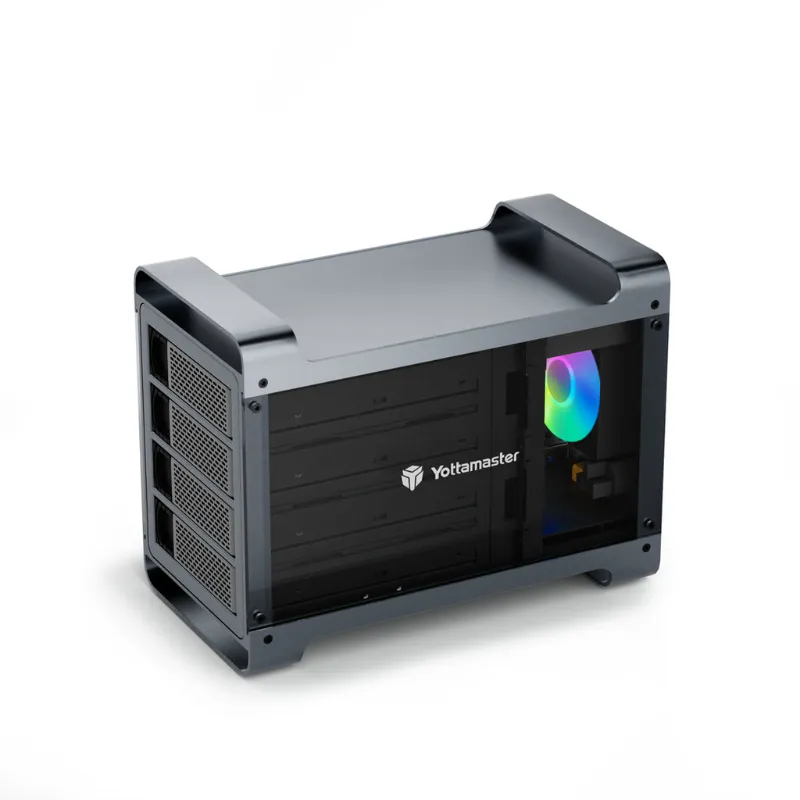
For users running continuous workloads like Time Machine backups, virtual machine storage, or 4 bay hard drive enclusure RAID arrays with NVMe caching, sustained thermal performance beats peak burst speed every time. Check whether your use case involves quick 10 GB transfers or hour-long 500 GB sessions before choosing an enclosure.
Choosing the Right Enclosure for Your Workload
If you transfer files under 50 GB a few times per week, even a basic m.2 ssd enclosure with minimal thermal design will suffice. The drive never stays hot long enough to throttle. But professionals moving 4K video dailies, running duplicate backup sessions, or using an nvme duplicator for batch cloning need enclosures that treat cooling as a core feature.
Look for these specs when browsing enclosure options:
- Aluminum alloy body (6061 or better)
- Tool-free installation that still ensures firm thermal contact
- Bridge chip rated for sustained 10 Gbps (USB 3.2 Gen 2) or 40 Gbps (Thunderbolt 4)
- Stated operating temperature range up to 70°C or higher
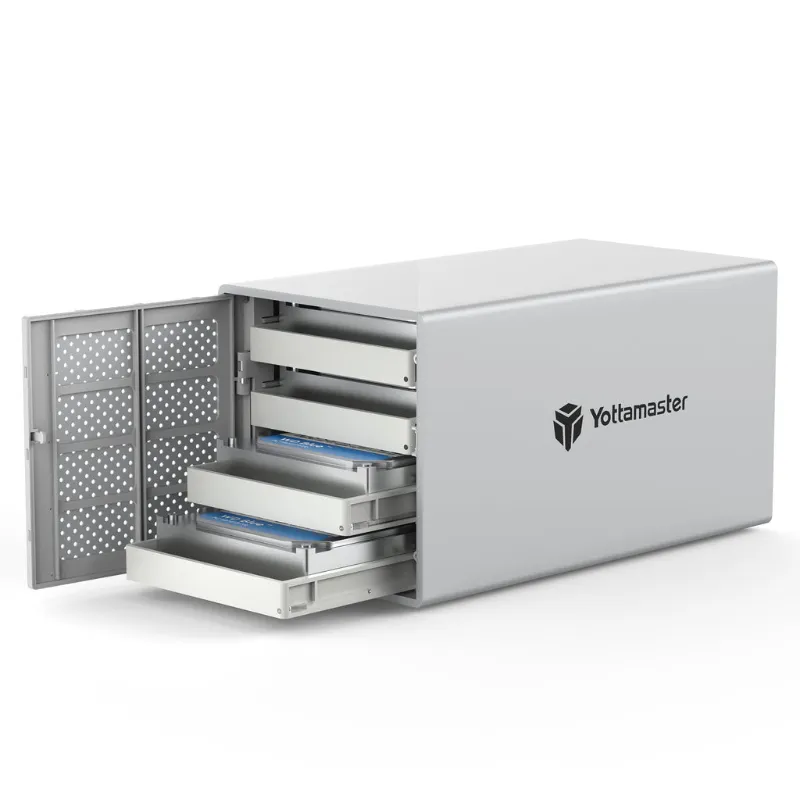
Multiple nvme enclosure setups add complexity because each drive generates its own heat load. A 4 bay disk enclosure with four NVMe drives running simultaneously can easily push 25 watts of combined thermal output, so look for models with ventilation grilles or spacing between bays.
When Active Cooling Makes Sense
We generally recommend passive aluminum enclosures for portability and silent operation, but active cooling fans become necessary in three scenarios. First, if you’re using a PCIe 4.0 drive rated above 7000 MB/s in sustained workloads. Second, if ambient temperature exceeds 28°C (home offices without AC, outdoor event videography). Third, if the enclosure sits on a fabric surface or inside a bag where passive convection can’t work effectively.
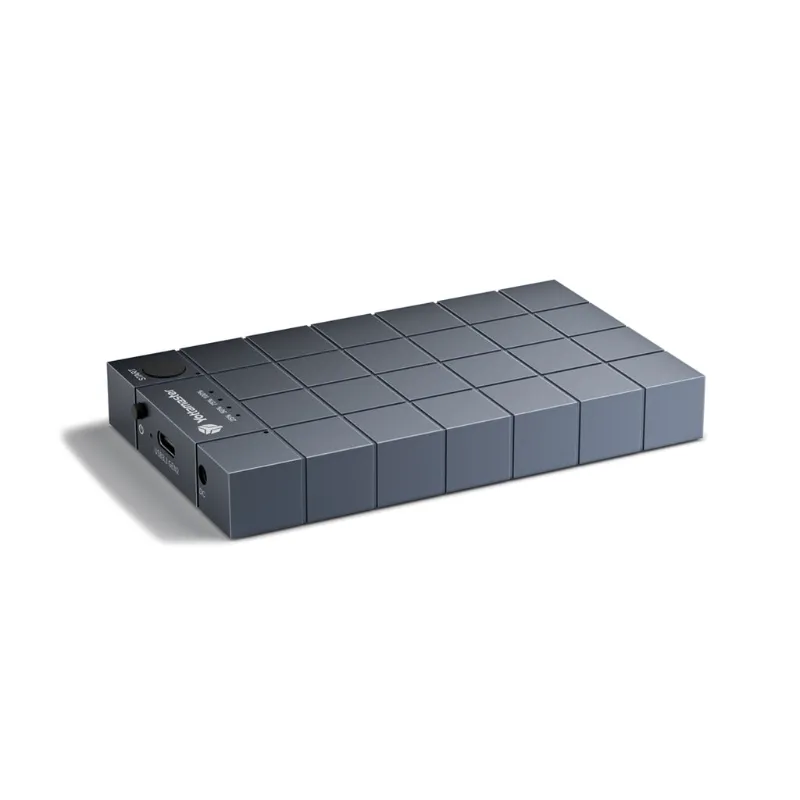
Fan-equipped enclosures add 2 to 3 mm of thickness and require USB power rather than bus power alone, which reduces true portability. For users who need an m.2 cloner or similar tool for field work, passive cooling in a slim aluminum shell offers the best balance. Community discussions confirm that most prosumer workloads stay within passive cooling limits as long as the enclosure includes proper thermal pads.
If you do need active cooling, look for models with temperature-controlled fan curves that spin up only when the drive exceeds 65°C. Constantly running fans wear out and add noise for no benefit during light file browsing. The best designs monitor both SSD and bridge chip temperatures via S.M.A.R.T. data and adjust fan speed dynamically.
Maintaining Long-Term Thermal Performance
Thermal paste and pads degrade over 18 to 24 months of heavy use, especially if the enclosure frequently cycles between hot and cool states. Use pads rated for at least 100,000 hours and 6 W/mK conductivity.
Keep the enclosure exterior clean. Dust and oils from handling reduce radiative cooling efficiency by up to 10 percent. A quick wipe with isopropyl alcohol every few months helps. Avoid stacking enclosures or placing them on heat-trapping surfaces like foam or cloth during operation.
For setups like the syba 5 bay or other dense multi-drive configurations, consider external cooling solutions like laptop cooling pads or small USB desk fans positioned to move air across the enclosure surfaces. When you check the latest pricing for these multi-bay units, factor in whether you’ll need supplemental cooling for your specific workload and environment.
High-performance m.2 nvme to usb-c ssd enclosure models deliver incredible speed, but only if thermal design keeps pace.
Questions
Do all m 2 nvme enclosure models include thermal pads?
No, budget enclosures often skip thermal pads entirely. Always check the product specs or reviews to confirm thermal interface material is included, or plan to add aftermarket pads yourself.
How hot is too hot for an NVMe SSD in an external enclosure?
Most consumer NVMe drives throttle at 80 to 85°C and can suffer reduced lifespan above 70°C during sustained use. Aim for enclosures that keep temperatures under 70°C during your typical workloads.
Will a Thunderbolt enclosure run cooler than USB?
Not necessarily. Thunderbolt controllers generate more heat than USB bridge chips, so cooling quality matters more than interface type. Look for aluminum construction and thermal pads regardless of connection standard.
Can I add my own heatsink to an enclosure without one?
You can add stick-on heatsinks to the SSD itself before installation, but this only helps if the enclosure shell has ventilation. Sealed plastic enclosures trap heat regardless of internal heatsinks.
Do multi-bay enclosures need better cooling than single-drive models?
Yes, each additional drive adds 3 to 8 watts of heat. Multi-bay units need either spacing between bays, shared aluminum heatsink blocks, or active cooling to prevent thermal buildup when all drives are active.
Should I avoid using an enclosure in hot environments?
Enclosures without active cooling struggle in ambient temperatures above 28°C. If you work in warm climates or outdoor settings, choose a fan-cooled model or limit transfer sessions to shorter durations.
Products in this guide
 Shopping at Yottamaster? See the discount code
5% OFF All Orders
Shopping at Yottamaster? See the discount code
5% OFF All Orders
More in this series
Troubleshooting Your Yottamaster NVMe Duplicator When Cloning Fails19 Aug 20265 minSetting Up a Yottamaster PS500C3 Hard Drive Enclosure: Complete Guide19 Aug 20265 minDo You Need an SSD Duplicator or an SSD Cloner? Understanding the Difference19 Aug 20264 minYottamaster 4 Bay vs. Syba 5 Bay: Which Drive Enclosure for Home Storage?19 Aug 20265 minHow to Clone an M.2 NVMe SSD Without a Computer19 Aug 20264 min