
MOKiN
MOKiN Discount Code
The current MOKiN discount code LIAM takes 10% off sitewide, including USB-C hubs, docking stations, adapters, and cables.
Links on this page are not paid links. We list codes on merit, and we will say so clearly here if that ever changes. How we are paid
10%
off
Sitewide
10% OFF Sitewide
Not checked by our team yetIt copies itself when you show it.
Go to MOKiNNo reader reports yet. Yours would be the first.
Show the code or visit the shop, then tell us if it worked.
Did it work for you?
How to use the MOKiN discount code
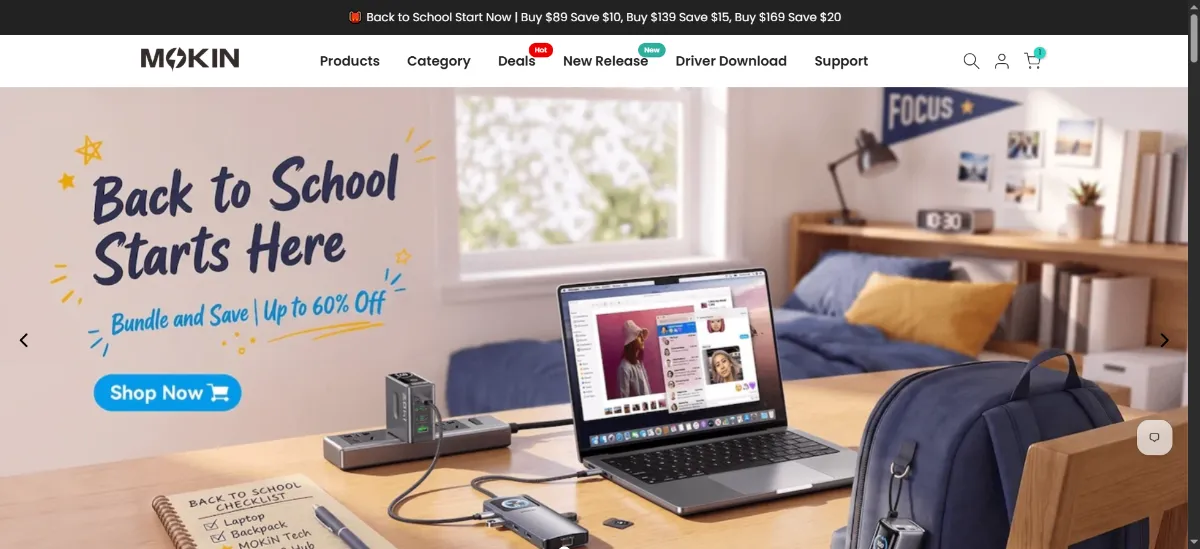
Copy the code LIAM before you start shopping. Add your USB-C hub, docking station, cables, or adapters to your cart on mokinglobal.com, then proceed to checkout. You will see a promo code or discount code field on the payment page where you paste LIAM and click apply. The 10% discount will reduce your order total before you complete payment.
-
-
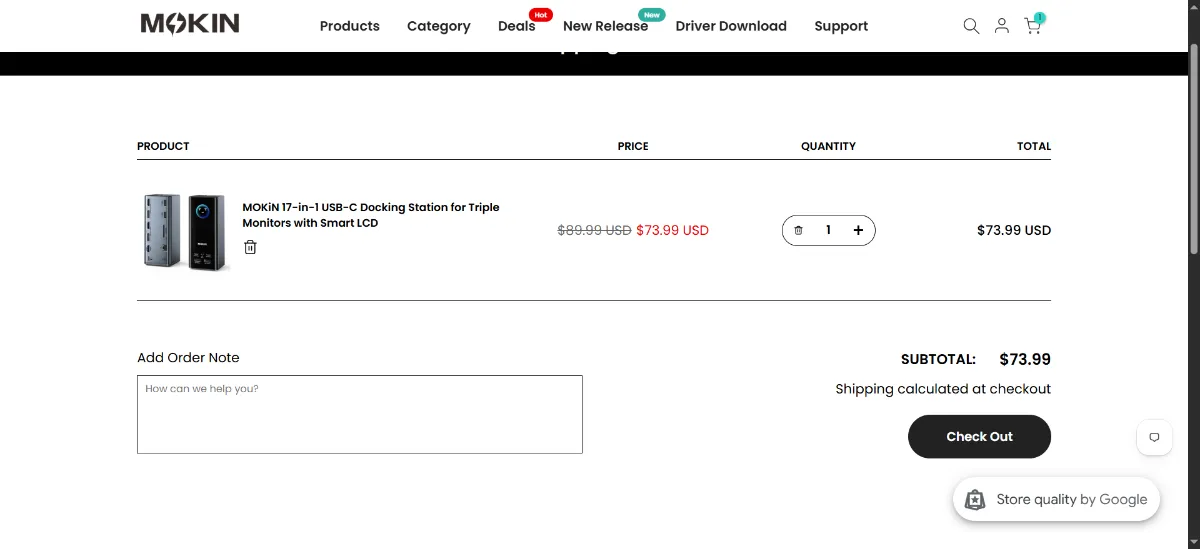
Open your cart and check out
Open the cart, check the items and sizes, then press the checkout button.
-
Enter the code LIAM
Look for the promo code or discount code box on the checkout page after you have entered your shipping information. It typically appears near the order summary or just above the payment method section.
LIAM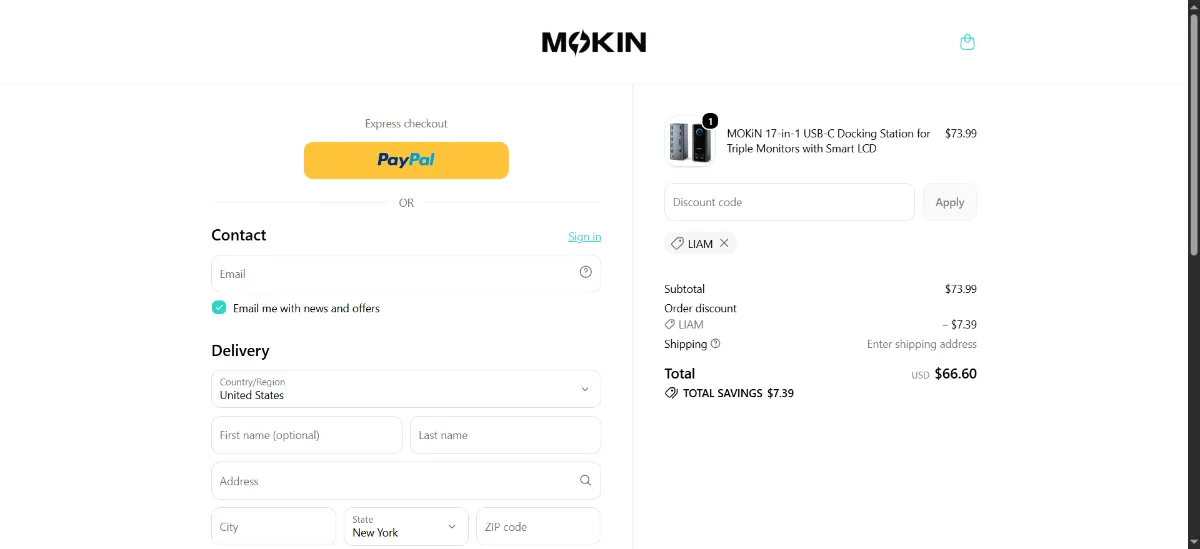
-
Check the discount before you pay
Your order total should drop by 10% before you pay. If it does not, read the notes below.
Good to know
If your order is under $30, consider adding an extra cable or adapter to reach the free shipping threshold, since the MOKiN voucher code stacks with the free shipping offer and the combined savings often exceed the cost of paying for shipping on a smaller order.
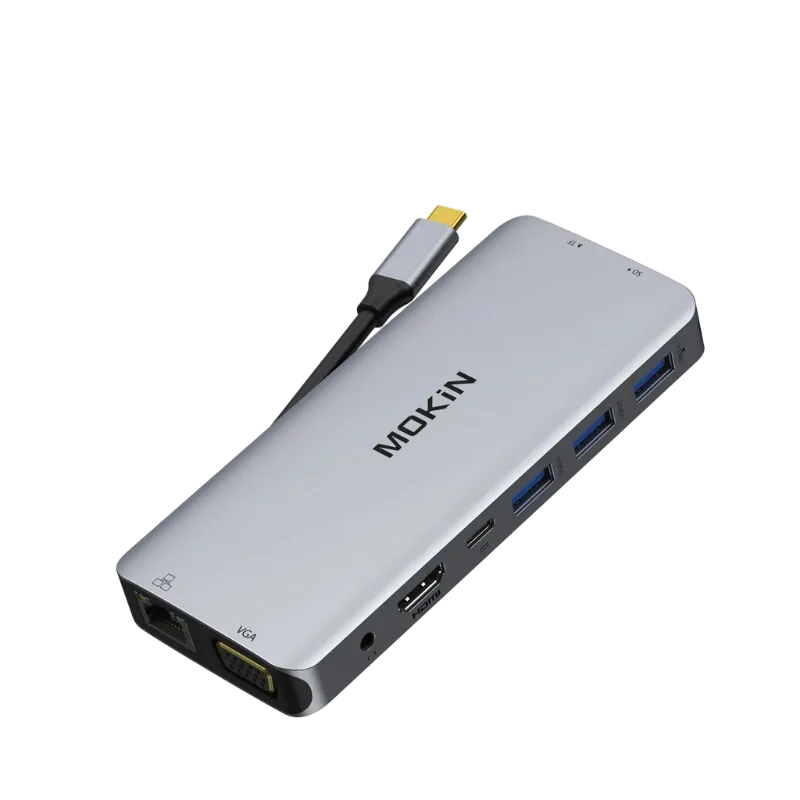
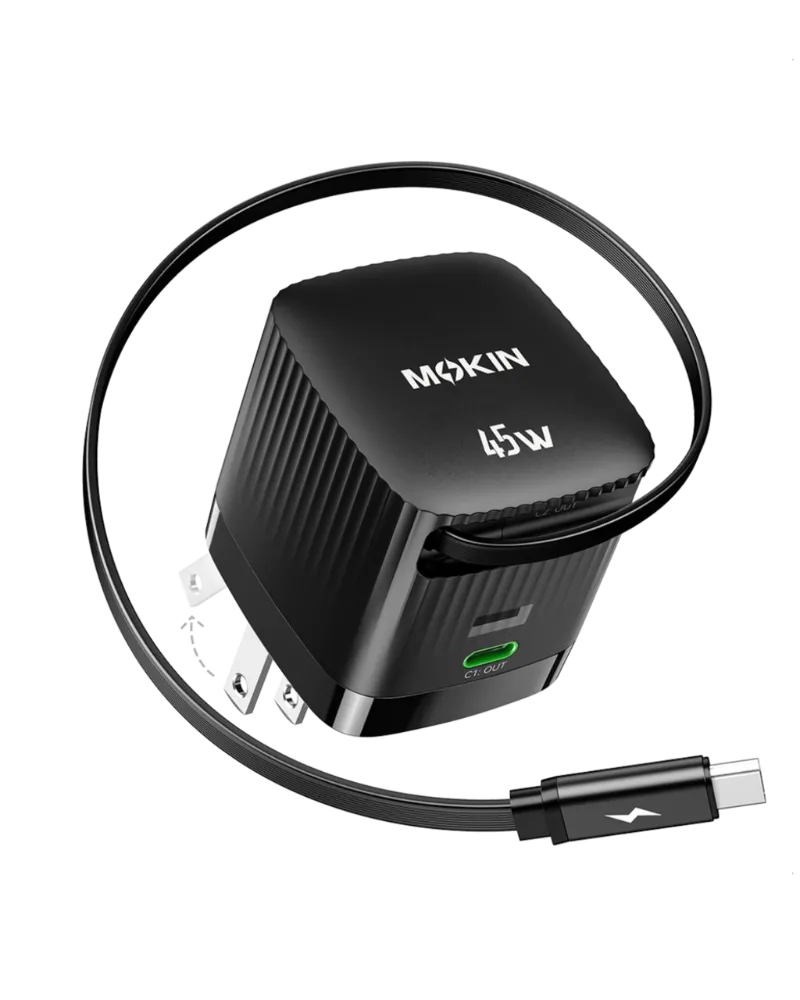
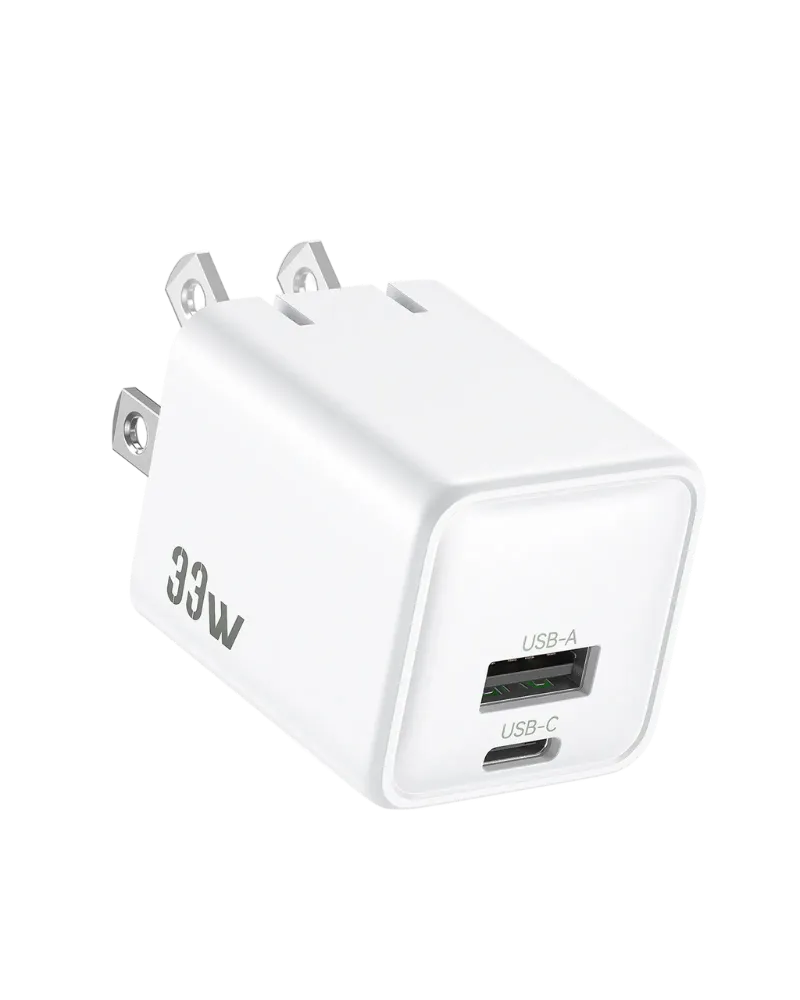
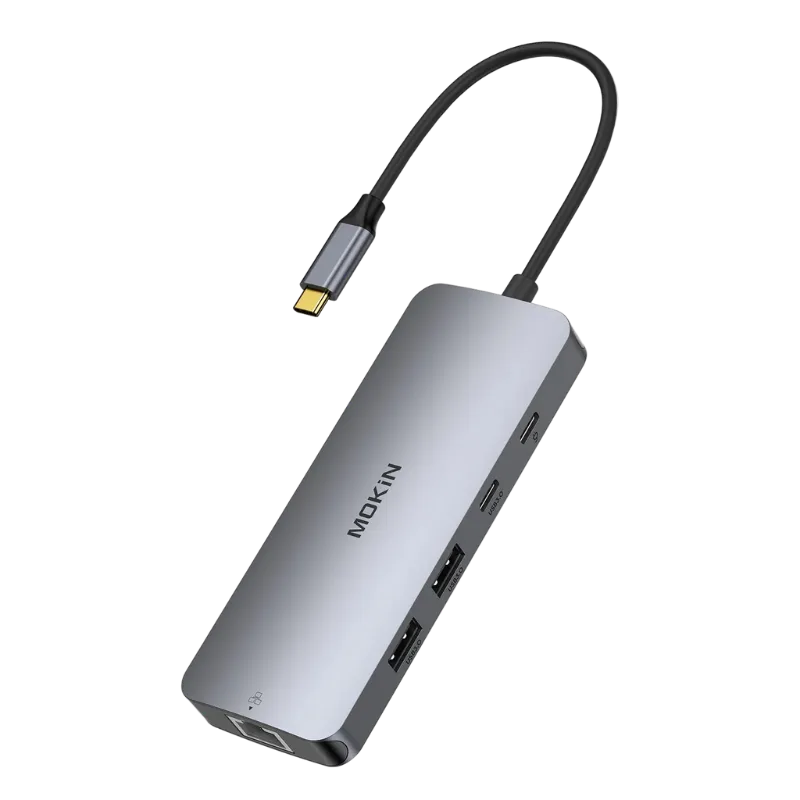
What people buy at MOKiN
showing 8 of 9
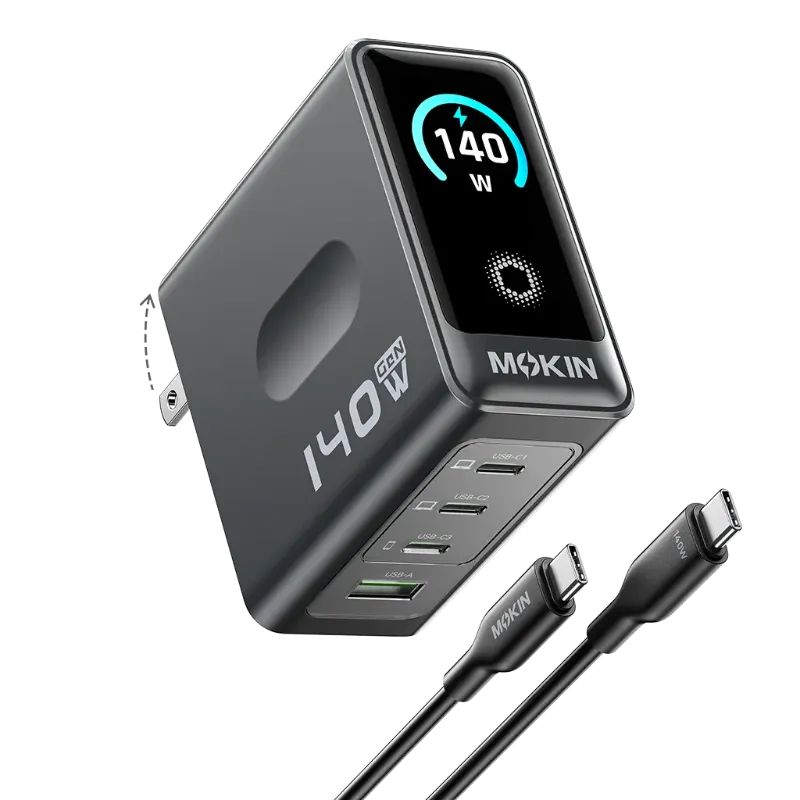
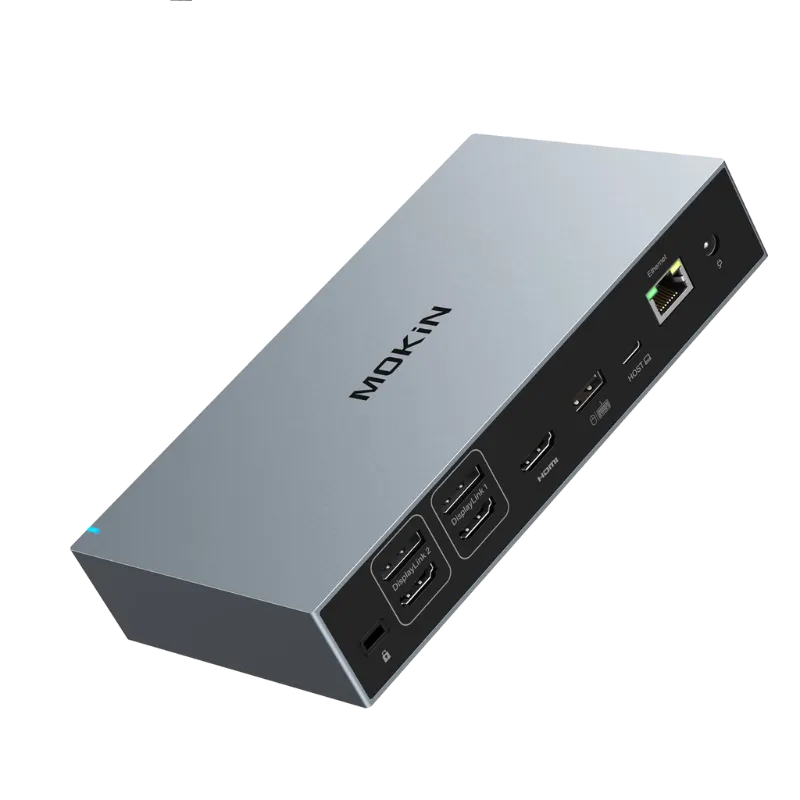
What shoppers say
from TrustpilotVery Good Docking Station.
Very Good Docking Station.
MOKiN 8-in-1 100W charging station
I use the MOKiN 8-in-1 100W charging station every single day and it’s been great. This station is incredibly convenient for charging everything at once. It keeps my desk organized and eliminates the need for multiple adapters. The build quality feels solid, charging is fast and reliable, and it’s been working flawlessly since day one. It’s honestly one of those devices that just becomes part of your daily setup. Highly recommend.
About MOKiN
MOKiN designs connectivity accessories for modern devices that rely on USB-C, Thunderbolt, Lightning, and DisplayPort connections. The brand focuses on solving port limitations, especially for ultra-thin laptops, MacBooks, and mobile devices that ship with minimal built-in ports. Their catalog ranges from compact travel adapters to full-featured desktop docking stations that support multiple monitors.
The brand positions itself as a practical, affordable alternative to first-party accessories from Apple, Dell, and HP. MOKiN products suit remote workers, students, gamers using devices like the Steam Deck, and anyone building a multi-monitor home office setup without spending premium prices. If you need more ports than your device has, MOKiN offers a straightforward solution.
The company has been reviewed by tech sites for their docking stations' ability to drive multiple monitors from a single connection, which is a common need for productivity setups.
Buying guide
3 parts, about 3 min readBefore you buy
First-time buyers often overbuy ports they will never use or underbuy power delivery capacity. Before choosing a hub or dock, count the devices you will actually connect simultaneously: monitor, keyboard, mouse, external drive, Ethernet, phone charger. Match the hub's port count and types to that list. For power delivery, check your laptop's wattage requirements (usually printed on the original charger) and choose a hub that supports at least that much passthrough power, or you will drain your battery while docked.
DisplayLink docking stations unlock more monitors than your laptop natively supports, but they compress video slightly and add CPU overhead because the extra displays are rendered in software. For office work and web browsing, this is unnoticeable. For color-critical design work or high-refresh gaming, a native Thunderbolt dock or a GPU with more video outputs is a better investment. If you are docking a Steam Deck, any basic USB-C hub with HDMI works, but models with Ethernet and extra USB-A ports let you connect wired controllers and a stable internet connection for downloads.
What to buy
MOKiN's USB-C hubs are ideal for first-time buyers who need to connect a mix of older USB devices, HDMI monitors, SD cards, and Ethernet cables to a laptop with only USB-C ports. These hubs are plug-and-play on most systems, requiring no driver installation. Look for models with power delivery passthrough if you want to charge your laptop through the same hub.
Keep reading 3 more paragraphs
Docking stations are a step up from hubs, offering more ports and the ability to connect multiple external monitors. MOKiN's DisplayLink docking stations use software drivers to enable extra displays beyond what your laptop's GPU natively supports. This makes them useful for older laptops or devices with limited video output capabilities. Be aware that DisplayLink docks require you to install driver software, but they unlock configurations like triple-monitor setups from a single USB-C connection.
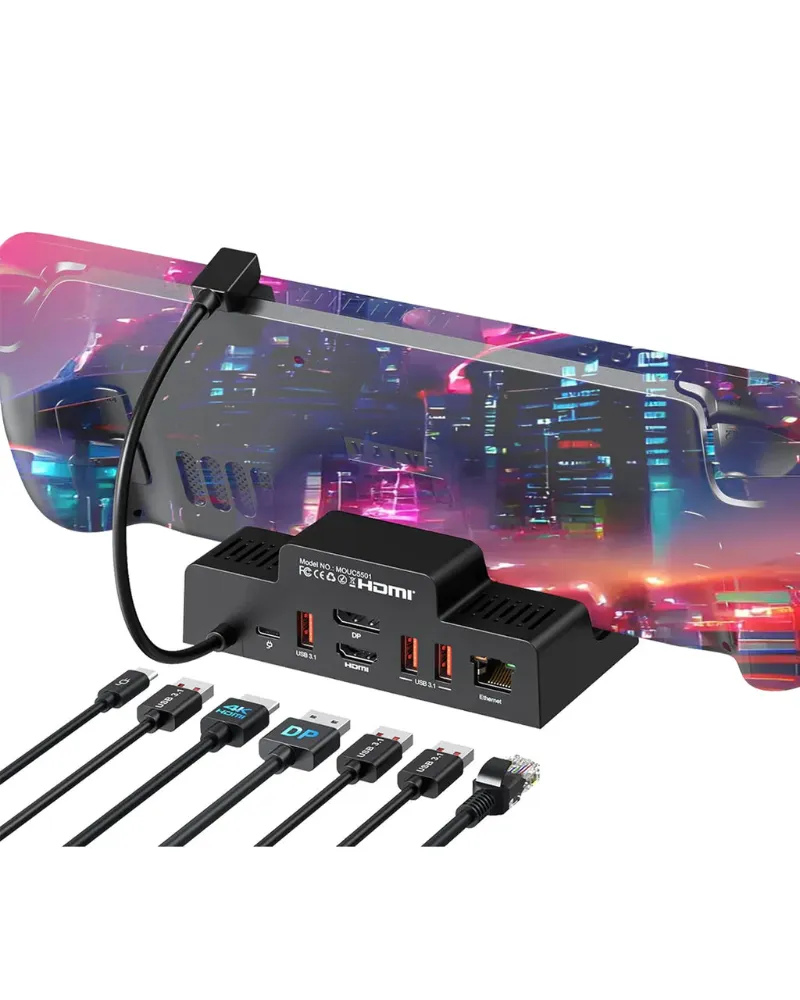
For simpler needs, MOKiN's single-purpose adapters handle specific tasks: DisplayPort to HDMI for connecting monitors, Lightning cables for charging iPhones, and USB-C to USB-A adapters for legacy peripherals. If you are shopping for a Steam Deck dock, MOKiN offers compact models that add HDMI output, USB ports, and Ethernet to Valve's handheld console. The category overlaps with Computer Accessories discount codes and brands like TESmart discount code for KVM switches and multi-monitor setups.
Cable quality matters for high-speed data transfer and charging. MOKiN sells various USB-C and Thunderbolt cables, though premium options like the Belkin 240W USB4 cable are also available if you need certified high-wattage charging for laptops with demanding power requirements.
How to save
The sitewide MOKiN promo code LIAM works across all product categories without exclusions, so you can combine it with free shipping on orders over $30 for straightforward savings. Since the code applies to everything, there is no need to hunt for specific eligible items or wait for category-specific sales. This makes it beginner-friendly: just add what you need and apply the code at checkout.
Keep reading 2 more paragraphs
MOKiN occasionally bundles products like cables with hubs or docking stations, which can be more economical than buying each item separately. If you are building a complete desk setup, check whether a docking station with built-in ports eliminates the need for multiple standalone adapters. Assess your actual port needs before shopping to avoid overspending on features you will not use, like extra HDMI outputs or SD card slots.
First-time buyers should compare MOKiN's offerings with similar products from ATK Gaming Gear discount code and XVX Keyboard Channel discount code if you are outfitting a gaming or mechanical keyboard setup. For USB hubs and adapters specifically, this guide to MOKiN's USB-C hub compatibility explains which models work with Macs and PCs.
Questions
Does the MOKiN discount code work on all products?
Yes, the code LIAM applies sitewide to all USB-C hubs, docking stations, adapters, cables, and accessories without exclusions.
Is the MOKiN coupon code the same as a promo code or voucher code?
Yes, MOKiN coupon code, promo code, and voucher code all refer to the same code LIAM, which gives you 10% off your order.
How do I use the code at checkout?
Enter LIAM in the promo code or discount code box on the checkout page after adding items to your cart, then click apply to see the 10% discount.
Can I combine the code with free shipping?
Yes, the code stacks with MOKiN's free shipping on orders over $30, so you save on both the product price and shipping.
Do MOKiN USB-C hubs work with MacBooks and Windows laptops?
Most MOKiN USB-C hubs are plug-and-play on both Mac and Windows. DisplayLink docking stations require driver software, which is available for both operating systems on MOKiN's support page.
What is MOKiN's return policy?
MOKiN typically offers a return window for unused products in original packaging. Check their website's return policy page for the exact timeframe and any restocking fees before ordering.
Our MOKiN guides
Troubleshooting Display Issues with DisplayPort to HDMI Adapters1 Aug 20265 minWhat to Know Before Buying a 240W USB4 Cable for High-Power Devices1 Aug 20265 minDo Lightning to USB-C Cables Really Charge iPhones Faster Than Old Chargers?1 Aug 20264 minUSB-C Adapter vs DisplayLink Docking Station: Which MOKiN Solution Is Right for You?1 Aug 20265 minHow to Set Up Your Steam Deck Dock for the Best Gaming Experience1 Aug 20265 min