 A MOKiN guide
Do Lightning to USB-C Cables Really Charge iPhones Faster Than Old Chargers?
A usb c adapter paired with a Lightning to USB-C cable charges most iPhones significantly faster than the 5W chargers that shipped with older models.
Yes, a Lightning to USB-C cable paired with a usb c adapter charges compatible iPhones dramatically faster than the 5W USB-A chargers Apple included with older models. The difference comes down to power delivery: modern USB-C chargers push 18W to 20W or more, while legacy 5W bricks crawl along at a fraction of that speed.
What Makes USB-C Charging Faster for iPhones
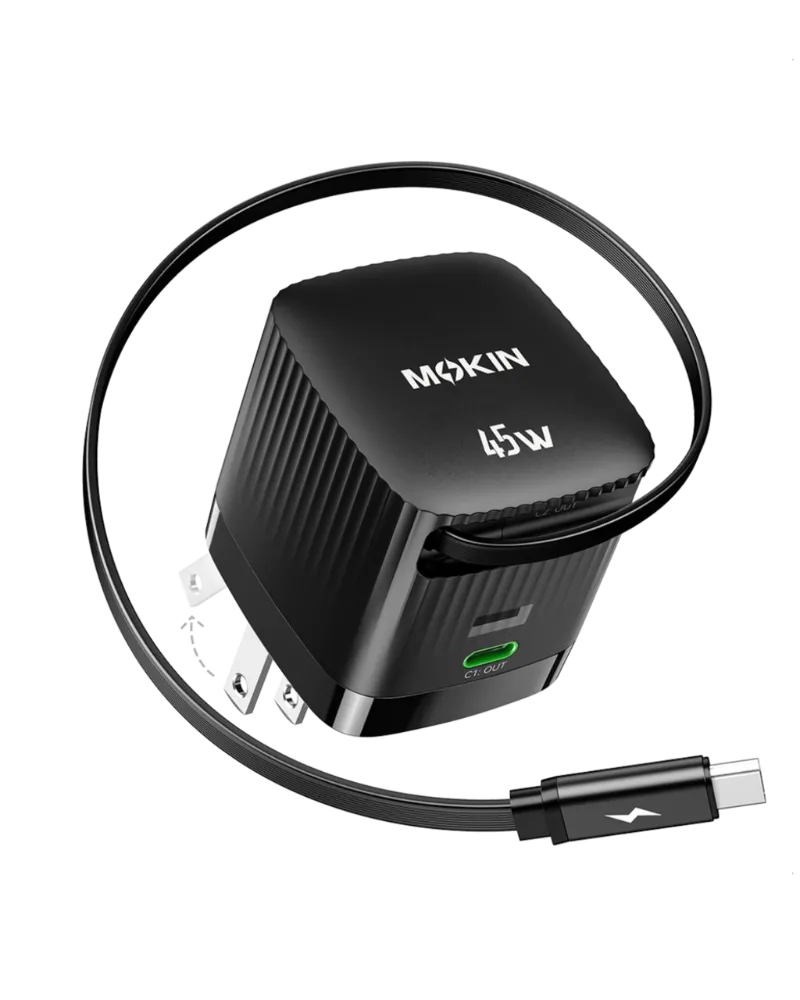
The speed advantage stems from USB Power Delivery, a protocol that negotiates higher wattage between your charger and device. When you connect an iphone charging cable with Lightning to USB-C ends to a compatible adapter, your iPhone 8 or later can draw up to 20W to 27W depending on the model. Older USB-A chargers max out at 5W or 12W (with iPad adapters), creating a hard ceiling on charge speed.
iPhone models from the 8 onward support fast charging, but Apple only began including USB-C adapters in the box with iPhone 12. Before that, users received the ancient 5W cube. That legacy lightning port hardware still works, but it wastes time. A usb-c adapter charger bypasses that bottleneck entirely.
The cable matters just as much as the brick. A Lightning to USB-A cable physically cannot deliver more than 12W, even if you plug it into a higher-wattage adapter using a usb c to usb a adapter. You need the USB-C to Lightning cable to unlock fast charging.
Which iPhones Support Fast Charging with a USB C Adapter
Fast charging works on iPhone 8 and every model released after, including:
- iPhone 8, 8 Plus
- iPhone X, XR, XS, XS Max
- iPhone 11, 11 Pro, 11 Pro Max
- iPhone 12, 12 mini, 12 Pro, 12 Pro Max
- iPhone 13, 13 mini, 13 Pro, 13 Pro Max
- iPhone 14, 14 Plus, 14 Pro, 14 Pro Max
- iPhone 15 and 15 Pro series (USB-C port, no Lightning)
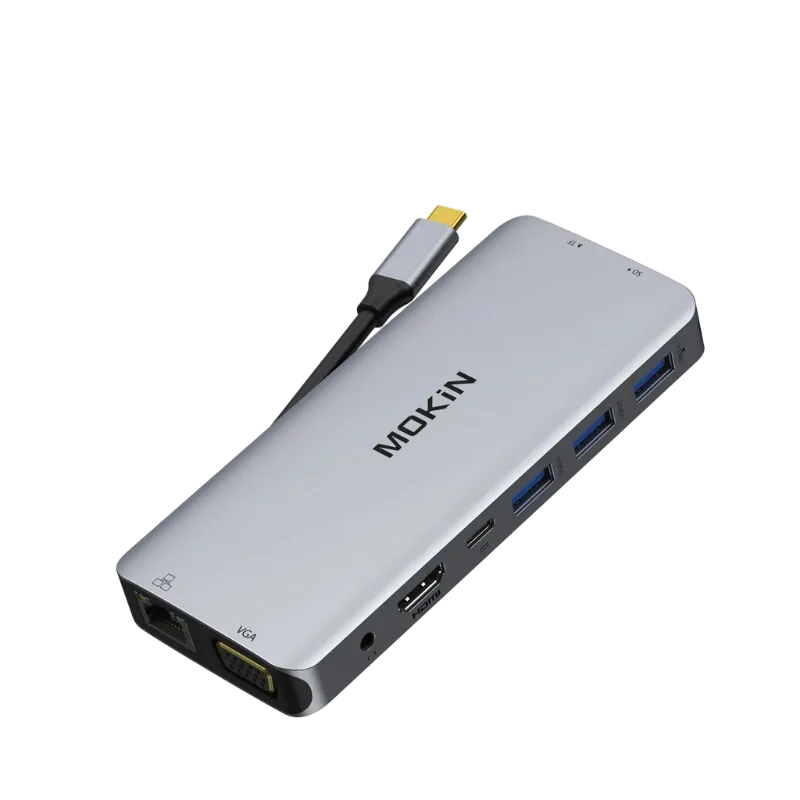
iPhone 15 models replaced Lightning with a native USB-C port, so you can use any USB-C to USB-C cable. Older iPhones still need the Lightning to USB-C hybrid cable. If you own an iPhone 7 or earlier, fast charging is not supported, and a usb c adapter will not provide any speed benefit over your existing 5W charger.
How to Choose the Right USB-C Adapter and Cable
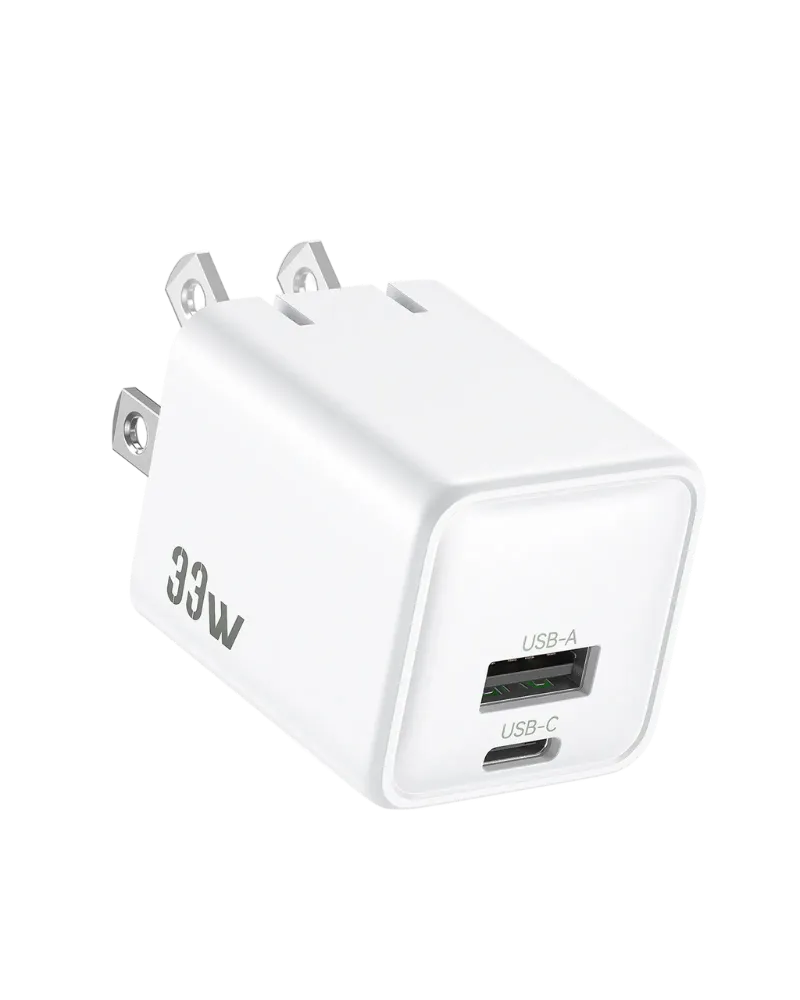
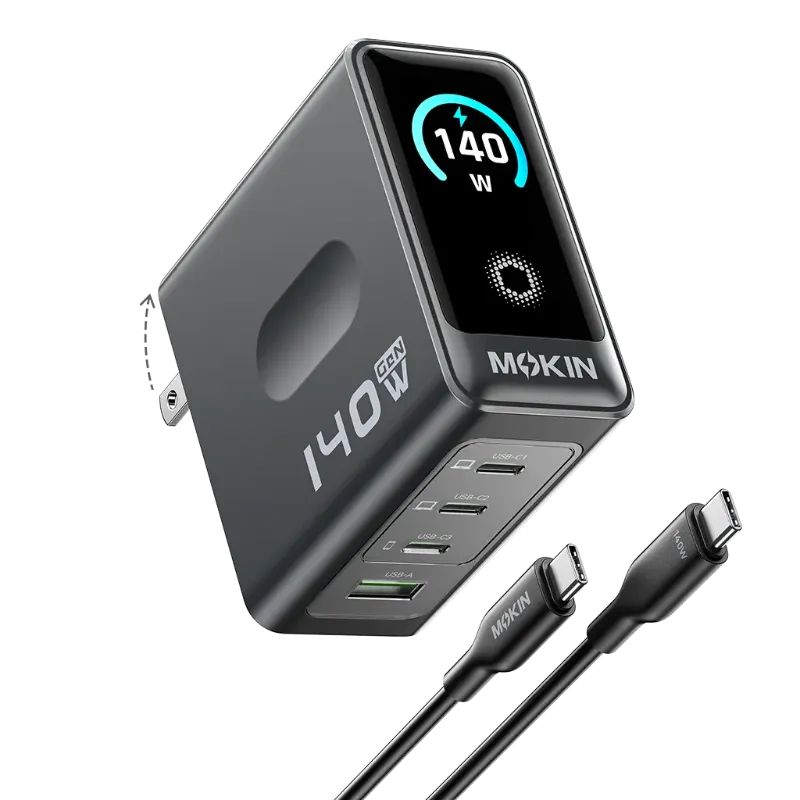
Match your adapter wattage to your iPhone’s capability. Apple recommends at least 20W for fast charging, but iPhones will only draw what they can handle. A 30W or even 65W adapter is safe; the phone regulates intake automatically. We recommend 20W to 30W for iPhones and higher wattage adapters only if you plan to charge iPads or laptops with the same brick.
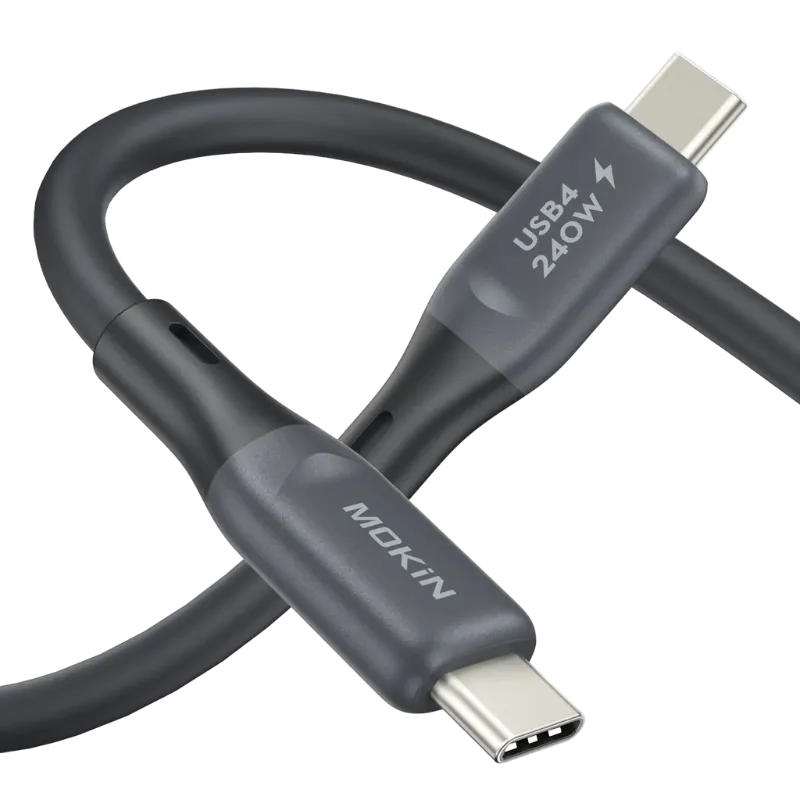
Cable quality matters. Look for MFi-certified Lightning to USB-C cables to ensure compatibility and safety. Non-certified cables may work initially but often fail or damage your device over time. Check the latest price on certified options that pair well with MOKiN adapters and use our code for 10% off sitewide.
What to Look For
- Wattage: 20W minimum for iPhones, 30W for faster charging or multi-device use
- Certification: MFi badge for Lightning cables, USB-IF for USB-C to USB-C
- Cable length: 3 to 6 feet for flexibility without voltage drop
- Build quality: braided or reinforced strain relief at connectors
If you need a usb-c adapter for car charging, pick a 20W or higher car adapter with USB-C output. Many older car chargers only offer USB-A ports at 12W or less.
Comparing USB-C Fast Charging vs Old iPhone Chargers
| Feature | USB-C Adapter (20W+) | Old 5W USB-A Charger |
|---|---|---|
| Max power output | 20W to 100W+ | 5W |
| Cable type required | Lightning to USB-C or USB-C to USB-C | Lightning to USB-A |
| iPhone compatibility | iPhone 8 and newer | All iPhones with Lightning port |
The old charger is not broken, it is just slow. If you charge overnight, the 5W adapter will fully charge your phone by morning. But if you need a quick top-up before leaving the house or during a busy day, the USB-C setup is essential.
Real-World Charging Speed and Battery Health
Fast charging generates more heat than slow charging, but Apple builds thermal management into iPhones to prevent damage. Your phone will throttle charge speed if it gets too warm, especially after 80% battery when the system switches to trickle charging to protect long-term battery health.
We suggest charging to 80% and letting the phone finish slowly overnight if battery longevity matters to you. Heat is the enemy of lithium-ion cells, so avoid charging under pillows, in direct sunlight, or inside hot cars.
Does fast charging degrade your battery faster? Apple states that fast charging to 80% has negligible impact compared to slow charging. The final 20% is where heat builds up regardless of charger type. Using grab the code on a quality adapter with proper heat dissipation helps reduce stress on both the charger and your device.
Beyond iPhone Charging: USB-C Adapter Versatility
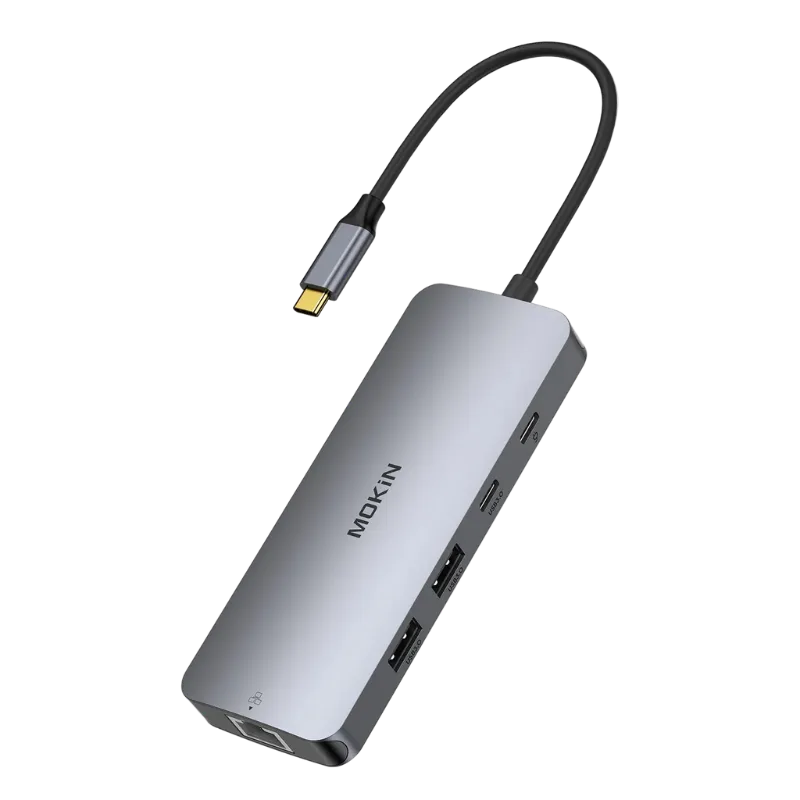
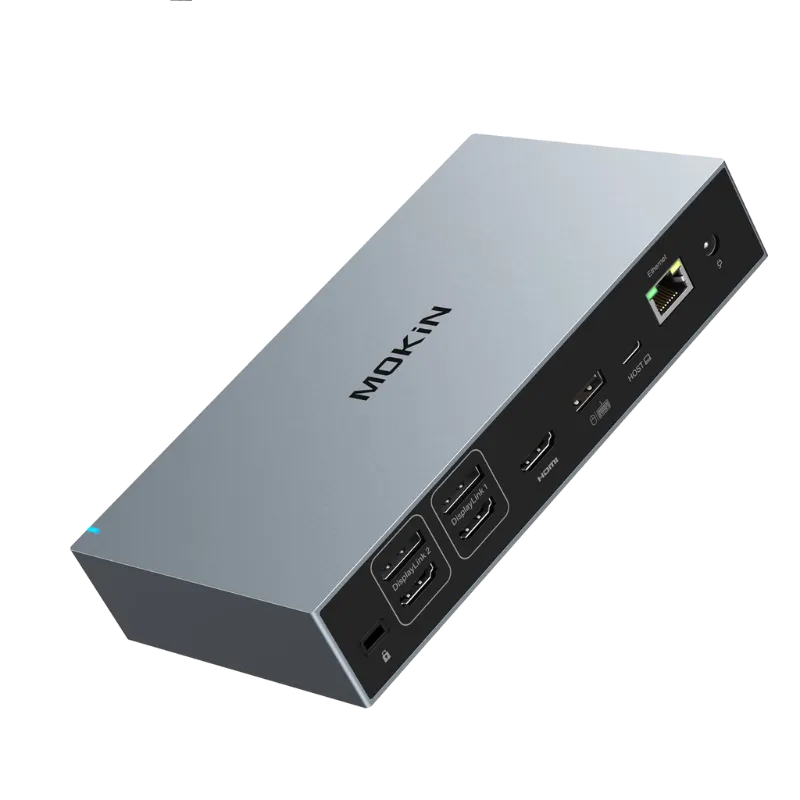
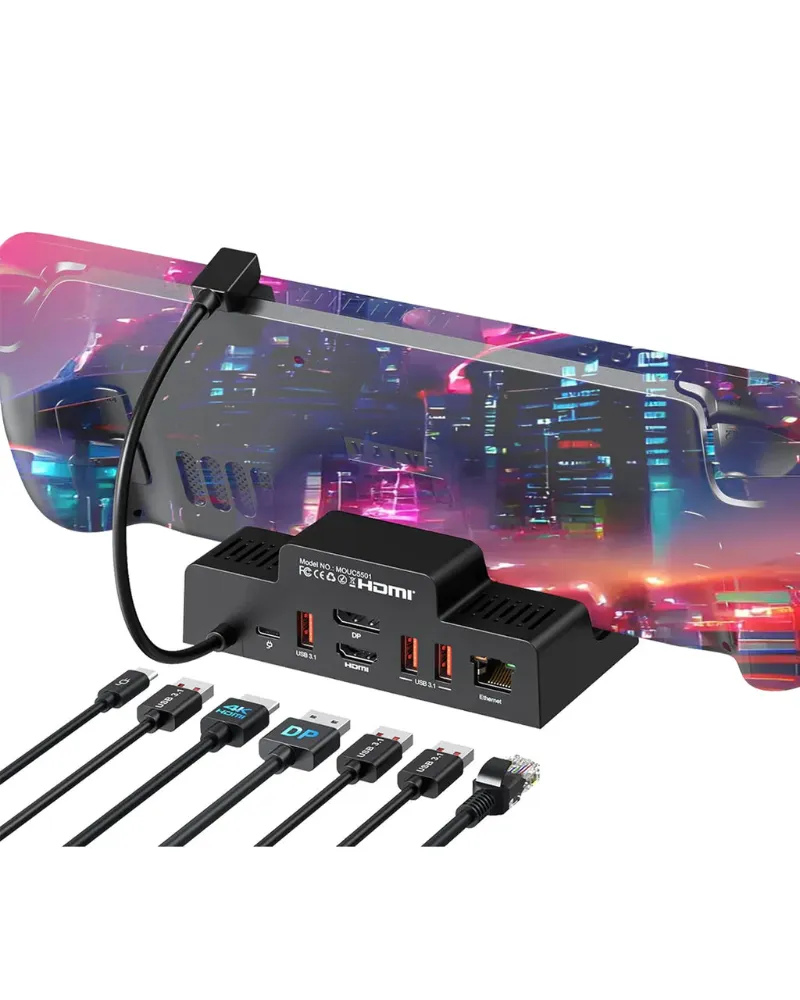
A usb-c adapter to hdmi expands functionality beyond charging. If you need to mirror your iPhone or iPad to a TV or monitor, adapters like MOKiN’s d-port to hdmi or a displaylink docking station turn your USB-C port into a video output. For desk setups, a steam deck dock offers USB-C charging plus HDMI, USB-A ports, and Ethernet in one hub, compatible with iPhones (via Lightning to USB-C cable) and modern USB-C devices alike.
USB-C adapters also solve connectivity gaps. Need to plug in a USB flash drive or external hard drive? A usb-c to usb-c adapter or multi-port hub bridges older peripherals to your new charger ecosystem. The flexibility makes USB-C adapters the center of a modern charging and connectivity setup, not just a faster iPhone charger.
MOKiN sells adapters, cables and docks for Apple and Android devices. Whether you need fast iPhone charging or a complete docking solution, USB-C infrastructure is the long-term investment that pays off every day.
Questions
Can I use a 30W USB-C adapter to charge my iPhone faster than a 20W adapter?
iPhones draw a maximum of 20W to 27W depending on the model, so a 30W adapter will not charge faster than a 20W one. The phone regulates power intake, and any excess wattage simply goes unused. A 30W adapter is safe and offers headroom for charging iPads or other devices.
Will a Lightning to USB-C cable work with my old 5W charger?
No, a Lightning to USB-C cable only fits USB-C ports. Your old 5W charger has a USB-A port, so you need a Lightning to USB-A cable for that brick. To use the USB-C cable, you must upgrade to a USB-C adapter.
Does fast charging with a usb c adapter hurt my iPhone battery?
Apple states that fast charging has minimal impact on battery health when charging to 80%. iPhones throttle power intake and manage heat to protect the battery. Avoid extreme temperatures and let your phone cool if it gets warm during charging.
Which iphone charging cable do I need for fast charging?
You need a Lightning to USB-C cable for iPhones with a Lightning port (iPhone 8 through iPhone 14 series). iPhone 15 and newer models have a USB-C port, so you can use any certified USB-C to USB-C cable.
Can I use the same USB-C adapter to charge my iPhone and MacBook?
Yes, as long as the adapter provides enough wattage for your MacBook. A 20W adapter charges iPhones but is too weak for most MacBooks, which need 30W to 96W depending on the model. A 65W or higher adapter handles both devices, though not simultaneously at full speed unless it has multiple ports.
How do I know if my old iphone charger is slowing me down?
Check the wattage printed on the charger body. If it says 5W output, it is the slow original Apple charger. If charging from 0 to 50% takes over 90 minutes, you are bottlenecked by a low-wattage adapter or an old Lightning to USB-A cable.
Products in this guide
 Shopping at MOKiN? See the discount code
10% OFF Sitewide
Shopping at MOKiN? See the discount code
10% OFF Sitewide
More in this series
Troubleshooting Display Issues with DisplayPort to HDMI Adapters1 Aug 20265 minWhat to Know Before Buying a 240W USB4 Cable for High-Power Devices1 Aug 20265 minUSB-C Adapter vs DisplayLink Docking Station: Which MOKiN Solution Is Right for You?1 Aug 20265 minHow to Set Up Your Steam Deck Dock for the Best Gaming Experience1 Aug 20265 min