 A AutoKit CarPlay guide
Do Wireless CarPlay Adapters Work With Factory Wired CarPlay Systems?
A wireless carplay adapter plugs into your factory wired CarPlay USB port and converts the connection to Bluetooth and Wi-Fi, letting you use CarPlay without cables.
Yes, a wireless CarPlay adapter is built to work with any factory wired CarPlay system. It plugs into the car’s USB port and converts the connection to wireless, so the car keeps the same CarPlay interface while your iPhone connects over Bluetooth and Wi-Fi instead of a cable.
This guide covers how these adapters work, what to check for compatibility, and how setup typically goes.
How wireless CarPlay adapters convert factory systems
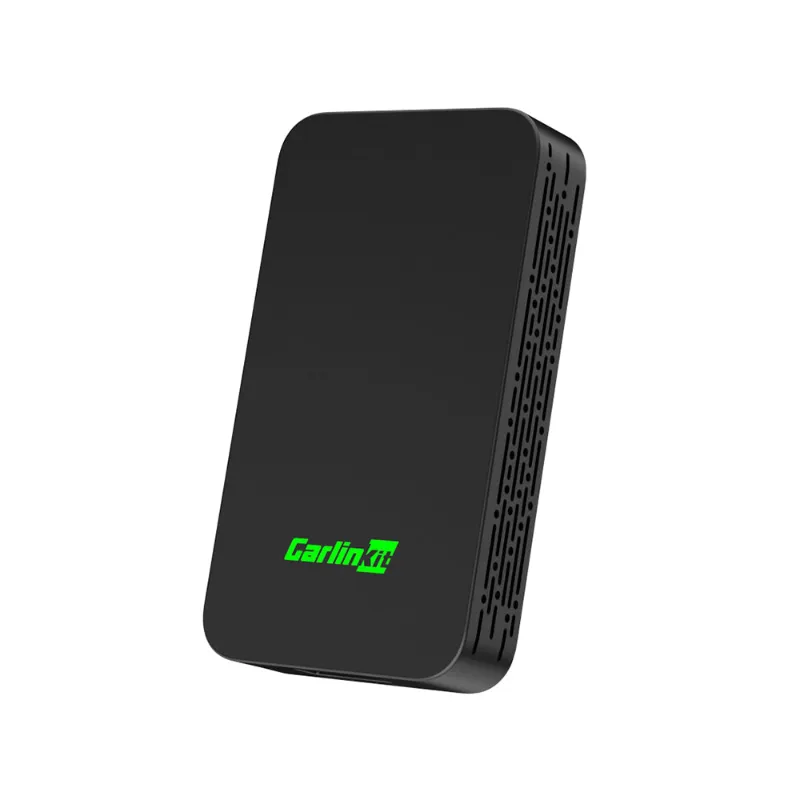
Factory wired CarPlay systems communicate through a USB data connection. A wireless carplay adapter sits between the car’s USB port and the iPhone, handling the protocol conversion.
The adapter creates its own Wi-Fi network for video and audio, and uses Bluetooth for the initial pairing and quick commands like Siri activation. The car’s head unit still receives what looks like a wired CarPlay signal through USB, so the factory controls, steering wheel buttons and touchscreen gestures work as before.
Most adapters are plug-and-play after the first pairing. The adapter stays plugged into the car’s USB port, and CarPlay connects automatically each time the engine starts.
Adapters to know, and what they are built for
Different models in the range are built around slightly different priorities:
| Adapter | Built for |
|---|---|
| Carlinkit 5.0 | General use, wide head-unit compatibility |
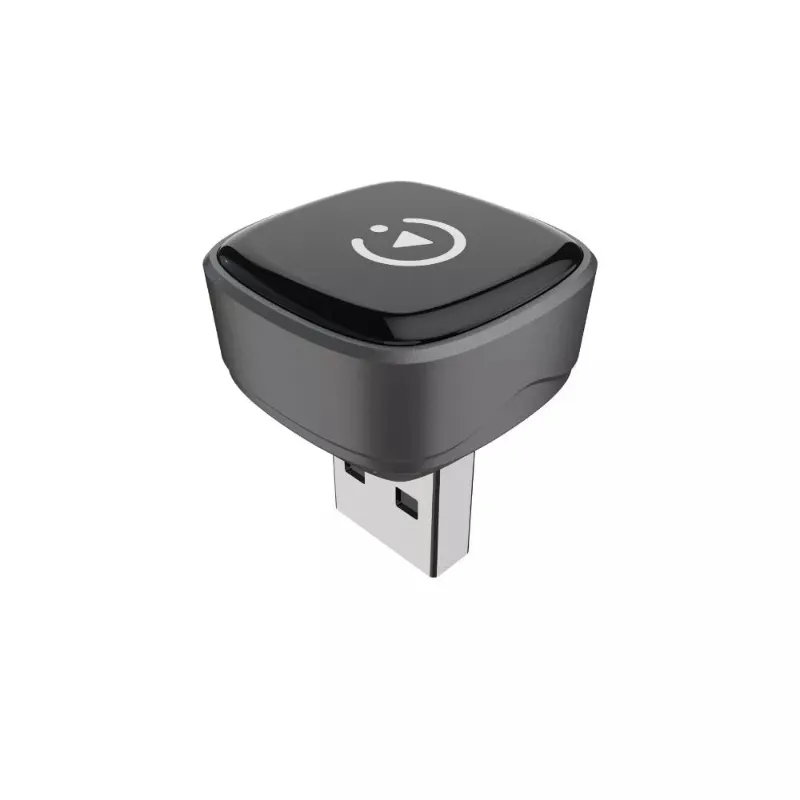
| Carlinkit Mini Ultra 3 | Compact installs and tighter USB ports |
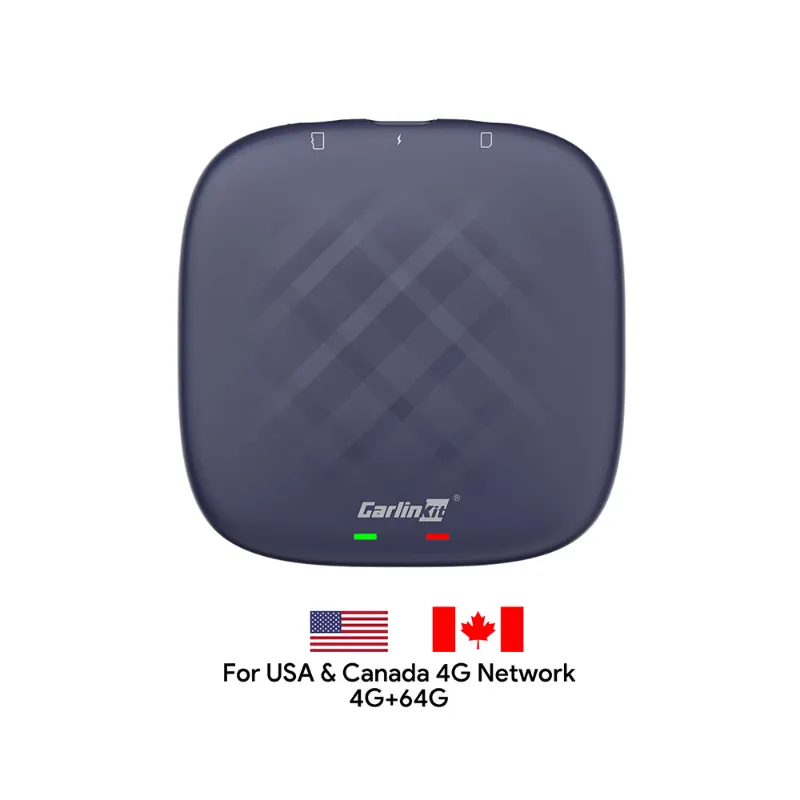
| Carlinkit TBox Plus | Android Auto conversion alongside CarPlay |
The carlinkit 5.0 wireless carplay adapter uses a chipset built to handle video compression, which matters for things like map rendering and album artwork. For drivers who also want Android Auto, the carlinkit tbox plus supports both protocols and switches based on which phone connects. Check the current AutoKit CarPlay discount code before you buy.
Step-by-step setup for factory wired CarPlay
Setting up a wireless adapter is usually a short process the first time:
- Plug the adapter into the car’s factory CarPlay USB port.
- Start the engine and wait for the adapter’s Wi-Fi network to appear in the iPhone’s Wi-Fi settings.
- Connect to that network, usually named after the adapter brand.
- Return to the home screen and wait for CarPlay to launch automatically.
- Approve the Bluetooth pairing request when it appears.
After the first pairing, the iPhone should reconnect automatically each time the car starts. Most adapters remember a small number of devices, so more than one driver can use the same adapter without re-pairing each time.
If the connection drops, it is worth checking:
- That the car’s USB port actually supplies data, not just charging power (test with a wired CarPlay cable first)
- That the adapter’s firmware is up to date through its companion app
- That the iPhone is not set to auto-join other Wi-Fi networks, which can cause conflicts
- That Bluetooth stays on, since the adapter uses it for the initial handshake even though CarPlay itself runs over Wi-Fi
Some older factory systems need a specific USB-A to USB-C adapter for compatibility, so it is worth checking your car’s port type before ordering the carlinkit 5 or a similar model.
Compatibility check: does your car support wireless conversion?
Any car with factory wired CarPlay can generally use a wireless adapter, though a few situations are worth flagging:
Usually straightforward:
- Most major manufacturers with factory CarPlay from around 2016 onward
- Aftermarket head units from brands like Pioneer, Kenwood, Alpine and Sony that support wired CarPlay
Worth checking before you buy:
- Cars with USB-C ports may need a USB-C adapter or an adapter cable
- Dual-screen setups, where a separate instrument cluster also shows CarPlay, may only display the connection on one screen
Not a good fit:
- Cars that already support wireless CarPlay natively, since the adapter would be redundant
- Aftermarket head units using a proprietary wireless protocol that does not follow Apple’s standard
Owner discussions on chipset quality are a useful cross-check, since chipset reliability tends to matter more than brand name for long-term compatibility, especially as Apple updates the CarPlay protocol with new iOS releases.
Wireless vs. wired CarPlay: what to expect
Wireless CarPlay generally trades a small amount of convenience for a small amount of latency. A wireless connection will not charge the phone the way a cable does, so drivers on longer trips often plug into a separate USB port or wireless charger to keep the battery topped up.
Turn-by-turn navigation and audio playback both work over wireless CarPlay, though very sensitive users may notice marginally more lag than a wired connection during things like rapid map zooming. Some adapters also support playing video content through third-party apps, but reviews of wireless CarPlay and Android Auto adapters note that this can introduce stability issues and runs against Apple’s own guidelines, so sticking to standard CarPlay features is the safer choice.
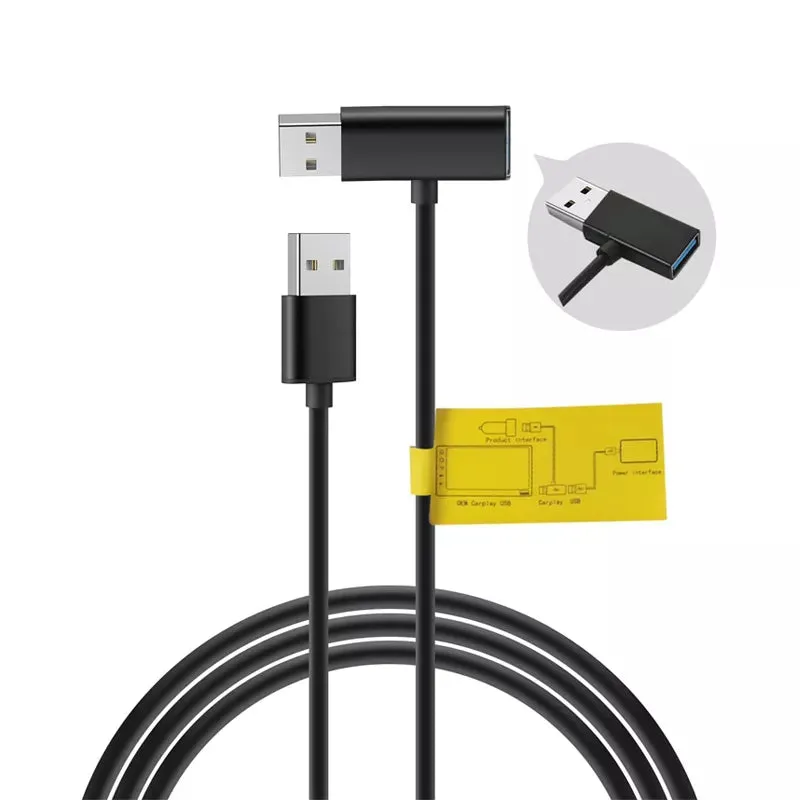
For drivers who want a backup charging option, keeping a usb cable for android auto or a Lightning cable in the console lets you charge through a second port while the adapter handles CarPlay wirelessly.
Where to buy, and what to check before you order
Check the current price for the latest AutoKit CarPlay offers before you order. The carlinkit mini ultra 3 is often mentioned in roundups of wireless CarPlay adapters for compact cars, since its smaller size fits flush with many dashboard USB ports.
Most adapters ship with a warranty covering defects and connectivity issues. Buying from an authorized retailer rather than a third-party marketplace is the safer way to make sure you get genuine firmware and warranty support.
Wireless conversion tends to make the most sense for drivers who plug in and unplug several times a day, or who share a car with family members who each carry their own iPhone. For most people, the convenience of automatic connection outweighs the small tradeoffs, and a wired cable is always there as a backup if needed.
Questions
Will a wireless CarPlay adapter drain my iPhone battery faster?
Wireless CarPlay tends to use more battery than a wired connection, since the phone is not charging through the adapter. Many drivers plug into a separate USB port or a wireless charger to keep the battery topped up on longer trips.
Can I use the Carlinkit 5.0 if my car already has wireless CarPlay?
There is generally no need to. The adapter is built to convert a wired CarPlay system to wireless, so if your car already supports wireless CarPlay natively, the adapter would be redundant and could even cause connection conflicts.
Do wireless CarPlay adapters work with Android phones?
Standard wireless CarPlay adapters are built for iPhones only. If you also need Android Auto, look for a dual-protocol adapter like the Carlinkit TBox Plus, which supports both systems.
How do I update the firmware on my wireless adapter?
Most adapters have a companion app that checks for firmware updates once your phone is connected. Download the app, connect it to your adapter, and follow the on-screen update steps.
Will the adapter work if I upgrade my iPhone to a newer model?
Generally yes. Wireless CarPlay adapters pair with your Apple ID rather than a specific device, so switching to a new iPhone usually just means connecting it to the adapter's Wi-Fi network once.
Can I connect two iPhones to the same wireless CarPlay adapter?
Most adapters remember a small number of devices but only connect to one iPhone at a time. Whichever phone connects to the adapter first after the car starts generally takes priority until it disconnects.
Products in this guide
 Shopping at AutoKit CarPlay? See the discount code
18% OFF All Orders
Shopping at AutoKit CarPlay? See the discount code
18% OFF All Orders
More in this series
USB Cable Requirements for Android Auto: What You Need to Know16 Aug 20265 minWhy Does My Carlinkit Adapter Keep Disconnecting and How to Fix It16 Aug 20265 minCarlinkit TBox Plus Review: Is This the Most Reliable Wireless CarPlay Adapter?16 Aug 20263 minCarlinkit 5.0 vs Carlinkit Mini Ultra 3: Which Wireless Adapter Is Right for You?16 Aug 20264 minHow to Set Up a Wireless CarPlay Adapter in Your Car16 Aug 20265 min