 A AutoKit CarPlay guide
USB Cable Requirements for Android Auto: What You Need to Know
A usb cable for android auto must meet USB 2.0 specs with proper data lines, stay under 6 feet, and use quality shielding to avoid dropouts.
A usb cable for android auto must support both data transfer and charging, meet USB 2.0 specifications, and typically stay under 6 feet to maintain a stable connection. Not every charging cable works, because Android Auto requires active data pins that many cheap cables omit.
Here’s what actually matters when you shop for a cable or decide whether to skip the wire altogether.
Do I Need a Special USB Cable for Android Auto?
Yes and no. Android Auto does not require a proprietary cable, but it does demand a high quality usb cable for android auto that meets specific electrical standards. Your cable must carry data, not just power. Many inexpensive “charge-only” cables sold at gas stations or bundled with accessories lack the data wires Android Auto needs, so your phone will charge but the head unit will never detect the connection.
Google recommends USB 2.0 certified cables shorter than 6 feet (1.8 meters). Longer runs introduce signal degradation, voltage drop, and electromagnetic interference that cause the dreaded “Android Auto has stopped” error or random disconnects mid-drive. We link to Google’s official cable compatibility tips for the full technical breakdown.
Key cable requirements:
- USB 2.0 or USB 3.0 with all data pins wired
- Length under 6 feet to minimize resistance
- Shielding (braided or foil) to block radio frequency interference from the vehicle
- Durable connectors rated for repeated plug cycles
- USB-A to USB-C (most modern Android phones) or USB-A to Micro-B (older devices)
If your current cable works for file transfers on a computer, it will likely work for Android Auto. If it only charges, it will not.
Best Cable Materials and Build Quality
Cable construction directly affects reliability. We have seen forum users report zero dropouts after switching from generic cables to models with double-braided nylon jackets and gold-plated connectors.
Anker android auto cable options are well regarded because they use 56kΩ pull-up resistors (required by the USB-C spec), reinforced stress points, and aramid fiber cores that resist fraying. Anker’s own guide details why their PowerLine and PowerLine+ families outperform cheaper alternatives in automotive environments.
Material priorities:
- Copper core gauge: 24 AWG or thicker for data, 21 AWG for power
- Shielding layers: aluminum foil plus braided copper mesh
- Jacket material: TPE (thermoplastic elastomer) or nylon for flexibility in temperature swings
- Connector housings: molded strain relief, not glued caps that separate
A samsung usb cable for android auto from the official accessory line will meet these specs, but Samsung does not certify third-party cables, so read reviews carefully if you buy off-brand.
Why Your Cable Keeps Disconnecting
Intermittent Android Auto connections trace back to four common culprits: cable damage, port contamination, insufficient power delivery, or EMI (electromagnetic interference) from the vehicle’s electrical system.
Physical inspection comes first. Flex the cable near both connectors while Android Auto runs. If the connection drops, the internal wires have fractured. Check the USB port in your head unit for bent pins or debris. A single strand of lint can block the data pins while allowing partial charging contact.
Power delivery issues appear when your phone reports charging slowly or the battery drains during navigation. Android Auto pulls 1.5 to 3 amps depending on screen brightness and GPS use. Cables with high resistance (common in longer or thin-gauge models) cannot deliver enough current, so the phone throttles performance or disconnects to protect the battery.
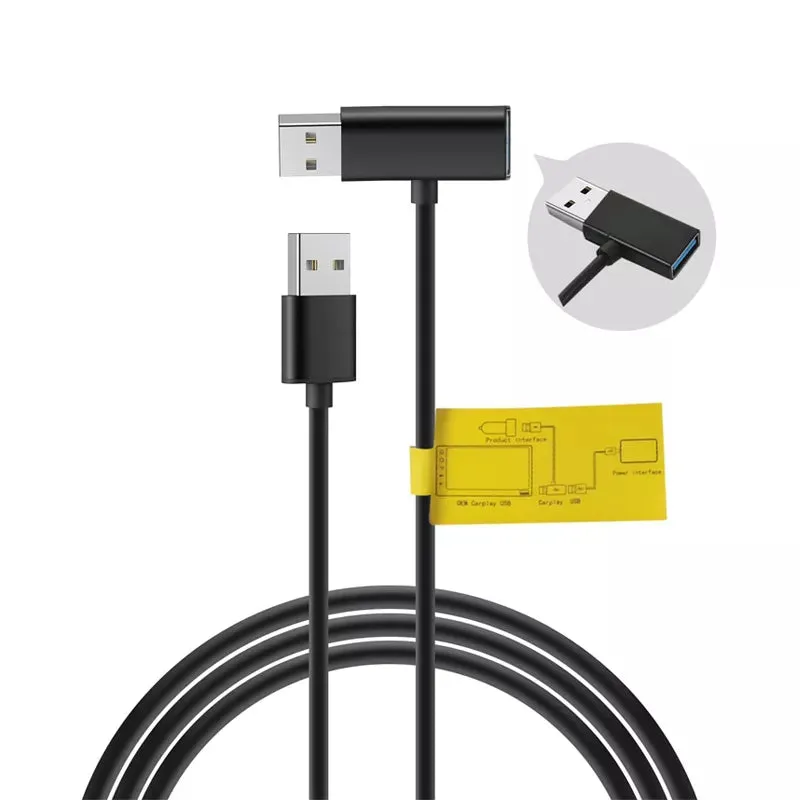
Electromagnetic interference is harder to diagnose but affects cables without proper shielding. If disconnects happen only when you turn on the defroster, activate the power windows, or pass under high-voltage lines, EMI is the likely cause. Upgrading to a shielded usb cable for android auto solves this in most cases. You can grab the code for 18% off if you order today.
Going Wireless: Adapters vs. Wired Connections
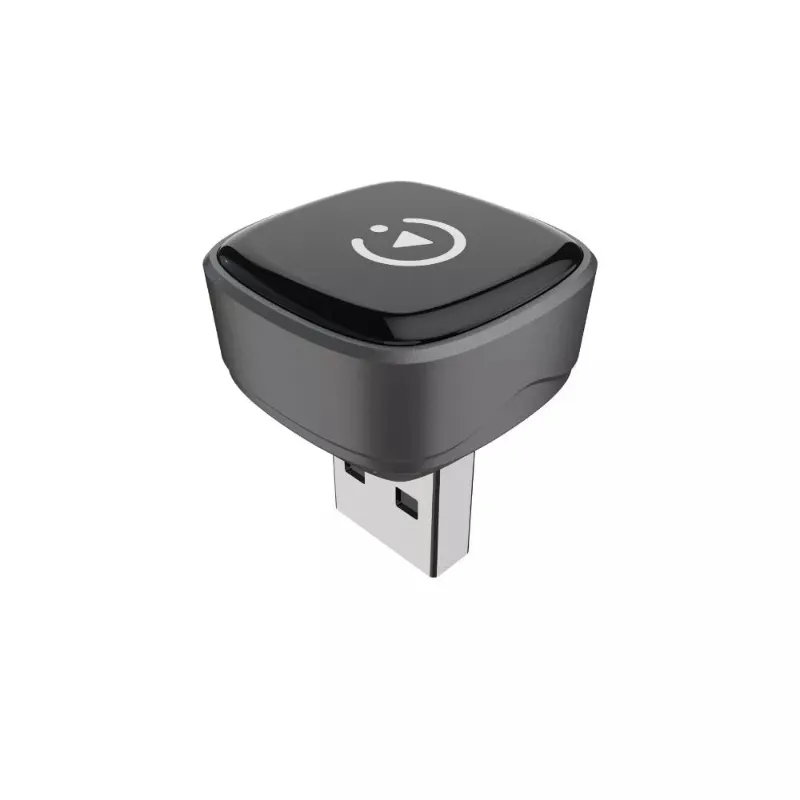
Wireless adapters eliminate cable hassles entirely by converting your wired Android Auto head unit into a wireless one. The carlinkit 5.0 wireless carplay adapter and carlinkit mini ultra 3 both support Android Auto over 5 GHz Wi-Fi, delivering the same interface without plugging in your phone.
Wired connections respond in under 50 milliseconds; wireless adapters add 100 to 200 ms, noticeable during rapid scrolling or voice commands. Battery drain also increases because your phone maintains a Wi-Fi and Bluetooth link instead of charging over USB.
| Feature | Wired Cable | Wireless Adapter |
|---|---|---|
| Latency | 50 ms | 100 to 200 ms |
| Phone Charging | Yes, continuous | Optional (adapter USB port) |
| Setup Time | Instant plug-in | 10 to 15 sec pairing |
| Price Range | $8 to $25 | $80 to $150 |
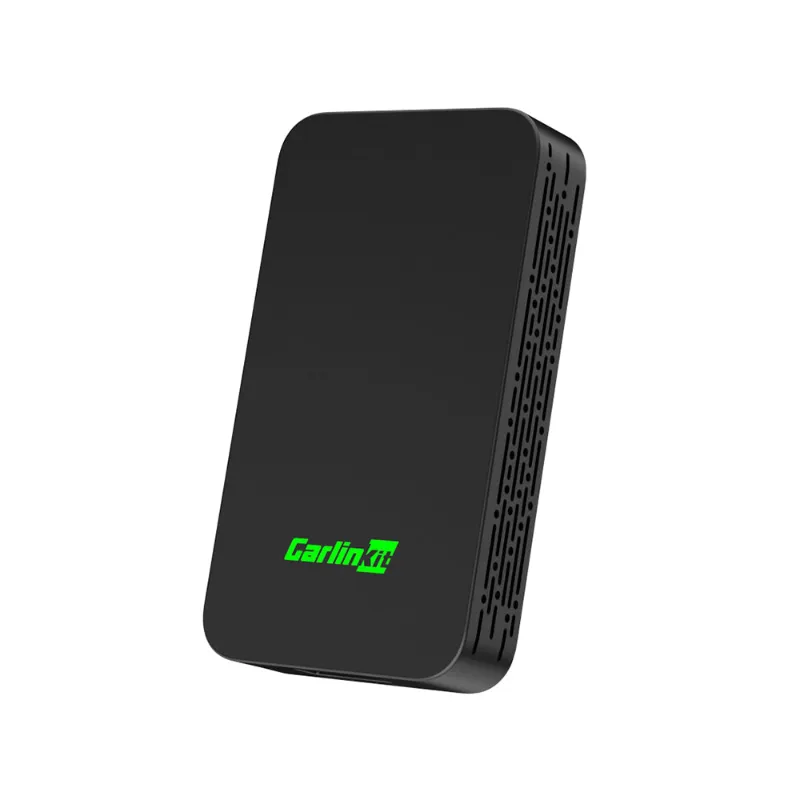
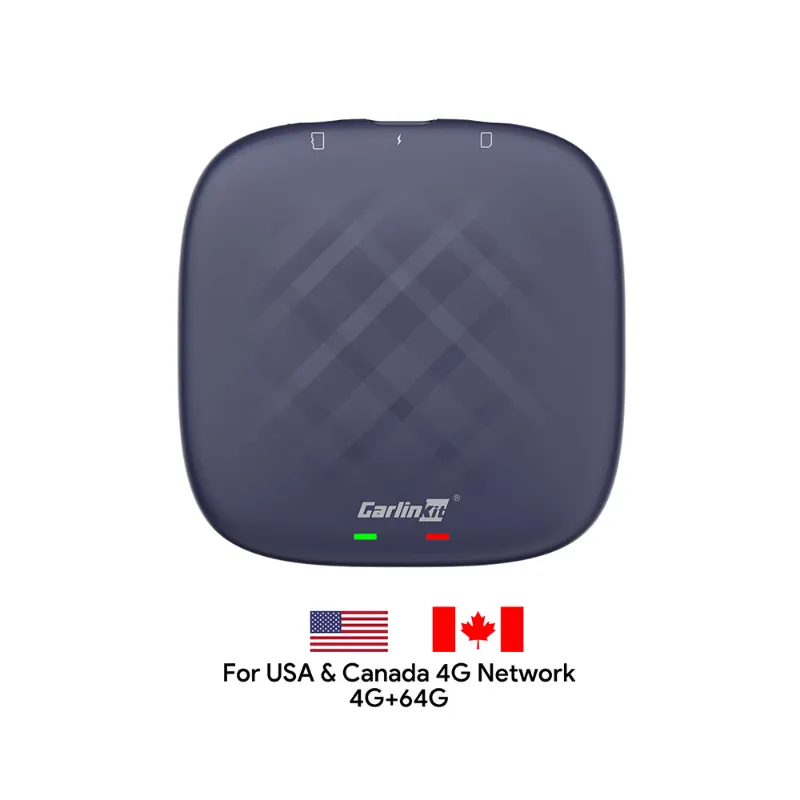
The carlinkit 5.0 sits in the middle of the adapter market for reliability, while the carlinkit tbox plus adds a built-in screen for vehicles without a compatible head unit. If your cable works fine and you want to save money, stick with wired. If you hate plugging in every trip, a wireless carplay adapter pays for itself in convenience.
Cable Length and USB Standards Explained
Android Auto officially supports USB 2.0 (480 Mbps) and USB 3.0 (5 Gbps), but the protocol rarely exceeds 100 Mbps in practice because it streams compressed audio and low-resolution map tiles. The bandwidth bottleneck is not the issue; signal integrity over distance is.
A 3-foot cable maintains clean data transmission even with moderate shielding. A 10-foot cable requires premium construction to avoid bit errors that force the system to retry packets, causing stuttering audio or frozen navigation. The USB spec allows up to 5 meters (16.4 feet) with active repeaters, but automotive environments add vibration and electrical noise that tighten the practical limit to 6 feet.
USB-C to USB-C cables work if both your phone and head unit have USB-C ports, but most car stereos still use USB-A. Adapters introduce another failure point, so we recommend a native USB-A to USB-C cable for maximum compatibility.
If your vehicle has a USB port in the center console and another in the glovebox, test both. Some manufacturers wire the console port to a higher-amperage circuit for fast charging, while the glovebox port may be data-only or limited to 500 mA.
Our Cable Recommendations and Where to Buy
A few cable options stand out:
- Anker PowerLine+ USB-C to USB-A (3 ft): Double-braided nylon, lifetime warranty
- Samsung EP-DG950CBE (4 ft): OEM quality, reinforced connectors, made for Galaxy phones
- Syncwire USB-C Cable (6 ft): Budget pick with aluminum housing and aramid fiber
Our usb cable for android auto selection includes both premium and budget options. Check the latest price with our exclusive discount code before you buy.
If you are ready to cut the cord entirely, the carlinkit 5 and carlinkit for carplay adapters deliver wireless Android Auto and CarPlay in one plug-and-play dongle.
Final Thoughts
A reliable connection starts with the right cable. Prioritize certified USB 2.0 cables under 6 feet, inspect for physical damage every few months, and clean your ports with compressed air. If cable management becomes a chore, wireless adapters from Carlinkit offer a seamless upgrade path without replacing your head unit.
Whether you stick with wired or go wireless, our store discount makes both options more affordable.
Questions
Do I need a special USB cable for Android Auto?
You need a USB cable that supports data transfer, not just charging. It must meet USB 2.0 specs, stay under 6 feet, and include proper shielding. Many cheap charge-only cables lack the data pins Android Auto requires.
Why does my Android Auto keep disconnecting?
Disconnects usually stem from damaged cables, dirty USB ports, insufficient power delivery, or electromagnetic interference. Check for frayed wires near the connectors, clean both ports with compressed air, and try a shorter, shielded cable.
Can I use a 10-foot USB cable for Android Auto?
Cables longer than 6 feet often cause signal degradation and voltage drop, leading to errors or disconnects. If you must use a longer cable, choose one with active signal boosting and premium shielding, but expect occasional issues.
Will a wireless CarPlay adapter work for Android Auto?
Yes, adapters like the Carlinkit 5.0 support both Android Auto and CarPlay wirelessly. They connect via 5 GHz Wi-Fi and Bluetooth, eliminating cables but adding 100 to 200 ms of latency compared to wired connections.
What is the best brand of USB cable for Android Auto?
Anker PowerLine and Samsung OEM cables consistently rank highest for durability and signal quality. Both use reinforced connectors, proper shielding, and meet USB-IF certification standards for data transfer.
Does Android Auto work with USB 3.0 cables?
Yes, USB 3.0 cables are backward compatible with Android Auto, which runs on USB 2.0 protocol. However, you will not see speed benefits, and USB 3.0 cables cost more without improving Android Auto performance.
Products in this guide
 Shopping at AutoKit CarPlay? See the discount code
18% OFF All Orders
Shopping at AutoKit CarPlay? See the discount code
18% OFF All Orders
More in this series
Why Does My Carlinkit Adapter Keep Disconnecting and How to Fix It16 Aug 20265 minCarlinkit TBox Plus Review: Is This the Most Reliable Wireless CarPlay Adapter?16 Aug 20263 minDo Wireless CarPlay Adapters Work With Factory Wired CarPlay Systems?16 Aug 20264 minCarlinkit 5.0 vs Carlinkit Mini Ultra 3: Which Wireless Adapter Is Right for You?16 Aug 20264 minHow to Set Up a Wireless CarPlay Adapter in Your Car16 Aug 20265 min