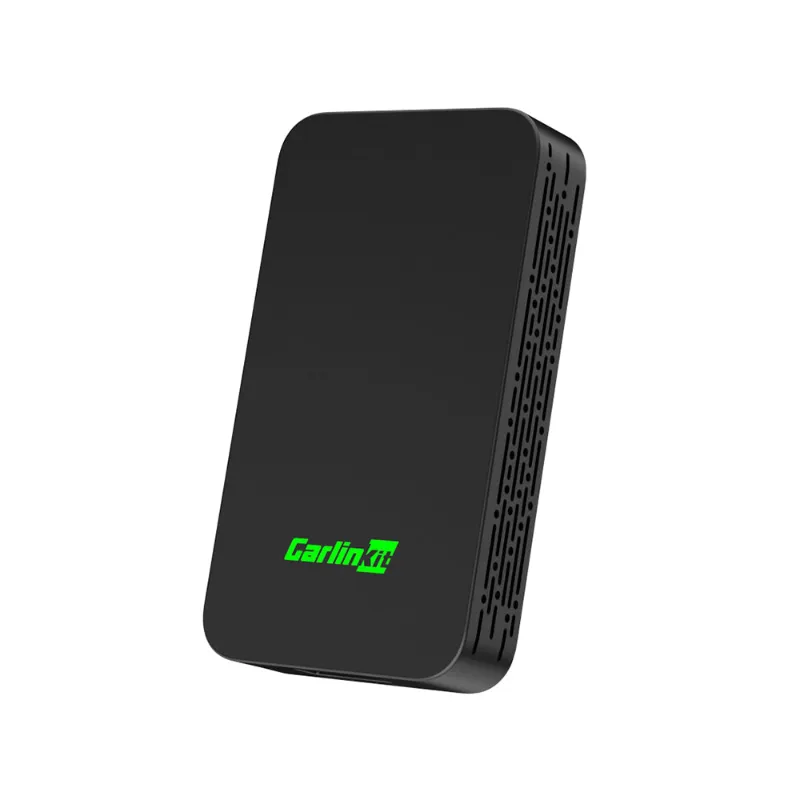

AutoKit CarPlay
AutoKit CarPlay Discount Code
The current AutoKit CarPlay discount code AVA is the best working offer, taking 18% off all orders including wireless CarPlay adapters and the Carlinkit 5.0.
Links on this page are not paid links. We list codes on merit, and we will say so clearly here if that ever changes. How we are paid
18%
off
Sitewide
18% OFF All Orders
Not checked by our team yetIt copies itself when you show it.
Go to AutoKit CarPlayNo reader reports yet. Yours would be the first.
Show the code or visit the shop, then tell us if it worked.
Did it work for you?
How to use the AutoKit CarPlay discount code
Applying the AVA code takes one step at checkout. Add your chosen Carlinkit adapter to the cart, proceed to checkout, and look for the promo code or discount code field on the payment page. Enter AVA in the field, click apply, and the 18% discount will adjust your order total before you complete payment.
-
Go to AutoKit CarPlay
Browse the store and add the items you want to your cart.
Open autokitcarplay.com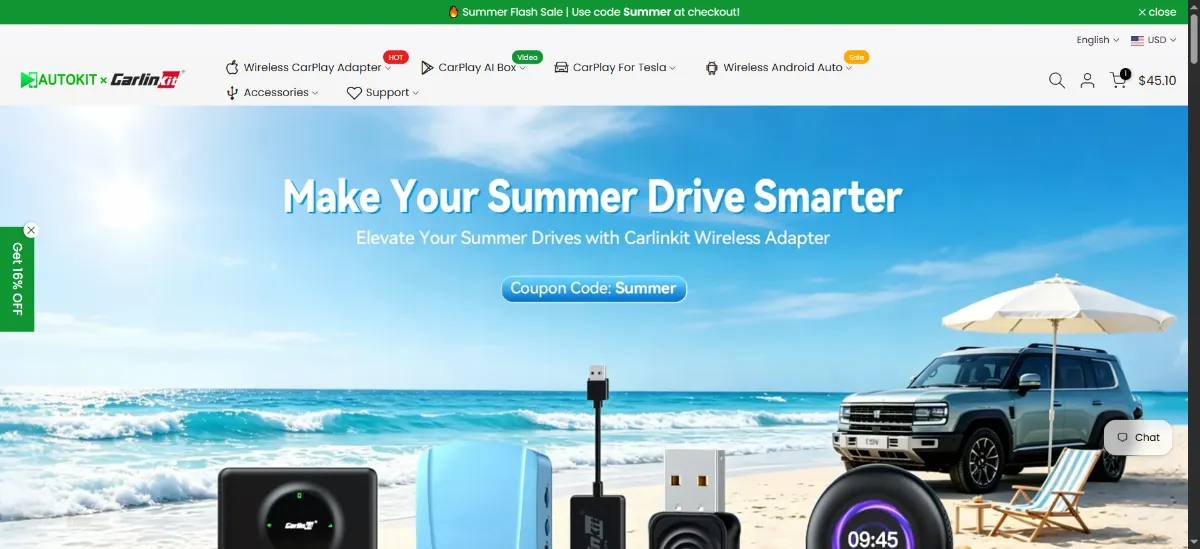
-
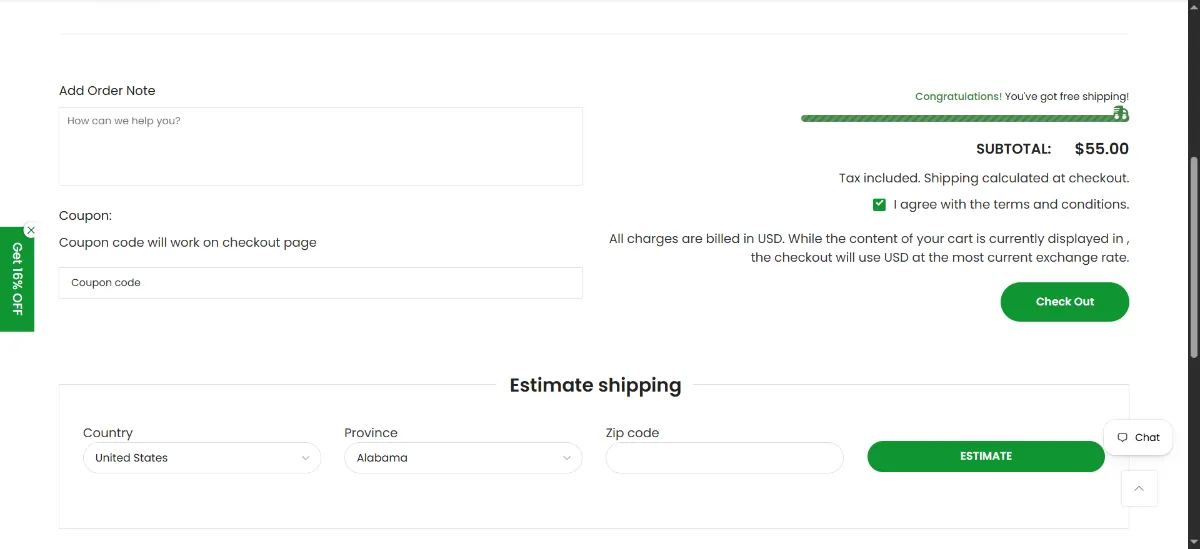
Open your cart and check out
Open the cart, check the items and sizes, then press the checkout button.
-
Enter the code AVA
The discount code field appears on the checkout page, typically labeled "Promo Code" or "Discount Code," just above the payment method section. Enter AVA and click the apply button to see your new total.
AVA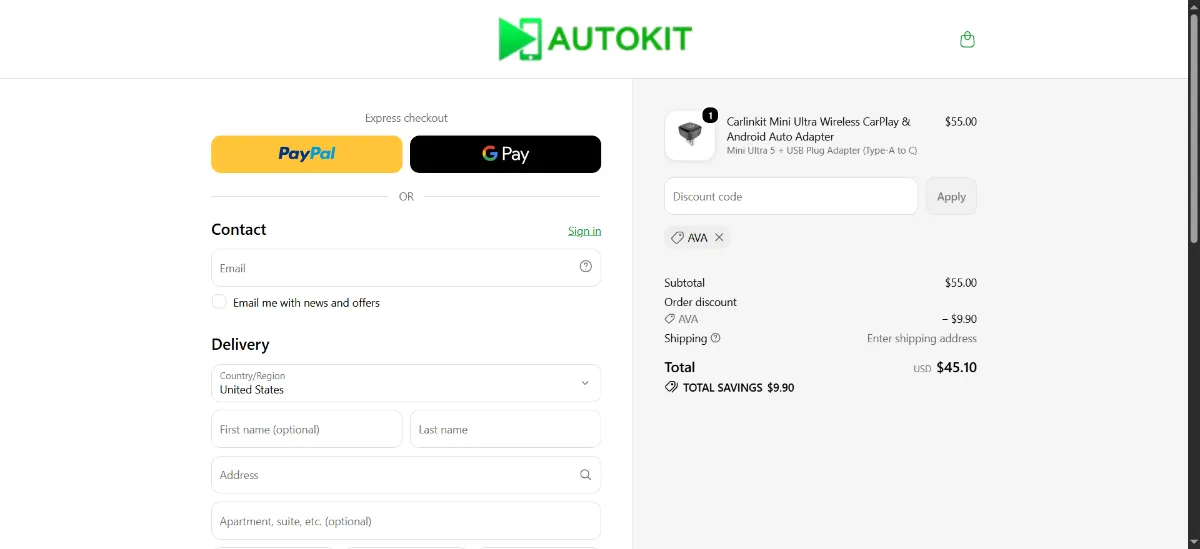
-
Check the discount before you pay
Your order total should drop by 18% before you pay. If it does not, read the notes below.
Good to know
The code works on all products, so you can combine multiple adapters or accessories in one order and still receive the full discount. If the code doesn't apply, double-check that you've entered it in all caps and that your cart contains eligible items, though AVA has no exclusions at this time.
What people buy at AutoKit CarPlay
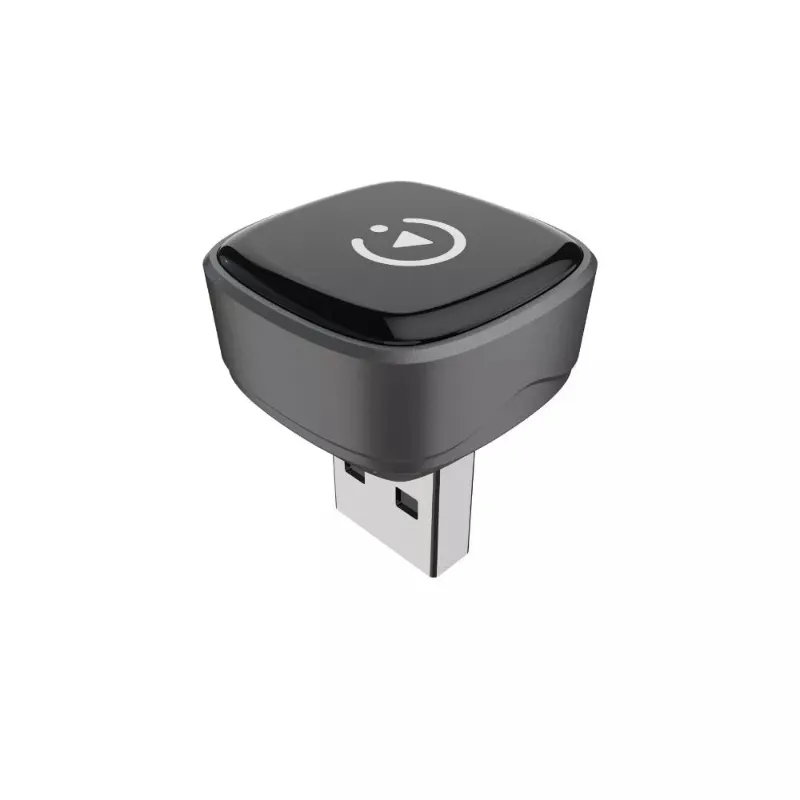
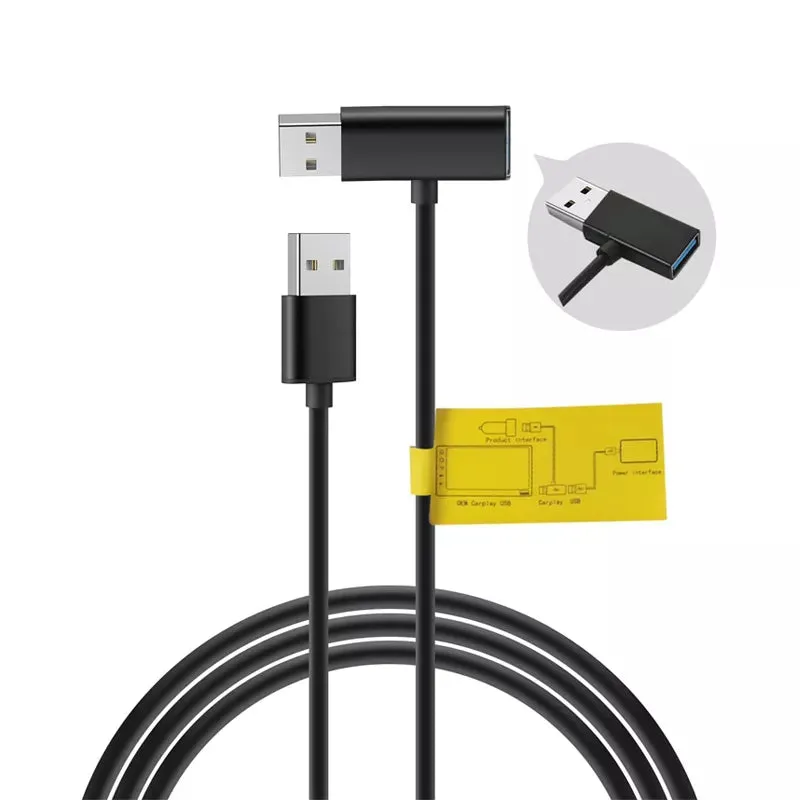
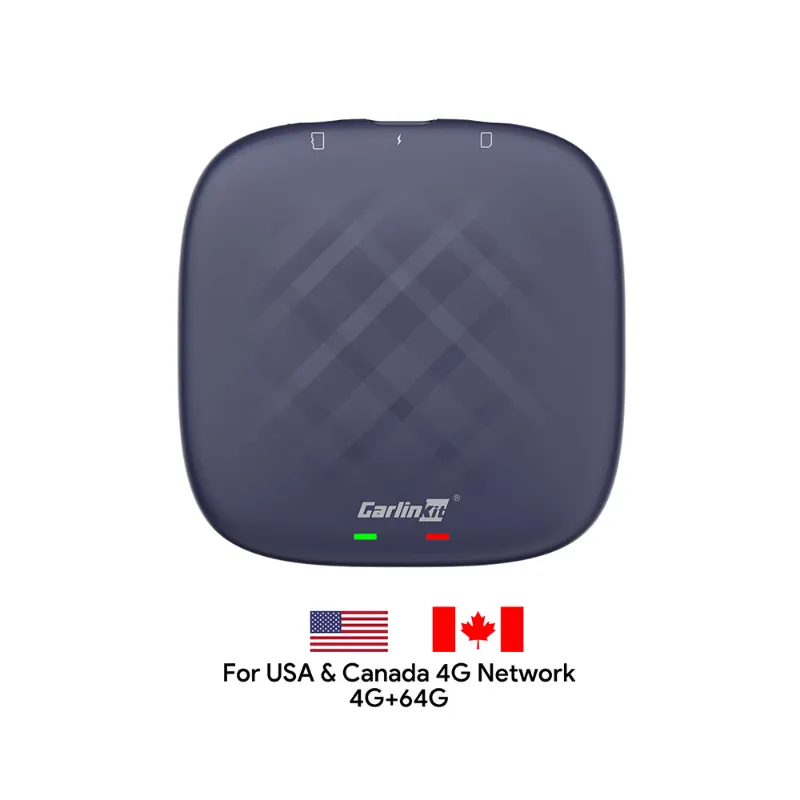
What shoppers say
from TrustpilotGreat
Well, Rita's service and guidance were very objective and assertive. I updated my CarLinkit device and it is working fine. Thanks!
I bought from your online store [[order #PED6TIY0W] a set of "CPC200-Tbox Plus Android 12.0 Internet AI Box-Wireless Apple Carplay & Android Auto
I bought from your online store [order #PED6TIY0W] a set of "CPC200-Tbox Plus Android 12.0 Internet AI Box-Wireless Apple Carplay & Android Auto" on 2023/04/20. The product has been working great until 2026/05/27 and found the device keep reboot itself after connected to Internet. I sent an email to Autokitcarplay technical support and got the reply shortly from Nikki, one of their technical consultants, who helped to resolve the problem professionally. I was impressed in the professional after sale support services from Autokitcarplay despite my purchase was more than 3 years ago. Regards Jack from Sydney Australia.
Coco supported me for device issue
Coco supported me for device issue, and now works great.
Carlinkit CPC200-CCPA
I am using the Carlinkit CPC200-CCPA for an custom CarPlay project. The device is very reliable and easy to use. Regarding the customer service, I have positive experience. I asked a firmware update and I got the answer almost immediately with a detailed instruction from Coco.
About AutoKit CarPlay
AutoKit CarPlay manufactures plug-and-play wireless adapters for Apple CarPlay and Android Auto, designed for drivers whose factory car systems only support wired connections. Their flagship Carlinkit line converts wired CarPlay or Android Auto to wireless in minutes, no installation tools or dashboard disassembly required. The brand focuses on compatibility across hundreds of car models, from budget sedans to luxury vehicles with OEM navigation systems.
AutoKit CarPlay suits first-time upgraders who want the convenience of wireless phone projection without the cost of a new head unit or professional installation. Their adapters work with iPhones running iOS 10 and later, and Android phones supporting Android Auto. The TBox Plus model adds additional smart features like screen mirroring and app support, while the Mini Ultra 3 prioritizes compact size for tight dashboard spaces. If you're exploring similar upgrades, check out Auto Interior Accessories discount codes for complementary dash and tech gear.
The brand ships worldwide and offers technical support for setup questions, which matters when you're troubleshooting Bluetooth pairing or USB port compatibility for the first time.
Buying guide
3 parts, about 3 min readBefore you buy
First-time wireless CarPlay buyers often worry about lag or connection drops, but modern adapters like the Carlinkit 5.0 use dual-band WiFi to minimize latency. You'll notice a one- to two-second delay compared to wired CarPlay when launching apps, but once music or navigation is running, performance is nearly identical. If your car's USB port is USB 2.0, the adapter will still work but may take slightly longer to establish the initial connection each time you start the car. USB 3.0 ports offer faster handshakes.
Pay attention to your car's USB port location and whether it provides data transfer or charging only. Some vehicles have multiple USB ports, but only one supports CarPlay, usually labeled with a phone icon or the CarPlay logo. Plugging the adapter into a charge-only port won't activate wireless functionality. If you're unsure which port to use, consult your car's manual or test each port with a wired CarPlay connection first. Once you identify the correct port, the Carlinkit adapter will work in that same slot, and your phone will connect automatically each time you turn on the ignition.
What to buy
The Carlinkit 5.0 wireless CarPlay adapter is AutoKit CarPlay's most popular model for beginners. It connects to your car's factory USB port, pairs with your iPhone over Bluetooth and WiFi, and automatically reconnects each time you start the car. Setup takes under five minutes: plug the adapter into the USB port where you normally connect your Lightning cable, follow the on-screen pairing prompts, and your phone's apps appear on the car screen wirelessly. The 5.0 handles both CarPlay and Android Auto, so households with mixed phone types can use one adapter.
Keep reading 3 more paragraphs
The Carlinkit Mini Ultra 3 offers the same wireless conversion in a smaller form factor, useful if your USB port sits in a cramped center console or if you want the adapter to sit flush and nearly invisible. Performance is identical to the 5.0, but the compact design prevents the adapter from blocking adjacent ports or storage cubbies. Both models support the full CarPlay feature set: navigation, music streaming, hands-free calls, and Siri voice control.
The Carlinkit TBox Plus goes beyond simple wireless conversion, adding screen mirroring for video apps, web browsing, and third-party app installation. This model suits drivers who want more than just CarPlay and Android Auto, though it requires a bit more setup and familiarity with sideloading apps. First-time buyers typically start with the 5.0 or Mini Ultra 3, then upgrade to the TBox Plus once they understand how wireless adapters integrate with their specific car model.
AutoKit CarPlay also sells USB cables for Android Auto and adapter accessories, which can be useful if your car's USB port delivers inconsistent power or if you need a longer cable to reach a phone mount. For drivers upgrading multiple car tech elements, the Road Top discount code covers dash cams that pair well with wireless CarPlay setups.
How to save
The AVA code delivers 18% off sitewide, so there's no need to wait for a bigger sale or compare multiple coupon codes. AutoKit CarPlay occasionally runs model-specific promotions, but the current AutoKit CarPlay voucher code applies to every adapter in the catalog, including newer releases like the Mini Ultra 3. Apply the code at checkout to see the discount reflected immediately in your cart total.
Keep reading 2 more paragraphs
AutoKit CarPlay ships directly from their warehouse, and bundling accessories like extra USB cables or car mounts in one order saves on shipping costs compared to placing separate orders later. The brand's adapters are one-time purchases with no subscription fees or ongoing costs, unlike some smart car services that require monthly payments. Once you own the adapter, wireless CarPlay is free for as long as you keep the car.
First-time buyers should verify their car model's compatibility on AutoKit CarPlay's website before purchasing. Most cars with factory CarPlay or Android Auto support wireless adapters, but a few older systems have firmware limitations. If you're upgrading other interior tech, explore similar products through the FITCAMX discount code for backup cameras or the Eonon coupon code for aftermarket head units.
Questions
Does the AutoKit CarPlay discount code AVA work on all products?
Yes, the AVA code takes 18% off all orders, including the Carlinkit 5.0, Mini Ultra 3, TBox Plus, and any accessories like USB cables. There are no exclusions.
How do I get a valid AutoKit CarPlay coupon code?
Enter it at checkout to receive 18% off your entire order.
Are AutoKit CarPlay promo codes and voucher codes the same thing?
Yes, AutoKit CarPlay discount codes, coupon codes, promo codes, and voucher codes all refer to the same checkout codes like AVA. They're interchangeable terms for the same savings.
How do I apply the code at checkout?
Add your adapter to the cart, go to checkout, find the promo code field above the payment section, enter AVA, and click apply. The 18% discount will adjust your total immediately.
Will the Carlinkit adapter work with my car?
AutoKit CarPlay adapters work with most cars that have factory wired CarPlay or Android Auto. Check the compatibility list on their website by entering your car's make, model, and year before purchasing.
Is AutoKit CarPlay a legitimate brand?
Yes, AutoKit CarPlay manufactures widely-used wireless adapters with technical support and worldwide shipping. The Carlinkit line is a recognized name in the wireless CarPlay adapter market.
Our AutoKit CarPlay guides
USB Cable Requirements for Android Auto: What You Need to Know16 Aug 20265 minWhy Does My Carlinkit Adapter Keep Disconnecting and How to Fix It16 Aug 20265 minCarlinkit TBox Plus Review: Is This the Most Reliable Wireless CarPlay Adapter?16 Aug 20263 minDo Wireless CarPlay Adapters Work With Factory Wired CarPlay Systems?16 Aug 20264 minCarlinkit 5.0 vs Carlinkit Mini Ultra 3: Which Wireless Adapter Is Right for You?16 Aug 20264 minHow to Set Up a Wireless CarPlay Adapter in Your Car16 Aug 20265 min