 A AutoKit CarPlay guide
Carlinkit 5.0 vs Carlinkit Mini Ultra 3: Which Wireless Adapter Is Right for You?
The carlinkit 5.0 wireless carplay adapter delivers faster boot times and wider compatibility, while the Mini Ultra 3 offers a compact design for tight dashboards.
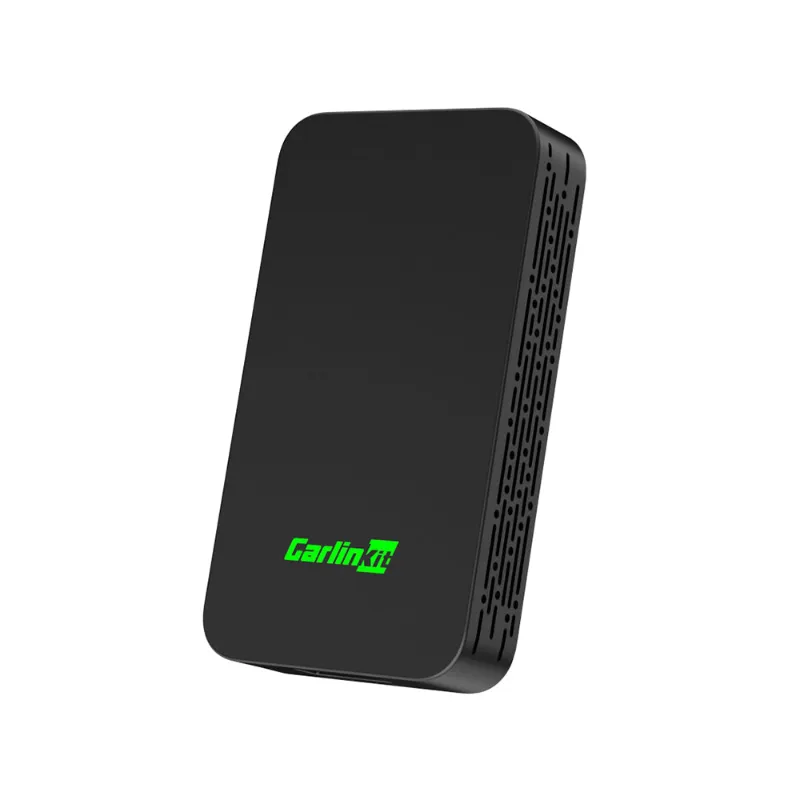
The carlinkit 5.0 wireless carplay adapter delivers faster boot times and broader vehicle compatibility, while the carlinkit mini ultra 3 shines with its ultra-compact form factor and near-invisible installation. Both adapters turn your wired CarPlay system wireless, but choosing between them depends on your dashboard space, vehicle compatibility, and whether you need dual-phone pairing or the smallest possible footprint.
Here’s what matters most when comparing these two popular Carlinkit models.
Performance and Boot Speed: Carlinkit 5.0 vs Mini Ultra 3
The carlinkit 5.0 connects to your iPhone in 8 to 12 seconds on average, thanks to its upgraded chipset and optimized firmware. It has stable Bluetooth 5.0 pairing and dual-band Wi-Fi that reduces dropouts during navigation or streaming.
The Mini Ultra 3 boots slightly slower at 10 to 15 seconds but still outpaces many budget alternatives. Its smaller circuit board houses the same core wireless protocols, though thermal performance can vary in direct sunlight or poorly ventilated dash pockets. Both adapters support iOS 10 and later, plus Android Auto for dual-platform households.
Key performance differences:
- Connection stability: Carlinkit 5.0 maintains signal strength better in older vehicles with heavy RF interference
- Heat dissipation: The larger Carlinkit 5.0 housing handles extended drives without throttling; the Mini Ultra 3 can warm up after 90+ minutes of continuous use
- Firmware updates: Both receive OTA updates, but the Carlinkit 5.0 sees more frequent releases for compatibility patches
For most drivers, the Carlinkit 5.0 offers the more reliable day-to-day experience, especially on longer commutes or road trips.
Size and Installation: Which Adapter Fits Your Dashboard
Dashboard real estate is the Mini Ultra 3’s biggest advantage. At roughly half the size of a standard USB drive, it tucks completely into your USB port with only a small indicator light visible. If your factory USB port sits in a cramped center console or behind a narrow trim panel, the Mini Ultra 3 installs without blocking adjacent ports or requiring cable extensions.
The carlinkit 5.0 wireless carplay adapter measures about twice the length and includes a short pigtail cable. This extra bulk matters in vehicles like the Mazda3 or certain BMW models where the USB port hides in a shallow cubby. You may need to route the cable or use the included adhesive mount to keep the adapter secure.
Installation comparison:
| Feature | Carlinkit 5.0 | Mini Ultra 3 |
|---|---|---|
| Physical size | 2.8 x 1.2 x 0.6 inches | 1.4 x 0.9 x 0.5 inches |
| Cable length | 4-inch pigtail | Direct plug-in |
| Port clearance | Requires 3+ inches | Fits flush in tight ports |
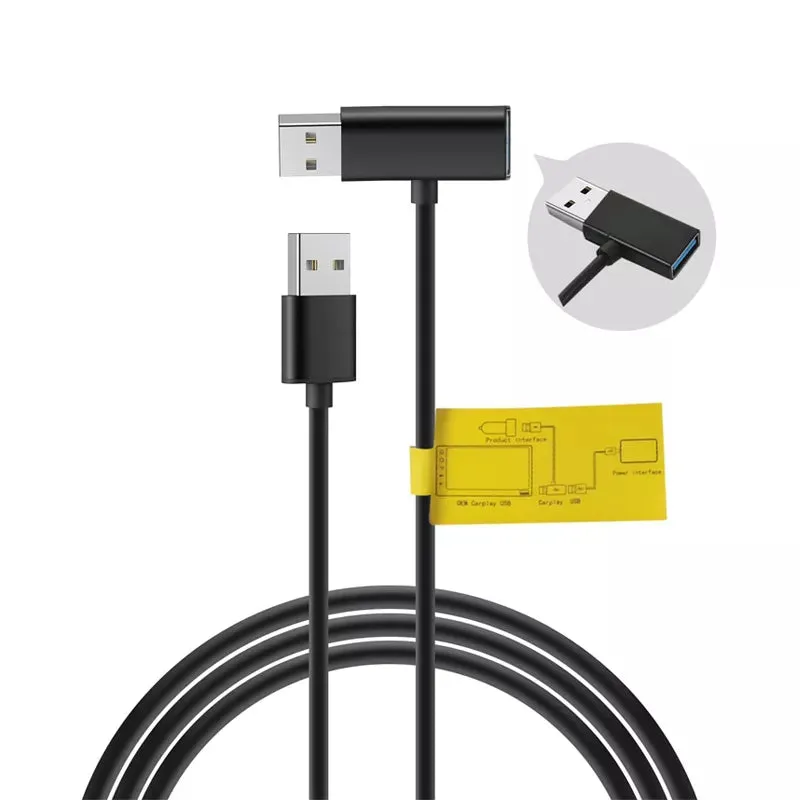
Both adapters include a usb cable for android auto compatibility in the box, though the Carlinkit 5.0 package offers an extra USB-C adapter for newer vehicles. Check the latest price to see current bundle options.
Compatibility and Vehicle Support
The Carlinkit 5.0 compatibility list covers over 800 vehicle models from 2016 onward, including aftermarket head units from Alpine, Kenwood, Pioneer, and Sony.
The Mini Ultra 3 works with the same vehicle roster but occasionally requires manual network selection in certain Audi and Mercedes-Benz MMI systems. Both adapters struggle with a handful of older Mazda and Subaru models that use non-standard USB authentication, though firmware updates have improved success rates.
Compatibility notes:
- OEM head units: Both adapters work with factory-installed wired CarPlay systems; neither adds CarPlay to vehicles that lack it
- Aftermarket stereos: The carlinkit for carplay designation applies to both models when paired with third-party head units
- Android Auto: Both support wireless Android Auto, but your phone must run Android 11 or later for wireless mode
If you drive a vehicle known for finicky USB behavior, the Carlinkit 5.0’s extra processing power handles edge cases more gracefully. Grab the code for 18% off either model before testing in your specific vehicle.
Features and Extras: What You Get With Each Model
The Carlinkit 5.0 includes dual-phone memory, letting you and a partner switch between devices without re-pairing each time. This feature saves time in households that share a vehicle or when switching between a work phone and personal iPhone. The Mini Ultra 3 lacks this memory function and requires manual disconnection before pairing a second device.
Other feature differences:
- Siri activation: Both support voice commands via steering wheel buttons or long-press on the touchscreen
- Wired fallback: Plug your Lightning cable directly into either adapter if wireless drops; useful during software updates or low-battery situations
- Netflix/YouTube apps: Neither adapter enables video apps while driving, as they mirror only CarPlay’s interface (not a full iOS screen)
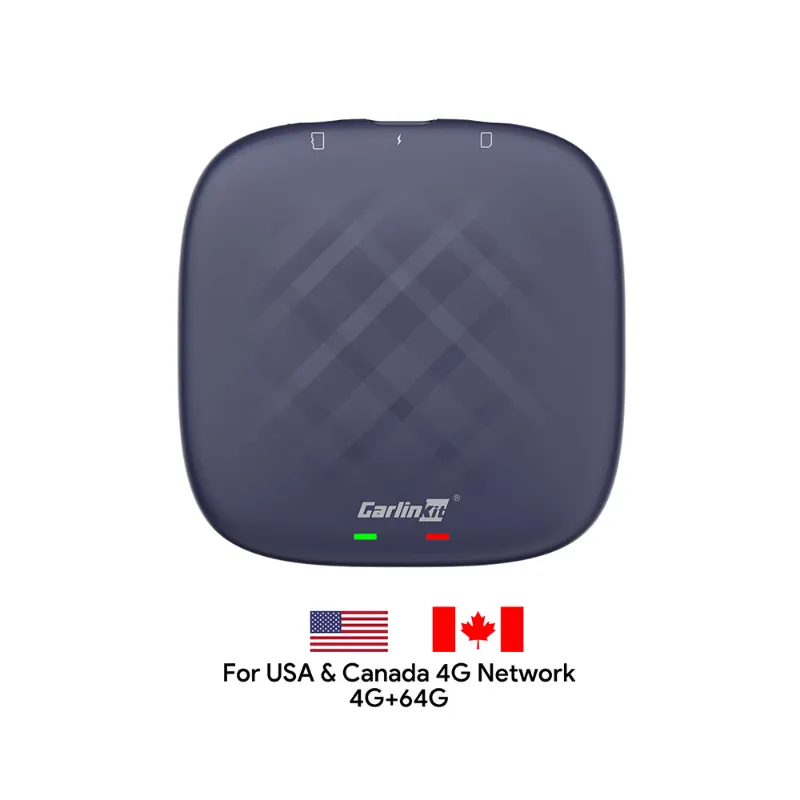
The carlinkit tbox plus offers additional streaming apps and a standalone Android interface if you want more than standard CarPlay mirroring, though it sits outside this head-to-head comparison.
Independent testing from Ars Technica and Android Guys confirms both adapters deliver on their core promise of wireless convenience, with the Carlinkit 5.0 edging ahead in real-world reliability.
Which Carlinkit Wireless CarPlay Adapter Should You Choose?
Pick the carlinkit 5.0 wireless carplay adapter if you prioritize connection speed, dual-phone support, or drive a vehicle with known USB quirks. Its larger size and slightly higher price buy you better thermal management and more consistent performance across a wider range of cars.
Choose the carlinkit mini ultra 3 if dashboard space is tight, you rarely share the vehicle, and your car has a standard USB implementation without unusual authentication requirements. The compact design makes it ideal for leased vehicles or anyone who wants a near-invisible upgrade.
Both adapters deliver the core wireless CarPlay experience at current pricing that undercuts OEM wireless upgrades by hundreds of dollars. Either model can transform your daily commute by cutting the cable clutter. For detailed specs and compatibility confirmation for your specific vehicle, visit the product pages linked above or check CarPlay Life’s video review for side-by-side demos.
Questions
Does the Carlinkit 5.0 wireless CarPlay adapter work with Android phones?
Yes, both the Carlinkit 5.0 and Mini Ultra 3 support wireless Android Auto for phones running Android 11 or later. You can switch between an iPhone and Android device, though only one can connect at a time.
Will either adapter add wireless CarPlay to a car that only has Bluetooth?
No. Both adapters require your vehicle to already have factory or aftermarket wired CarPlay installed. They convert the wired connection to wireless but cannot add CarPlay to cars that lack it entirely.
How do I know if the Mini Ultra 3 will fit my car's USB port?
Measure the clearance around your USB port. The Mini Ultra 3 needs about 1.5 inches of space in front of the port and works best in open center consoles. If your port sits in a deep cubby or behind a narrow trim panel, the Carlinkit 5.0's pigtail cable offers more flexible placement.
Can I use the same adapter in multiple vehicles?
Yes. Both adapters are plug-and-play and work across different cars as long as each vehicle has wired CarPlay. Simply move the adapter between vehicles and it will pair with your phone automatically.
Do these adapters drain my iPhone battery faster than a wired connection?
Wireless CarPlay uses more battery than wired because it relies on Wi-Fi and Bluetooth instead of a charging cable. For drives longer than an hour, we recommend plugging your phone into a separate USB port or wireless charger to maintain battery level.
Which adapter gets firmware updates more often?
The Carlinkit 5.0 receives more frequent over-the-air updates, typically every 6 to 8 weeks, with compatibility patches and performance improvements. The Mini Ultra 3 updates less frequently but remains stable for most common vehicle models.
Products in this guide
 Shopping at AutoKit CarPlay? See the discount code
18% OFF All Orders
Shopping at AutoKit CarPlay? See the discount code
18% OFF All Orders
More in this series
USB Cable Requirements for Android Auto: What You Need to Know16 Aug 20265 minWhy Does My Carlinkit Adapter Keep Disconnecting and How to Fix It16 Aug 20265 minCarlinkit TBox Plus Review: Is This the Most Reliable Wireless CarPlay Adapter?16 Aug 20263 minDo Wireless CarPlay Adapters Work With Factory Wired CarPlay Systems?16 Aug 20264 minHow to Set Up a Wireless CarPlay Adapter in Your Car16 Aug 20265 min