 A FNIRSI guide
Troubleshooting Common Issues with the FNIRSI IPS3608 Power Supply
The FNIRSI IPS3608 occasionally presents voltage drift, noisy fans, and calibration quirks that are fixable with the right approach.
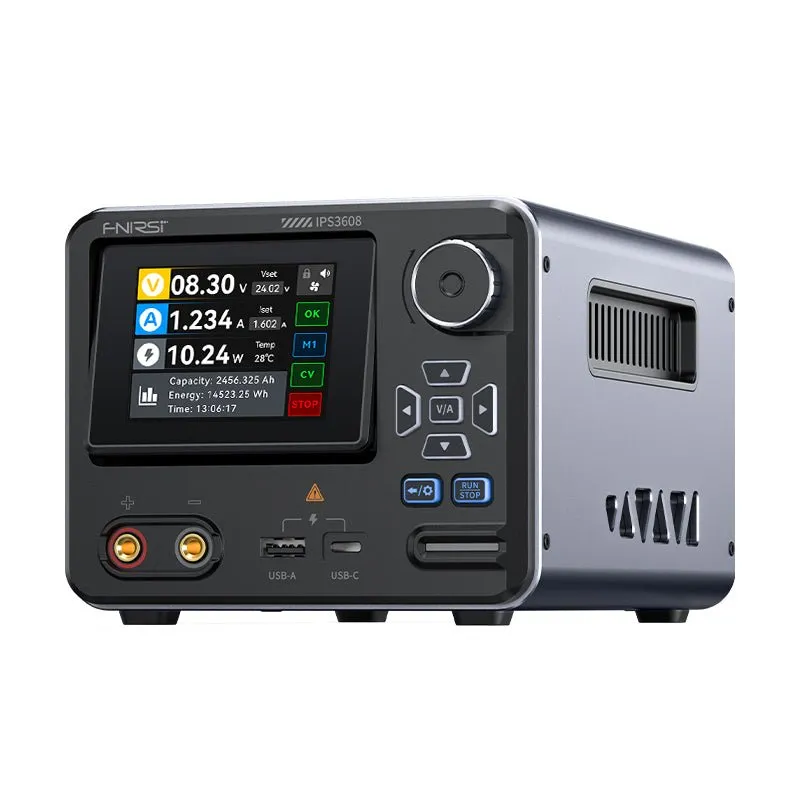
The fnirsi ips3608 occasionally presents voltage drift, noisy fans, and calibration quirks that are fixable with the right approach. This guide covers the issues hobbyists and technicians report most often, with step-by-step fixes you can apply today.
Voltage Output Drift and Accuracy Problems
Voltage drift appears when the fnirsi ips3608 display shows one value but your external multimeter reads something different, or the output creeps up over time.
- Warm-up period: Allow 15 to 20 minutes of operation before critical measurements. The internal reference stabilizes as components reach thermal equilibrium.
- Load regulation: Connect your actual load before finalizing the setpoint. The unit can shift 50 to 100 mV between no-load and full-load conditions.
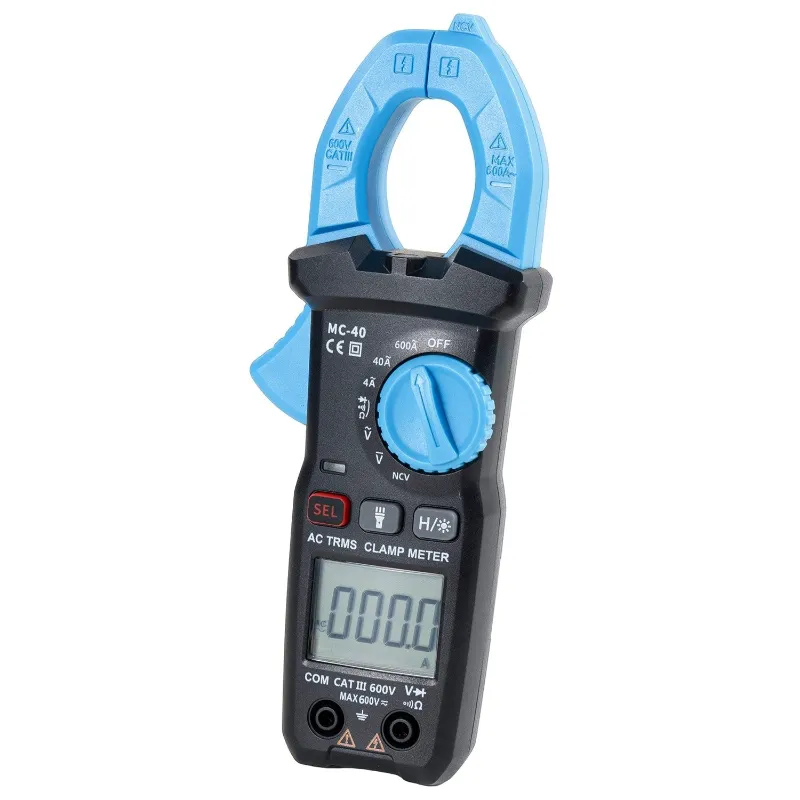
- Calibration check: Compare the display reading against a known-good multimeter clamps or benchtop meter at several points across the voltage range. If the error exceeds manufacturer tolerance, recalibration may be necessary.
- Firmware updates: Check the manufacturer support page for any patches that address reference drift. Some early batches shipped with calibration data that skewed under load.
Community reviews on EEVblog note that thermal drift is more pronounced when the ambient temperature swings by more than 10°C, so stable bench conditions help.
Fan Noise and Cooling System Malfunctions
The cooling fan can become louder than expected or fail to spin up when the supply draws significant current.
- Dust buildup: Power down, unplug, and use compressed air to clear the intake and exhaust vents every few months. Dust restricts airflow and forces the fan to run at higher RPM.
- Fan bearing wear: A grinding or rattling sound indicates a worn bearing. Replacement 40 mm or 50 mm fans (check your unit’s spec) are inexpensive and straightforward to swap.
- Thermal paste degradation: If the heatsink temperature climbs above 70°C under moderate load, the thermal interface between the pass transistors and heatsink may have dried out. Reapplying quality thermal paste restores heat transfer.
- Firmware fan curve: Some firmware versions spin the fan based on output current rather than component temperature, leading to unnecessary noise at low loads or insufficient cooling at high loads. A firmware update can correct the logic.
Display Glitches and Unresponsive Controls
Flickering displays, frozen readouts, or buttons that do not register are frustrating but usually fixable.
- Ribbon cable reseat: Power off and carefully open the case. Disconnect and reconnect the display ribbon cable to eliminate intermittent contact. Handle the connector gently to avoid bending pins.
- Electrostatic discharge reset: Unplug the unit, press and hold the power button for 30 seconds to drain residual charge, then reconnect. This clears transient faults in the microcontroller.
- Firmware corruption: If the display boots into a garbled state, reflash the firmware using the manufacturer’s USB utility. Download only from the official FNIRSI support page to avoid malicious files.
- Button membrane wear: Repeated use can degrade the silicone membrane under the buttons. Replacement membranes are available from electronics suppliers, or you can clean the existing membrane and PCB contacts with isopropyl alcohol.
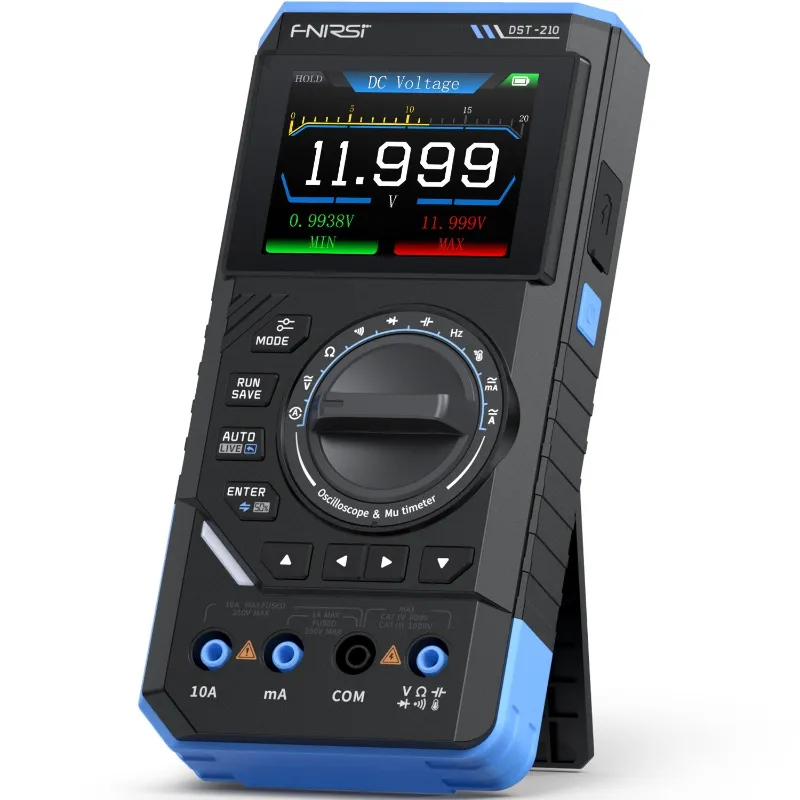
When troubleshooting alongside other gear like the dst-210, we find that power-cycling the entire bench setup occasionally resolves communication glitches between instruments.
Calibration Errors and How to Recalibrate
Out-of-the-box calibration on the fnirsi ips3608 is usually acceptable, but long-term use or component aging can shift reference points.
Voltage calibration steps:
- Connect a calibrated multimeter to the output terminals.
- Enter the service menu (consult your manual for the button sequence, typically holding two buttons during power-on).
- Set the output to the lowest calibration point, usually 1.000 V.
- Adjust the internal software offset until the multimeter matches the display.
- Repeat at mid-range (around 18 V) and maximum voltage.
- Save and exit the calibration menu.
Current calibration steps:
- Insert a precision shunt resistor or calibrated electronic load.
- Set a known current, such as 0.500 A and 3.000 A.
- Use the service menu to adjust the current sense offset and gain until readings align.
Hackaday’s teardown highlights that the current-sense circuit can be sensitive to grounding; always use the same ground reference for the supply and your test equipment during calibration. For current pricing and our exclusive code, check the latest offer before starting your calibration project.
Output Ripple and Noise Issues
Excessive ripple degrades performance when powering sensitive analog circuits or radio-frequency modules.
- Input filter capacitors: Aging electrolytic capacitors on the AC input stage increase ripple. Visual inspection for bulging or leaking caps is a first step; replace any suspect components with equivalents rated for 105°C.
- Output capacitor ESR: Higher equivalent series resistance in the output capacitors allows more AC content to pass. Upgrade to low-ESR polymer or tantalum capacitors if you need sub-millivolt ripple.
- Grounding and layout: Run short, thick leads between the supply and your device under test. Long, thin wires act as antennas and pick up noise. Keep the ground path especially short.
- External filtering: Add a small LC filter (a ferrite bead in series and a ceramic capacitor to ground) at the point of use for ultra-sensitive loads.
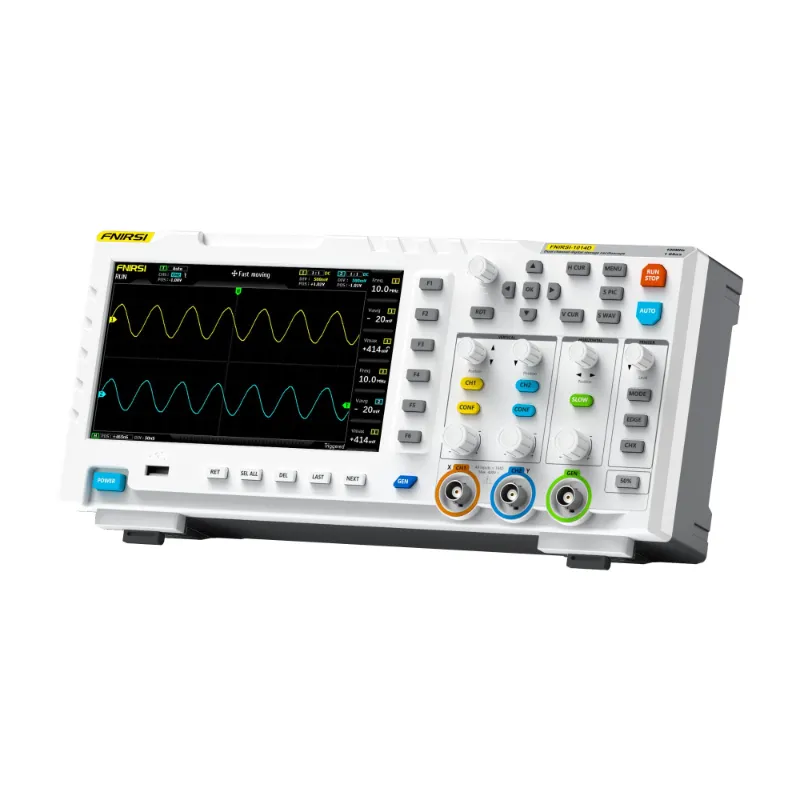
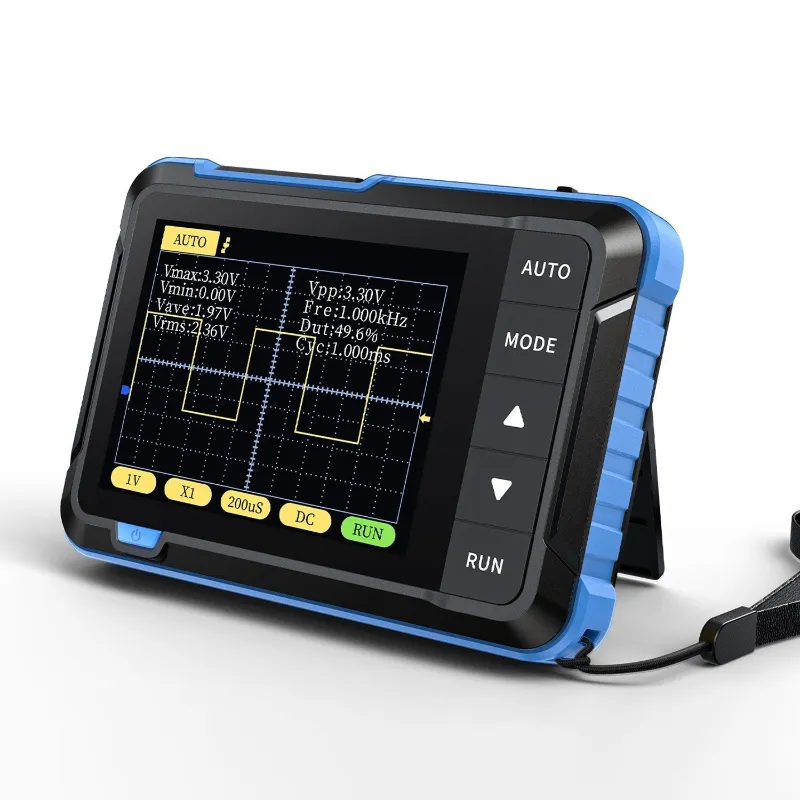
We pair the fnirsi ips3608 with a fnirsi oscilloscope to measure ripple in real time, which lets you see the immediate effect of each mitigation step.
When to Contact Support or Seek Replacement
Some issues fall outside user repair and require manufacturer intervention.
- Persistent voltage overshoot: If the output exceeds your setpoint by more than 5 percent despite calibration, an internal regulator fault is likely.
- Smoke or burning smell: Immediately unplug the unit. Burned components on the PCB indicate a serious failure that is unsafe to repair without proper training.
- Intermittent shutdown under light load: Random resets or thermal shutdowns at low current suggest a defective protection circuit or failing control IC.
- No output voltage: Verify the fuse, check for shorted output terminals, and inspect the pass transistors. If all appear intact, the transformer or rectifier may be faulty.
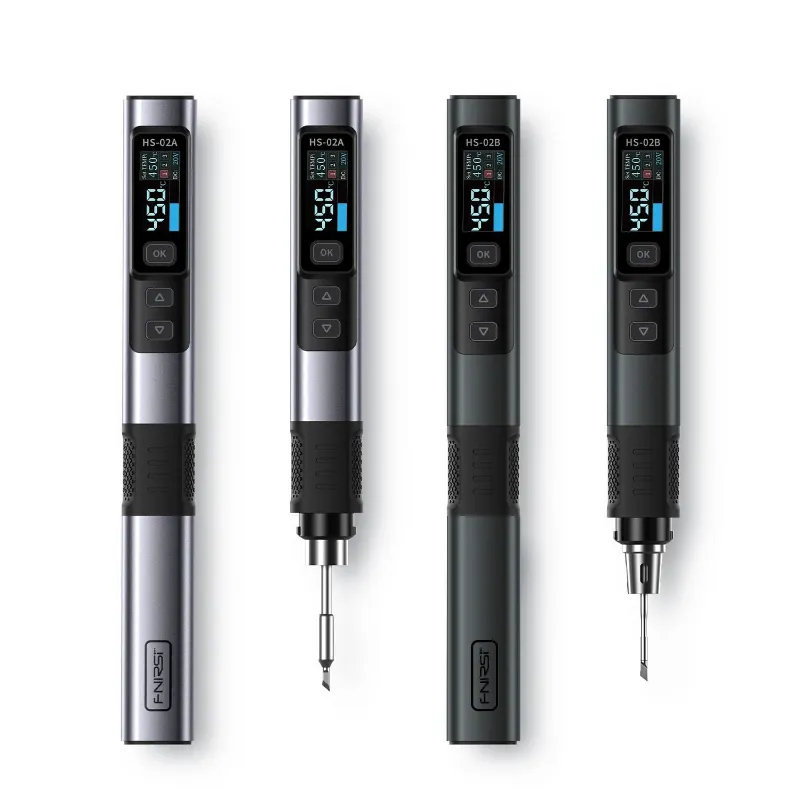
Before returning the unit, grab our discount code if you plan to purchase a replacement or add other FNIRSI instruments like the fnirsi hs-02a soldering iron to your bench. Our current 6 percent off all orders applies site-wide and stacks with manufacturer promotions when available.
Preventive Maintenance Tips
Regular upkeep extends the life of your power supply and reduces downtime.
- Monthly visual inspection: Look for loose screws, cracked solder joints, and discolored components.
- Quarterly deep clean: Remove the cover and vacuum or blow out dust, then wipe internal surfaces with a dry microfiber cloth.
- Annual capacitor check: Electrolytic capacitors have a finite lifespan. Test or replace the main filter caps every few years, especially if you operate the supply in a hot environment.
- Firmware backup: Save a copy of your current firmware before applying updates, so you can roll back if a new version introduces bugs.
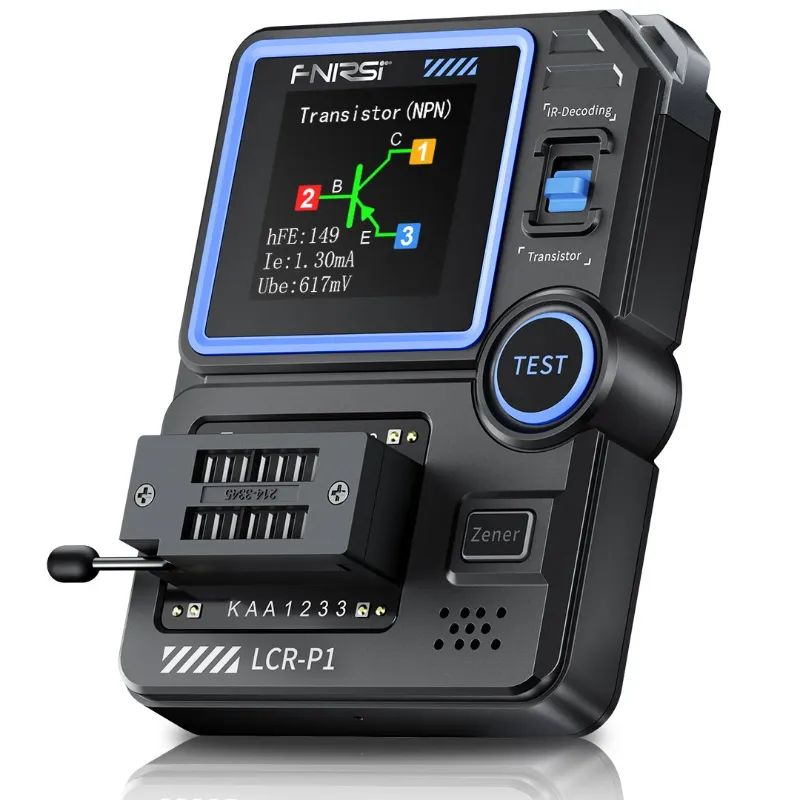
Keeping a log of output voltage and current readings over time helps you spot gradual drift before it becomes a problem. We use the same practice for our fnirsi lcr-p1 and other precision instruments to track calibration stability.
Questions
Why does my FNIRSI IPS3608 show a different voltage than my multimeter?
Warm-up drift and load regulation are common causes. Let the supply stabilize for 15 to 20 minutes under load, then compare readings. If the error persists, recalibrate using the service menu and a known-good reference meter.
How do I fix a noisy or non-spinning fan on the IPS3608?
Clean dust from the vents with compressed air. If the noise continues, the fan bearing may be worn and require replacement. Check that firmware is up to date, as some versions control fan speed incorrectly.
Can I reduce ripple on the output of the FNIRSI IPS3608?
Yes. Use short, thick output leads and add an external LC filter near your load. Replacing aging electrolytic capacitors inside the supply with low-ESR types also helps if you are comfortable with component-level repair.
What should I do if the display freezes or buttons stop responding?
Unplug the unit, hold the power button for 30 seconds to drain residual charge, then reconnect. If the problem persists, reseat the display ribbon cable or reflash the firmware from the official support page.
How often should I recalibrate my bench power supply?
Recalibrate annually or whenever you notice readings drift beyond acceptable tolerance. Keep a calibrated multimeter on hand and compare voltage and current at several points across the range to track accuracy over time.
Products in this guide
 Shopping at FNIRSI? See the discount code
6% OFF All Orders
Shopping at FNIRSI? See the discount code
6% OFF All Orders
More in this series
Which FNIRSI Multimeter Clamps Work Best for HVAC and Automotive Testing?3 Aug 20265 minFNIRSI DSO152 Oscilloscope: What Can It Actually Measure?3 Aug 20264 min Can the FNIRSI Pocket Geiger Counter Accurately Detect Radiation Levels?3 Aug 20264 minHow to Choose Between the FNIRSI LCR-P1 and DE-5000 LCR Meters3 Aug 20265 minFNIRSI HS-02A Soldering Iron Review: Is It Worth It for Electronics Work?3 Aug 20264 min