 A Think Robotics guide
How to Set Up the NVIDIA Jetson Orin Nano Super Developer Kit for AI Projects
The nvidia jetson orin nano super developer kit delivers powerful edge AI performance for robotics, computer vision, and machine learning projects.
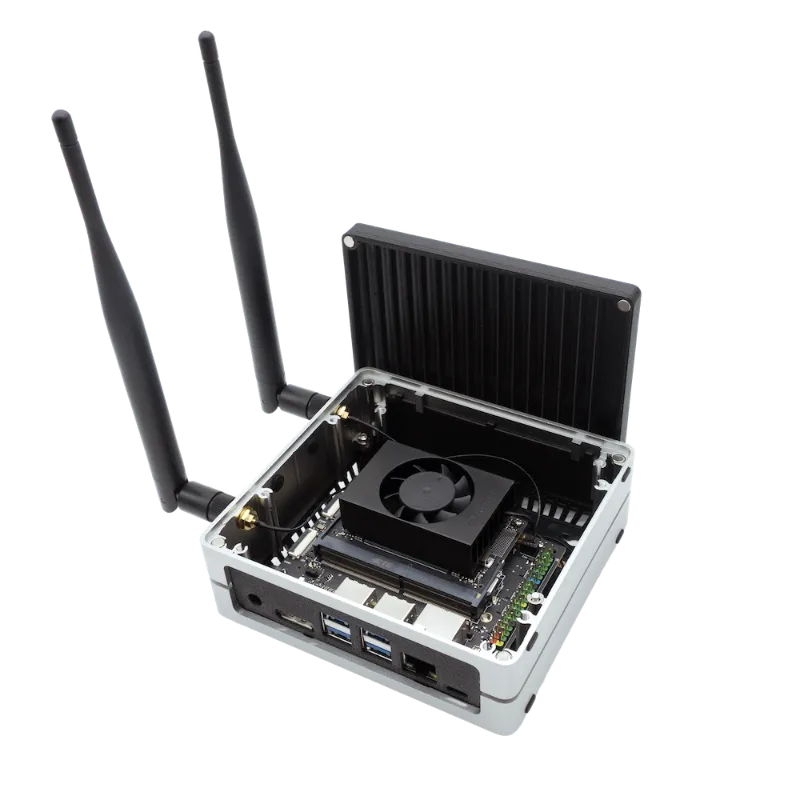
The nvidia jetson orin nano super developer kit is a compact, high-performance AI computer designed for edge computing, robotics, and machine learning applications. Setting up the kit involves flashing the operating system, configuring drivers, and preparing the development environment.
The kit ships with options for 8 GB or 16 GB of memory, both using the same core setup workflow. Whether you’re building autonomous robots with vision systems, deploying neural networks for real-time inference, or experimenting with generative AI at the edge, this developer board provides the GPU horsepower and software stack to support your projects.
What You’ll Need Before You Start
Before powering on your kit, gather these components to ensure a smooth setup:
- Power supply: 19V DC barrel connector (5A recommended for full performance)
- MicroSD card: 64 GB or larger, UHS-I speed class recommended
- Host computer: Windows, macOS, or Linux machine to flash the OS image
- Display and peripherals: HDMI monitor, USB keyboard, and mouse for initial configuration
- Ethernet cable: For stable internet during initial updates (Wi-Fi configuration comes later)
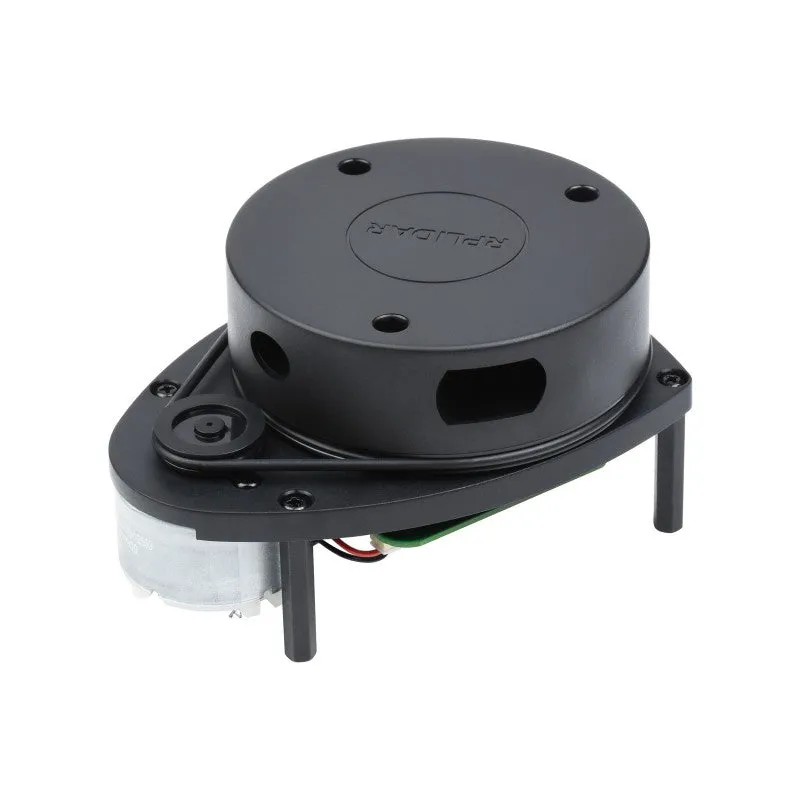
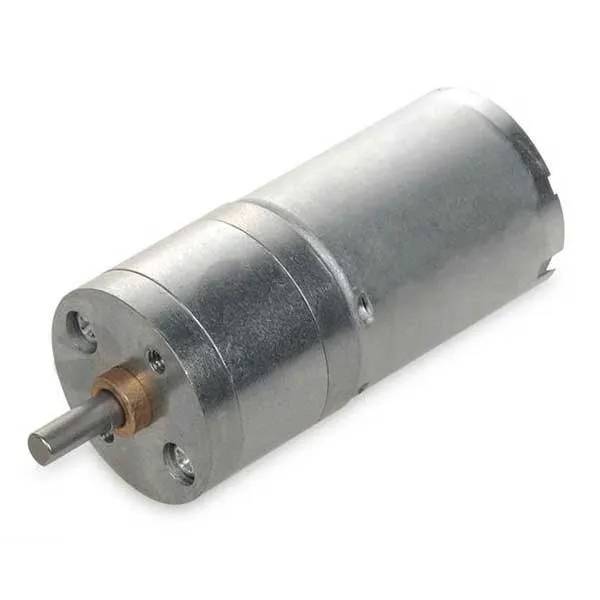
The Jetson Orin Nano Super Developer Kit official page lists the complete technical specifications. If you’re planning to add peripherals like a lidar scanner for navigation or dc motor dc controllers for robotics, verify your power budget allows headroom beyond the base kit draw.
Check the latest price and grab our discount code at Think Robotics before you start your build.
Flashing JetPack to Your NVIDIA Jetson Orin Nano Super Developer Kit
JetPack SDK is NVIDIA’s comprehensive software bundle that includes the Linux operating system, CUDA libraries, cuDNN for deep learning, TensorRT for inference optimization, and sample code. Here’s how to install it:
- Download NVIDIA SDK Manager on your host PC from the official NVIDIA developer site (requires a free developer account)
- Insert your microSD card into your host computer using a card reader
- Launch SDK Manager and select Jetson Orin Nano as your target hardware
- Choose the JetPack version (we recommend the latest stable release for best compatibility)
- Flash the image to your microSD card (this takes 20 to 40 minutes depending on card speed)
- Insert the flashed card into the microSD slot on the underside of the Jetson module
Alternatively, you can use the simpler Etcher-based method with a pre-built image from NVIDIA, which skips SDK Manager but gives you less control over package selection. The Jetson Orin Nano Super Developer Kit – Initial Setup walkthrough covers both approaches in detail.
After flashing, connect your peripherals, power on the board, and follow the on-screen Ubuntu setup wizard to create your user account and connect to Wi-Fi.
Installing AI Frameworks and Development Tools
Once your operating system boots, update the system packages and install the frameworks your project requires:
Update the base system:
- Open a terminal and run `sudo apt update && sudo apt upgrade` to pull the latest patches
- Reboot if kernel updates were installed
Verify CUDA and GPU access:
- Run `nvidia-smi` to confirm the GPU is detected (you should see memory and driver info)
- Test a sample with `cd /usr/local/cuda/samples/1_Utilities/deviceQuery && sudo make && ./deviceQuery`
Install Python packages for machine learning:
- PyTorch and TorchVision (use NVIDIA’s pre-built wheels for Jetson, not pip’s x86 versions)
- TensorFlow (NVIDIA provides Jetson-optimized builds)
- OpenCV with CUDA support (often pre-installed with JetPack)
The Introduction – Jetson Orin Nano Developer Kit User Guide documents all GPIO pinouts, power modes, and software installation paths. Bookmark this reference for troubleshooting hardware interfaces.
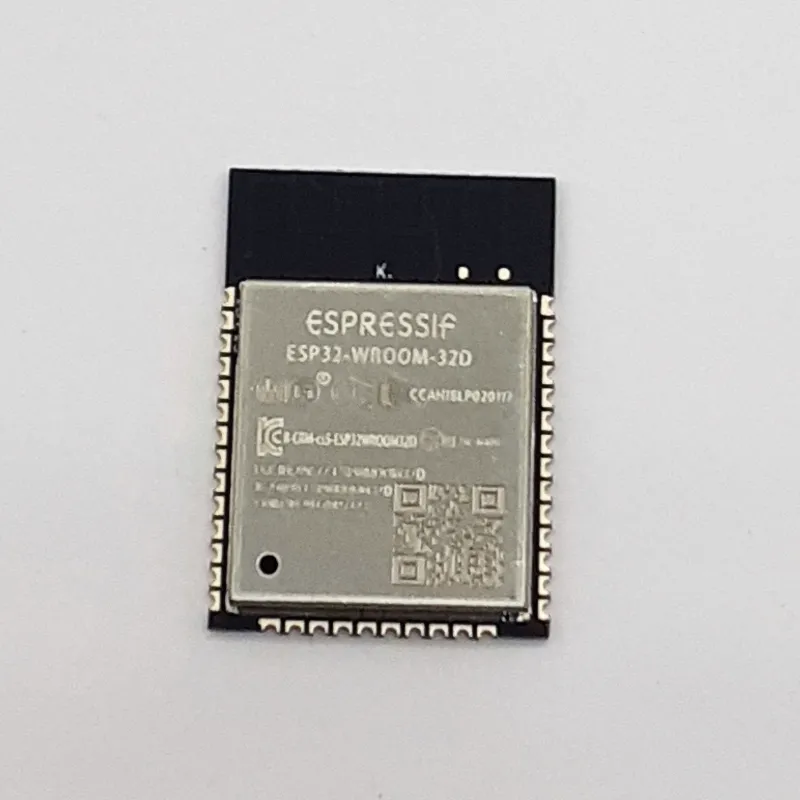
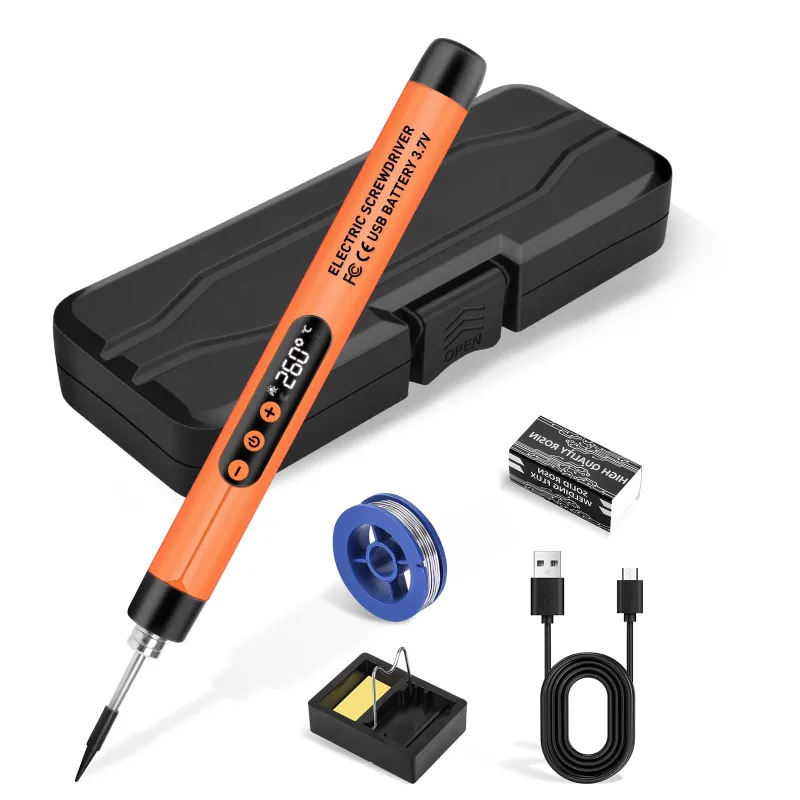
If you’re integrating wireless modules like the esp32-wroom-32 for IoT connectivity or need to solder custom breakouts, keep a soldering iron kit handy for prototyping.
Optimizing Performance and Power Modes
The jetson orin nano super 16gb and 8 GB models both support multiple power modes that trade performance for thermal and power consumption. You’ll configure these depending on whether your project runs on battery or mains power.
Available power modes:
| Mode | Max Power | GPU Frequency | Use Case |
|---|---|---|---|
| MAXN | 25W | Full speed | Intensive inference, mains power |
| 15W | 15W | Reduced | Balanced workloads |
| 10W | 10W | Throttled | Battery operation, low duty cycle |
Switch modes with `sudo nvpmodel -m [mode_number]` and verify with `sudo nvpmodel -q`. For continuous operation, add active cooling with a 40mm fan mounted to the heatsink.
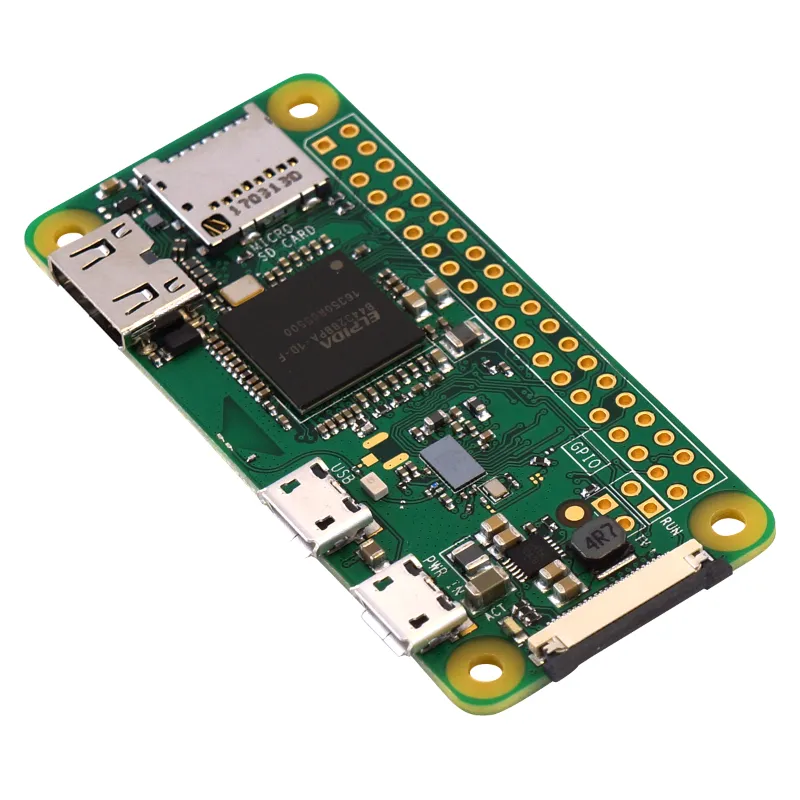
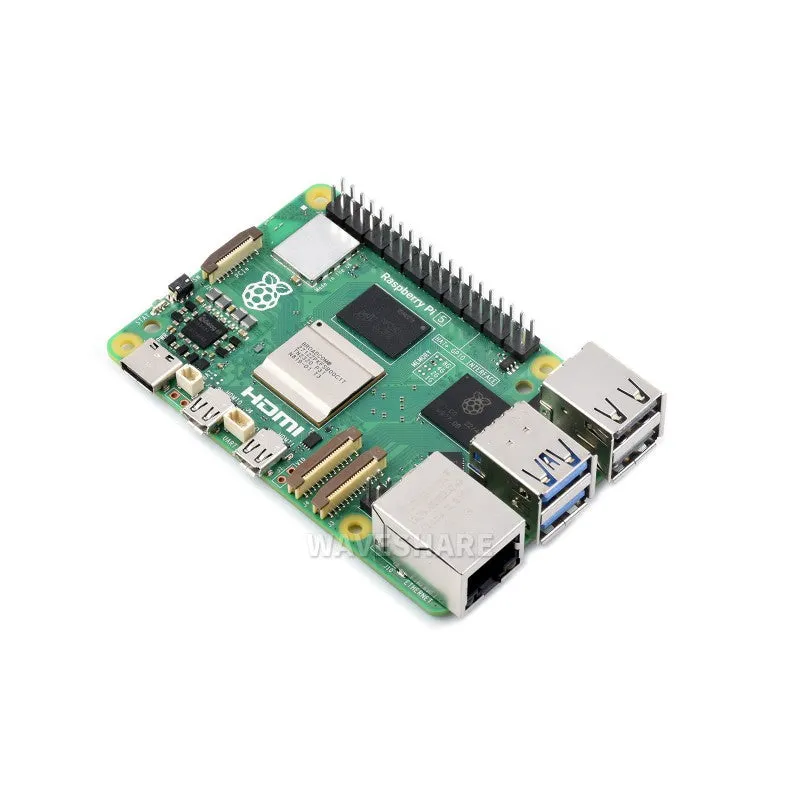
When building robotic platforms, many developers pair the Jetson with a raspberry pi zero w or rasberry pi 5 to offload low-level sensor polling and motor control, freeing the Jetson GPU for vision and AI workloads. This hybrid architecture works well for mobile robots where the Jetson handles camera streams and neural network inference while the Pi manages dc motor dc PWM signals and I2C peripherals.
Building Your First AI Project
With your kit configured, test the installation with a real inference workload:
- Image classification: Use a pre-trained ResNet model on sample images to verify TensorRT acceleration
- Object detection: Deploy a YOLO or SSD model for real-time bounding boxes on webcam input
- Pose estimation: Run OpenPose or MediaPipe for human skeleton tracking
NVIDIA provides containerized examples through the Jetson Inference library, which includes optimized models and Python bindings. Clone the repo, build the Docker container, and run the classification example in under 10 minutes.
For robotics projects that need environmental mapping, integrate a lidar scanner over USB or Ethernet and use ROS2 (Robot Operating System) for sensor fusion. Many autonomous vehicle projects combine LiDAR point clouds with camera vision processed on the Jetson GPU.
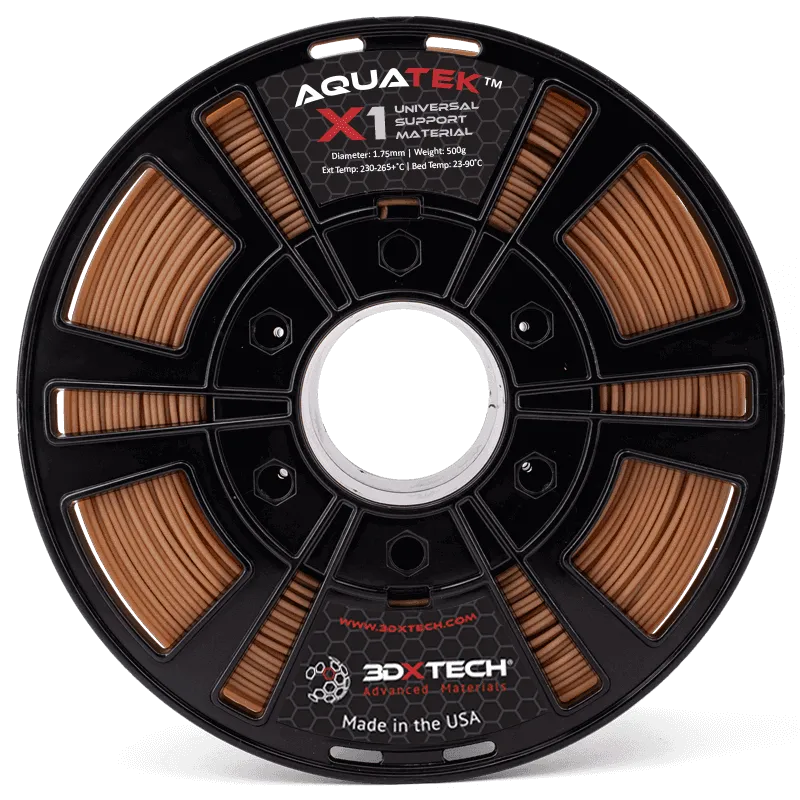
If your project involves custom enclosures, 3d printing materials like PETG or ASA work well for outdoor robotics cases, while polycarbonate pc sheets provide durable transparent windows for camera mounts. Structural rigidity for drone or rover frames often benefits from carbon fibre elements.
Grab our discount code to save on compatible development boards like seeed studio sensor modules that expand the Jetson’s I/O capabilities.
Troubleshooting Common Setup Issues
Board won’t boot:
- Verify the power supply delivers at least 4A at 19V (underpowered supplies cause random crashes)
- Re-flash the microSD card using a slower write speed if corruption is suspected
- Check that the microSD card is fully seated in the slot
CUDA not found:
- Ensure you installed the full JetPack bundle, not just the OS image
- Add CUDA paths to your `.bashrc`: `export PATH=/usr/local/cuda/bin:$PATH`
Poor inference performance:
- Confirm you’re using TensorRT-optimized models, not generic ONNX or TensorFlow exports
- Switch to MAXN power mode for benchmarking
- Monitor thermals with `tegrastats` and add cooling if throttling occurs
USB peripherals not detected:
- Some high-power USB devices (external SSDs, high-current sensors) exceed the bus limit; use a powered hub
- Update the kernel and firmware through `apt upgrade` if USB3 ports misbehave
The nvidia jetson orin nano super developer kit specs deliver up to 67 TOPS of AI performance, making it suitable for multi-stream video analytics and transformer models at the edge. Check community forums like the nvidia jetson orin nano super developer kit reddit threads for project-specific optimization tips.
Who Should Use This Developer Kit
This kit suits intermediate to advanced developers comfortable with Linux command-line workflows and Python or C++ development. If you’re migrating from a pi zero w or similar single-board computer, expect a steeper learning curve but far greater compute capability for vision and AI tasks.
Ideal use cases include autonomous mobile robots, smart city sensors with on-device inference, industrial quality inspection systems, and edge AI research. The hardware supports multiple CSI camera inputs, making it popular for stereo vision and multi-sensor fusion projects.
For current nvidia jetson orin nano super developer kit price and availability, check Think Robotics where you can apply our exclusive discount code. The 8 GB model fits hobbyist budgets, while the 16 GB version handles larger models and simultaneous workloads for professional deployments.
Questions
What is the difference between the 8 GB and 16 GB Jetson Orin Nano Super models?
Both models share the same GPU architecture and 67 TOPS AI performance. The 16 GB version provides more memory for larger neural networks, multi-model inference, and simultaneous video streams, while the 8 GB model suits single-task applications and tighter budgets.
Can I run the nvidia jetson orin nano super developer kit without a microSD card?
No, the developer kit requires a microSD card to boot the operating system. NVIDIA does not ship the kit with pre-installed storage, so you must flash JetPack to a microSD card before first use.
Do I need active cooling for AI inference workloads?
For continuous inference at MAXN power mode (25W), active cooling with a fan is strongly recommended to prevent thermal throttling. Light workloads or lower power modes can run passively with the included heatsink.
Is the Jetson Orin Nano compatible with Raspberry Pi accessories?
The Jetson uses a different form factor and GPIO pinout than Raspberry Pi boards. While some USB and HDMI accessories work universally, HATs and GPIO add-ons designed for Pi will not fit. Use Jetson-specific expansion boards or universal breakout modules.
Can I use this kit for real-time object detection on multiple camera streams?
Yes, the Jetson Orin Nano Super supports up to four CSI camera inputs and can run real-time object detection on multiple streams using optimized TensorRT models. Performance depends on model complexity and resolution.
Where can I find discount codes for robotics components that work with the Jetson kit?
Think Robotics offers a 3% discount code on development boards, sensors, motors, and accessories that pair well with Jetson projects. Check the store's discount page for the current code and eligible products.
Products in this guide
 Shopping at Think Robotics? See the discount code
3% OFF All Orders
Shopping at Think Robotics? See the discount code
3% OFF All Orders
More in this series
Carbon Fibre vs Polycarbonate PC: Choosing Structural Materials for Robot Frames7 Aug 20265 minBest Soldering Iron Temperature for ESP32 Camera Module Installation7 Aug 20264 minDo You Need a LiDAR Scanner for Your Robotics Project?7 Aug 20265 minESP32-WROOM-32 Not Connecting to WiFi: Troubleshooting Guide7 Aug 20264 minRaspberry Pi Zero W vs Pi Zero 2 W: Which Single-Board Computer Should You Choose?7 Aug 20265 min