 A Think Robotics guide
Do You Need a LiDAR Scanner for Your Robotics Project?
A lidar scanner is essential for autonomous navigation and precise mapping in robotics, but simpler projects may run fine on ultrasonic or IR sensors.
A lidar scanner is essential when your robotics project requires precise distance measurement, real-time mapping, or autonomous navigation in complex environments. Simpler builds that follow pre-programmed paths or use basic obstacle detection can rely on ultrasonic or infrared sensors instead.
When LiDAR Solves Real Problems
Lidar (Light Detection and Ranging) measures distance by timing laser pulses reflected from objects, generating point clouds that reveal room layouts, terrain contours, and moving obstacles. You gain millimeter-level accuracy and 360-degree coverage in a single sweep, which matters when your robot needs to build a floor plan, avoid pedestrians, or dock itself without bumping walls.
We see the biggest payoff in three scenarios:
- Autonomous navigation where the robot chooses its own path through changing spaces (warehouse AGVs, delivery bots, lawn mowers)
- SLAM mapping (Simultaneous Localization and Mapping) that creates floor plans or 3D models as the robot explores
- High-speed obstacle avoidance in outdoor or cluttered environments where ultrasonic sensors update too slowly
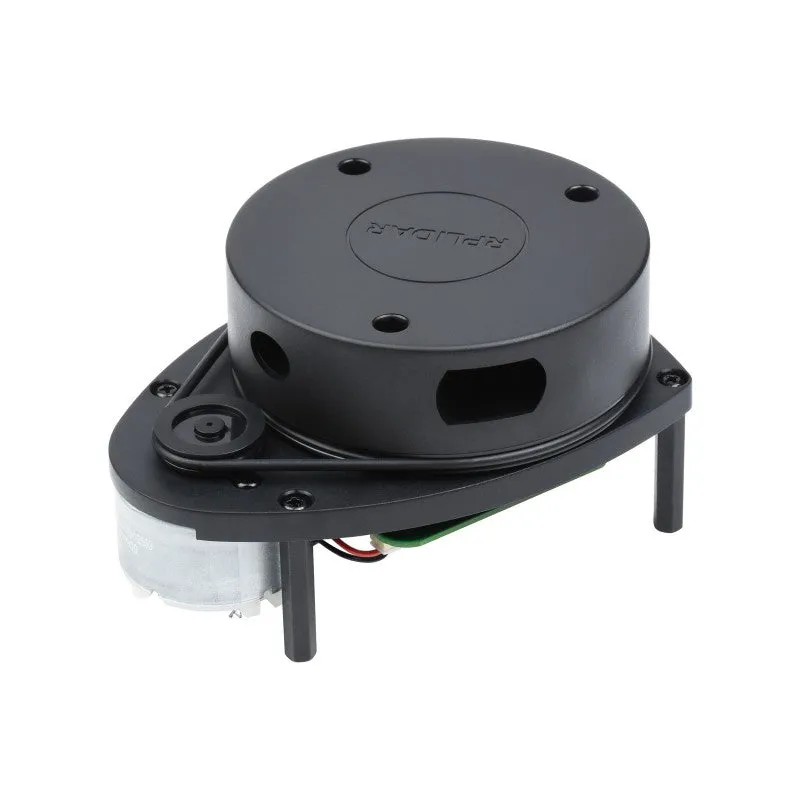
If your project follows a fixed track, uses line sensors, or operates in a controlled area with known obstacles, a lidar scanner adds cost and processing overhead you probably do not need. Ultrasonic or time-of-flight sensors handle those cases at a fraction of the price.
Pairing Your Scanner with the Right Controller
LiDAR modules output serial data streams or I²C packets at rates up to 8,000 samples per second. Your controller must read, parse, and act on that flood fast enough to keep the robot responsive.
| Controller | Best For | LiDAR Fit |
|---|---|---|
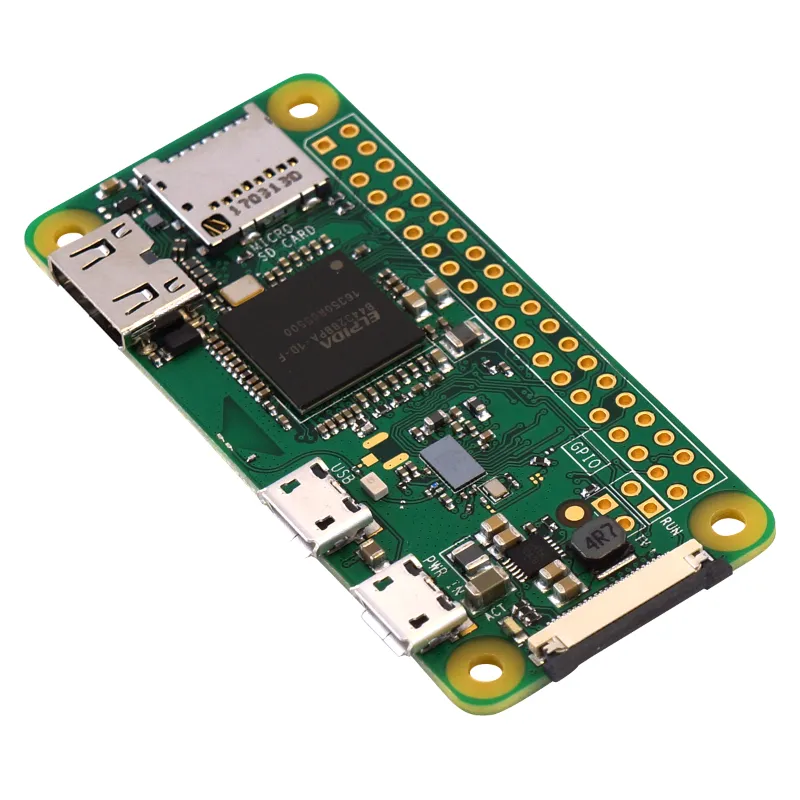
| Raspberry Pi Zero W | Light mapping, stationary scanning | Works for low-speed SLAM; struggles above 2,000 samples/sec |
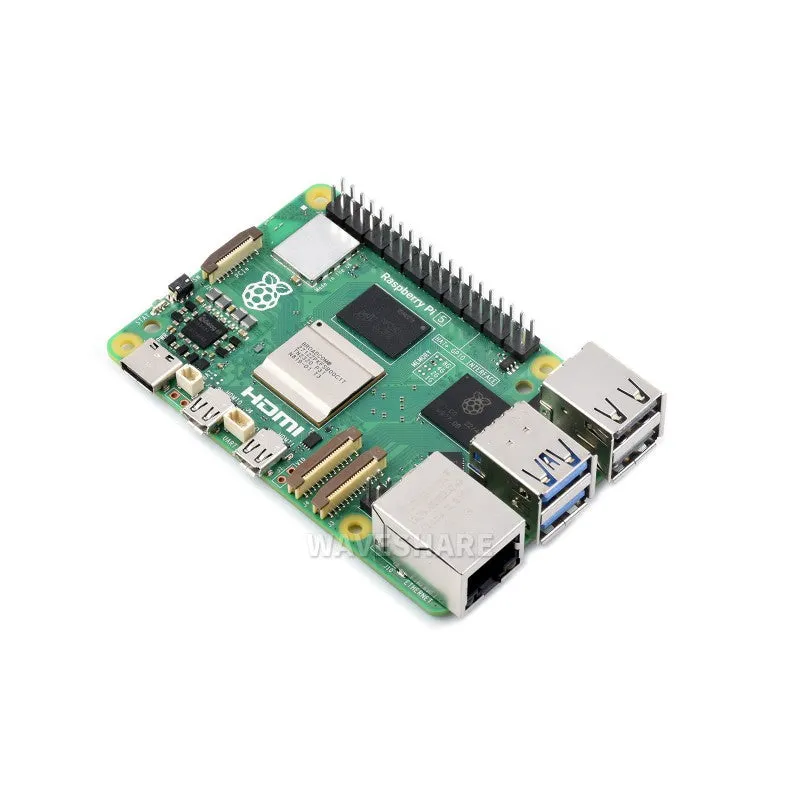
| Rasberry Pi 5 | Real-time navigation, multi-sensor fusion | Handles full-rate scanning plus camera input |
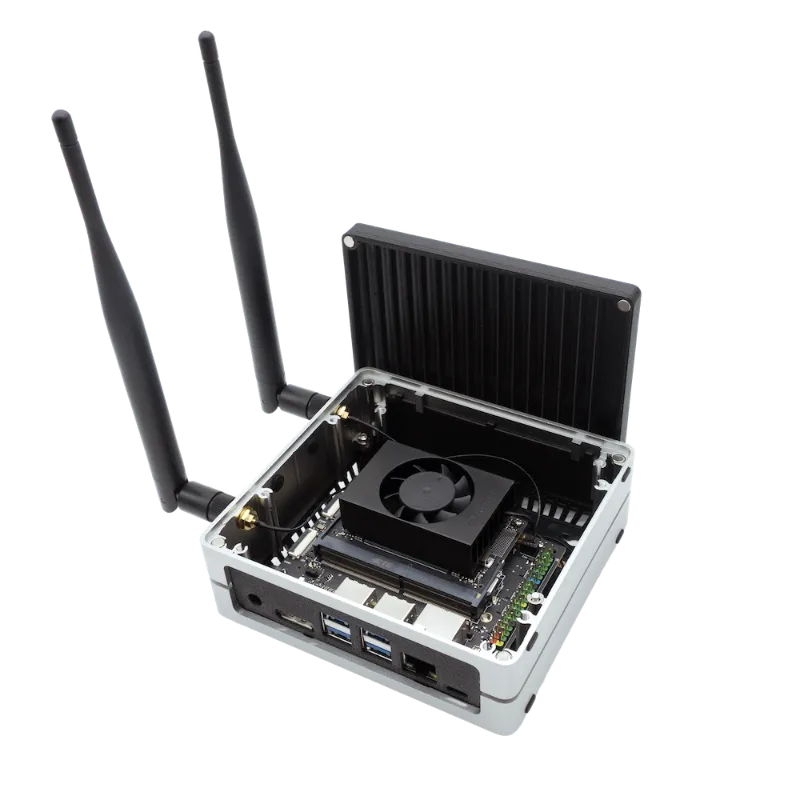
| NVIDIA Jetson Orin Nano Super Developer Kit | AI vision + LiDAR fusion, path planning | Runs ROS 2 nav stacks with GPU-accelerated processing |
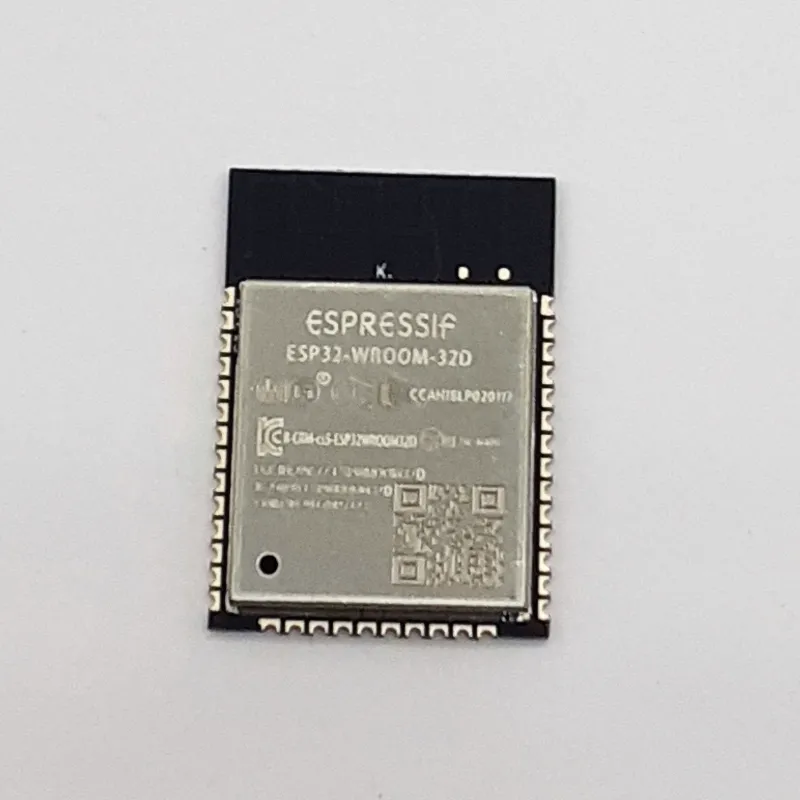
| ESP32-WROOM-32 | Remote telemetry, wireless data relay | Forwards scan data to a host PC; too slow for onboard SLAM |
The raspberry pi zero w works well for stationary scanning projects like 3D room modeling or object measurement, where you capture one sweep at a time. For a robot that moves while scanning, step up to the quad-core rasberry pi 5 or pair the scanner with the nvidia jetson orin nano super developer kit if you are fusing LiDAR with camera-based object recognition.
Check current pricing and grab our discount code to save 3% on controllers and sensors from Think Robotics.
Mobile vs Stationary Scanning Builds
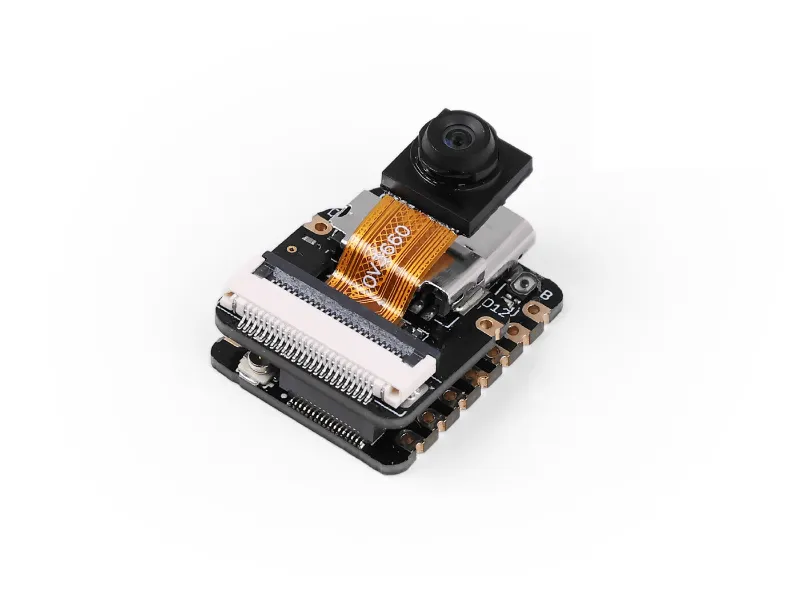
Stationary scanners mount to a tripod or turntable and capture detailed point clouds of rooms, objects, or terrain. These setups prioritize resolution and range over update speed. A seeed studio development board paired with a rotating lidar scanner can log measurements to an SD card or stream them via USB for post-processing in software like CloudCompare or MeshLab. You will also find 3D LiDAR scanner apps that turn an iPhone with a built-in lidar scanner into a handheld 3D capture tool, though those are limited to short-range indoor work.
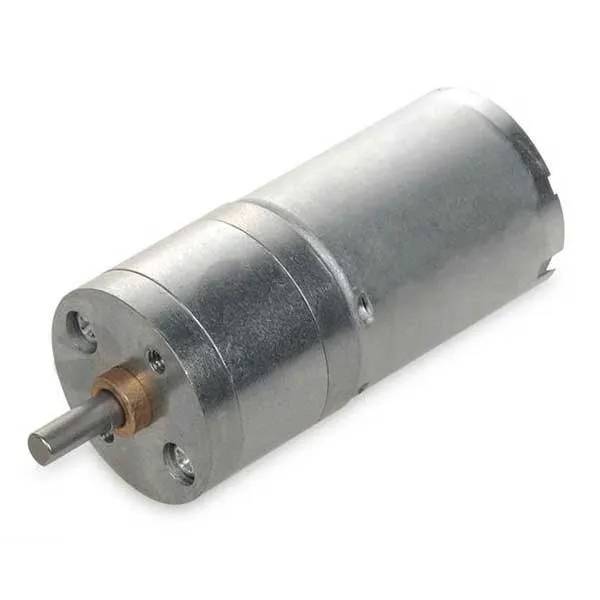
Mobile robots need lightweight scanners that update fast enough to detect obstacles before the robot reaches them. A two-wheeled rover driven by dc motor dc units can stop or turn within a few centimeters if the scanner feeds distance data at 10 Hz or faster. Mount the scanner low and forward-facing to catch floor-level hazards, or raise it to chest height for people detection. Secure the scanner housing with carbon fibre elements or a polycarbonate pc shield to protect optics from impacts and dust.
Assembly and Integration Tips
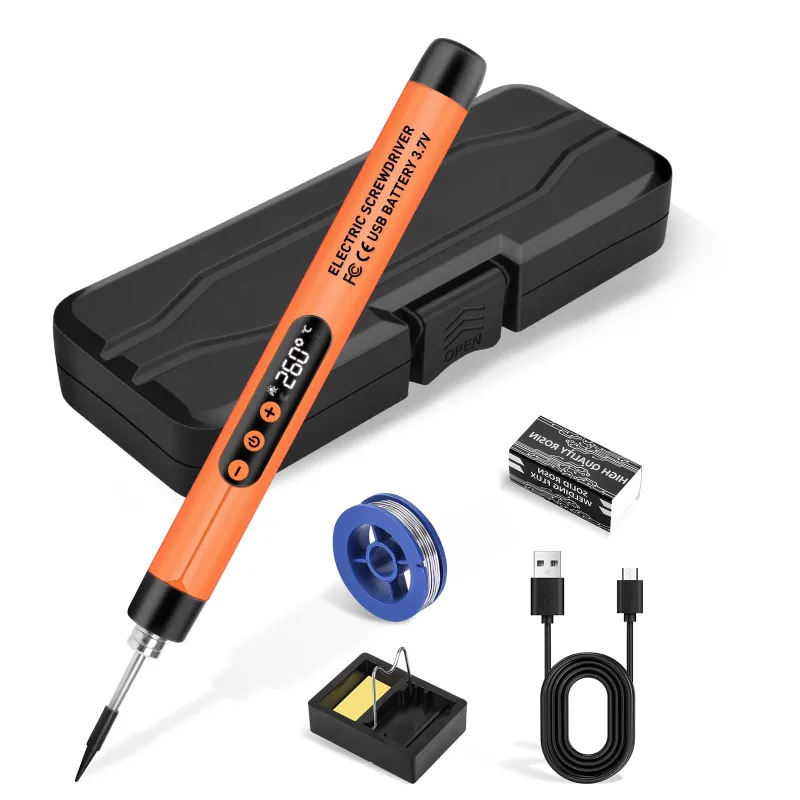
Most hobby-grade lidar scanners arrive as bare PCBs with a rotating mirror assembly. You will need a soldering iron kit to attach header pins and power connectors before the module talks to your controller. Route power through a dedicated 5V regulator, not the controller’s pin header, since motor spin-up can sag the supply and crash your board.
Mounting matters for data quality. Vibration from dc motor dc drives blurs the point cloud, so isolate the scanner with rubber standoffs or mount it on a separate platform. If you are printing custom brackets, use rigid 3d printing materials like PETG or nylon rather than flexible TPU. Position the scanner so its rotation axis is vertical and the scan plane intersects obstacles at the height you care about (ankle level for floor hazards, waist level for furniture).
Firmware setup varies by model. Most scanners expose a UART interface at 115200 or 230400 baud. You will read ASCII distance strings or binary packets, then convert polar coordinates (angle and distance) into Cartesian (X, Y) points for your mapping algorithm. ROS and ROS 2 offer pre-built drivers for popular models, which saves you weeks of protocol debugging.
Alternatives When LiDAR Is Overkill
If your robot operates in a structured environment or follows a known route, these sensors cost less and simplify the build:
- Ultrasonic rangers (HC-SR04) give usable range data up to four meters at one-tenth the cost of LiDAR, fine for collision avoidance on slow indoor robots
- Time-of-flight sensors (VL53L0X, VL53L1X) measure up to four meters with faster update rates than ultrasonic, good for docking or edge detection
- Bump switches and whisker sensors handle contact-based navigation in tight spaces where any proximity sensor might give false positives
Visit our coupon page to compare pricing on sensors, controllers, and mechanical components and see how the discount applies to your full build.
Who Should Invest in a LiDAR Scanner
You will see the return on a lidar scanner if your project involves autonomous path planning, real-time map updates, or outdoor navigation where GPS alone is too coarse. Research platforms, SLAM experiments, and competition robots (RoboCup, First Robotics) benefit from the precision and range. Hobby builds that follow lines, respond to remote control, or operate in a single known space rarely justify the added complexity.
Before you buy, sketch your robot’s decision tree. If “detect obstacle” leads to “stop and reverse,” an ultrasonic sensor does the job. If it leads to “update occupancy grid, recalculate path, and navigate around,” you need the spatial detail a lidar scanner provides. Match the sensor to the intelligence your controller can actually deliver, and you will avoid over-engineering the easy parts while under-investing in the hard ones.
Questions
Can I use a smartphone lidar scanner for robotics projects?
Smartphone lidar scanners work for stationary 3D capture and object measurement, but they lack the continuous streaming interface and mounting options robotics projects need. Dedicated modules connect directly to controllers and update fast enough for real-time navigation.
What is the typical range of a hobby-grade lidar scanner?
Most hobby lidar scanners measure reliably from 15 cm to 12 meters, with accuracy dropping on dark or reflective surfaces. Professional units reach 40 meters or more but cost significantly more.
Do I need a separate power supply for the lidar scanner?
Yes, most lidar scanners draw 400 to 800 mA during motor spin-up, which exceeds what controller GPIO pins safely provide. Use a dedicated 5V regulator or a battery eliminator circuit rated for at least 1A.
Can a Raspberry Pi Zero W handle real-time lidar mapping?
The Pi Zero W works for low-speed stationary scanning or data logging, but its single-core CPU struggles with real-time SLAM at full scan rates. Upgrade to a Raspberry Pi 5 or Jetson Orin Nano for mobile navigation.
How do I protect the lidar scanner from dust and impacts?
Mount the scanner behind a polycarbonate or acrylic shield with an anti-reflective coating, and use foam or rubber isolators to dampen vibration. Keep the rotating mirror clear of cables and debris.
Is lidar better than ultrasonic sensors for obstacle avoidance?
Lidar updates faster, measures longer distances, and captures a full 360-degree view in one sweep, making it superior for autonomous navigation. Ultrasonic sensors cost less and work fine for simple collision detection on slow robots.
Products in this guide
 Shopping at Think Robotics? See the discount code
3% OFF All Orders
Shopping at Think Robotics? See the discount code
3% OFF All Orders
More in this series
Carbon Fibre vs Polycarbonate PC: Choosing Structural Materials for Robot Frames7 Aug 20265 minBest Soldering Iron Temperature for ESP32 Camera Module Installation7 Aug 20264 minESP32-WROOM-32 Not Connecting to WiFi: Troubleshooting Guide7 Aug 20264 minHow to Set Up the NVIDIA Jetson Orin Nano Super Developer Kit for AI Projects7 Aug 20266 minRaspberry Pi Zero W vs Pi Zero 2 W: Which Single-Board Computer Should You Choose?7 Aug 20265 min