 A Think Robotics guide
ESP32-WROOM-32 Not Connecting to WiFi: Troubleshooting Guide
The esp32-wroom-32 can fail to connect to WiFi due to insufficient power supply, incorrect credentials, or antenna issues that we'll solve step by step.
The esp32-wroom-32 fails to connect to WiFi most often because of insufficient power supply, incorrect network credentials, or poor antenna positioning.
Why Your ESP32-WROOM-32 Won’t Connect
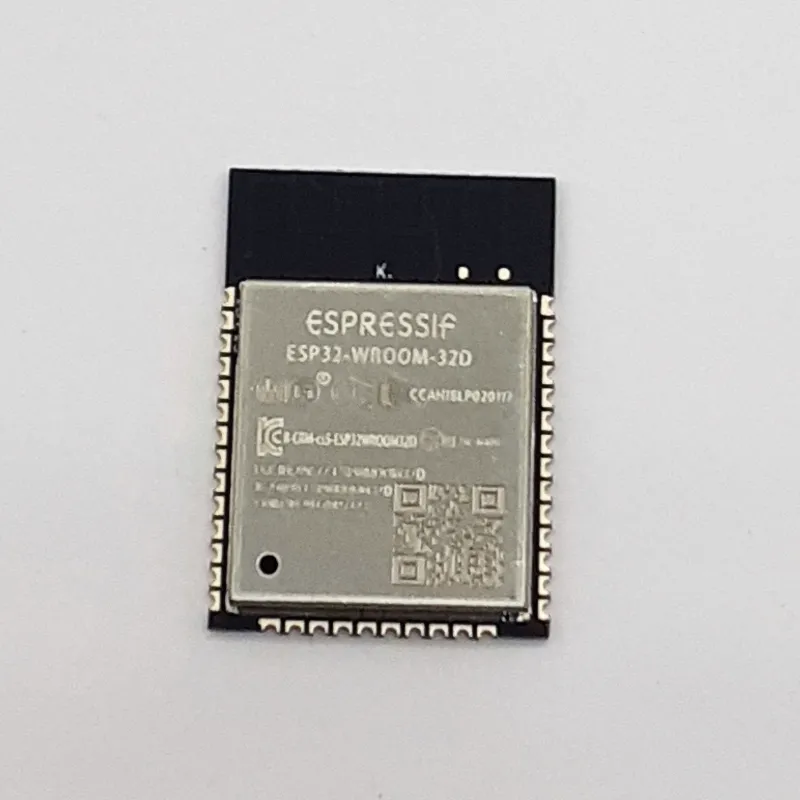
The esp32-wroom-32 draws significant current during WiFi transmission, often more than a USB port or weak regulator can provide. When voltage sags below 3.0V during the connection attempt, the module resets or hangs silently. Sharing the ESP32’s power rail with a dc motor dc or other high-draw peripherals makes this more likely.
Beyond power, the 2.4 GHz radio is sensitive to physical obstructions, wrong WiFi band settings, and even the PCB antenna orientation. Router compatibility matters too, especially with older WPA security modes or hidden SSIDs. If you’re integrating this module into a robot chassis with carbon fibre elements or metal frames, RF interference becomes a real factor.
Power Supply Fixes First
Start with power, since voltage sag during WiFi transmission can stop the connection:
- Use a dedicated 3.3V regulator rated for at least 500 mA continuous, not the onboard regulator from a USB-serial adapter
- Add a 100 µF electrolytic capacitor and a 0.1 µF ceramic capacitor directly across the ESP32’s 3.3V and GND pins
- Measure voltage during WiFi.begin() with a multimeter; it should stay above 3.0V
- Switch to a powered USB hub or a quality 5V wall adapter if programming via USB
- Separate power domains when running motors or servos; never share the ESP32 rail with high-current loads
We recommend checking current pricing and grabbing our discount code before ordering spare modules or better power supplies.
ESP32 WROOM 32 Programming and Code Checks
Even with solid power, incorrect Arduino or ESP-IDF code will block connections. Review these common mistakes:
- SSID and password typos: WiFi credentials are case-sensitive and whitespace matters
- Wrong WiFi mode: call
WiFi.mode(WIFI_STA)explicitly beforeWiFi.begin()to avoid AP mode conflicts - Missing delays: add
delay(10)inside your connection loop; some routers need time between retries - Static IP conflicts: if you’re assigning a static IP, ensure it’s outside your router’s DHCP range and the subnet mask matches
- Watchdog timeouts: long blocking `while(WiFi.status() != WL_CONNECTED)` loops without
yield()ordelay()can trigger resets
The ESP32-WROOM-32 Datasheet confirms the module supports 802.11 b/g/n, so verify your router isn’t set to 5 GHz only or 802.11ac exclusive mode. For step-by-step code examples, How to set up ESP32-WROOM-32 walks through the Arduino IDE setup.
Router and Network Settings
Your ESP32 module is fine, but the router might not be:
- Enable 2.4 GHz band: the ESP32-WROOM-32 cannot see 5 GHz networks
- Disable 802.11ax (WiFi 6) only mode: set the router to mixed b/g/n for compatibility
- Unhide your SSID: hidden networks require exact string matches and some ESP32 libraries struggle with them
- Switch from WPA3 to WPA2: older ESP-IDF versions don’t support WPA3; WPA2-PSK (AES) works universally
- Check MAC filtering: whitelist the ESP32’s MAC address in your router admin panel
- Reduce channel width to 20 MHz: 40 MHz channels can cause instability on crowded 2.4 GHz bands
Distance and walls matter. If your module connects when held next to the router but fails across the room, either improve antenna orientation or add a WiFi repeater.
Antenna and Hardware Troubleshooting
The PCB trace antenna on the esp32-wroom-32 works well when unobstructed, but physical setup kills range:
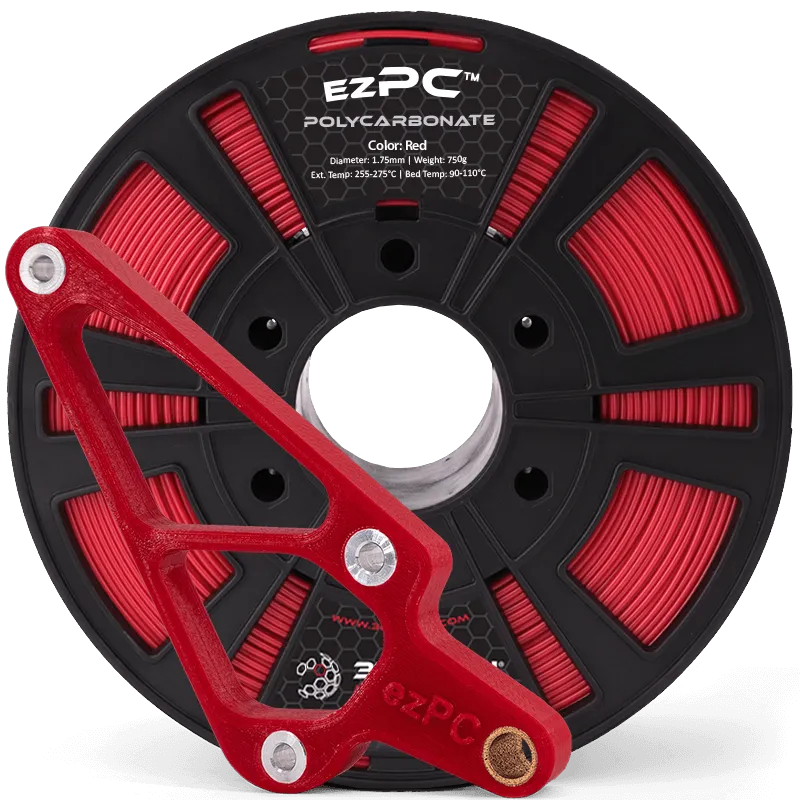
- Keep the antenna area clear: don’t cover the end of the module with metal enclosures, polycarbonate pc cases pressed tight, or your hand during testing
- Orient the module flat: the PCB antenna radiates perpendicular to the board; edge-on orientation can reduce signal
- Check solder joints: cold joints on the module pins cause intermittent connections; reheat with a soldering iron kit if you hand-soldered
- Test a known-good module: swap in a spare ESP32 to rule out hardware failure
For robotics builds that hide the ESP32 inside a chassis with 3d printing materials or dense electronics like the nvidia jetson orin nano super developer kit, consider the ESP32-WROOM-32U variant with a U.FL connector for an external antenna.
Advanced Diagnostics and Alternatives
If you’ve tried everything above, add debug output to see exactly where the connection fails:
WiFi.onEvent([](WiFiEvent_t event) { Serial.printf("WiFi event: %dn", event); });Events like SYSTEM_EVENT_STA_DISCONNECTED with reason codes (wrong password = 15, AP not found = 201) pinpoint the issue. You can also flash ESPHome firmware for built-in diagnostics if you’re not tied to custom Arduino code. The community thread Which ESP32 board is the ESP-WROOM-32? clarifies board definitions that sometimes confuse the Arduino IDE’s upload settings.
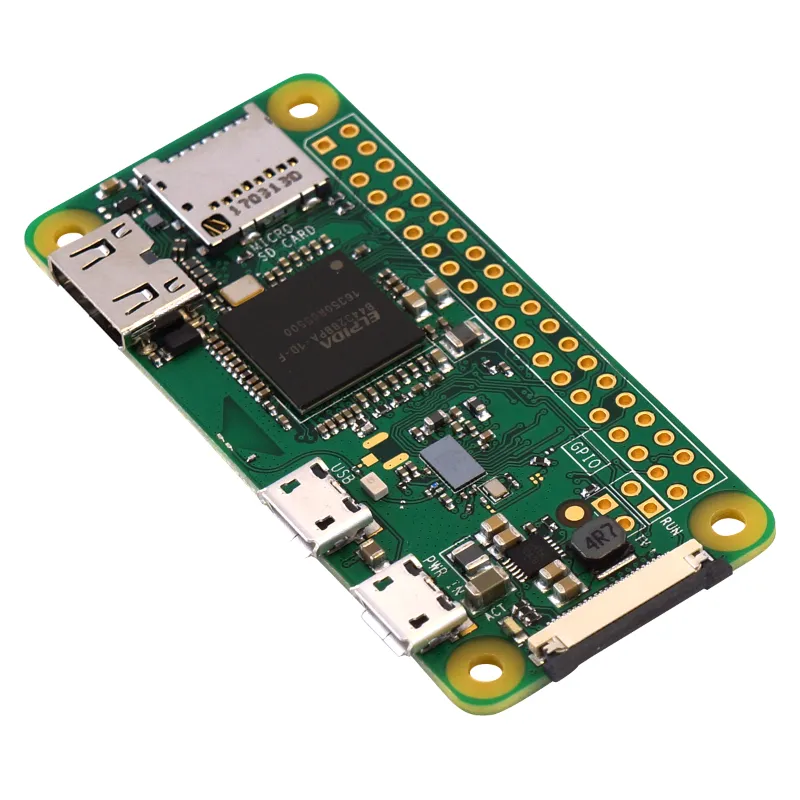
When the ESP32 still won’t cooperate and your project deadline looms, swapping to a raspberry pi zero w or rasberry pi 5 gives you rock-solid WiFi at the cost of higher power draw and complexity. For simpler sensor projects, the Pi Zero W is closer in footprint and cost to the ESP32.
When to Replace vs. Keep Fixing
We replace modules after confirming:
- Voltage stays stable above 3.0V under load
- The same router and code work with a second ESP32 board
- Multiple power supplies and USB cables have been tested
- The PCB antenna area shows no physical damage
Modules rarely fail outright, but ESD damage during handling or soldering can kill the RF section while leaving the microcontroller functional. If serial upload works but WiFi never initializes even in simple sketches, the module is likely toast.
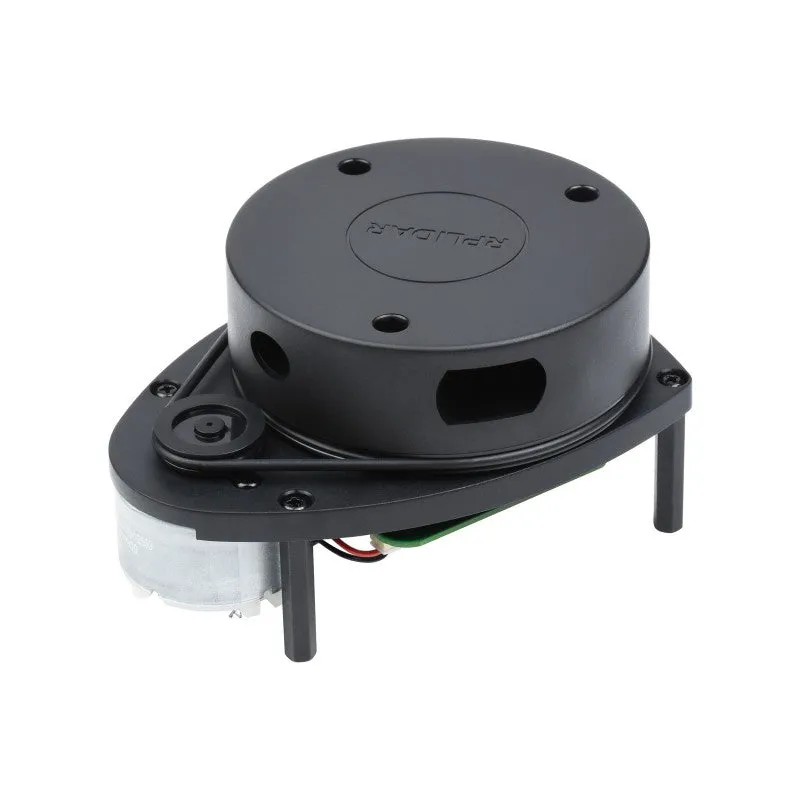
Check the latest pricing and use our code to stock up on spare modules so a single failure doesn’t stall your build. Keeping a couple of spares on hand is smart for any project that relies on wireless connectivity, whether it’s a lidar scanner robot or a remote sensor array.
Proper power supply design and double-checking router settings solve many ESP32 WiFi issues without swapping hardware. Run through the power checklist first, confirm your esp32 wroom 32 arduino code matches the examples, and you’ll have a stable connection within the hour.
Questions
Why does my ESP32-WROOM-32 connect sometimes but not always?
Intermittent connections usually mean your power supply voltage drops below 3.0V during WiFi transmission. Add bulk capacitors directly at the module pins and use a regulator rated for 500 mA or more.
Can I use 5V directly on the ESP32-WROOM-32?
No, the module requires 3.3V on its power pins. Applying 5V will damage the chip. Use a dedicated 3.3V regulator if your source is 5V.
Does the ESP32 work with 5 GHz WiFi networks?
No, the ESP32-WROOM-32 radio only supports 2.4 GHz 802.11 b/g/n. Make sure your router has 2.4 GHz enabled and isn't set to 5 GHz only mode.
What's the difference between ESP32-WROOM-32 and ESP32-WROOM-32D?
The 32D variant uses an on-board PCB antenna like the original, while the 32U has a U.FL connector for external antennas. Pinout and firmware are otherwise identical.
How far can the ESP32-WROOM-32 connect to WiFi?
Range depends on your router, walls, antenna orientation and interference. Metal enclosures, wrong antenna orientation, and interference cut that range significantly.
Will a metal robot chassis block my ESP32 WiFi signal?
Yes, metal and carbon fiber enclosures attenuate 2.4 GHz signals. Position the module's antenna area outside the metal frame or switch to an external antenna variant.
Products in this guide
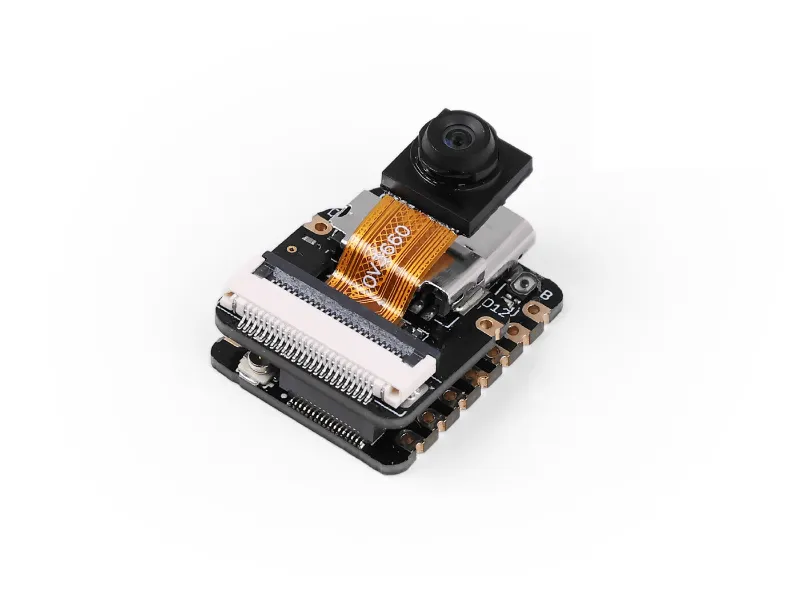
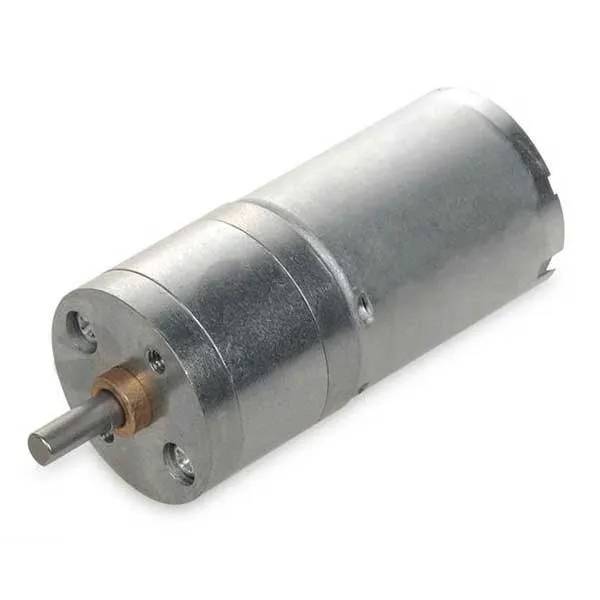
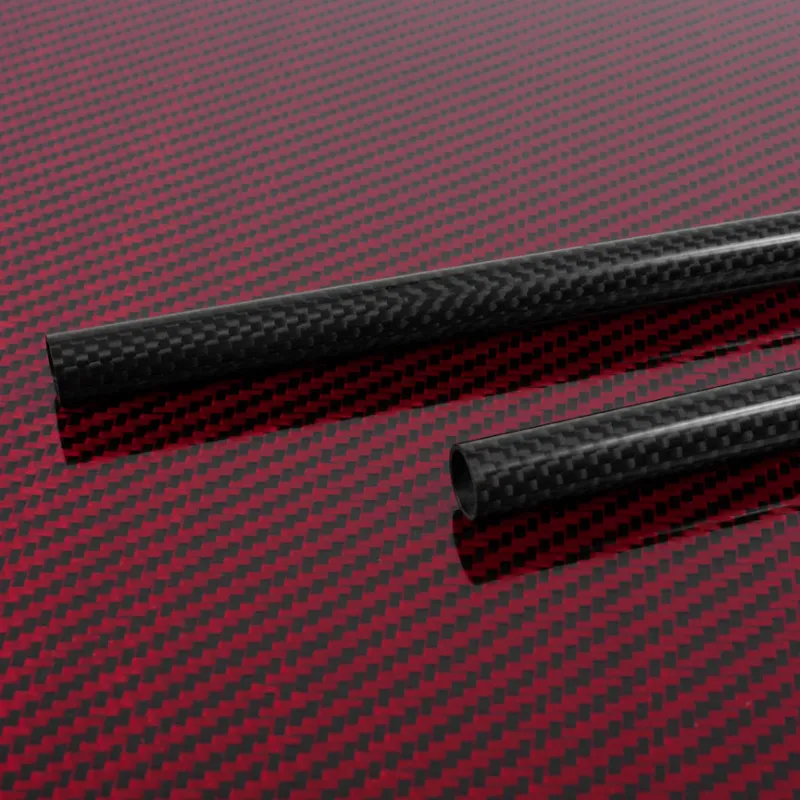
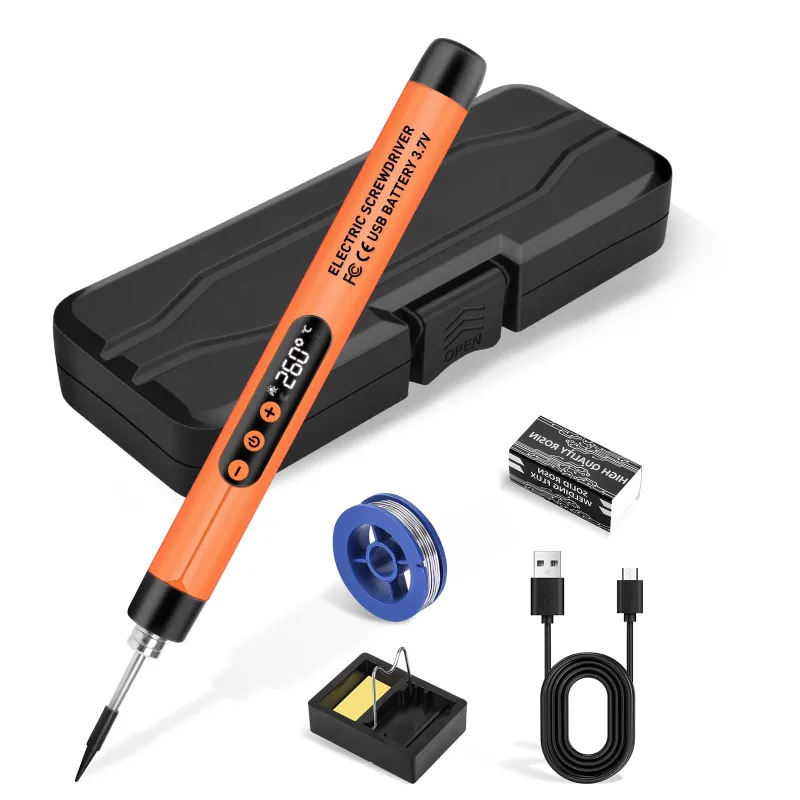
 Shopping at Think Robotics? See the discount code
3% OFF All Orders
Shopping at Think Robotics? See the discount code
3% OFF All Orders
More in this series
Carbon Fibre vs Polycarbonate PC: Choosing Structural Materials for Robot Frames7 Aug 20265 minBest Soldering Iron Temperature for ESP32 Camera Module Installation7 Aug 20264 minDo You Need a LiDAR Scanner for Your Robotics Project?7 Aug 20265 min How to Set Up the NVIDIA Jetson Orin Nano Super Developer Kit for AI Projects7 Aug 20266 minRaspberry Pi Zero W vs Pi Zero 2 W: Which Single-Board Computer Should You Choose?7 Aug 20265 min