 A KEMOVE guide
What’s the Difference Between 60%, 68%, and 80% Keyboards? A Size Comparison Guide
Understanding what's the difference between 60 68 and 80% keyboards helps you choose the right compact layout for your typing needs and workspace.
What’s the Difference Between 60 68 and 80% Keyboards?
The main difference is the number of keys and which function rows each size keeps. A 60% keyboard strips away everything except letters, numbers, and basic modifiers (around 61 keys), a 68% layout adds dedicated arrow keys and a partial navigation cluster, and an 80% board (also called TKL or tenkeyless) keeps the full function row, arrow keys, and navigation block but removes only the numpad.
How Many Keys Does Each Size Actually Have?
Here’s the breakdown by layout, with real examples of each size:
| Size | Key Count | Example Models |
|---|---|---|
| 60% | 61 to 62 keys | kemove shadow 61, dierya dk63 |
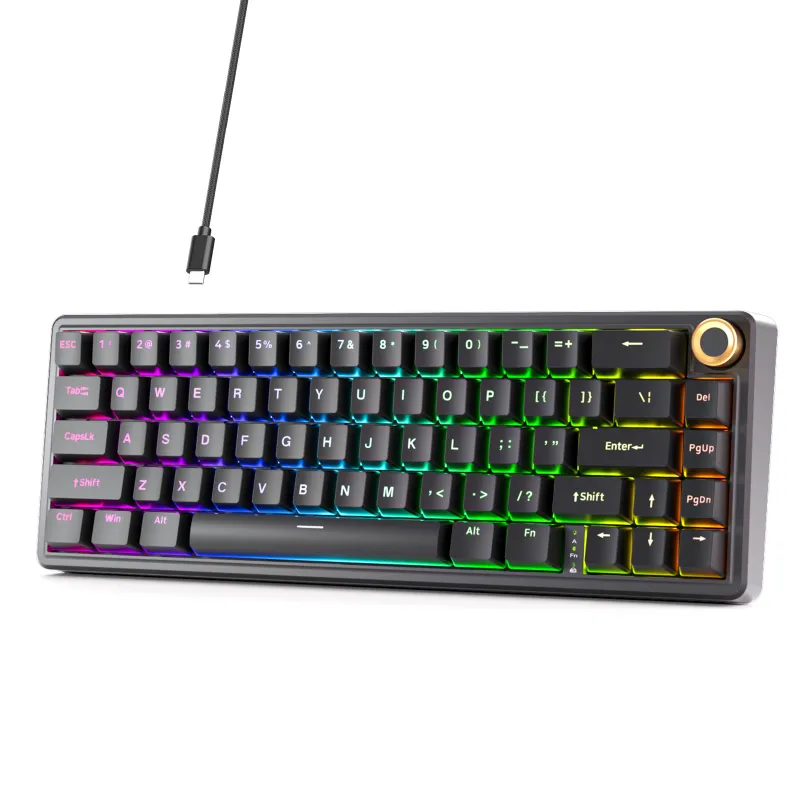
| 68% (65%) | 66 to 68 keys | muscovite 68, KEMOVE tmkb |
| 80% (TKL) | 87 to 88 keys | morkblade k-one 80, 90 keyboard |
The 60% layout removes the function row (F1, F12), arrow keys, and the entire navigation cluster (Insert, Delete, Home, End, Page Up, Page Down). You access those functions through a secondary layer by holding Fn plus another key.
The 68% design restores dedicated arrow keys in the bottom-right corner and usually adds a compact column of navigation keys (Delete, Page Up, Page Down) along the right edge. You still lose the function row, but dailyarrow-key navigation becomes much easier.
The 80% keyboard keeps the function row, arrow keys, and the full six-key navigation block above the arrows (Insert, Delete, Home, End, Page Up, Page Down). The only missing piece compared to a full-size board is the numpad. When you check the latest price on any of these layouts, you’ll notice the compact sizes often cost less and ship faster due to fewer switches and keycaps.
Which Layout Fits Your Typing and Gaming Style?
Go 60% if:
- You want maximum desk space for low-sensitivity mouse gaming
- You’re comfortable memorizing Fn-layer shortcuts for arrows and F-keys
- Portability matters (backpack, travel, hotdesking)
- You type mostly prose or code and rarely need dedicated navigation
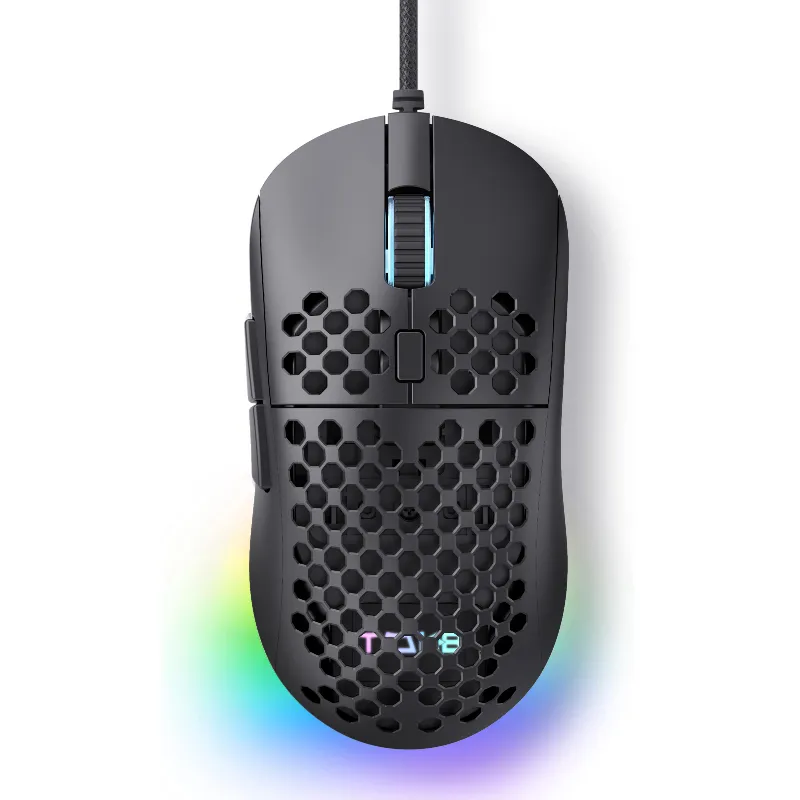
The dierya dk63 has a compact footprint that pairs well with a dierya mouse m1se box for a matched portable setup.
Choose 68% when:
- You need arrow keys for spreadsheets, code navigation, or text editing
- You want compactness but refuse to give up dedicated Delete and Page Up/Down
- You still want more mouse room than an 80% offers
- You’re new to compact layouts and want a gentler transition
The muscovite 68 hits the sweet spot for most users.
Pick 80% (TKL) if:
- You rely on function keys for software shortcuts (Adobe, DAWs, IDEs)
- You want a traditional layout with only the numpad removed
- Desk space isn’t your primary concern
- You switch between multiple keyboards and want minimal relearning
The morkblade k-one 80 gives you nearly every key a full-size board has, minus the number pad. It’s the safest choice if you’ve never used a compact keyboard before. For current pricing across all three sizes, grab the code and compare the models side by side.
What About Build Quality and Keycap Compatibility?
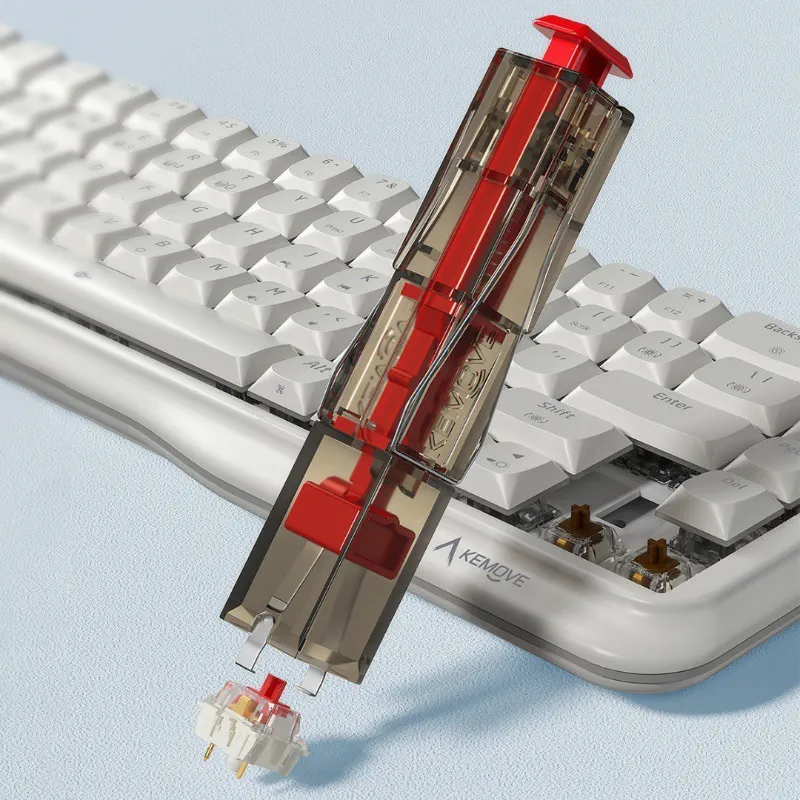
All three sizes use standard mechanical switches (Cherry MX, compatible), so you can swap in any aftermarket switch with a keyboard switch puller. Keycap compatibility is where things split:
- 60% boards use entirely standard keycap sizes, so any keycap set labeled “60% compatible” will fit perfectly
- 68% layouts sometimes use a shorter right Shift (1.75u or 2u instead of 2.75u) and compact bottom-row modifiers, so check the set’s compatibility list
- 80% keyboards mirror full-size boards in every keycap size, making them the easiest to customize
Layout size doesn’t affect per-key acoustics, though smaller boards naturally produce less overall typing noise simply because fewer keys are in use.
Real-World Desk Space Comparison
Here are typical widths for each size on a standard 60 cm × 120 cm desk:
- 60% board: ~29 cm wide, leaving ~91 cm for mouse, notepad, and monitor stand
- 68% board: ~32 cm wide, leaving ~88 cm for peripherals
- 80% board: ~36 cm wide, leaving ~84 cm for everything else
The difference between 60% and 68% is only 3 cm, but those extra centimeters add dedicated arrow keys. The jump from 68% to 80% adds another 4 cm but restores the full function row.
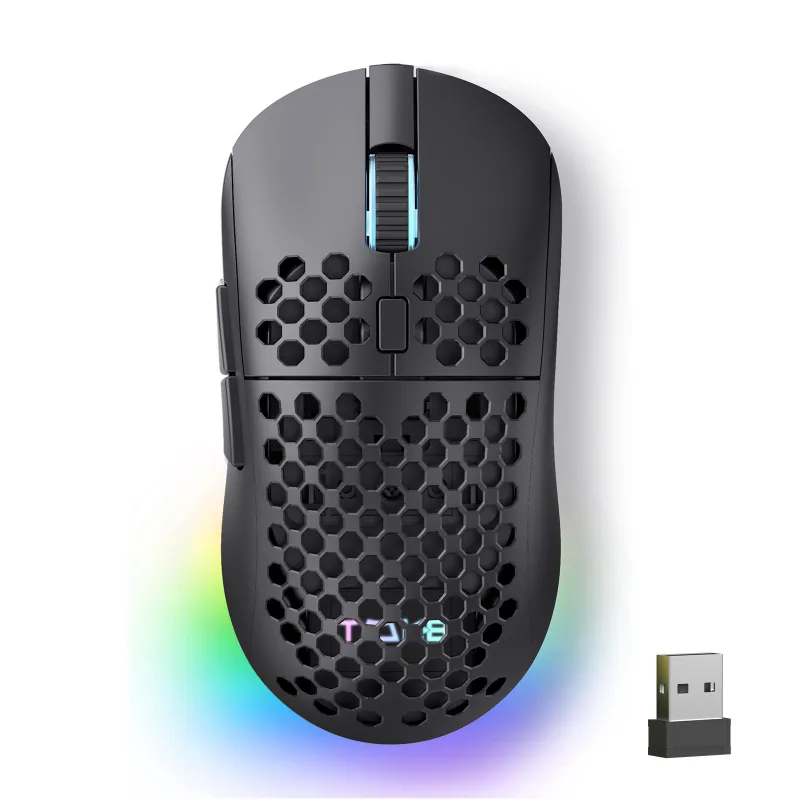
If you game at 400 to 800 DPI (low sensitivity), every centimeter counts. A smaller board leaves more room for a mouse like the tmkb mouse.
How to Choose Between These Three Sizes
Start by listing the keys you actually press in a typical hour. Open your most-used software and note which function keys, arrows, or navigation keys you hit. If F-keys and Home/End appear more than five times an hour, an 80% layout will feel more natural. If you only need arrows and Delete, the 68% hits the mark. If you’re willing to train muscle memory for Fn layers, a 60% maximizes portability.
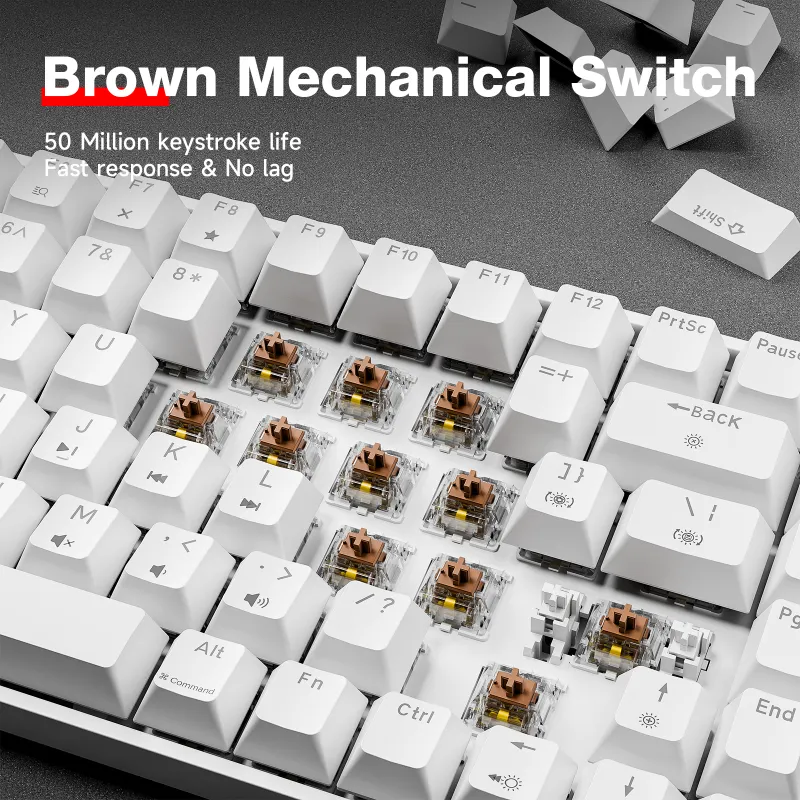
We also recommend trying a KEMOVE tmkb or similar 68% model first if you’re migrating from a full-size board. The learning curve is gentler than a pure 60%, and you can always step down to a kemove shadow 61 later if you want even more desk space. Both models support hot-swap switches, so you can experiment with tactile, linear, or clicky stems without soldering.
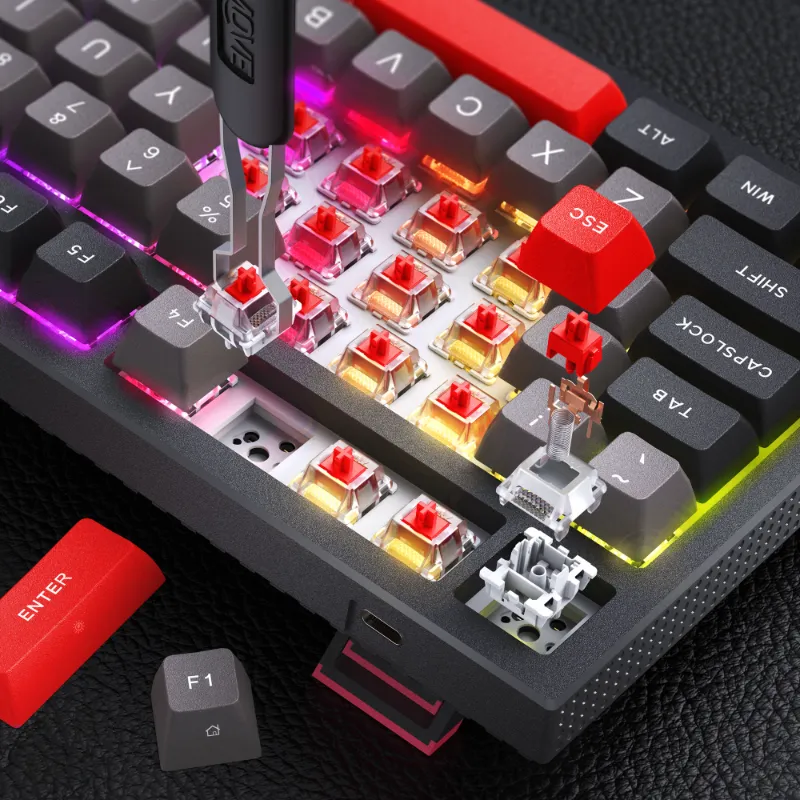
For users who need flexibility, some makers now ship multi-layout PCBs that let you configure a board as 60%, 65%, or 68% by choosing which keys to populate. The kg98 isn’t in that category, but it demonstrates how modern compact boards are pushing layout boundaries.
Finally, don’t forget that layout size affects keycap set pricing. A full 80% keycap set costs more than a 60% set simply because it includes 25+ extra caps. Budget accordingly when planning your build or upgrade. You can always check the current offer to see which size delivers the best value right now.
Which Layout Should You Buy First?
If you’ve never owned a compact keyboard, we recommend starting with a 68% layout like the muscovite 68. It balances portability with practicality and teaches you the benefits of a smaller footprint without the frustration of missing arrow keys. Once you’ve adapted, you can decide whether to go even smaller with a 60% or expand to an 80% for software-heavy workflows. In practice, the difference between 60 68 and 80% keyboards comes down to three factors: how much you rely on dedicated function keys, how much desk space you have, and how quickly you adapt to layered shortcuts.
Questions
What's the difference between 60 68 and 75% keyboards?
A 68% keyboard is essentially a 65% layout with a few extra keys, while a 75% board restores the full function row in a more compact arrangement than an 80% TKL. The 75% is slightly wider than a 68% but narrower than an 80%, making it a middle-ground option for users who need F-keys but want to save desk space.
Can I use a 60% keyboard for work and productivity?
Yes, but it requires learning Fn-layer shortcuts for arrows, function keys, and navigation. If your work involves heavy spreadsheet navigation, code editing, or software with F-key shortcuts, a 68% or 80% layout will feel more efficient out of the box.
Do 68% keyboards work with standard keycap sets?
Most 68% boards use a shorter right Shift key and compact bottom-row modifiers, so you'll need a keycap set that explicitly lists 65% or 68% compatibility. Check the product page or manufacturer specs before buying replacement caps.
Is the muscovite 68 a true 68% layout?
Yes, the muscovite 68 includes dedicated arrow keys and a compact navigation column, which places it in the 68-key range. It's slightly larger than a standard 65% board but smaller than a 75% layout.
Which size saves the most desk space for gaming?
A 60% keyboard like the kemove shadow 61 or dierya dk63 saves the most space, giving you maximum room for low-DPI mouse movements. The difference between 60% and 68% is only about 3 cm, but that can matter for wide mousepads.
Can I add a numpad to an 80% keyboard later?
Yes, you can buy a separate mechanical numpad and place it wherever you like on your desk. You can position it on the left side to keep the mouse closer, which partially defeats the space-saving purpose of a TKL layout but offers flexibility.
Products in this guide
 Shopping at KEMOVE? See the coupon code
5% OFF Sitewide
Shopping at KEMOVE? See the coupon code
5% OFF Sitewide
More in this series
 How Long Do Mechanical Keyboard Switches Last? Lifespan and Durability Explained6 Aug 20266 minKEMOVE TMKB Review: Is This Hot-Swappable Mechanical Keyboard Worth It?6 Aug 20263 minDo Quiet Keyboards Work for Office Use? KEMOVE’s Silent Lineup6 Aug 20264 minHow to Remove Keycaps and Switches Without Damaging Your Mechanical Keyboard6 Aug 20265 minKEMOVE Shadow 61 vs Dierya DK63: Which 60% Mechanical Keyboard Should You Buy?6 Aug 20264 min