 A KEMOVE guide
KEMOVE TMKB Review: Is This Hot-Swappable Mechanical Keyboard Worth It?
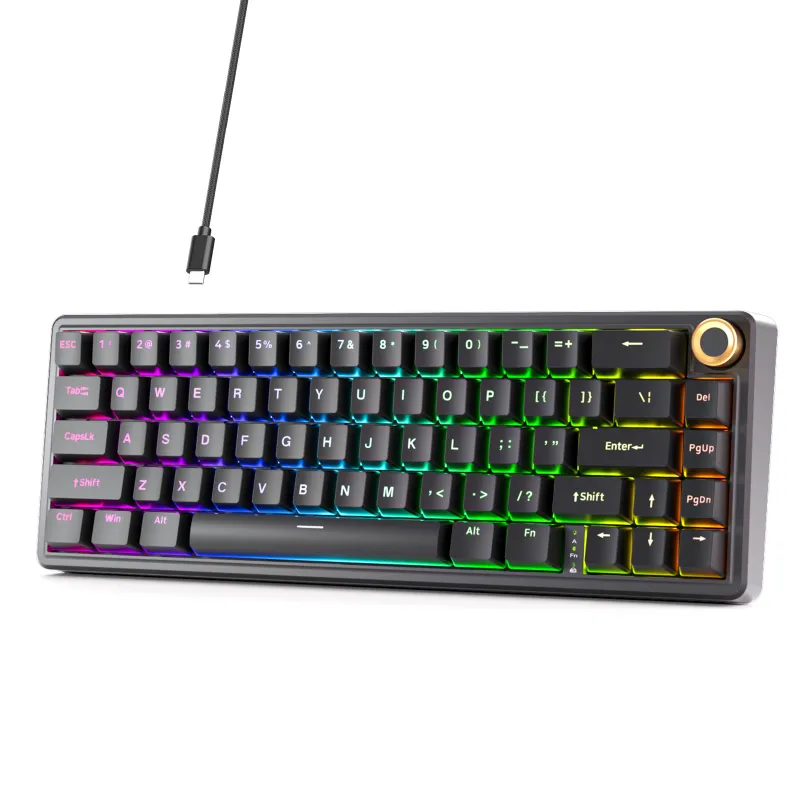
The KEMOVE tmkb delivers hot-swappable switches, solid wireless connectivity, and impressive build quality at a competitive price point.
The KEMOVE tmkb offers hot-swappable switches and wireless connectivity at a competitive price point. This mechanical keyboard is aimed at enthusiasts who want customization freedom without paying premium prices.
What Makes the KEMOVE TMKB Different
The KEMOVE tmkb belongs to the KEMOVVE-TKMB mechanical keyboard series from Kemove, which focuses on delivering enthusiast features at accessible prices. The standout feature is true hot-swappable sockets that accept any 3-pin or 5-pin mechanical switch without soldering.
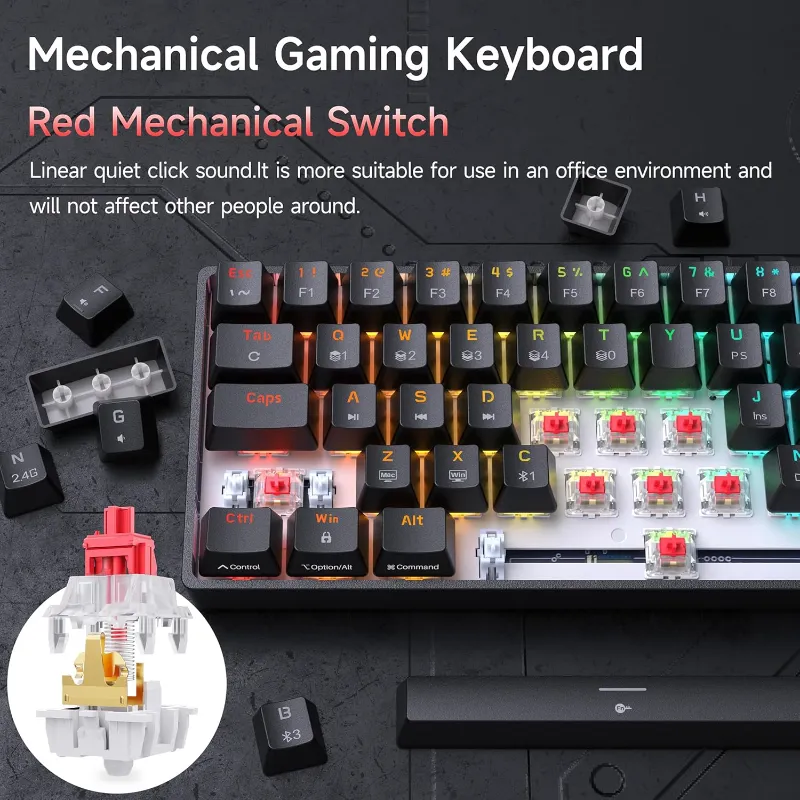
If you’re curious about different typing experiences or want to build a quiet keyboard for the office, this flexibility matters.
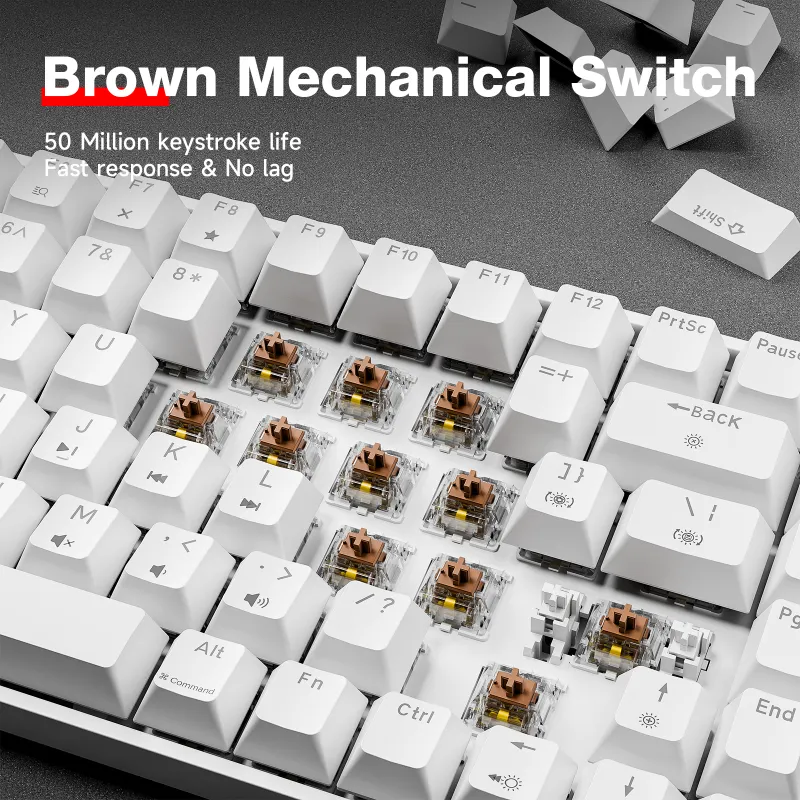
The keyboard ships with either Gateron or Box switches depending on your configuration. The case is ABS plastic, and the double-shot PBT keycaps resist shine better than cheaper ABS alternatives. Check the latest price to see current bundle options.
Hot-Swap Capability and Customization
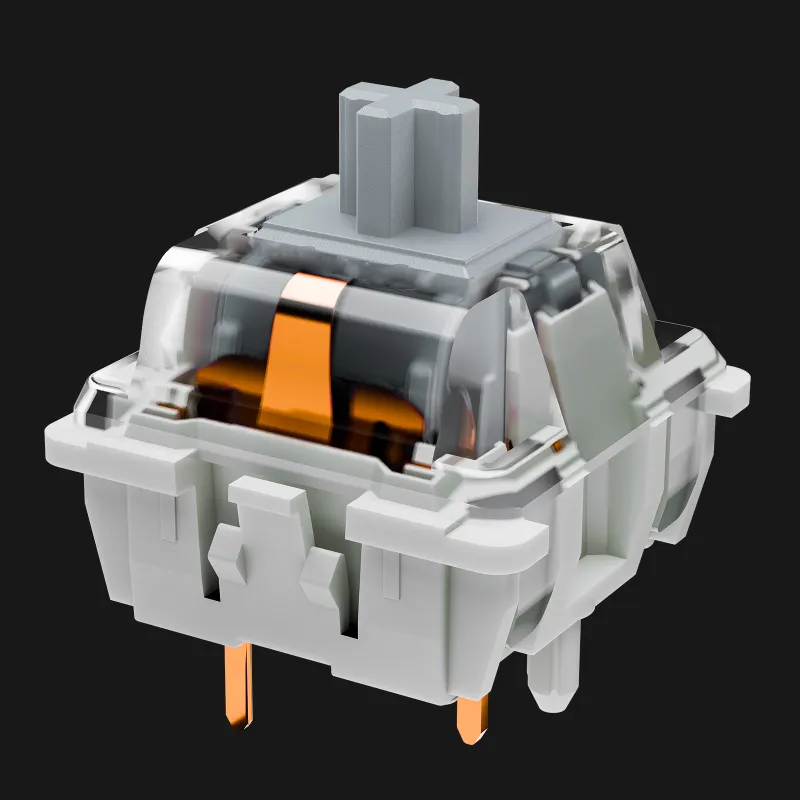
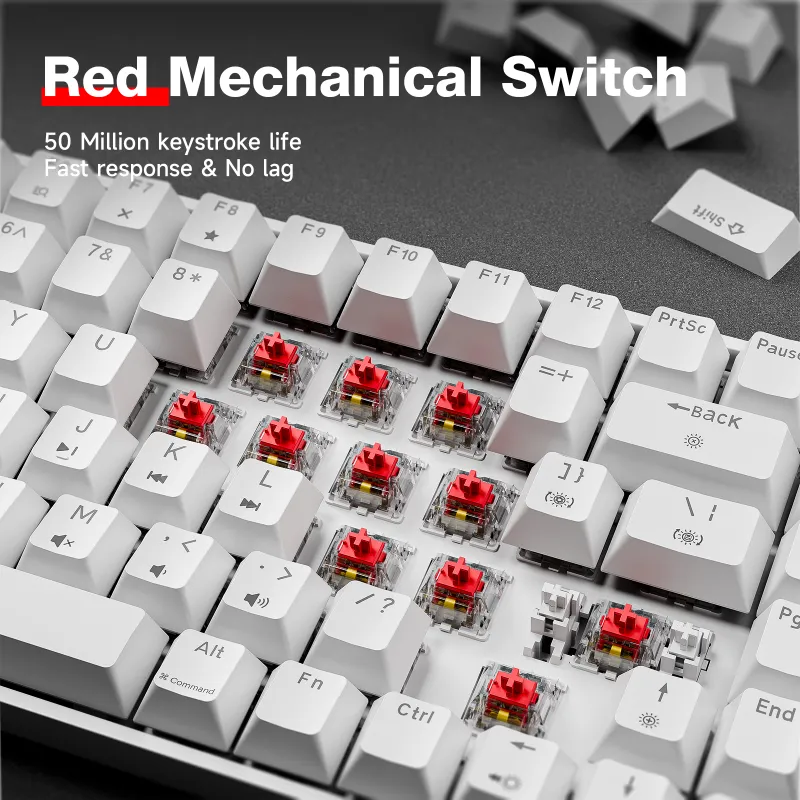
Hot-swappable switches transform how you interact with a mechanical keyboard. Instead of committing to one switch type forever, you can experiment with tactile, linear, or clicky options as your preferences evolve.
Key customization features:
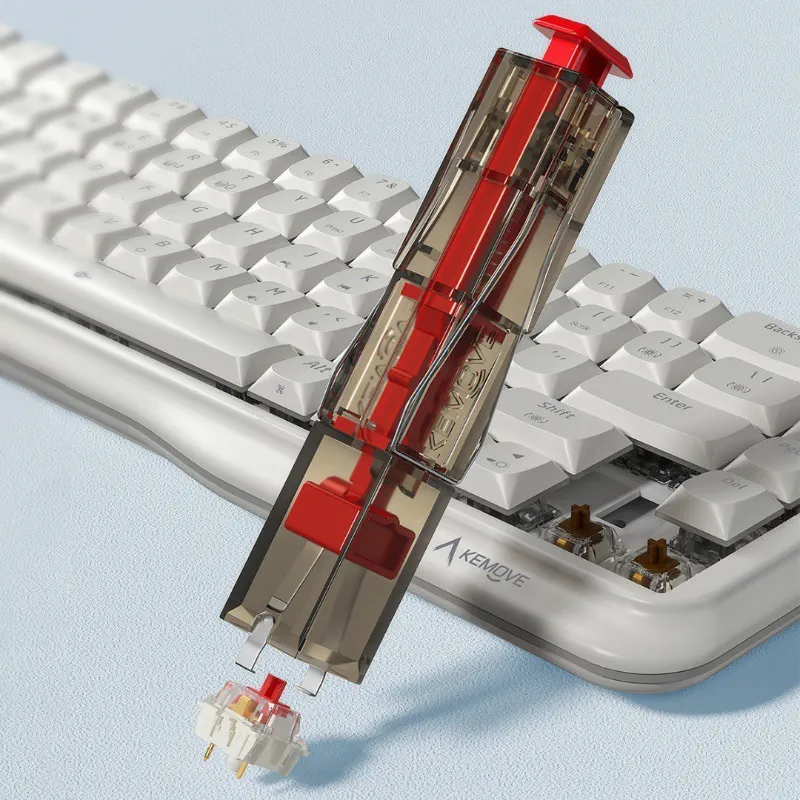
- Compatible with all major 3-pin and 5-pin MX-style switches
- Includes a keyboard switch puller in the box for easy removal
- RGB lighting remains functional after switch swaps
- Stabilizers are plate-mounted and can be lubed for smoother large keys
The kbd.news review praised the hot-swap implementation as reliable after long-term use.
For comparison, the dierya dk63 offers similar hot-swap capability in a compact 60% layout, while the kemove shadow 61 targets gamers who prefer the smaller form factor.
Build Quality and Typing Experience
The stabilizers arrive pre-lubed (though additional tuning reduces rattle on the spacebar).
| Feature | KEMOVE TMKB | Dierya DK63 | Muscovite 68 |
|---|---|---|---|
| Hot-swap | Yes | Yes | Yes |
| Wireless | Bluetooth + 2.4GHz | Bluetooth | Bluetooth |
| Battery life | 30+ hours (RGB off) | 20+ hours | 25+ hours |
| Keycaps | PBT double-shot | PBT | PBT |
Sound signature depends heavily on your switch choice. Factory Gateron Browns produce moderate noise suitable for shared spaces. Swapping to silent switches creates a genuinely quiet keyboard that won’t disturb coworkers.
The case design includes rubber feet that prevent sliding during aggressive typing. Flip-out feet are included if you want a steeper typing angle.
Wireless Performance and Battery Life
Dual-mode wireless connectivity (Bluetooth 5.1 and 2.4GHz dongle) works with Windows, macOS, and Linux machines. The 2.4GHz mode delivers lower latency for gaming, while Bluetooth lets you pair three devices simultaneously.
Wireless specs:
- Bluetooth 5.1 with three-device memory
- 2.4GHz dongle for 1ms response time
- USB-C wired mode with full NKRO
- 30+ hours battery life with RGB disabled
- 8 to 12 hours with moderate RGB brightness
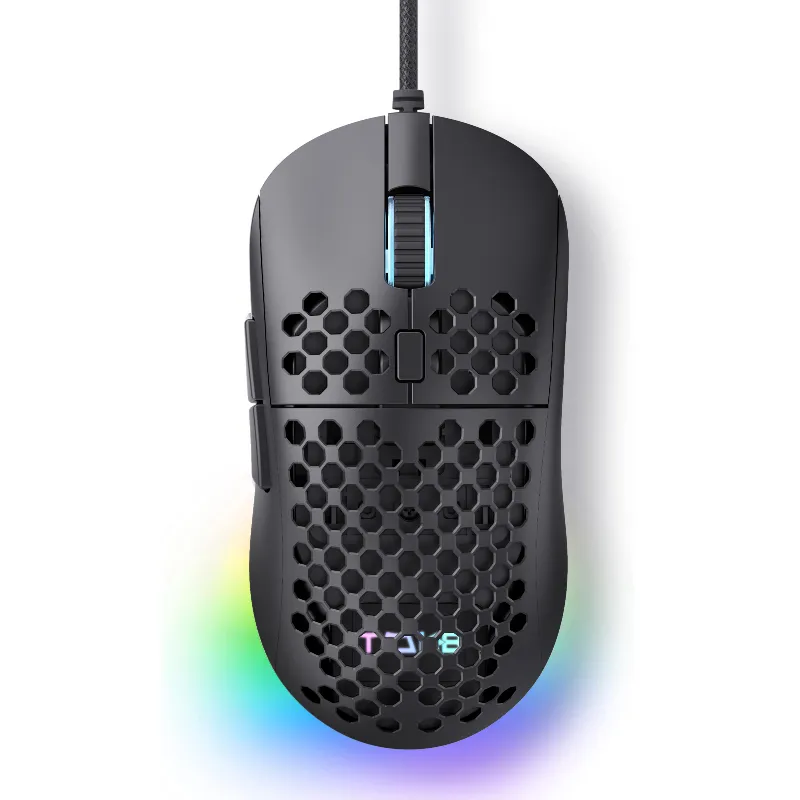
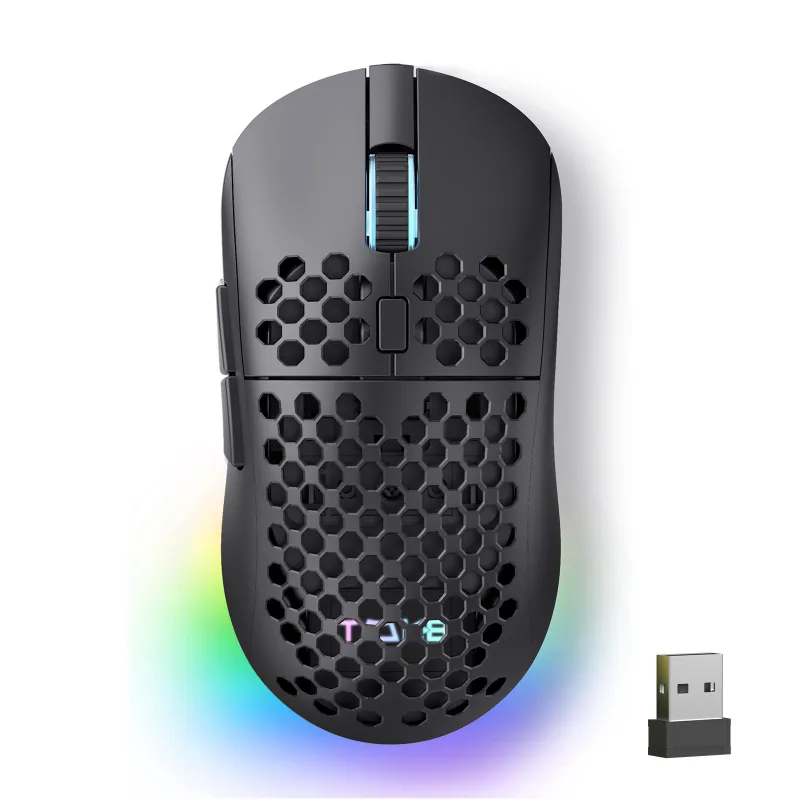
The tmkb mouse pairs well if you want matching wireless peripherals.
The board remains fully functional while charging over USB-C.
How It Compares to Alternatives
The KEMOVE tmkb competes directly with other hot-swap boards in the $70 to $100 range. The muscovite 68 offers a more compact layout with arrow keys, while the morkblade k-one 80 targets users who need a dedicated numpad and TKL layout.
Consider the KEMOVE tmkb if you:
- Want hot-swap switches without building a custom board
- Need reliable wireless for multiple devices
- Prefer a standard layout over compact 60% designs
- Plan to experiment with different switch types
Look at alternatives if you:
- Need a full-size board with numpad (kg98 fits this use case)
- Prefer ultra-compact 60% layouts (kemove shadow 61)
- Want premium aluminum construction over plastic
- Require Mac-specific legends and layout
The dierya keyboard line is another option with similar features. Grab our code for 5% off any KEMOVE purchase.
Software and RGB Customization
KEMOVE’s software runs on Windows and macOS, providing full control over lighting effects, key remapping, and macro programming.
RGB customization includes per-key lighting with smooth transitions. Brightness adjusts across ten levels, and you can disable lighting entirely to maximize battery life.
Key remapping works without software after programming, since settings save to onboard memory. This matters for Linux users or anyone who switches between multiple computers. TMKB’s news page announces firmware updates that occasionally add features.
Is the KEMOVE TMKB Worth Buying
The KEMOVE tmkb justifies its price for anyone curious about mechanical keyboards who wants customization freedom. Hot-swap sockets eliminate the biggest barrier to switch experimentation.
We recommend it for office workers who want to try different switch types for quieter typing, enthusiasts building their first custom experience, and multi-device users who value Bluetooth flexibility.
Budget-conscious buyers should compare current pricing across the KEMOVE lineup. The 90 keyboard and other models occasionally run deeper discounts. Check the coupon page before purchasing to ensure you’re getting the best deal on whichever layout fits your desk.
Questions
Can I use any mechanical switches with the KEMOVE tmkb?
Yes, the hot-swap sockets accept all MX-style 3-pin and 5-pin switches from brands like Cherry, Gateron, Kailh, and others. You don't need soldering skills to swap switches.
How long does the battery last on a full charge?
Battery life ranges from 30+ hours with RGB disabled to 8-12 hours with moderate lighting. Charging via USB-C takes about 2 hours, and the keyboard works while plugged in.
Does the keyboard work with Mac and Linux?
Yes, it supports Windows, macOS, and Linux over Bluetooth or USB-C. Key remapping and lighting settings save to onboard memory, so they work without software across all operating systems.
Is the KEMOVE tmkb loud for office use?
Sound depends on your switch choice. Factory Gateron Browns produce moderate noise, but you can swap to silent switches to create a genuinely quiet typing experience suitable for shared workspaces.
What comes included in the box?
The package includes the keyboard with your chosen switches pre-installed, PBT keycaps, a keyboard switch puller, a 2.4GHz USB dongle, a USB-C charging cable, and a keycap puller.
Can I connect the keyboard to multiple devices?
Yes, Bluetooth mode supports three paired devices with quick switching via function shortcuts. You can also use the 2.4GHz dongle for a fourth device or wired USB-C connection.
Products in this guide
 Shopping at KEMOVE? See the coupon code
5% OFF Sitewide
Shopping at KEMOVE? See the coupon code
5% OFF Sitewide
More in this series
How Long Do Mechanical Keyboard Switches Last? Lifespan and Durability Explained6 Aug 20266 minWhat’s the Difference Between 60%, 68%, and 80% Keyboards? A Size Comparison Guide6 Aug 20264 minDo Quiet Keyboards Work for Office Use? KEMOVE’s Silent Lineup6 Aug 20264 minHow to Remove Keycaps and Switches Without Damaging Your Mechanical Keyboard6 Aug 20265 minKEMOVE Shadow 61 vs Dierya DK63: Which 60% Mechanical Keyboard Should You Buy?6 Aug 20264 min