 A KEMOVE guide
KEMOVE Shadow 61 vs Dierya DK63: Which 60% Mechanical Keyboard Should You Buy?
The dierya keyboard DK63 and KEMOVE Shadow 61 both deliver compact 60% layouts with hot-swap sockets, but they differ in build quality, software, and price.
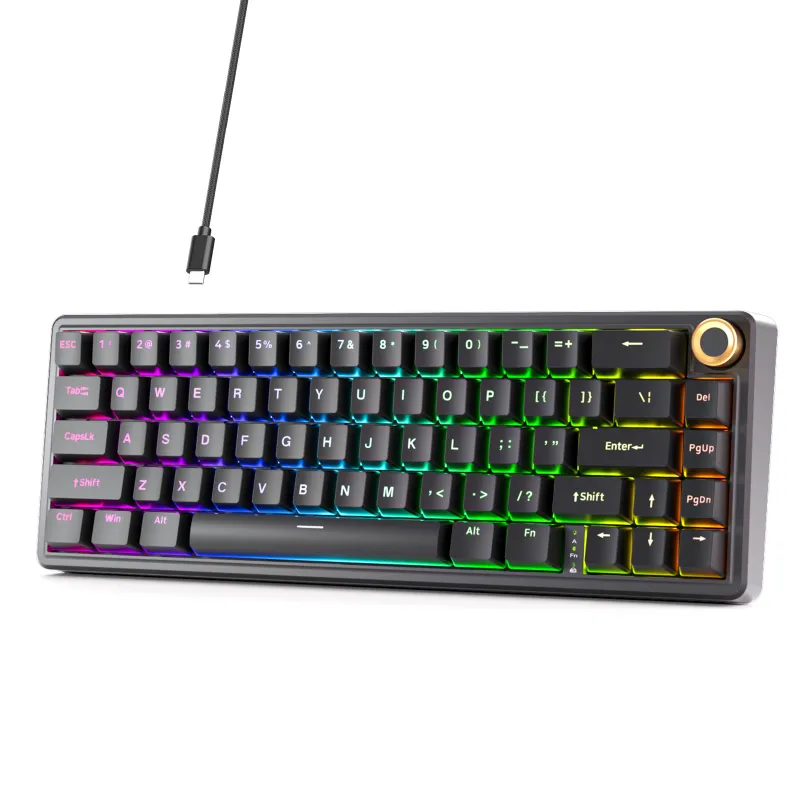
The dierya keyboard DK63 and KEMOVE Shadow 61 both offer compact 60% layouts with hot-swap capabilities, but the Shadow 61 pulls ahead with a CNC aluminum case, gasket-mount design, and more refined software. If you want premium build quality and deeper customization, the Shadow 61 is worth the investment. If you need a solid budget option with hot-swap flexibility, the DK63 delivers excellent value.
What Makes Each Dierya Keyboard Different
The dierya dk63 uses a plastic case with integrated plate construction, keeping weight and cost down. It ships with Gateron or Outemu switches (depending on the variant you choose) and offers basic RGB backlighting through a straightforward key-combo interface. The Shadow 61 steps up with a CNC-machined aluminum case, gasket-mounted PCB for improved acoustics, and south-facing LEDs that eliminate interference with Cherry-profile keycaps. Both boards support hot-swap sockets, so you can swap switches without soldering.
Build quality separates these two immediately. The Shadow 61 feels denser in hand, with less flex and a more muted typing sound thanks to the gasket mount and metal chassis. The DK63’s plastic construction produces a higher-pitched, slightly hollow tone, though adding foam or desk mat dampening helps. For portability, the DK63 is lighter and easier to toss in a bag.
Dierya Keyboard Software and Customization
The DK63 relies on hardware-based RGB control through Fn-key combinations. You cycle through lighting modes, adjust speed, and change brightness without installing software. This approach works well if you prefer simplicity, but you cannot remap keys or create custom macros. The dierya keyboard software is available for some models, though support for the DK63 remains limited.
The Shadow 61 ships with KEMOVE’s desktop software for Windows and macOS, letting you remap every key, program layers, record macros, and save profiles to onboard memory. The interface is clean and responsive. You can also configure per-key RGB, set up reactive lighting effects, and export settings to share across devices. Grab the code to save 5% on your Shadow 61 order.
If you care about programmability, the Shadow 61 wins. If you want plug-and-play lighting without installing drivers, the DK63 is simpler.
Switch Compatibility and Hot-Swap Experience
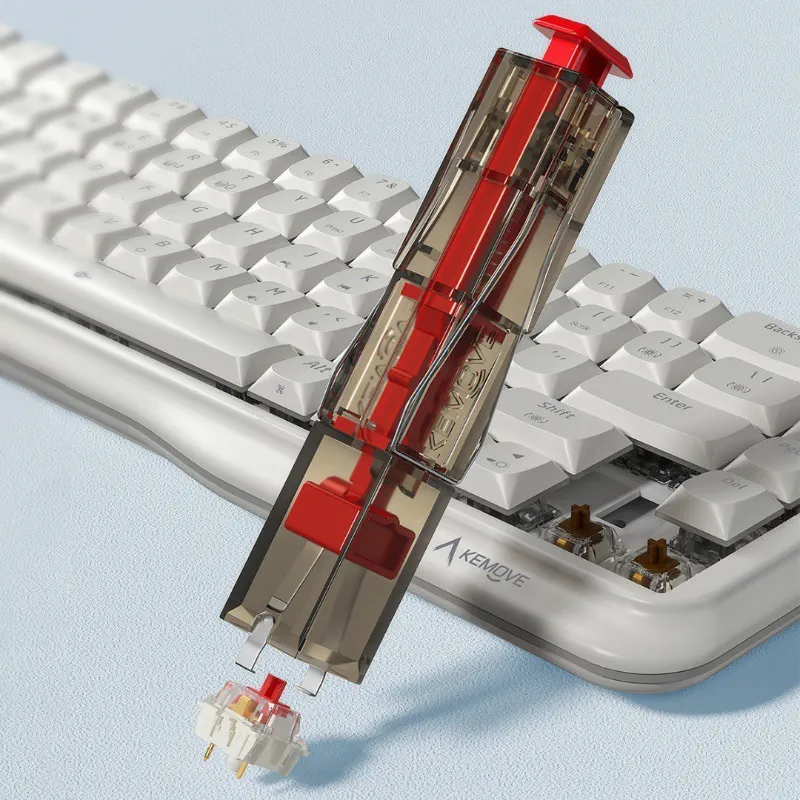
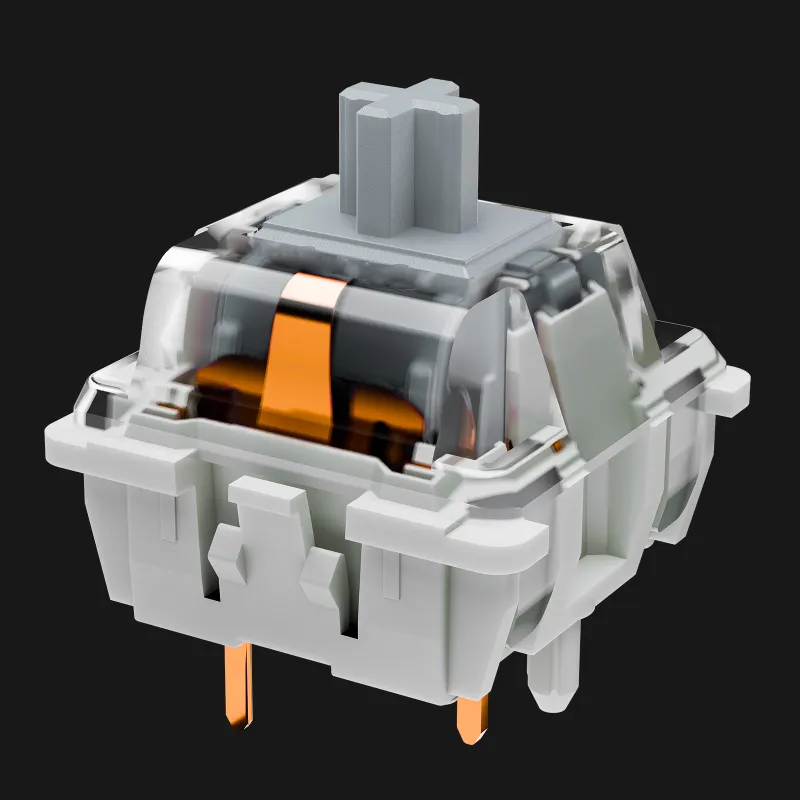
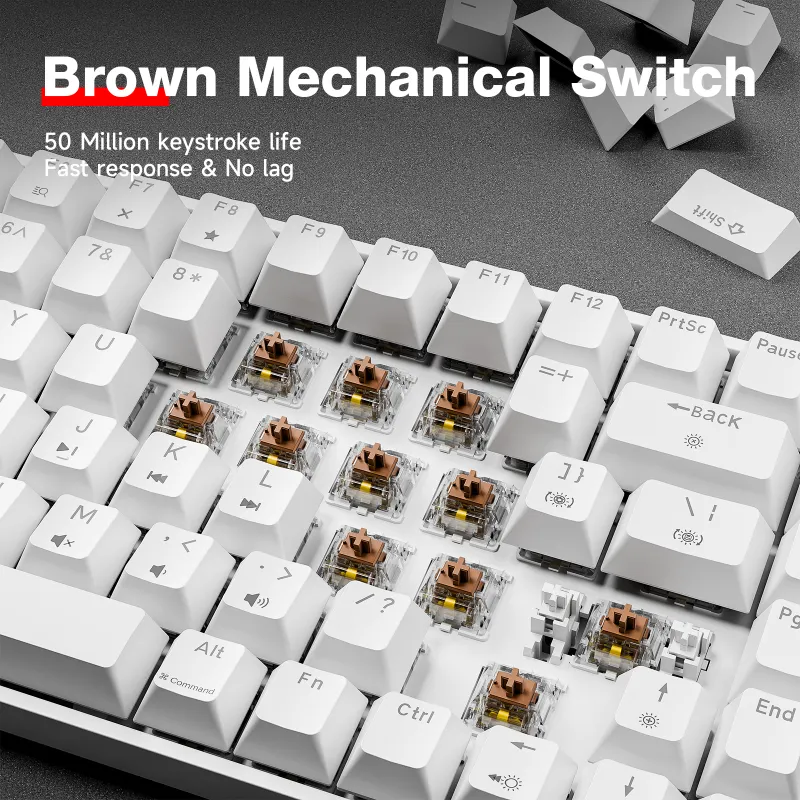
Both keyboards use standard MX-style hot-swap sockets, so you can install any three-pin or five-pin mechanical switch. The Shadow 61’s PCB supports both switch types out of the box. The DK63 works with three-pin switches natively; five-pin switches require you to clip the extra plastic legs or use a keyboard switch puller and flush cutters.
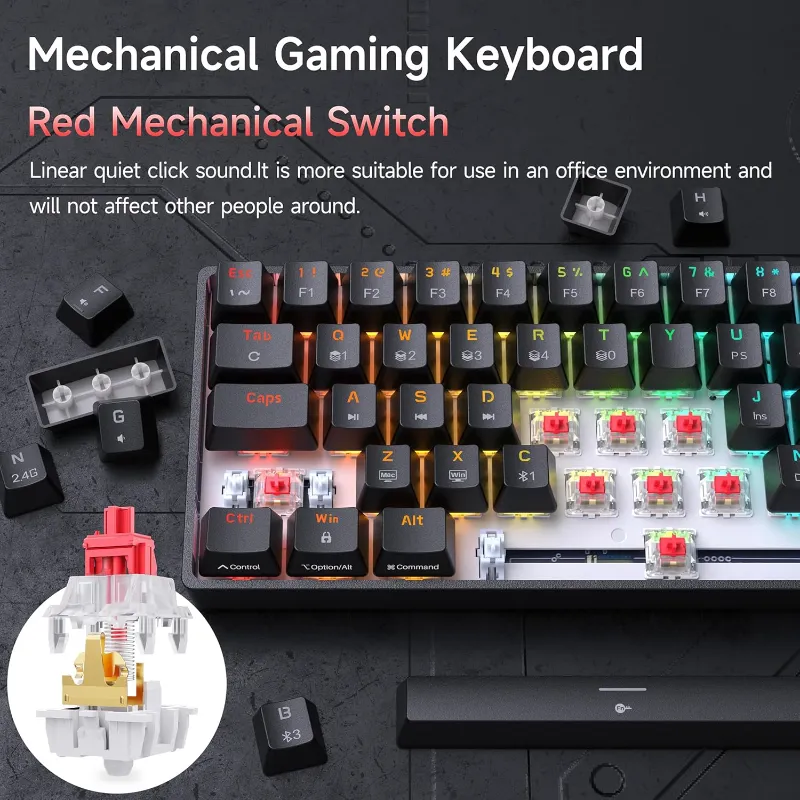
If you want a quiet keyboard setup, drop in silent linear or tactile switches like Gazzew Bobagums or Durock Shrimps. The Shadow 61’s gasket mount and foam layers help dampen bottoming-out noise, while the DK63 benefits from aftermarket case foam. Both boards ship with stabilizers, but the Shadow 61’s factory-lubed stabs feel smoother and rattle less. You may need to tune the DK63’s stabilizers with dielectric grease and bandaid mods for best results.
Connectivity: Wired, Wireless, or Both
The DK63 offers wired USB-C and Bluetooth 4.0 dual-mode connectivity. Pairing is straightforward: hold Fn + Q/W/E to switch between three saved devices. Battery life runs about two weeks of mixed use with RGB off, closer to one week with moderate lighting. Charging takes roughly three hours via the included USB-C cable.
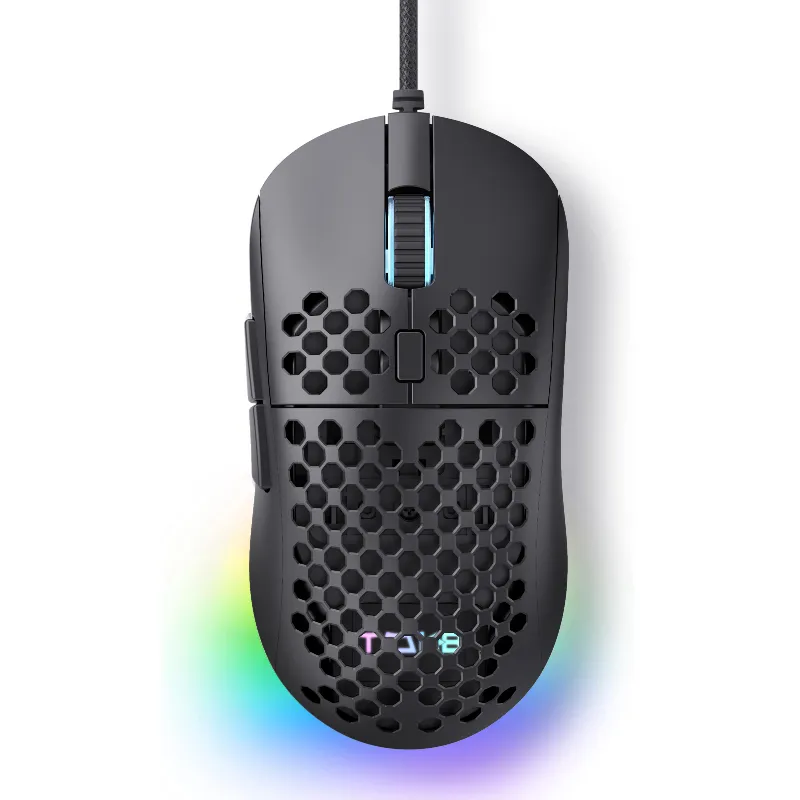
The Shadow 61 ships in wired-only and dual-mode variants. The dual-mode version adds Bluetooth 5.1 with lower latency and better range than the DK63’s older Bluetooth standard. Both boards work well for office and gaming, though wired mode eliminates any input lag. If you pair your keyboard with a dierya mouse m1se box or tmkb mouse, you can build a cohesive wireless setup.
For users who want to connect across multiple devices without dongles, either board works. The Shadow 61’s newer Bluetooth feels snappier when switching profiles.
Price, Value, and Where to Buy
The DK63 typically retails between $50 and $70, positioning it as one of the most affordable hot-swap 60% boards on the market. The Shadow 61 usually lands between $90 and $120, depending on the case color and connectivity options you choose. Check the latest price and apply our 5% discount code at checkout.
Value depends on your priorities. The DK63 delivers hot-swap functionality, wireless connectivity, and RGB lighting at a budget-friendly price. It is a strong entry point if you are new to mechanical keyboards or want to experiment with different switches without spending heavily. The Shadow 61 offers better acoustics, premium materials, and software-driven customization that justify the higher cost for enthusiasts.
If you are building a larger collection, consider pairing a 60% board with a muscovite 68 or morkblade k-one 80 for layouts that include dedicated arrow keys and navigation clusters.
Who Should Choose Which Board
Choose the DK63 if you want an affordable hot-swap keyboard with wireless capability, you prefer hardware-based RGB control, or you are trying mechanical keyboards for the first time. It handles daily typing and gaming without issue, and the hot-swap sockets let you upgrade switches as your preferences evolve.
Choose the Shadow 61 if you value build quality and sound, you need robust remapping and macro support, or you plan to customize extensively with switches, keycaps, and mods. The aluminum case and gasket mount create a typing experience closer to higher-end custom boards, and the software unlocks per-key control that hardware combos cannot match.
Both keyboards serve the compact 60% niche well. The DK63 maximizes value for cost-conscious buyers, while the Shadow 61 delivers a more refined package for users ready to invest in better materials and deeper software integration. Whichever you pick, you will gain hot-swap flexibility and a space-saving layout that works across home, office, and travel setups.
Questions
Can I use the DK63 and Shadow 61 with Mac?
Yes, both keyboards work with macOS. The DK63 uses hardware key combos, so no software is needed. The Shadow 61's KEMOVE software supports macOS for full remapping and RGB control.
How do I change the color on my dierya keyboard?
On the DK63, hold Fn and press the arrow keys or designated RGB keys to cycle lighting modes and adjust brightness. The Shadow 61 lets you configure per-key colors through the KEMOVE software for more granular control.
Does the Shadow 61 support QMK or VIA firmware?
No, the Shadow 61 uses KEMOVE's proprietary software. It offers extensive remapping, macros, and lighting control but does not run QMK or VIA.
Which board is quieter for office use?
The Shadow 61 produces less noise thanks to its gasket-mounted design and aluminum case, especially with silent switches installed. The DK63 is louder due to its plastic construction but can be quieted with foam mods and a desk mat.
Can I connect the DK63 to multiple devices at once?
The DK63 stores three Bluetooth profiles, so you can pair it with three devices and switch between them using Fn + Q/W/E. Only one device connects at a time.
Are replacement keycaps easy to find for these 60% layouts?
Yes, both use standard ANSI 60% layouts, so most aftermarket keycap sets fit without issues. Just confirm the set includes a 6.25u spacebar and proper 1.25u modifiers.
Products in this guide
 Shopping at KEMOVE? See the coupon code
5% OFF Sitewide
Shopping at KEMOVE? See the coupon code
5% OFF Sitewide
More in this series
How Long Do Mechanical Keyboard Switches Last? Lifespan and Durability Explained6 Aug 20266 minWhat’s the Difference Between 60%, 68%, and 80% Keyboards? A Size Comparison Guide6 Aug 20264 min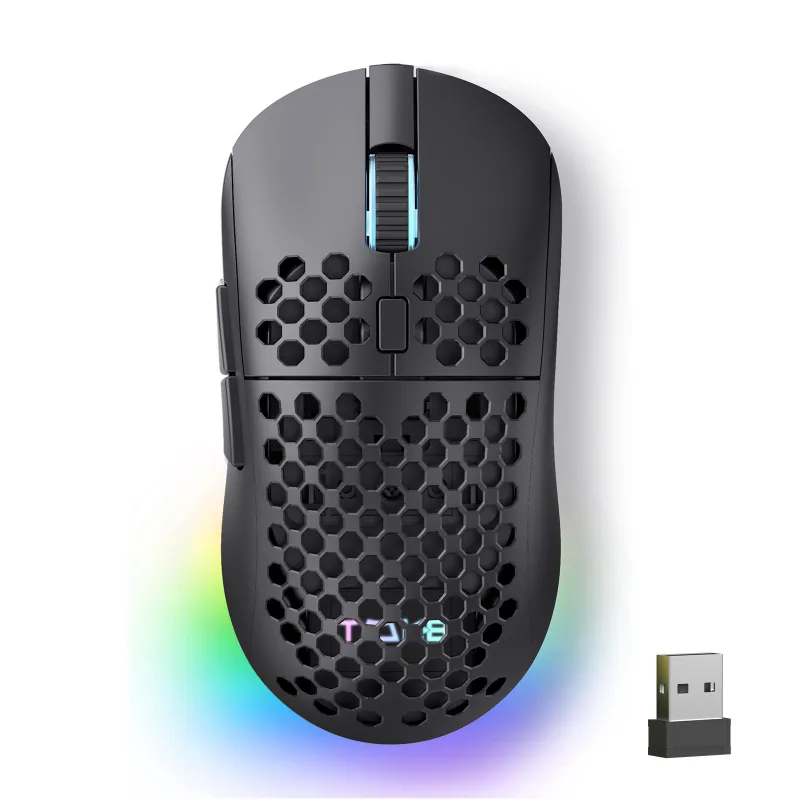 KEMOVE TMKB Review: Is This Hot-Swappable Mechanical Keyboard Worth It?6 Aug 20263 minDo Quiet Keyboards Work for Office Use? KEMOVE’s Silent Lineup6 Aug 20264 minHow to Remove Keycaps and Switches Without Damaging Your Mechanical Keyboard6 Aug 20265 min