 A KEMOVE guide
Do Quiet Keyboards Work for Office Use? KEMOVE’s Silent Lineup
A quiet keyboard genuinely reduces office noise, and KEMOVE's silent lineup gives you more options than most brands at this price point.
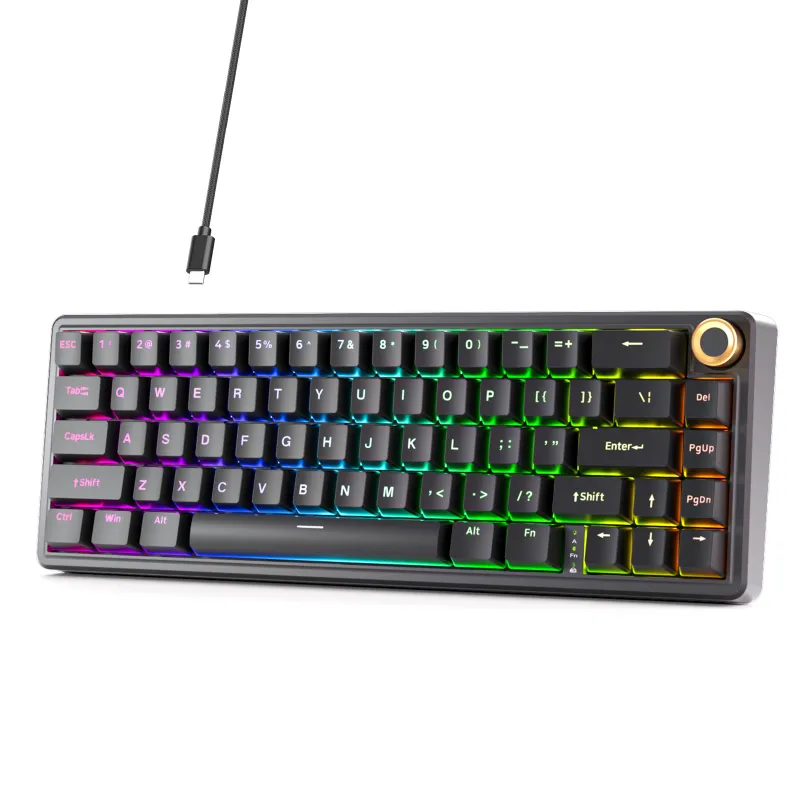
A quiet keyboard can meaningfully cut typing noise to a level that is comfortable in a shared office space, and KEMOVE’s silent lineup does this without giving up tactile feedback or build quality.
What makes a quiet keyboard actually quiet
The noise a keyboard makes comes from two places: the switch mechanism and the bottom-out sound when a key hits the plate or PCB. A keyboard marketed as silent needs to address both.
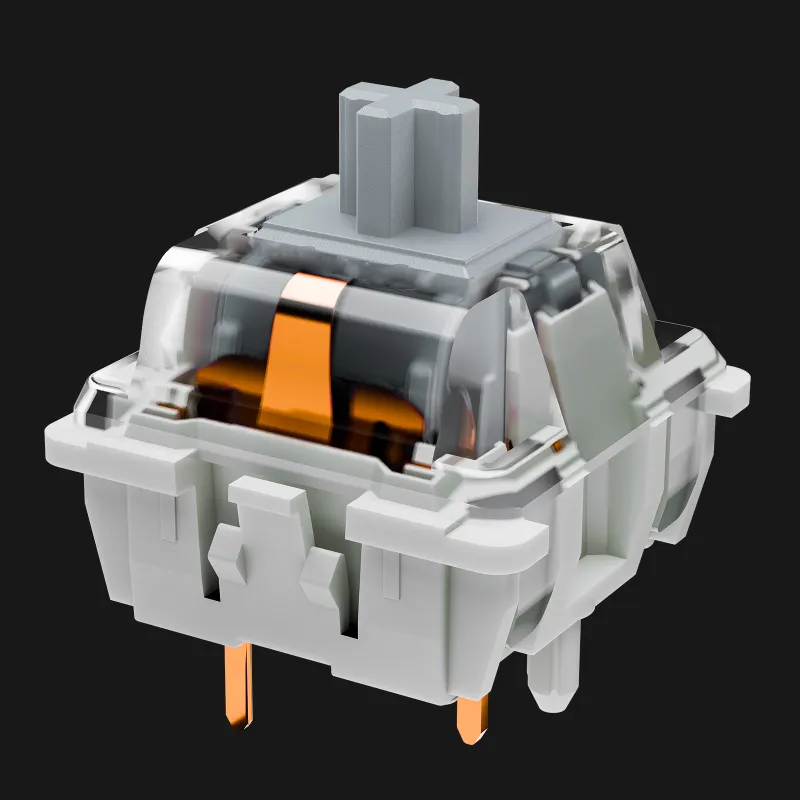
- Switch type is the biggest factor. Linear switches with built-in dampening pads, often called silent linear switches, absorb the impact at the top and bottom of each keystroke.
- Case material and mounting style matter too. A gasket-mounted board absorbs vibration before it transfers to your desk.
- Stabilizers on larger keys like the spacebar and shift can rattle if they are not lubricated. A well-built board ships with pre-lubed stabilizers.
For a broader look at how different models compare on measured noise levels, RTINGS’ quiet keyboard guide is a solid reference that uses actual decibel measurements.
KEMOVE’s silent options: which board fits your setup
KEMOVE and its TMKB sub-brand cover several form factors. Here is how the main contenders stack up for office use.
| Model | Layout | Best for |
|---|---|---|
| kemove shadow 61 | 60% | Minimal desk, on the go |
| dierya dk63 | 60% | Compact plus arrow keys |
| muscovite 68 | 65% | Small footprint, daily driver |
| kg98 | 96% / TKL | Full layout minus numpad |
| morkblade k-one 80 | 80% TKL | Function row plus navigation |
The muscovite 68 stands out as a solid pick for office use: the 65% layout keeps mouse travel short, it is available with silent switch options, and the build feels solid without being heavy to carry between home and office. The kg98 suits anyone who wants a numpad-adjacent layout while staying reasonably compact, a good option if you do a lot of data entry.
Quiet keyboard switches: what KEMOVE uses
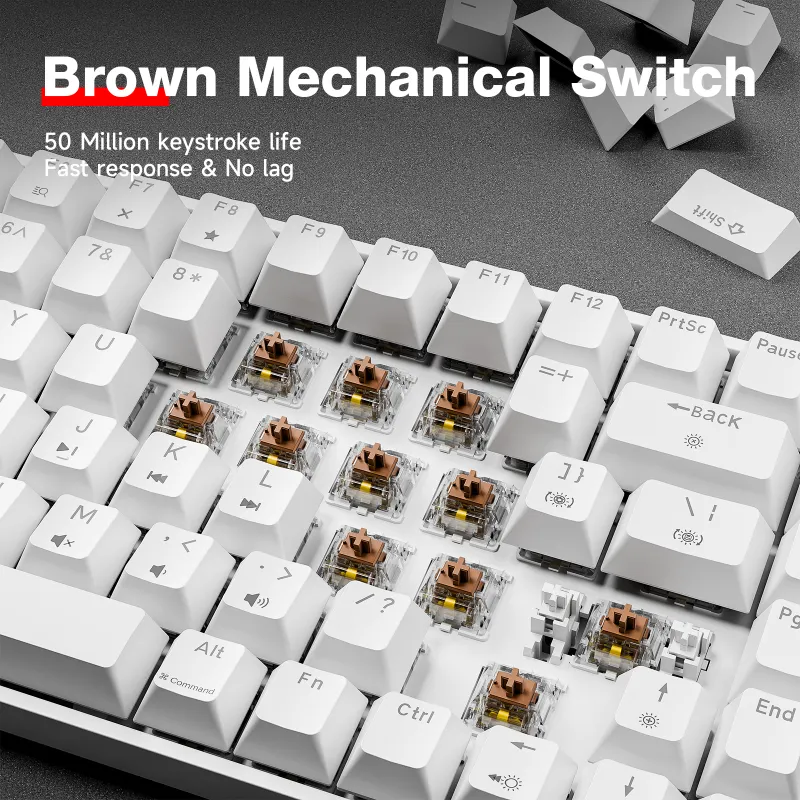
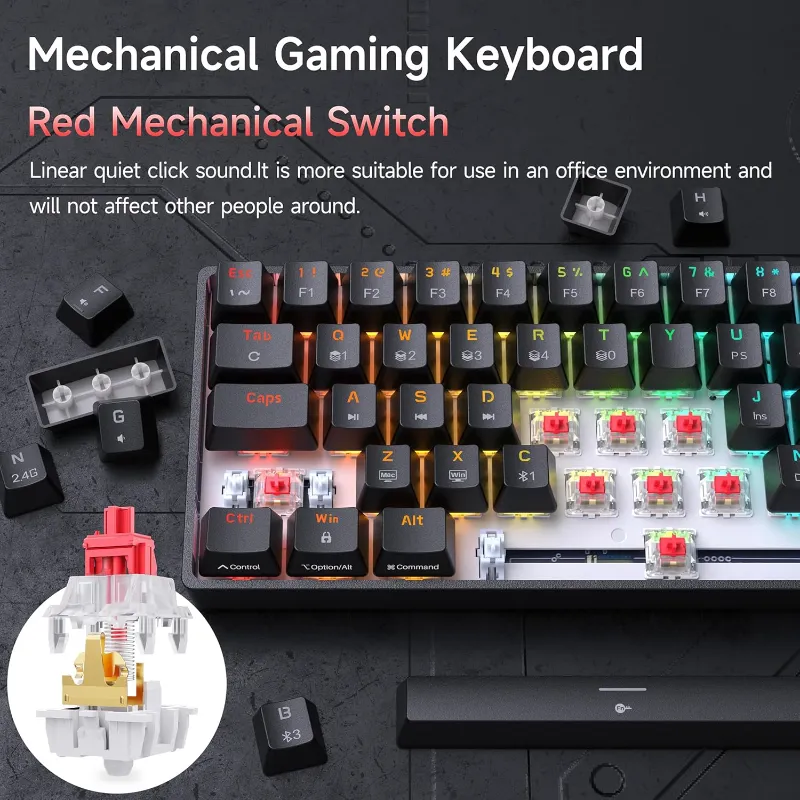
KEMOVE boards typically ship with Gateron or custom switches depending on the model. For quiet typing, look for variants labeled “Silent Red” or “Silent Brown” on the product listing.
- Silent linear switches are the quietest option, smooth with no tactile bump.
- Silent tactile switches add a light bump to confirm each keypress, which some typists prefer for accuracy.
- Clicky switches are the opposite of what you want here. Skip them for shared spaces.
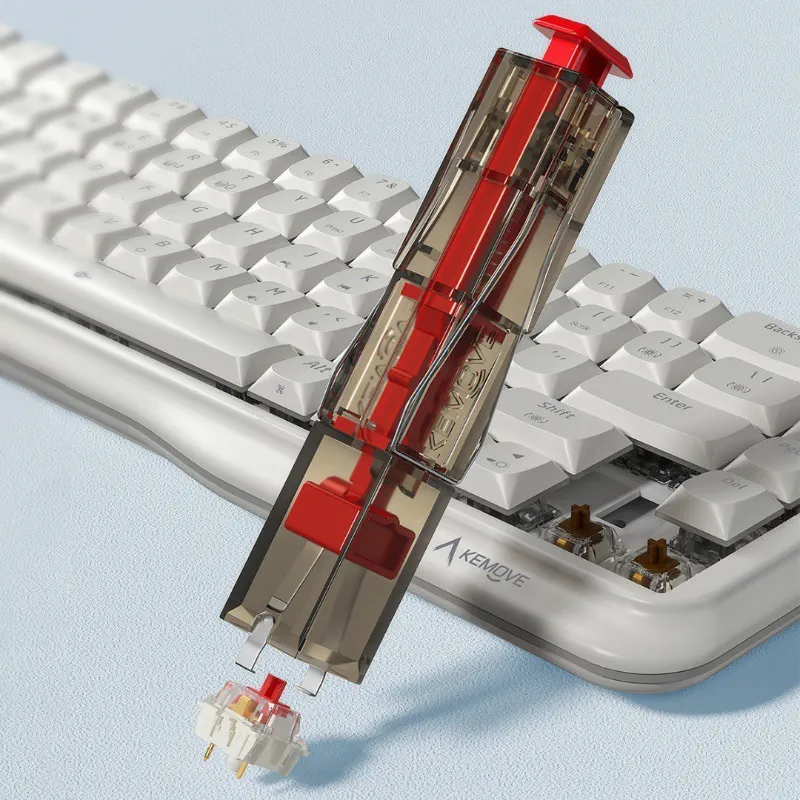
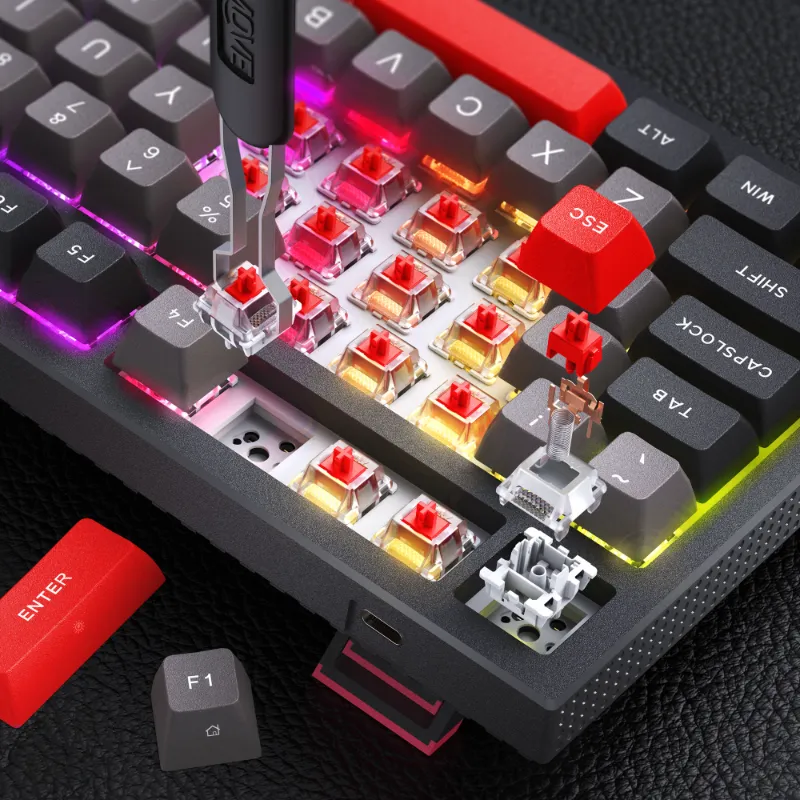
If you already own a KEMOVE board and want to swap to silent switches, a keyboard switch puller makes the hot-swap process cleaner. Most KEMOVE boards support hot-swap, so no soldering is required. The Linus Tech Tips community thread on quiet keyboard suggestions covers a lot of real-world switch comparisons if you want to dig deeper.
Wired vs wireless for office use
Both have a place depending on your setup.
- Wired boards have no input lag and never need charging. The dierya keyboard and dierya dk63 are reliable wired picks.
- Wireless cuts cable clutter, which a lot of office setups appreciate. The kemove shadow 61 supports wireless connectivity, making it a strong option for hot desking or a clean desk setup.
- Battery life matters for wireless. Check the product page for rated hours, and factor in whether you want USB-C charging.
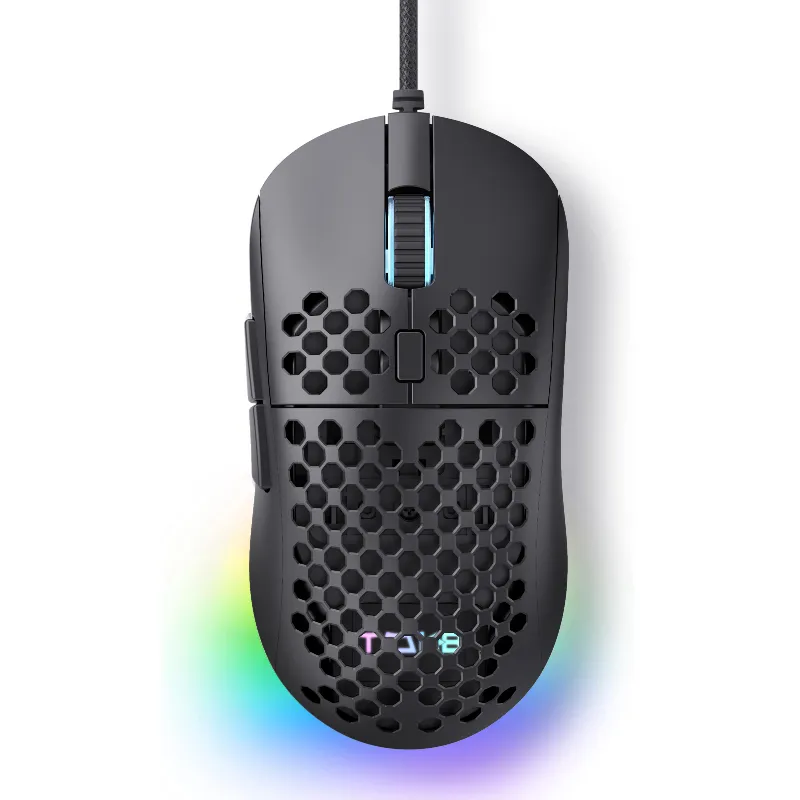
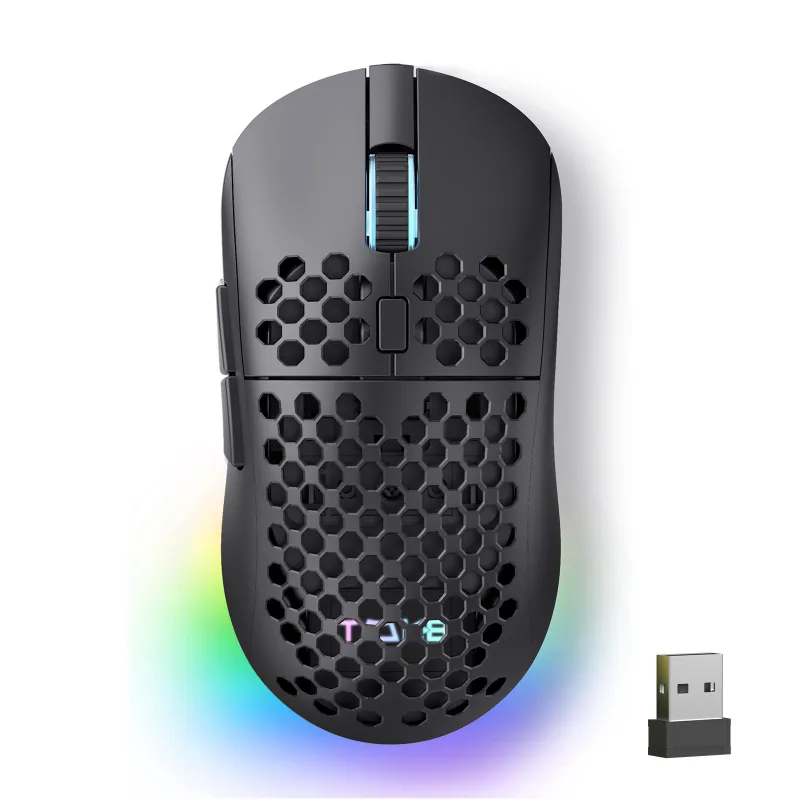
If you are pairing a new board with a new mouse, the dierya mouse m1se box and tmkb mouse are both built to complement the KEMOVE ecosystem and are worth considering as a combo to reduce total desk noise.
How to make any KEMOVE board even quieter
- Desk mat under the keyboard absorbs vibration that would otherwise transfer to your desk surface.
- O-rings on keycaps dampen bottom-out sound further. Not always necessary with silent switches, but useful on louder boards.
- Foam modding, placing thin foam inside the case between the PCB and the bottom plate, is reversible and can make a noticeable difference.
- Lube the stabilizers if they rattle. Most KEMOVE boards ship pre-lubed, but a rattling spacebar usually means it is time for a re-lube.
Who should buy a KEMOVE silent board
A KEMOVE quiet keyboard suits open-plan office workers who share space, content creators and streamers using a keyboard near a microphone, home office setups where household noise needs to stay low, and students working in a library or shared study space.
Gamers who also want quiet can get a silent linear switch on a board like the KEMOVE tmkb or the 90 keyboard, which stays fast enough for competitive play since silent linear switches have no tactile bump to slow actuation.
Where to buy and how to save
All the boards mentioned here are available through the KEMOVE store. Before you check out, grab the code at our KEMOVE coupon page for a sitewide discount. We keep the page updated as offers change, so it is worth checking even if you have visited before. If you are comparing specific models or confirming current pricing, check the latest deals on our coupon page rather than relying on a number listed in any review, since prices shift regularly.
Questions
Does a quiet keyboard actually make a noticeable difference in an open office?
Yes, particularly with silent linear switches. The difference between a standard mechanical switch and a silent variant is noticeable enough that people nearby will pick up on it. Pairing the board with a desk mat reduces it further.
Which KEMOVE board is best for a quiet keyboard for work?
The Muscovite 68 is a strong pick for most office users because of its compact 65% layout, silent switch availability, and solid build. The KG98 is worth considering if you need a numpad-adjacent layout.
Can I swap switches on KEMOVE boards without soldering?
Most KEMOVE boards support hot-swap, meaning you can pull and replace switches without a soldering iron. A keyboard switch puller makes the process easier and avoids damaging the switch housing.
What is the difference between silent linear and silent tactile switches?
Silent linear switches, like Gateron Silent Red, are smooth all the way through with no bump, making them the quietest option. Silent tactile switches, like Gateron Silent Brown, add a light bump for feedback while still dampening the noise.
Is a wireless quiet keyboard reliable enough for office use?
For general office typing, wireless is reliable enough for most people. A wired board like the Dierya DK63 has a slight edge in consistency, but for everyday work the difference is minimal.
How do I use the KEMOVE discount code?
Visit our KEMOVE coupon page for the current code and instructions. The sitewide offer applies to all boards, including the silent switch options covered here.
Products in this guide
 Shopping at KEMOVE? See the coupon code
5% OFF Sitewide
Shopping at KEMOVE? See the coupon code
5% OFF Sitewide
More in this series
How Long Do Mechanical Keyboard Switches Last? Lifespan and Durability Explained6 Aug 20266 minWhat’s the Difference Between 60%, 68%, and 80% Keyboards? A Size Comparison Guide6 Aug 20264 minKEMOVE TMKB Review: Is This Hot-Swappable Mechanical Keyboard Worth It?6 Aug 20263 minHow to Remove Keycaps and Switches Without Damaging Your Mechanical Keyboard6 Aug 20265 minKEMOVE Shadow 61 vs Dierya DK63: Which 60% Mechanical Keyboard Should You Buy?6 Aug 20264 min