 A KEMOVE guide
How Long Do Mechanical Keyboard Switches Last? Lifespan and Durability Explained
A dierya keyboard with quality mechanical switches typically lasts 50 to 100 million keystrokes, translating to years of daily use for most typists and gamers.
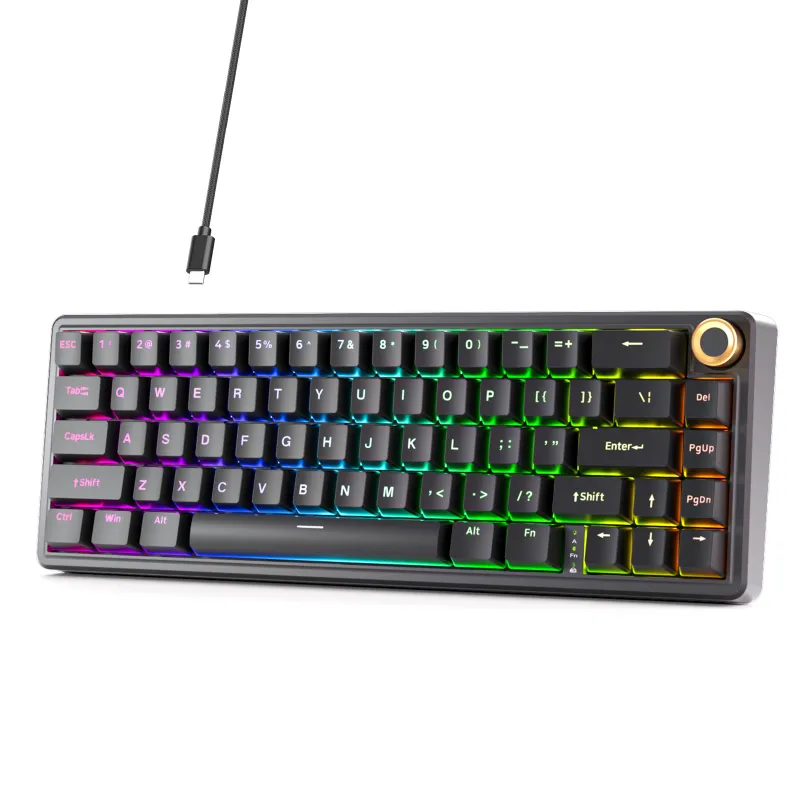
A dierya keyboard with quality mechanical switches typically lasts 50 to 100 million keystrokes, translating to years of heavy daily use for most typists and gamers. The actual lifespan depends on the switch type, how you use the board, and how well you maintain it.
What Affects Mechanical Switch Durability
Mechanical switch lifespan isn’t just a single number. The rated keystroke count manufacturers advertise assumes ideal conditions, but real-world durability depends on several variables.
Switch type and manufacturer rating matter most. Cherry MX switches are typically rated for 50 million actuations, while newer optical switches in boards like the KEMOVE tmkb often claim 100 million. Gateron and Kailh switches fall in the same 50 to 80 million range. These ratings come from accelerated lifecycle testing, so they’re conservative estimates.
Usage intensity directly impacts how long your switches survive. A casual typist hitting 5,000 keystrokes per day will see a 50-million-cycle switch last over 27 years. A developer or heavy gamer logging 20,000 keystrokes daily reduces that to around 7 years. The dierya dk63 and similar compact boards used for gaming often see harder, faster key presses that can shorten switch life slightly compared to gentle typing.
Environmental factors play a quiet but significant role. Dust, spills, humidity, and temperature swings all degrade switches faster than clean, stable conditions. Boards like the muscovite 68 with hot-swap sockets make switch replacement easier when individual keys fail, extending the keyboard’s overall useful life.
How Switch Construction Determines Longevity
The internal design of a mechanical switch directly controls how many cycles it can handle before failure. Understanding construction helps you choose a board that matches your durability needs.
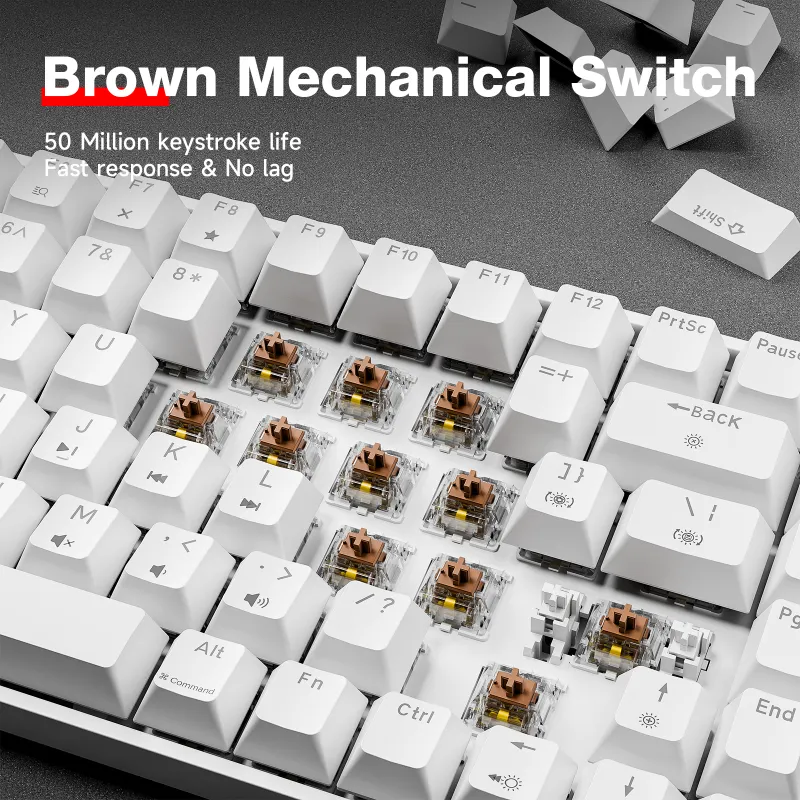
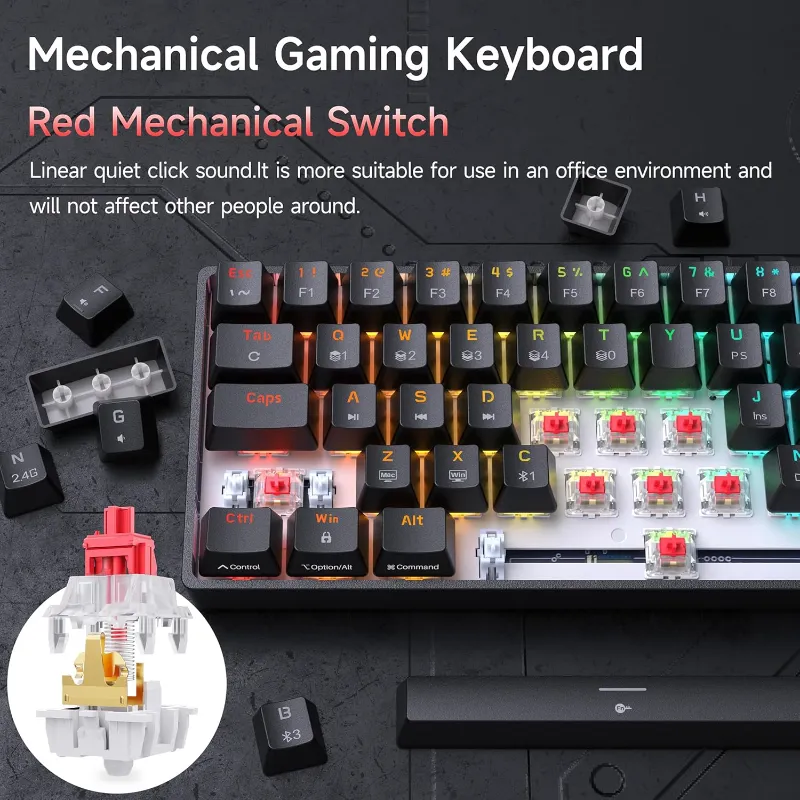
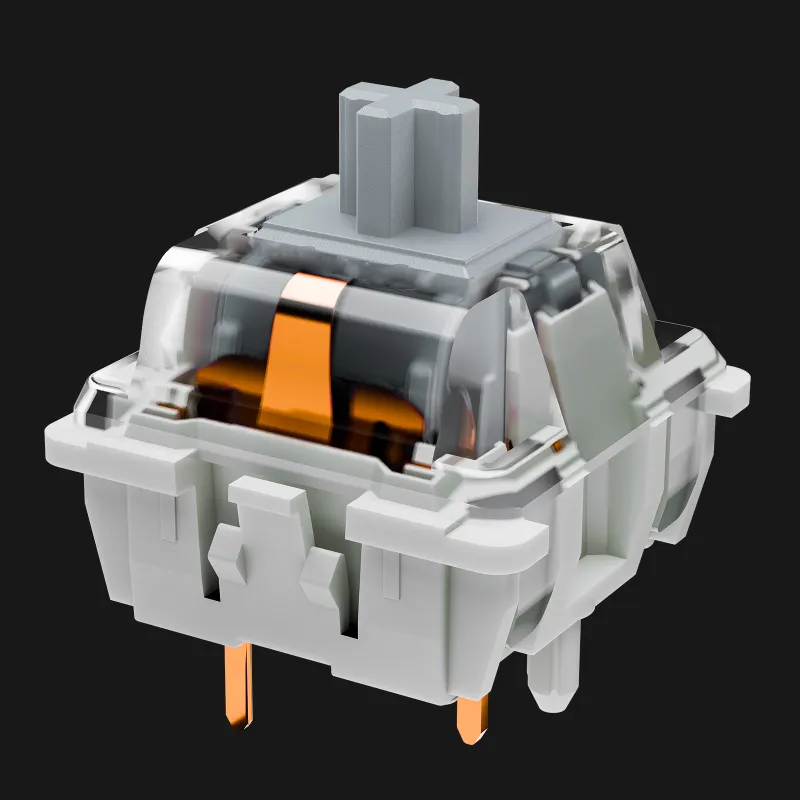
Traditional mechanical switches use metal leaf springs and contact points. Over millions of presses, the spring can fatigue and the contacts can oxidize or wear down, leading to missed keypresses or chatter. Quality switches from established manufacturers use gold-plated contacts and treated springs to slow this degradation. The kemove shadow 61 uses switches with reinforced stems that reduce wobble and wear.
Optical switches eliminate metal-on-metal contact entirely by using a light beam to detect actuation. This design removes two major failure points (spring fatigue and contact wear), which is why optical boards often carry 100-million-cycle ratings. The tradeoff is more complex circuitry and potentially higher repair costs if the optical sensor fails.
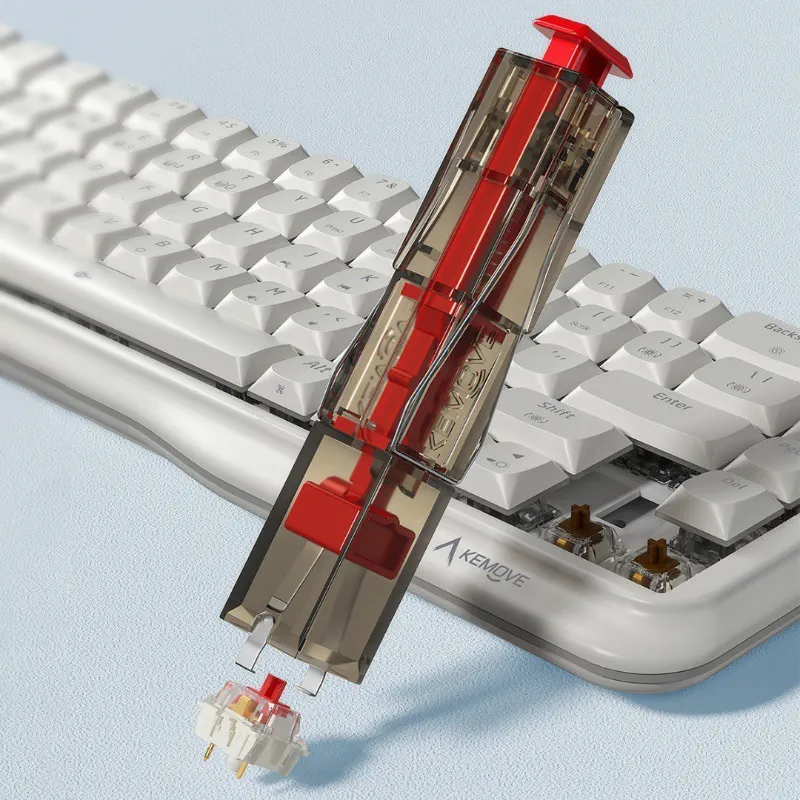
Hot-swap versus soldered doesn’t change switch lifespan directly, but hot-swap sockets on boards like the kg98 let you replace worn switches with a keyboard switch puller in seconds, no soldering required. This effectively makes the keyboard last as long as you’re willing to swap out failing switches.
Realistic Lifespan for Different User Types
We calculated real-world longevity based on typical usage patterns to give you a clearer picture than manufacturer ratings alone.
| User Type | Daily Keystrokes | 50M Switch | 100M Switch |
|---|---|---|---|
| Light typist | 2,000 to 5,000 | 20+ years | 40+ years |
| Office worker | 8,000 to 12,000 | 11 to 17 years | 22 to 34 years |
| Developer/writer | 15,000 to 25,000 | 5 to 9 years | 11 to 18 years |
| Heavy gamer | 20,000 to 40,000 | 3 to 7 years | 7 to 14 years |
These numbers assume even wear across all keys, but in practice, common keys like E, A, S, and Space Bar wear faster. You’ll likely see your first switch failure on these high-use keys well before the keyboard as a whole reaches its rated lifespan.
For most users, a quality board from Kemove will outlive its relevance. You’ll probably want to upgrade for features, layout, or aesthetics long before the switches actually fail. Grab the latest pricing and our exclusive code to make that upgrade more affordable.
Signs Your Switches Are Wearing Out
Knowing when switches approach end-of-life helps you decide whether to repair or replace your keyboard.
Key chatter is the most common early warning sign. A worn switch may register one keypress as two or three, causing doubled letters when you type. This happens when contact bounce increases as the metal contacts degrade. Firmware debounce settings can mask mild chatter temporarily, but it usually worsens over time.
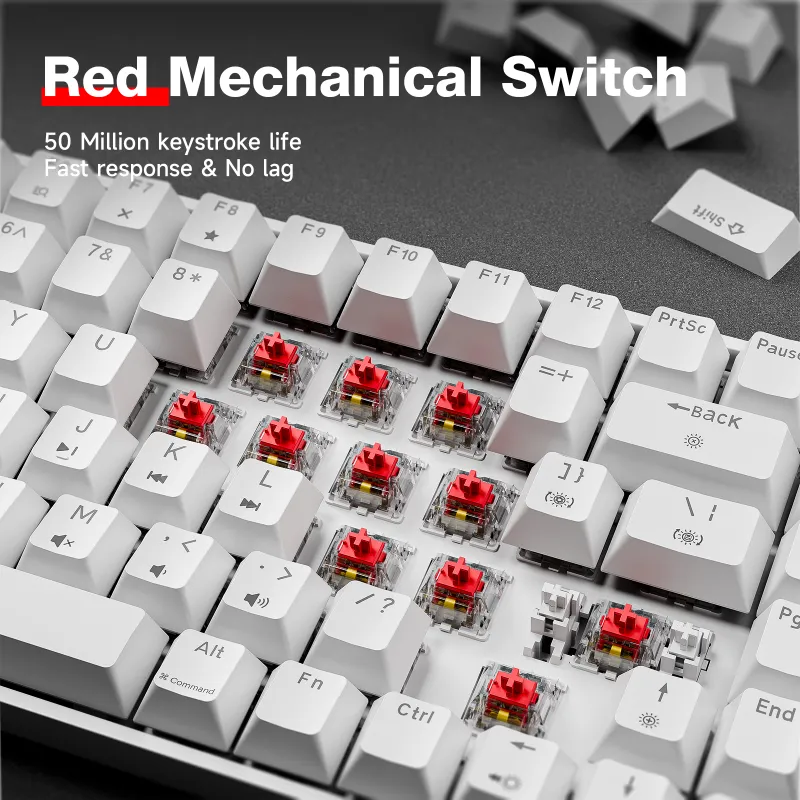
Inconsistent actuation shows up as keys that sometimes fail to register or require harder presses. You’ll notice this first on your most-used keys. The morkblade k-one 80 and other premium boards often outlast budget alternatives here because of better internal materials.
Physical changes include increased key wobble, scratchy feel, or audible spring ping that wasn’t present when new. While these don’t always mean imminent failure, they indicate cumulative wear. A quiet keyboard design with dampened switches may hide spring ping longer, but the underlying wear is still progressing.
Stuck keys represent complete switch failure. The spring may have collapsed, debris may be jamming the stem, or the contacts may have failed entirely. At this point, replacement is the only fix unless you’re willing to desolder and replace individual switches.
Extending Your Keyboard’s Useful Life
Simple maintenance dramatically improves switch longevity and keeps your board feeling new longer.
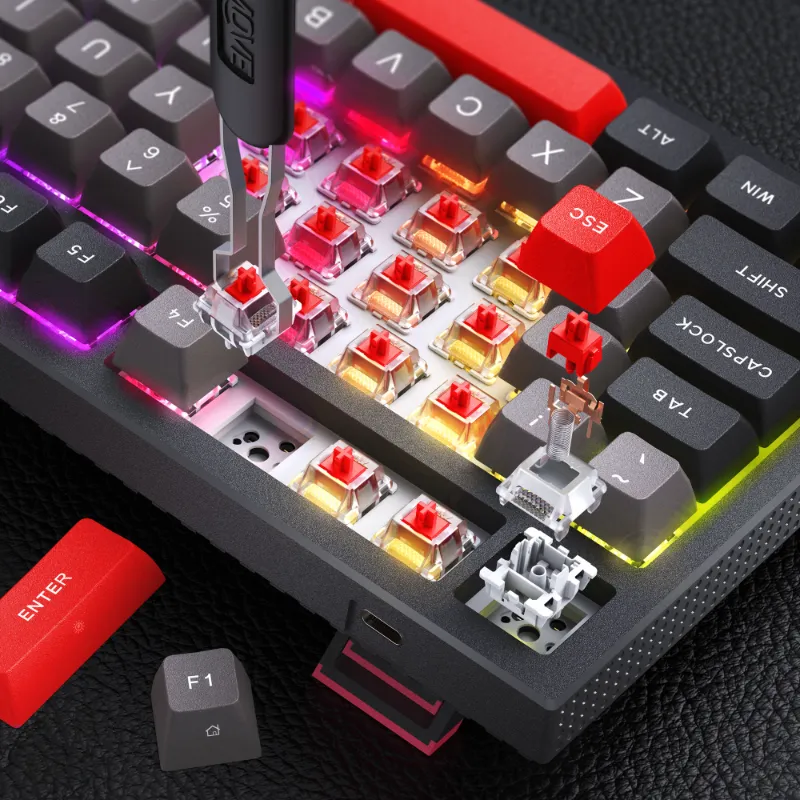
- Clean regularly using compressed air to blow out dust before it works into switch housings. Monthly cleaning for desktop use, weekly if you eat near your keyboard.
- Avoid liquids at all costs. Even small spills can corrode contacts and damage PCBs. If a spill happens, immediately disconnect the board, flip it upside down, and let it dry completely for 48+ hours before reconnecting.
- Use a dust cover when the keyboard sits unused. A simple microfiber cloth draped over your 90 keyboard prevents dust accumulation in switch stems.
- Replace keycaps rather than switches when possible. Worn, shiny keycaps affect feel and typing accuracy more than slightly degraded switches in many cases.
- Keep firmware updated if your board supports it. Modern firmware can improve debounce algorithms to compensate for aging switches.
For boards with hot-swap sockets, stocking a few replacement switches lets you swap out individual failing keys in under a minute. This repair costs a few dollars versus replacing an entire keyboard. Check current switch prices and our store discount to keep spares on hand.
When to Repair Versus Replace
Not every keyboard problem requires a full replacement, but knowing the breakpoint saves money and frustration.
Repair makes sense when fewer than 10 to 15 percent of switches show problems, the board otherwise works perfectly, and you genuinely like the layout and feel. Hot-swap boards are trivial to repair yourself. Soldered boards require either soldering skills or a repair service, which may cost more than a budget replacement but less than a premium new board.
Replacement is smarter when multiple switches are failing simultaneously (indicating the entire batch is reaching end-of-life), when the PCB or controller has issues beyond just switches, or when repair costs approach 60 to 70 percent of a new keyboard’s price. It’s also the right call if you’ve been wanting to upgrade layout, features, or switch type anyway.
The dierya keyboard line offers solid mid-range durability at prices that often make replacement more practical than repair for older models. Premium options like the KEMOVE tmkb justify repair investment because of their higher initial cost and superior build quality throughout.
Choosing a Durable Keyboard from the Start
If longevity is your priority, a few selection criteria steer you toward boards that will serve you longest.
Look for established switch brands like Cherry, Gateron, or Kailh with published lifecycle ratings. Avoid generic “mechanical-style” switches with no manufacturer information.
Consider hot-swap construction even if you never plan to customize switches. The ability to replace worn switches transforms a 5-year keyboard into a 10+ year investment.
Read long-term reviews on communities like Reddit where users discuss dierya keyboard longevity and real-world durability. Professional reviews rarely test boards beyond a few weeks, but community members use them for years.
Factor in build quality beyond switches. A board with bulletproof switches but a flimsy case, unstable connection, or poorly soldered PCB will still fail prematurely. Models like the kemove shadow 61 balance switch quality with overall construction to deliver true long-term reliability.
Higher initial cost often correlates with longer lifespan, but not always. We’ve seen budget boards outlast premium competitors because of smart design choices and quality control. The best approach combines research with our current testing data and real user feedback.
Questions
How long does a dierya keyboard typically last with daily use?
With typical office or casual gaming use (8,000 to 15,000 keystrokes per day), a dierya keyboard with 50-million-rated switches will last 9 to 17 years before switches begin failing. Heavy users may see 5 to 8 years of service.
Can I replace individual switches when they wear out?
Yes, if your keyboard has hot-swap sockets. You can pop out failing switches with a switch puller and press in replacements in seconds. Soldered boards require desoldering skills or professional repair.
Do optical switches really last longer than mechanical switches?
Optical switches are typically rated for 100 million keystrokes versus 50 million for traditional mechanical switches because they eliminate metal contact wear. In practice, both types usually outlast the keyboard's useful life for most users.
What causes mechanical keyboard switches to fail?
The most common failure modes are metal contact oxidation or wear causing chatter or missed keypresses, spring fatigue leading to inconsistent actuation, and physical debris jamming the switch stem. Environmental factors like humidity and dust accelerate these issues.
Is it worth repairing an old mechanical keyboard or should I buy new?
Repair makes sense if fewer than 15 percent of switches have failed and you like the board's layout and feel. Replace when multiple switches fail simultaneously, repair costs exceed 60 to 70 percent of a new board's price, or you want updated features.
How can I tell if my keyboard switches are wearing out?
Watch for key chatter (one press registering multiple times), inconsistent actuation requiring harder presses, increased key wobble, scratchy feel, or spring ping sounds that weren't present when new. These indicate cumulative wear even before complete failure.
Products in this guide
 Shopping at KEMOVE? See the coupon code
5% OFF Sitewide
Shopping at KEMOVE? See the coupon code
5% OFF Sitewide
More in this series
What’s the Difference Between 60%, 68%, and 80% Keyboards? A Size Comparison Guide6 Aug 20264 minKEMOVE TMKB Review: Is This Hot-Swappable Mechanical Keyboard Worth It?6 Aug 20263 minDo Quiet Keyboards Work for Office Use? KEMOVE’s Silent Lineup6 Aug 20264 minHow to Remove Keycaps and Switches Without Damaging Your Mechanical Keyboard6 Aug 20265 minKEMOVE Shadow 61 vs Dierya DK63: Which 60% Mechanical Keyboard Should You Buy?6 Aug 20264 min