 A COOSPO guide
How to Pair a COOSPO Heart Rate Monitor with Your Bike Computer
Pairing a heart rate monitor chest strap with your bike computer takes under two minutes once you know whether your devices use ANT+ or Bluetooth connectivity.
Pairing a heart rate monitor chest strap with your bike computer takes under two minutes once you know whether your devices use ANT+ or Bluetooth connectivity. COOSPO chest straps support both protocols, so they work seamlessly with Garmin, Wahoo, and most other cycling computers on the market.
What You Need Before Pairing Your Heart Rate Monitor Chest Strap
Before you start the pairing process, gather these essentials:
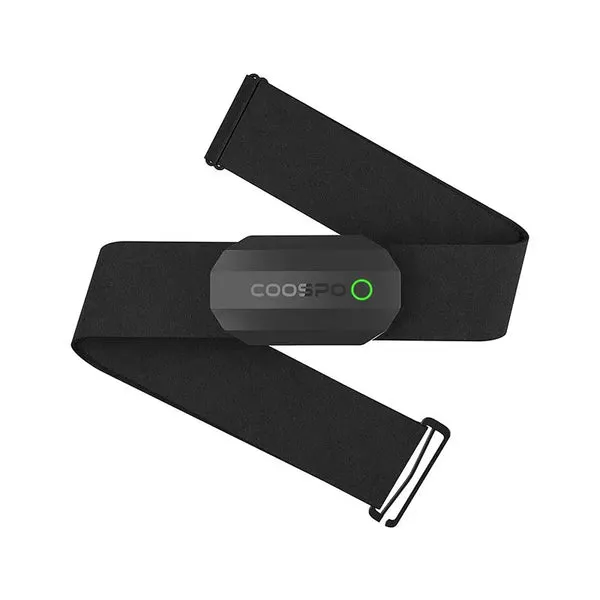
- A charged or battery-equipped heart rate monitor chest strap (COOSPO models use CR2032 coin batteries that last 300+ hours)
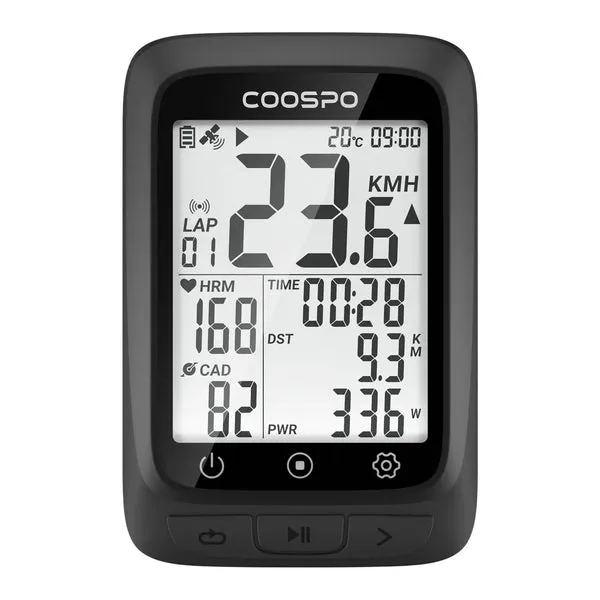
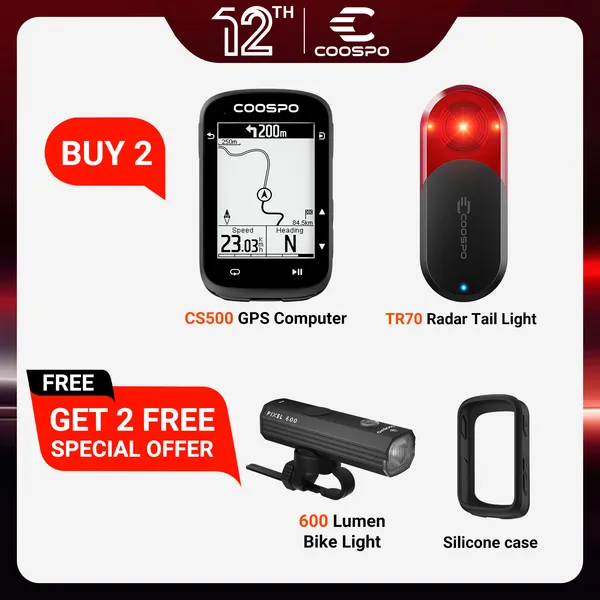
- Your bike computer or cs 500 cycling computer powered on
- The strap moistened or worn against your skin (dry electrodes won’t transmit a signal)
- Knowledge of whether your computer uses ANT+, Bluetooth, or both
Most COOSPO heart rate monitors broadcast on both ANT+ and Bluetooth Low Energy simultaneously, so you can pair them with multiple devices at once. Check your bike computer’s manual or settings menu to confirm which protocol it supports. Garmin and many dedicated cycling computers default to ANT+, while smartphones and some newer units prefer Bluetooth.
How to Pair a COOSPO Heart Rate Monitor Using ANT+
ANT+ pairing is the standard for dedicated cycling computers. Here’s the step-by-step process:
- Wake the heart rate sensor – Put on the heart rate monitor chest strap with the electrodes moistened, or snap the sensor pod onto the strap. The sensor activates when it detects skin contact or movement.
- Enter sensor pairing mode on your bike computer – Navigate to Settings > Sensors > Add New Sensor (or similar, depending on your model). Select “Heart Rate” as the sensor type.
- Wait for automatic detection – Your bike computer will scan for nearby ANT+ signals. The COOSPO sensor ID (usually a 5-digit number) will appear within 10-15 seconds.
- Confirm pairing – Select the sensor ID and confirm. Most computers will immediately display your current heart rate to verify the connection.
Once paired, your bike computer will automatically reconnect to the same sensor whenever both devices are active. You won’t need to repeat this process unless you reset your computer or pair a different heart rate monitor. For current pricing and our exclusive discount, check the latest COOSPO offer.
Pairing via Bluetooth to Your Bike Computer or Phone
Bluetooth pairing works nearly identically but uses your device’s Bluetooth menu instead of ANT+ scanning:
- Activate the heart rate sensor – Wear the chest strap or snap the pod onto the strap to wake it. Some COOSPO models flash an LED to confirm they’re broadcasting.
- Open Bluetooth settings – On a cycling computer, go to Settings > Sensors > Bluetooth. On a smartphone running Strava, Zwift, or another app, open the app’s sensor pairing screen (not your phone’s system Bluetooth menu).
- Scan for devices – Your bike computer or app will list nearby Bluetooth sensors. Look for “COOSPO HRM” or “H6” (or your model’s identifier).
- Select and pair – Tap the sensor name. Pairing completes instantly, and your heart rate should display within 2-3 seconds.
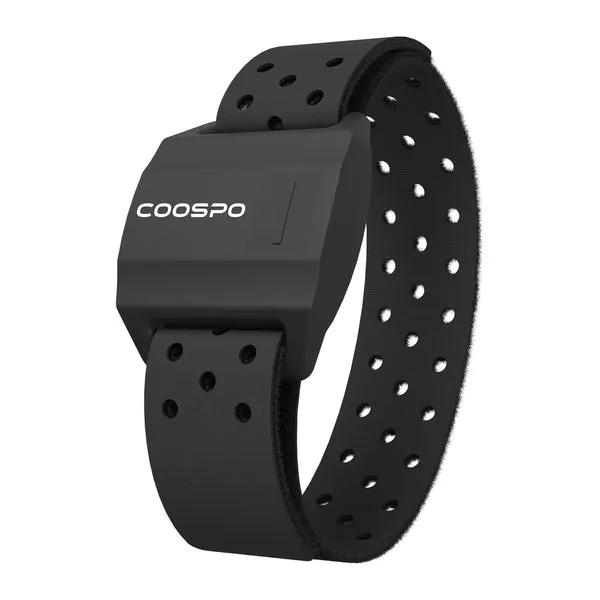
Bluetooth lets you pair the same chest strap with your phone for indoor training apps and your bike computer for outdoor rides. According to testing by REI, chest strap monitors deliver the most accurate heart rate data during high-intensity intervals compared to wrist-based or arm heart rate monitor options.
Pairing Multiple Sensors at Once
If you’re setting up a complete sensor suite, heart rate, cadence sensor, speed sensor, and cycling power meter: pair them one at a time to avoid confusion:
- Start with the heart rate monitor, then move to cadence, speed, and power in that order
- Keep other sensors out of range or powered off until you’ve successfully paired the first device
- Verify each sensor displays live data before adding the next one
Most bike computers let you rename sensors after pairing (e.g., “COOSPO HRM” instead of “Sensor 12345”), which makes it easier to manage multiple devices. If you ride with friends who also use chest straps, renaming prevents accidental pairing with their sensors.
Troubleshooting Common Heart Rate Monitor Pairing Issues
Here are common problems and fixes to try:
Sensor not detected during scan
- Moisten the electrodes on the chest strap thoroughly, dry skin blocks signal transmission
- Replace the CR2032 battery if your strap is more than 6 months old or has been used heavily
- Move the bike computer within 1 meter of the chest strap during initial pairing
- Remove any other active heart rate monitors or wireless devices from the area
Heart rate reads zero or shows erratic spikes
- Reposition the strap so the sensor pod sits flat against your sternum, just below chest muscles
- Tighten the strap until it’s snug but not restrictive (one finger should fit between strap and skin)
- Clean the electrodes with a damp cloth to remove salt, lotion, or residue
Computer won’t pair despite detecting the sensor
- Forget or delete the sensor from your bike computer’s saved devices, then re-pair from scratch
- Restart both the sensor (remove and reinsert the battery) and the bike computer
- Update your bike computer’s firmware if the issue persists, older firmware sometimes has Bluetooth bugs
Connection drops mid-ride
- Check battery level (a weak battery causes intermittent disconnects)
- Ensure the chest strap hasn’t shifted or loosened during riding
- Keep your bike computer mounted within 1 meter of the chest strap, ANT+ range is typically 3 meters, but metal frames or water bottles can interfere
For persistent issues, grab the discount code and consider a replacement strap or different sensor model. COOSPO offers a 10% discount on all orders right now.
Why Chest Strap Monitors Beat Wrist and Arm Options
Chest straps consistently deliver faster response times and more accurate readings during rapid heart rate changes. Garmin’s own research confirms that chest electrodes measure the heart’s electrical signal directly, while optical sensors estimate heart rate by detecting blood flow under the skin.
For serious training, especially if you’re tracking heart rate zones or syncing data with a cycling power meter, a chest strap is the gold standard. CNET’s testing found that the best heart rate monitor chest strap models maintain accuracy even during high-intensity efforts where wrist sensors often lag by 10-20 beats per minute.
If chest straps feel uncomfortable during the first few rides, try wearing them over a thin base layer or adjusting the tightness. Most riders adapt within a week.
Maintaining Your Heart Rate Monitor for Reliable Pairing
Proper care extends sensor life and prevents pairing headaches:
- Rinse the strap after every ride to remove sweat and salt that corrode electrodes
- Hand-wash the fabric strap weekly with mild soap (remove the sensor pod first)
- Store the sensor pod separately from the strap to prevent battery drain, the pod only activates when stretched across the strap
- Replace the battery annually even if it still works, to avoid mid-ride failures
COOSPO chest straps use standard CR2032 batteries available at any pharmacy. The battery compartment twists open with a coin, no tools required.
Once you’ve successfully paired your heart rate monitor, your bike computer will reconnect automatically at the start of each ride. The entire setup becomes invisible, letting you focus on training rather than troubleshooting technology. For more detailed comparisons and recommendations, check out our full guide to COOSPO sensors and current discount codes.
Questions
Do I need to repair my COOSPO heart rate monitor chest strap every ride?
No, once paired, your bike computer automatically reconnects to the same chest strap whenever both devices are active. You only need to repair if you reset your computer or switch to a different sensor.
Can I pair one chest strap with multiple bike computers?
Yes, COOSPO heart rate monitors broadcast on both ANT+ and Bluetooth simultaneously, so you can pair them with your bike computer, phone, and indoor trainer at the same time without re-pairing.
Why won't my bike computer detect my heart rate monitor?
The most common causes are dry electrodes (moisten the strap), a dead CR2032 battery, or the sensor being out of range. Make sure the chest strap is worn snugly and the bike computer is within 1 meter during pairing.
How long does the battery last in a COOSPO chest strap?
COOSPO heart rate monitor batteries typically last 300+ hours of active use. Replace the CR2032 coin battery annually or when you notice connection drops or delayed pairing.
Is ANT+ or Bluetooth better for pairing a heart rate monitor?
Both protocols work reliably, but ANT+ is standard on dedicated cycling computers and uses less power. Bluetooth is better if you're pairing with a smartphone or want to connect to apps like Zwift or Strava.
Can I use a COOSPO heart rate monitor with a Garmin bike computer?
Yes, COOSPO chest straps are fully compatible with Garmin devices via ANT+. Simply add the heart rate sensor in your Garmin's sensor menu, and it will detect the COOSPO monitor automatically.
Products in this guide
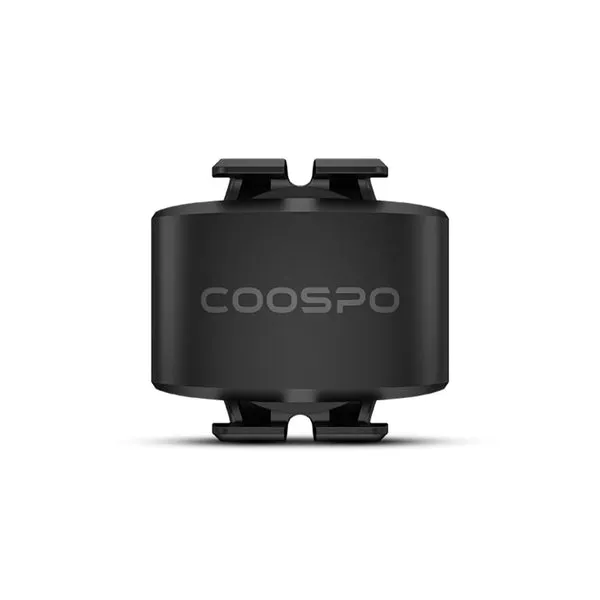
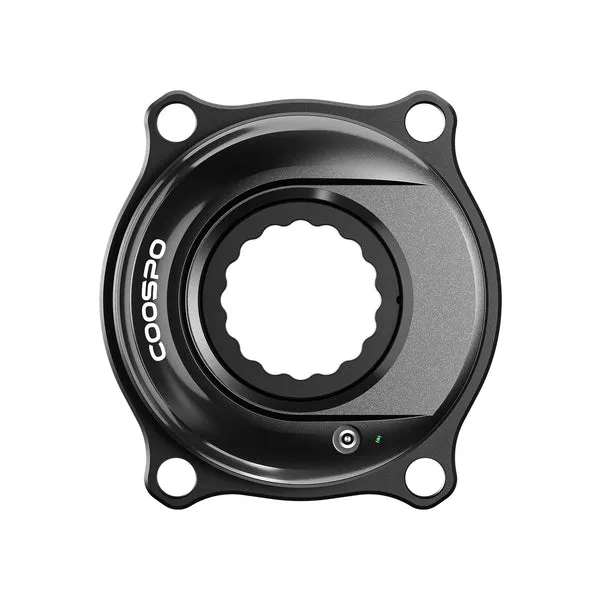 Shopping at COOSPO? See the discount code
10% OFF All Orders
Shopping at COOSPO? See the discount code
10% OFF All Orders
More in this series
How Long Does a COOSPO Cadence Sensor Battery Last?24 Aug 20265 minChest Strap vs Arm Heart Rate Monitor: Which Is Better for Cycling?24 Aug 20264 minCOOSPO CS500 Review: Is This Budget Bike Computer Worth It?24 Aug 20264 minDo You Need a Cadence Sensor for Indoor Cycling Training?24 Aug 20266 minCOOSPO Power Meter vs Garmin Rally: How Do They Compare?24 Aug 20264 min