 A COOSPO guide
Do You Need a Cadence Sensor for Indoor Cycling Training?
A cadence sensor measures your pedaling speed in revolutions per minute and helps you optimize efficiency during indoor cycling training.
Do You Need a Cadence Sensor for Indoor Cycling?
A cadence sensor tracks your pedaling speed in real time and helps you maintain optimal efficiency during indoor cycling sessions. Most riders training on smart trainers or stationary bikes benefit from monitoring cadence, especially when following structured workouts that target specific RPM zones. While not strictly essential for casual spinning, tracking your pedal stroke rate gives you quantifiable data to improve form, build endurance, and avoid the muscle fatigue that comes from grinding too slowly or spinning inefficiently fast.
Here’s what you need to know before adding one to your setup.
How a Cadence Sensor Bike Setup Works
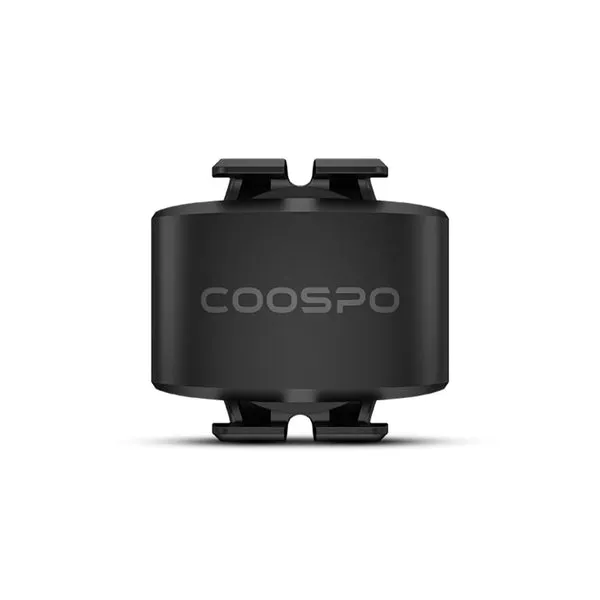
Cadence sensors mount to your crank arm or pedal spindle and count every rotation your legs complete. They transmit RPM data via Bluetooth or ANT+ to your head unit, smartphone, or tablet so you see live feedback during your ride.
Most units use an accelerometer or magnet-and-sensor pair to detect movement. Modern wireless models are lightweight, battery-powered, and pair instantly with apps like Zwift, TrainerRoad, and Strava. When you connect a cadence sensor to Strava or other platforms, your post-ride analytics include average and max RPM alongside speed, distance, and heart rate.
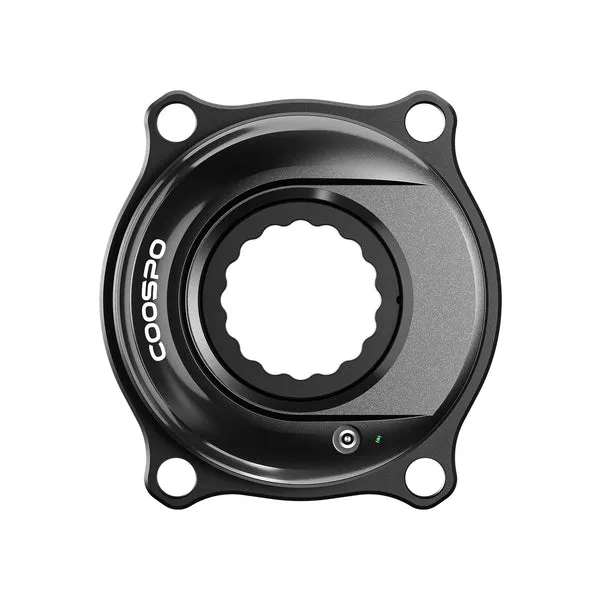
Unlike a cycling power meter that measures force in watts, a cadence sensor only counts leg speed. The two metrics complement each other: power tells you how hard you push, cadence tells you how fast you spin. For indoor training, tracking both gives you the full picture of your pedaling dynamics.
Why Indoor Cyclists Monitor Cadence
Indoor cycling removes the natural terrain cues that regulate your pedaling outdoors. Without hills, headwinds, or visual feedback, it’s easy to settle into an inefficient rhythm. Monitoring cadence keeps you honest.
- Structured interval workouts often prescribe specific RPM ranges (for example, high-cadence drills at 100+ RPM or strength intervals at 60-70 RPM). A sensor ensures you hit the target.
- Injury prevention: grinding at very low cadence loads your knees and joints. Maintaining 80-100 RPM distributes effort more evenly across muscle groups.
- Endurance pacing: long Z2 rides benefit from steady cadence in the 85-95 RPM sweet spot, where aerobic efficiency peaks for most riders.
- Training app integration: Zwift and similar platforms adjust resistance based on your cadence and power, creating realistic ride feel. A sensor unlocks full functionality.
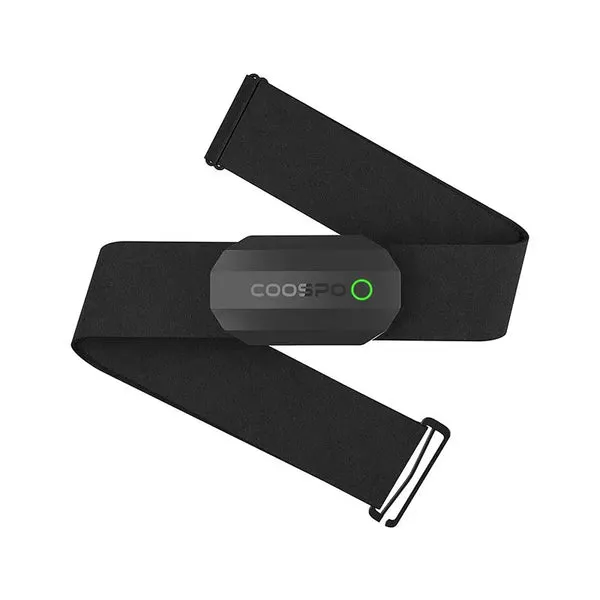
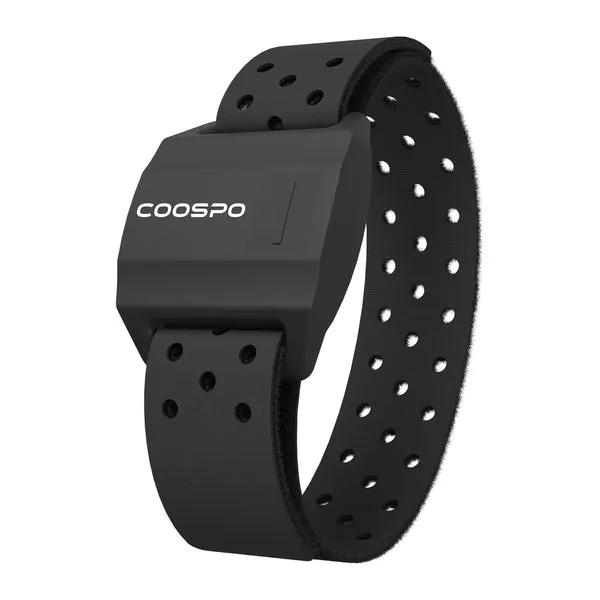
If you ride with a heart rate monitor chest strap or arm heart rate monitor, adding cadence data rounds out your metrics. You can correlate RPM changes with heart rate spikes to fine-tune pacing strategies.
Best Cadence Sensor Options and What to Look For
When shopping for a cadence sensor, prioritize wireless connectivity, battery life, and compatibility with your existing devices. Most Wahoo and Garmin units work seamlessly across ecosystems, so you’re not locked into one brand.
| Feature | What to Check |
|---|---|
| Connectivity | Dual Bluetooth + ANT+ for pairing with multiple devices simultaneously |
| Battery Life | 12+ months typical; CR2032 coin cells are easy to replace |
| Mounting | Crank-arm strap or adhesive pod; ensure it fits your bike’s clearance |
| Compatibility | Works with your bike computer, phone apps, and smart trainer ecosystem |
Popular models from brands like Wahoo and Garmin dominate the market because they pair instantly and rarely drop signal. We’ve had excellent results with COOSPO sensors, which deliver the same dual-protocol connectivity at a lower price point. Check the latest price to compare current deals.
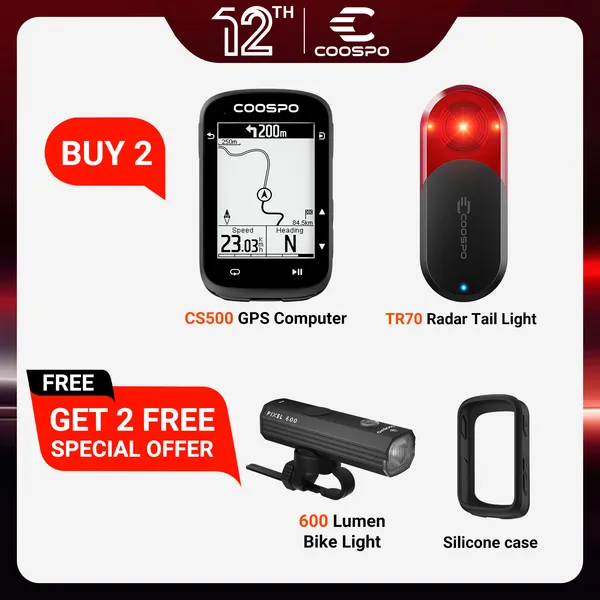
For riders using the CS 500 or similar head units, confirm your cadence sensor broadcasts on the protocol your computer supports. Most modern systems handle both ANT+ and Bluetooth, but older units may be ANT+ only.
When You Might Skip a Cadence Sensor
Not every indoor cyclist needs to track RPM. If you ride casually for fitness without structured training plans, perceived effort may be enough feedback. Spin bikes with built-in cadence displays also eliminate the need for an external sensor, though the data often stays locked in the bike’s console rather than syncing to apps.
Riders already using a full-featured cycling power meter sometimes find cadence tracking redundant, since many power meters include built-in cadence measurement. If your crank-based or pedal-based power meter already reports RPM, a standalone sensor adds no new information.
Budget is another consideration. While entry-level cadence sensors cost less than premium options, adding one to an already crowded cockpit or juggling multiple device subscriptions may not justify the expense for recreational riders. That said, COOSPO’s current offer of 10% off all orders makes it easier to test the benefits without a major commitment.
Setting Up Your Cadence Sensor for Indoor Training
Installation takes minutes. Most sensors attach to the non-drive-side crank arm with a rubber strap or adhesive mount. Position the unit flat against the crank, tighten the strap, and you’re ready to pair.
- Pair via Bluetooth or ANT+: open your bike computer or training app, navigate to sensor settings, and select “add new sensor.” Spin the crank a few times to wake the device.
- Calibrate if needed: some apps ask you to confirm crank length, though cadence itself doesn’t require calibration the way a power meter does.
- Test connectivity: pedal for 30 seconds and verify live RPM numbers appear on your display. If data drops, check battery orientation and mounting tightness.
- Integrate with workouts: load a structured plan in Zwift, TrainerRoad, or your preferred platform. Follow on-screen prompts to hit target cadence zones.
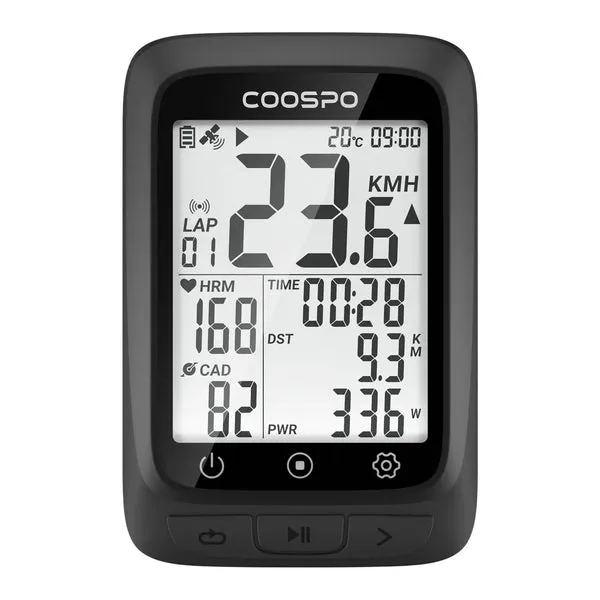
Dual-protocol sensors let you connect to your phone and a bike computer simultaneously, so you can follow a workout on your tablet while recording the full ride on your head unit for later analysis. According to Wahoo Fitness, modern cadence sensors broadcast reliably up to three meters, giving you flexibility in device placement.
Who Benefits Most from Tracking Cadence
Competitive cyclists and triathletes gain the most from cadence data, since marginal efficiency gains translate directly to race performance. If you’re training for centuries, gran fondos, or time trials, dialing in your optimal cadence range during indoor sessions carries over to outdoor events.
Newer riders also benefit by learning proper pedaling mechanics early. Monitoring RPM prevents the common mistake of pushing big gears at low cadence, which builds fatigue faster and risks overuse injuries. Establishing a smooth 85-95 RPM baseline indoors makes outdoor climbs and long rides feel easier.
Rehabilitation and return-to-riding protocols often include cadence targets to control training load. Physical therapists may prescribe high-cadence, low-resistance sessions to rebuild leg speed without stressing healing tissues. A sensor provides objective proof you’re staying within prescribed limits.
For e-bike riders using trainers indoors, cadence sensors help replicate the motor-assist feel by maintaining consistent leg speed regardless of resistance changes. While less common, a cadence sensor for e-bike training ensures your indoor efforts match the RPM patterns you use on real rides.
As Garmin notes, bundling speed and cadence sensors gives you complete ride metrics without the cost of a full power meter. If you’re upgrading from zero data to basic tracking, a cadence sensor paired with a speed sensor and heart rate monitor chest strap covers the essentials.
Making the Decision
A cadence sensor is a small investment that unlocks precise control over your indoor training intensity. If you follow structured workouts, want to improve pedaling efficiency, or simply enjoy tracking performance metrics, adding one pays off quickly. Grab the code and pair a sensor with your existing setup to see whether monitoring RPM changes how you ride.
For casual spinners who prioritize feel over data, it’s optional. But once you experience the clarity of hitting exact cadence targets during intervals or maintaining steady RPM through virtual climbs, you’ll understand why serious indoor cyclists consider it essential gear. The difference between guessing your leg speed and knowing it precisely is the difference between hoping you’re improving and proving it with every pedal stroke.
Questions
Do I need a cadence sensor if my smart trainer already shows RPM?
Many smart trainers estimate cadence from power fluctuations, but a dedicated sensor provides more accurate real-time data. If your trainer's cadence readings seem inconsistent or lag during sprints, adding a standalone sensor improves reliability.
Can I use a cadence sensor with Zwift and Strava at the same time?
Yes, most modern cadence sensors broadcast via Bluetooth and ANT+ simultaneously, so you can pair with Zwift on your computer and record the same ride on Strava through your phone without conflicts.
What is the best cadence range for indoor cycling workouts?
Most riders target 85-95 RPM for endurance efforts, 70-80 RPM for strength intervals, and 100+ RPM for high-cadence drills. Your optimal range depends on fitness level and workout goals, so experiment within these windows.
How long do cadence sensor batteries last?
Typical battery life ranges from 12 to 18 months with regular use. Most sensors use replaceable CR2032 coin cells, and many devices alert you when power drops below 10 percent.
Will a Wahoo or Garmin cadence sensor work with COOSPO bike computers?
Yes, cadence sensors from Wahoo, Garmin, and COOSPO all use standard Bluetooth and ANT+ protocols, so they pair across brands. Check your bike computer's connectivity options to confirm compatibility.
Do I need both a cadence sensor and a power meter for indoor training?
A power meter measures effort in watts and often includes built-in cadence, so you may not need a separate sensor. If you only have a cadence sensor, you'll track leg speed but miss the force data that power provides.
Products in this guide
 Shopping at COOSPO? See the discount code
10% OFF All Orders
Shopping at COOSPO? See the discount code
10% OFF All Orders
More in this series
How Long Does a COOSPO Cadence Sensor Battery Last?24 Aug 20265 minChest Strap vs Arm Heart Rate Monitor: Which Is Better for Cycling?24 Aug 20264 minCOOSPO CS500 Review: Is This Budget Bike Computer Worth It?24 Aug 20264 minCOOSPO Power Meter vs Garmin Rally: How Do They Compare?24 Aug 20264 minHow to Pair a COOSPO Heart Rate Monitor with Your Bike Computer24 Aug 20265 min