 A KEMOVE guide
KEMOVE T68E vs T81E vs K94: Which Keyboard Should You Buy?
KEMOVE currently lists three keyboards: the gasket-mount, hot-swap TMKB T68E and T81E, and the tri-mode KEMOVE K94 with a numpad. Here is how to choose.
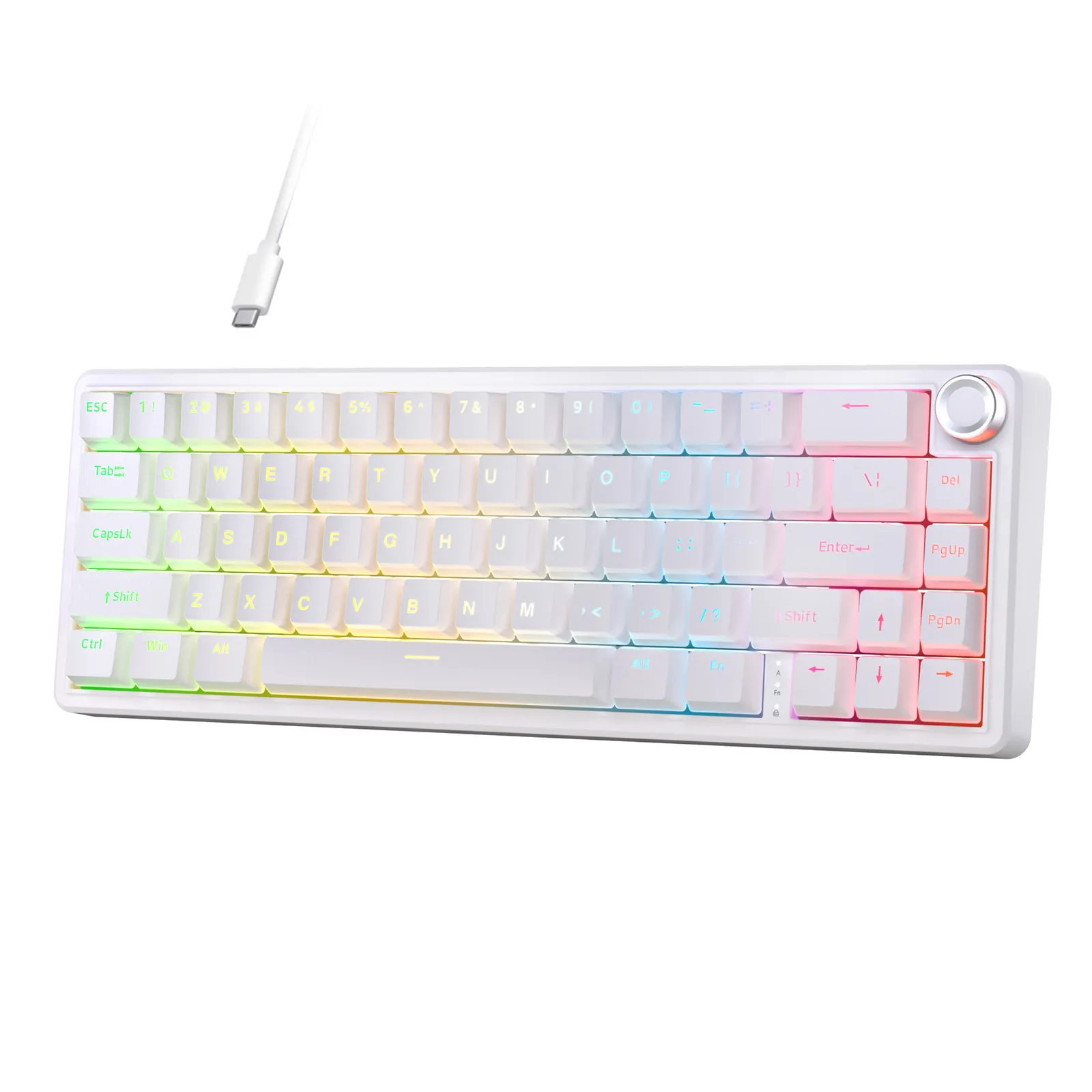
If you want a simple, hot-swappable KEMOVE board with a volume knob and RGB, pick the TMKB T68E or its larger sibling, the TMKB T81E. If you want wireless connections, a numpad and QMK/VIA support, pick the KEMOVE K94. Those three are KEMOVE’s current keyboards; the older Shadow 61 and Dierya DK63 are not in the lineup it lists today. You can find the current code on our KEMOVE coupon code page.
Everything below comes from KEMOVE’s own product pages, so you can check each point before you buy.
KEMOVE’s Current Keyboards at a Glance
| Model | What KEMOVE lists | Best for |
|---|---|---|
| TMKB T68E | Gasket mount, hot-swappable, pre-lubed creamy linear switches, dedicated volume knob, RGB backlighting, web driver | A compact first hot-swap board |
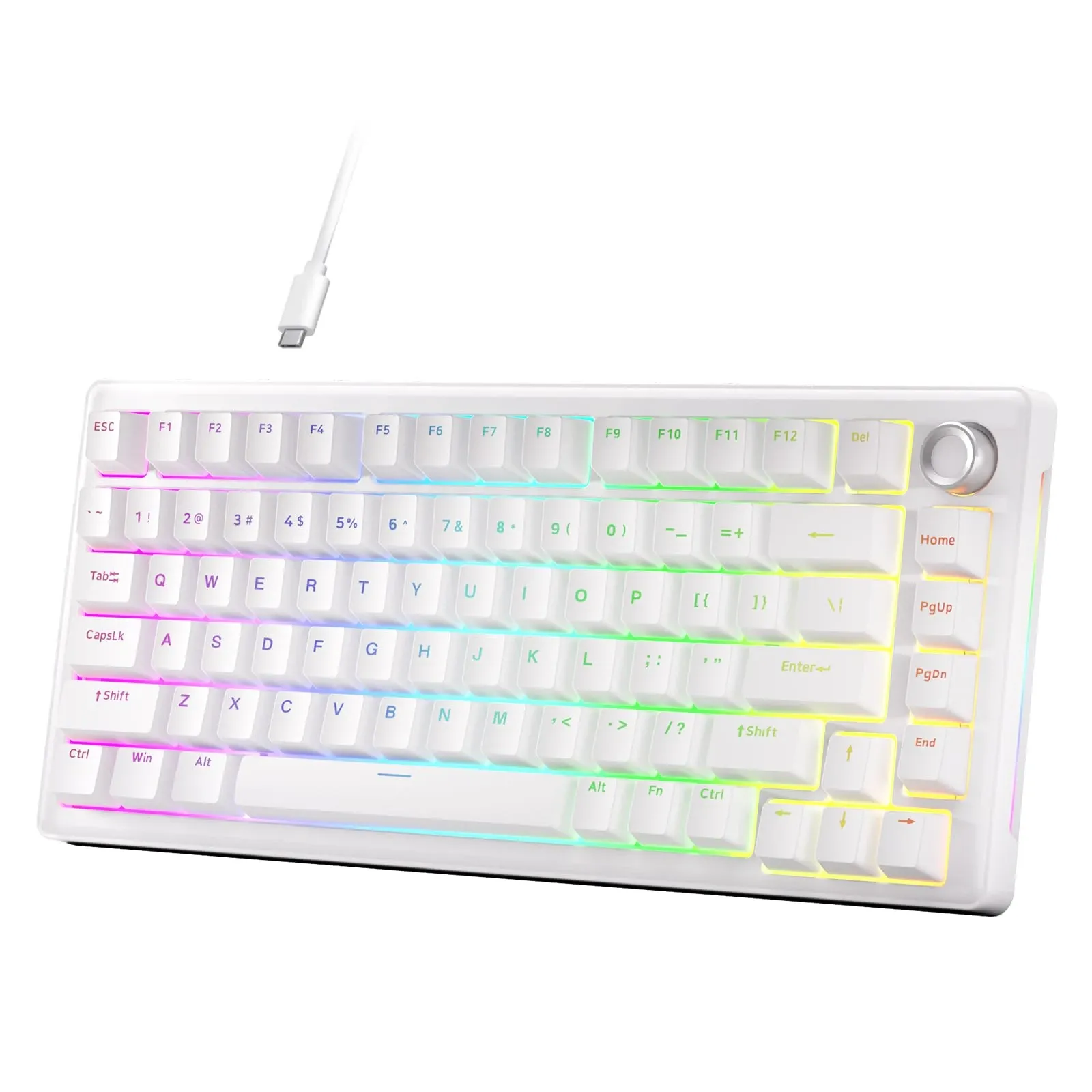
| TMKB T81E | The same feature list as the T68E in a larger board; its page also shows the DIERYA DK81E name | Buyers who want more keys than the T68E |
| KEMOVE K94 | 94-key compact layout with numpad, Bluetooth, 2.4GHz wireless and USB-C wired, QMK/VIA in wired mode, gasket mount, hot-swappable, south-facing RGB, smart display, metal knob, 8000mAh battery | Wireless use, spreadsheets and multi-device setups |
All three pages also list a 1-year product warranty and 30-day returns, which is worth knowing if you are unsure about size or switch feel.
TMKB T68E and T81E: Same Features, Different Size
The T68E and T81E share one feature list on KEMOVE’s site. Both are gasket-mount boards, which KEMOVE says gives a softer, more controlled key feel. Both come with pre-lubed creamy linear switches, a dedicated volume knob and RGB backlighting, and both are programmed through KEMOVE’s web driver, so you do not need to install software to remap keys.
The real choice between them is size. Compare the layout photos on each page and ask yourself which keys you press every day. If you rely on the function row or a fuller set of navigation keys, look at the larger T81E. If desk space and a smaller footprint matter more, the T68E is the one to look at. If you have been searching for a dierya keyboard, note that the T81E’s page on kemove.com also carries the DIERYA DK81E name.
Neither summary mentions wireless modes, so if you need Bluetooth, check the full specs on the page or choose the K94.
KEMOVE K94: The Tri-Mode Pick With a Numpad
The K94 is the board to choose if you want to cut the cable. KEMOVE lists three connection modes: 2.4GHz wireless, Bluetooth and USB-C wired, so you can switch between a desktop, a laptop and a tablet. Its 94-key compact layout keeps a numpad, which suits data entry and spreadsheet work.
For tinkerers, the K94 supports QMK and VIA in wired mode, and KEMOVE posts an official VIA definition file and its QMK source on the product page. You can also remap keys, record macros, set layers and adjust RGB in KEMOVE’s browser driver. The board is gasket-mounted and hot-swappable with south-facing RGB, and it adds a smart display, a metal knob and an 8000mAh rechargeable battery, according to KEMOVE. KEMOVE does not state a battery life in hours, so we do not quote one.
Switches, Tools and Mice to Round Out the Setup
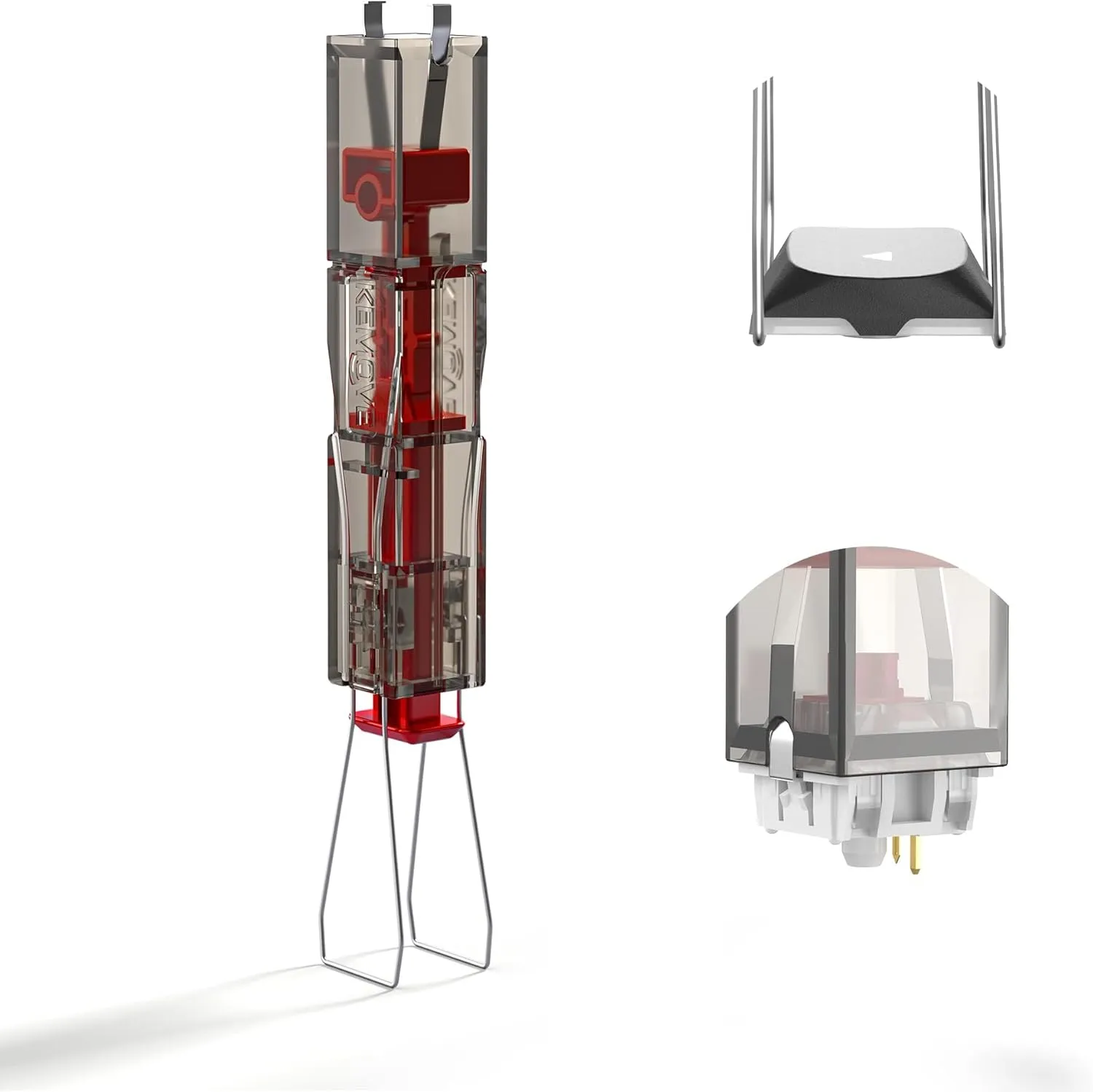
Because all three keyboards are hot-swappable, you can change switches without soldering. KEMOVE sells two tools for that job: the P10 2-in-1 keyboard switch puller, which removes both switches and keycaps, and the P11-V3 keycap puller, which KEMOVE lists as aluminum alloy with manganese steel and able to lift up to four keycaps at once.
For a matching mouse, KEMOVE sells the TMKB Falcon M1SE, which the store describes as a 75g wired gaming mouse, plus the tri-mode wireless Falcon M1 and M2. If you pick the wireless K94, a Falcon M1 or M2 keeps the whole desk free of cables; if you pick a T68E or T81E, the wired M1SE tmkb mouse is a simple pairing.
Which KEMOVE Keyboard Should You Buy?
- Choose the TMKB T68E if you want a compact hot-swap board with a volume knob and RGB, and a cable is fine.
- Choose the TMKB T81E if you like the T68E’s feature list but want a larger layout.
- Choose the KEMOVE K94 if you need wireless modes, a numpad, QMK/VIA support or a built-in display.
Whichever you pick, check the layout photos against the keys you use most, and remember that the 30-day return window KEMOVE lists gives you time to decide whether the size suits you.
Questions
Does KEMOVE still sell the Shadow 61 or the Dierya DK63?
Neither appears in KEMOVE's current lineup, which lists the TMKB T68E, the TMKB T81E and the KEMOVE K94. The T81E's page also shows the DIERYA DK81E name.
Which KEMOVE keyboard is wireless?
The KEMOVE K94 connects by 2.4GHz wireless, Bluetooth or USB-C cable, according to KEMOVE. The T68E and T81E product summaries do not mention wireless modes, so check their full specs if you need one.
Does the KEMOVE K94 support QMK and VIA?
Yes, in wired mode. KEMOVE posts an official VIA definition file and its QMK source on the K94 product page, and you can also use its browser driver for remapping, macros, layers and RGB.
Can I change the switches without soldering?
Yes. KEMOVE lists all three keyboards as hot-swappable. Its P10 2-in-1 puller removes both switches and keycaps.
What warranty and returns does KEMOVE offer?
The product pages list a 1-year product warranty and 30-day returns. Check the return and refund policy on kemove.com for the details before you order.
Products in this guide
Shopping at KEMOVE? See the coupon code
5% OFF Sitewide
More in this series
Mechanical Keyboard Switch Lifespan: How Long Do Switches Last?6 Aug 20265 min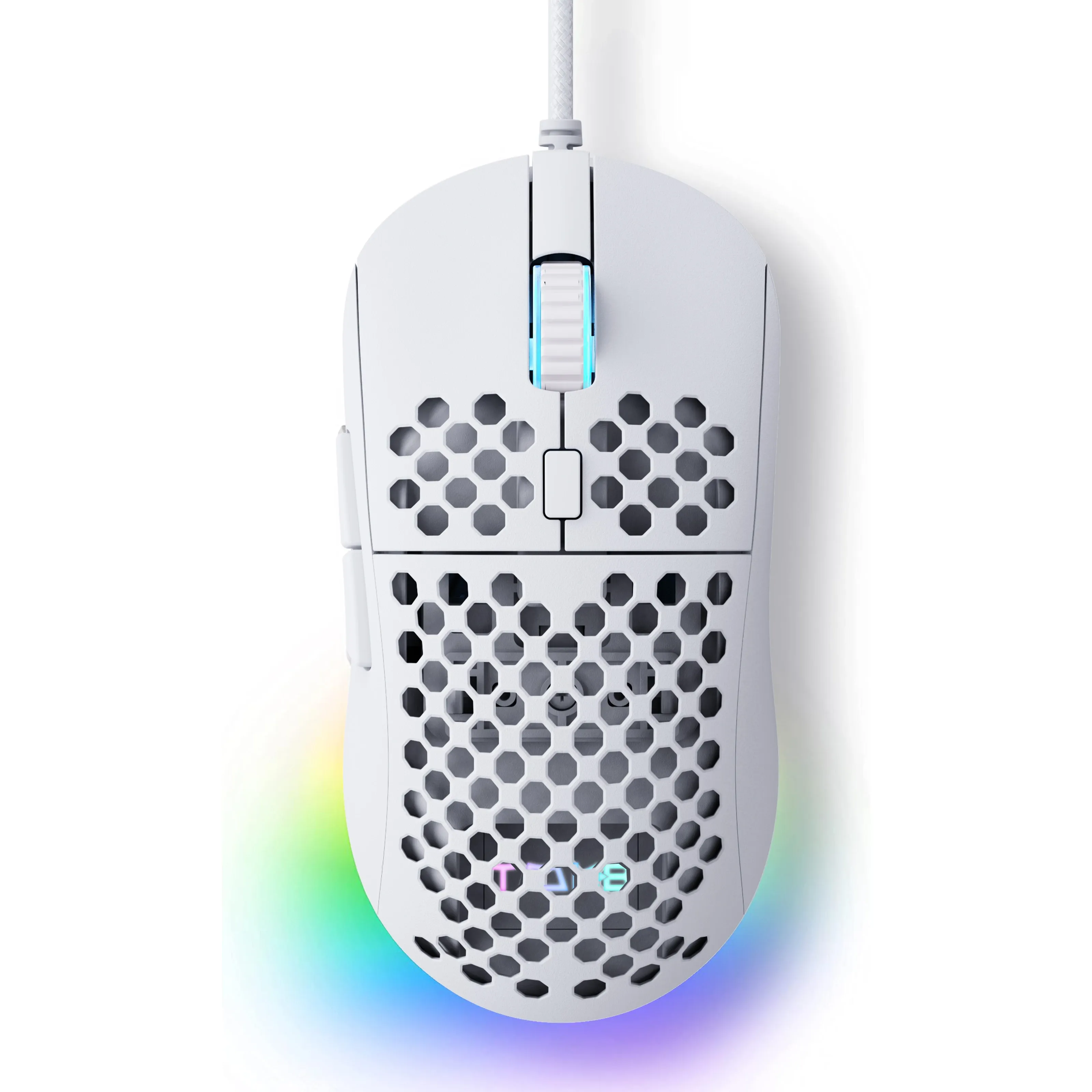 How Do 60, 68 and 80 Percent Keyboards Differ?6 Aug 20264 min
 KEMOVE TMKB T81E: What to Know Before You Buy6 Aug 20263 minDo Quiet Keyboards Work for Office Use? KEMOVE’s Silent Lineup6 Aug 20263 minHow to Remove Keycaps and Switches Without Damaging Your Keyboard6 Aug 20263 min