 A KEMOVE guide
How Do 60, 68 and 80 Percent Keyboards Differ?
Understanding what's the difference between 60 68 and 80% keyboards helps you choose the right compact layout for your typing needs and workspace.
What’s the Difference Between 60 68 and 80% Keyboards?
The main difference is the number of keys and which function rows each size keeps. A 60% keyboard strips away everything except letters, numbers, and basic modifiers (around 61 keys), a 68% layout adds dedicated arrow keys and a partial navigation cluster, and an 80% board (also called TKL or tenkeyless) keeps the full function row, arrow keys, and navigation block but removes only the numpad. You can find the current code on our KEMOVE coupon code page.
How Many Keys Does Each Size Actually Have?
Here’s the breakdown by layout:
| Size | Key Count | What You Give Up |
|---|---|---|
| 60% | 61 to 62 keys | Function row, arrows, navigation cluster, numpad |
| 68% (65%) | 66 to 68 keys | Function row, some navigation keys, numpad |
| 80% (TKL) | 87 to 88 keys | Numpad only |
The 60% layout removes the function row (F1 to F12), arrow keys, and the entire navigation cluster (Insert, Delete, Home, End, Page Up, Page Down). You access those functions through a secondary layer by holding Fn plus another key.
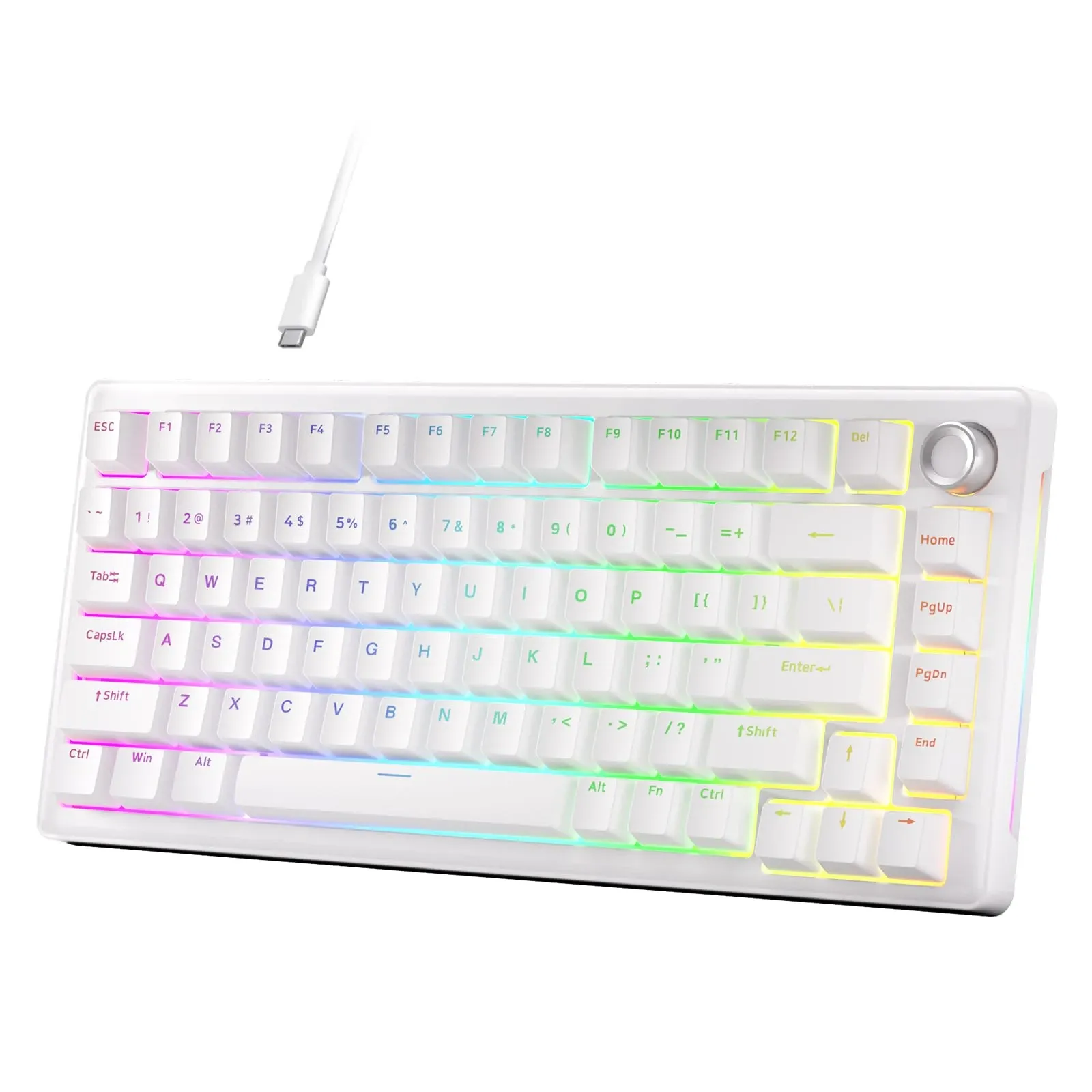
The 68% design restores dedicated arrow keys in the bottom-right corner and keeps a few navigation keys in a column along the right edge. Which ones it keeps (such as Delete, Page Up and Page Down) differs from board to board, so check the product photos. You still lose the function row, but daily arrow-key navigation becomes much easier.
The 80% keyboard keeps the function row, arrow keys, and the full six-key navigation block above the arrows (Insert, Delete, Home, End, Page Up, Page Down). The only missing piece compared to a full-size board is the numpad.
Which Layout Fits Your Typing and Gaming Style?
Go 60% if:
- You want maximum desk space for low-sensitivity mouse gaming
- You’re comfortable memorizing Fn-layer shortcuts for arrows and F-keys
- Portability matters (backpack, travel, hotdesking)
- You type mostly prose or code and rarely need dedicated navigation
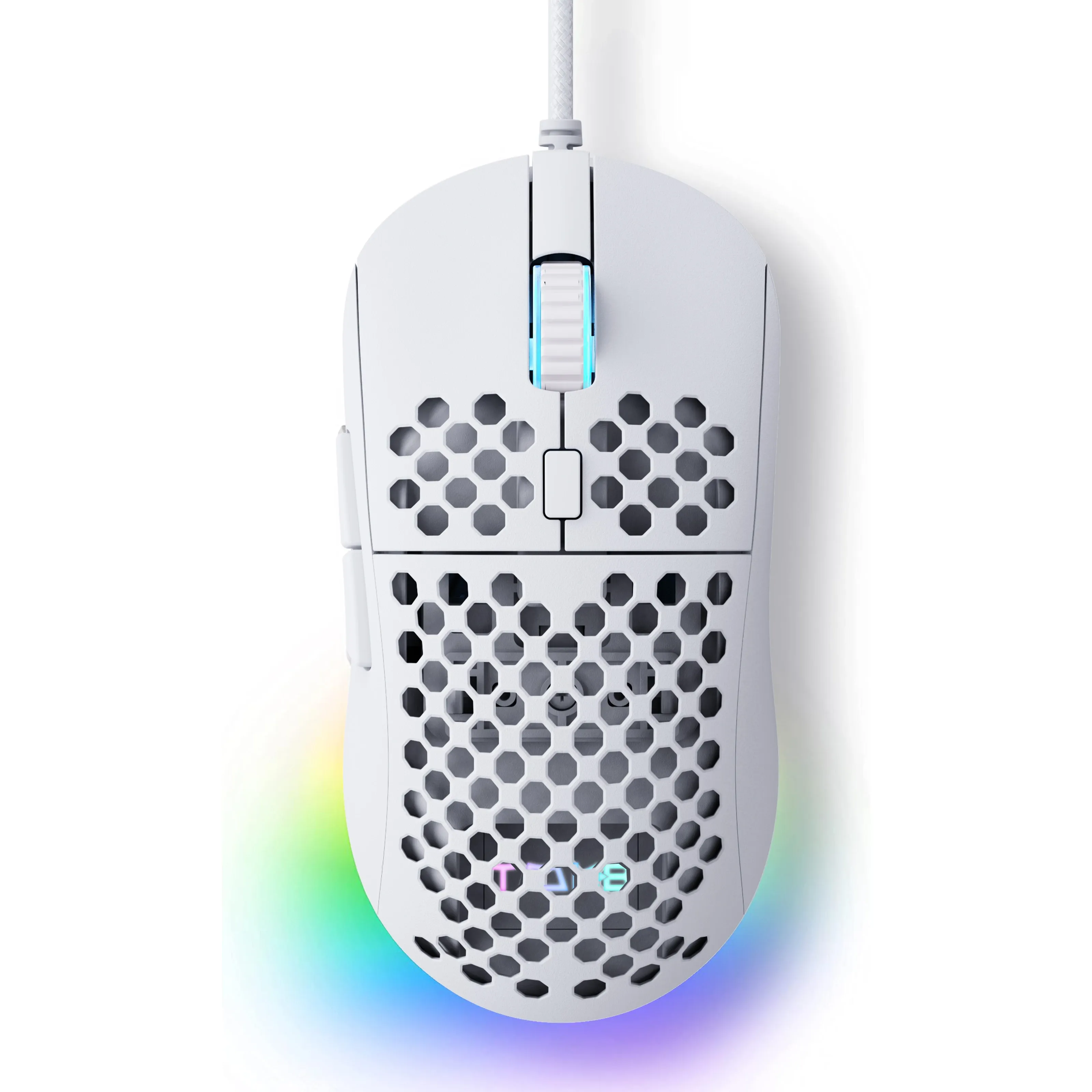
A compact board pairs well with a light mouse such as the TMKB Falcon M1SE, which KEMOVE sells as a 75g wired gaming mouse.
Choose 68% when:
- You need arrow keys for spreadsheets, code navigation, or text editing
- You want compactness but refuse to give up dedicated Delete and Page Up/Down
- You still want more mouse room than an 80% offers
- You’re new to compact layouts and want a gentler transition
Pick 80% (TKL) if:
- You rely on function keys for software shortcuts (Adobe, DAWs, IDEs)
- You want a traditional layout with only the numpad removed
- Desk space isn’t your primary concern
- You switch between multiple keyboards and want minimal relearning
An 80% board gives you nearly every key a full-size board has, minus the number pad.
What About Build Quality and Keycap Compatibility?
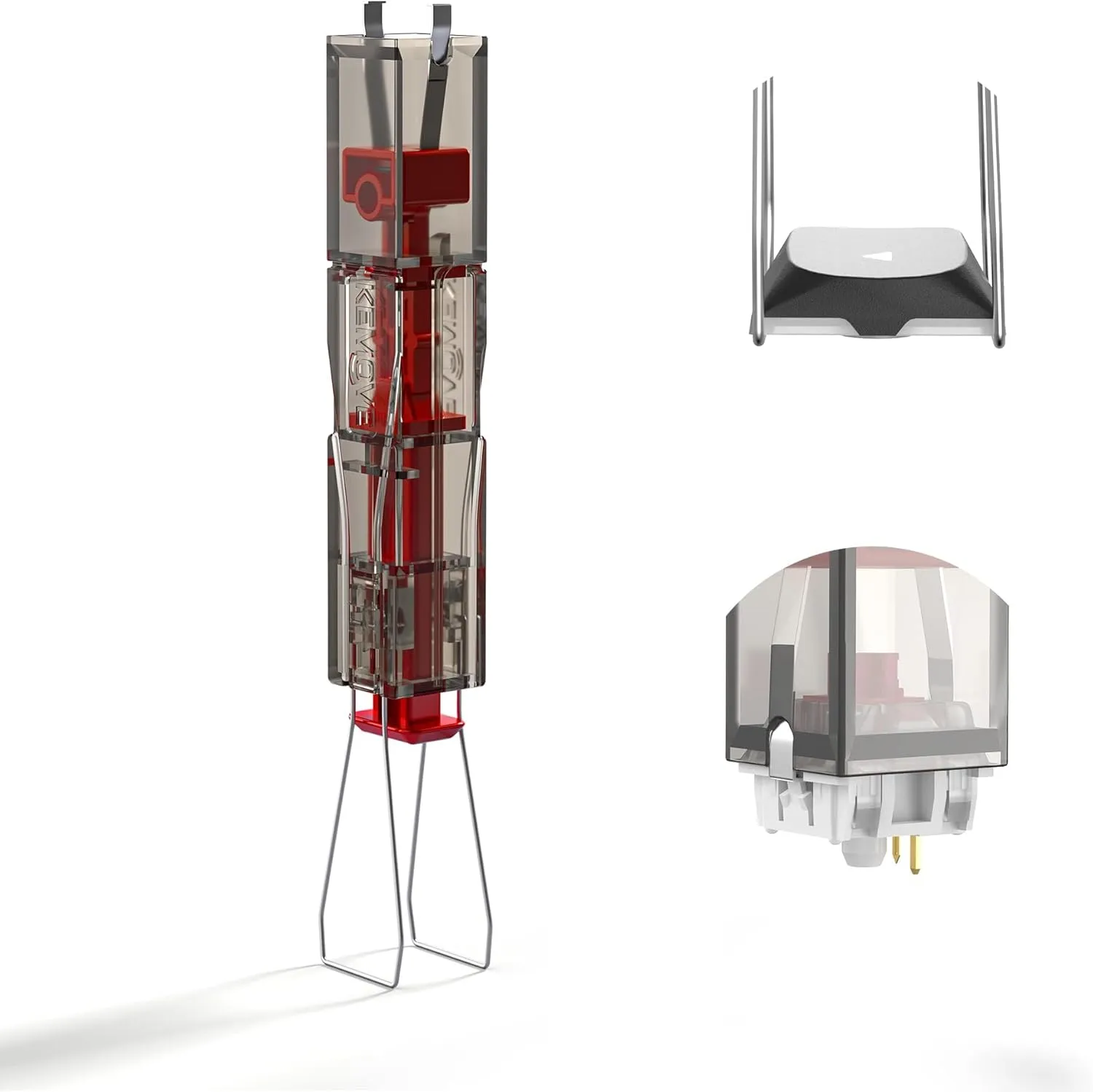
Boards of all three sizes can use MX-style mechanical switches. If the board is hot-swappable, as KEMOVE says its current keyboards are, you can swap in aftermarket switches with a keyboard switch puller and no soldering. Keycap compatibility is where things split:
- 60% boards use entirely standard keycap sizes, so any keycap set labeled “60% compatible” will fit perfectly
- 68% layouts sometimes use a shorter right Shift (1.75u or 2u instead of 2.75u) and compact bottom-row modifiers, so check the set’s compatibility list
- 80% keyboards mirror full-size boards in every keycap size, making them the easiest to customize
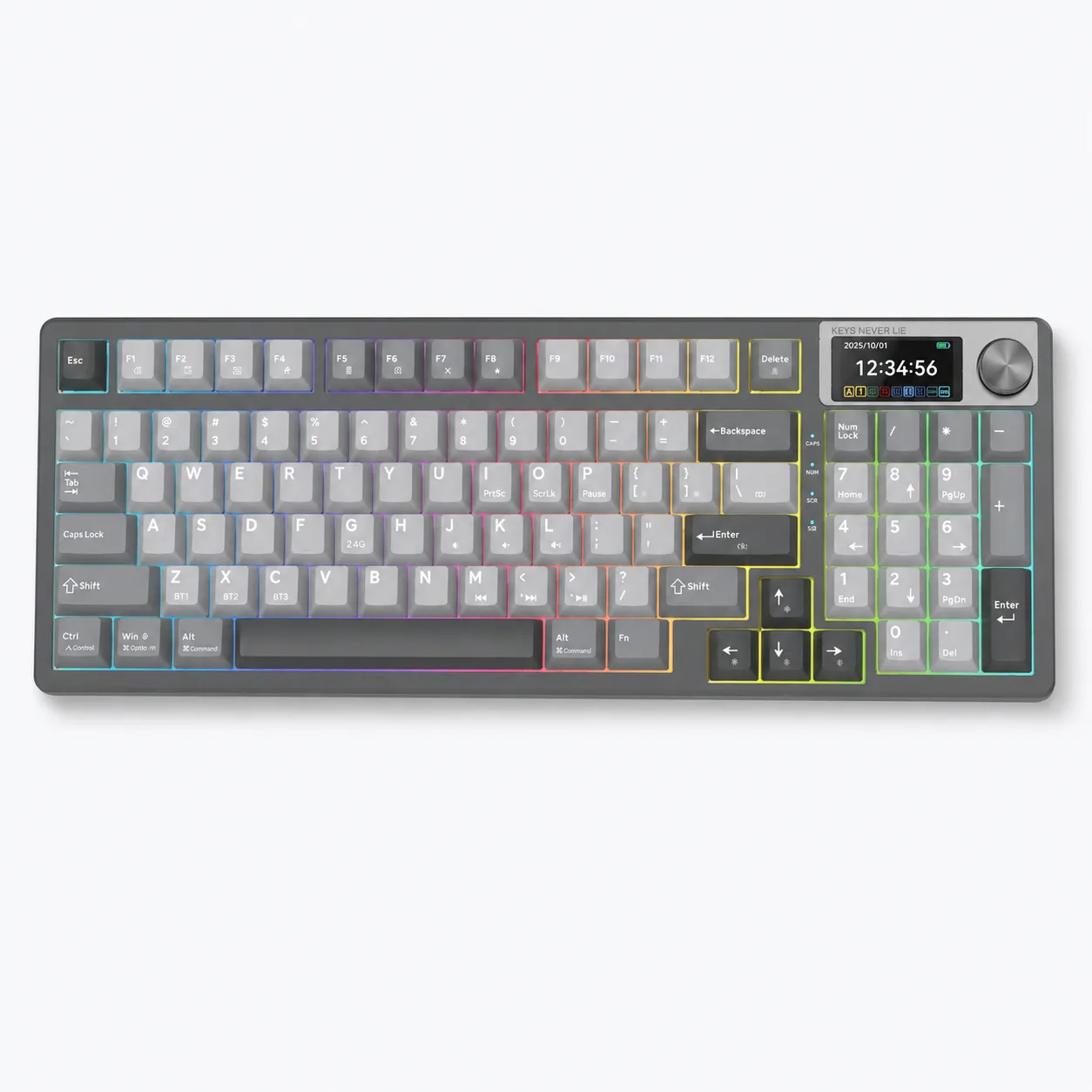
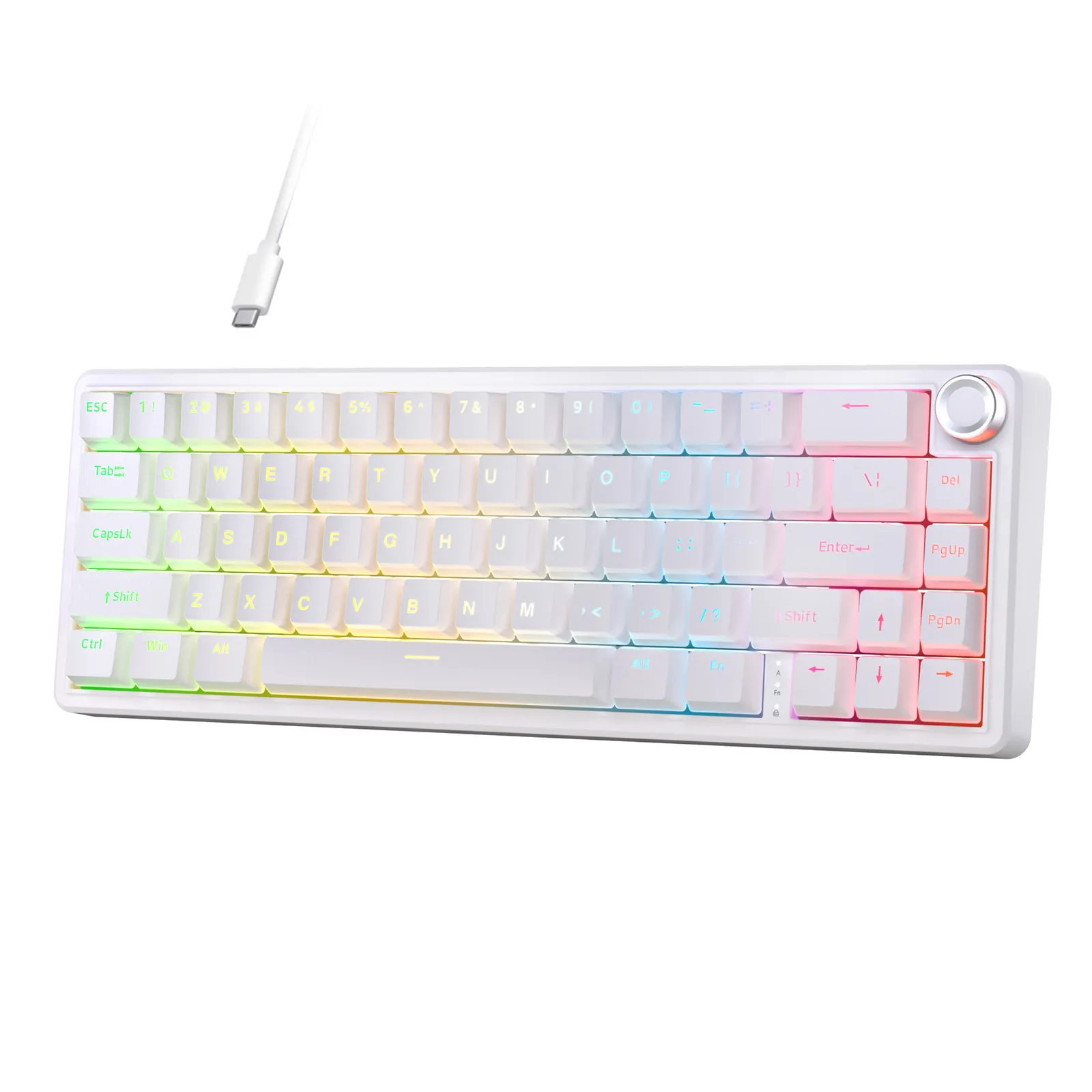
KEMOVE’s current keyboards are the TMKB T68E and KEMOVE tmkb T81E, both gasket-mount and hot-swappable, and the K94 keyboard, which KEMOVE describes as a 94-key compact layout with a numpad. Check each product page for the exact layout before you settle on a size.
Real-World Desk Space Comparison
Each step down in size makes the board narrower and frees desk space for your mouse. Going from 60% to 68% adds a column for dedicated arrow keys. Going from 68% to 80% adds the full function row and navigation block, so the board gets wider again. Measure the board on its product page against your desk before you buy.
If you game at low mouse sensitivity, every centimeter counts. A smaller board leaves more room for a mouse like the tmkb mouse.
How to Choose Between These Three Sizes
Start by listing the keys you actually press in an hour of work. Open your most-used software and note which function keys, arrows, or navigation keys you hit. If you hit F-keys and Home/End often, an 80% layout will feel more natural. If you only need arrows and Delete, the 68% hits the mark. If you’re willing to train muscle memory for Fn layers, a 60% maximizes portability.
If you’re moving from a full-size board, we suggest trying a 68% model first, since it keeps the dedicated arrow keys a 60% drops, and you can always step down to a 60% later if you want even more desk space. Look for a board with hot-swap switches, so you can experiment with tactile, linear, or clicky stems without soldering.
For users who need flexibility, some makers now ship multi-layout PCBs that let you configure a board as 60%, 65%, or 68% by choosing which keys to populate.
Finally, don’t forget that layout size affects keycap set pricing. An 80% keycap set includes more caps than a 60% set, so expect it to cost more. Budget accordingly when planning your build or upgrade.
Which Layout Should You Buy First?
If you’ve never owned a compact keyboard, we suggest starting with a 68% layout: it is smaller than an 80% board but still has dedicated arrow keys. Once you’ve adapted, you can decide whether to go even smaller with a 60% or expand to an 80% for software-heavy workflows. In practice, the difference between 60 68 and 80% keyboards comes down to three factors: how much you rely on dedicated function keys, how much desk space you have, and how quickly you adapt to layered shortcuts.
Questions
What's the difference between 60 68 and 75% keyboards?
A 68% keyboard is essentially a 65% layout with a few extra keys, while a 75% board restores the full function row in a more compact arrangement than an 80% TKL. The 75% is slightly wider than a 68% but narrower than an 80%, making it a middle-ground option for users who need F-keys but want to save desk space.
Can I use a 60% keyboard for work and productivity?
Yes, but it requires learning Fn-layer shortcuts for arrows, function keys, and navigation. If your work involves heavy spreadsheet navigation, code editing, or software with F-key shortcuts, a 68% or 80% layout will feel more efficient out of the box.
Do 68% keyboards work with standard keycap sets?
A 68% layout has a shorter right Shift key and compact bottom-row modifiers, so you'll need a keycap set that explicitly lists 65% or 68% compatibility. Check the product page or manufacturer specs before buying replacement caps.
Which size saves the most desk space for gaming?
A 60% keyboard saves the most space, giving you maximum room for low-DPI mouse movements. The step up to 68% adds only one column for the arrow keys, but that can matter on a small desk.
Can I add a numpad to an 80% keyboard later?
Yes, you can buy a separate mechanical numpad and place it wherever you like on your desk. You can position it on the left side to keep the mouse closer, which partially defeats the space-saving purpose of a TKL layout but offers flexibility.
Products in this guide
 Shopping at KEMOVE? See the coupon code
5% OFF Sitewide
More in this series
 Mechanical Keyboard Switch Lifespan: How Long Do Switches Last?6 Aug 20265 min
 KEMOVE TMKB T81E: What to Know Before You Buy6 Aug 20263 minDo Quiet Keyboards Work for Office Use? KEMOVE’s Silent Lineup6 Aug 20263 minHow to Remove Keycaps and Switches Without Damaging Your Keyboard6 Aug 20263 minKEMOVE T68E vs T81E vs K94: Which Keyboard Should You Buy?6 Aug 20263 min