 A AAA PRESETS guide
VHS Overlay for Premiere Pro: Will the Retro Look Last?
A VHS overlay does not expire, and the retro look stays useful wherever it fits the story. Here is what the AAA PRESETS Premiere Pro overlay includes and how to use it well.
A VHS overlay for Premiere Pro does not expire: once you own the files, you can use them in any project, and the retro look stays useful for as long as it suits the story you are telling. Nobody can promise how long any style stays in fashion, but the VHS look is tied to a real era of home video, and it suits music videos, throwback edits and documentaries. Our AAA PRESETS discount code page lists the current code and how to use it.
Why the VHS Look Keeps Coming Back
The appeal of a VHS effect is not just that it looks old. It points to something specific: home videos, late-night TV, tapes recorded over and over. When you add tape noise, soft color and a little distortion, viewers read the footage as a memory rather than a polished production.
That gives the effect a few lasting uses:
- Setting a time period. Flashbacks, stories about the 1980s and 1990s, and period-themed music videos.
- Making footage feel personal. Behind-the-scenes clips, vlogs and family-style edits.
- Adding texture to clean digital footage. Modern cameras record very clean images, and some projects want the opposite.
Adobe publishes its own guide to adding a VHS effect in Premiere Pro. Trends rise and fall, and no one can say how long any look stays popular. The practical question is not “will it last?” but “does it fit this project?”
What the AAA PRESETS VHS Overlay Includes
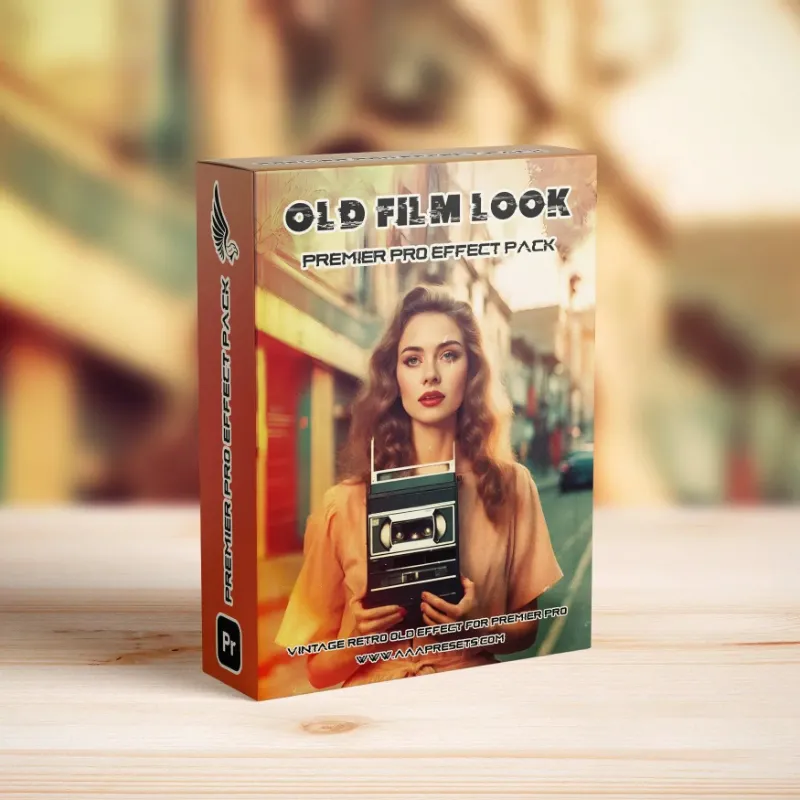
AAA PRESETS sells a Vintage VHS Overlay for Premiere Pro. According to its product page, it includes:
- 7 VHS overlays, ranging from gentle film noise to more pronounced effects.
- 10 retro LUTs for color grading toward a VHS-era look.
- HD and 4K support, so it can sit on top of either resolution.
- A Premiere Pro project file (.prproj), which you open in Premiere Pro to access the effect.
- License options: Personal, Commercial and Extended, sold separately.
Because it ships as a Premiere Pro project, it is made for Premiere Pro users. If you edit in DaVinci Resolve or Final Cut Pro, the store’s .cube LUT packs such as the Professional Cinematic LUTs Pack and the Movie LUTs Pack will load in those editors, but the overlay project itself is built for Premiere.
Using a VHS Overlay So It Looks Right
We suggest a light touch. A few habits help:
- Grade the color first. Use one of the included retro LUTs, or your own grade, to soften the color before adding texture. VHS recorded color at low resolution, so crisp, saturated color gives the effect away.
- Add the overlay on a track above your footage. Then adjust its opacity and blend mode until the texture sits in the picture rather than on top of it.
- Start subtle. Pick one of the gentler overlays for most of the edit, and save the heavier distortion for a transition or a key moment.
- Match the sound. A little tape hiss or a muffled mix makes the picture more believable. Picture and sound that disagree give the effect away.
- Watch it on a phone. If the video will be watched on phones, check it on one, since a heavy effect can look like a playback fault on a small screen.
If you need a mood that is warm and nostalgic without the tape texture, a LUT alone may be enough. The Trending Cinematic LUTs Bundle lists 20 LUTs that range from vintage tones to modern cinematic looks, according to its product page.
When to Use It and When to Skip It
The VHS look suits content like:
- Music videos and lyric videos with a retro or lo-fi sound
- Throwback edits, anniversaries and “look back” compilations
- Documentary sections about the VHS era
- Skate, BMX and street clips with a raw, home-video feel
We would skip it where the viewer expects a clean, trustworthy image, such as product demos, tutorials that need clear detail, or formal business videos. Heavy noise and color bleed make fine detail harder to see.
Before you use it in paid or client work, check the license. The product page offers Personal, Commercial and Extended options, and the right one depends on how and where the finished video will be used. With the license sorted and a light touch in the edit, a VHS overlay is a tool you can keep using for years, as long as the story calls for it.
Questions
Do VHS overlays go out of date?
The files do not expire, so you can keep using them in new projects. Whether the look suits a video depends on the project, not on the age of the overlay.
What is included in the AAA PRESETS VHS overlay?
The product page lists 7 VHS overlays, 10 retro LUTs and HD and 4K support, delivered as a Premiere Pro project file (.prproj).
Can I use the AAA PRESETS VHS overlay in DaVinci Resolve?
It is supplied as a Premiere Pro project file, so it is made for Premiere Pro. For Resolve or Final Cut Pro, the store sells .cube LUT packs that load in those editors.
How do I make a VHS effect look realistic?
Soften the color with a retro LUT first, place the overlay on a track above the footage, lower its opacity until the texture blends in, keep heavy distortion for key moments and add matching tape-style sound.
Can I use the VHS overlay for client work?
The product page offers Personal, Commercial and Extended licenses. Choose the one that covers how the finished video will be used.
Products in this guide
 Shopping at AAA PRESETS? See the discount code
10% OFF All Orders
More in this series
What’s the Difference Between LUTs and Lightroom Presets?15 Aug 20265 minDo Gym LUTs Work? What They Can and Cannot Do for Fitness Videos15 Aug 20264 minFall Lightroom Presets vs Manual Color Grading: Which Saves More Time?15 Aug 20263 minHow to Choose a Cinematic LUT Pack for Color Grading15 Aug 20264 minHow to Install and Use LUTs in Premiere Pro and DaVinci Resolve15 Aug 20264 min