 A AAA PRESETS guide
Fall Lightroom Presets vs. Manual Color Grading: Which Saves Time?
Fall lightroom presets can reduce your editing workflow from 15 minutes per image to under 3 minutes, delivering consistent autumn tones without the manual HSL adjustments.
Fall lightroom presets apply a full autumn color grade in a single click, while manual color grading builds the same warm, golden look step by step. Presets are generally faster for large batches of similar images, while manual grading gives more control when lighting varies a lot across a shoot.
How presets cut steps out of editing
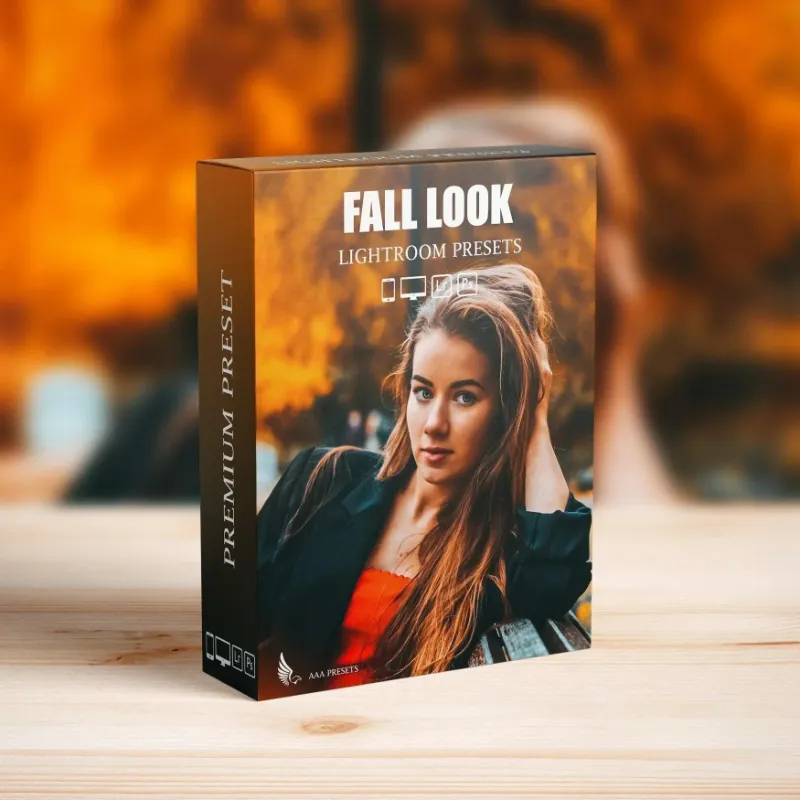
A preset bundles a set of manual steps into a single action. Applying fall lightroom presets adjusts exposure, temperature, HSL sliders, the tone curve and split toning all at once, aiming for the signature autumn palette of burnt oranges, deep reds and golden yellows. Because one click replaces a dozen manual moves, presets are generally the faster starting point, even after minor tweaks to exposure or highlights for images with different lighting.
Building the same look manually means setting each of those sliders yourself, image by image, which naturally takes longer, especially across a large batch.
When manual color grading makes sense
Manual grading gives you full control when lighting conditions vary a lot across a set. A fall session that spans golden hour, open shade and harsh midday sun will not look right under a single preset applied uniformly.
Manual adjustments also make sense when your style calls for color science no existing preset offers. Photographers building a signature look often start manually to define their exact HSL and calibration values, then save those settings as a custom preset for future efficiency.
Mixed lighting is another case where manual work pays off. An indoor reception with tungsten uplighting and cool window light generally needs selective masking and localized color shifts that a single preset cannot automate. In these cases, a preset can still work well as a starting point, with manual corrections layered on top.
Premium vs. free presets
Premium fall presets, including those from AAA PRESETS, generally add localized adjustments like radial filters for vignetting and gradient masks for sky enhancement, which free presets typically do not include. Free autumn presets tend to apply only global adjustments to temperature, saturation and the tone curve.
That difference means free presets generally work well on evenly lit landscapes but can struggle with portraits that need skin tone protection. Paid preset packs more often include HSL masking to keep skin tones natural while pushing foliage into rich golds and reds.
What premium presets typically add:
- Skin tone luminance protection
- Localized dodging and burning
- Calibration tweaks for camera-specific color rendering
- Compatibility across Lightroom Classic, CC and mobile
If you are testing fall presets for the first time, a free option is a reasonable way to get a feel for one-click grading before committing to a paid pack. For client or portfolio work where consistency across many images matters, check the latest pricing on professional preset packs.
Presets and LUTs for hybrid photo and video work
Content creators shooting both stills and video need color consistency across Lightroom photos and footage edited in Premiere Pro or DaVinci Resolve. LUTs (lookup tables) are built to translate a still color grade into a video timeline.
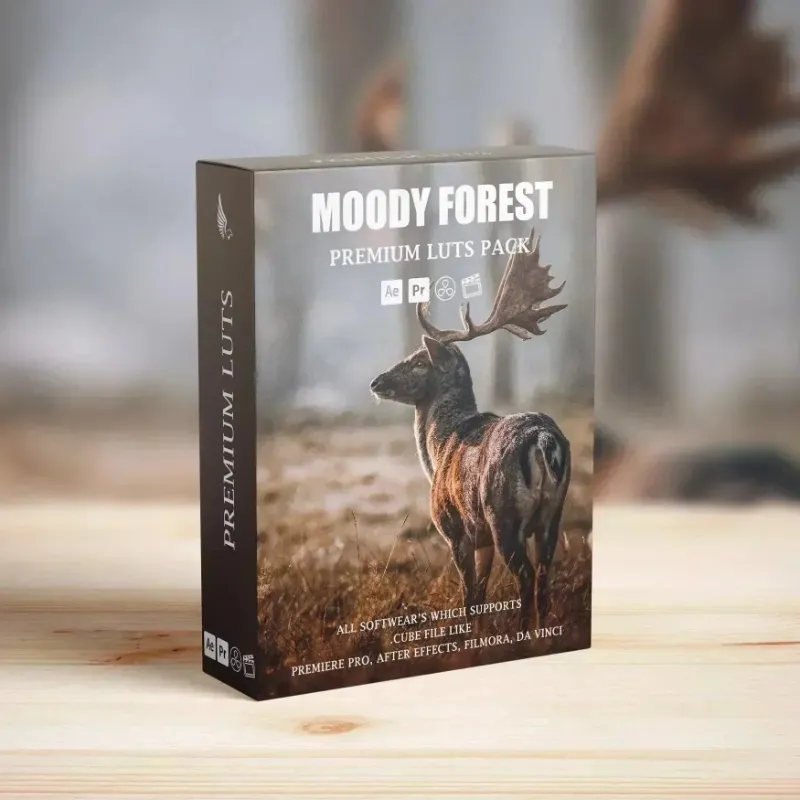
The lut pack and cinema luts from AAA PRESETS are built to match their Lightroom preset counterparts, which generally cuts down on manual color matching between the two applications compared with grading stills and video separately from scratch. For specialized effects, tools like vhs overlay premiere pro add texture and grain that pair with the warm tones of autumn presets.
Which workflow fits your schedule
Presets generally make sense when you are editing large batches with similar lighting on a tight deadline. Wedding photographers, portrait studios and daily content creators tend to benefit most from that efficiency. Check the current AAA PRESETS discount code and see how one-click grading fits your workflow.
Manual grading tends to make more sense for:
- High-end editorial work with a specific creative direction
- Mixed lighting scenarios spanning multiple color temperatures
- Building a signature style before converting it into a custom preset
- Images needing extensive localized adjustments beyond global color
Many photographers land on a hybrid approach: presets for most images, manual refinement for hero shots that need extra attention.
Testing your own time savings
The only reliable way to know your own time savings is to track it yourself. Edit a handful of similar images manually while timing each step, then apply a fall preset to a similar set and time that workflow too. Your results will depend on your own manual grading speed and how closely a preset matches your preferred autumn look, so treat any general time-savings figure you see elsewhere as a rough guide rather than a guarantee for your own workflow.
It is also worth revisiting that comparison every so often. As you get faster with manual grading, or as a preset pack you own gets updated, the balance between the two approaches for your particular workflow can shift, so do not assume a decision you made once will always hold.
Questions
Do fall lightroom presets work on mobile devices?
Most premium fall presets include mobile-compatible DNG files that sync through Adobe Creative Cloud, so you can apply autumn tones on a phone or tablet and sync edits back to Lightroom Classic on desktop.
Can I adjust a preset after applying it?
Yes. Presets are a starting point, and every slider stays editable after you apply one. Most photographers tweak exposure, highlights or shadows afterward to match the specific lighting of each image.
How many images can I edit with one preset purchase?
Typically there is no limit. Once you buy a preset pack, you generally own those profiles and can apply them to as many images as you want across personal and commercial projects, though it is worth checking the specific license terms.
Do free fall presets deliver professional results?
Free presets generally work well on evenly lit images but often lack the skin tone protection and localized adjustments that premium packs include. They are a reasonable way to test the preset workflow before investing in a paid option.
Which is faster for a large batch of wedding photos: presets or manual grading?
Presets are generally faster for a large batch with consistent lighting, since one click replaces many manual steps. Manual grading takes longer per image but gives more control when lighting varies across the set.
Can I use the same autumn colors in Lightroom and Premiere Pro?
Yes, by pairing Lightroom fall presets with a matching LUT for video. Many preset packs include a corresponding LUT file built to carry the same color grade from stills into video editing software.
Products in this guide


 Shopping at AAA PRESETS? See the discount code
10% OFF All Orders
Shopping at AAA PRESETS? See the discount code
10% OFF All Orders
More in this series
How Long Do VHS Overlays Stay Relevant for Retro Video Effects?15 Aug 20264 minWhat’s the Difference Between LUTs and Lightroom Presets?15 Aug 20265 min Do Gym LUTs Actually Work for Fitness Content Creators?15 Aug 20266 minBest LUT Packs for Cinematic Color Grading15 Aug 20265 minHow to Install and Use LUTs in Premiere Pro and DaVinci Resolve15 Aug 20264 min