 A AAA PRESETS guide
How to Choose a Cinematic LUT Pack for Color Grading
AAA PRESETS sells cinematic .cube LUT packs of 8, 10 and 20 looks. Here is how to choose one and apply it properly in Premiere Pro or DaVinci Resolve.
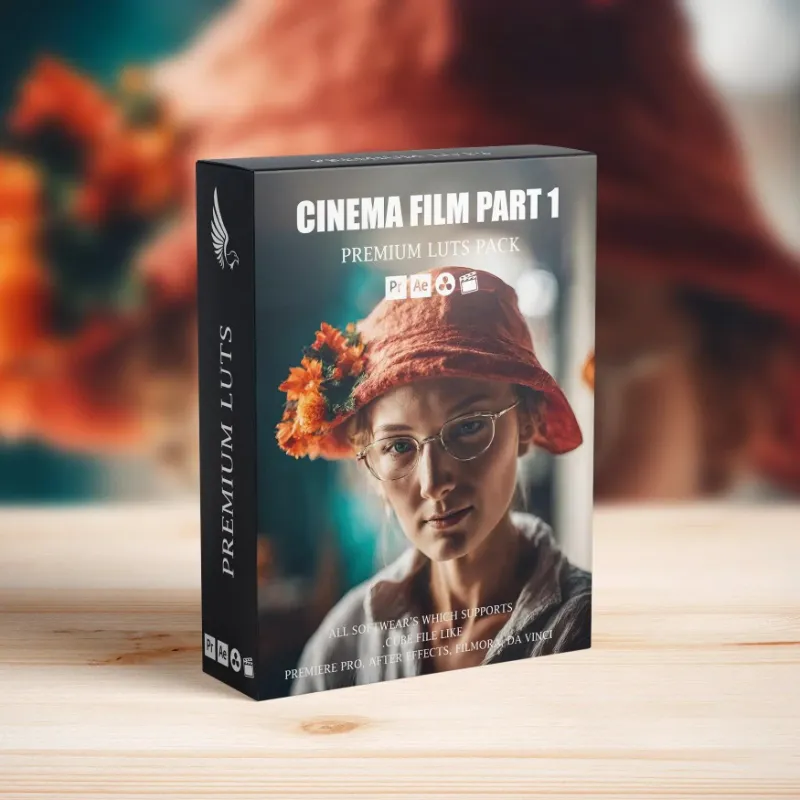
The right LUT pack for cinematic color grading is one that matches your footage and your editing software, and at AAA PRESETS that means choosing between a few themed .cube packs: the Professional Cinematic LUTs Pack (8 LUTs), the Movie LUTs Pack (10 LUTs with a warm brown look) and the Trending Cinematic LUTs Bundle (20 LUTs), according to their product pages. A LUT pack is a set of lookup tables that remap your colors in one click, giving you a consistent starting grade you then fine-tune. Our AAA PRESETS discount code page lists the current code and how to use it.
The Cinematic LUT Packs AAA PRESETS Sells
Here is what each cinematic pack contains, taken from the store’s product pages:
| Pack | What is inside | Listed software |
|---|---|---|
| Professional Cinematic LUTs Pack | 8 LUTs as .cube files, plus a user manual | Premiere Pro, Final Cut Pro, After Effects, DaVinci Resolve |
| Movie LUTs Pack | 10 LUTs described as a warm “brown look” cinematic style, plus a user manual | Premiere Pro, Final Cut Pro, After Effects, DaVinci Resolve |
| Trending Cinematic LUTs Bundle | 20 .cube LUTs ranging from vintage tones to modern cinematic looks | Premiere Pro, Final Cut Pro, DaVinci Resolve and more |
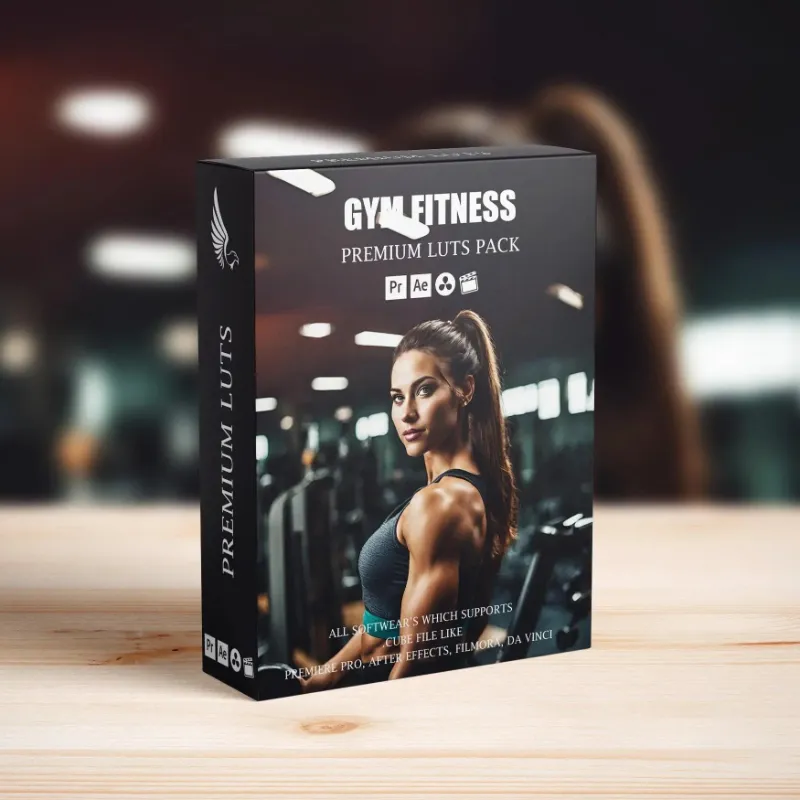
| Gym and Fitness LUTs Pack | 8 .cube files aimed at workout and sports footage | Premiere Pro, Final Cut Pro, DaVinci Resolve and more |
The two smaller cinematic packs list compatibility with both Windows and Mac. Each pack is sold with a choice of Personal, Commercial or Extended license, so check which one covers your use before you buy, especially for client or paid work.
How to Pick the Right Pack
More LUTs is not automatically better. We would rather you use a small pack you understand well than a large folder of looks you never use. A few questions help narrow it down:
- Do you want one signature style or a range? The Movie LUTs Pack leans into one warm, brown-toned look. The 20-LUT bundle spans more moods, which suits editors who cut many kinds of projects.
- What do you shoot? If most of your work is training videos and sports, the gym pack is built around that subject. For short films, travel or music videos, the cinematic packs are the closer fit.
- What footage do you start from? The product pages do not say whether the LUTs expect log footage or standard footage. Read the included user manual, and if you shoot in a log profile, correct or convert your footage to a normal color space first, because a creative LUT built for standard footage will look wrong on flat log clips.
- Which license do you need? Personal, Commercial and Extended are sold separately on every pack.
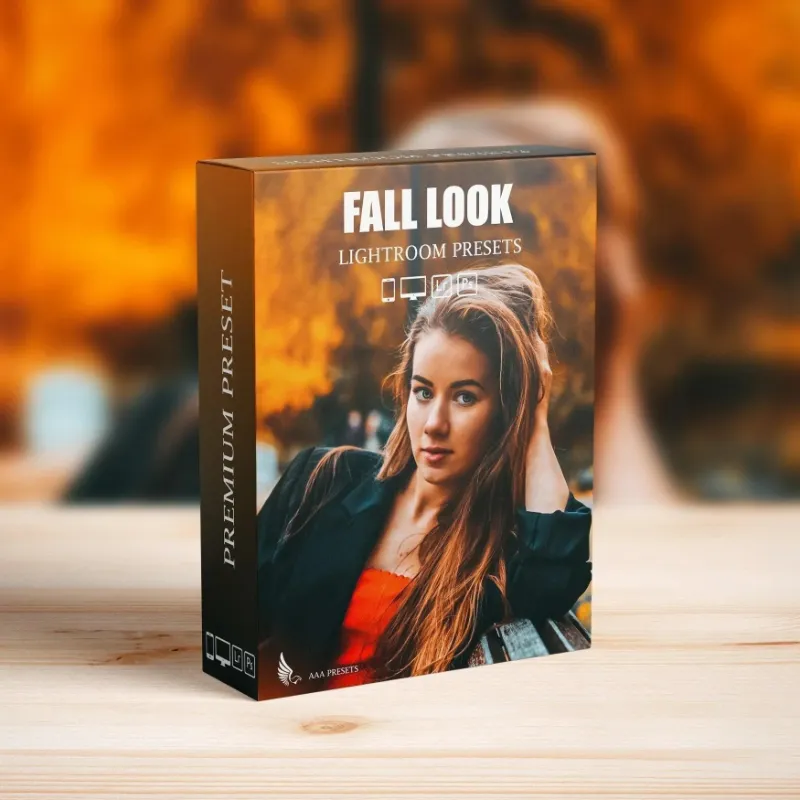
If you also edit photos, note that the store’s Fall Lightroom presets are a photo product, not video LUTs. The product page lists 8 presets as XMP files for Lightroom Desktop, Lightroom Classic and Adobe Camera Raw, and 8 as DNG files for Lightroom Mobile. They are useful for matching the color of stills to a warm autumn video grade, but they will not load into a video editor.
Applying a LUT in Premiere Pro and DaVinci Resolve
All of these packs use the .cube format, which the major editors read. The basic workflow is the same everywhere: correct first, then add the look.
- Fix exposure and white balance first. A LUT changes colors in a fixed way. If the clip is too dark or too blue going in, the LUT will carry that problem forward.
- Apply the LUT. In Premiere Pro, open the Lumetri Color panel and load the .cube file as a Look in the Creative section. In DaVinci Resolve, add a node on the Color page and apply the LUT to it.
- Adjust the strength. Premiere Pro’s Creative section has an Intensity slider for the Look. In Resolve, you can reduce the node’s strength, or apply the LUT on its own node after your correction node.
- Fine-tune per clip. AAA PRESETS itself notes that minor adjustments can be needed when lighting changes from video to video. Nudge temperature, contrast and saturation until skin looks natural.
Use an adjustment layer in Premiere Pro, or a shared node in Resolve, when you want the same look on many clips. That keeps the grade consistent and lets you change it in one place.
Adding Texture With the VHS Overlay
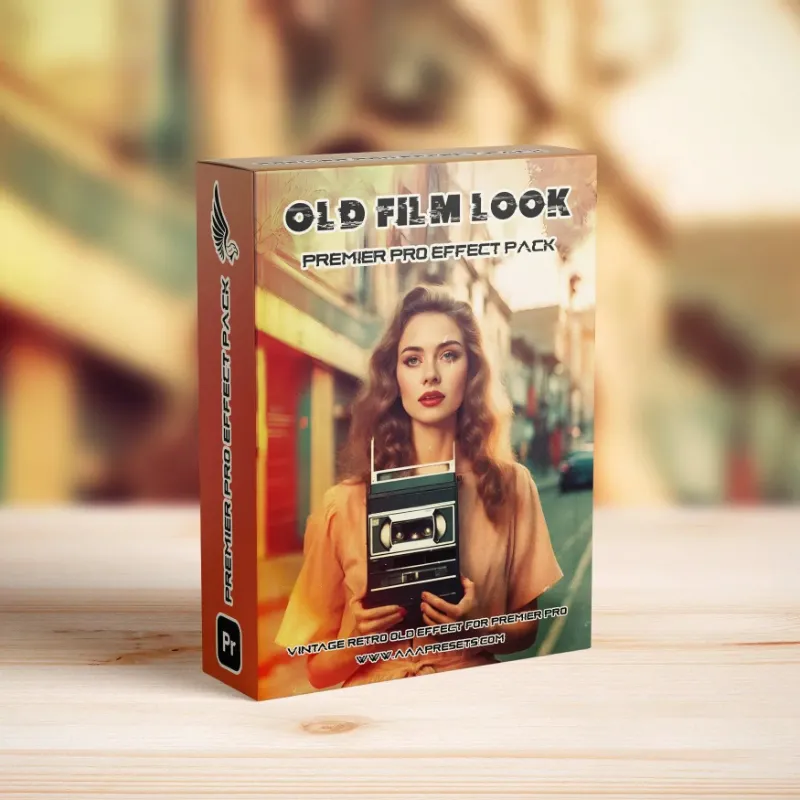
A LUT changes color; it does not add grain, noise or tape wobble. For a retro effect, AAA PRESETS sells a separate Vintage VHS Overlay for Premiere Pro. Its product page says it comes as a Premiere Pro project file (.prproj) with 7 VHS overlays and 10 retro LUTs, and supports HD and 4K footage.
Because it is a Premiere Pro project, it is the right choice only if you edit in Premiere Pro. If you work in Resolve or Final Cut Pro, stick with the .cube packs above and build texture with your editor’s own tools.
The simplest way to judge any pack is on your own clips. Grade one short scene with a single LUT, adjust it properly and compare it with the ungraded version. If it gets you close to the look you want with only small tweaks, it is the right pack for you.
Questions
What is a LUT pack?
A LUT pack is a set of lookup table files that remap the colors in your footage to a specific look in one step. AAA PRESETS supplies its packs as .cube files. You then fine-tune exposure, white balance and saturation for each clip.
How many LUTs are in the AAA PRESETS cinematic packs?
According to the product pages, the Professional Cinematic LUTs Pack has 8 LUTs, the Movie LUTs Pack has 10 and the Trending Cinematic LUTs Bundle has 20.
Can I use the same LUT pack in Premiere Pro and DaVinci Resolve?
Yes. The packs use .cube files, and the product pages list Premiere Pro, Final Cut Pro and DaVinci Resolve among the compatible editors.
Do the AAA PRESETS LUTs work on log footage?
The product pages do not say. Check the included user manual, and if you shoot log, correct or convert the footage to a standard color space before applying a creative LUT.
Can I use AAA PRESETS LUTs for client work?
Each pack is sold with Personal, Commercial or Extended license options. Choose the license that covers your project before you buy.
Products in this guide
 Shopping at AAA PRESETS? See the discount code
10% OFF All Orders
More in this series
VHS Overlay for Premiere Pro: Will the Retro Look Last?15 Aug 20263 minWhat’s the Difference Between LUTs and Lightroom Presets?15 Aug 20265 minDo Gym LUTs Work? What They Can and Cannot Do for Fitness Videos15 Aug 20264 minFall Lightroom Presets vs Manual Color Grading: Which Saves More Time?15 Aug 20263 minHow to Install and Use LUTs in Premiere Pro and DaVinci Resolve15 Aug 20264 min