
AAA PRESETS
AAA PRESETS Discount Code
The current AAA PRESETS discount code ALICE takes 10% off all orders sitewide, giving you immediate savings on LUT packs, Lightroom presets, and video overlays.
Links on this page are not paid links. We list codes on merit, and we will say so clearly here if that ever changes. How we are paid
10%
off
Sitewide
10% OFF All Orders
Not checked by our team yetIt copies itself when you show it.
Go to AAA PRESETSNo reader reports yet. Yours would be the first.
Show the code or visit the shop, then tell us if it worked.
Did it work for you?
How to use the AAA PRESETS discount code
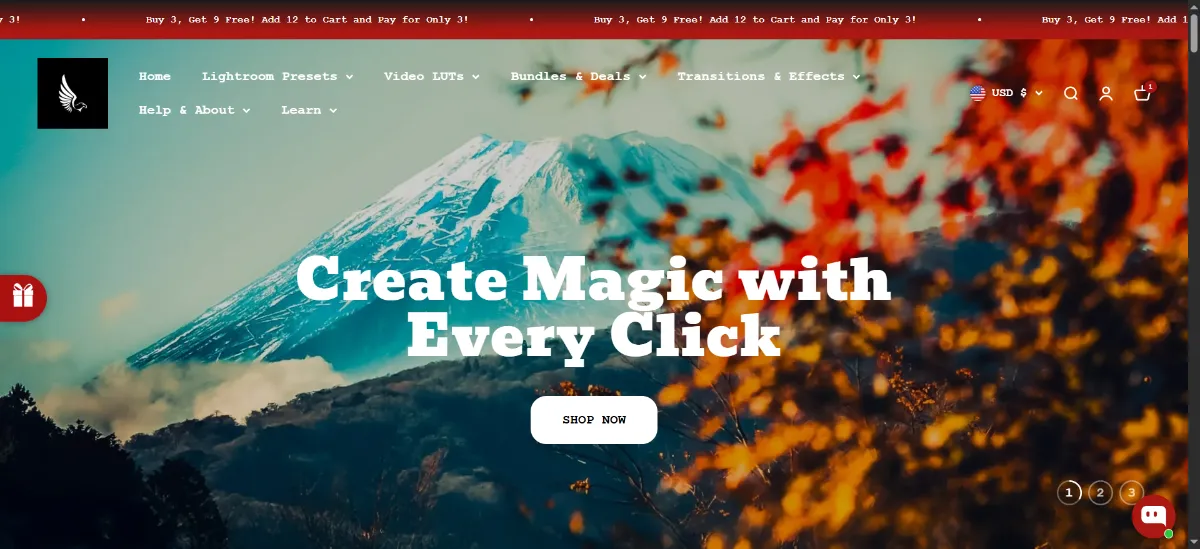
Copy the code ALICE before heading to the AAA PRESETS checkout. Add your chosen LUT packs or presets to your cart, then proceed to the payment screen. You'll see a discount code box near the order summary where you paste ALICE and click apply. The 10% discount will update your total immediately, reducing the price of every item in your cart.
-
-
Open your cart and check out
Open the cart, check the items and sizes, then press the checkout button.
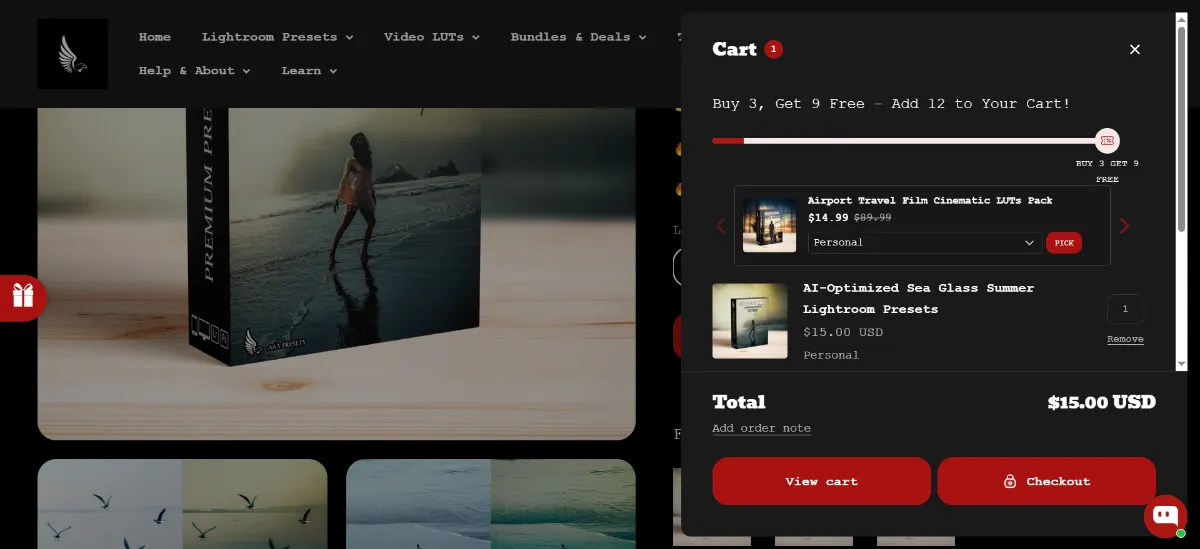
-
Enter the code ALICE
The discount code field appears on the checkout page, typically labeled "Promo Code" or "Discount Code" in the order summary sidebar. Paste ALICE into that box and click apply to see your savings reflected before you pay.
ALICE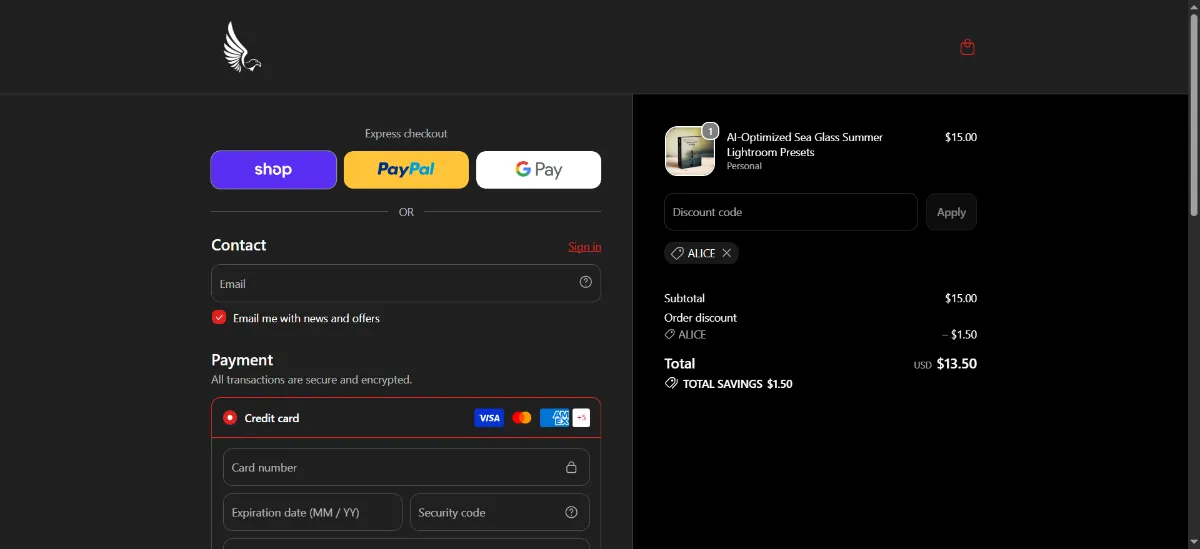
-
Check the discount before you pay
Your order total should drop by 10% before you pay. If it does not, read the notes below.
Good to know
If the code doesn't apply, double-check that you've copied it exactly with no extra spaces. Once the discount shows in your order summary, complete payment and you'll receive download links via email within minutes.
What people buy at AAA PRESETS
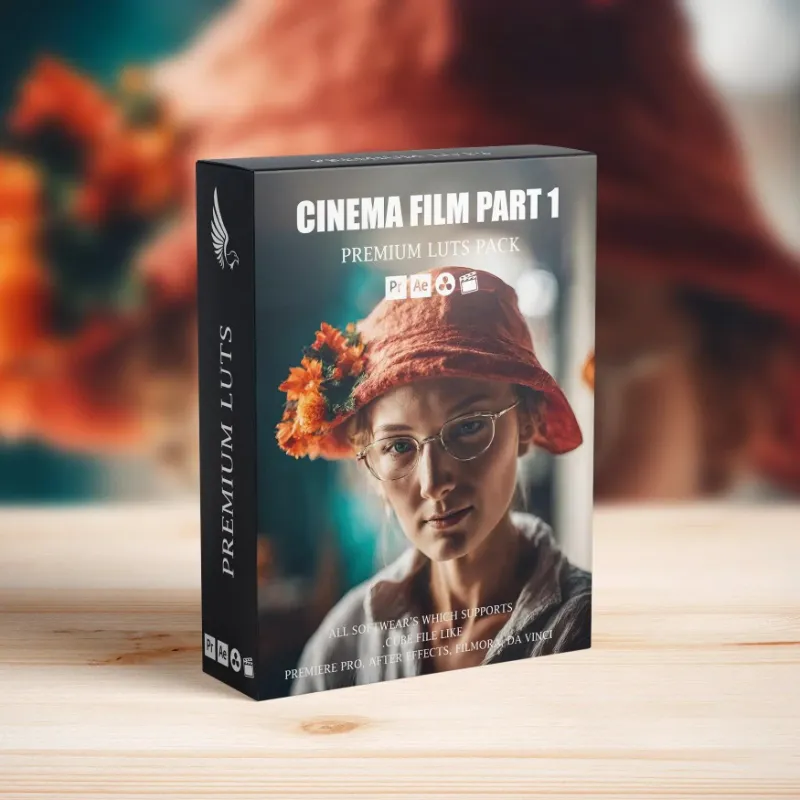
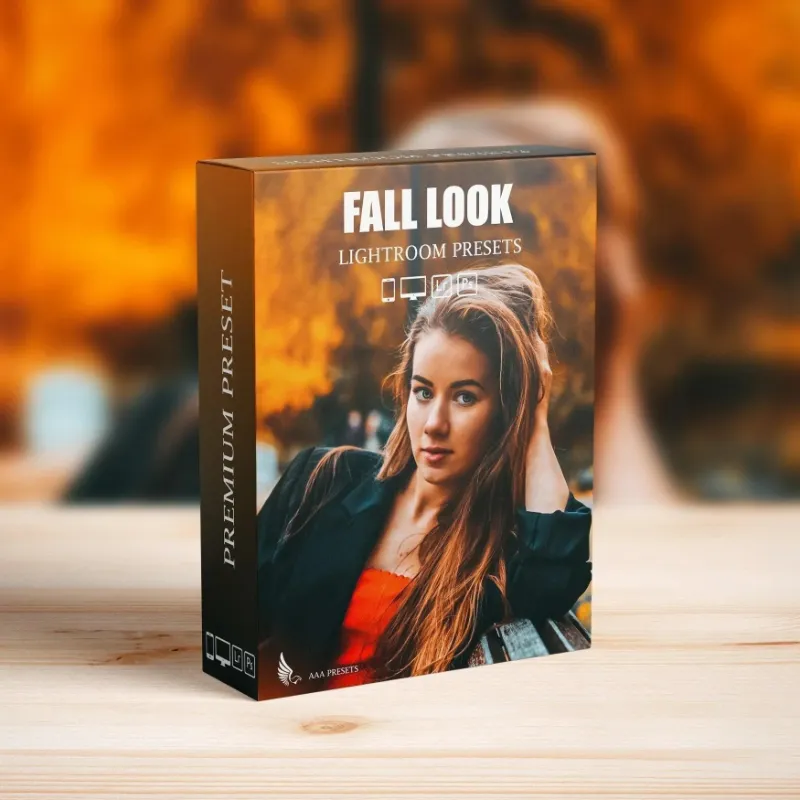
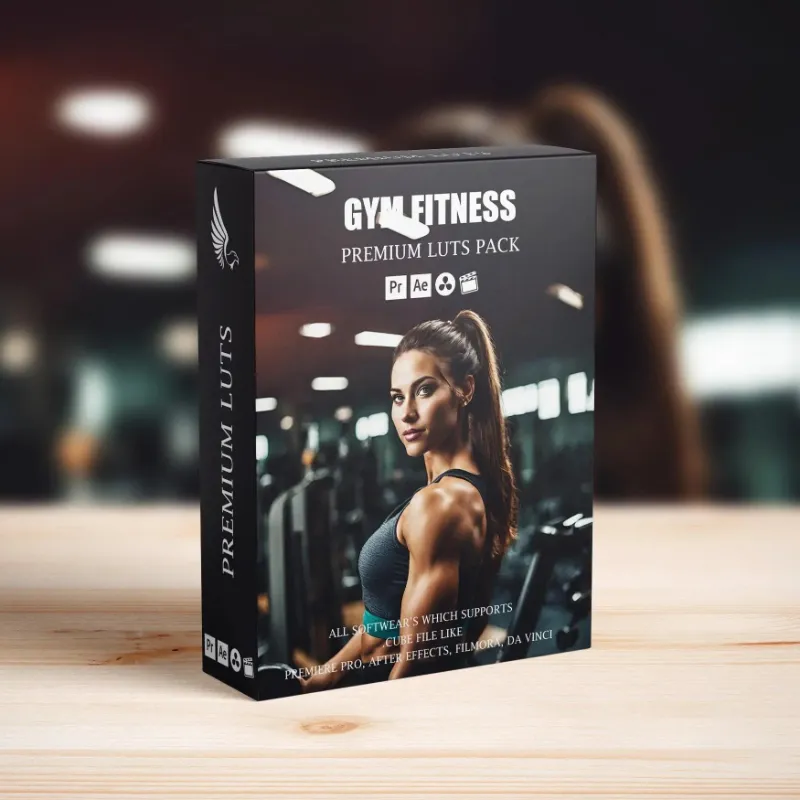
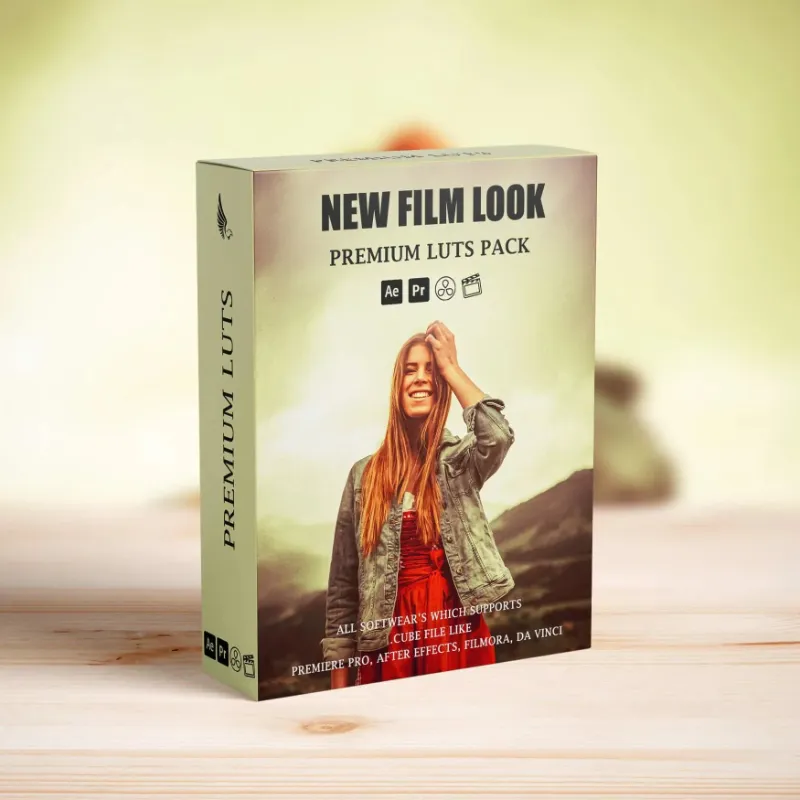
What shoppers say
from TrustpilotLos preset que compré no los he podido…
Los preset que compré no los he podido usar estoy esperando el momento indicado.
I mistakenly ordered 2 of something I…
I mistakenly ordered 2 of something I only wanted 1 of, and a person -- not a computer or AI -- took care of me. That is so rare in this day and age.
Verry good pressets
Verry good pressets
excelente servicio muy recomendable
excelente servicio muy recomendable
About AAA PRESETS
AAA PRESETS creates professional color grading tools for content creators, filmmakers, and photographers who need fast, repeatable results. Their catalog spans cinematic LUTs for video editing software like Premiere Pro and DaVinci Resolve, seasonal Lightroom presets for still photography, and specialty overlays including VHS effects.
The brand targets creators who shoot across multiple genres: travel vloggers, fitness influencers, wedding photographers, and indie filmmakers. Their LUTs come as.cube files for Premiere Pro, Final Cut Pro, After Effects and DaVinci Resolve, and most Lightroom preset packs come as XMP and DNG files.
AAA PRESETS suits anyone moving beyond auto-edits who wants a consistent aesthetic but lacks the time or skill to color grade from scratch. If you're building a portfolio, launching a YouTube channel, or simply want your photos to look cohesive, their tools give you a professional starting point. For more editing resources, browse Photo Editing discount codes across multiple brands.
Buying guide
3 parts, about 3 min readBefore you buy
The biggest mistake beginners make with LUTs is applying them at full intensity. LUTs are designed as starting points, not final grades. In Premiere or DaVinci, drop the LUT opacity to 50 or 60 percent after applying it, then adjust exposure and contrast underneath. This gives you the color palette without crushing shadows or blowing out highlights. Think of a LUT as a filter that sets the mood, then fine-tune exposure and white balance to match your specific footage.
For Lightroom presets, pay attention to the baseline exposure of your raw files. Presets are calibrated to a certain brightness level, so if your photo is underexposed by two stops, the preset will look muddy. Correct your exposure and white balance first, then apply the preset and dial back the intensity slider if it's too strong. AAA PRESETS includes adjustment instructions with most packs, so read those notes before emailing support. Proper workflow saves time and ensures the presets look as good on your images as they do in the preview shots.
What to buy
The LUT packs are the backbone of AAA PRESETS' catalog. LUTs (lookup tables) are color grading files that map one set of colors to another, letting you apply complex grade adjustments in a single click. Their movie LUTs aim for a cinematic film look, while specialty packs like the gym and fitness LUTs are made for workout videos. Each LUT file works across major editing software, so you buy once and use it in Premiere, Final Cut, or DaVinci.
Keep reading 3 more paragraphs
Lightroom presets function similarly for still photos. The fall Lightroom presets, for example, warm highlights and deepen oranges and reds to enhance autumn foliage. Presets adjust exposure, contrast, and color curves in a single tap, then let you fine-tune intensity with a slider.
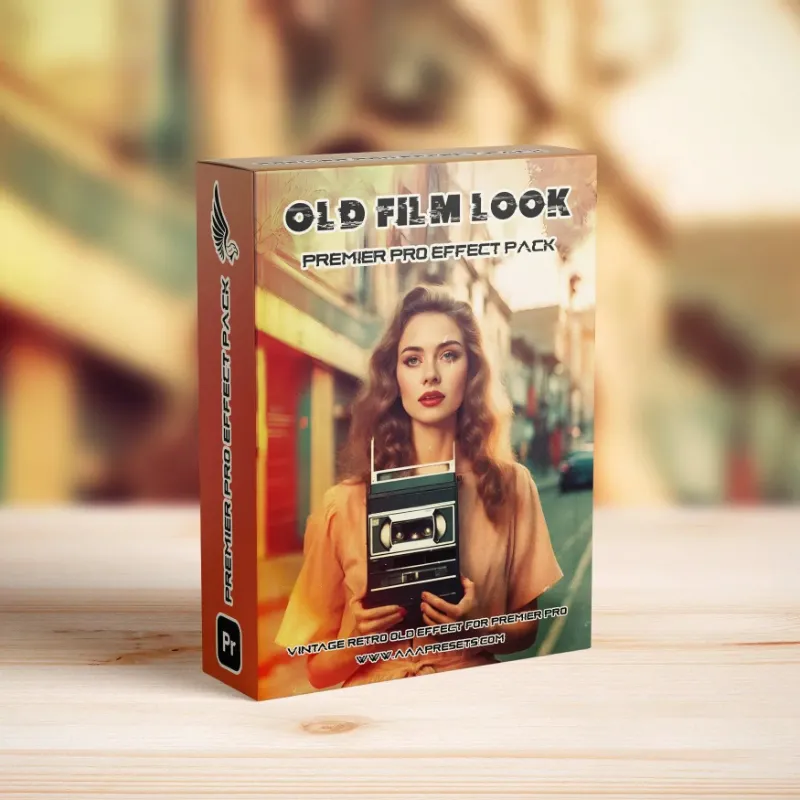
The Vintage VHS Overlay for Premiere Pro comes as a Premiere Pro project file with 7 VHS overlays and 10 retro LUTs, for an 80s and 90s video look.
AAA PRESETS packages their tools by theme rather than by individual file, so a single purchase typically includes multiple LUTs or presets. This approach gives you variety within a style, letting you match the grade to each clip's lighting without buying dozens of standalone files.
How to save
AAA PRESETS sells its LUTs and presets in themed packs, and also sells larger bundles in its bundles collection, so compare the bundle price with the packs you want. If you're just starting out, look for their "best of" collections that span multiple styles so you can experiment before committing to a niche aesthetic.
Keep reading 2 more paragraphs
Watch for their email list exclusives. AAA PRESETS has an email newsletter that it says brings subscribers new products and exclusive discounts.
Avoid buying presets for software you don't own. It sounds obvious, but many first-time buyers grab a LUT pack only to realize their phone app or basic editor doesn't support LUT files. Check compatibility before checkout: LUTs need software like Premiere, Final Cut, or DaVinci, while Lightroom presets need Lightroom (desktop or mobile) or Adobe Camera Raw. AAA PRESETS lists compatible programs on each product page, so read that section carefully. The AAA PRESETS voucher code applies across all formats, so once you know what you need, you can shop confidently and save on every order.
Questions
Does the AAA PRESETS discount code work on all products?
ALICE is listed as a sitewide code for 10% off, covering LUT packs, Lightroom presets and overlays. Check your cart total at checkout to confirm the saving.
How do I use the code at checkout?
Copy ALICE, add your products to the cart, and paste the code into the discount field on the checkout page. Click apply and the 10% savings will update your total before you pay.
Is the AAA PRESETS coupon code the same as the promo code or voucher code?
Yes, AAA PRESETS coupon code, promo code, and voucher code all refer to the same code: ALICE. These terms are interchangeable and all give you 10% off.
Can I get a refund if the LUTs don't work with my software?
AAA PRESETS lists compatible software on each product page. Most LUTs work with Premiere, Final Cut, and DaVinci, and most Lightroom preset packs include DNG files for Lightroom Mobile as well as XMP files for desktop. The refund policy says files cannot be refunded once downloaded, except in cases such as a duplicate order or the wrong preset being sent, so check compatibility before you buy.
Do AAA PRESETS ship physical products or are they digital downloads?
All AAA PRESETS products are digital downloads. After checkout, you'll receive an email with download links to the LUT or preset files, which you install in your editing software.
Is AAA PRESETS a legitimate brand?
Yes, AAA PRESETS is a legitimate digital asset store specializing in color grading tools for photographers and videographers. Their files are professionally created and compatible with industry-standard editing software.
Our AAA PRESETS guides
VHS Overlay for Premiere Pro: Will the Retro Look Last?15 Aug 20263 minWhat’s the Difference Between LUTs and Lightroom Presets?15 Aug 20265 minDo Gym LUTs Work? What They Can and Cannot Do for Fitness Videos15 Aug 20264 minFall Lightroom Presets vs Manual Color Grading: Which Saves More Time?15 Aug 20263 minHow to Choose a Cinematic LUT Pack for Color Grading15 Aug 20264 minHow to Install and Use LUTs in Premiere Pro and DaVinci Resolve15 Aug 20264 min