 A Sofabaton Universal Remote guide
SofaBaton X2 vs X3: Is the Upgrade Worth It?
If you're weighing the sofabaton x2 against the newer X3, this hands-on comparison breaks down every real difference so you can decide without guessing.
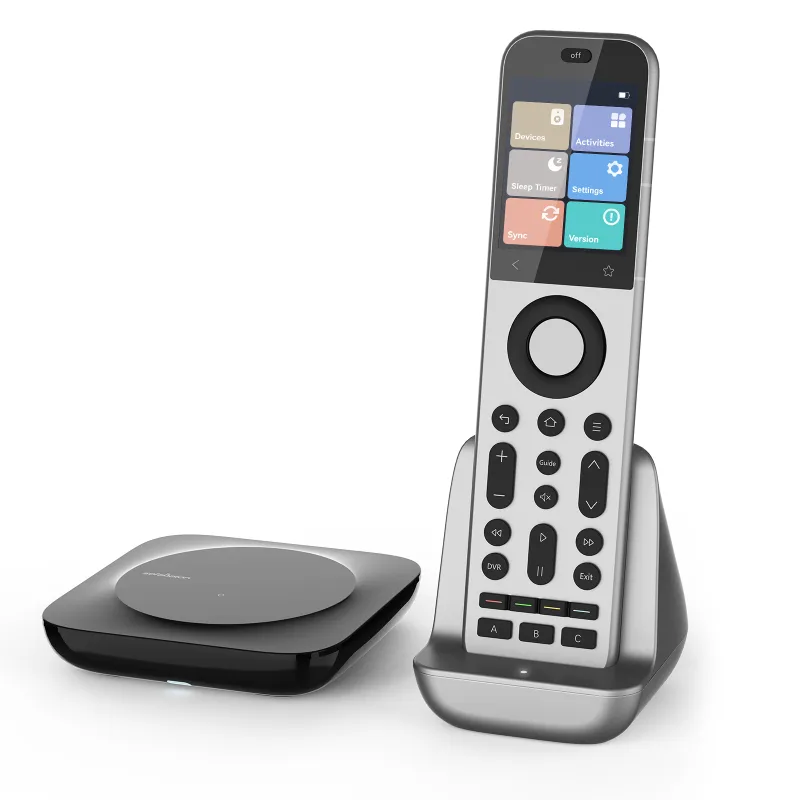
The sofabaton x2 is still one of the more capable mid-range universal remotes on the market, and the X3 builds on that foundation rather than replacing it outright. Whether the upgrade is worth it depends on which features matter to your setup.
What the SofaBaton X2 Gets Right
Before talking about upgrades, it is worth being clear about where the X2 already delivers. It controls up to 40 devices, supports IR and Bluetooth, and pairs with a dedicated hub for RF and Wi-Fi device control. The companion app handles programming, and the layout suits long couch sessions.
Key strengths of the X2:
- Hub included for smart home and RF device control
- Supports a wide device compatibility list covering most major TV, soundbar, and streaming brands
- Macro and activity programming via the SofaBaton app
- Rechargeable battery with USB-C charging
- Backlit buttons
For most households running a standard home theater setup, the X2 handles the job cleanly. If you are shopping from scratch, check the latest price and the current discount code before deciding between models.
What the SofaBaton X3 Adds
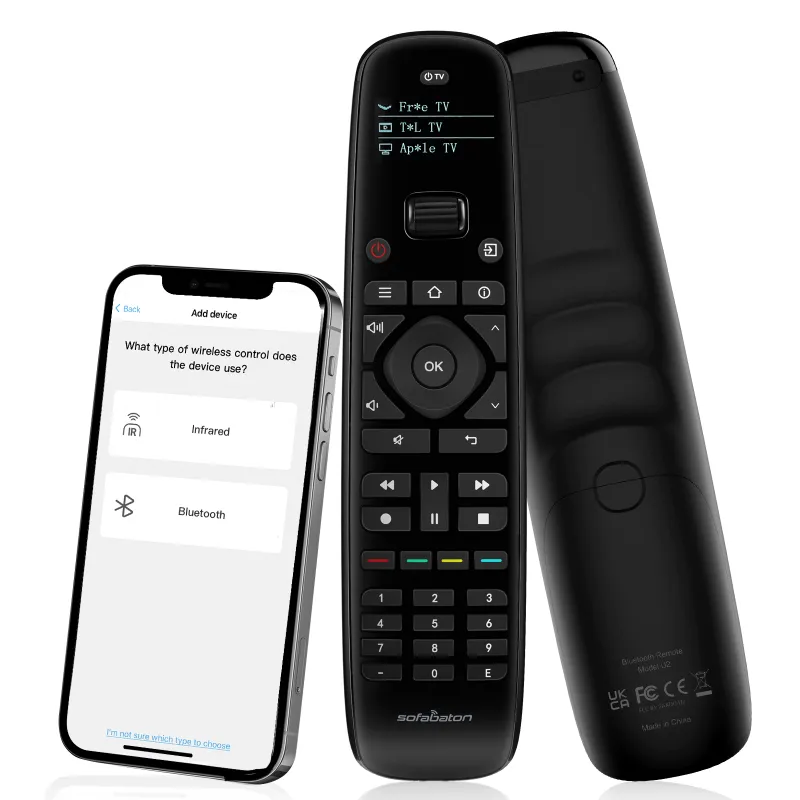
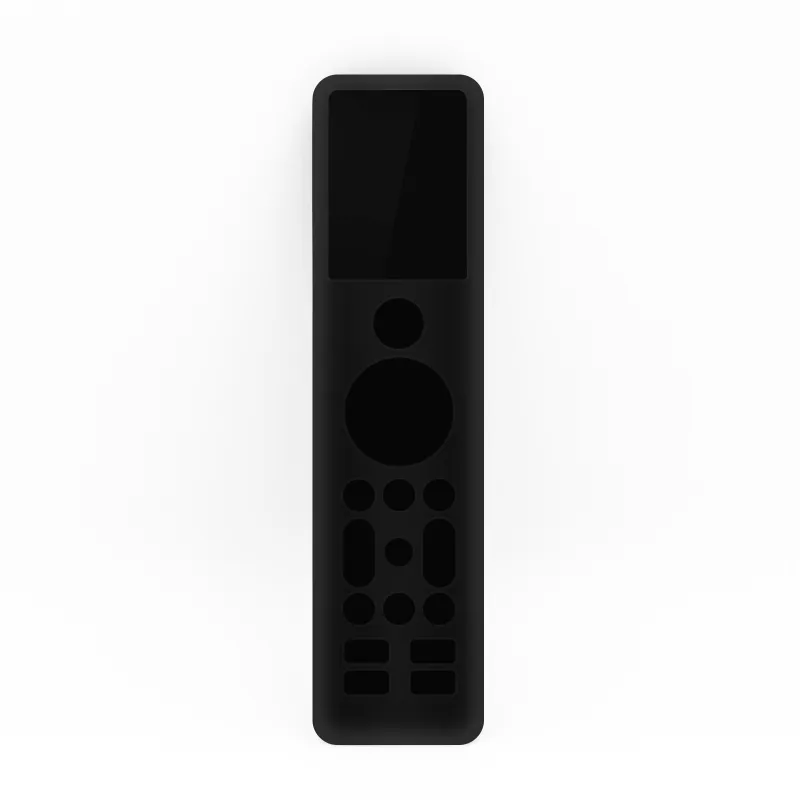
The sofabaton x3 keeps everything that works about the X2 and adds a few changes. The most noticeable is a colour touchscreen display, which replaces the button-only layout at the top of the remote. That screen lets you assign custom shortcuts and see device labels rather than memorising button positions.
Additional changes in the X3:
- Color touchscreen with customisable shortcut icons
- Improved IR learning range
- Refined ergonomics with a repositioned thumb rest
- Same hub compatibility for RF and Wi-Fi devices
- An app with a more visual activity setup flow
The X3 does not dramatically expand the device compatibility list over the X2. If your main frustration with the X2 is a device it will not recognise, the X3 is unlikely to solve that. The upgrade is mostly about convenience and interface polish.
SofaBaton X2 vs X3: Side by Side
| Feature | SofaBaton X2 | SofaBaton X3 |
|---|---|---|
| Touchscreen | No | Yes (color) |
| Max devices | 40 | 40 |
| Hub included | Yes | Yes |
| Connectivity | IR, BT, RF (via hub) | IR, BT, RF (via hub) |
| Charging | USB-C | USB-C |
| App setup | Yes | Yes (visual flow) |
The table makes the core trade-off clear: you are paying more for the X3’s screen and interface refinements, not a fundamentally different feature set.
How the X-Series Fits the Broader SofaBaton Lineup
SofaBaton builds its lineup around a clear step-up logic:
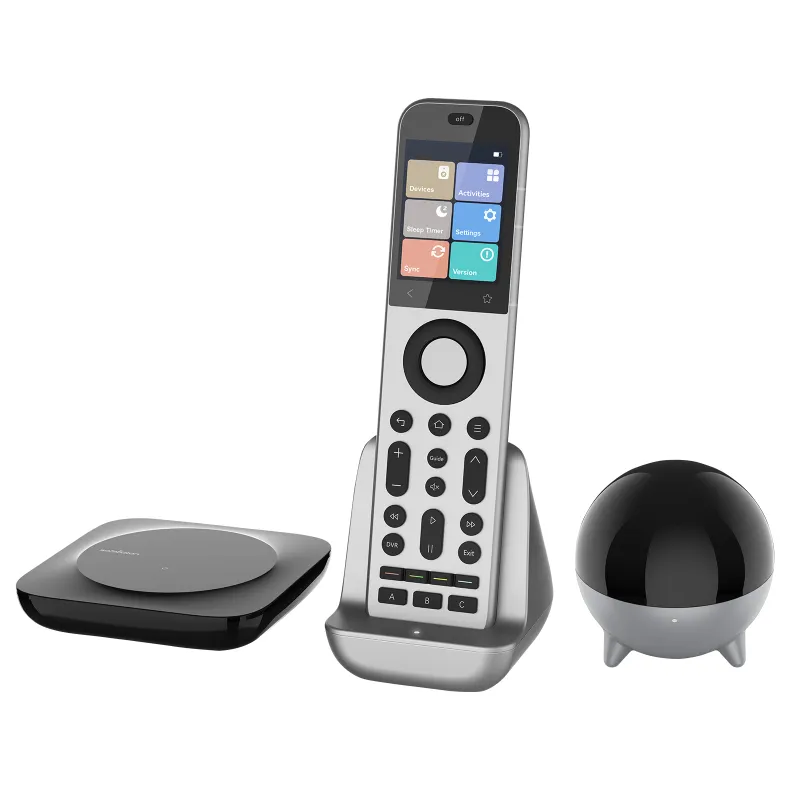
- sofabaton u2 universal remote: entry-level, no hub, best for simpler setups with fewer devices
- SofaBaton X1S: a compact alternative with strong app support, suits smaller rooms or travel use
- sofabaton x2: the mid-range option, hub included, handles complex home theater setups
- sofabaton x3: the X2’s premium sibling, adds the touchscreen for a more visual interface
The sofabaton x1s is worth a look if portability is a priority, but for living room control of five or more devices, the X2 and X3 are the practical choices.
Setting Up Either Remote: What to Expect
Setup follows the same flow on both models. You download the SofaBaton app, create an account, and work through a guided device-adding process. The sofabaton x2 manual is available in-app and on the SofaBaton website, and the X3 follows the same documentation structure.
Practical setup notes:
- Point the remote at the hub during initial pairing, not at your devices
- Add devices one at a time and test each before building activities
- Activities (for example “Watch TV”) chain multiple device commands into one button press
- The hub needs a stable Wi-Fi connection for smart home commands to work reliably
- Both remotes support IR blasting directly without the hub for basic TV control
The X3’s visual activity builder makes the process more intuitive for less technical users, which is a genuine advantage for households that share the remote.
Who Should Upgrade From the X2 to the X3
Not everyone needs to. The X3 makes sense if you:
- Frequently hand the remote to guests or family members who struggle with button-only layouts
- Want on-screen labels without pulling up your phone to remember which button does what
- Value visual polish and use your remote as a centrepiece of the entertainment setup
Stick with the X2 if you:
- Already own it and it is handling all your devices reliably
- Are comfortable with the button layout and do not need a screen
- Want to save money and put it toward another smart home device
If you are buying new and the price gap between the two is modest, the X3 is the better long-term choice. Either way, check the current code before you check out.
Our Verdict
The sofabaton x3 is a polished step forward from the sofabaton x2, not a reinvention. The touchscreen is genuinely useful, and the app improvements make first-time setup less intimidating. But if you already own the X2 and it works well, the upgrade is a nice-to-have rather than a must. New buyers choosing between the two should lean toward the X3 if budget allows. Both sit near the top of the mid-range universal remote category.
Questions
Is the sofabaton x2 still worth buying?
Yes. The sofabaton x2 remains a strong mid-range universal remote with hub support, 40-device capacity, and reliable app-based programming. It is a better value pick if the X3's touchscreen is not a priority for you.
What is the main difference between the SofaBaton X2 and X3?
The biggest difference is the X3's color touchscreen, which lets you assign and label custom shortcuts visually. Core specs like device capacity, hub compatibility, and charging are nearly identical across both models.
Does the SofaBaton X3 work with the same hub as the X2?
Yes, both remotes use the same SofaBaton hub for RF and Wi-Fi device control, so existing X2 hub owners switching to the X3 do not need to replace it.
Where can I find the sofabaton x2 manual?
The manual is available through the SofaBaton companion app after pairing your remote, and SofaBaton also hosts PDF documentation on their official website.
How many devices can the SofaBaton X3 control?
The X3 supports up to 40 devices, the same ceiling as the X2. Both handle IR, Bluetooth, and RF devices when paired with the included hub.
Is there a discount code for SofaBaton remotes?
Check our SofaBaton discount page for the current offer before you buy.
Products in this guide
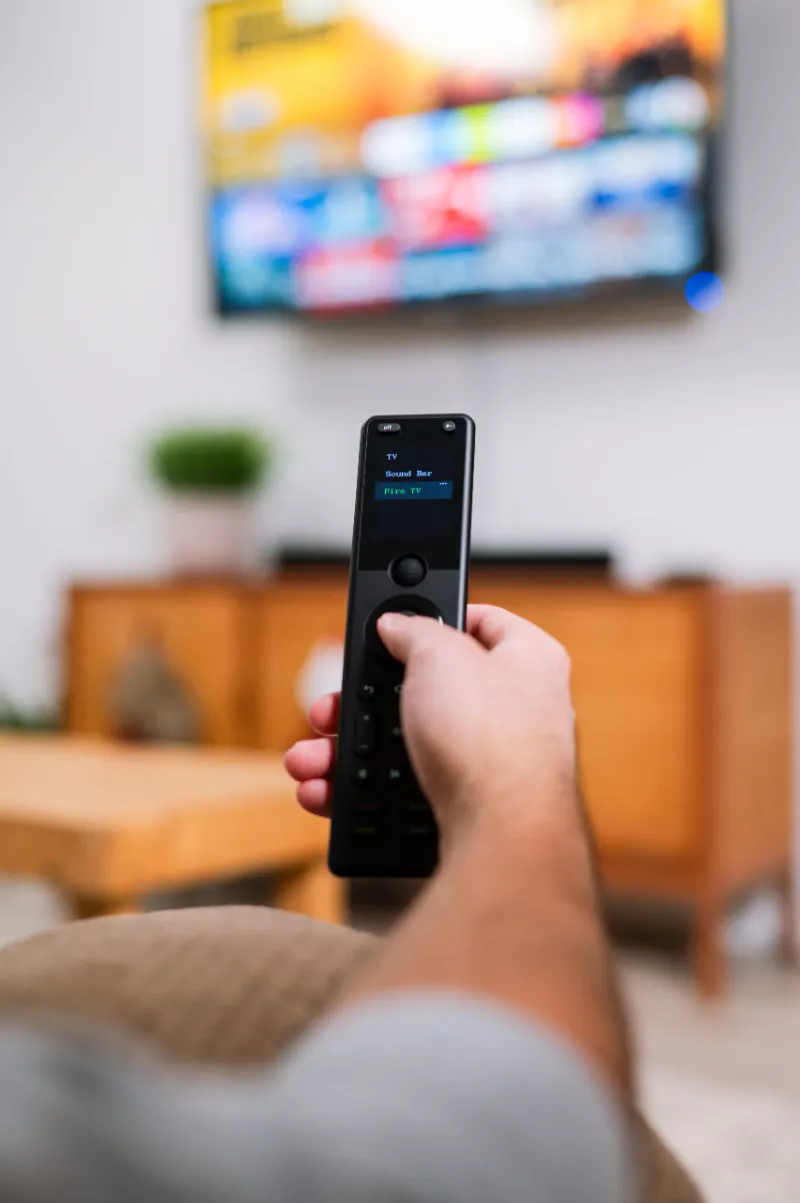
 Shopping at Sofabaton Universal Remote? See the discount code
5% OFF All Orders
Shopping at Sofabaton Universal Remote? See the discount code
5% OFF All Orders
More in this series
Sofabaton Remote Not Syncing: Quick Troubleshooting Steps6 Aug 20264 minWhat Devices Are Compatible With Sofabaton Universal Remotes?6 Aug 20264 minDoes the Sofabaton U2 Work With Older TV Models?6 Aug 20264 minHow to Program a Sofabaton Universal Remote for Multiple Devices6 Aug 20264 minSofabaton X1S vs X2 vs X3: Which Universal Remote Should You Buy?6 Aug 20265 min