 A Sofabaton Universal Remote guide
Does the Sofabaton U2 Work With Older TV Models?
The sofabaton x2 supports most older TV models thanks to its comprehensive infrared database and manual learning capabilities.
Does the Sofabaton X2 Work With Older TV Models?
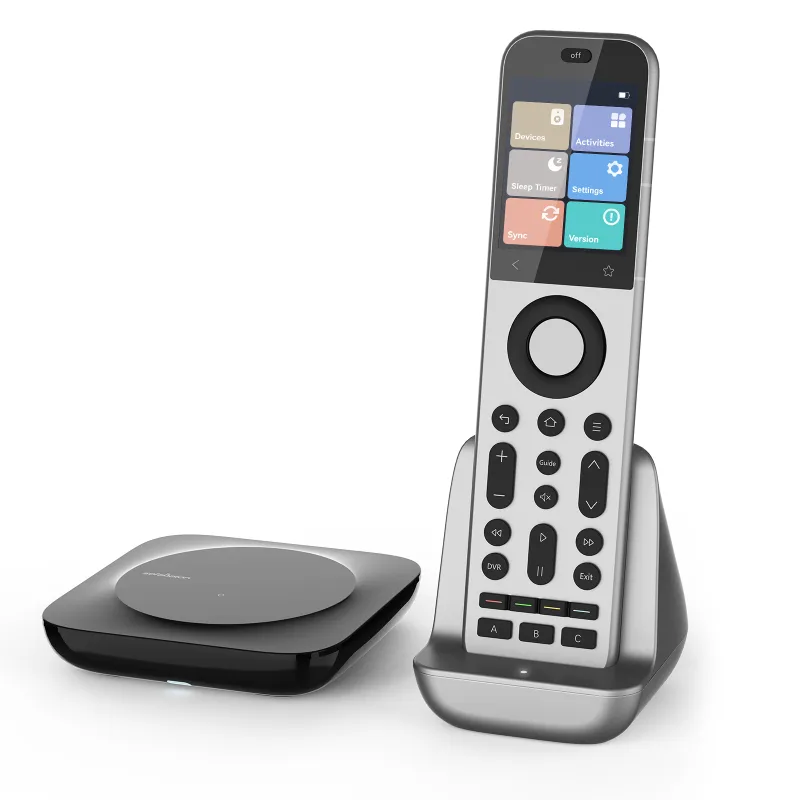
Yes, the sofabaton x2 works with most older TV models through its extensive infrared database and manual learning feature. The remote supports TVs dating back to the 1990s, as long as they use infrared (IR) signals, which nearly all legacy television sets do.
The key advantage is flexibility. Even when the database does not include your exact vintage model, the X2 can learn commands directly from your original remote.
How the Sofabaton X2 Handles Legacy Television Sets
The sofabaton x2 relies on two methods to control older TVs: a pre-loaded infrared database and a manual learning mode. The database includes over 500,000 device codes, many covering discontinued models from the 1980s onward. During setup through the companion app, you select your TV brand and model year, and the system pulls the corresponding command set.
When your specific model is not listed, the learning mode bridges the gap. Point your original remote at the X2, press each button you want to replicate, and the universal remote captures the IR signal. This approach works for virtually any infrared-compatible TV, regardless of age or obscurity.
The sofabaton x2 compatibility list includes brands like RCA, Magnavox, Zenith, and JVC, which stopped manufacturing consumer TVs years ago. The manual confirms support extends to models with basic power, volume, channel, and input functions.
Setting Up the X2 With an Older TV Model
Setup requires the SofaBaton smartphone app (iOS or Android) and a Wi-Fi connection for initial configuration. Here is the setup process:
- Download the app and create an account
- Select “Add Device” and choose “TV” from the category list
- Enter your TV brand and model number (check the label on the back panel if unsure)
- Test the auto-suggested command set by pressing power and volume buttons
- If commands do not respond, switch to learning mode and teach each button manually
- Save the profile and sync it to the X2 hardware
The sofabaton x2 hub is not required for basic TV control, since older sets use infrared exclusively. You only need the hub if you want to control Bluetooth or Wi-Fi devices alongside your legacy TV. For a living room with just a vintage television and a cable box, the standalone remote handles everything.
One quirk: older TVs often lack discrete on/off commands, using a single power toggle instead. The X2 accommodates this by allowing you to program macros that account for toggle behavior. Check the latest price and grab our code to save on your order.
Sofabaton X2 vs Alternatives for Vintage Compatibility
Here’s a direct comparison of the sofabaton x2 against other universal remotes for legacy TV support:
| Feature | Sofabaton X2 | SofaBaton X1S | Sofabaton U2 |
|---|---|---|---|
| IR learning mode | Yes | Yes | Yes |
| Pre-loaded legacy codes | 500,000+ | 500,000+ | 300,000+ |
| Smartphone setup | Required | Optional | Required |
| Price range | Mid-tier | Budget | Mid-tier |
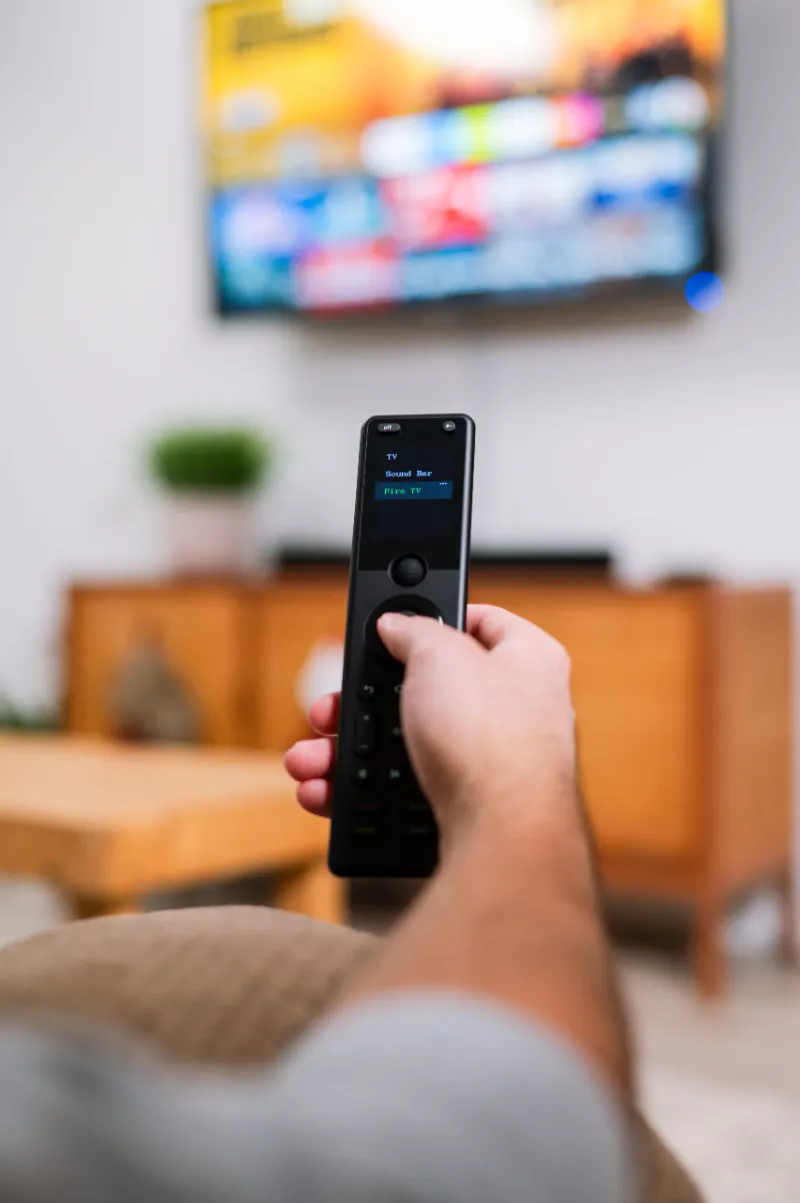
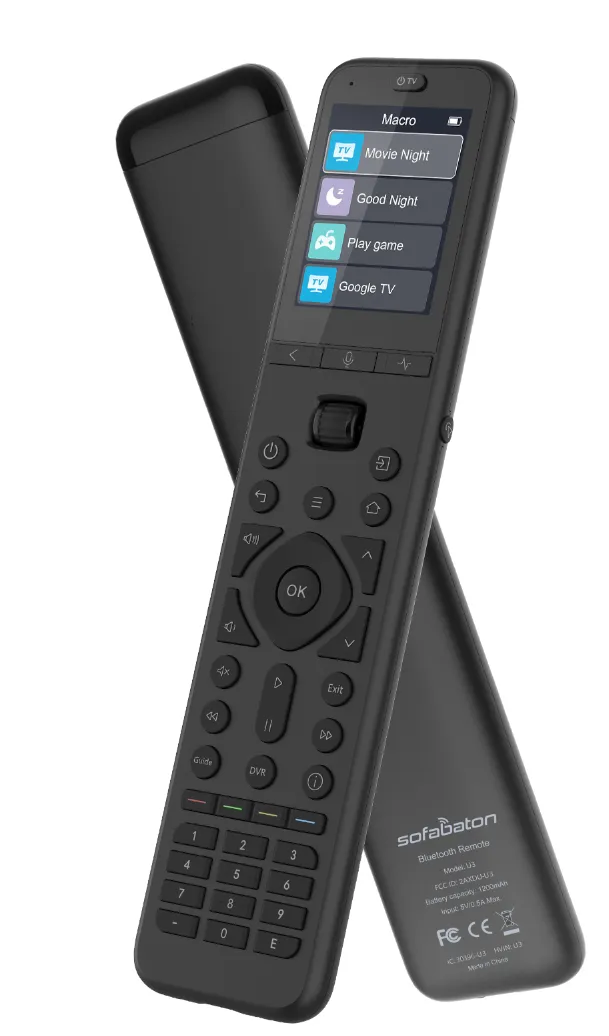
The SofaBaton X1S offers similar compatibility at a lower cost but lacks the color touchscreen and customizable activity buttons. The sofabaton u2 universal remote sits between the two in features and price, with a smaller button layout that some users prefer for single-TV setups.
For homes with only older equipment, the sofabaton x1s delivers the same core IR functionality without extras you may not need. If you plan to expand to modern streaming devices later, the X2’s hub compatibility and sofabaton x2 manual flexibility justify the higher investment.
Common Issues and Troubleshooting Tips
Even with strong compatibility, a few challenges can come up when pairing the X2 with older TVs:
- No response to commands: Verify the TV uses infrared (look for a red LED on the TV’s sensor when you press the original remote). If your set predates IR and uses ultrasonic signals (rare but possible in 1970s models), the X2 will not work.
- Intermittent signal: Clean the IR emitter on the X2 and the sensor window on your TV. Dust accumulation on vintage sets often blocks transmission.
- Missing model in database: Use the learning function for every button.
- Macro timing issues: Older TVs respond slowly to commands. In the app settings, increase the delay between macro steps to 1-2 seconds so each action completes before the next fires.
Grab the code here to save 5% on any sofabaton universal remote.
Who Should Choose the Sofabaton X2 for Older TVs
The sofabaton x2 suits anyone juggling legacy equipment with modern devices. If you still use a CRT TV in a guest room or workshop alongside newer gear in your main living space, the X2 consolidates control across generations of technology.
It is also ideal for vintage audio-video enthusiasts who maintain older home theater setups. The learning mode preserves functionality for discontinued remotes that are expensive or impossible to replace.
However, if your entire setup consists solely of one or two older TVs with no plans to upgrade, a simpler budget remote or even the original factory remote may suffice. The X2’s app-based configuration and advanced features shine brightest in mixed-era environments.
For households transitioning from vintage to modern, check current pricing and our exclusive discount to decide whether the X2 fits your budget and control needs.
Questions
Will the sofabaton x2 work with a TV from the 1990s?
Yes, the sofabaton x2 supports most TVs from the 1990s through its infrared database and manual learning mode. As long as your TV uses IR signals (which nearly all 1990s models do), you can control it either by selecting the model from the app or teaching the remote your original commands.
Can the Sofabaton U2 control older TVs without the hub?
Yes, the sofabaton u2 universal remote controls older TVs using infrared signals alone, no hub required. You only need the hub if you want to add Bluetooth or Wi-Fi devices to your setup.
What if my old TV model is not in the compatibility list?
Use the learning mode to teach the sofabaton x2 each command from your original remote. Point the factory remote at the X2, press a button, and the universal remote captures the infrared signal. This works for any IR-compatible TV, even obscure or discontinued brands.
Do I need Wi-Fi to use the X2 with a vintage television?
You need Wi-Fi and the smartphone app only for initial setup and configuration. Once you program the remote and sync your profile, the X2 controls your TV using infrared without requiring an active internet connection.
Will the Sofabaton X2 work with ultrasonic remote TVs?
No, the sofabaton x2 only supports infrared signals. A small number of TVs from the 1970s used ultrasonic remotes instead of IR, and these are incompatible with modern universal remotes.
How does the X2 compare to the X1S for controlling legacy TVs?
Both remotes offer the same infrared learning capability and legacy TV support. The X2 adds a color touchscreen, customizable activity buttons, and hub compatibility for modern devices, while the X1S provides a simpler, lower-cost option if you only need basic TV control.
Products in this guide
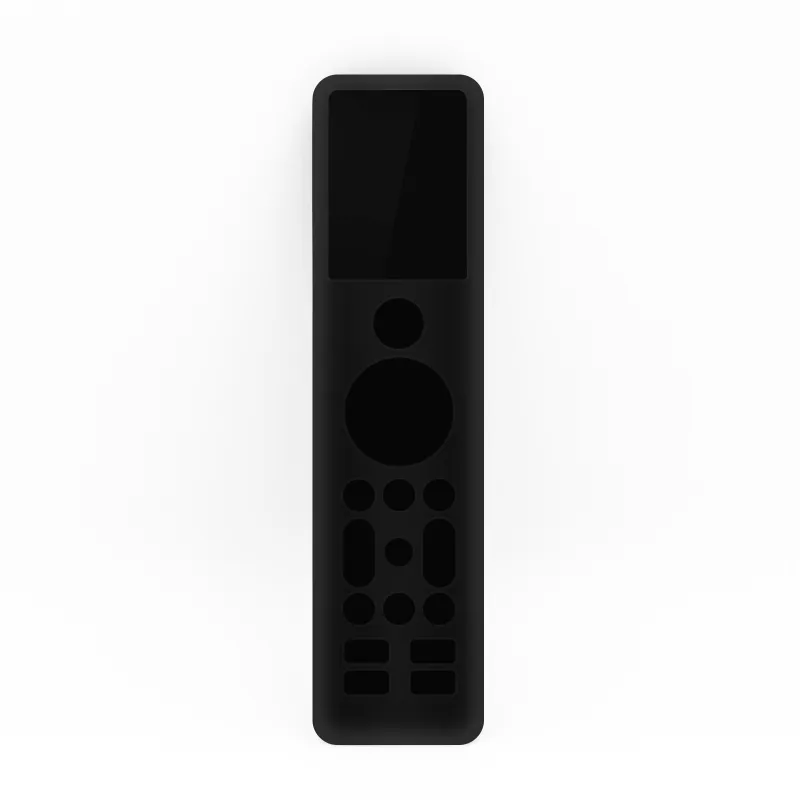 Shopping at Sofabaton Universal Remote? See the discount code
5% OFF All Orders
Shopping at Sofabaton Universal Remote? See the discount code
5% OFF All Orders
More in this series
Sofabaton Remote Not Syncing: Quick Troubleshooting Steps6 Aug 20264 minWhat Devices Are Compatible With Sofabaton Universal Remotes?6 Aug 20264 minSofaBaton X2 vs X3: Is the Upgrade Worth It?6 Aug 20264 minHow to Program a Sofabaton Universal Remote for Multiple Devices6 Aug 20264 minSofabaton X1S vs X2 vs X3: Which Universal Remote Should You Buy?6 Aug 20265 min