 A Sofabaton Universal Remote guide
How to Program a Sofabaton Universal Remote for Multiple Devices
Programming a sofabaton u2 universal remote takes just minutes when you follow the right setup steps for syncing your TV, soundbar, and streaming devices.
How to Program a Sofabaton U2 Universal Remote
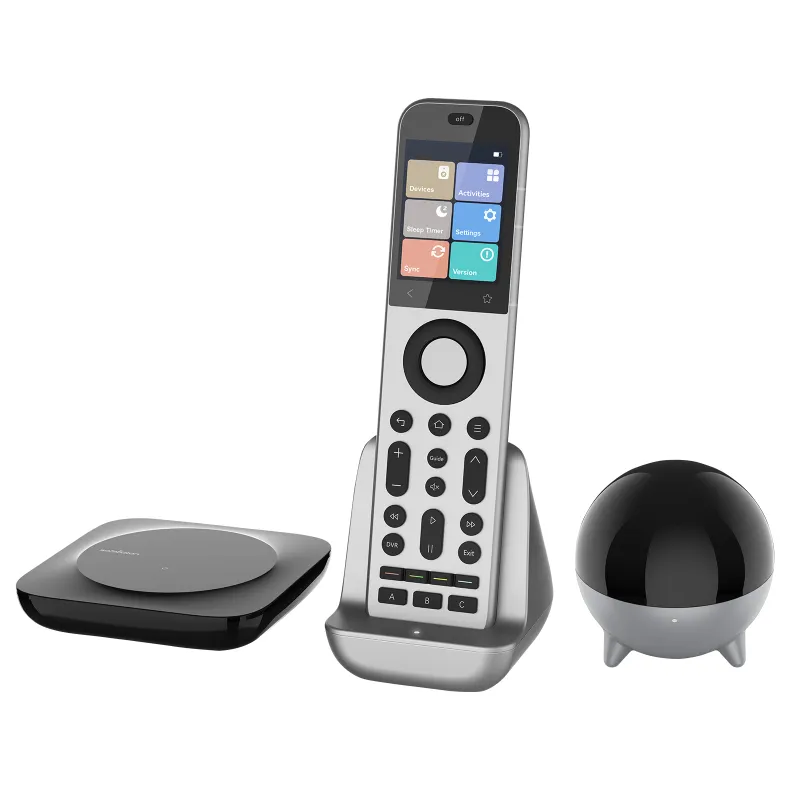
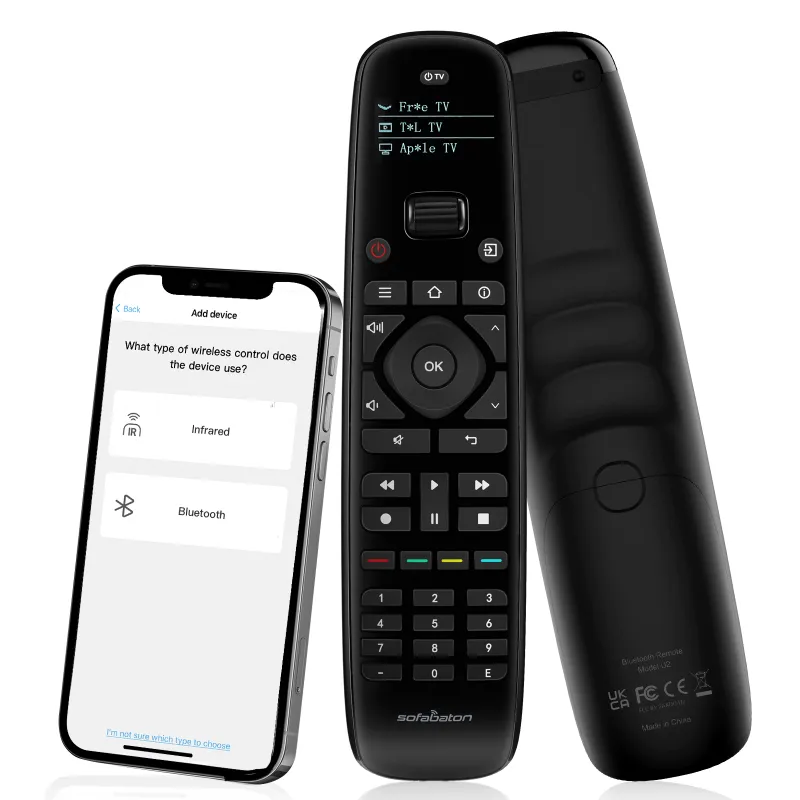
Programming a sofabaton u2 universal remote requires downloading the companion app, adding your devices by brand and model, and syncing the configuration to the remote via Bluetooth. The entire process typically takes 10 to 15 minutes for a full home theater setup, and you can control up to 15 devices once configured.
What You Need Before Programming Your Sofabaton Remote
Before you start, gather the following:
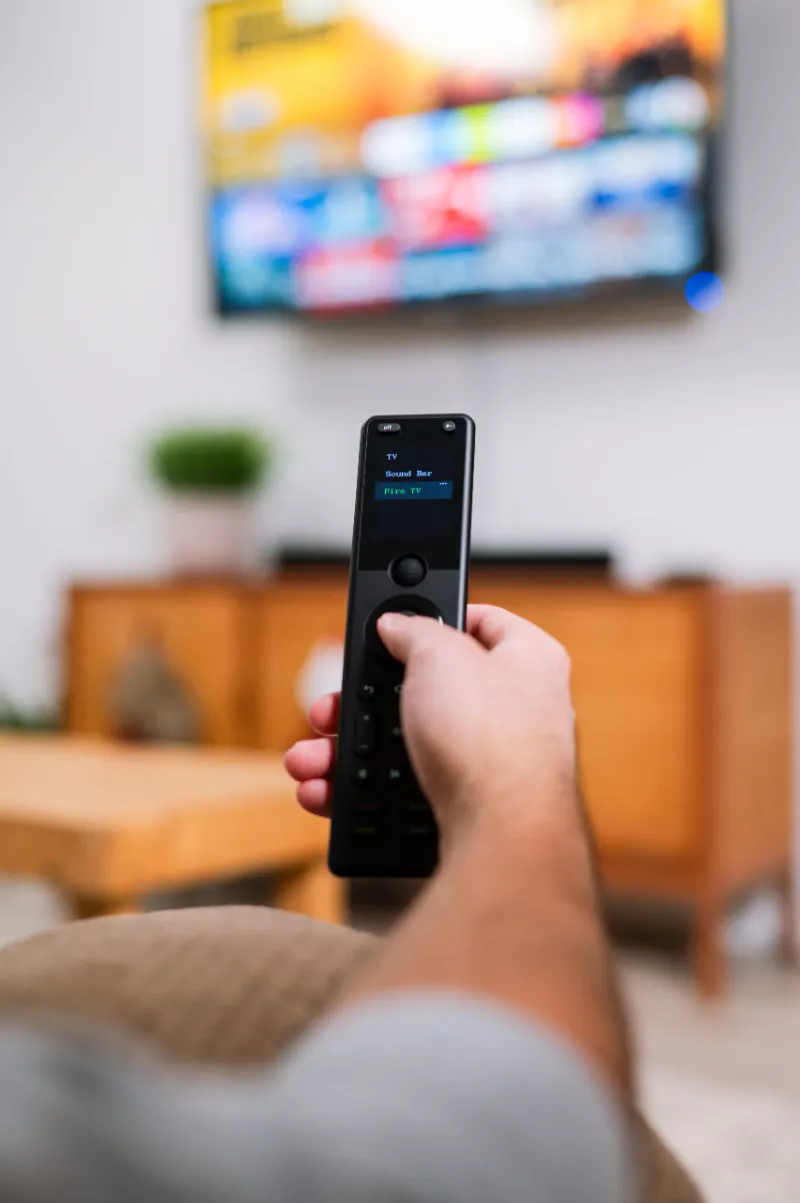
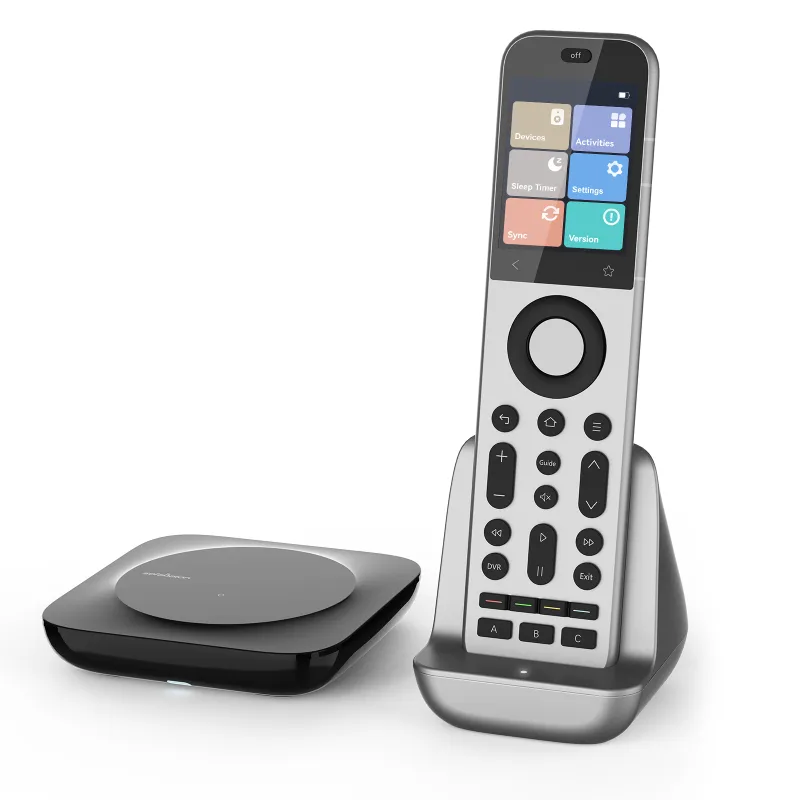
- Your Sofabaton remote (U2, X1S, X2, or X3)
- A smartphone with the Sofabaton app installed (iOS or Android)
- Bluetooth enabled on your phone
- Model numbers for each device you want to control (TV, soundbar, streaming box, etc.)
- Fresh batteries installed in the remote
The SofaBaton U2 user manual provides a complete compatibility list if you want to verify your devices ahead of time. Most major brands like Samsung, LG, Sony, Roku, and Apple TV are supported out of the box.
Check our discount code page before purchasing to save on your order.
Step-by-Step Programming Guide for Multiple Devices
Download and create your account
Install the Sofabaton app from the App Store or Google Play. Open it and create a free account. The app stores your configuration in the cloud, so you can restore settings if you switch phones or reset the remote.
Add your first device
- Tap the “+” icon in the app
- Select your device type (TV, set-top box, soundbar, etc.)
- Search by brand and model number
- Choose your exact model from the results
- Tap “Add” to include it in your setup
The app pulls IR codes from Sofabaton’s cloud database. If your device isn’t listed by model, you can usually select a similar model from the same manufacturer, and the codes will work.
Repeat for all devices
Add each device one by one using the same process. The sofabaton u2 universal remote supports up to 15 devices, while the sofabaton x2 handles up to 60. Organize them by room or usage (living room, bedroom, gaming setup) to make navigation easier.
Sync to your remote
Once you’ve added all devices in the app:
- Turn on Bluetooth on your phone
- Wake your Sofabaton remote by pressing any button
- Tap “Sync” in the app
- Wait 30 to 60 seconds for the transfer to complete
The remote will vibrate or display a confirmation when syncing finishes. Your device library is now loaded onto the physical remote.
Test each device
Point the remote at each device and test power, volume, and input switching. If a button doesn’t work, you can teach the remote a specific command using the IR learning feature (covered below).
How to Create Activities for One-Touch Control
Activities let you power on multiple devices and switch inputs with a single button press. For example, a “Watch Netflix” activity might turn on your TV, switch to HDMI 2, power on your soundbar, and launch Netflix on your streaming box.
Set up an activity in the app:
- Tap “Activities” and choose “Create New Activity”
- Name it clearly (Watch Cable, Game Console, Streaming)
- Select which devices to power on
- Set the correct input for each device
- Choose a default volume control device (usually your soundbar or TV)
- Assign the activity to a button on your remote
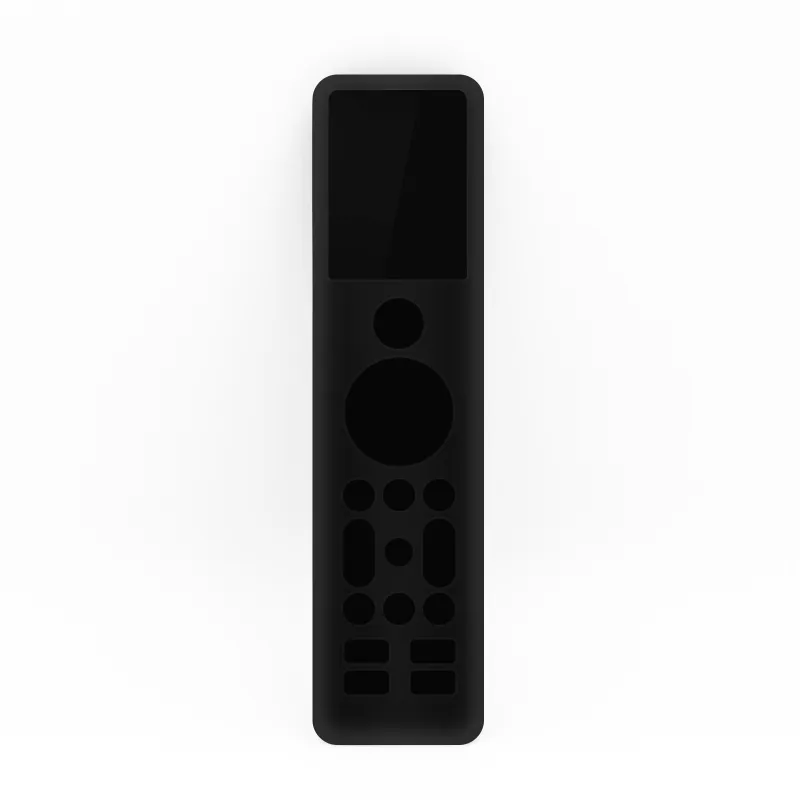
The sofabaton x1s and higher models offer dedicated activity buttons, while the U2 uses a menu-driven approach. Either way, you can store dozens of activities and switch between them without juggling multiple remotes.
According to CNET’s review, the activity feature is where Sofabaton remotes outperform budget competitors, especially for complex home theater setups.
Troubleshooting Common Programming Issues
Device not responding
If a device doesn’t respond after programming:
- Confirm you selected the exact model or a compatible variant
- Try an alternate model code from the same brand
- Use the IR learning feature to teach missing commands manually
- Check that batteries are fresh and properly installed
IR learning for missing commands
The Sofabaton app includes an IR learning mode. Point your original remote at the Sofabaton remote’s IR receiver (usually on the top edge), press the button you want to copy, and the universal remote captures that signal. This works for obscure devices or custom commands not in the database.
Bluetooth sync fails
If syncing hangs or fails:
- Force-quit and reopen the Sofabaton app
- Toggle Bluetooth off and on
- Restart your phone
- Ensure no other Bluetooth devices are competing for the connection
Activity doesn’t turn everything on
Some devices take longer to power up. In the app, add 1 to 3 second delays between commands in your activity sequence. This gives your TV time to boot before the remote tries to switch inputs.
Sofabaton U2 vs X1S vs X2: Which Model to Program
All Sofabaton models share the same app and programming workflow, but differ in capacity and hardware:
| Model | Max Devices | Screen | Best For |
|---|---|---|---|
| U2 | 15 | No | Budget setups, single room |
| X1S | 60 | OLED | Multi-room, advanced users |
| X2 | 60 | OLED | Premium build, backlit buttons |
The sofabaton x2 universal remote offers the most refined experience with tactile feedback and better button layout, but the U2 delivers the same core functionality for simple setups. We recommend the U2 if you’re controlling fewer than 10 devices in one room, and stepping up to the X1S or X2 for whole-home control.
For current pricing on any model, visit our coupon page to grab a discount code before ordering.
Who Should Program a Sofabaton Universal Remote
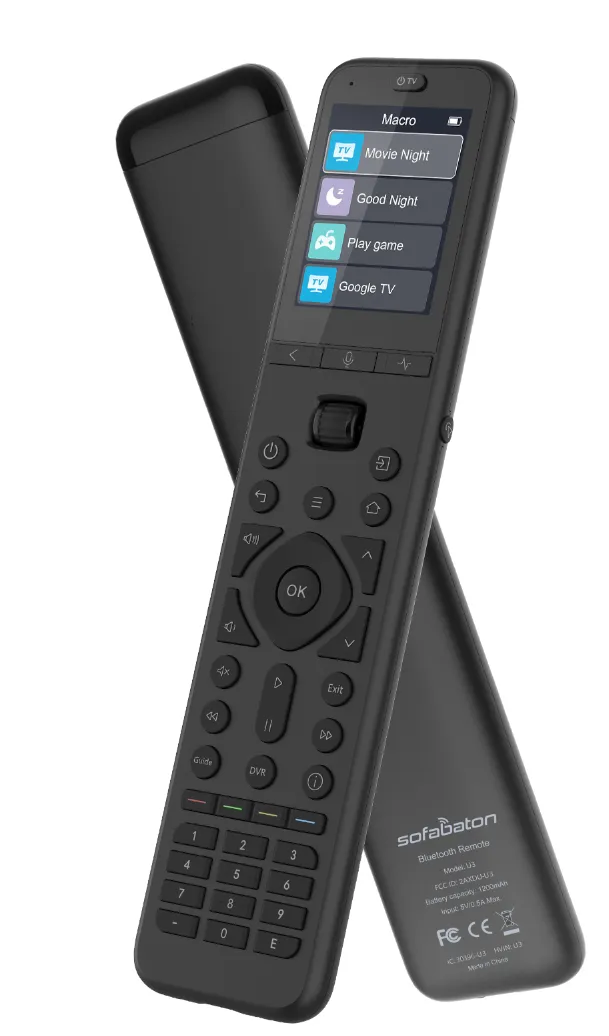
A sofabaton universal remote makes sense if you:
- Own three or more devices that each came with their own remote
- Want one-touch activity switching for movie nights or gaming sessions
- Prefer physical buttons over smartphone apps for daily control
- Need to control older equipment without smart home integration
Families with mixed-generation devices (a 10-year-old receiver, a new OLED TV, and a Roku) see the biggest benefit. Programming takes an initial time investment, but HighTechDad’s review confirms that most users recoup that time within the first week of simplified control.
If you frequently add or swap devices, the cloud-based app makes reprogramming painless. Just add the new device, re-sync, and you’re done. No more hunting down code lists or cycling through hundreds of codes with trial and error.
Questions
How long does it take to program a Sofabaton U2 for the first time?
Most users complete initial programming in 10 to 15 minutes for a typical living room setup with 3 to 5 devices. Adding activities and fine-tuning can take another 5 to 10 minutes.
Can I program a Sofabaton remote without a smartphone?
No, all Sofabaton models require the companion app on iOS or Android for initial setup and device programming. Once synced, the remote operates independently without needing your phone nearby.
What happens if my device isn't in the Sofabaton database?
You can use the IR learning feature to teach the remote commands from your original remote. Point the original remote at the Sofabaton's IR receiver and copy each button you need.
Do I need to reprogram the remote every time I use it?
No, programming is a one-time setup. The configuration stays stored on the remote until you manually add, remove, or change devices through the app and re-sync.
Can I control devices in different rooms with one Sofabaton remote?
The remote uses infrared, so it only controls devices within line of sight. For multi-room control, you would need a Sofabaton remote in each room or models with RF/Wi-Fi extenders for specific devices.
How many activities can I program on a Sofabaton U2?
The U2 supports dozens of custom activities. The exact limit depends on the complexity of each activity, but typical users create 5 to 10 activities without hitting storage limits.
Products in this guide
 Shopping at Sofabaton Universal Remote? See the discount code
5% OFF All Orders
Shopping at Sofabaton Universal Remote? See the discount code
5% OFF All Orders
More in this series
Sofabaton Remote Not Syncing: Quick Troubleshooting Steps6 Aug 20264 minWhat Devices Are Compatible With Sofabaton Universal Remotes?6 Aug 20264 minSofaBaton X2 vs X3: Is the Upgrade Worth It?6 Aug 20264 minDoes the Sofabaton U2 Work With Older TV Models?6 Aug 20264 minSofabaton X1S vs X2 vs X3: Which Universal Remote Should You Buy?6 Aug 20265 min