 A Sofabaton Universal Remote guide
Sofabaton X1S vs X2: Which Universal Remote Fits Your Setup?
A plain comparison of the Sofabaton X1S and X2 universal remotes, using the figures on the Sofabaton compare and product pages.
The Sofabaton X2 is the better fit if you want a color touchscreen and the widest list of smart home links, and the X1S is the better fit if you want a smaller, lighter remote with a longer stated battery life. You can find the current code on our Sofabaton Universal Remote discount code page.
Side by side, from Sofabaton’s compare page
These figures come from the compare page on sofabaton.com, with the product pages filling in the rest. We leave prices out because they change.
| X1S | X2 | |
|---|---|---|
| Display | 2.0-inch LCD | 2.4-inch color touchscreen |
| Signals listed | IR, Bluetooth, Wi-Fi, RF | IR, Bluetooth, Wi-Fi, RF |
| Control modes | Device Mode, Activity Mode | Device Mode, Activity Mode |
| Battery | 1050mAh, listed at 45 days | 1200mAh, listed at about 30 days |
| Smart home | IP control, Alexa, Google Assistant | IP control, Home Assistant, Alexa, Google Assistant, Matter |
| Size | 7.48 x 1.81 x 0.59 inches | 7.48 x 1.89 x 0.51 inches |
| Weight | 4.4 ounces (125 grams) | 6.3 ounces (180 grams) |
The table shows the trade. The X2 gives you a bigger color touchscreen and a longer list of smart home links, and the X1S is the lighter remote with the longer stated battery life.
What the X1S page says
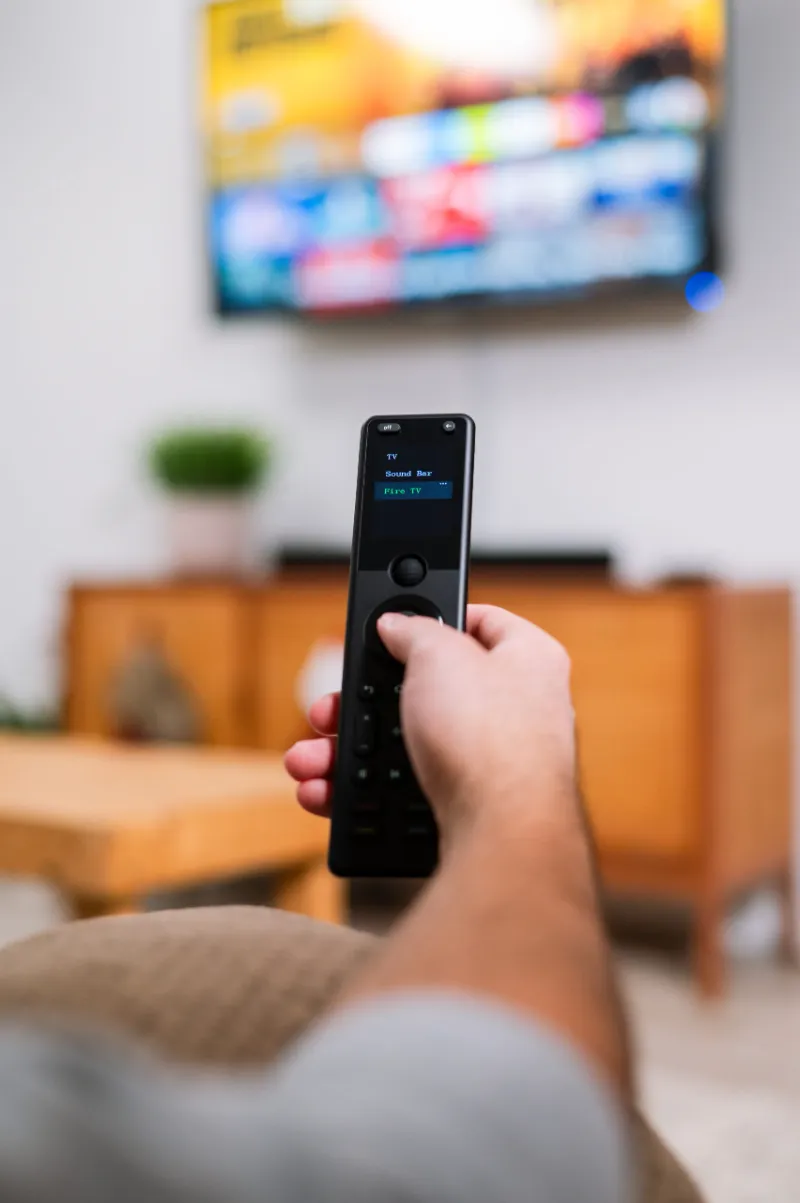
The Sofabaton X1S page describes a remote for multi-device living rooms that need one-touch activities and hub-based control. It lists IR, Bluetooth and Home Assistant support, local IP control and customizable macros. The page adds that you can use Alexa or Google Assistant for hands-free control, and that the remote can learn RF433 and RF315 devices.
The page also says the remote has motion-activated backlighting, an ergonomic grip and a built-in remote finder. It describes an API in the Sofabaton app that creates URLs for turning each activity on or off, which you can use with IFTTT or iOS Shortcuts. For the device library, the page says a regularly updated database supports more than 500,000 devices across more than 6,000 brands. That is Sofabaton’s figure, so check your own brands in its compatibility list.
What the X2 page says
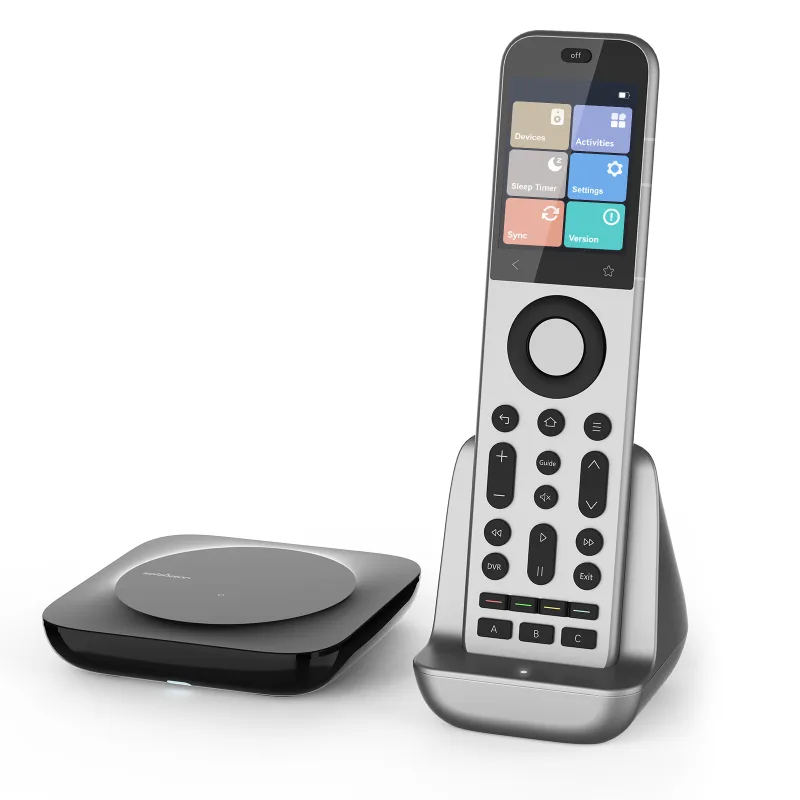
The Sofabaton X2 page calls it a next-generation universal remote that unifies IR, RF, Bluetooth and Home Assistant control and adds local IP control and customizable activities and macros. It lists a built-in IR transmitter, one-to-many Bluetooth pairing for several Bluetooth devices at once, and a favorites key for quick access to the numeric keypad or a custom macro.
For devices hidden in a cabinet, the page lists an optional infrared repeater that extends coverage. It is sold as an accessory, and the page also lists an X2 set that includes it. The X1S page does not mention a repeater, so ask Sofabaton if your gear sits behind doors.
How to choose
- Do you want a touchscreen? Only the X2 is listed with a color touchscreen. The X1S has a 2.0-inch LCD.
- Which smart home systems do you use? If you use Home Assistant or Matter, the compare page lists both for the X2. For the X1S it lists IP control, Alexa and Google Assistant.
- Will you hold it for long stretches? The X1S is 4.4 ounces and the X2 is 6.3 ounces, per the compare page.
- Do you charge often? The X1S is listed at 45 days and the X2 at about 30 days. Real life depends on how you use it, so treat these as the maker’s figures.
- Do you have gear inside a closed cabinet? The X2 page lists a repeater accessory for that. Ask Sofabaton about the X1S.
Both remotes are set up through the Sofabaton app. The store notes that its older app is being discontinued, so use the current app version when you set up. If a device is missing from the database, the X1S page describes a learning mode that copies commands from your original remote.
What the two share
The compare page lists the same signal types for both remotes (IR, Bluetooth, Wi-Fi and RF) and the same two control modes, Device Mode and Activity Mode. In Device Mode you control one device at a time. In Activity Mode one button runs a group of commands, such as starting a movie night routine. Both pages also describe customizable macros, which chain several commands into one press.
The navigation on sofabaton.com has a Compatibility page and separate guides for the X2 and X1S. Before you buy, look up your TV, soundbar and streaming box there. A remote only helps if it can control the gear you own, and that is the one check we cannot do for you.
Questions
What is the difference between the Sofabaton X1S and X2?
The compare page lists a 2.0-inch LCD for the X1S and a 2.4-inch color touchscreen for the X2. The X2 also lists Home Assistant and Matter, and weighs 6.3 ounces against 4.4 ounces for the X1S.
Which Sofabaton remote has the longer battery life?
The compare page lists 45 days for the X1S and about 30 days for the X2. These are Sofabaton figures.
Does the Sofabaton X1S work with Alexa and Google Assistant?
Yes, the compare page lists IP control, Alexa and Google Assistant as its smart home options.
Can the Sofabaton X2 control devices in a cabinet?
The X2 page lists an optional infrared repeater that extends IR coverage to devices in cabinets or other rooms.
Does Sofabaton sell an X3?
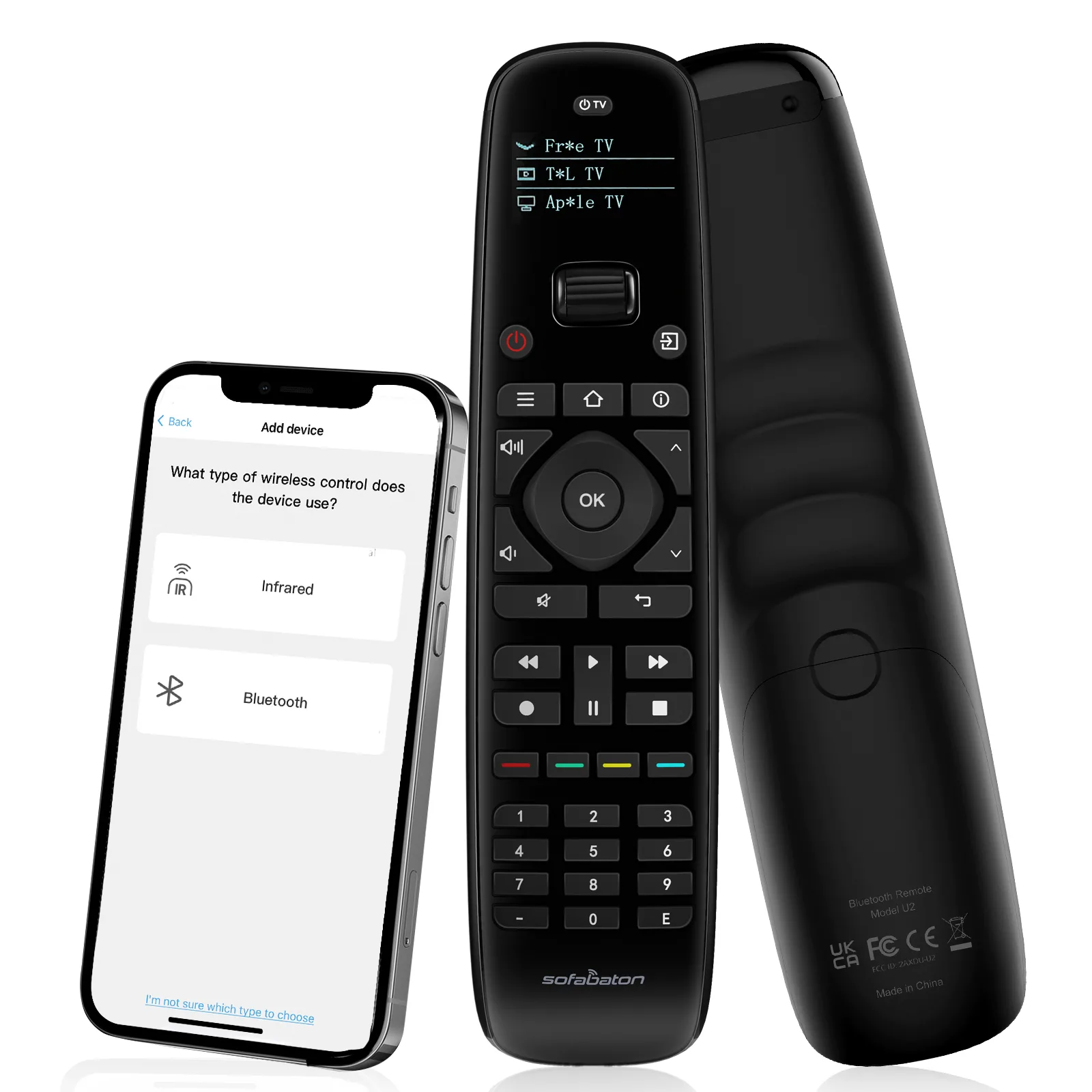
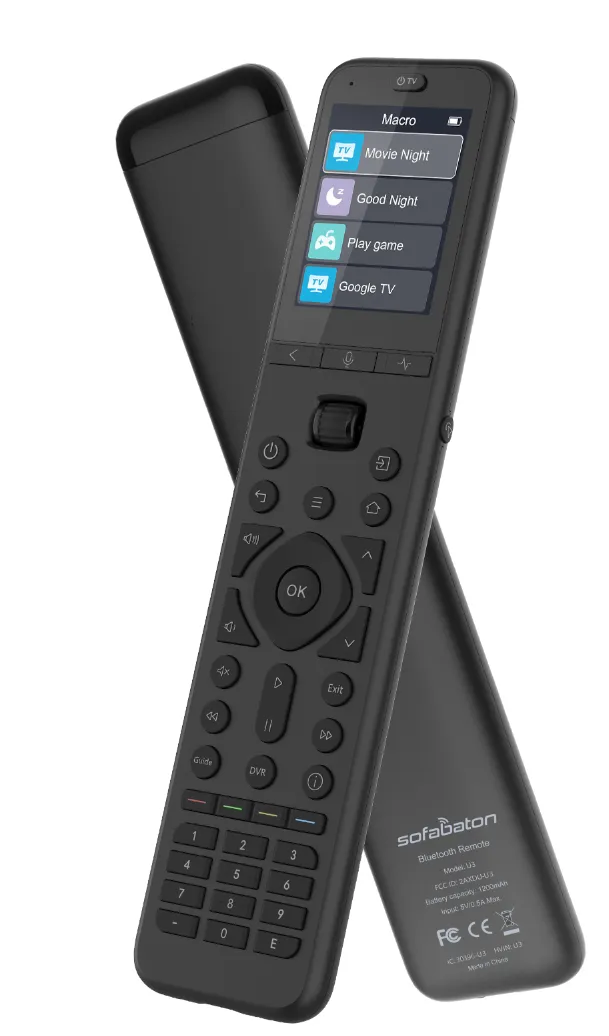
We do not see an X3 on the Sofabaton site. The product menu lists the X2, X1S and U3, and the store also lists the U2.
Products in this guide
Shopping at Sofabaton Universal Remote? See the discount code
5% OFF All Orders
More in this series
 Sofabaton Remote Not Syncing? The Fixes Sofabaton Lists for Each Model6 Aug 20264 minWhat Devices Are Compatible With Sofabaton Universal Remotes?6 Aug 20264 minSofabaton U2 vs U3: Which Remote Fits Your Setup?6 Aug 20263 minDoes the Sofabaton U2 Work With Older TV Models?6 Aug 20264 min
 How to Program a Sofabaton Universal Remote for Multiple Devices6 Aug 20264 min