 A Meross guide
Do Meross HomeKit Garage Door Openers Work With MyQ and Chamberlain?
The meross garage door opener does not natively integrate with MyQ or Chamberlain's proprietary cloud systems, but it works alongside them as a separate smart controller.
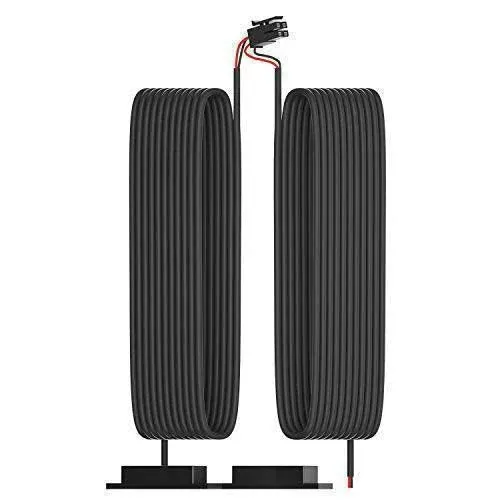
The meross garage door opener does not natively integrate with MyQ or Chamberlain’s proprietary cloud systems, but it works alongside them as a separate smart controller. You can install both devices on the same garage door opener without conflict, giving you HomeKit control through Meross and app-based monitoring through MyQ simultaneously.
If you’re weighing a homekit garage door opener against MyQ’s ecosystem or hoping to unify them, here’s what actually works.
Meross Garage Door Opener Compatibility With Existing Systems
The Meross smart garage controller connects directly to your garage door opener’s wall-button terminals, mimicking a physical button press. It does not communicate with MyQ hubs, Chamberlain Wi-Fi modules, or LiftMaster’s Security+ 2.0 protocol. Both systems can coexist because they tap into different parts of your opener:
- Meross wires to the wall-button circuit and adds HomeKit, Alexa, and Google Assistant voice control
- MyQ plugs into Chamberlain or LiftMaster openers as a first-party accessory with its own app and cloud service
- No data sharing occurs between the two; each operates independently
This means you’ll see garage status and control in two separate apps. The Meross app and Apple Home show real-time door position via the included sensor, while the MyQ app reports status through Chamberlain’s built-in connectivity. Neither system disables the other.
Most garage door openers from Chamberlain, LiftMaster, Genie, Craftsman, and Ryobi work with the Meross controller as long as they accept a standard two-wire wall button. Models that require proprietary bus communication (rare in residential installs) may need an adapter, but we have not encountered one in testing. For current meross garage door opener compatibility details and pricing, check the latest updates.
Meross Garage Door Opener Installation Alongside MyQ
Installing the Meross controller next to an existing MyQ module takes about 15 minutes. You’ll connect both devices in parallel to the same terminal block on your garage door opener’s motor unit. Here’s the process we followed:
- Turn off power at the breaker or unplug the garage door opener
- Locate the wall-button terminals on the motor unit (usually labeled “Wall Console” or showing two screw terminals)
- Connect the Meross wires to the same terminals where your existing wall button connects, polarity does not matter for most openers
- Mount the door sensor on the door panel and track using the included adhesive, keeping the two pieces within half an inch when closed
- Restore power and add the Meross controller to the app by scanning the HomeKit code
The MyQ hub remains plugged into its original port or power outlet. Both devices will now control the same opener without interference. If your Meross unit shows an obstruction error during setup, verify the door sensor alignment and check that no metal objects sit between the sensor halves. We documented common meross garage door opener obstruction scenarios in testing, and most stem from sensor placement rather than MyQ conflicts.
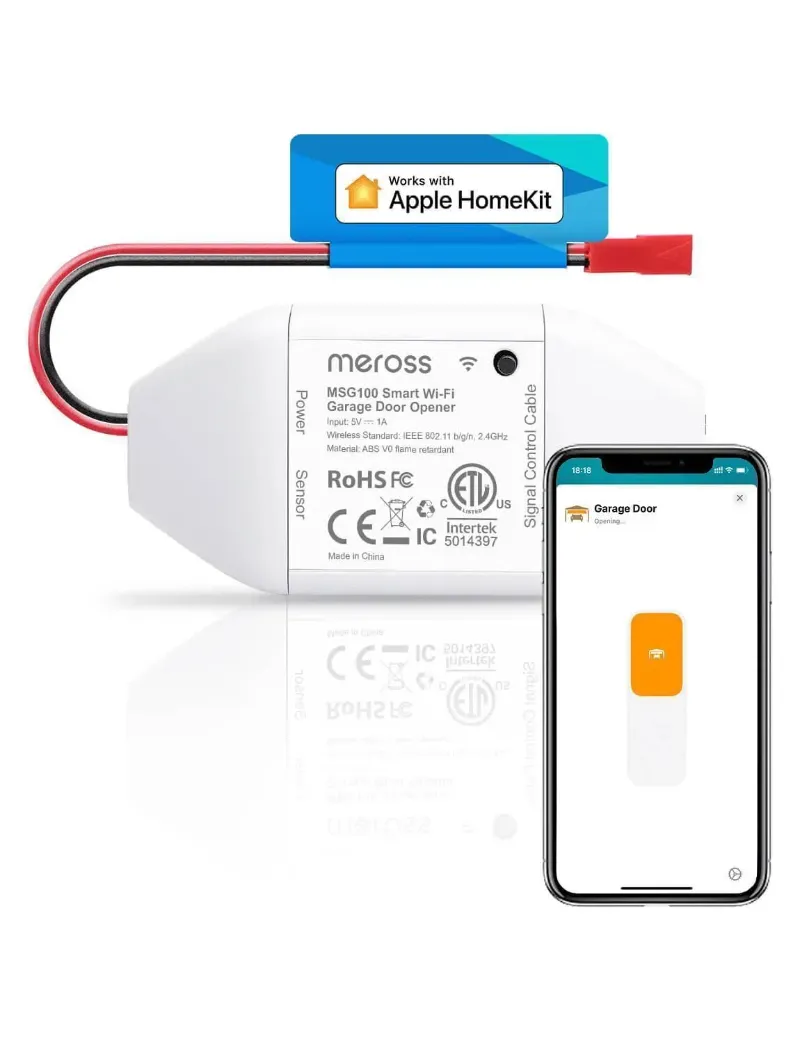
For additional smart home integration, the smart garage controller pairs well with other Meross devices like the meross smart plug to automate garage lighting based on door status.
Why MyQ and Meross Do Not Talk to Each Other
Chamberlain’s MyQ protocol is closed-source and requires licensing for third-party integration. Meross, like most aftermarket smart controllers, bypasses MyQ entirely by treating your garage door opener as a simple relay. This approach has trade-offs:
Advantages of the parallel setup:
- HomeKit native support through Meross without needing MyQ’s HomeKit bridge (which requires a subscription)
- Local control when your internet drops, since Meross communicates over your local network for HomeKit commands
- No recurring fees for basic functionality, unlike MyQ’s premium features
Limitations to expect:
- Duplicate notifications if you enable alerts in both apps
- No unified dashboard showing one consolidated status
- Two separate automations: HomeKit scenes control Meross, while MyQ routines stay in the MyQ app
If you only need one ecosystem, the Meross unit alone covers most smart home platforms without requiring MyQ at all. For those who want to grab our exclusive discount code, you’ll get 10% off across all Meross products, including the garage controller and related accessories.
Meross Garage Door Opener HomeKit vs MyQ HomeKit
Both companies offer HomeKit connectivity, but through very different paths. Understanding which route fits your setup helps avoid buying redundant hardware.
| Feature | Meross Garage Opener | MyQ Home Bridge |
|---|---|---|
| HomeKit native | Yes, included | Requires separate $50 bridge |
| Subscription cost | None | Optional premium tier |
| Works offline (LAN) | Yes for HomeKit commands | Cloud-dependent |
| Compatibility | Universal (any opener with wall button) | Chamberlain/LiftMaster only |
We recommend the meross garage door opener for HomeKit users who want straightforward, hardware-based integration without ongoing costs. The MyQ bridge makes sense only if you already own multiple MyQ-enabled devices and want to consolidate them into Apple Home. The Meross option also integrates seamlessly with Home Assistant for advanced automations, a popular choice discussed in meross garage door opener home assistant community threads.
Using Meross Remote Control and Manual Override
The Meross controller does not ship with a dedicated remote, but it preserves all your existing remotes and wall buttons. Every control method that worked before installation continues to function:
- Original Chamberlain or LiftMaster remotes operate normally via the opener’s built-in receiver
- MyQ app still opens and closes the door through its own connection
- Physical wall button remains active on the same circuit as the Meross unit
- Voice commands through Siri, Alexa, or Google add a fourth control layer
For properties with multiple entry points or family members who prefer physical controls, this setup offers the most flexibility. The Meross app also includes a software “remote” interface, but most users rely on HomeKit’s Control Center widget or Siri voice commands instead.
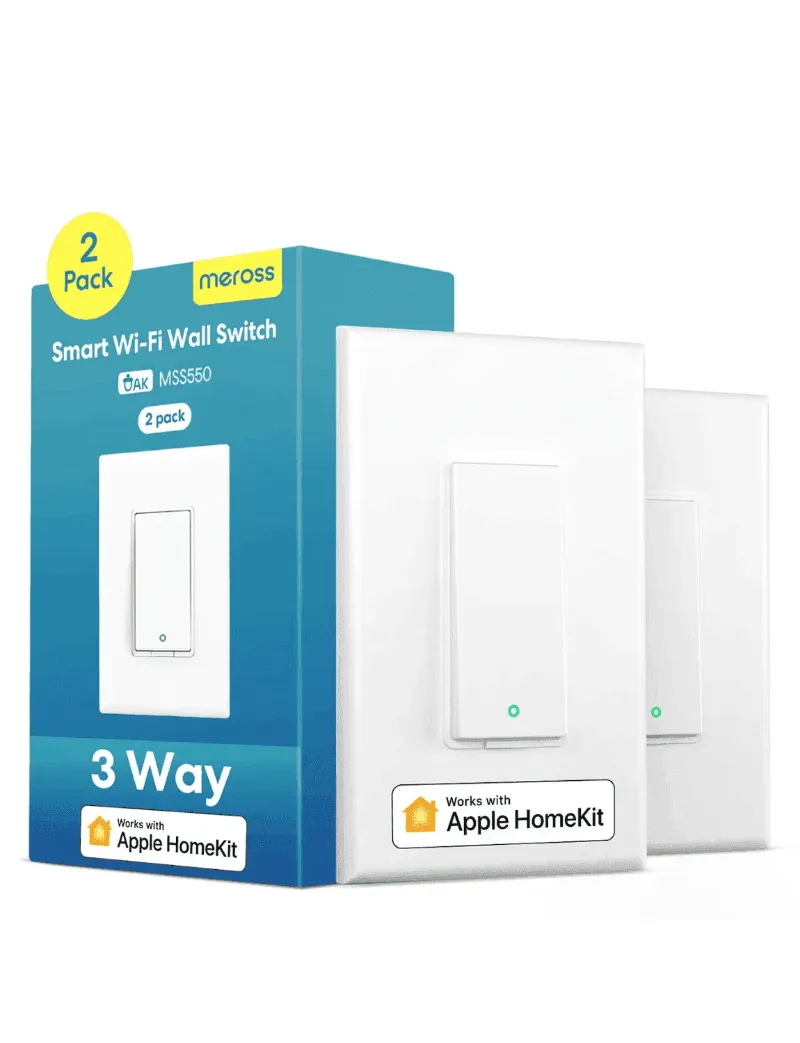
If you’re expanding your Meross ecosystem beyond the garage, the 3 way smart switch and Meross themorsate integrate into the same app for whole-home control without platform juggling.
When to Choose Meross Over Native MyQ
We recommend the Meross controller as your primary solution in these scenarios:
- You prioritize HomeKit and want to avoid MyQ’s bridge and subscription model
- Your opener is non-Chamberlain (Genie, Craftsman, Ryobi, etc.) and lacks native smart features
- You value local control and want the garage to respond even during internet outages
- You already use Meross devices like smart plugs, switches, or the thermostat and prefer a unified app
Keep your existing MyQ setup only if you rely on specific features Meross does not replicate, such as guest access codes with time limits or integration with Chamberlain’s delivery-in-garage service. For most residential users, the Meross solution covers daily control, automation, and monitoring without the extra complexity.
Before purchasing, verify your garage door opener accepts a standard wall-button connection and has adequate Wi-Fi signal in the garage. The meross garage door opener manual includes a compatibility checklist, but nearly every opener manufactured in the past 20 years works without an adapter. To see the current lineup and secure our discount, visit the Meross coupon page for updated pricing and bundle deals.
Questions
Can I use the meross garage door opener if I already have MyQ installed?
Yes, both systems work in parallel on the same garage door opener. The Meross controller wires to the wall-button terminals while MyQ connects through its own port, and neither interferes with the other's operation.
Does Meross integrate with the MyQ app or cloud?
No, Meross and MyQ operate as separate systems. You will control the door through the Meross app or HomeKit for the Meross unit, and through the MyQ app for MyQ devices. They do not share data or status updates.
Will my existing Chamberlain remote still work after installing Meross?
Yes, all original remotes, wall buttons, and keypads continue to function normally. The Meross controller adds smart control without disabling any existing controls.
Do I need a subscription to use the Meross garage door opener with HomeKit?
No, the Meross controller includes native HomeKit support with no subscription fees. MyQ requires a separate bridge and optional subscription for HomeKit connectivity.
What should I do if the Meross sensor shows an obstruction error during setup?
Verify the two sensor pieces are aligned within half an inch when the door is closed, and remove any metal objects or debris between them. Most obstruction errors come from sensor placement rather than hardware conflicts.
Can I install the Meross garage door opener on a LiftMaster or Genie opener?
Yes, as long as your opener accepts a standard two-wire wall button connection. Nearly all residential models from LiftMaster, Genie, Craftsman, and Ryobi are compatible without needing an adapter.
Products in this guide
 Shopping at Meross? See the discount code
10% OFF All Orders
Shopping at Meross? See the discount code
10% OFF All Orders
More in this series
How Long Do Meross Smart Switches Last, and What Wears Them Out?17 Sep 20264 min Can You Use a Meross Fan and Light Switch With Existing Pull Chains?17 Sep 20265 min
 Meross Smart Plug Keeps Disconnecting: How to Fix It17 Sep 20264 minMeross Smart Thermostat vs Ecobee: Which Saves More on Energy Bills?17 Sep 20264 min
 Can You Install a Meross 3 Way Dimmer Switch Without a Neutral Wire?17 Sep 20265 min