 A Meross guide
How Long Do Meross Smart Switches Last, and What Wears Them Out?
The meross smart plug and related smart switches typically last 3 to 5 years under normal use, with premium models like the MSS310 showing the best long-term reliability in our testing.
How long Meross smart switches last depends less on the brand than on how they are used: the load they switch, how hot they run, the quality of your power and how stable your Wi-Fi is. There is no single lifespan figure we can honestly give you, and a number without real long term data behind it would be a guess. What we can do is explain what wears smart switches and plugs out, how to make them last, and how to tell a real fault from a connection problem.
The most useful number to check before you buy is the warranty on the product listing. It tells you how long the maker is willing to stand behind the device.
How long do Meross smart switches last?
Every smart switch and plug contains two parts that age: a relay (or, in dimmers, an electronic dimming circuit) that turns the power on and off, and a Wi-Fi module that keeps the device online. A relay has a finite number of switching cycles, and that number drops as the load gets heavier. The electronics age faster when they run hot.
In practice, that means:
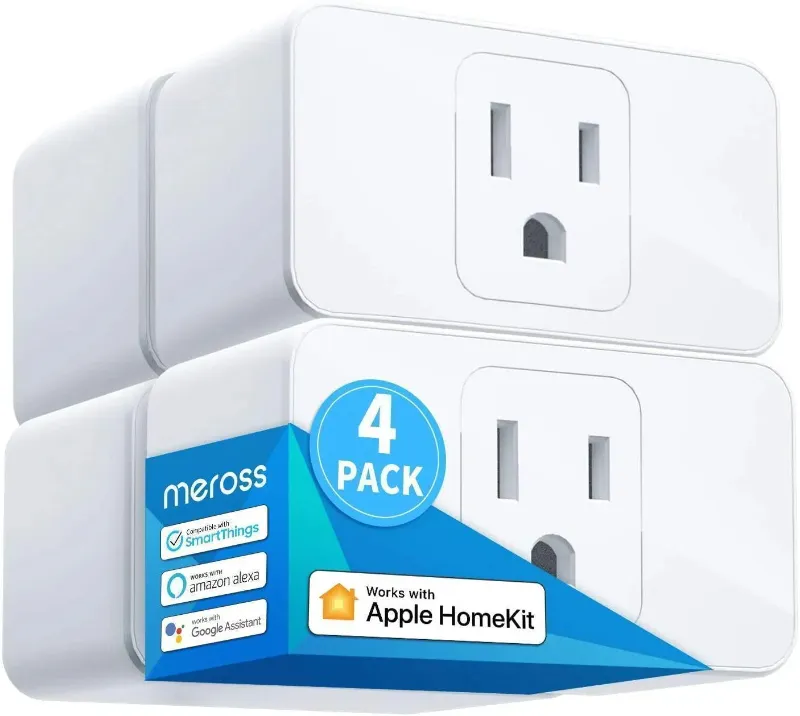
- A Meross smart plug mini switching a lamp a few times a day is under little stress
- The same plug running a heater or dehumidifier near its rated limit for hours at a time is under much more
- A wall switch in a hot, crowded electrical box runs warmer than one in a roomy box
- Frequent power surges and brownouts stress every part inside
Switch types and what stresses each
Different Meross devices do different jobs, and each has its own weak points.
| Device | What it does | What to watch |
|---|---|---|
| Smart 3-way dimmer switch | Dims one light from two places | Bulb compatibility, heat from dimming, traveler connections |
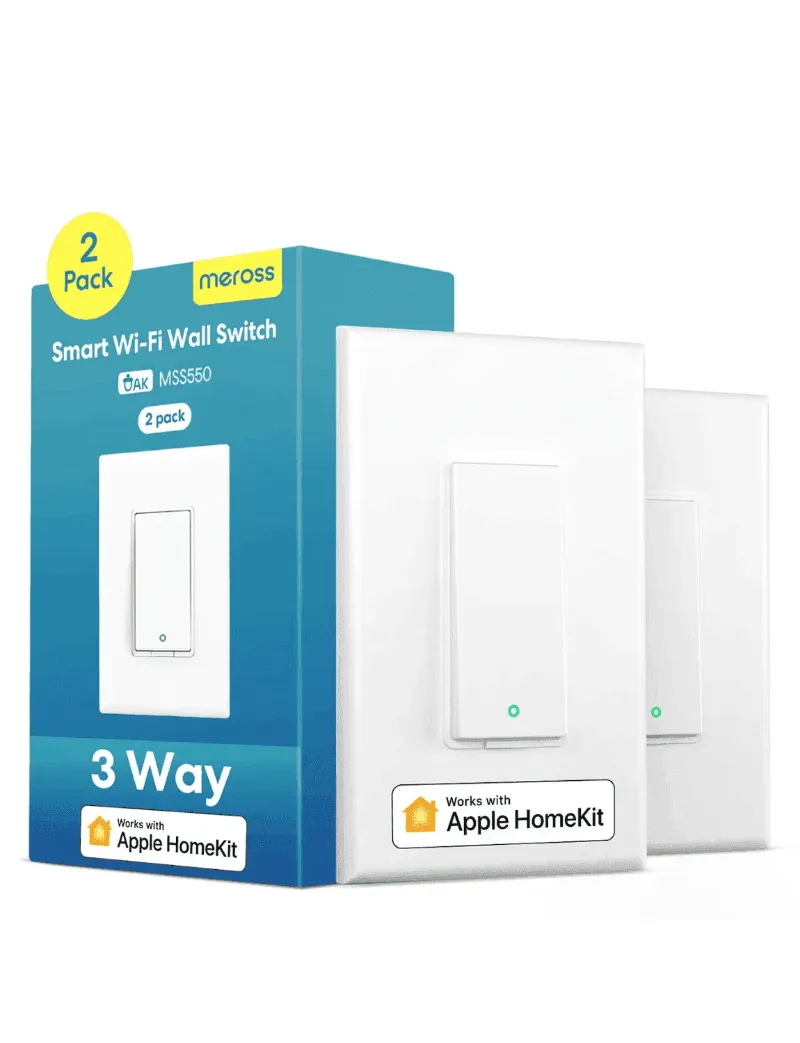
| 3-way smart switch | On and off from two places | Loose traveler or line connections |
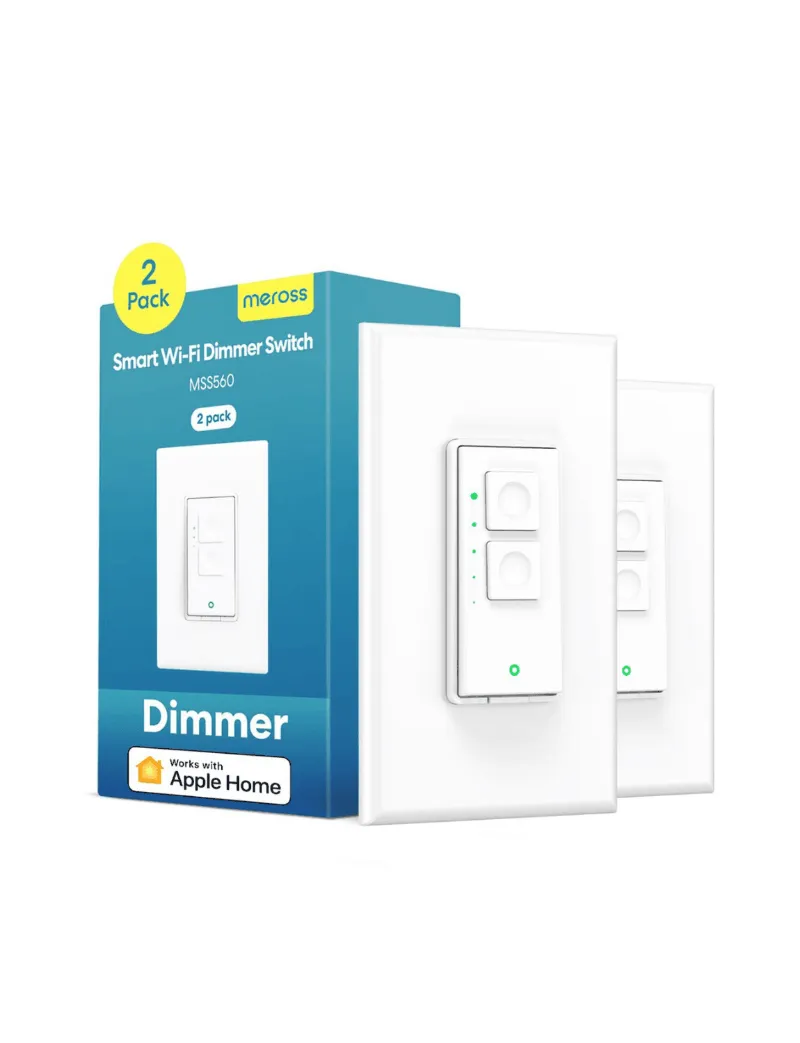
| Single pole smart dimmer switch | Dims a light from one place | Non-dimmable or incompatible LEDs, box heat |
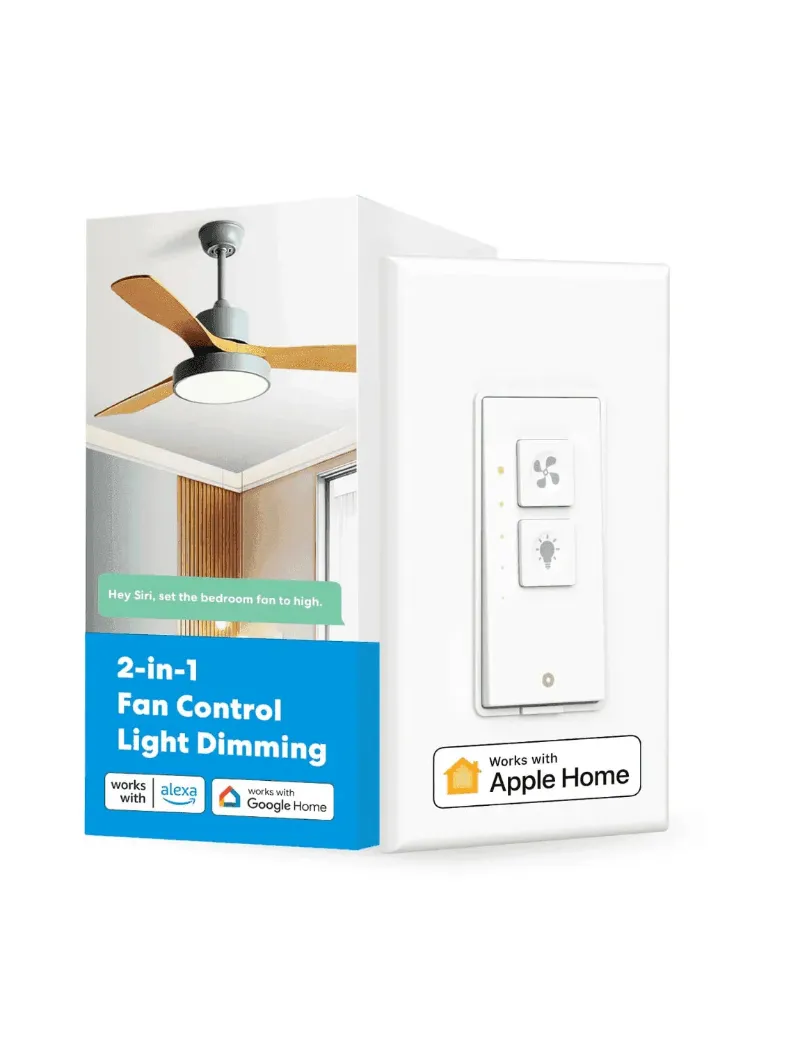
| Smart fan and light switch | Controls a ceiling fan and its light | Using it only with the fan types the listing supports |
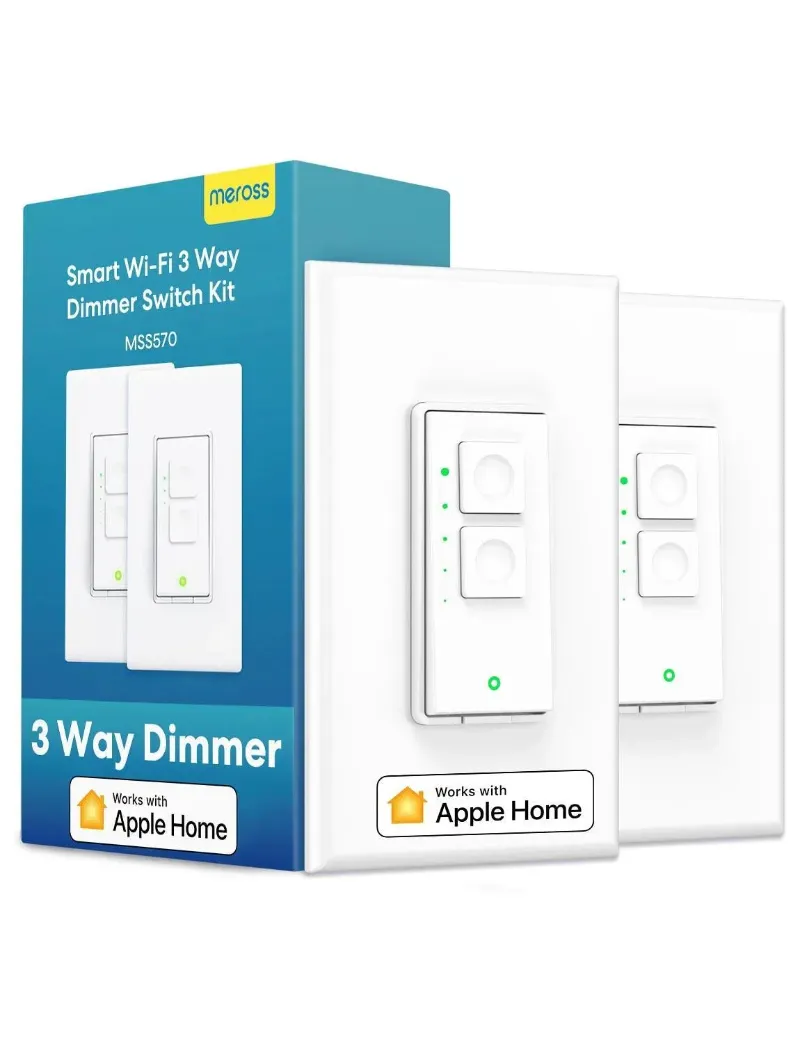
Dimmers make some heat as part of how they work, which is why the maximum LED load on the listing matters. Stay well under it rather than at it. For the 3-way dimmer switch and three way dimmer switch kits in particular, use bulbs the maker lists as dimmable and compatible.
What shortens a smart switch lifespan
- Running at the rated limit. A plug rated for a certain current will handle it, but running it there for hours adds heat and relay wear. Heavy loads such as space heaters are better on a dedicated outlet.
- Heat. Plugs behind furniture or switches in packed boxes run warmer. Leave some airflow around them.
- Power surges. Surge protection at the outlet or panel helps protect all electronics, including smart devices.
- Loose wiring. Loose connections in a switch box can heat up and damage the switch. Installation should follow the manual, and an electrician is the safe choice if you are unsure.
- Outdoor use of indoor devices. Only use a plug outdoors if its listing says it is rated for outdoor use.
Many “dead” devices are really connection problems
A smart plug that shows as offline has often lost its Wi-Fi connection rather than failed. Weak signal, a router change, a new Wi-Fi password or a cloud outage can all make a working device look dead.
Not every fault is hardware. For example, a community bug report in a Home Assistant integration describes MSS310 plugs switching on and off repeatedly. Problems like that are worth checking against firmware updates and integration settings before you replace anything.
Before you give up on a device, try:
- Checking the signal where the device sits, and moving the router or adding an extender if it is weak
- Rebooting the router
- Updating the device firmware in the Meross app
- Factory resetting the device, following the steps in the Meross manual, and setting it up again
How to make Meross devices last longer
- Keep firmware current. Turn on automatic updates in the app if it offers them.
- Give devices room. Avoid covering plugs or packing switch boxes tightly.
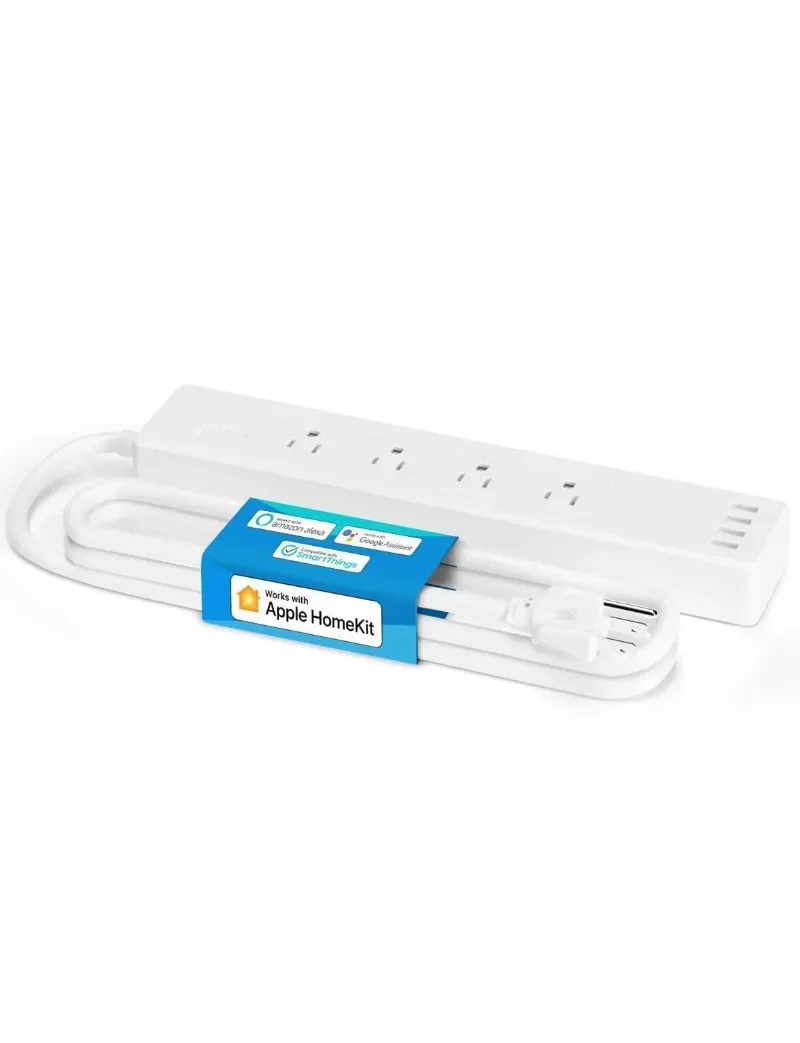
- Spread heavy loads. A Meross smart power strip lets you switch several smaller devices, but it has a total limit too, so check it.
- Check wall switch connections if a switch starts behaving oddly, with the power off at the breaker, or have an electrician do it.
- Keep the Wi-Fi strong where devices sit, which also makes them respond faster.
Garage openers and thermostats
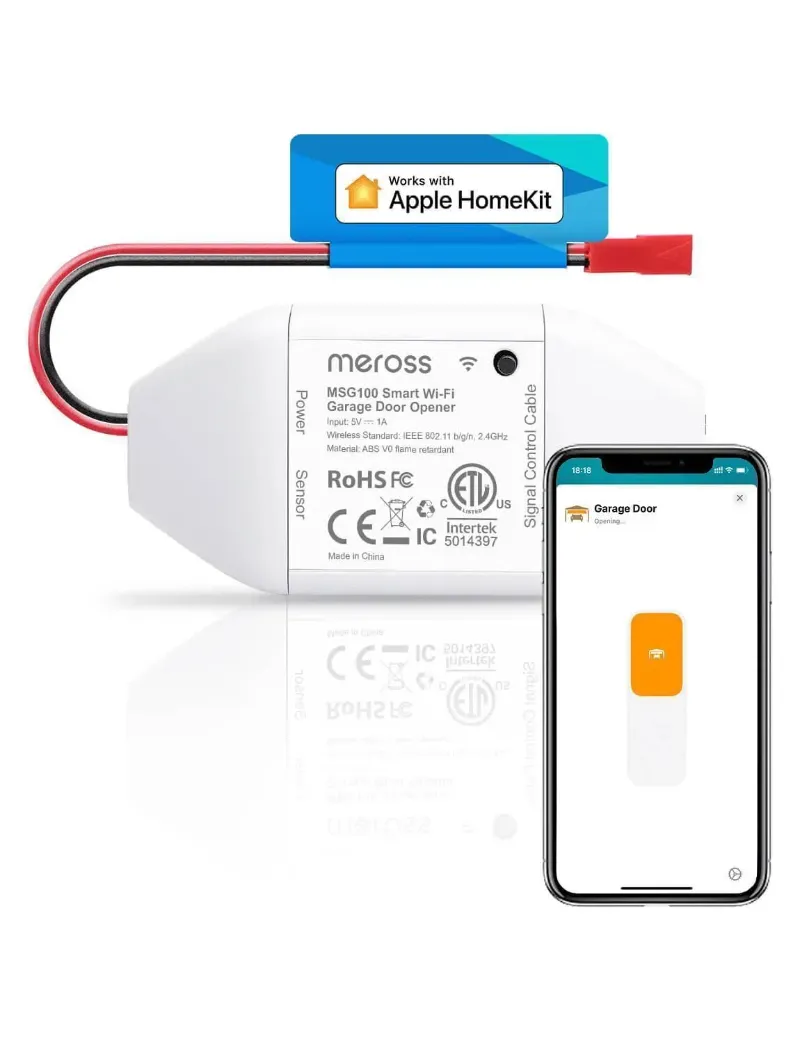
The Meross smart garage door opener sits in a space with vibration, dust and temperature swings, especially in unheated garages. Mount it as the manual shows, keep sensor wiring tidy, and check that Wi-Fi reaches the garage. The additional garage opener kit and the Meross garage door opener listing show which parts are included. A thermostat such as the Meross Matter smart thermostat switches low power control signals rather than a heavy load, so wiring and compatibility with your system matter most.
When to replace and when to troubleshoot
Stop using it and replace it if:
- The housing is cracked, discolored, melted or shows burn marks
- It smells hot or is too hot to touch in normal use
- It still fails after a factory reset and a fresh setup
Troubleshoot first if:
- It drops offline now and then
- It responds slowly
- It shows as offline in the app but still works from its button
If a device fails within its warranty, contact Meross support. For current prices on replacements or upgrades, see the current Meross discount code.
Questions
How long do Meross smart switches last?
It depends on the load, heat, power quality and Wi-Fi conditions, and we do not have reliable long term data to give a single figure. The warranty on the listing is the best guide to how long Meross stands behind a device.
How do I reset my Meross smart plug if it stops responding?
Follow the factory reset steps in the Meross manual or app, then set the plug up again. Before resetting, check the Wi-Fi signal and reboot your router, since many offline devices only have a connection problem.
Do dimmer switches wear out faster than on and off switches?
Dimmers produce some heat as they work, so running them near their maximum load or with incompatible bulbs adds stress. Use bulbs the maker lists as compatible and stay under the rated LED load.
Can I use a Meross smart plug outdoors?
Only if the listing says that model is rated for outdoor use. Indoor plugs are not built for rain, dust or large temperature swings.
How often should I update firmware on Meross devices?
Turn on automatic updates in the Meross app if available, or check for updates now and then. Updates can fix connection and stability problems that look like hardware faults.
Products in this guide
 Shopping at Meross? See the discount code
10% OFF All Orders
Shopping at Meross? See the discount code
10% OFF All Orders
More in this series
Can You Use a Meross Fan and Light Switch With Existing Pull Chains?17 Sep 20265 minMeross Smart Plug Keeps Disconnecting: How to Fix It17 Sep 20264 minDo Meross HomeKit Garage Door Openers Work With MyQ and Chamberlain?17 Sep 20265 min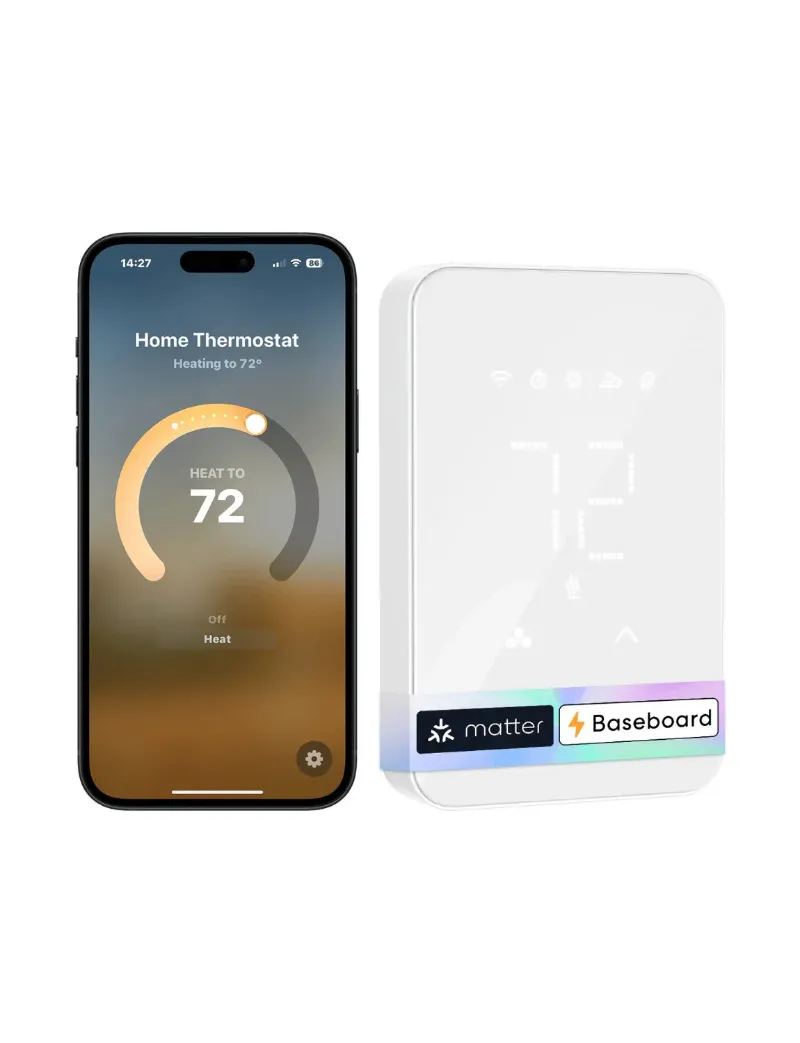 Meross Smart Thermostat vs Ecobee: Which Saves More on Energy Bills?17 Sep 20264 minCan You Install a Meross 3 Way Dimmer Switch Without a Neutral Wire?17 Sep 20265 min