 A Meross guide
Can You Use a Meross Fan and Light Switch With Existing Pull Chains?
A Meross fan and light switch works perfectly with existing pull chains when you leave the chains in the "on" position and let the smart switch handle all control.
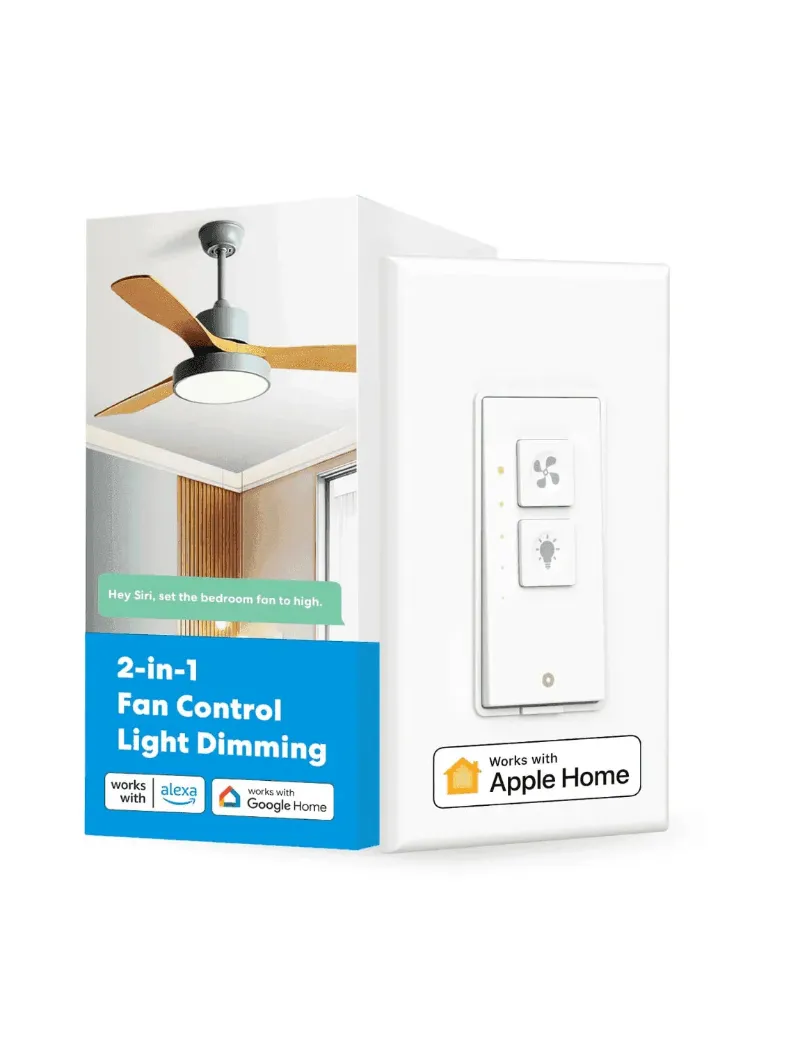
Yes, a fan and light switch from Meross works with ceiling fans that have pull chains, you simply leave the pull chains in the “on” position and control both the fan and light from the wall switch. The Meross ceiling fan wall switch replaces your existing wall switch and takes over control, so the pull chains stay tucked away and unused once installation is complete.
How Pull Chain Fans Work With Wall Switches
Ceiling fans with pull chains have built-in mechanical switches that physically interrupt power to the fan motor or light. When you install a smart wall switch, you are adding a second layer of control upstream from those pull chains.
For the wall switch to control your fan and light effectively, the pull chains must remain in the “on” position. This keeps the internal mechanical switches closed, allowing the wall switch to control power flow. If you pull a chain to the “off” position, the wall switch cannot override it because no power reaches that component.
Key compatibility requirements:
- Your ceiling box must have separate hot wires for fan and light (usually black and blue, plus a neutral white)
- The existing wall switch location must have a neutral wire (required for most smart switches)
- Your fan motor and light kit must be rated for the switch’s load capacity
Most modern ceiling fans manufactured after 2010 come prewired with separate fan and light circuits, making them ideal candidates for a ceiling fan and light switch combo. If your home was built before 2000, you may need to verify neutral wire availability at the switch box.
Installing a Meross Fan and Light Switch With Pull Chains
The installation process takes 20 to 45 minutes depending on your existing wiring configuration. We recommend turning off power at the breaker and using a non-contact voltage tester before touching any wires.
Installation steps:
- Remove your existing single-pole or double switch and identify wires (line hot, fan hot, light hot, neutral, ground)
- Connect the Meross switch wires following the labeled terminals, line in, fan out, light out, neutral bundle, ground
- Secure the switch in the wall box and restore power at the breaker
- Pull both ceiling fan chains to the “on” position and leave them there
- Pair the switch with the Meross app using your Wi-Fi network (2.4 GHz only)
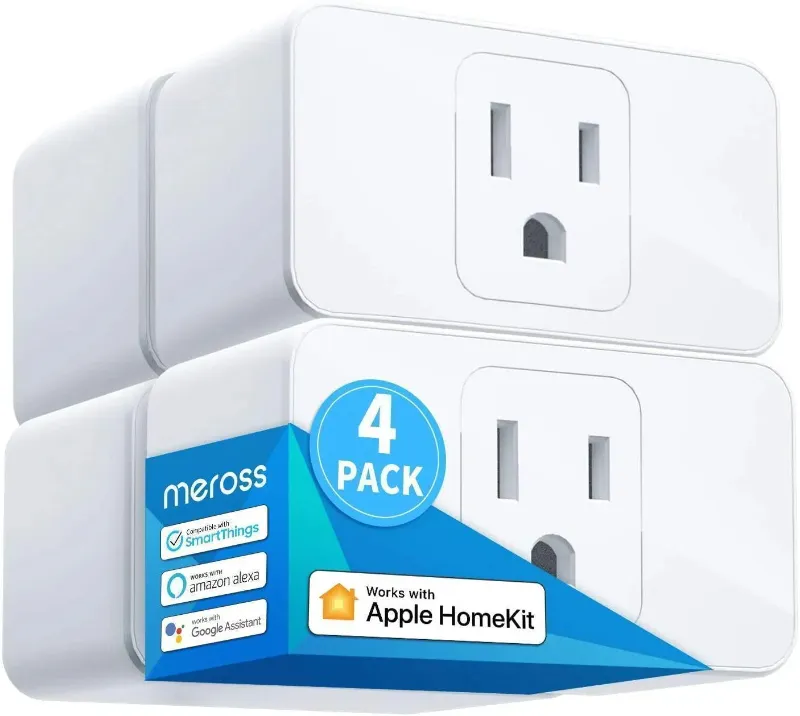
The Meross app walks you through device pairing in about two minutes. Once connected, you can control fan speed (typically low, medium, high) and light dimming directly from your phone or voice assistant. If you want broader smart home control beyond fan and light, consider pairing it with a meross smart plug for lamps or a 3 way smart switch for hallway lighting.
For current pricing and to grab our exclusive discount code, check the Meross store page where we maintain updated deals.
Wiring Scenarios: Double Switch vs. Single Switch Replacement
Your existing wall setup determines which Meross model you need and how complex the installation becomes.
| Current Setup | Meross Solution | Wiring Complexity |
|---|---|---|
| Single switch controlling both fan and light together | Fan and light switch combo | Moderate, requires running separate control wires or accepting grouped control |
| Double switch (two separate toggles) | Fan and light switch combo replacement | Low, wires already separated |
| Single switch, fan-only (light uses pull chain exclusively) | Not ideal, consider fan-only smart switch instead | N/A |
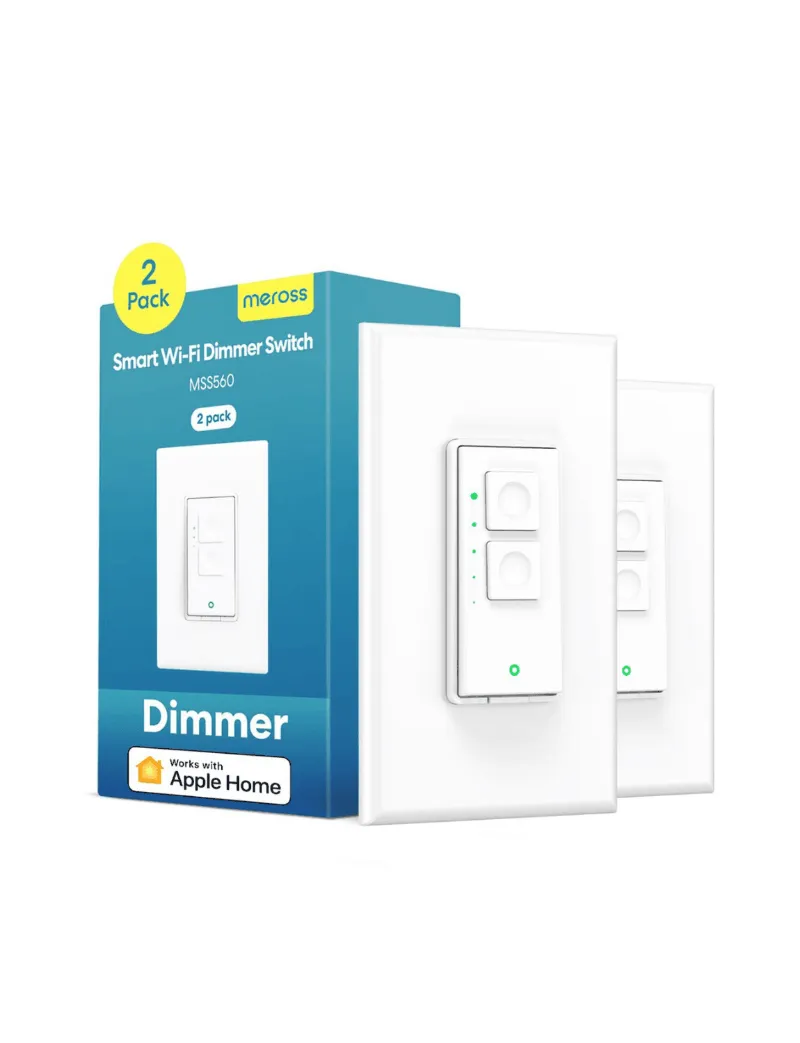
If you currently have a double switch for fan and light wiring, the Meross combo switch consolidates both controls into a single gang box, freeing up space or allowing you to add a smart dimmer switch for nearby lighting. The fan control switches from manufacturers like Lutron offer similar consolidation benefits with different smart home ecosystems.
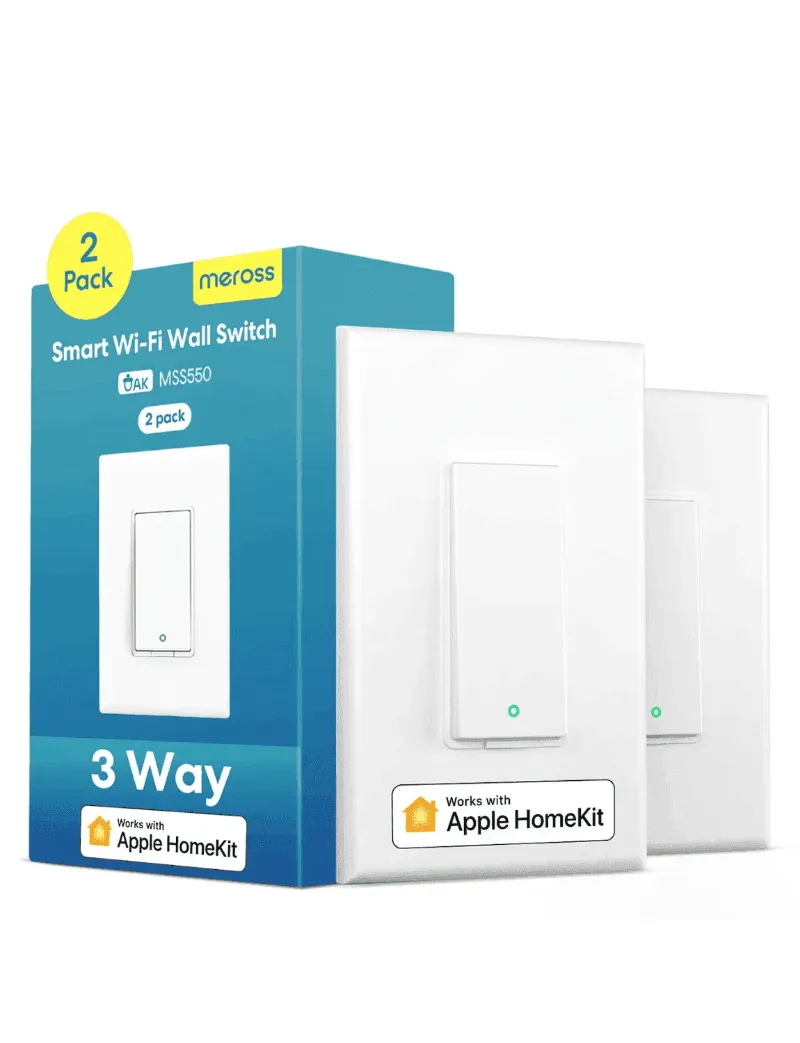
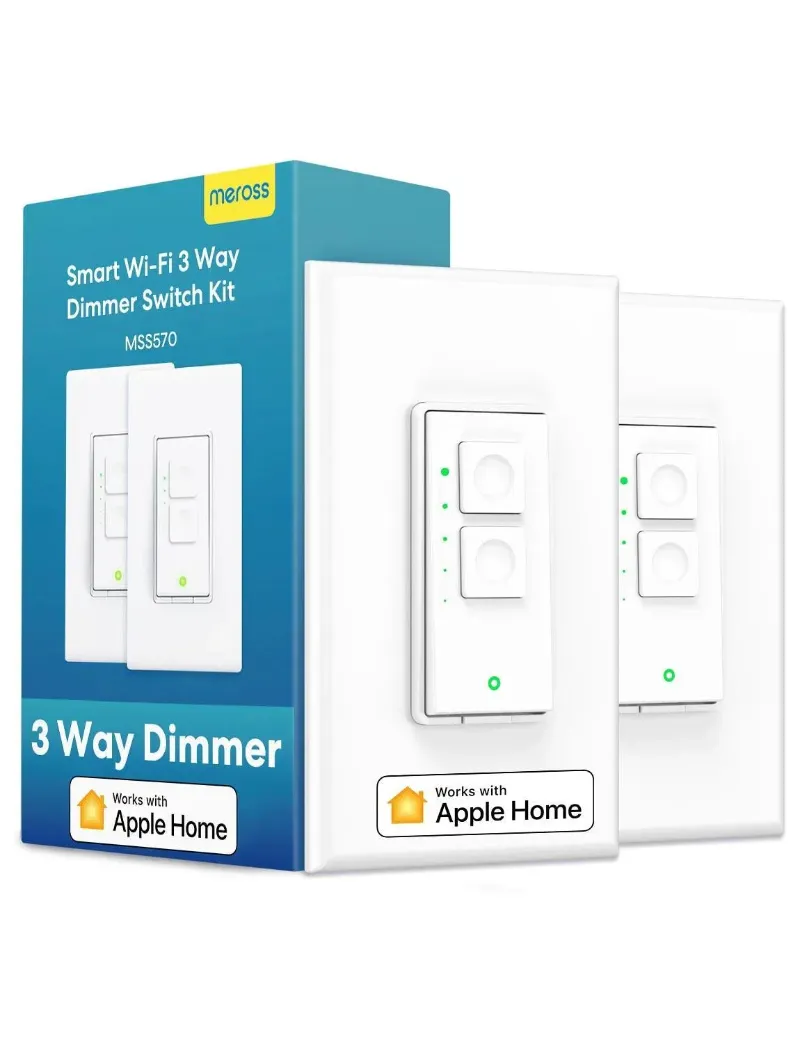
For three-way configurations where you control the fan from multiple locations, Meross offers a 3-way dimmer switch that coordinates with standard three-way wiring, though you will sacrifice independent fan speed control at the secondary location.
What Happens If You Use the Pull Chains After Installation
The pull chains continue to function mechanically even after you install a smart wall switch. Pulling a chain to “off” cuts power at the fan, which prevents the wall switch from turning that component back on until you return the chain to “on.”
This creates a common troubleshooting scenario: a family member accidentally pulls a chain, then wonders why the wall switch or app no longer controls the fan or light. We have seen this happen repeatedly in households that are not used to leaving pull chains alone.
Best practices to avoid confusion:
- Use a twist tie or zip tie to bundle pull chains together against the fan downrod where they are out of reach
- Explain to household members that chains should stay “on” permanently
- Test both fan and light control from the app immediately after installation to confirm chains are positioned correctly
If you do pull a chain to “off,” simply pull it back to “on” and the smart switch will regain control within a few seconds. The Meross switch does not require re-pairing or reconfiguration after a chain interruption.
Alternative Control Options: Remote and App Control
Once your fan and light switch is installed and the pull chains are set to “on,” you gain multiple control methods that replace the need for chains entirely.
The Meross app provides independent fan speed adjustment and light dimming from any room in your home. You can create schedules (fan on at 10 PM, off at 6 AM) and scenes (movie mode: fan low, lights 20%) that run automatically. Voice control through Alexa, Google Assistant, or Siri adds hands-free operation when your hands are full or you are already in bed.
Some users prefer a fan and light switch combo with remote for guests or family members who do not use smartphones. Meross does not currently bundle a physical remote with their fan switches, but the wall switch itself has manual touch controls that work even if your Wi-Fi is down.
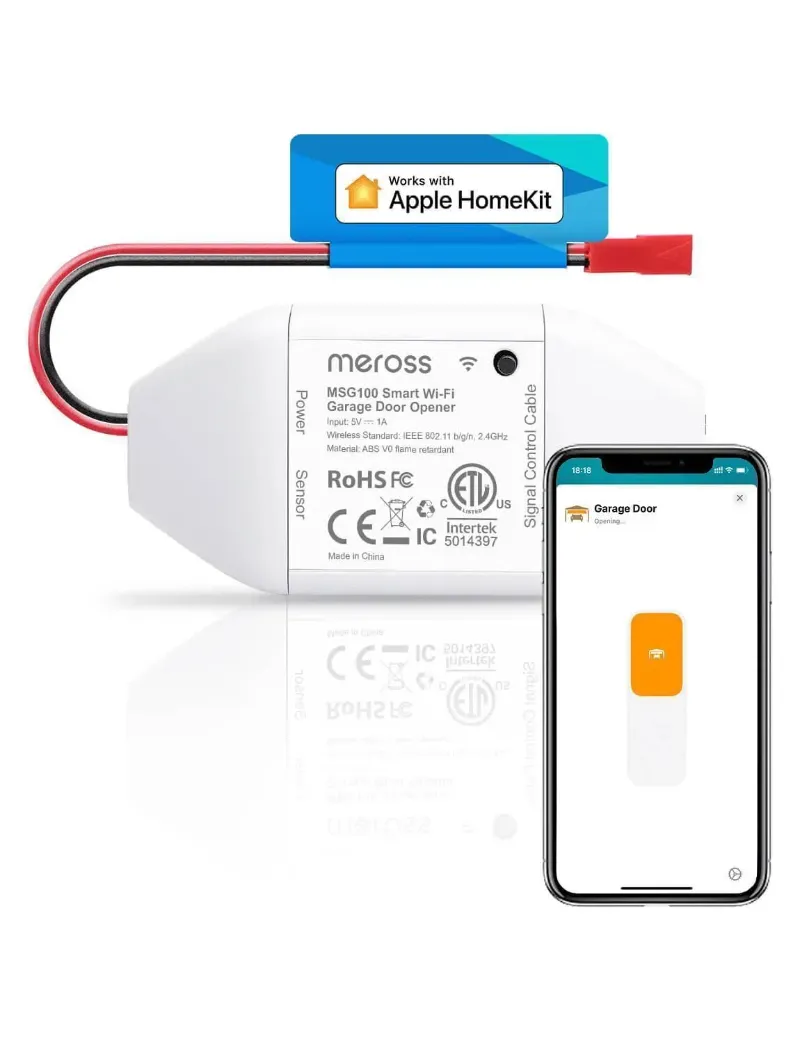
For broader home automation, the Meross ecosystem integrates well with other devices. We have paired fan switches with a meross garage door opener and homekit garage door opener to create arrival automations, garage opens, hallway light turns on, bedroom fan starts at low speed.
Who Should Skip the Smart Switch Upgrade
A Meross smart fan and light switch works for most ceiling fan setups, but a few scenarios make it a poor fit.
Skip the upgrade if your ceiling fan box has only two wires (hot and neutral) with no separate control lines for fan and light. You cannot split control without running new wire through the ceiling. Similarly, if your switch box lacks a neutral wire and running one is impractical, standard smart switches will not install safely.
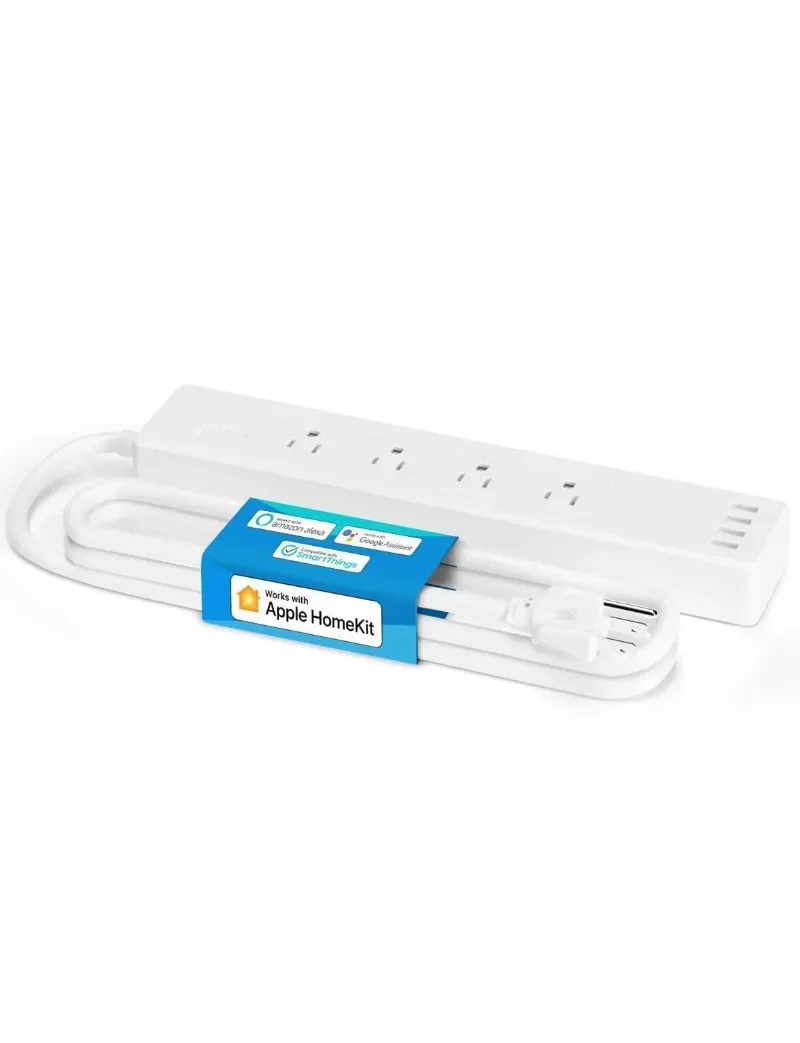
Renters should verify lease terms before replacing switches, since installation requires permanent wiring changes. In those cases, a plug-in smartpowerstrip for lamps offers smart control without modification.
Finally, if you strongly prefer the tactile feedback of pull chains and have no interest in app-based or voice control, the cost and complexity of a smart switch delivers little value. Traditional [ceiling fan and light switch combo](#) units without smart features cost significantly less and require simpler wiring.
Check our current Meross discount code to see if the smart upgrade fits your budget and use case, we update pricing and promo details weekly as new offers arrive.
Questions
Do I need to remove the pull chains from my ceiling fan to use a Meross fan and light switch?
No, you do not need to remove the pull chains. Simply leave them in the 'on' position permanently, and the Meross wall switch will control power to both the fan motor and light kit. The chains remain functional but unused.
Will the Meross fan switch work if I only have one wire going to my ceiling fan?
No, the Meross fan and light switch requires separate hot wires for the fan motor and light kit (typically black and blue wires). If your fan has only a single hot wire, you cannot independently control fan and light from the wall switch.
What happens if someone accidentally pulls the chain after I install the smart switch?
Pulling the chain to 'off' cuts power at the fan, so the smart switch cannot turn that component back on until you pull the chain back to 'on.' The switch does not require re-pairing, it simply regains control once the chain is returned to the on position.
Can I install a Meross fan and light switch if my current wall box has no neutral wire?
Most Meross smart switches require a neutral wire to power the internal electronics. If your switch box lacks a neutral, you will need to run one from the breaker panel or choose a rare neutral-free switch model, which Meross does not currently offer for fan controls.
Does the Meross switch remember my fan speed and light brightness after a power outage?
The Meross fan and light switch typically returns to an off state after power is restored following an outage. You will need to turn the fan and light back on manually via the app, wall switch, or voice command.
Products in this guide
 Shopping at Meross? See the discount code
10% OFF All Orders
Shopping at Meross? See the discount code
10% OFF All Orders
More in this series
How Long Do Meross Smart Switches Last, and What Wears Them Out?17 Sep 20264 minMeross Smart Plug Keeps Disconnecting: How to Fix It17 Sep 20264 minDo Meross HomeKit Garage Door Openers Work With MyQ and Chamberlain?17 Sep 20265 min Meross Smart Thermostat vs Ecobee: Which Saves More on Energy Bills?17 Sep 20264 minCan You Install a Meross 3 Way Dimmer Switch Without a Neutral Wire?17 Sep 20265 min