 A Meross guide
Can You Install a Meross 3 Way Dimmer Switch Without a Neutral Wire?
Installing a 3 way dimmer switch without a neutral wire is possible with the right no-neutral compatible smart dimmer and a few wiring adjustments.
Can a 3 way dimmer switch work without a neutral?
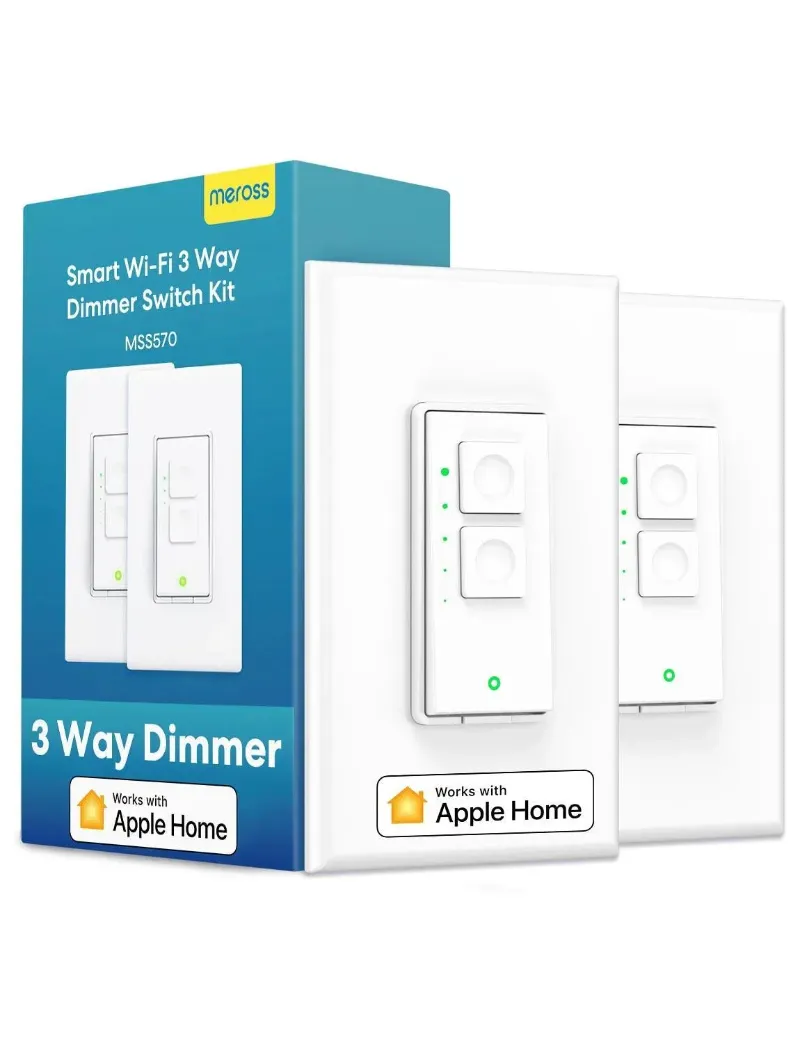
A 3 way dimmer switch can work without a neutral wire only if that specific model is designed for no-neutral wiring, and most Wi-Fi smart switches are not. So before you buy a Meross 3-way dimmer switch, open your switch boxes, check for a neutral, and read the wiring requirements on the listing. If the switch needs a neutral and your box has none, you will need one of the alternatives further down.
A three-way setup controls one light from two places, such as the top and bottom of a stairway. That makes the wiring less obvious than a single switch, because you have to find which box holds the power feed (the line) and which one leads to the light (the load).
Why smart switches usually need a neutral
A regular switch simply opens and closes the hot wire. A smart switch has a radio and a small computer inside that must stay powered even when the light is off, so it can listen for app and voice commands. The neutral wire gives it a return path to draw that power without running it through the light.
No-neutral smart dimmers exist. They get their standby power by passing a tiny current through the bulbs while the light is off. That design has limits:
- It works best with dimmable bulbs the maker lists as compatible
- Many no-neutral dimmers need a minimum total load, so one low wattage LED may not be enough
- Non-dimmable or incompatible LEDs can flicker, glow faintly when off, or buzz
Whatever you buy, the product listing and manual are the final word on whether a neutral is required.
How to check your switch boxes
Turn off power at the breaker first, then confirm it is off with a non-contact voltage tester before touching any wire. Remove the switch plates and look at what is in each box.
| Wire | Common color (varies by home) | What it does |
|---|---|---|
| Line (hot) | Black | Brings power from the breaker |
| Load | Black or red | Runs to the light fixture |
| Travelers | Red and black, or other pairs | Link the two switch boxes |
| Neutral | White, usually bundled at the back of the box | Return path to the panel |
| Ground | Bare copper or green | Safety ground |
A neutral is usually a bundle of white wires joined with a wire nut and not connected to the switch. If you see white wires connected to the switch itself, they may be used as a hot or traveler, so do not assume. Colors in older homes are not always standard. If you are not sure what you are looking at, stop and call a licensed electrician.
Wiring a smart 3 way dimmer: the general order
Every smart 3-way product has its own diagram, and you must follow it exactly. In general, the work goes like this:
- Label everything. Before you disconnect the old switches, tag which wire went to which terminal in each box.
- Find the line box. Identify which box has constant power from the breaker. This means checking live wires, so get an electrician to do it if you are not trained to work safely on live circuits.
- Install the main smart unit where the manual says, usually the line box, connecting line, load or travelers, neutral if required, and ground to the marked terminals.
- Install the second unit (a companion or auxiliary switch, if the kit uses one) in the other box, again per the diagram.
- Cap unused wires safely with wire nuts, and fold everything neatly back into the box.
For background on how three-way dimmers are wired, see 3-Way Dimmer Switch: Basics, Wiring, Installation. Local electrical codes apply, and in some areas this work must be done by a licensed electrician.
Choosing the right Meross switch
Meross sells a few switch types, and it is easy to order the wrong one:
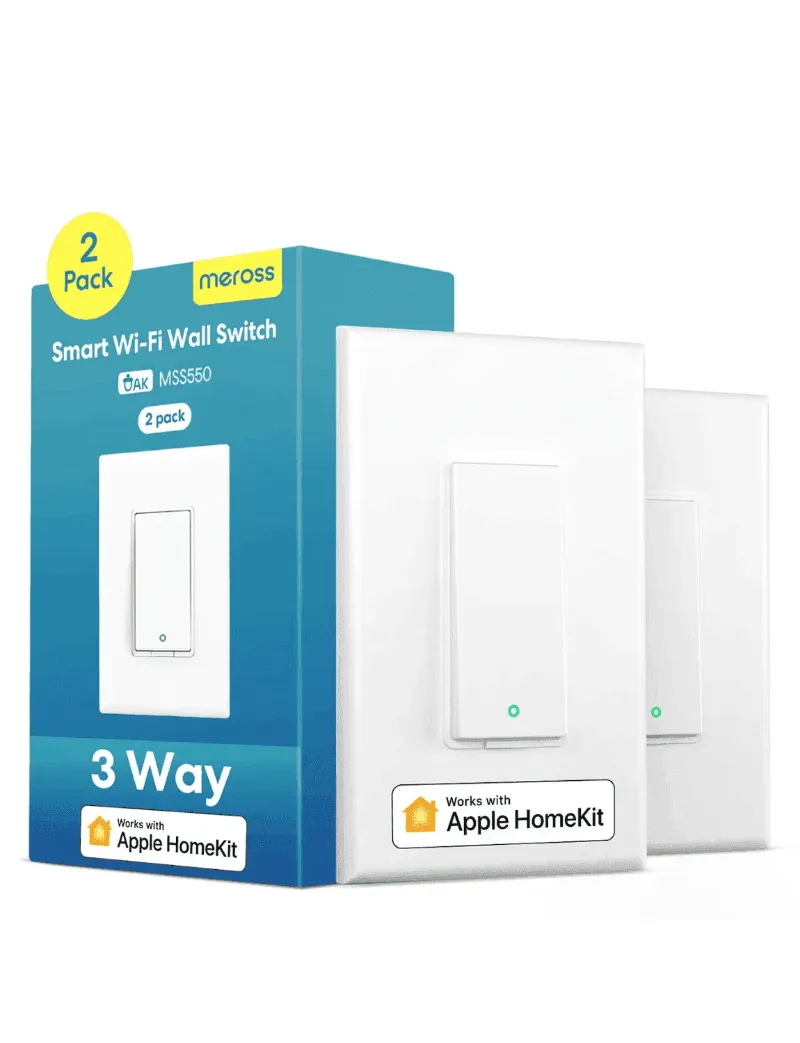
- Smart 3-way dimmer switch: for dimming one light from two locations
- 3-way smart switch: on and off control from two locations, without dimming
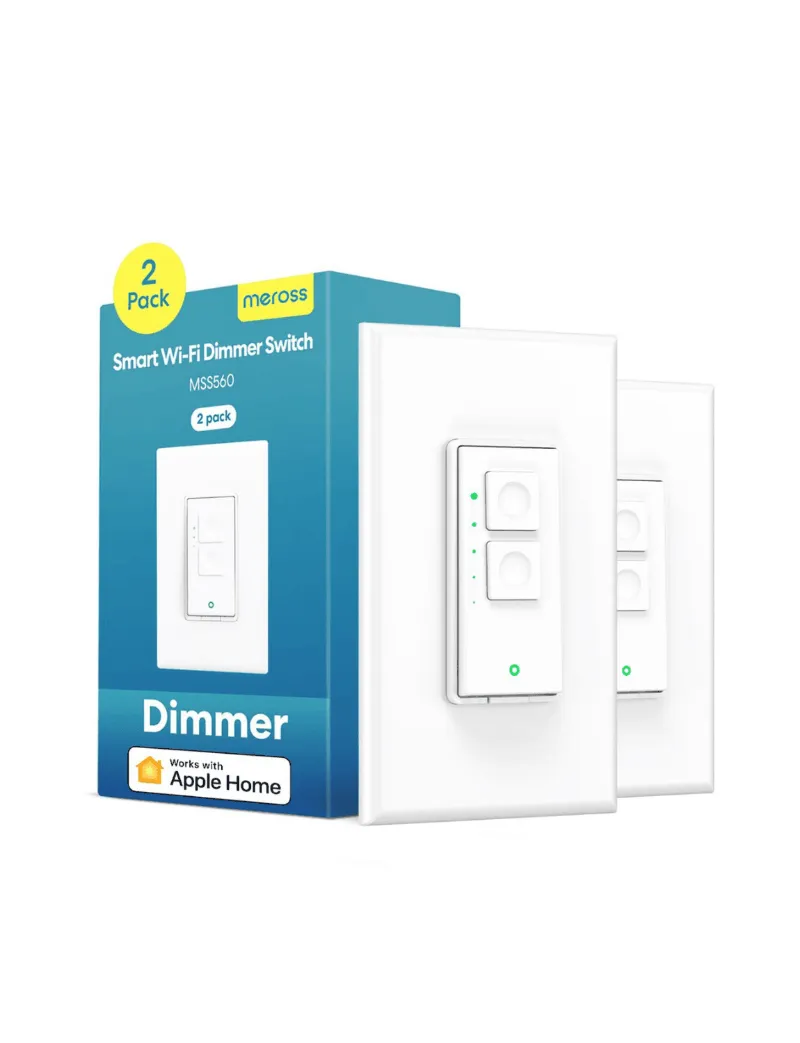
- Single pole smart dimmer switch: for a light controlled from one location only
When comparing, check four things: whether a neutral is required, the maximum LED load, which voice assistants it works with (Alexa, Google Home or Apple Home), and whether it has physical buttons so the light still works when Wi-Fi drops. For current prices, see the current Meross discount code.
Common problems after installation
The bulbs flicker or buzz. The bulbs may not be dimmable, or may not suit that dimmer. Switch to dimmable LEDs and set a higher minimum brightness in the app.
The switch does not power on. Check that it is in the box the manual specifies and that each wire is on the correct terminal. If the switch needs a neutral, it will not work without one.
Only one location controls the light. This usually points to a traveler problem. Check that the travelers run between the two boxes and sit on the right terminals at both ends.
Wi-Fi pairing fails. Make sure your router’s 2.4 GHz band is turned on, since many smart switches cannot join a 5 GHz network. Factory reset the switch and try pairing again.
Options if your box has no neutral
If the switch you want needs a neutral and you do not have one, you still have choices:
- Have an electrician run a neutral to the switch box. This is the most flexible fix if you plan to add more smart switches later.
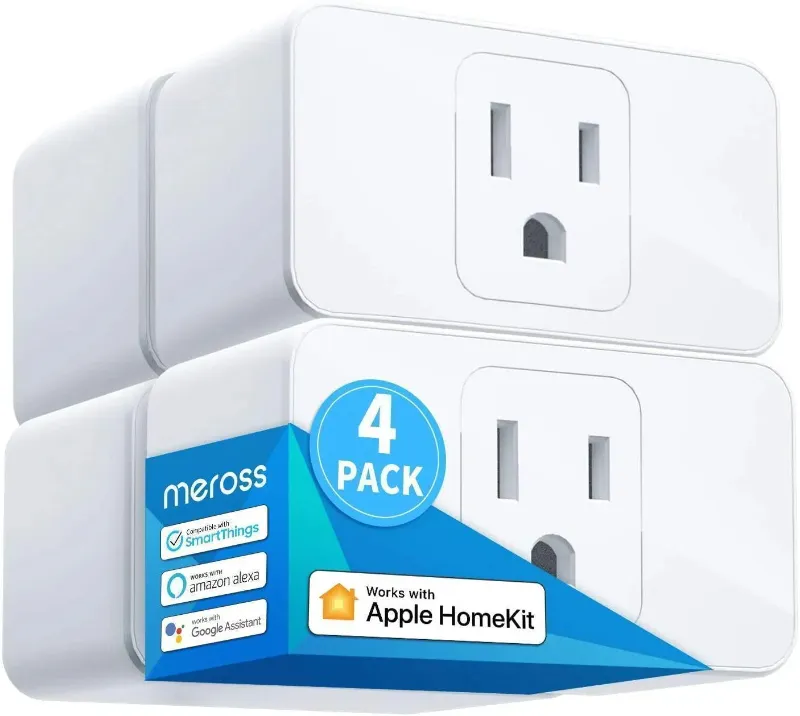
- Use smart bulbs instead. Leave the wall switches on and control dimmable smart bulbs from an app, and use a Meross smart plug for lamps and other devices.
- Choose a no-neutral dimmer from a maker that specifies it, and check its bulb and load limits.
- Add a battery powered wireless switch at the second location, if your dimmer supports a paired remote.
Final checks and setup
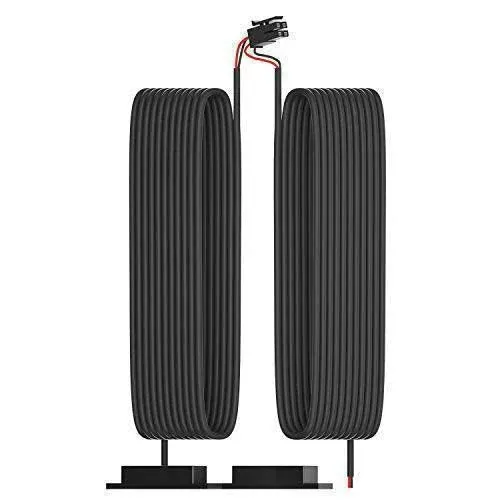
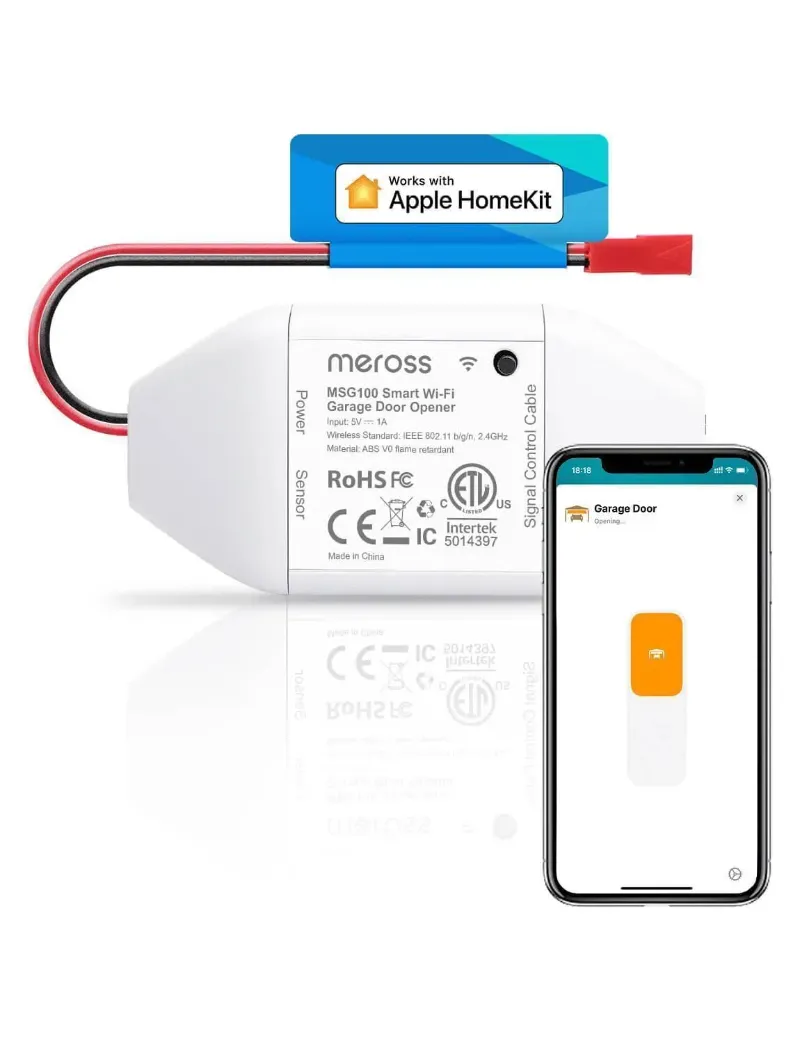
Before you screw the wall plates back on, restore power and check that the light turns on, off and dims from both locations and from the app. Set the minimum and maximum brightness to stop LEDs flickering at low levels, then add schedules or scenes. You can link the switch with other Meross devices, such as the Meross garage door opener or its additional garage opener kit, in the same app.
Questions
Can I install a 3 way dimmer switch without a neutral wire?
Only if that model is specified for no-neutral wiring. Most Wi-Fi smart switches need a neutral. Check the listing and manual, then check your switch boxes. If you have no neutral, an electrician can run one, or you can use smart bulbs instead.
Do both switches need to be smart in a three-way dimmer setup?
It depends on the product. Many smart three-way systems use one main smart unit and a companion or auxiliary switch at the second location. Follow the kit's instructions for what goes in each box.
Why do my LED bulbs flicker with my new dimmer?
The bulbs may not be dimmable or may not be compatible with that dimmer, or the load may be too low for it. Use dimmable LEDs the maker lists as compatible, and raise the minimum brightness setting in the app.
What is the difference between a 3-way dimmer switch and a regular dimmer?
A regular (single pole) dimmer controls a light from one location. A three-way dimmer lets you control and dim the same light from two locations, using traveler wires between the two switch boxes.
How do I know which switch box has the line wire?
The line box is the one with constant power from the breaker, whatever the switch positions. Finding it means testing live wires, so if you are not trained to do that safely, have a licensed electrician identify it.
Products in this guide
 Shopping at Meross? See the discount code
10% OFF All Orders
Shopping at Meross? See the discount code
10% OFF All Orders
More in this series
How Long Do Meross Smart Switches Last, and What Wears Them Out?17 Sep 20264 min Can You Use a Meross Fan and Light Switch With Existing Pull Chains?17 Sep 20265 min
 Meross Smart Plug Keeps Disconnecting: How to Fix It17 Sep 20264 minDo Meross HomeKit Garage Door Openers Work With MyQ and Chamberlain?17 Sep 20265 min
 Meross Smart Thermostat vs Ecobee: Which Saves More on Energy Bills?17 Sep 20264 min