 A AAA PRESETS guide
How Long Do VHS Overlays Stay Relevant for Retro Video Effects?
VHS overlay Premiere Pro effects stay relevant as long as nostalgia for analog aesthetics continues to drive creative trends in video production.
A vhs overlay premiere pro effect stays relevant indefinitely because nostalgia cycles constantly reinvent retro aesthetics, and the lo-fi texture of VHS remains a distinctive creative choice that modern digital footage cannot replicate organically.
Why VHS Overlays Remain Popular in Modern Video Production
The enduring appeal of VHS effects stems from their ability to evoke specific emotional responses. Viewers associate VHS artifacts with home videos, 1980s and 1990s media, and a sense of authenticity that polished 4K footage often lacks. Music videos, documentaries, indie films, and social media content all leverage this aesthetic to create atmosphere and differentiate their visual style.
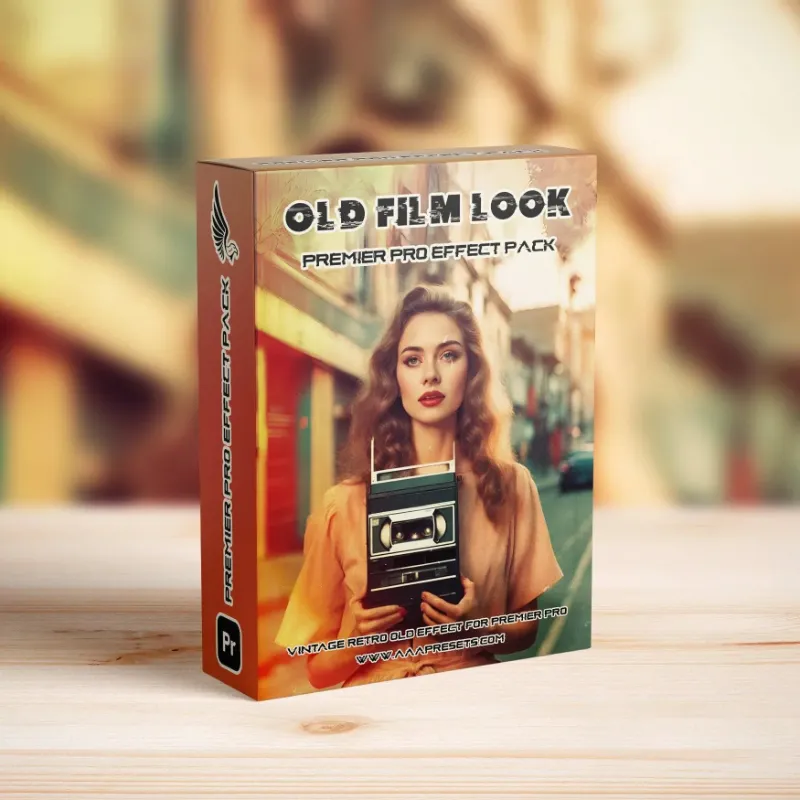
Unlike trend-driven effects that fade within months, vhs overlay premiere pro assets tap into generational memory. Gen Z and Millennials grew up during or after the VHS era, which makes the format feel both familiar and novel. This dual appeal keeps VHS overlays in rotation across:
- YouTube vlogs and retrospectives
- TikTok and Instagram Reels with throwback themes
- Music videos seeking a DIY or underground vibe
- Corporate videos aiming for approachability
- Wedding films and personal documentaries
Adobe’s own guide on how to add a VHS effect in Premiere highlights multiple techniques, from overlays to plugin-based approaches, proving the technique has earned permanent status in the editor’s toolkit.
How to Choose VHS Overlays That Age Well
Not all VHS overlays hold up equally. We recommend prioritizing assets with these characteristics:
High resolution source files. Even though VHS is inherently low-fidelity, overlays rendered at 1920×1080 or higher blend more naturally with modern footage and scale better across formats. Avoid pixelated overlays that look obviously upscaled.
Subtle grain and tracking errors. Heavy-handed distortion dates quickly because it reads as a gimmick. The best overlays offer adjustable opacity and layering options so you can dial in the exact amount of degradation your project needs.
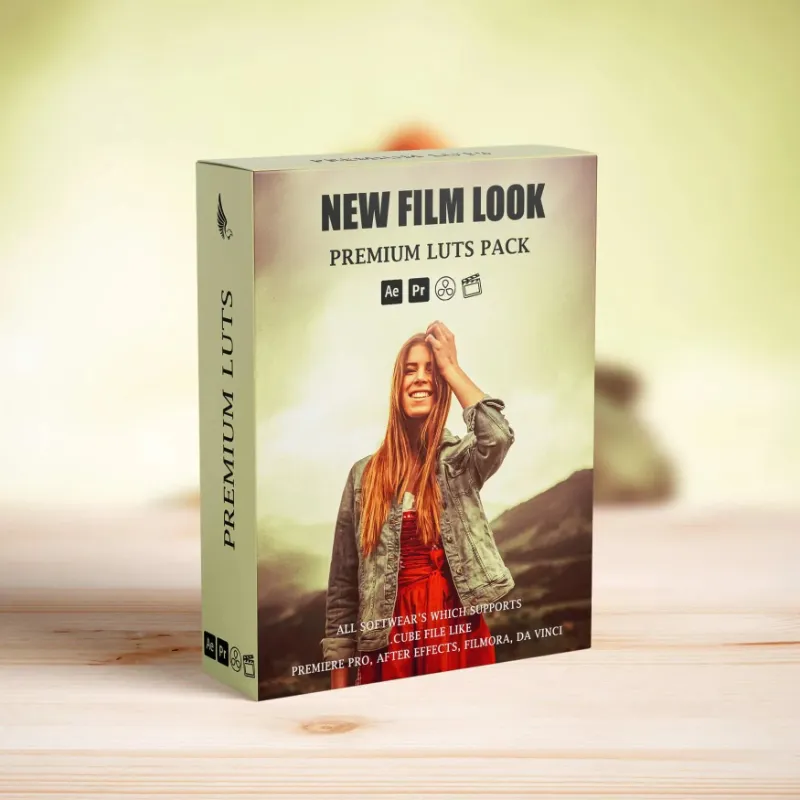
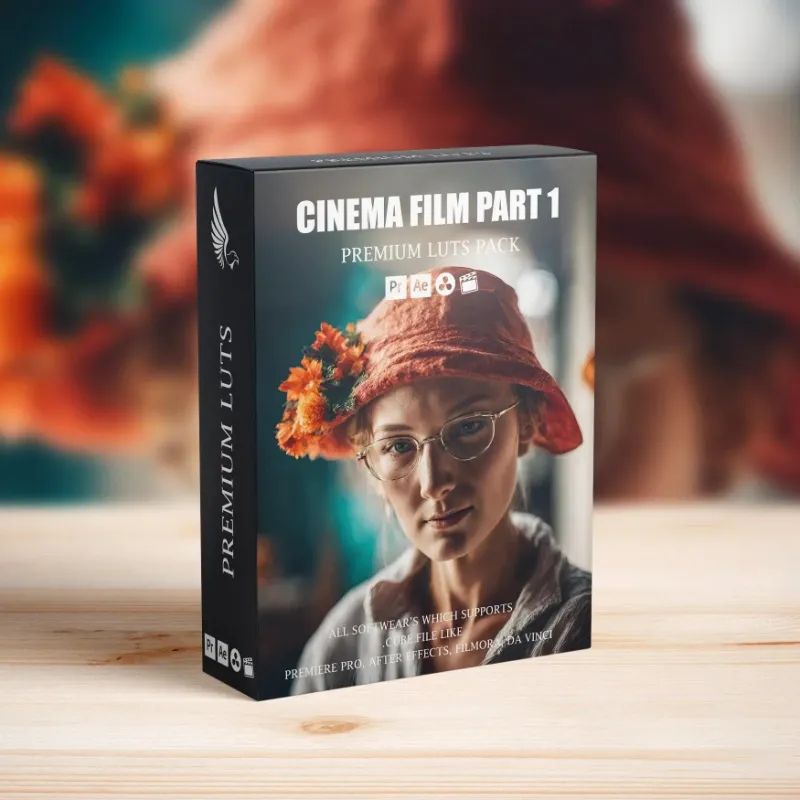
Authentic color shifts. Real VHS tapes exhibit magenta and cyan fringing, not random RGB noise. Look for overlays that replicate true chromatic aberration and color bleeding. Pairing a quality overlay with a cinema luts package lets you grade the underlying footage to match the analog color palette.
Variety of artifact types. A pack that includes static frames, rolling bars, tracking lines, and tape dropouts gives you flexibility across different scenes. This variety prevents the effect from feeling repetitive across a longer edit.
For current pricing on professional-grade overlays and to grab our exclusive discount code, visit the store page where you will find deals updated weekly.
Combining VHS Overlays with Other Retro Effects
VHS overlays work best when layered with complementary grading and sound design. We have found that combining a vhs overlay premiere pro asset with period-accurate color grading creates the most convincing result.
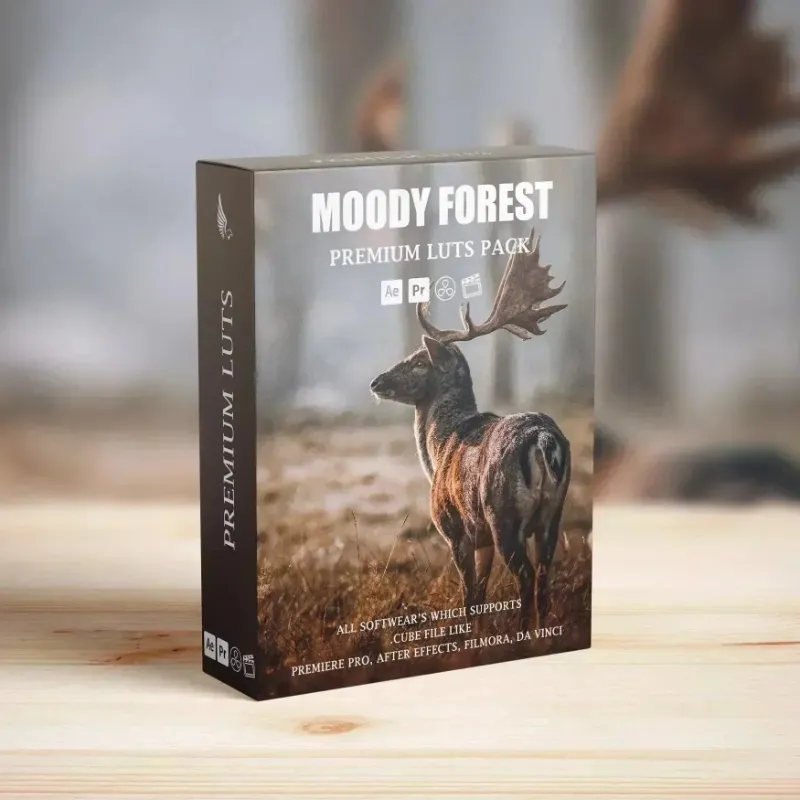
Start by applying a lut pack designed for vintage looks. LUTs shift your footage’s color science to mimic the limited gamut of analog video. Then add your VHS overlay at 30 to 50 percent opacity, adjusting blend modes (Screen, Add, or Overlay work well depending on the overlay’s composition).
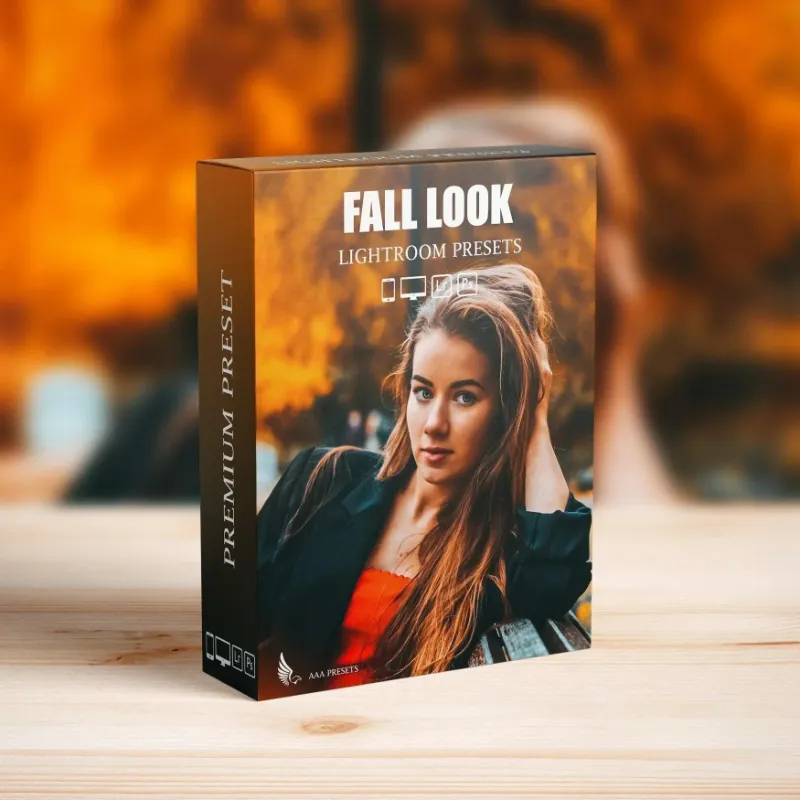
For projects that need seasonal warmth, a fall lightroom presets aesthetic translated into video grading pairs beautifully with VHS texture. The muted oranges and desaturated greens echo both autumn tones and aged tape degradation.
Audio plays an equally important role. Layer in tape hiss, muffled bass, and occasional dropout sounds. Many free resources, like those at Mixkit’s VHS template library, bundle audio with visual overlays for a cohesive package.
VHS Overlay Premiere Pro vs Free Alternatives
The debate between premium and free VHS overlays comes down to quality, licensing, and time savings.
| Feature | Premium Overlays | Free Downloads |
|---|---|---|
| Resolution | 1080p to 4K | Often 720p or lower |
| Licensing | Commercial use included | Varies, attribution sometimes required |
| Artifact variety | 10 to 30+ unique files | 2 to 5 basic loops |
| Customization | Layered, adjustable | Flat renders |
Free options like those from Color Grading Central’s VHS pack work well for personal projects and skill-building. However, commercial work benefits from the cleaner licensing and greater creative control that premium packs provide. When you check the latest deals, you often find premium bundles priced comparably to a single coffee, which makes the investment minimal for professional deliverables.
When VHS Aesthetics Work Best (and When to Avoid Them)
VHS overlays excel in contexts where nostalgia, informality, or a specific time period supports the narrative. They suit:
- Found-footage horror films
- Skate and BMX videos
- Lo-fi music and vaporwave visuals
- Documentaries about the 1980s through early 2000s
- Behind-the-scenes or B-roll content
Avoid VHS effects in contexts that demand polish and authority, such as corporate presentations for Fortune 500 clients, medical or legal videos, and high-end product commercials. The aesthetic undermines credibility in these settings.
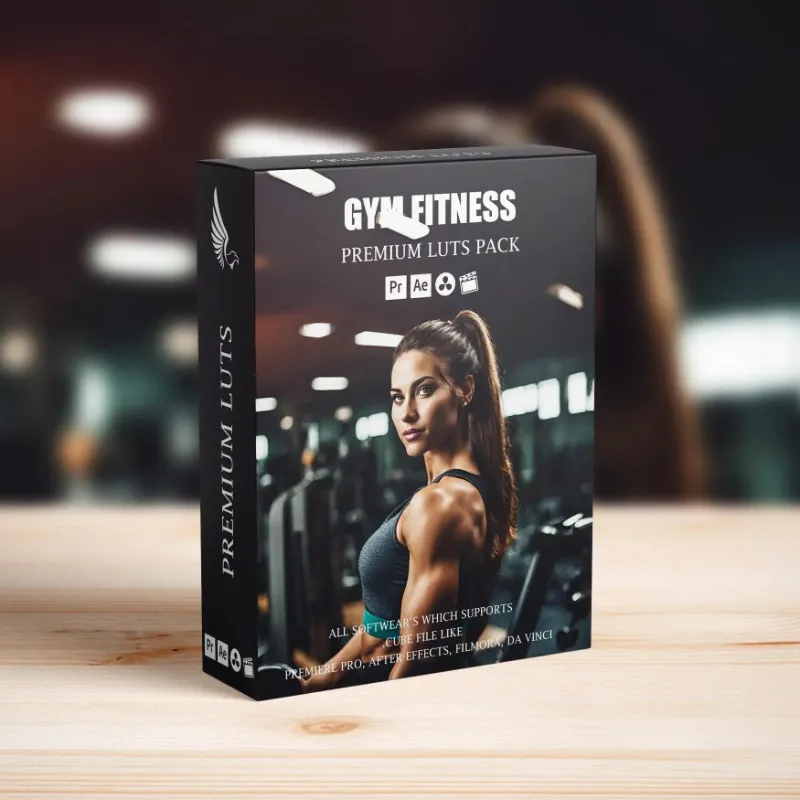
For creators working across genres, maintaining a library that includes both retro assets like gym luts for energetic sequences and classic best luts for clean commercial work ensures you can match the effect to the project.
Maintaining Relevance: Updating Your VHS Workflow
Even timeless effects benefit from technical updates. As Premiere Pro evolves, new features like improved GPU acceleration and enhanced blending modes can change how you apply overlays.
We recommend revisiting your VHS workflow annually to incorporate:
- Newer overlay packs that leverage higher resolution source material
- Updated color grading techniques that better simulate CRT phosphor glow
- Refined keyframing for animated tracking errors that feel less mechanical
Staying current does not mean abandoning your existing library. Older overlays remain useful, especially when you need a specific type of degradation. The key is expanding your toolkit rather than replacing it wholesale.
To explore curated collections that balance vintage authenticity with modern technical standards, browse the full catalog and apply our coupon code for instant savings on all orders.
The Bottom Line on VHS Overlay Longevity
VHS overlays will remain relevant as long as creators value stylistic differentiation and emotional resonance over technical perfection. The format has transcended its original era to become a design language, much like film grain or black-and-white photography. Investing in quality overlays now means building an asset library that serves projects for years, not months. Whether you are cutting a music video, a documentary, or social content, a well-chosen VHS effect adds texture and character that polished footage alone cannot achieve.
Questions
Can I use VHS overlays for commercial projects?
Yes, as long as you purchase overlays with commercial licensing included. Premium packs typically grant full commercial rights, while free downloads may require attribution or restrict commercial use. Always check the license terms before publishing client work.
Do I need a plugin to use a VHS overlay in Premiere Pro?
No, most VHS overlays are video files or image sequences that you drag onto a track above your footage and blend using opacity and layer modes. Plugins offer additional controls but are not required for basic VHS effects.
How do I prevent VHS overlays from looking fake?
Use overlays at 30 to 50 percent opacity, combine them with period-accurate color grading or LUTs, and add matching audio like tape hiss. Subtle layering creates a more authentic result than applying a heavy effect at full strength.
Are free VHS overlay downloads safe to use?
Reputable sites like Mixkit and Color Grading Central offer safe, vetted downloads. Always scan files with antivirus software and verify the source. Avoid sketchy third-party sites that bundle overlays with unknown executables.
What resolution should I look for in a VHS overlay pack?
Choose overlays rendered at 1920x1080 or higher, even though VHS is low-fidelity. Higher resolution source files scale better across formats and blend more naturally with modern footage shot in HD or 4K.
Can I combine VHS overlays with LUTs for better color?
Absolutely. Applying a vintage LUT before adding your VHS overlay creates a more cohesive analog look by shifting the footage's color palette to match the limited gamut of old video tape.
Products in this guide
 Shopping at AAA PRESETS? See the discount code
10% OFF All Orders
Shopping at AAA PRESETS? See the discount code
10% OFF All Orders
More in this series
What’s the Difference Between LUTs and Lightroom Presets?15 Aug 20265 minDo Gym LUTs Actually Work for Fitness Content Creators?15 Aug 20266 minFall Lightroom Presets vs. Manual Color Grading: Which Saves Time?15 Aug 20264 minBest LUT Packs for Cinematic Color Grading15 Aug 20265 minHow to Install and Use LUTs in Premiere Pro and DaVinci Resolve15 Aug 20264 min