 A SwitchBot guide
SwitchBot Water Sensor Battery Life: How Long Before You Need to Replace It?
The SwitchBot water sensor runs for up to two years on a single CR2450 coin cell battery under typical conditions.
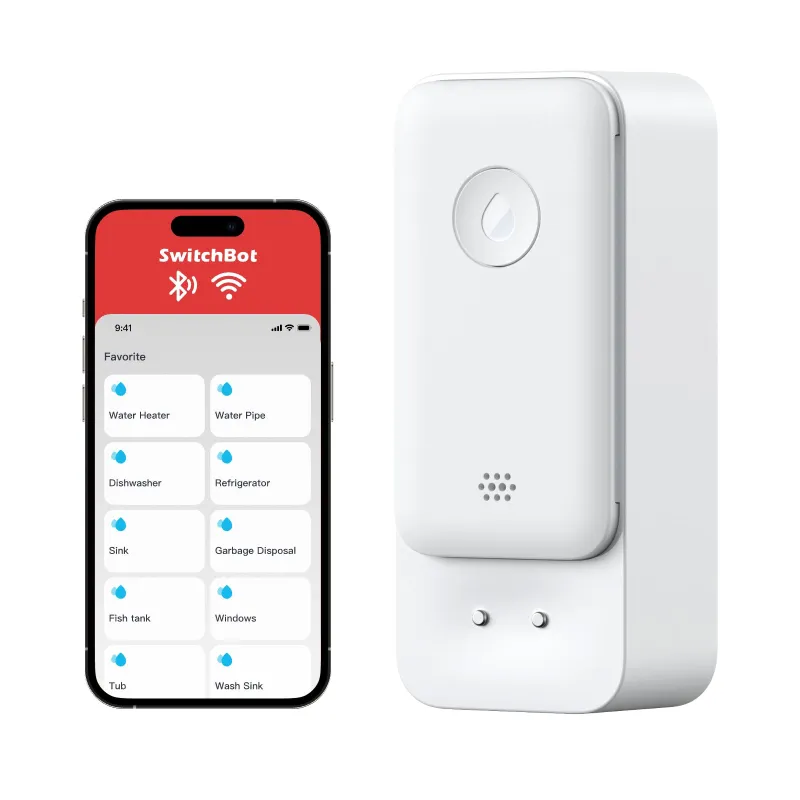
The SwitchBot water sensor runs for up to two years on a single CR2450 coin cell battery under typical conditions. Real-world battery life depends on alarm frequency, temperature, and how often the device communicates with your smart hub, but most users can expect 18 to 24 months before needing a replacement.
Water leak detection is critical for protecting your home from costly damage, and battery-powered sensors offer installation flexibility that wired models cannot match.
What Powers the SwitchBot Water Sensor
The SwitchBot water sensor uses a single CR2450 lithium coin cell battery. This 3-volt, 600 mAh cell is widely available at pharmacies, electronics stores, and online retailers. The sensor ships with a battery pre-installed, so it is ready to monitor for leaks the moment you place it near a water heater, washing machine, or under a sink.
Coin cell batteries deliver consistent voltage over their lifespan, which means the sensor maintains full sensitivity until the battery is nearly depleted. The SwitchBot app displays battery percentage in real time, so you receive low-battery notifications well before the device stops working.
How Long the Battery Actually Lasts
SwitchBot rates the battery life at up to two years based on normal use, which assumes:
- The sensor triggers alarms fewer than 10 times per year
- Ambient temperature stays between 32°F and 122°F
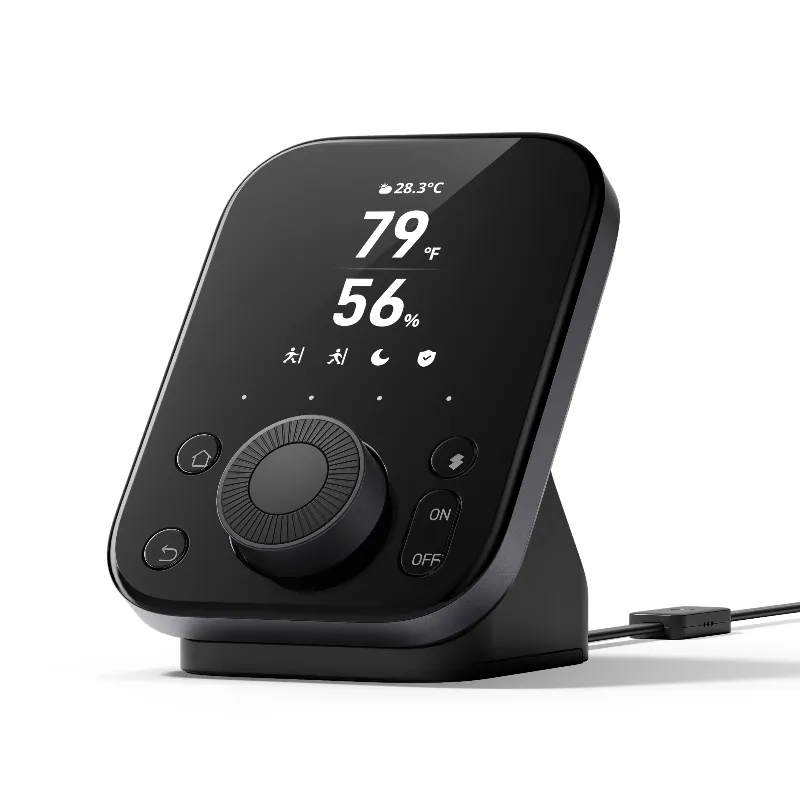
- The device syncs with a SwitchBot Hub 3 or similar bridge once per hour
A sensor that rarely detects moisture uses less power than one that often senses condensation or spills, because each alarm event draws extra current.
According to testing by Wirecutter, most water sensor leak detector models in the same class deliver 18 to 30 months of runtime, placing the SwitchBot squarely in the competitive range. If you want to compare how the SwitchBot stacks up against other options, TechHive’s smart home leak detector roundup offers detailed benchmarks.
Factors That Affect Battery Life
Several variables influence how long your battery lasts before you need to swap it out:
- Alarm frequency: Each time the sensor detects water and sounds the 100 dB alarm, it draws more current. Frequent false alarms from condensation or pet water bowls accelerate drain.
- Temperature extremes: Cold basements and hot attic spaces force the battery to work harder. Lithium cells perform best between 50°F and 80°F.
- Hub connectivity: Sensors paired with a hub ping the network regularly to enable remote alerts. Standalone operation (local alarm only) extends battery life.
- Firmware updates: SwitchBot occasionally releases updates that optimize power management, so keeping your sensor current can improve efficiency.
If you notice the battery draining faster than expected, check the placement. Sensors installed in damp crawl spaces or near HVAC condensate lines may trigger more often than those in dry utility rooms.
How to Maximize Your Water Sensor Battery Runtime
You can stretch battery life with a few simple adjustments:
- Reduce false alarms: Place the sensor on a flat surface away from splashing sinks or pet bowls. The probes need direct contact with standing water, not occasional droplets.
- Limit hub polling: If you do not need instant smartphone alerts, disconnect the sensor from your hub and rely on the built-in 100 dB local alarm. This cuts wireless communication overhead.
- Maintain moderate temperatures: Avoid installing sensors in unheated garages during winter or near water heaters that radiate heat above 100°F.
- Stock spare batteries: CR2450 cells have a 10-year shelf life, so buying a two-pack ensures you can replace the battery immediately when the low-battery warning appears.
When you do replace the battery, grab the current price with our code for the best deal on spare sensors or bundles that include multiple detectors for whole-home coverage.
When to Replace the Battery and What to Expect
The SwitchBot app sends a push notification when battery capacity drops below 20 percent, giving you several weeks to order a replacement CR2450 before the sensor shuts down. The LED indicator on the device itself also blinks red during the low-battery state, so you will notice the warning even if you miss the app alert.
Replacing the battery takes less than 30 seconds:
- Twist the sensor cover counterclockwise to open the housing
- Remove the depleted CR2450 cell
- Insert the new battery with the positive (+) side facing up
- Snap the cover back on and verify the green LED blinks to confirm power
The sensor retains its Wi-Fi credentials and hub pairing after a battery swap, so you do not need to reconfigure anything. If you manage multiple leak detectors across your home, consider labeling each sensor with the installation date so you can track replacement schedules.
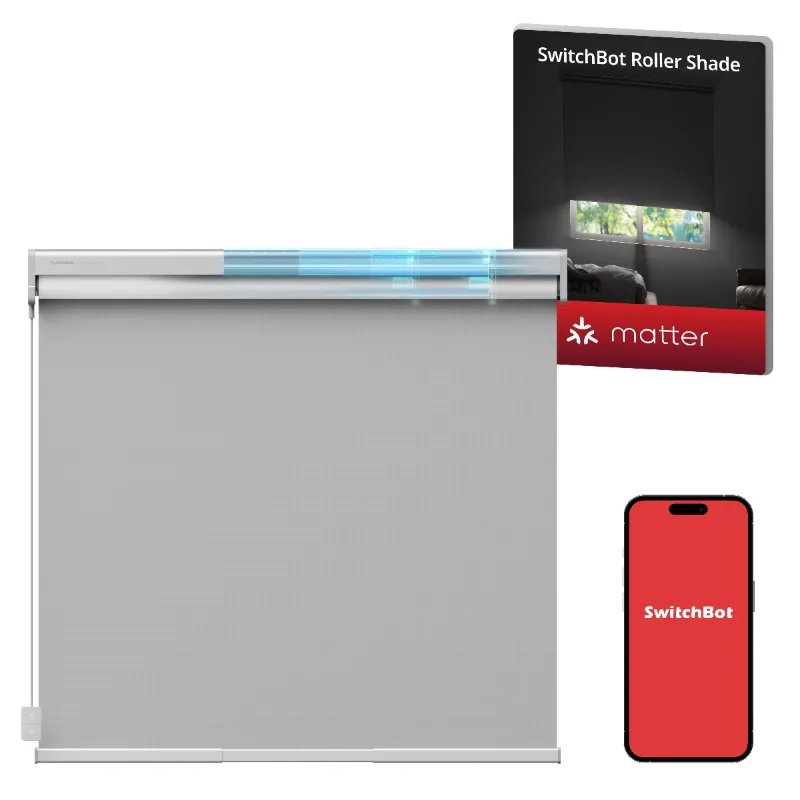
For users who want a more integrated smart home setup, pairing your water sensor wifi model with a SwitchBot Hub 3 unlocks remote monitoring and automation. You can trigger other devices, such as smart shades or motorized curtains, to respond when a leak is detected, and the hub itself plugs into wall power so it never needs a battery change.
Is the SwitchBot Water Sensor Worth It for Long-Term Monitoring?
Two years of maintenance-free operation makes the SwitchBot water sensor detector an excellent choice for homeowners who want reliable leak protection without frequent battery swaps. The CR2450 cell is inexpensive and easy to find, and the sensor’s low-power design ensures it stays active through seasons of no alarm events.
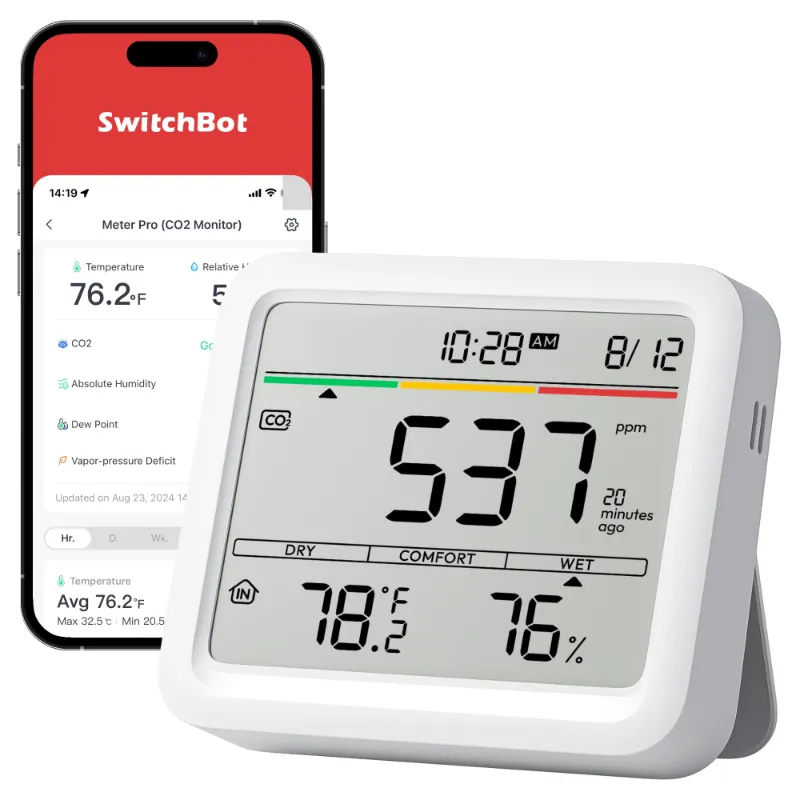
If you are building out a broader smart home ecosystem, SwitchBot’s compatibility with Alexa, Google Assistant, and IFTTT means your leak detector integrates seamlessly with other devices like the Bluebot Mini Water Meter for whole-home water monitoring or house CO2 detectors for indoor air quality tracking.
For the latest offers and bundles, check our SwitchBot discount code page to save 10 percent sitewide on sensors and hubs. Stocking up on multiple sensors during a sale ensures you have coverage in every high-risk area (bathrooms, laundry rooms, basements, and under water heaters) without breaking your budget.
The best water sensor for your home is one you can install, trust, and forget about for two years. The SwitchBot delivers exactly that, with straightforward battery replacement and smart home integration that keeps you informed whether you are home or away.
Questions
How do I know when the SwitchBot water sensor battery is low?
The SwitchBot app sends a push notification when battery capacity drops below 20 percent, and the sensor's LED indicator blinks red. You typically have several weeks to replace the CR2450 battery before the device shuts down.
Can I use a different battery type in the SwitchBot water sensor?
No, the sensor requires a CR2450 lithium coin cell. Using a different size or chemistry may damage the device or cause it to malfunction. CR2450 batteries are widely available and inexpensive.
Will disconnecting the hub make my water sensor battery last longer?
Yes, running the sensor in standalone mode (local alarm only, no hub connection) can extend battery life because it eliminates regular wireless polling. You will lose remote alerts but keep the 100 dB local alarm.
Do I need to reprogram the sensor after changing the battery?
No, the SwitchBot water sensor retains all settings and hub pairings after a battery replacement. Simply swap the CR2450 cell and the device resumes normal operation immediately.
What shortens the battery life of a water leak detector?
Frequent alarm triggers, extreme temperatures below 32°F or above 100°F, and constant hub communication all increase power draw. Placing the sensor in a dry, temperature-stable location maximizes battery runtime.
How many water sensors do I need for a typical home?
Most homes benefit from at least three sensors: one under the water heater, one near the washing machine, and one under the kitchen or bathroom sink. Basements, sump pump areas, and HVAC condensate lines are additional high-risk spots worth covering.
Products in this guide
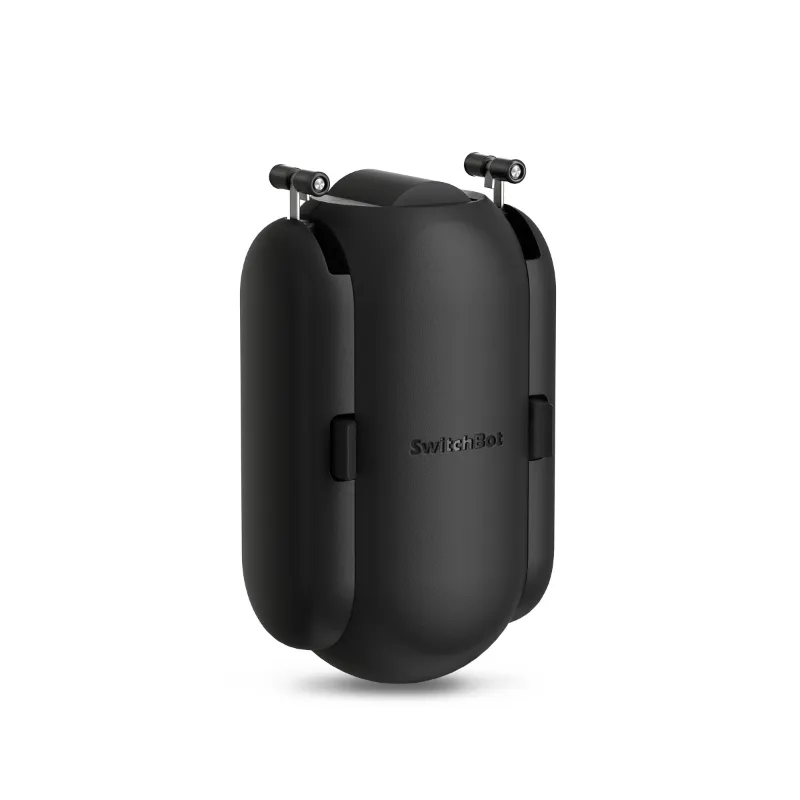 Shopping at SwitchBot? See the discount code
10% OFF Sitewide
Shopping at SwitchBot? See the discount code
10% OFF Sitewide
More in this series
Why Is My SwitchBot CO2 Monitor Showing High Readings and What to Do About It31 Jul 20264 minDo SwitchBot Motorized Curtains Work With Blackout Drapes and Heavy Fabrics?31 Jul 20265 min How to Install a SwitchBot Garage Door Opener Without Replacing Your Existing Opener31 Jul 20265 minSwitchBot Hub Mini vs Hub 3: Which Smart Hub Do You Actually Need?31 Jul 20265 min