 A SwitchBot guide
SwitchBot Hub Mini vs Hub 3: Which Smart Hub Do You Actually Need?
The switchbot hub mini remains a solid budget pick for basic IR control, but the Hub 3 adds Matter support, extended range, and built-in sensors that justify the upgrade for most smart home setups.
SwitchBot Hub Mini vs Hub 3: Which Smart Hub You Need
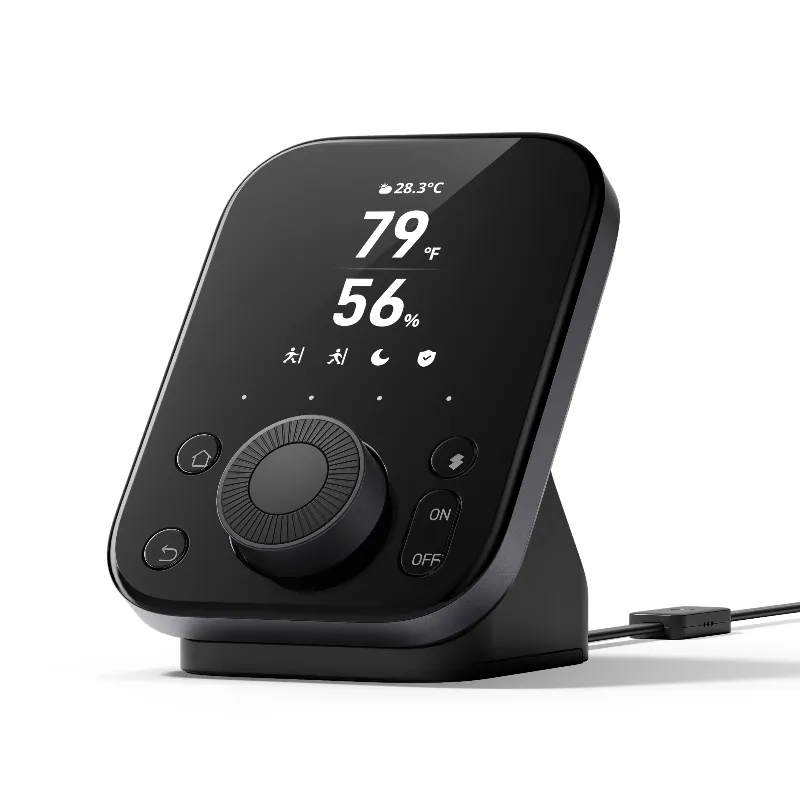
The switchbot hub mini is SwitchBot’s entry-level hub that bridges infrared remotes with smart assistants, while the switchbot Hub 3 adds Matter compatibility, longer IR range, and built-in light and temperature sensors. If you only need to control a few IR devices in one room and want to spend less, the Hub Mini works fine. If you want future-proof Matter support, better range for larger rooms, or plan to expand your setup with smart garage door openers, motorized curtains, or other SwitchBot devices, the Hub 3 is the better investment.
What the Hub Mini Actually Does
The Hub Mini acts as a translator between your infrared-controlled devices (TVs, air conditioners, fans, cable boxes) and your Wi-Fi network. You add it to the SwitchBot app, teach it your remote commands, then control everything via voice through Alexa, Google Assistant, or the app itself. It also serves as a bridge for SwitchBot’s Bluetooth devices like the switchbot curtain, water sensor, and bot actuators, letting you control them remotely when you’re away from home.
The Hub Mini does not natively support Matter or Thread, so you’re limited to the SwitchBot ecosystem and the integrations SwitchBot officially supports. SwitchBot Hub Mini works with home assistant through community plugins, but setup requires more technical effort than plug-and-play hubs.
Key limitations:
- IR range capped at roughly 10 meters in ideal conditions
- No built-in sensors for light, temperature, or humidity
- No Matter protocol support
- Bluetooth bridge range limited to about 80 feet
For shoppers who already own the Hub Mini and just need infrared control in a bedroom or home office, there’s no urgent reason to replace it. But if you’re buying your first hub today, the Hub 3’s additions are worth the modest price difference when you check the latest price.
Why the Hub 3 Pulls Ahead
The Hub 3 keeps everything the Hub Mini does and layers on Matter compatibility, which means it works natively with Apple Home, Samsung SmartThings, and any other Matter-certified platform without waiting for SwitchBot to build integrations. That future-proofs your setup as more devices adopt the standard.
Beyond Matter, the Hub 3 includes:
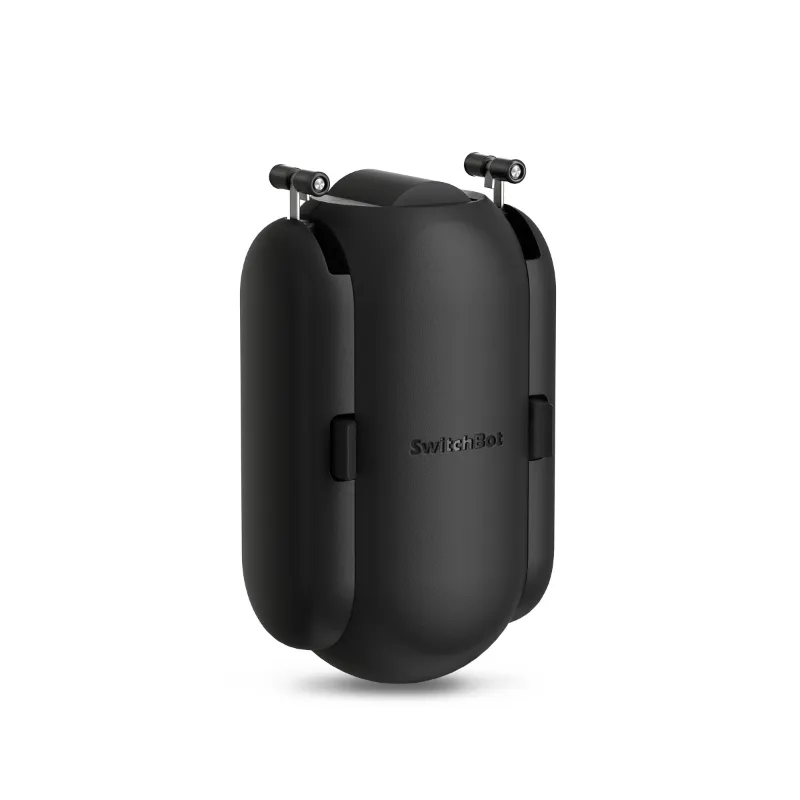
- Extended IR range up to 15 meters, covering larger living rooms or open-concept spaces without a second hub
- Built-in light sensor that triggers automations based on ambient brightness (turn on lights at dusk, close motorized drapes when it gets bright)
- Temperature and humidity sensors for climate-based routines (kick on the fan when it hits 78°F, fire up the humidifier below 40%)
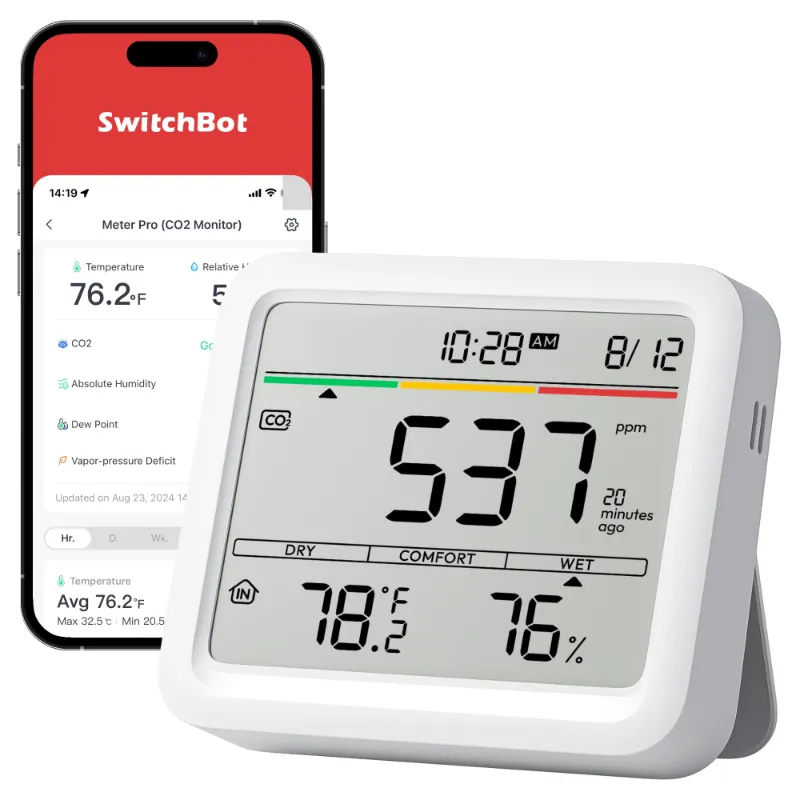
- Bluetooth 5.1 for slightly better range and stability with SwitchBot’s wireless devices like the co2 monitor or smart shades
These sensors eliminate the need to buy separate temperature or light modules if you want smart automations tied to environmental conditions. The Hub Mini requires you to pair additional sensors or rely purely on schedules and manual triggers.
Which Hub Fits Your Setup
Choose the Hub Mini if you:
- Only need IR control for a single room with basic devices (one TV, one AC unit)
- Already own other hubs or sensors and don’t need duplicates
- Prefer to spend less and don’t care about Matter support
- Run a small setup with fewer than three SwitchBot Bluetooth devices
Choose the Hub 3 if you:
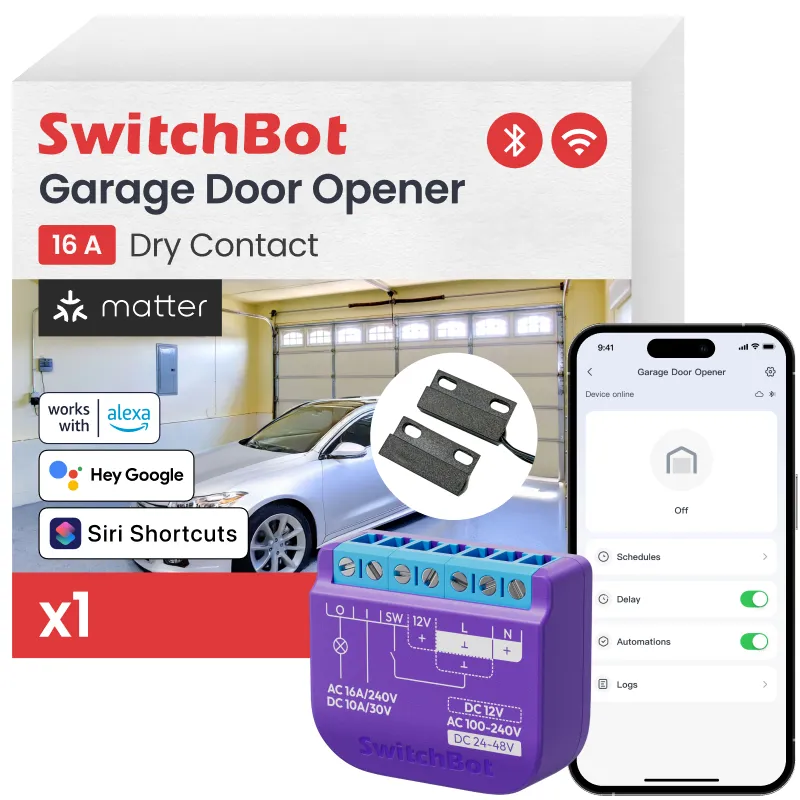
- Want Matter-enabled switchbot hub compatibility with Apple Home, SmartThings, or other platforms
- Need to cover a large room or multiple devices spread across 12+ meters
- Plan to automate based on light, temperature, or humidity without buying extra sensors
- Intend to expand with wifi garage door opener, house co2 detectors, or other SwitchBot products
For most buyers starting fresh, the Hub 3 offers better long-term value. The built-in sensors alone would cost you another $15 to $25 as standalone modules, and Matter support keeps your options open as the smart home market shifts toward unified standards.
Setup and Compatibility Differences
Both hubs install through the SwitchBot app in under five minutes. You plug them into power, connect to your 2.4 GHz Wi-Fi network (neither supports 5 GHz), then start adding devices. IR device setup is identical: point your old remote at the hub, press buttons, and the hub learns the commands.
The Hub 3’s Matter setup requires an extra step where you scan a QR code in your Matter-compatible app (Apple Home, Google Home, SmartThings, etc.) to pair it as a bridge. Once paired, your SwitchBot devices appear natively in that ecosystem without juggling multiple apps.
Voice assistant support:
| Feature | Hub Mini | Hub 3 |
|---|---|---|
| Alexa | Yes | Yes |
| Google Assistant | Yes | Yes |
| Apple HomeKit (via Matter) | No | Yes |
| SmartThings (native) | Plugin required | Native via Matter |
| Home Assistant | Community integration | Native via Matter |
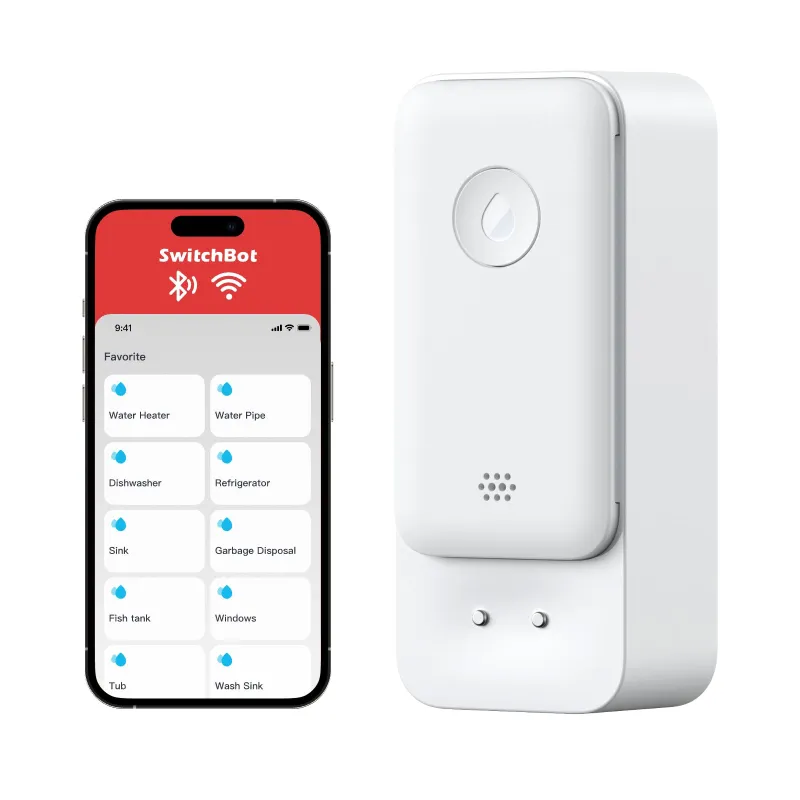
The Hub 3’s Matter bridge means SwitchBot devices like the bluebot mini water meter or co2 monitor for home show up in Apple Home or SmartThings without third-party workarounds. The Hub Mini forces you into the SwitchBot app or requires IFTTT/community plugins for deeper integrations.
Smart Home Expansion Planning
If you’re only dipping a toe into smart home automation, the Hub Mini covers basic IR control and lets you test SwitchBot’s ecosystem before committing to more devices. But once you add a second or third category (sensors, locks, blinds, garage doors), the Hub 3’s unified Matter bridge and built-in sensors simplify automation logic and reduce the number of hubs cluttering your network.
For example, a typical expanded setup might include:
- Hub 3 as the central bridge
- Smart garage door openers for remote access and delivery notifications
- Motorized curtains programmed to close when the light sensor detects midday glare
- Water sensor under the washing machine, alerting you via the hub if it detects a leak
- House co2 detectors that trigger exhaust fans when CO2 climbs above safe thresholds
All of these communicate through the Hub 3’s Bluetooth and Matter bridge. With the Hub Mini, you lose the native Matter link and the onboard sensors, so you’d need to buy separate light and temperature modules or rely on less elegant automations.
Before you buy either hub, grab the code on our coupon page to lock in the current 10% sitewide discount and see real-time pricing comparisons.
Our Recommendation
We recommend the Hub 3 for anyone building a new smart home setup or planning to add more than two or three SwitchBot devices. The Matter support alone makes it more versatile across platforms, and the built-in sensors pay for themselves if you would have bought them separately. The extended IR range also means fewer dead zones in larger rooms.
Stick with the Hub Mini only if you already own one and it meets your needs, or if you’re certain you’ll never expand beyond basic IR control in a single small room. For everyone else, the Hub 3’s modest price premium buys you flexibility, better range, and a hub that won’t feel outdated as Matter adoption accelerates over the next two years. Learn more about what the Hub Mini does and how it compares to newer models before making your final call.
Questions
Does the switchbot hub mini support Matter protocol?
No, the Hub Mini does not support Matter. Only the Hub 3 includes native Matter compatibility, which allows it to work directly with Apple Home, Samsung SmartThings, and other Matter-certified platforms.
Can I use the Hub Mini with Apple HomeKit?
The Hub Mini does not natively support HomeKit. You'll need the Hub 3 with Matter support or rely on third-party workarounds like Homebridge to bring SwitchBot devices into Apple Home.
What is the IR range difference between the two hubs?
The Hub Mini covers about 10 meters, while the Hub 3 extends that to 15 meters. The extra range matters in larger living rooms or open-concept spaces where devices are spread farther apart.
Do I need a hub to use SwitchBot garage door openers?
Yes, SwitchBot garage door openers use Bluetooth and require a hub like the Hub Mini or Hub 3 for remote control and smartphone access when you're away from home.
Can the Hub 3 replace my separate temperature sensor?
Yes, the Hub 3 has built-in temperature, humidity, and light sensors, so you won't need to buy standalone modules if you want to automate based on those conditions.
Will the Hub Mini still get updates and support?
SwitchBot continues to support the Hub Mini with app updates and device compatibility, but it will never gain Matter support or the hardware sensors built into the Hub 3.
Products in this guide
 Shopping at SwitchBot? See the discount code
10% OFF Sitewide
Shopping at SwitchBot? See the discount code
10% OFF Sitewide
More in this series
Why Is My SwitchBot CO2 Monitor Showing High Readings and What to Do About It31 Jul 20264 minSwitchBot Water Sensor Battery Life: How Long Before You Need to Replace It?31 Jul 20265 minDo SwitchBot Motorized Curtains Work With Blackout Drapes and Heavy Fabrics?31 Jul 20265 minHow to Install a SwitchBot Garage Door Opener Without Replacing Your Existing Opener31 Jul 20265 min