 A EIOTMART guide
How to Set Up an EIOTMART Cellular Security Camera Without Home Wi-Fi
Learn how to set up an EIOTMART cellular security camera without home Wi-Fi — step-by-step SIM card setup, solar power options, and the best data plans for off-grid monitoring.
A cellular security camera bypasses home Wi-Fi entirely by using a mobile network to stream video, send alerts, and store clips. Whether you are securing a remote cabin, a job site, or a rural property, the EIOTMART lineup gets you live views and recorded footage with nothing but a cellular signal and a power source. Here is exactly how to set one up and choose the right accessories.
What Makes an EIOTMART Cellular Security Camera Different
Most security cameras depend on your home router. An EIOTMART 4g lte security camera has a built-in modem that behaves like a smartphone, it talks directly to a cellular tower. This means you can install it anywhere you get a mobile signal, even if the location has zero broadband or power lines.
The key parts that make this work:
- A sim card camera slot that accepts a standard nano SIM
- An active data plan from a cellular carrier or an IoT provider such as the EIOTMART eiotclub
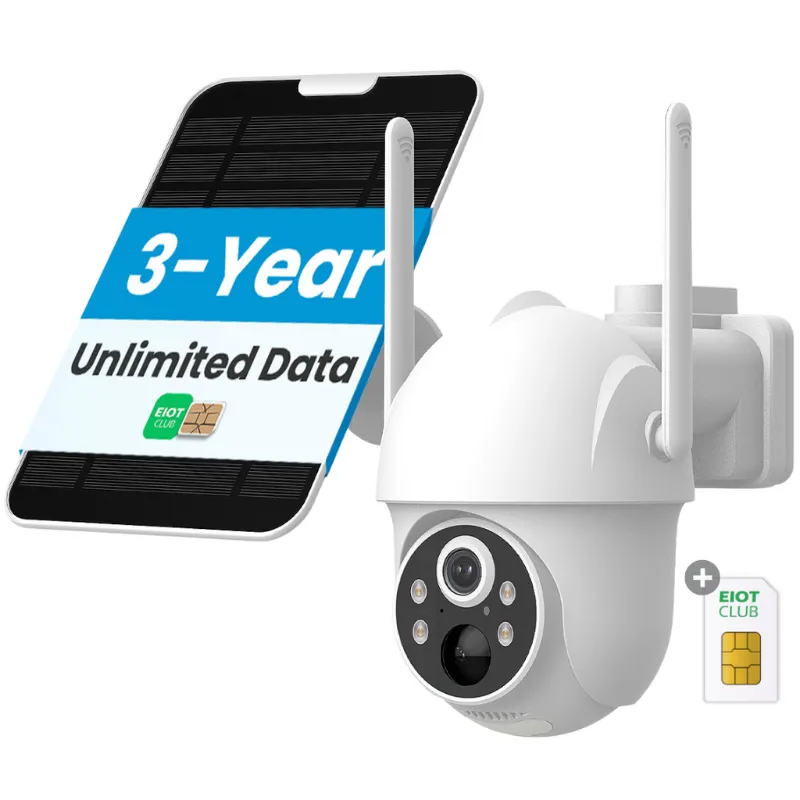
- Optional solar cellular panels that recharge the internal battery so the unit runs indefinitely without AC power
Because the camera handles its own network connection, there is no need to pair it with a bridge, hub, or Wi-Fi extender. Just insert the SIM, power it on, and configure it from the app.
What You Need Before Setup
Gather these items before you head to the install site:
- An EIOTMART cellular surveillance camera of your choice (bullet, dome, or PTZ style)
- A nano SIM card with an active data plan, the iot sim card from the EIOTMART eiotclub is pre-configured for these cameras and saves you the carrier-hunting step
- A microSD card (if you want local clip storage; most models accept up to 128 GB)
- The mounting bracket, screws, and a drill if you are attaching to wood, brick, or siding
- Access to the EIOTMART mobile app (available for iOS and Android)
If you plan to run it on solar power, also grab the solar cellular panel kit. It connects directly to the camera`s charging port and eliminates the need to run extension cords across your property.
Step-by-Step Setup Without Wi‑Fi
Follow these steps to get your 4g security camera online in about ten minutes.
1. Insert the SIM and SD Card
Open the weather-sealed compartment on the back or bottom of the camera. Slide the nano SIM into the tray with the gold contacts facing down, then push the microSD card into its slot until it clicks. Close and seal the compartment tightly, water ingress is the fastest way to kill an outdoor camera.
2. Power the Camera
Connect the included power adapter if you have a nearby outlet. For off-grid locations, plug the solar cellular panel into the camera`s DC input. Position the panel where it gets direct sunlight for most of the day. A fully charged battery typically runs two to three days on its own, and the solar panel keeps it topped off in good weather.
3. Download the App and Create an Account
Scan the QR code on the camera body or search for the EIOTMART app in your app store. Register an account with your email and a password. Do not skip the verification email, the app will not proceed until you confirm it.
4. Add the Camera
Tap Add Device in the app. The app will ask you to scan the QR code on the camera or enter the UID number printed on the label. Hold the camera about six inches from your phone screen during scanning.
5. Connect to the Cellular Network
The app will present a list of mobile networks. Your SIM should auto-connect, but if it does not, select the correct APN from the list or enter the APN settings provided with your iot sim card. For the EIOTMART eiotclub SIM, the APN is typically pre-loaded, just select it and tap Save.
6. Confirm the Live View
After a few seconds you should see the live feed on your phone. Pan, tilt, and zoom if your model supports PTZ. Adjust the motion-detection sensitivity and alert schedules from the settings menu. That is it, your cellular security camera is now operational without a single Wi-Fi network involved.
| Step | Action | Time Estimate |
|---|---|---|
| 1 | Insert SIM & SD card | 2 min |
| 2 | Power the camera | 2 min |
| 3 | Download app & register | 3 min |
| 4 | Scan & add camera | 1 min |
| 5 | Connect cellular network | 2 min |
| 6 | Confirm live view | 1 min |
Choosing the Right Data Plan
The biggest question most buyers have is how to get a data plan that works. You have two solid routes:
Carrier SIM: Grab a prepaid or postpaid SIM from a major carrier like T-Mobile, AT&T, or Verizon. Make sure the plan supports data-only (most do) and that you have adequate signal strength at the install location. Plans range from 1 GB to unlimited, depending on how much video you plan to stream.
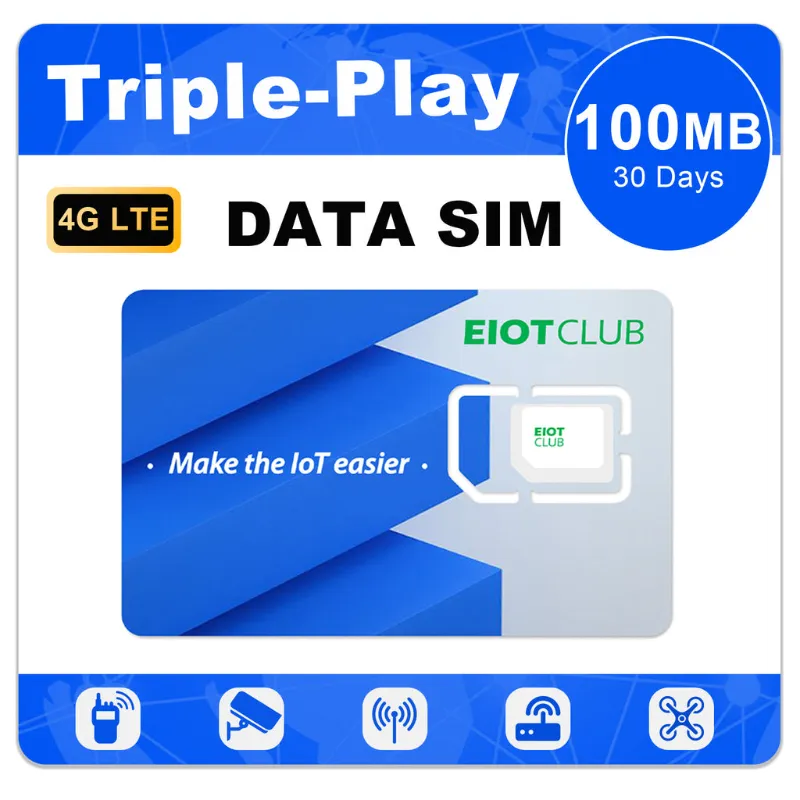
IoT SIM from EIOTMART eiotclub: These are data-only SIMs designed specifically for sim card camera devices. They use multiple carrier networks, so coverage is broader than a single carrier SIM. Data pools start at small monthly allowances and scale up, and there are no long-term contracts. The eiot club dashboard lets you monitor usage and top up from your phone.
Whichever route you take, test the data connection before you finalize the mount. Walk the perimeter with your phone on the same carrier to confirm bars stay above two at all times. A cellular security camera with live view requires a stable connection, especially if you plan to check in frequently.
Solar Options for True Off‑Grid Use
If you are running a cellular security camera where no power outlet exists, the official solar cellular panel is the cleanest solution. It mounts beside or above the camera and plugs directly into the barrel jack. Key specs to know:
- The panel is weatherproof and rated for rain, snow, and direct sun
- Output wattage is tuned to the camera`s power draw, no overcharging risk
- A single full day of sun gives roughly three to four days of runtime through cloud cover
For locations with heavy tree cover, you can pair the panel with a larger external battery pack. The camera`s internal battery handles night and low-light periods, and the panel recharges during daylight hours.
Who Is This Best For?
An EIOTMART cellular surveillance camera fits anyone who needs eyes on a place that lacks traditional internet. Common use cases we see:
- Construction sites: monitor tools and materials before the power company has run temporary lines
- Hunting cabins and vacation homes: check for break-ins or wildlife without paying for a full broadband install
- Farm and ranch gates: watch livestock lanes and entry points that are hundreds of yards from the house
- Parking lots and storage yards: add cameras to existing poles without trenching Ethernet cables
If you already have decent cellular coverage, this approach saves you the headache of running data cables, paying for a second internet plan, or relying on a spotty Wi-Fi extender.
Want to see the current pricing and available configurations? Check the latest deal on the EIOTMART shop page, and remember to grab the 5% off code before checkout.
Questions
What SIM card does an EIOTMART cellular security camera use?
It uses a standard nano SIM, the same size found in most modern smartphones. The EIOTMART eiotclub iot sim card is pre-configured for these cameras, or you can use a data SIM from a major carrier like T-Mobile, AT&T, or Verizon.
How much data does a cellular security camera use per month?
Data consumption depends on how often the camera streams and records. A camera that records motion-triggered events and streams a few minutes of live view per day typically uses 1 to 5 GB per month. Continuous 24/7 recording can use 30 GB or more.
Can I use a cellular security camera outdoors in winter?
Yes. EIOTMART cameras are weather-sealed with an IP66 or higher rating, so they handle rain, snow, and freezing temperatures. The internal battery performs best above 14°F (-10°C); if your winters are colder, keep the camera plugged into a power adapter or solar panel.
Do I need a separate hub or subscription for the EIOTMART 4g lte security camera?
No hub is needed. The camera connects directly to the cellular network, and the free EIOTMART app handles live view, recording, and alerts. A data plan is required, either a carrier SIM or the eiot club IoT SIM.
How do I check the cellular signal strength at my installation site?
Before mounting, walk the area with your phone on the same carrier as your camera SIM. If the phone shows two bars or more, the camera should get a usable signal. Some EIOTMART models also display signal strength in the app settings.
Shopping at EIOTMART? See the discount code
5% OFF All Orders
More in this series
 How Long Does an EIOTMART Solar Cellular Camera Battery Last in Winter?9 Sep 20265 min
 What Is the Eiotclub IoT SIM Card and Do You Need It for Your EIOTMART Camera?9 Sep 20265 minEIOTMART 4G LTE Security Camera vs Solar Cellular Camera: Which One Do You Need?9 Sep 20264 minWhy Does My EIOTMART SIM Card Camera Keep Disconnecting? (5 Fixes)9 Sep 20265 min