 A EIOTMART guide
Why Does My EIOTMART SIM Card Camera Keep Disconnecting? (5 Fixes)
Troubleshoot and fix your EIOTMART sim card camera disconnections with these 5 proven solutions for 4G LTE security cameras.
If your EIOTMART sim card camera keeps disconnecting, you are not alone, and the good news is that most dropouts are easy to fix yourself. These 4G LTE security cameras rely on stable mobile network signals and consistent power, so a loose SIM, weak reception, or an underpowered solar panel is usually the culprit. Below we walk through the five most common causes and exactly how to solve each one.
Why Your 4G LTE Security Camera Drops Connection
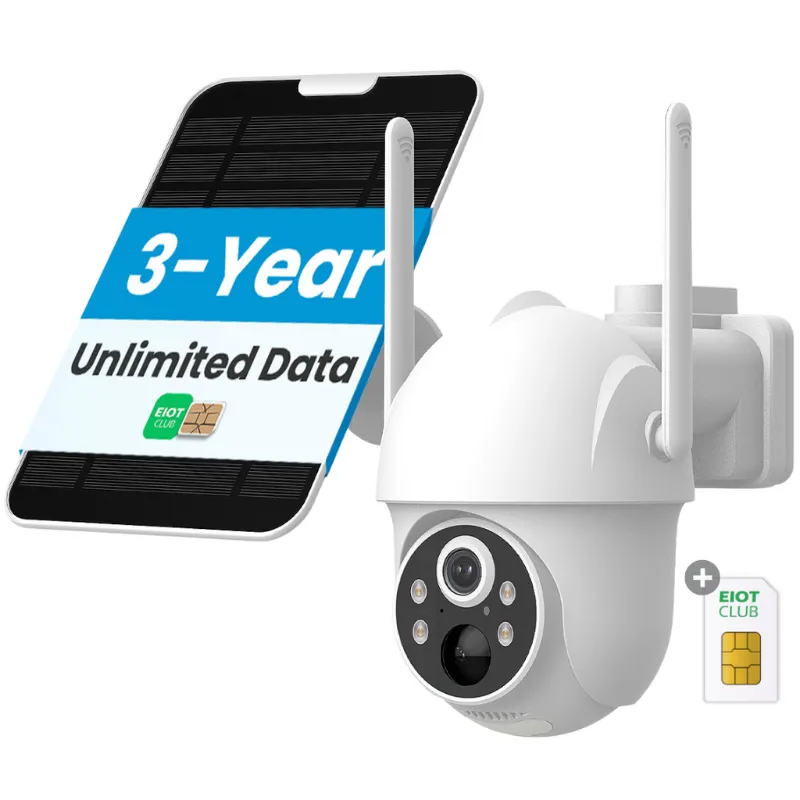
A disconnect usually comes down to one of four things: a weak cellular signal, insufficient power, an improperly activated IoT SIM card, or incorrect APN settings. Because cameras like the cellular security camera send video over a mobile network instead of WiFi, anything that interrupts that data path (from a storm to a dying battery) can kick the camera offline. Understanding which cause applies to your setup saves you hours of trial and error.
Fix #1: Check Your IoT SIM Card Signal Strength
The most common reason a sim card camera drops out is poor signal at the installation site. Start by looking at the camera’s signal indicator (bars or a dBm reading in the app). If it shows one bar or less, the camera will struggle to maintain a stable connection.
What to do:
- Move the camera temporarily to a higher spot and watch the signal reading change.
- If the signal improves, the mounting location is the problem. Relocate the camera or use an external antenna.
- Check which carrier the iot sim card uses and verify coverage at your address on that carrier’s map.
- Avoid installing inside metal sheds, behind thick concrete walls, or near large appliances that emit interference.
For a deeper look at how these cameras perform in low-signal environments, the SIM Card Security Cameras: Work Without WiFi Network &… guide covers real-world range expectations.
Fix #2: Power Supply Issues on Solar Cellular Cameras
If you are using a solar cellular model, the camera’s battery might drain faster than the panel can recharge it, especially during cloudy weeks. A camera that runs out of juice will disconnect, reboot, and reconnect, sometimes repeatedly.
What to do:
- Check the battery voltage in the camera app. If it drops below the minimum threshold frequently, your solar panel may be undersized or poorly angled.
- Clean the solar panel surface. Dust, snow, or bird droppings cut charging efficiency by a surprising amount.
- Confirm the panel gets direct sunlight for at least 4 to 6 hours a day. Trees or rooflines that cast afternoon shade are a common hidden issue.
- As a temporary fix, bring the camera indoors and charge it via USB to rule out a bad battery.
If you are shopping for a new setup, the solar cellular model is designed specifically for off-grid reliability and includes a larger battery than entry-level units.
Fix #3: Ensuring Your Sim Card Camera Has the Right IoT SIM Card
Not all SIM cards work the same way. A regular phone SIM can work initially but may get deprioritized or throttled by the carrier, causing intermittent disconnects. The sim card camera is built to run on an IoT SIM card that is optimized for low-bandwidth, always-on connections.
What to do:
- Verify you are using an IoT SIM card (data-only, multi-carrier) rather than a standard voice-and-data SIM.
- Check that the SIM is fully activated. Some IoT SIMs require a one-time activation step through a portal. If yours was never activated, the camera will connect briefly then drop.
- Make sure the SIM is seated firmly. Open the SIM tray, remove the card, wipe the contacts with a dry cloth, and reinsert until you hear a click.
- Review the EIOTMART eiotclub subscription to confirm your data plan is active and hasn’t expired.
For those who want a full breakdown of compatible carriers and activation steps, the Best SIM Card Security Camera 2026: 4G & WiFi Compatible article has a useful compatibility table.
Fix #4: Network APN Settings for Your Cellular Surveillance Camera
If the signal is strong and the SIM is active but the camera still drops, the APN (Access Point Name) settings are likely wrong. The cellular surveillance camera needs the correct APN to talk to the carrier’s data network; a mismatch causes the camera to connect, fail to send data, and retry endlessly.
What to do:
- Open the camera app and navigate to the network or APN settings menu.
- Enter the APN exactly as provided by your SIM carrier. Common IoT APNs include “iot.telstra” or “internet” depending on the region and provider.
- Double-check for typos. One wrong character can break the connection.
- Save the settings and reboot the camera by disconnecting power for 30 seconds.
- If the issue persists, contact your SIM provider and ask for the exact APN string for IoT devices specifically. Do not assume a generic “phone APN” will work.
You can always grab the code for the latest pricing on compatible IoT data plans.
Fix #5: Camera Placement and Physical Interference
Even with a perfect SIM and strong signal, a sim card camera can disconnect if it is too far from the network tower or surrounded by signal-blocking materials. Placement is the variable most people overlook after the initial install.
What to do:
- Use the camera’s live test mode (if available) to walk around the property and find the location with the highest signal reading.
- Keep the camera away from metal roofs, foil-backed insulation, and brick chimneys.
- For outdoor use, mount the camera under an eave rather than fully exposed, rain and snow can attenuate the signal slightly, and a small drop in signal strength can tip a marginal connection into a disconnect cycle.
- Check for local interference sources like new WiFi routers, cell boosters, or high-voltage lines that were not there when you first installed the camera.
If relocating the camera is not an option, upgrading to a 4g lte security camera with a built-in high-gain antenna can make a real difference in fringe areas.
When to Upgrade Your SIM Card Camera Setup
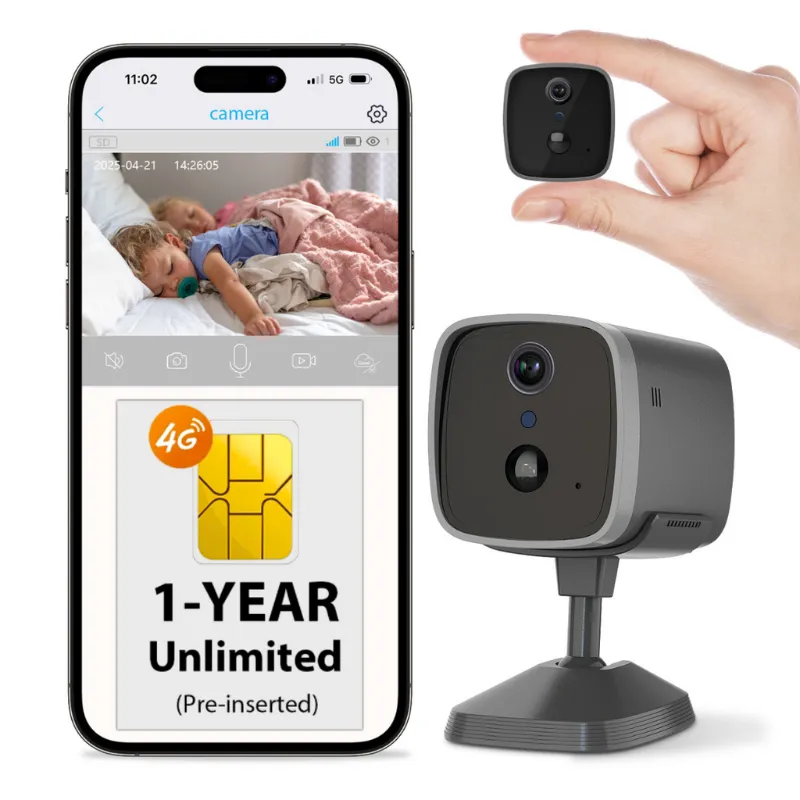
If you have tried all five fixes and the sim card camera still disconnects regularly, the hardware or data plan may need an upgrade. Older 3G-era cameras are being phased out as carriers shut down legacy networks, and entry-level solar panels may not keep up in northern climates or shaded yards. The 4g security lineup from EIOTMART supports the latest bands and works with the eiot club multi-carrier roaming SIM, which automatically switches to the strongest available tower. Before buying new gear, check the latest price with our exclusive 5% off code, it might save you enough to cover a year of data.
Questions
How do I check the signal strength on my EIOTMART SIM card camera?
Open the camera app and look for the signal indicator (bars or a dBm reading) in the device status or network settings menu. One bar or a dBm value higher than -100 typically indicates weak signal that may cause disconnects.
Can I use a regular phone SIM card in my 4G LTE security camera?
You can, but it is not recommended. A standard phone SIM may get deprioritized by the carrier and can throttle video uploads, leading to intermittent dropouts. An IoT SIM card designed for always-on data connections is much more reliable.
Why does my solar cellular camera disconnect at night?
Nighttime disconnects usually mean the battery is draining faster than the solar panel can recharge during the day. Check the battery voltage in the app. If it drops too low at night, the camera shuts down to protect the battery and reconnects when sunlight returns.
How do I reset the APN settings on my sim card camera?
Navigate to the network or APN settings menu inside the camera app. Clear the current APN field, enter the exact APN string provided by your IoT SIM carrier, save the settings, and then power-cycle the camera by unplugging it for 30 seconds.
What does the EIOTMART eiotclub subscription include?
The eiotclub subscription provides a multi-carrier IoT SIM card with a data plan optimized for cellular security cameras. It roams across multiple networks to maintain the strongest available signal and includes remote management tools in the app.
Will a 4G security camera still work after 3G shutdowns?
Yes, EIOTMART 4G LTE security cameras operate on modern 4G LTE bands and are not affected by 3G network shutdowns. Just make sure your IoT SIM card supports 4G LTE and is activated on a compatible carrier.
Products in this guide
 Shopping at EIOTMART? See the discount code
5% OFF All Orders
Shopping at EIOTMART? See the discount code
5% OFF All Orders
More in this series
How Long Does an EIOTMART Solar Cellular Camera Battery Last in Winter?9 Sep 20265 minWhat Is the Eiotclub IoT SIM Card and Do You Need It for Your EIOTMART Camera?9 Sep 20265 minEIOTMART 4G LTE Security Camera vs Solar Cellular Camera: Which One Do You Need?9 Sep 20264 minHow to Set Up an EIOTMART Cellular Security Camera Without Home Wi-Fi9 Sep 20265 min