 A EIOTMART guide
What Is the Eiotclub IoT SIM Card and Do You Need It for Your EIOTMART Camera?
We break down what the EIOTMART eiotclub IoT SIM card actually does and whether your sim card camera needs it for reliable 4G LTE data.
If you are shopping for a sim card camera from EIOTMART, you have likely come across the eiotclub IoT SIM card and wondered whether it is required or just an upsell. The short answer is this: the eiotclub IoT SIM card is a dedicated data-only cellular plan designed specifically for EIOTMART’s 4G LTE security cameras, and while you can technically use a third-party SIM from a local carrier, the eiotclub SIM saves you the headache of APN configuration, carrier lock-in, and region compatibility. We will walk you through what this SIM actually is, which cameras it works with, and whether it makes sense for your setup so you can decide before you buy.
What Is the Eiotclub IoT SIM Card?
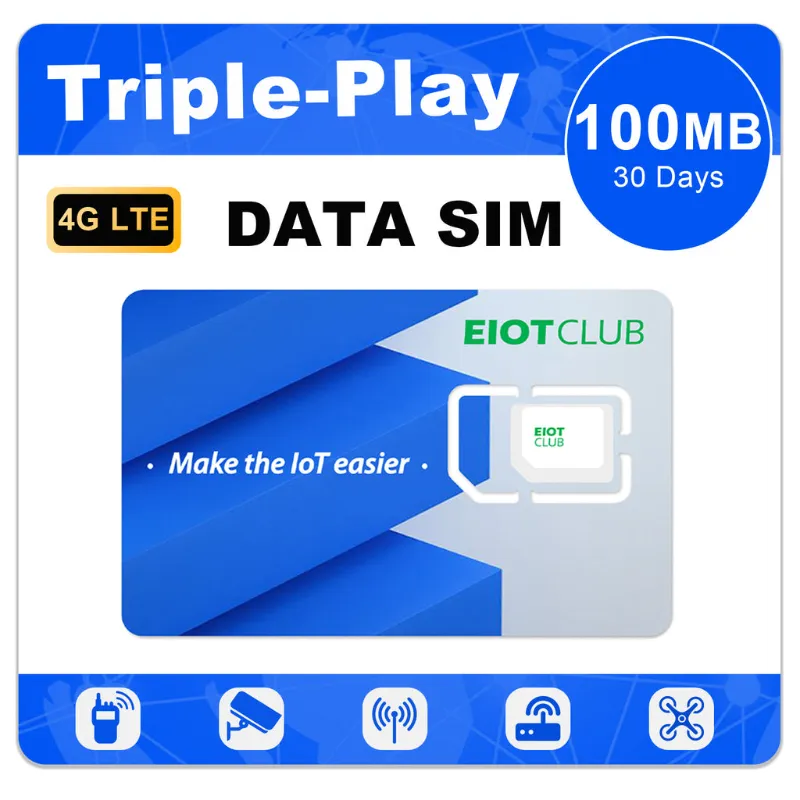
The eiotclub IoT SIM card (also branded as the EIOTMART eiotclub IoT service) is a pre-configured data SIM meant for EIOTMART’s line of cellular-powered security cameras. Unlike a standard phone SIM, this card is provisioned specifically for machine-to-machine (M2M) IoT data traffic. That means it is optimized for low-bandwidth, always-on tasks like streaming security footage, sending push alerts, and storing clips to an SD card or cloud.
With the eiotclub SIM, you insert it into the camera, power the unit on, and the camera connects automatically. No manual APN settings, no trial-and-error with different carrier bands. For anyone who has ever spent an afternoon trying to force a Chinese-market 4G camera onto a U.S. carrier, that alone is worth the price of admission.
How a sim card camera Works with the Eiotclub IoT SIM
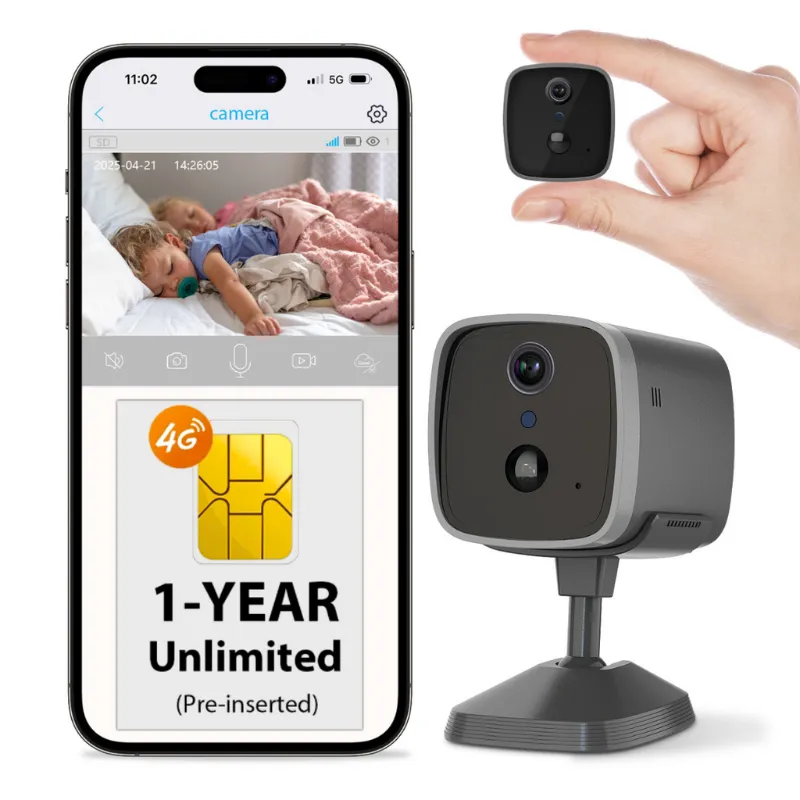
Every EIOTMART sim card camera relies on a cellular modem to transmit footage. The camera does not generate a Wi-Fi signal by itself (though some models support dual Wi-Fi + cellular). Instead, the onboard 4G LTE module connects to a nearby tower, and the SIM inside the tray tells the modem which network to join and what data plan it has access to.
When you use the eiotclub SIM, the camera sends video over the carrier network that EIOTMART has partnered with (typically a major regional or global carrier depending on your shipping destination). The result is a cellular surveillance camera that works anywhere with tower coverage: job sites, rural properties, vacation cabins, construction trailers, and parking lots.
The key point to understand is that the SIM is the camera’s internet source. Without a valid SIM and data plan, the camera can only record to an internal SD card with no remote access. So the eiotclub SIM effectively unlocks the remote-viewing, cloud-storage, and alert capabilities of your 4G LTE security camera.
Do You Need the Eiotclub SIM for Your EIOTMART 4G LTE Security Camera?
No, you do not strictly need it. EIOTMART cameras accept standard nano SIM cards from carriers like T-Mobile, AT&T, Vodafone, or Telstra. However, “need” depends on how much tinkering you want to do.
When the eiotclub SIM makes sense:
- You want a camera that works out of the box with no APN configuration
- You are shipping to a region where getting a local IoT data plan is complicated
- You value the ability to switch cameras without swapping SIMs (the plan is tied to the account, not the hardware)
- You need data coverage across multiple countries (some eiotclub plans support multi-country roaming)
When you might skip it and use your own SIM:
- You already have a cheap unlimited data plan on a spare line from a major carrier
- You are comfortable manually entering APN details
- You only plan to use the camera in one fixed location with excellent carrier coverage
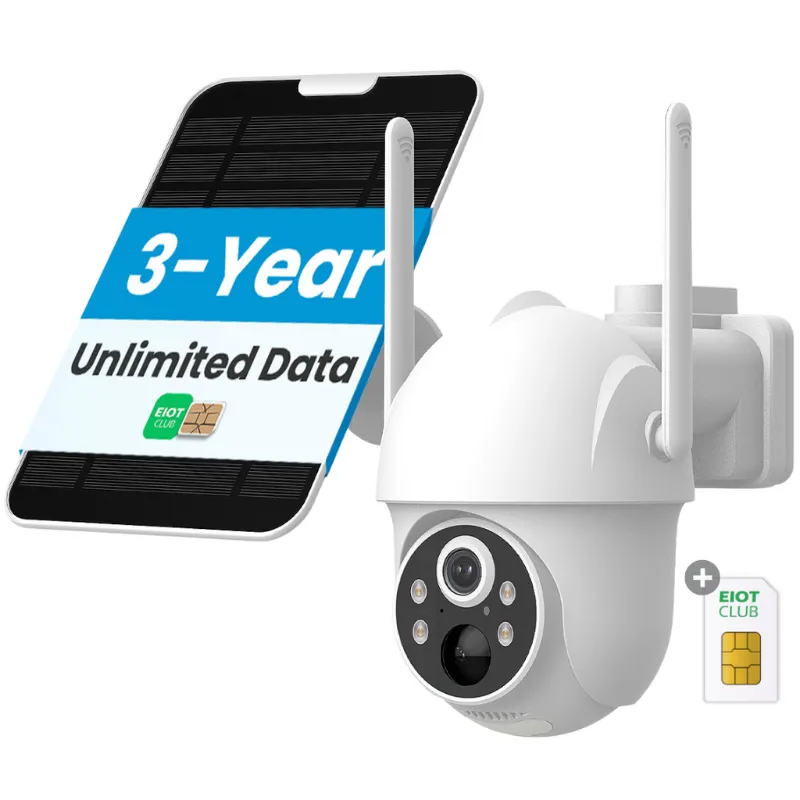
Our recommendation: if this is your first cellular security camera and you want it to work the day it arrives, grab the eiotclub SIM. If you are a tinkerer, save a few dollars and bring your own.
Which EIOTMART Cameras Work Best with the IoT SIM Card?
Almost every cellular model from EIOTMART is compatible. Here is a quick comparison of the most popular options and how they pair with the eiotclub SIM.
| Camera Model | Power Source | Best For | eiotclub SIM Ready? |
|---|---|---|---|
| Cellular security camera | DC adapter / battery | Fixed outdoor monitoring | Yes |
| 4g lte security camera | DC adapter | Continuous 24/7 recording | Yes |
| Solar cellular | Solar panel + battery | Off-grid / no power nearby | Yes |
| Cellular surveillance camera | DC adapter / battery | Discreet indoor or outdoor use | Yes |
| 4g security | DC adapter | General home perimeter | Yes |
The solar cellular model is a fan favorite because it pairs solar charging with a low-power cellular modem, meaning you can truly install it somewhere with zero wires. Insert the eiotclub SIM, mount the solar panel, and you have a fully autonomous 4g lte security camera that pings you with motion alerts.
How to Set Up Your sim card camera with the Eiotclub SIM
Setup takes about five minutes.
- Remove the watertight SIM tray on the camera (usually under a rubber plug or inside the battery compartment).
- Insert the iot sim card from EIOTMART with the gold contacts facing down and the notched corner aligned.
- Screw the tray back in and ensure the rubber seal is seated to maintain the weatherproof rating.
- Power on the camera via the included adapter or battery.
- Wait 30 to 60 seconds. The LED indicator will change from blinking red to solid green or blue once the camera registers on the network.
- Open the EIOTMART app (iOS or Android) and scan the QR code on the camera body. The app reads the IMEI and pairs the camera to your account.
That is it. No APN, no carrier login, no monthly contract negotiation. The 4g security model follows the same steps. If you use a third-party SIM, you will need to find the correct APN settings for your carrier and enter them manually in the app before the camera connects.
Where to Buy and Get the Best sim card camera Price
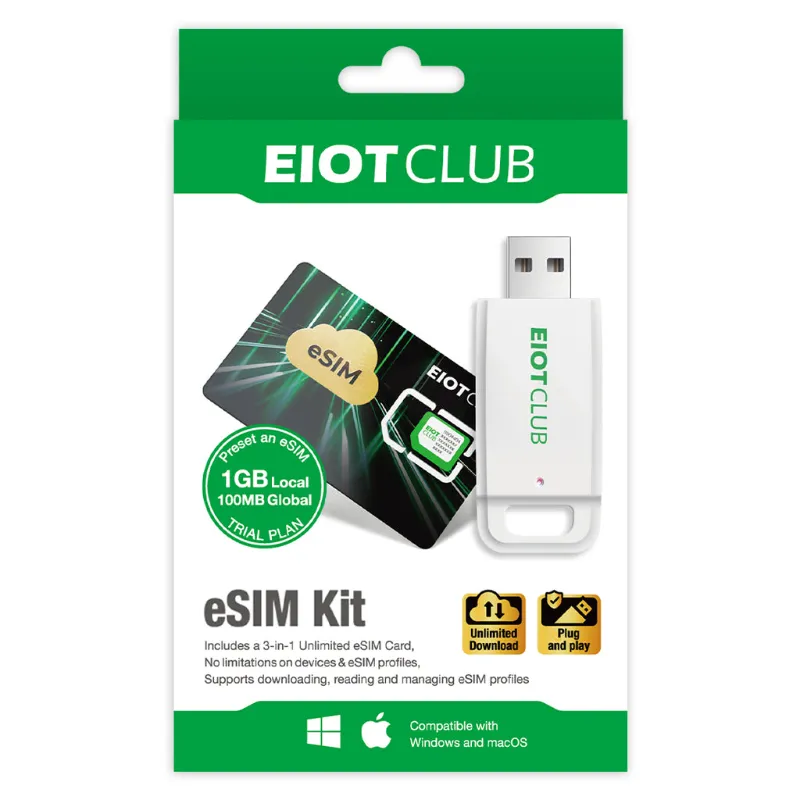
You can buy the eiotclub SIM bundled with any EIOTMART camera on the official store. If you already own a camera and want to pick up a SIM separately, the eiot club page lists standalone options for single-camera and multi-camera users.
As of this writing, a 5% discount is active on all orders, which includes camera + SIM bundles. If you are looking for a sim card camera outdoor model for a weather-exposed location, the solar-cellular bundle usually gives you the most value since it reduces long-term power costs.
If you are unsure which plan tier you need, think about your data usage. A camera that records 10 to 20 motion events per day with short clips uses about 2 to 5 GB per month. Higher-traffic locations (construction sites, busy driveways) may need 10 GB or more.
One final note: when comparing a 4g sim card camera against a Wi-Fi model, remember that cellular data is a recurring cost. The eiotclub SIM pricing is competitive with prepaid phone plans but still an ongoing expense. For a one-off project or a vacation property, it is worth it. For a multi-camera permanent install, run the math on data costs first.
For background on how SIM-based cameras compare to Wi-Fi models, this buying guide has useful benchmarks. And Eufy’s comparison of 4G and Wi-Fi cameras explains the coverage trade-offs well.
Questions
Can I use any standard SIM card in my EIOTMART camera?
Yes, EIOTMART cameras accept standard nano SIMs from most carriers. However, you will need to manually configure the APN settings in the app, and not all carrier IoT data plans are compatible with the camera's modem bands. The eiotclub SIM is pre-configured to avoid these issues.
Is the eiotclub IoT SIM card tied to one specific camera?
No, the plan is tied to your account, not a single IMEI. You can swap the SIM into another compatible EIOTMART camera without contacting support. This makes it easy to replace a camera or move the SIM between a solar cellular model and a wired 4g lte security camera.
What data plan options are available with the eiotclub SIM?
The store offers tiered data plans ranging from small monthly buckets for low-traffic cameras to larger plans for continuous recording. You can start with a lower tier and upgrade mid-cycle through the app if your sim card camera uses more data than expected.
Does the eiotclub SIM work internationally?
Many eiotclub SIM plans include multi-country roaming coverage, making them a good fit for cameras installed in different regions. Check the specific plan details on the product page for the list of supported countries before you buy.
How do I check the current sim card camera price with the discount?
The best way is to visit the EIOTMART store page and apply the current coupon code at checkout. You can grab the latest 5% off offer on the /eiotmart-discount-code/ page, which applies to cameras and SIM bundles.
Do I need the eiotclub SIM if I only want SD card recording with no remote viewing?
No. If you only need local recording to an SD card and do not require live viewing or push alerts via the app, you do not need any SIM at all. The SIM is only necessary for cellular connectivity and remote access.
Products in this guide
Shopping at EIOTMART? See the discount code
5% OFF All Orders
More in this series
How Long Does an EIOTMART Solar Cellular Camera Battery Last in Winter?9 Sep 20265 minEIOTMART 4G LTE Security Camera vs Solar Cellular Camera: Which One Do You Need?9 Sep 20264 minWhy Does My EIOTMART SIM Card Camera Keep Disconnecting? (5 Fixes)9 Sep 20265 minHow to Set Up an EIOTMART Cellular Security Camera Without Home Wi-Fi9 Sep 20265 min