 A EXknight guide
Why Your PS5 Paddle Attachment Isn’t Registering and How to Fix It
Learn why your ps5 paddle attachment stops registering inputs and how to fix it with simple steps for connection, firmware, and cleaning issues.
If your PS5 paddle attachment isn’t registering button presses, the problem is almost always a loose connection, outdated firmware, or a dirty contact point, and most issues can be fixed in under five minutes without buying anything new. Below we walk through each cause and the fix that usually gets you back in the game.
What Causes a PS5 Paddle Attachment to Stop Registering
Most third party back paddles use a physical pin connection that sits inside the headphone jack or the expansion port at the bottom of the DualSense controller. That mechanical link is the weakest part of the design. If the attachment shifts during an intense session or if it was not fully seated, the controller cannot read the paddle inputs. We also see firmware mismatches on programmable kits and debris buildup on contact points that block the signal entirely. The good news is that none of these issues require a replacement controller or a soldering iron.
Quick Fix: Check the Physical Connection First
Nine times out of ten the fix is reseating the attachment. Remove your ps5 controller back paddles from the controller, inspect the gold pins on both the accessory and the controller port for dust or grime, then press the unit firmly back into place until you hear a solid click. If your paddles use a screw clamp rather than a friction fit, tighten the clamp gently. Over tightening can strip the plastic, so go easy.
For anyone using a pro ps5 controller with paddles that has a built in paddle module, the issue is rarely the connection itself. Instead check the configuration software on your console or PC. Some pro controllers require you to assign each paddle to a face button through an app before the paddles will register anything at all.
Firmware and Software Conflicts
Programmable paddle kits like the ones found on the ps5 controller paddles attachment we stock need up to date firmware to talk to the DualSense properly. If the paddles were working yesterday and stopped today, a system update from Sony may have broken compatibility with older firmware. Head to the manufacturer’s support page and run the firmware updater. Several Reddit threads about ps5 paddle attachment reddit discussions confirm that a firmware flash fixes intermittent dropouts more often than any hardware tweak.
Clean Your Contact Points
Dust and skin oils build up on the metal pins of any ps5 back paddle over time, especially if you play for long sessions. Use a dry microfiber cloth or a cotton swab with a tiny amount of isopropyl alcohol to wipe the pins on both the paddle unit and the controller. Let everything dry completely before reinstalling. This single step solves most “intermittent” registration problems where the paddles work sometimes but not others.
Mouse Click Trigger Upgrade Kits
Some players combine their back paddles with trigger stop mods. If you have modified your controller with ps5 controller paddles and mouse click triggers, check that the trigger stop mechanism is not physically blocking the paddle’s travel range. We have seen cases where a trigger stop screw pressed against the back paddle lever, preventing it from making full contact with the internal switch. Reposition the trigger stop or use a thinner spacer to restore full paddle movement.
When to Replace Your Paddle Kit
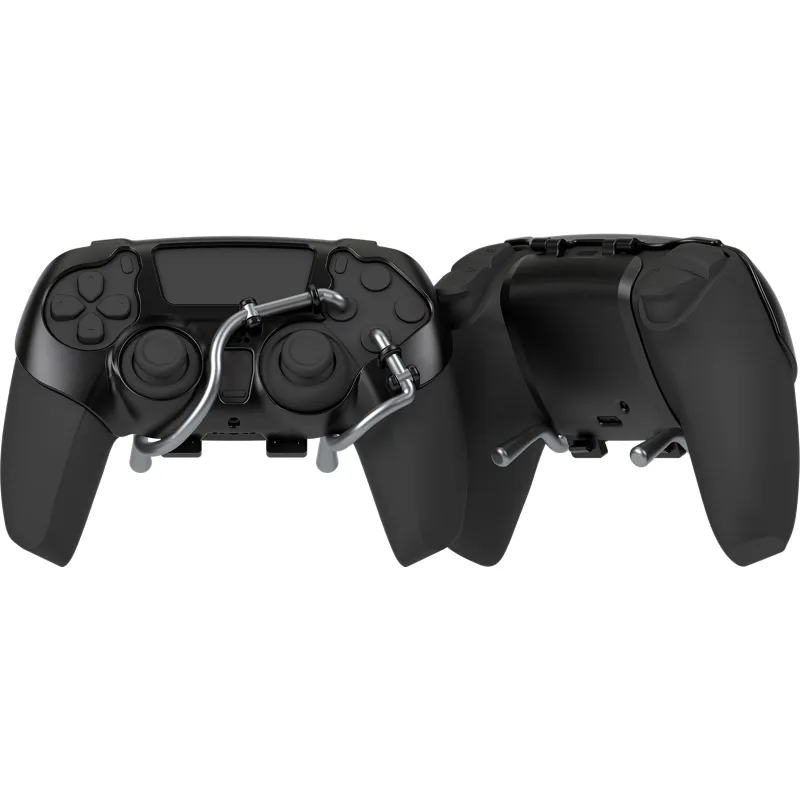
If you have tried all the steps above and your ps5 paddle kit still does not register, the internal switch on the paddle unit may have failed. This is rare on quality kits, but it does happen. Rather than buying an entirely new controller, grab a fresh set of ps5 controller back paddles directly from our store. We also carry the ps5 paddle attachment and the ps5 controller paddles attachment as standalone upgrades if you prefer a different layout.
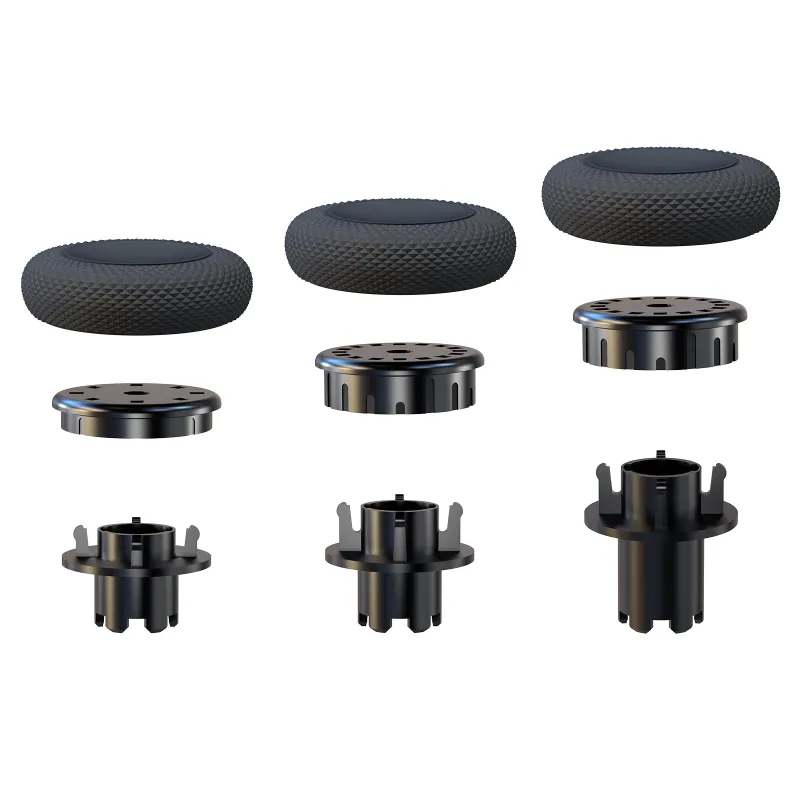
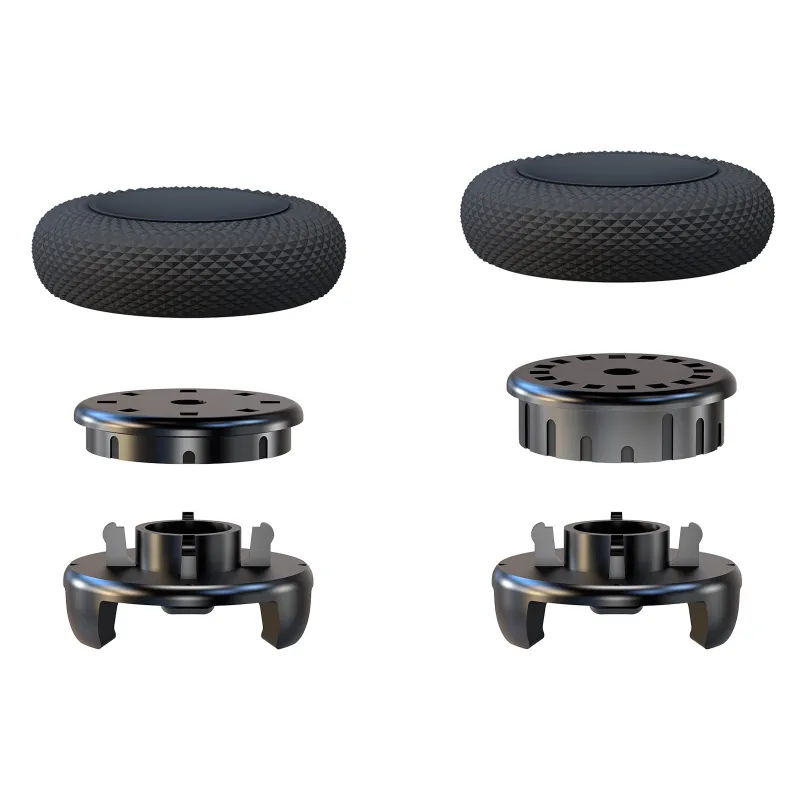
For PS5 players looking to improve their overall controller ergonomics, pairing back paddles with high grip thumbsticks makes a noticeable difference. Check out our kontrol freeks ps5 and the control freak österreich options for better stick precision alongside your paddle setup.
Best PS5 Paddle Attachment for Reliability
If you are shopping for a new unit because your current one keeps failing, we recommend looking for designs that use a USB passthrough or a dedicated expansion port connection rather than a headphone jack bridge. These tend to hold a more stable connection during aggressive play. The best ps5 paddle attachment for most players is one that offers mechanical buttons (not membrane), programmable profiles, and a secure clamp that leaves the headphone jack free. That combination gives you the fewest registration issues over the long term.
Discount and Final Tip
Before you buy any replacement parts, grab the code from our store coupon page to save 5 percent on your order.
One last trick that we recommend on forums like the PS5 Dualsense back button attachment thread on NeoGAF: plug your controller into the console with a USB cable and test the paddle inputs using the system’s built in controller tester (found in Settings > Accessories > Controllers). This bypasses any wireless interference and lets you see exactly which inputs are reaching the console. If the paddles show up in the wired test, the issue is Bluetooth lag, not the hardware itself. If they still do not show up, the steps above will get you sorted quickly.
Questions
Why did my ps5 paddle attachment suddenly stop working?
The most common cause is a loose physical connection. Try removing and reseating the paddle unit firmly until it clicks. Dust on the contact pins can also block the signal, so clean both the paddle pins and the controller port with a dry cloth.
Can a PS5 system update break my paddle attachment?
Yes. Sony's firmware updates can change how the controller communicates with accessories. If your paddles stopped working after a system update, check the accessory manufacturer's website for a firmware updater tool.
Do I need to assign buttons to my ps5 controller back paddles before they work?
Most programmable paddle kits require you to map each paddle to a face button using a configuration app on the console or PC. Without mapping, the paddles may not send any input at all.
How do I clean my ps5 back paddle without damaging it?
Use a dry microfiber cloth or a cotton swab lightly dampened with isopropyl alcohol. Wipe the metal contact pins and the port on the controller, then let everything dry fully before reinstalling.
What should I look for when buying the best ps5 paddle attachment?
Look for a model that uses a dedicated expansion port or USB passthrough connection rather than a headphone jack bridge. Mechanical buttons and a secure clamp also improve long term reliability.
Can I use ps5 controller paddles and mouse click triggers together?
Yes, but check that the trigger stop mechanism does not physically block the paddle's range of motion. Some trigger stop screws press against the paddle lever and prevent it from reaching the internal switch.
Products in this guide
 Shopping at EXknight? See the discount code
5% OFF All Orders
Shopping at EXknight? See the discount code
5% OFF All Orders
More in this series
Is a Pro PS5 Controller with Paddles Worth the Upgrade Over Standard Add-Ons?7 Sep 20265 min MagSafe Keyboard vs. Flip Phone Keyboard Case: Which Mobile Typing Solution Fits Your Setup?7 Sep 20265 minHow to Clean and Maintain Your Samsung Z Flip Keyboard Case for Long-Term Use7 Sep 20265 minKontrol Freek Thumbsticks vs Back Paddles: Which Upgrade Helps Your Aim More?7 Sep 20263 minHow to Install PS5 Controller Back Paddles Without Damaging Your Controller7 Sep 20265 min