 A EXknight guide
Is a Pro PS5 Controller with Paddles Worth the Upgrade Over Standard Add-Ons?
We break down whether a dedicated pro PS5 controller with paddles is worth the investment over budget-friendly add-on paddles and thumbsticks.
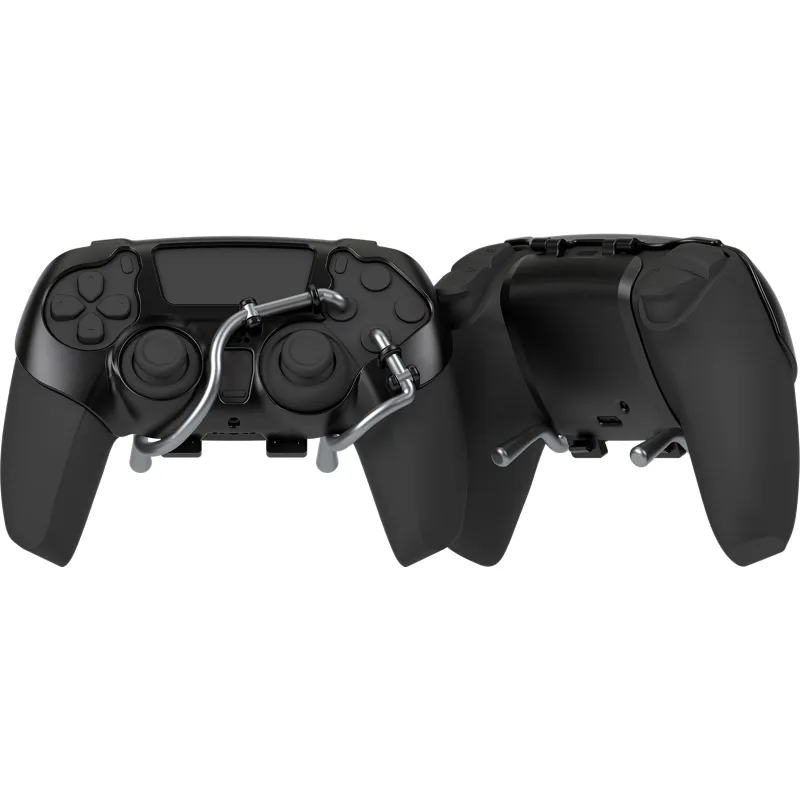
If you are asking whether a pro PS5 controller with paddles is worth the upgrade over standard add-ons, the short answer is yes, but only if you know what you are trading off. Dedicated pro controllers like the DualSense Edge deliver tighter build quality, swappable stick modules, and software-tuned back paddles right out of the box. Meanwhile, affordable attachments such as the ps5 controller back paddles or a ps5 paddle attachment can give you the same extra inputs for a fraction of the cost. The right choice depends on your budget, your competitive goals, and how much you value long-term durability.
What a Pro PS5 Controller With Paddles Actually Gets You
A purpose-built pro controller starts with hardware designed from the ground up for paddle integration. The official DualSense Edge® wireless controller | Pro controller for PS5 offers rear paddles that you can remap on the fly through the PS5 menu, plus replaceable thumbstick modules that extend the controller’s lifespan. Third-party options like the Razer Wolverine V2 Pro and Nacon Revolution 5 Pro add mechanical face buttons and adjustable trigger stops.
What you are really paying for in a pro controller:
- Integrated paddle system: paddles are built into the shell, not clipped on, so they feel solid under your fingers
- Full software customization: remap every button, adjust stick sensitivity curves, and save multiple profiles
- Replaceable parts: worn-out thumbsticks or triggers can be swapped without buying a whole new controller
- Higher-quality materials: textured grips, braided cables, and metal components reduce wear over hundreds of hours
Sony’s own Edge controller has been consistently recommended by outlets such as The Best PS5 Controllers Available in 2026 and The Top PS5 Controllers From Sony, Razer, Nacon and More, largely because of its modular design and native PlayStation integration.
How Add-On Paddles Compare for Casual and Competitive Play
If a full pro controller feels like overkill for your budget, a ps5 controller paddles attachment or a dedicated ps5 back paddle clips onto your existing DualSense and adds two or four rear buttons. These attachments draw power from the controller’s headphone jack or USB port, so there is no charging or pairing to fiddle with. Setup takes about two minutes, snap the attachment on, pair the paddles to the touchpad, and you are ready.
What add-on paddles do well:
- Cost a fraction of a pro controller: you keep using the DualSense you already own
- Quick to install and remove: great if you share your controller with family or friends who do not use paddles
- No software needed: mapping is done on the controller itself via button combos
That said, add-on paddles introduce a slight change in grip width because they wrap around the controller handles. Some players find this comfortable; others feel it crowds their ring and pinky fingers. The paddle feel can also be clickier than the smooth, dampened paddles on a dedicated pro model.
Pairing Paddles With Better Stick Control
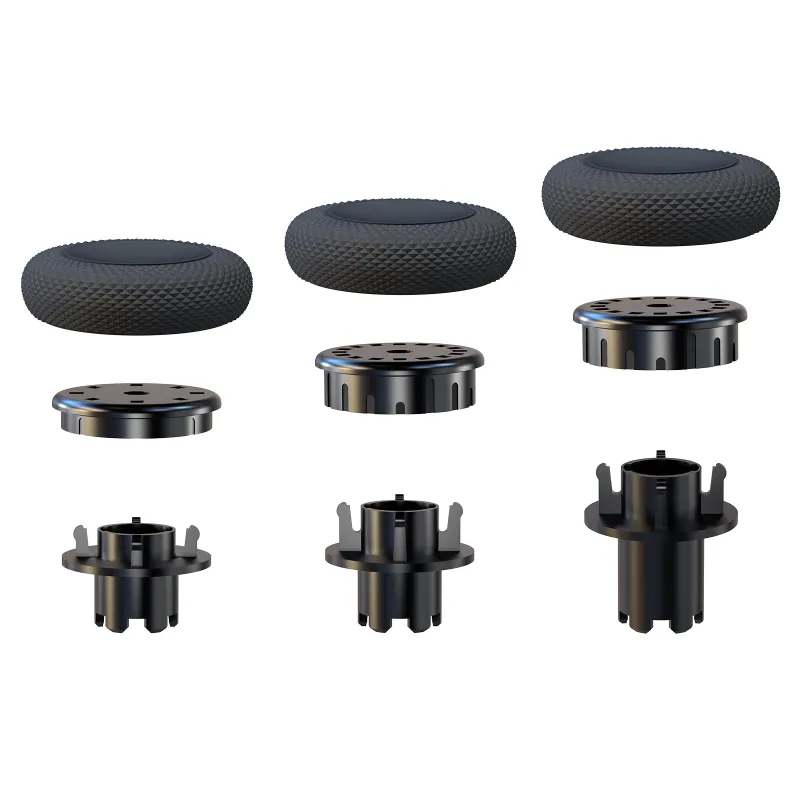
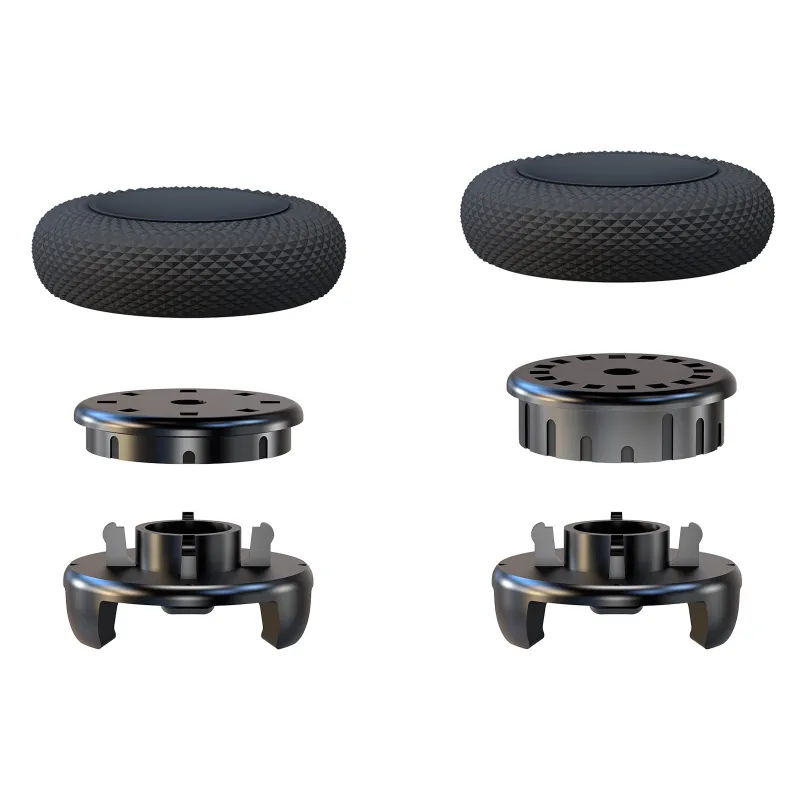
No matter which paddle route you choose, upgrading your thumbsticks is one of the smartest complementary moves you can make. We recommend the kontrol freeks ps5 or the control freak österreich: these precision thumbstick extenders increase your aiming arc and improve fine control without changing the controller’s core feel. Combined with rear paddles, they let you keep your thumbs on the sticks and your fingers on the paddles, which is the whole point of a pro-style setup.
| Feature | Pro PS5 Controller With Paddles | Add-On Paddle Attachment |
|---|---|---|
| Price tier | High (dedicated device) | Low (accessory) |
| Paddle build quality | Integrated, dampened | Clipped-on, can feel clicky |
| Replaceable stick modules | Yes (on Edge and some third-party models) | No (uses stock sticks) |
| On-the-fly remapping | Yes, via system or companion app | Yes, via button combos |
| Grip modification | Factory-designed ergonomics | Slightly wider grip |
| Long-term durability | Higher (modular parts) | Moderate (attachment may loosen over time) |
Who Should Buy a Dedicated Pro Controller
A full pro ps5 controller with paddles makes sense if you play competitively (ranked shooters like Call of Duty, Apex Legends, or Overwatch) and you want the most consistent input feel possible. It also suits players who put in long sessions and want a controller that can survive a year or two of daily use without drift developing. The replaceable stick modules alone can save you money over buying a new stock DualSense every time drift appears.
You should also go this route if you want multiple control profiles. Pro controllers store two to four custom mappings on the hardware itself, so switching from a twitch shooter layout to a slower tactical layout takes one button press.
Who Should Stick With Add-On Paddles and Thumbsticks
The add-on route is a better fit if you are new to paddles and not sure you will stick with them. A ps5 controller paddles attachment plus a set of kontrol freeks ps5 costs about the same as a single game, and it lets you test the waters before committing to a premium controller. It is also the smarter choice if you play with friends who use the same controller, you can pop the attachment off and let them play stock without any learning curve.
Casual players who mainly play single-player story games or co-op titles will find add-on paddles more than adequate. Sprinting without clicking the left stick and jumping without taking your thumb off the right stick are quality-of-life improvements regardless of skill level.
Where to Get the Best Price on Your Controller Setup
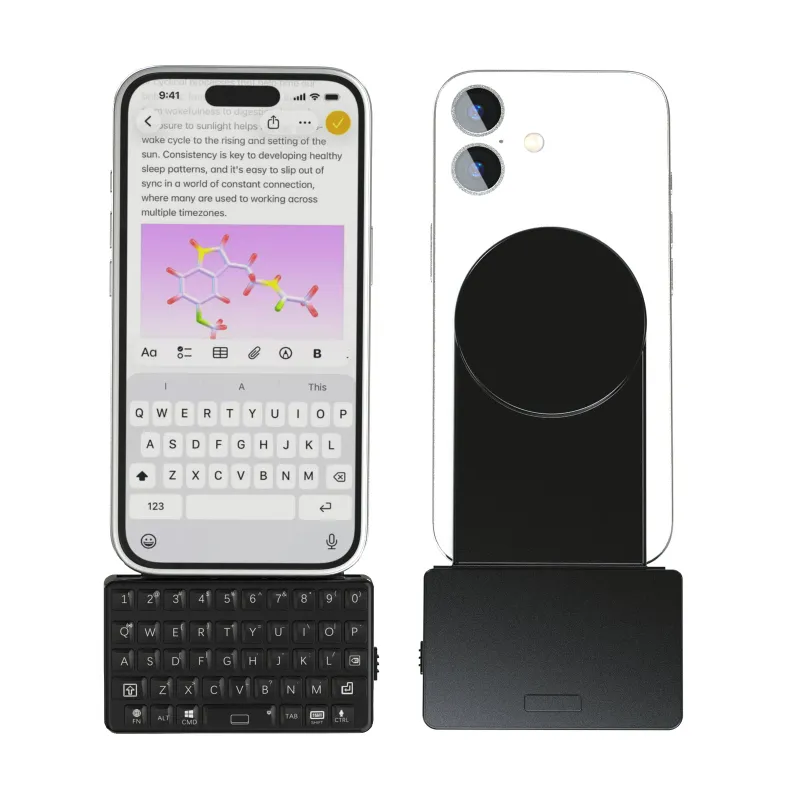
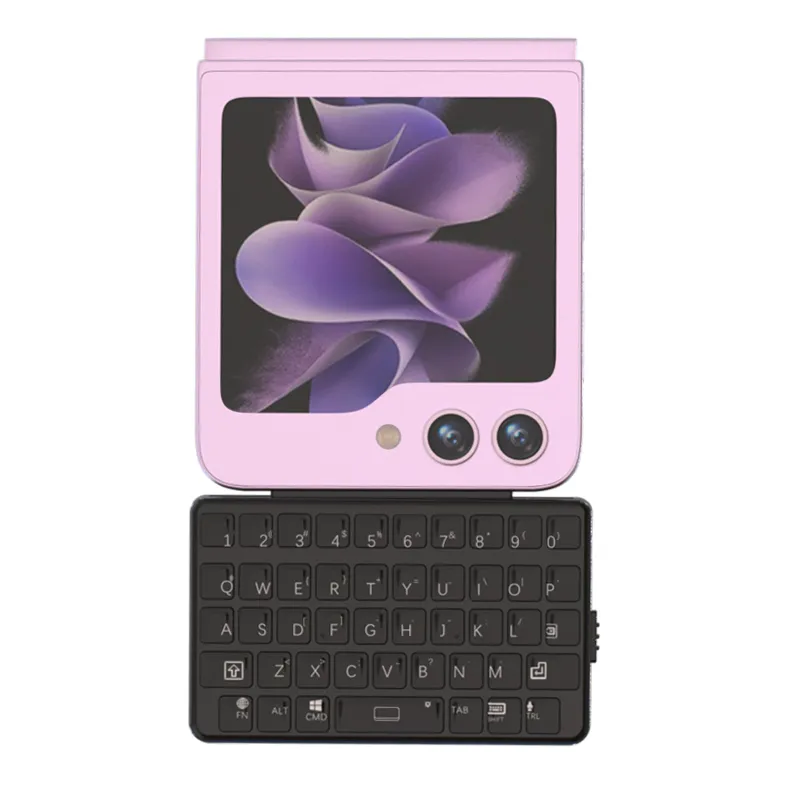
We keep an eye on pricing for all the gear mentioned here, and the best way to save is to grab the code at our store before you check out. Current offers include 5% OFF All Orders, which applies to controllers, paddle attachments, thumbsticks, and even phone accessory gear like the magsafe keyboard or the samsung z flip keyboard if you are kitting out your whole gaming-adjacent setup. You can check the latest price on any item through our store page.
Final Verdict
If you live in competitive lobbies and want the most refined, durable paddle experience available, invest in a pro PS5 controller with paddles. If you are curious about paddles, play more casually, or want to keep costs low, grab an add-on ps5 controller back paddles kit and upgrade your kontrol freeks ps5 at the same time. Both paths get you faster inputs and better control, the difference is how much you pay and how permanent the change feels in your hands.
Questions
Can I use a pro PS5 controller with paddles on PC?
Yes, most pro PS5 controllers work on PC via USB or Bluetooth, though paddle remapping software may only be available on PlayStation or through a dedicated PC app from the manufacturer.
Do add-on paddle attachments cause input lag?
No, the lag is negligible because the attachment uses the controller's own wired or Bluetooth connection, it simply maps paddle presses to existing button inputs without introducing a separate wireless path.
How long do the paddles last on a pro controller versus an attachment?
Pro controllers with integrated paddles tend to last longer because the switches are mounted inside the shell. Add-on attachments rely on a clip mechanism that can loosen over several months of heavy use, though replacements are inexpensive.
Will kontrol freeks fit on a pro PS5 controller?
Yes, thumbstick extenders like kontrol freeks fit the same stick stems found on the DualSense Edge and most third-party pro controllers, so you can still use your preferred stick height setup.
What is the best pro PS5 controller for competitive shooters?
The DualSense Edge from Sony is the most seamless option for PS5 integration and stick module replacement. Third-party options like the Razer Wolverine V2 Pro offer mechanical buttons and extra bumper inputs that some shooter players prefer.
Do I need a pro controller if I only play single-player games?
Not necessarily. An add-on paddle attachment or even just a set of kontrol freeks can improve comfort and control in single-player titles without the cost of a full pro controller.
Products in this guide
 Shopping at EXknight? See the discount code
5% OFF All Orders
Shopping at EXknight? See the discount code
5% OFF All Orders
More in this series
 MagSafe Keyboard vs. Flip Phone Keyboard Case: Which Mobile Typing Solution Fits Your Setup?7 Sep 20265 minWhy Your PS5 Paddle Attachment Isn’t Registering and How to Fix It7 Sep 20264 minHow to Clean and Maintain Your Samsung Z Flip Keyboard Case for Long-Term Use7 Sep 20265 minKontrol Freek Thumbsticks vs Back Paddles: Which Upgrade Helps Your Aim More?7 Sep 20263 minHow to Install PS5 Controller Back Paddles Without Damaging Your Controller7 Sep 20265 min