 A Omoni Designs guide
Why Keyboard Stickers Wear Out and How to Make Korean Keyboard Stickers Last
korean keyboard stickers last one to three years with proper care, and this guide covers material quality, application tips, and daily habits that keep your Hangul decals readable and intact.
Yes, keyboard stickers wear out eventually, and Korean keyboard stickers are no exception. Finger oils, friction from typing, heat and sunlight all slowly lift edges and fade the printed characters. How long a set lasts depends on its material, how carefully you apply it, and how you treat your keyboard. Below we explain what causes wear, what to check before you buy, and simple habits that help your Hangul stickers stay readable for longer.
What makes keyboard stickers wear out
Stickers on keys have a hard life. These are the main causes of wear:
- Finger oils. Skin oils work into adhesive and printing over time. Even clean hands leave a little behind.
- Friction. Every keystroke rubs the surface. The keys you use most, such as the space bar, Enter and the home row, wear first.
- Heat and sunlight. A warm laptop deck or direct sun can make some materials curl, shrink or discolor, and can fade ink.
- Weak adhesive or poor application. Stickers applied over dust or grease, or with air trapped underneath, tend to lift at the edges sooner.
No sticker is permanent. The aim is to slow these things down, and to know when a set has reached the end of its life.
Choosing durable Korean keyboard stickers
Sticker listings vary in how much they tell you. These are the details that affect how long a set lasts:
| Feature | Why it matters |
|---|---|
| Material | Vinyl usually holds up better than paper |
| Protective layer | A laminate over the print protects the characters from rubbing off |
| Finish | Matte hides shine and fingerprints; transparent lets a backlight through |
| Fit | Sizes should match your keyboard, whether laptop, desktop or mechanical |
| Spares | Extra stickers for the keys that wear fastest |
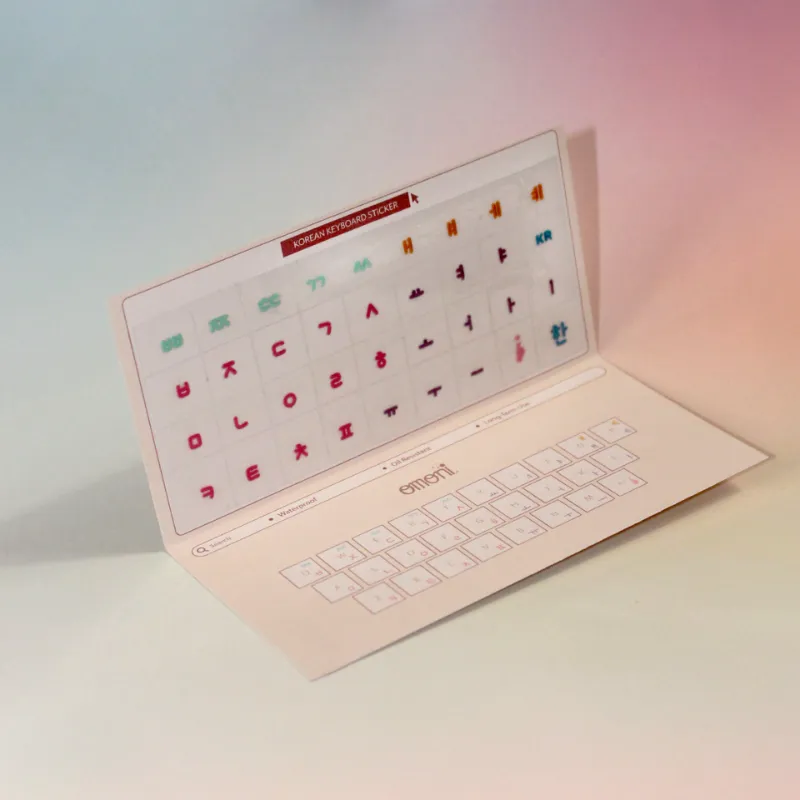
Omoni Designs sells a Korean keyboard seamless sticker aimed at people learning Hangul. Check the Korean sticker listing for the material, finish and which keyboards it fits before you order.
If you type on a backlit laptop, a transparent sticker such as this Korean transparent Apple keyboard sticker lets the light show through. Transparent stickers are often thinner, so they may show wear sooner.
How to apply them so they last
Careful application makes a real difference. A sticker that goes on crooked or with bubbles is more likely to peel.
- Clean the keys. Wipe them with a microfiber cloth and a little isopropyl alcohol, then let them dry fully. Dust or oil under a sticker is a weak spot.
- Line up each sticker before you press. Tweezers help on small keys. Place the Hangul character exactly where you want it.
- Press from the center outward to push air out to the edges.
- Give the adhesive time to settle before long typing sessions, following any instructions that come with the set.
If you are new to the layout, Typing Hangul part 1: Korean alphabet keyboard stickers walks through how the Korean keyboard layout works and how stickers help while you learn it.
Caring for your stickers day to day
- Wipe keys gently with a lightly damp microfiber cloth. Avoid alcohol once the stickers are on, since it can soften adhesive.
- Keep your laptop out of direct sun and away from heat sources.
- Wash your hands before typing. It is the simplest habit for slowing wear.
- Be careful with keyboard covers. A tight silicone cover can lift sticker edges when you peel it off.
- Clean without removing stickers. Use compressed air and a soft brush between keys. Once peeled off, most stickers do not stick well again.
Arabic, Japanese and other layouts
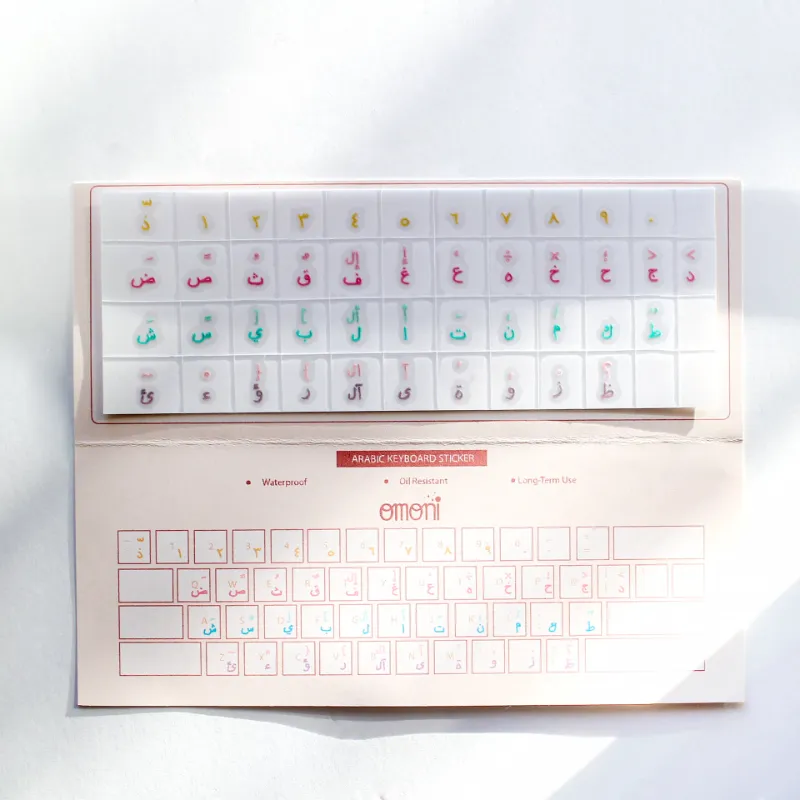
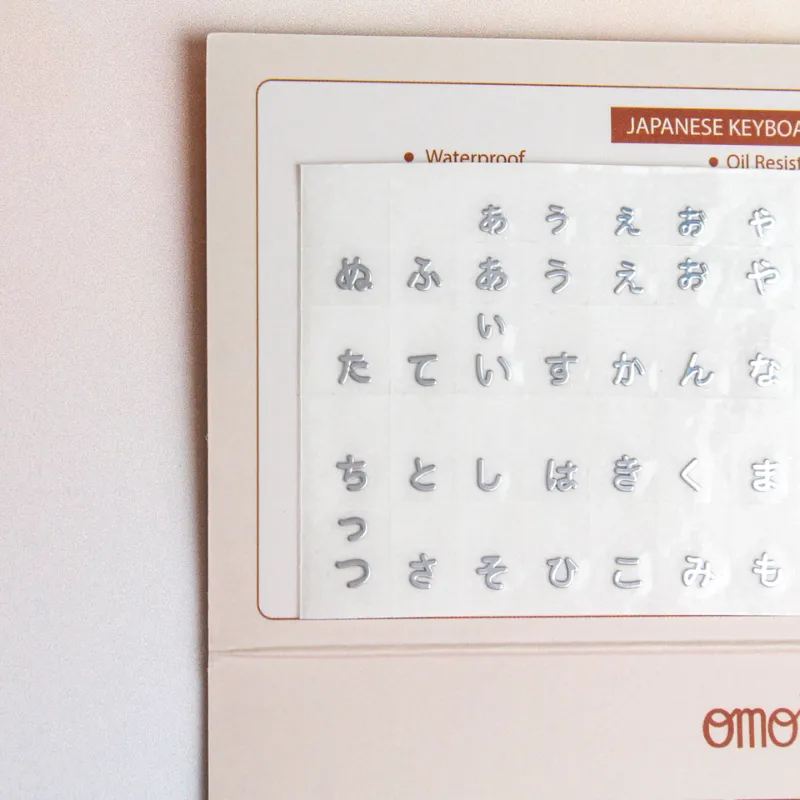
The same care advice applies to any language sticker set. Omoni Designs also sells an Arabic keyboard seamless sticker and Japanese keyboard stickers. What changes between languages is the layout: which character sits on which key. Before you order, check that the set matches the input layout you plan to use on your computer, since some languages have more than one common layout.
If you study more than one language, labeling separate keyboards is an easy way to switch without mixing up characters. The Arabic sticker page lists what comes in the set.
When to replace them
Watch for these signs:
- Edges lifting on keys you use often
- Faded characters on the home row
- Characters that are hard to read in normal light
- Stickers sliding or shifting when you type
If one sticker lifts, press it back down firmly. If it will not stay, replace only that key if your set has spares. When most of the set looks worn, it is time for a fresh one, since guessing at faded characters slows down learning.
When you remove an old set, peel slowly and clean any leftover adhesive from the keys before you apply the new one. A little isopropyl alcohol on a cloth usually lifts residue. Let the keys dry fully, then follow the same application steps as before, so the new set gets the best possible start.
Pairing stickers with handwriting practice
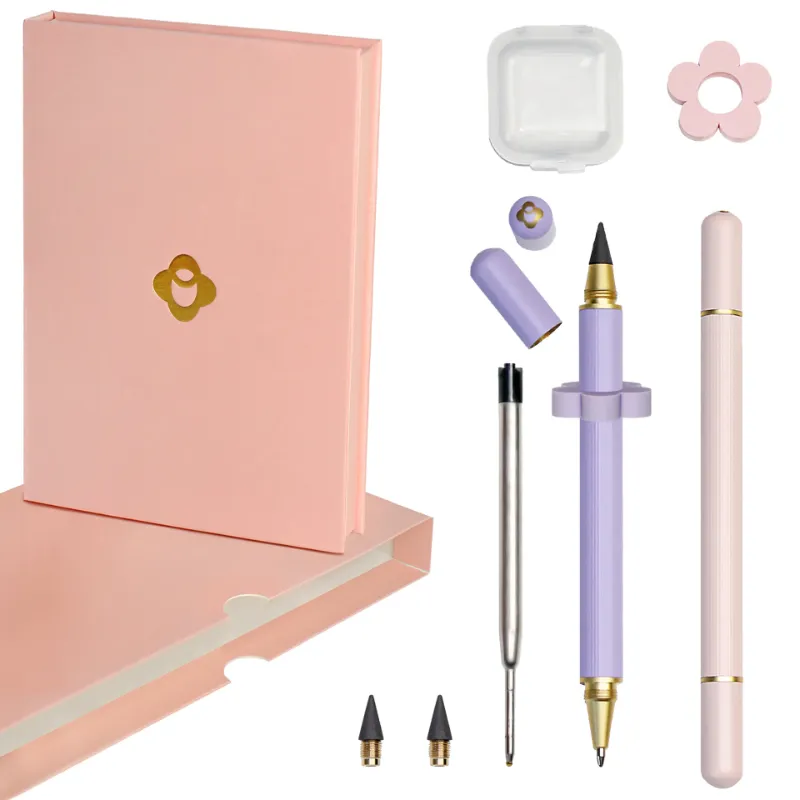
Stickers help you find characters on the keyboard, but many learners also write the alphabet out by hand while they learn. Omoni Designs sells a dual refillable pen and pencil for note taking alongside its stickers. Before you order a new set, see the current Omoni Designs discount code.
Questions
Do Korean keyboard stickers wear out faster on some keys?
Yes. The keys you press most, such as the space bar, Enter and the home row, get the most friction and oil, so they usually show wear first.
Can I remove and reuse Korean keyboard stickers?
Most stickers lose their grip once removed, so plan to apply them once. If you must remove one, a little warmth from a hairdryer on a low setting can soften the adhesive before you peel slowly.
Will Korean keyboard stickers work on a MacBook?
Many sets are made for laptops, including MacBooks. Check the listing for the models and key sizes it supports, and consider a transparent set if you rely on the backlight.
How do I clean my keyboard without damaging the stickers?
Use a lightly damp microfiber cloth, compressed air and a soft brush. Avoid alcohol, bleach and abrasive cleaners on the stickers.
What if one sticker peels off but the rest look fine?
Press it back down firmly. If it will not stay, replace just that key with a spare if your set includes them.
Products in this guide
 Shopping at Omoni Designs? See the discount code
10% OFF All Orders
Shopping at Omoni Designs? See the discount code
10% OFF All Orders
More in this series
Can You Use Omni Pens on a Touchscreen? A Complete Guide7 Sep 20264 minSetting Up Your Laptop for Bilingual Typing After Applying Korean Keyboard Stickers7 Sep 20264 minArabic vs. Japanese Keyboard Stickers: Which Layout Works Best for Your Needs?7 Sep 20265 minHow to Apply Arabic Keyboard Stickers Without Damaging Your Keys7 Sep 20265 min