 A Omoni Designs guide
How to Apply Arabic Keyboard Stickers Without Damaging Your Keys
Learn how to apply an arabic keyboard sticker set without bubbles, residue, or damage using our tested method for a clean, long lasting finish.
If you are adding an arabic keyboard sticker set to your laptop to type in Arabic, the trick is to apply each sticker cleanly so it stays flat and lifts off cleanly later.
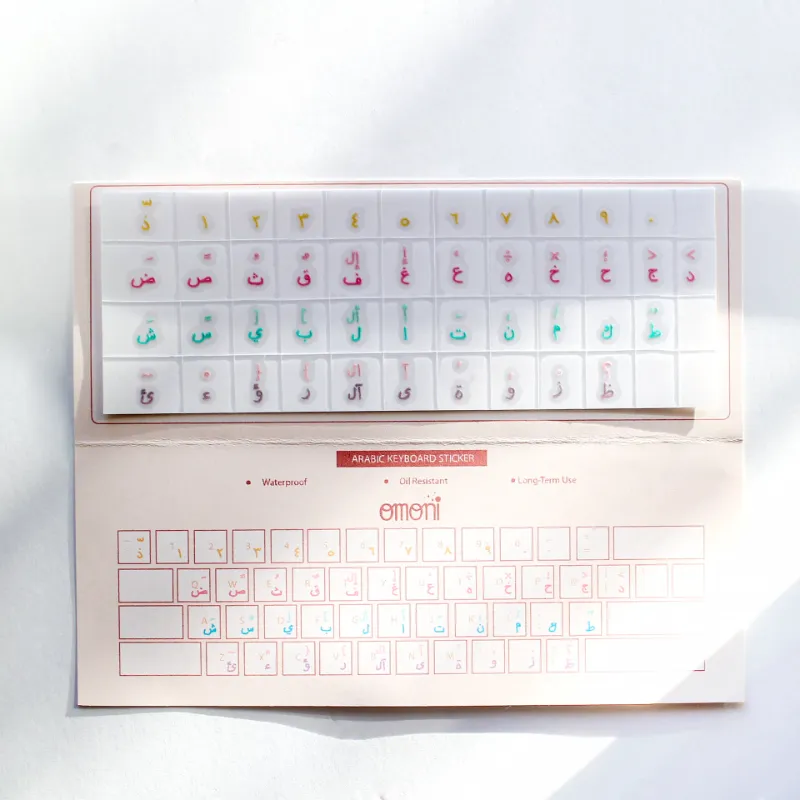
Below we walk through our exact method for applying keyboard stickers without residue, bubbles, or damage to your keycaps. We focus on our own arabic keyboard sticker sets, but the same technique works for any language overlay including korean keyboard stickers, japanese keyboard stickers, and more.
What You Need Before You Start
Gather these items before you open the sticker sheet:
- A microfiber cloth (the kind you use for glasses)
- Isopropyl alcohol (70% or higher) or a lens cleaning wipe
- A pair of tweezers with fine tips
- A toothpick or the edge of a credit card for final smoothing
- Good light so you can see each key clearly
Avoid using household cleaners, paper towels, or your bare fingers on the adhesive side. Oils from your skin are the number one reason stickers lose grip over time.
Clean Your Keycaps the Right Way
This step matters more than any other. Turn off your laptop or unplug your keyboard so you do not type anything by accident during the process.
Wipe each keycap with the microfiber cloth lightly dampened with isopropyl alcohol. Focus on the top surface where the sticker will sit. Let the keys air dry for two full minutes. If you rush this step, the adhesive on your keyboard sticker arabic set will not bond evenly and edges will curl up after a few days.
For mechanical keyboards with textured or PBT keycaps, we recommend a slightly longer drying time. Those surfaces can trap moisture in microscopic pores.
Align Before You Press
This is the part where most people make a mistake. They center the sticker over the key and press down immediately, only to realize it is crooked.
Use your tweezers to hold the arabic keyboard sticker by one edge. Lower it gently onto the keycap so it hovers just above the surface. Look at it from three angles: straight on, from the left, and from the right. The Arabic letters should sit parallel to the keycap edge with even space on all sides.
Once you are happy with the position, touch one corner of the sticker to the keycap. If it is off, lift it immediately with the tweezers and try again. The adhesive on quality stickers like ours allows for this quick repositioning within the first few seconds.
Press from Center to Edge
When the alignment looks right, press the center of the sticker with your fingertip. Then use the flat edge of a toothpick or a credit card wrapped in cloth to push outward from the center toward each edge. This squeezes out any trapped air before it becomes a bubble.
If a small bubble does form, lift the nearest edge of the sticker with the tweezers just enough to let the air escape, then smooth it back down. Do not poke through the sticker to release air, that creates an entry point for dirt and oil.
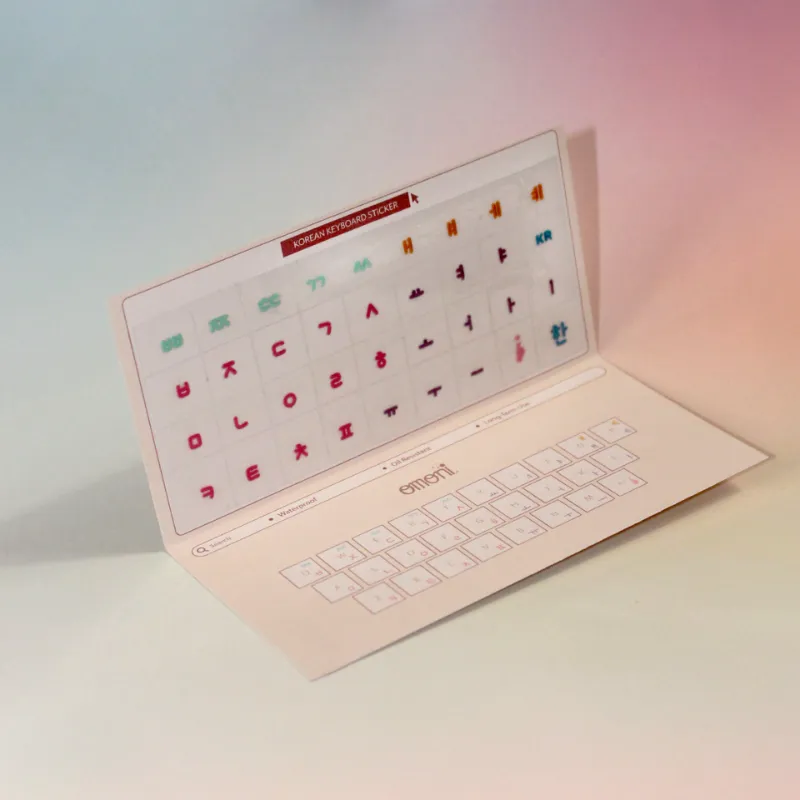
This same method works perfectly for korean sticker keyboard sets and any other multilingual overlay you might apply later.
Let the Adhesive Cure
After you finish applying all the stickers, leave the keyboard open and undisturbed for at least six hours. The adhesive needs time to reach full bond strength. If you close the laptop lid or start typing immediately, the stickers can shift or lift at the edges.
We recommend applying stickers in the evening so the adhesive cures overnight while you sleep. By morning the set will feel like it was printed directly onto the keycaps.
How to Remove Stickers Later Without Residue
A good arabic keyboard sticker should come off cleanly when you no longer need it. Ours are designed with a low tack adhesive that peels away without leaving sticky residue behind.
To remove any sticker: warm it gently with a hairdryer on low heat for about ten seconds. Lift one corner with your fingernail or tweezers and pull slowly at a 180 degree angle back over itself. If any adhesive remains on the keycap, a dab of isopropyl alcohol on a microfiber cloth wipes it off instantly.
Never use Goo Gone, acetone, or nail polish remover on keycaps. Those solvents can damage the lettering printed underneath.
Comparison: Arabic Sticker Set vs. Replacement Keycaps
Some people wonder whether they should use stickers or buy a full replacement keycap set. Here is how they compare:
| Factor | Arabic Keyboard Stickers | Replacement Keycaps |
|---|---|---|
| Cost | Low, set covers the whole board | Higher, often 3x to 5x the cost |
| Installation time | 15 to 30 minutes | 1 to 2 hours for a full board |
| Original keys preserved | Yes, stickers come off cleanly | No, original caps are replaced |
| Compatibility | Fits any keyboard with standard keys | Must match switch type and layout |
| Portability | Peel off and move to another device | Stays on that one keyboard |
For most users, an arabic keyboard sticker set offers the best balance of price and flexibility. You can check the latest price on our store page to see current offers and grab our 10% discount code.
Which Language Sets We Recommend
We carry a range of language overlays for different needs. Beyond the Arabic set, these are our most popular options:
- korean keyboard stickers for Hangul typing on any keyboard
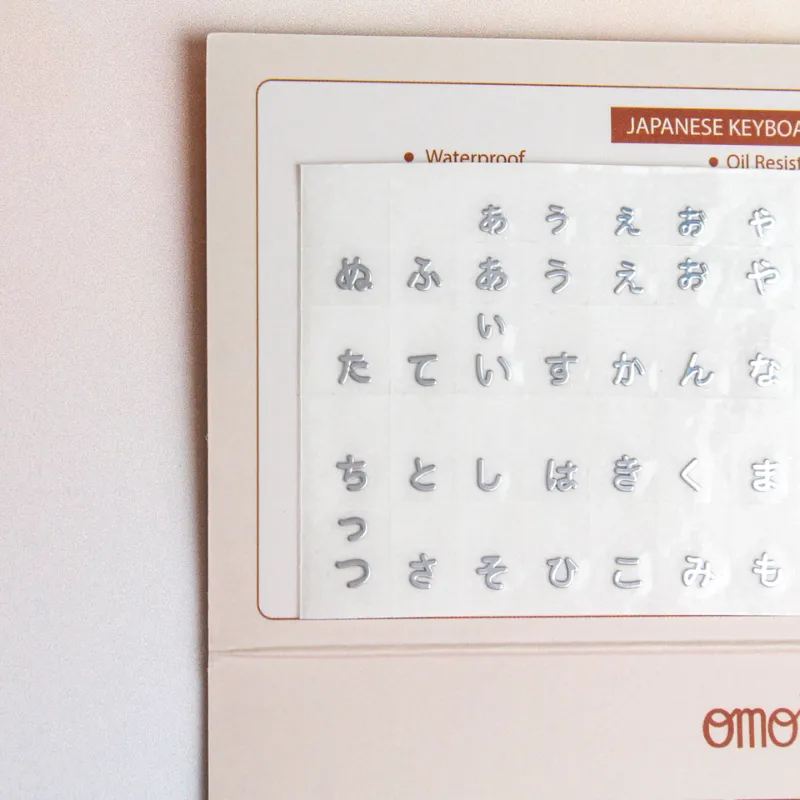
- japanese keyboard stickers with both Hiragana and Katakana
- korean sticker keyboard full coverage sets for mechanical boards
- keyboard sticker arabic in both transparent and white background versions
Each set uses the same durable polyester film and the same repositionable adhesive, so the application steps above work exactly the same way.
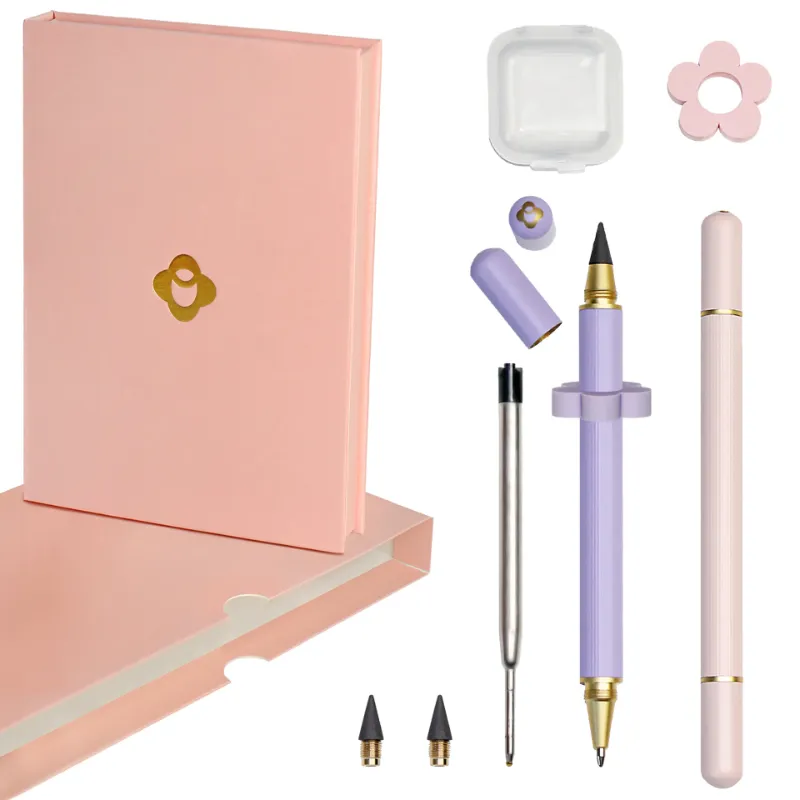
We also stock omni pens for anyone who wants a quality writing tool in the same order.
Final Tips for a Long Lasting Application
- Wash your hands before you start so no oil transfers to the adhesive.
- Work in a room without dust or pet hair floating around.
- If your keyboard has backlighting, test a single key first to see how the light passes through the transparent version.
- For mechanical keyboards, apply stickers after removing the keycaps if you prefer, though it is not necessary.
- Store unused stickers in the original sheet inside a book to keep them flat.
If you want to see a full walkthrough of the process, the video Best Top 5 Keyboard Stickers For Multi Language Typing on… shows a similar technique applied to different keyboard layouts.
Where to Buy with Our Discount
We offer a 10% discount on all orders through our coupon page. Use the code at checkout to save on any arabic keyboard sticker set or multilingual overlay from our store. The discount applies automatically when you follow the link.
Whether you are setting up a bilingual workstation, learning Arabic for the first time, or helping a family member type in their native script, a clean sticker application makes the whole experience feel professional and permanent.
Questions
Will arabic keyboard stickers damage my original keycaps?
No, our arabic keyboard sticker sets use a low tack adhesive designed to peel off cleanly without residue. Warm the sticker with a hairdryer on low for ten seconds and lift slowly if you need to remove it.
Can I reposition a sticker if I place it wrong?
Yes, you can lift and reposition within the first few seconds after touching the sticker to the keycap. Use fine tweezers to lift one corner gently. After about 30 seconds the adhesive sets firmly.
Do these stickers work on mechanical keyboards?
Yes, they fit standard mechanical keycaps as well as laptop chiclet keys. For textured PBT keycaps, clean thoroughly with isopropyl alcohol and let it dry longer to help the adhesive bond.
How long do the stickers last with daily use?
With proper application and cleaning, our stickers last 6 to 12 months of daily typing before showing edge wear. The polyester film resists fading and smudging from finger oils.
Can I use the same technique for korean keyboard stickers?
Yes, the same method works for korean keyboard stickers, japanese keyboard stickers, and any other language overlay set from our store.
Do the transparent stickers work with backlit keyboards?
Our transparent arabic keyboard sticker sets let backlight shine through, though the light may appear slightly dimmer under the sticker. Test one key first to see the effect on your specific keyboard.
Products in this guide
 Shopping at Omoni Designs? See the discount code
10% OFF All Orders
Shopping at Omoni Designs? See the discount code
10% OFF All Orders
More in this series
Can You Use Omni Pens on a Touchscreen? A Complete Guide7 Sep 20264 minSetting Up Your Laptop for Bilingual Typing After Applying Korean Keyboard Stickers7 Sep 20264 minWhy Keyboard Stickers Wear Out and How to Make Korean Keyboard Stickers Last7 Sep 20264 minArabic vs. Japanese Keyboard Stickers: Which Layout Works Best for Your Needs?7 Sep 20265 min