 A VisualTimmy guide
Dreamy Sketch Brush Set Review: Is It Worth It for Digital Illustration?
The dreamy sketch brush set delivers soft, textured strokes that mimic traditional pencil and charcoal, making it a solid choice for illustrators who want an organic feel in Procreate.
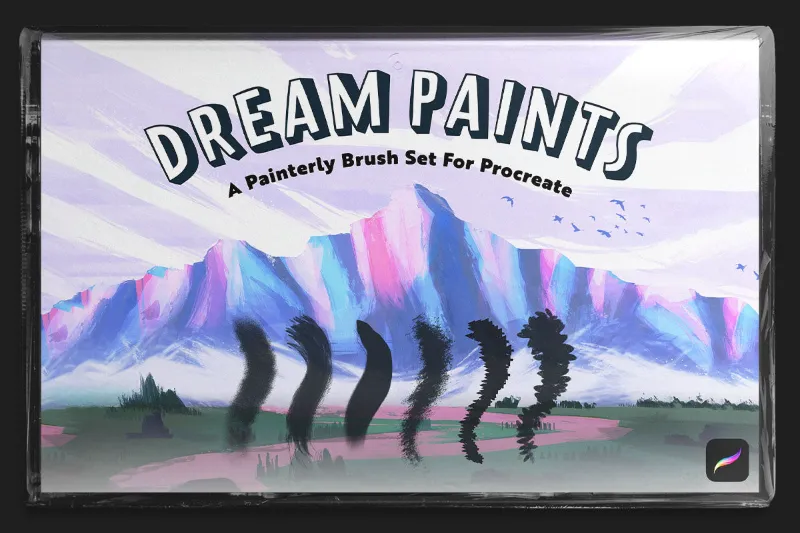
The dreamy sketch brush set delivers soft, textured strokes that mimic traditional pencil and charcoal, making it a solid choice for illustrators who want an organic feel in Procreate.
What You Get in the Dreamy Sketch Brush Set
The set includes a curated selection of sketch brushes designed for loose, atmospheric linework. Each brush responds to pressure and tilt, so you get natural variation in opacity and texture without manual adjustments. The core styles cover soft pencil, charcoal, and blended edges, which makes the pack versatile for both preliminary sketches and finished illustration.
The texture grain sits between smooth digital lines and heavily textured traditional media, so it reads as hand-drawn without overwhelming fine details.
Check the latest price and grab our code to save 15% on your order.
How the Dreamy Sketch Brush Set Compares to Free Alternatives
Free sketch brushes for Procreate exist, including options on Folio and community uploads, but they often lack pressure curve refinement or produce inconsistent texture density.
The paid set saves time because you skip the trial-and-error of testing dozens of free brushes. If you illustrate professionally or work on client deadlines, that efficiency matters.
Who Should Use This Brush Set
The dreamy sketch brush set suits illustrators who prioritize organic linework and atmospheric sketches over clean vector-style art. We recommend it for:
- Character designers who need expressive, loose concept sketches before refining
- Portrait artists working in a soft, editorial style with subtle shading
- Storyboard artists who want quick, readable thumbnails with traditional feel
- Hobbyists transitioning from paper to digital and missing pencil texture
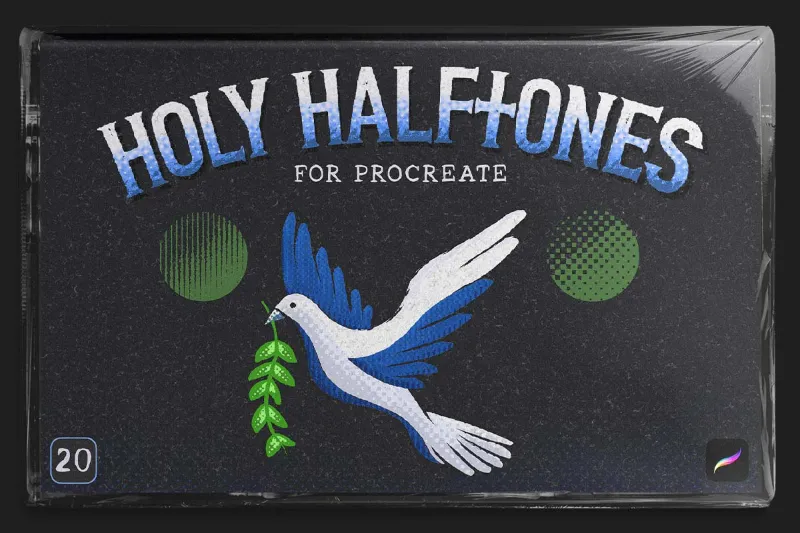
It’s less ideal if you primarily work in flat graphic design, hard-edge illustration, or need brushes for painting (in that case, watercolor procreate brushes or a halftone brush procreate option might serve you better).
Combining the Dreamy Sketch Brush Set with Other VisualTimmy Tools
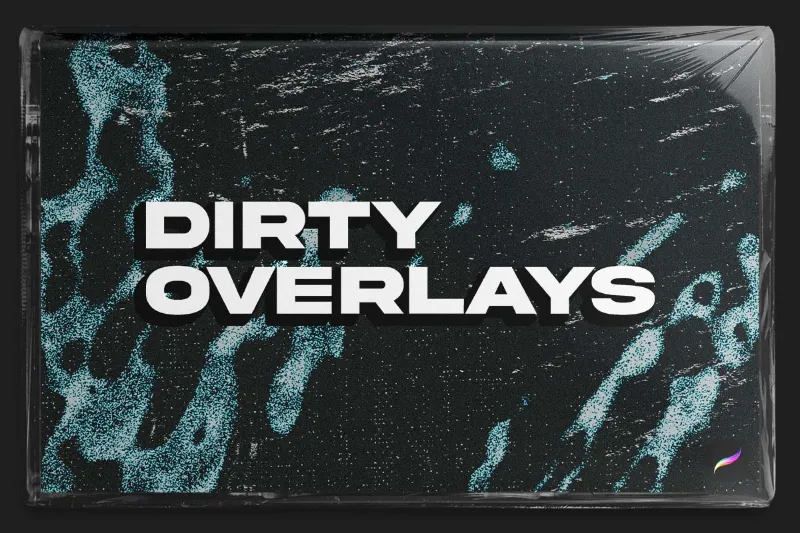
- Dirty overlay: Adding a dirty overlay on top of sketch layers introduces subtle grain and vintage texture without muddying linework. Set the overlay to Multiply or Overlay blend mode at 15 to 25% opacity.
- Procreate pattern brushes: Use procreate pattern brushes for background elements or fabric detail, then sketch over them with the dreamy set to unify the composition.
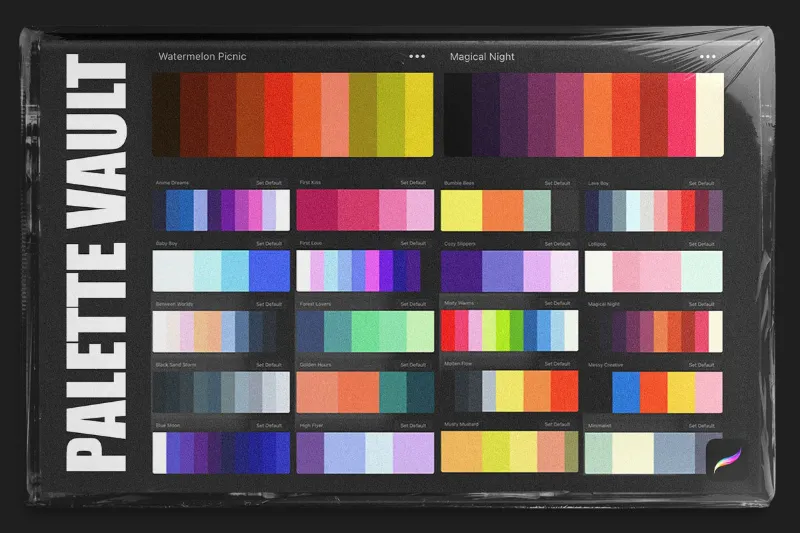
- Palette swap packs: Palette swap packs let you test different color moods quickly. Since the sketch brushes have built-in texture, color shifts feel more dynamic than flat fills.
This modular approach keeps your toolkit flexible without overloading your brush library.
Tips for Getting the Most from Your Sketch Brushes
- Lower your brush size for initial construction lines (2 to 4 px), then increase to 8 to 15 px for confident finishing strokes. The texture reads better at larger sizes.
- Adjust opacity per layer rather than per stroke. Set your sketch layer to 60 to 80% opacity so you can build up values without constant pressure adjustments.
- Duplicate and flip your canvas horizontally mid-sketch. The dreamy brush texture looks natural from any angle, and flipping helps catch proportion errors.
- Pair with a hard eraser to carve out highlights or clean edges. The soft brushes benefit from occasional sharp contrast.
If you want to explore whether a similar style works in other apps, searches for “dreamy sketch brush set ibis paint x” show that the aesthetic translates, though Procreate’s engine handles pressure curves more smoothly.
Where to Buy and Current Discounts
You can pick up the dreamy sketch brush set directly through VisualTimmy. Visit our discount code page to apply the current 15% off coupon at checkout. The code works across the entire store, so you can bundle the sketch set with a pattern brush or other tools in one order and maximize savings.
The creator (viyaura) also offers the set on Ko-fi.
Final Verdict: Is the Dreamy Sketch Brush Set Worth It?
The dreamy sketch brush set earns its place in a working illustrator’s library if you value time savings, consistent texture, and pressure-responsive linework. It won’t replace every sketch tool you own, but it eliminates the hunt for a reliable everyday pencil brush.
For hobbyists or students, the free alternatives we mentioned earlier might suffice while you’re learning. For professionals or serious hobbyists who sketch daily, the polish and reliability justify the cost, especially with our 15% discount applied.
If you’re still building out your digital toolkit, consider pairing this set with procreate brushes for broader coverage or a watercolor procreate brush for mixed-media projects. Each serves a distinct role, and the dreamy sketch set sits comfortably in the “core essentials” category for character and concept work.
Questions
Can I use the dreamy sketch brush set in apps other than Procreate?
The set is built specifically for Procreate and relies on its brush engine for pressure and tilt response. It won't import directly into Ibis Paint X, Photoshop, or other apps, though some platforms offer similar brushes under different names.
Does the dreamy sketch brush set work well for inking finished lineart?
It works for expressive, textured lineart but may be too soft for clean comic inking or vector-style outlines. If you need crisp edges, pair it with a harder brush for final passes.
How many brushes are included in the set?
The exact count varies by version, but most releases include 6 to 10 core sketch brushes covering pencil, charcoal, and blended styles. Check the store page for the current bundle details.
Will these brushes slow down my iPad if I layer them heavily?
The brushes are optimized for performance, but stacking many textured layers on older iPad models can cause minor lag. Merge layers periodically or work at lower canvas resolutions if you notice slowdown.
Is there a free version of the dreamy sketch brush set I can try first?
Some creators share limited free versions on Folio or Gumroad. The full paid set includes refined pressure curves and additional styles not available in free samples.
Can I combine the dreamy sketch brush set with watercolor or halftone brushes?
Yes, the sketch set layers well with watercolor and halftone brushes. Use the sketch brushes for linework or underdrawing, then apply watercolor or halftone effects on separate layers above or below.
Products in this guide
 Shopping at VisualTimmy? See the discount code
15% OFF All Orders
Shopping at VisualTimmy? See the discount code
15% OFF All Orders
More in this series
Why Your Procreate Color Palettes Look Flat (And How to Fix Them)3 Sep 20266 minBest Procreate Pattern Brushes for Seamless Background Design3 Sep 20264 min Do Procreate Texture Overlays Work With All Brush Types?3 Sep 20265 minWatercolor vs Halftone Brushes in Procreate: Which Style Fits Your Art?3 Sep 20264 minHow to Install and Organize Procreate Brushes for Faster Workflow3 Sep 20265 min