 A Alvoxcon Audio guide
Can You Connect an Alvoxcon Microphone to Any iPhone? What Each Model Supports
Alvoxcon mics are not Bluetooth: they plug a receiver into the phone. Here is which kits list iPhone support, which iPhones they fit, and which to avoid.
You can connect some Alvoxcon microphones to an iPhone, but not every model and not by Bluetooth: Alvoxcon’s wireless mics use their own receivers (a Lightning receiver on its 2.4G lapel kit, or a USB receiver on its UHF systems), and at least one of its USB mics is listed as not for use with iPhone or iPad at all. Which iPhone you have, and which port it uses, decides which kit to buy. This guide sorts the range by what each listing says about iPhone. We keep the current code for Alvoxcon Audio on its store page.
First, Alvoxcon mics are not Bluetooth
It is easy to assume a wireless phone mic pairs over Bluetooth. Alvoxcon’s do not. Its listings describe two wireless technologies instead: 2.4G digital wireless on its clip-on lapel kits, and UHF wireless (in the 902 to 928 MHz band) on its handheld and USB systems. Alvoxcon says both are chosen to reduce interference from Bluetooth and WiFi.
In practice this means you never pair the mic in your iPhone’s Bluetooth settings. You plug a receiver into the phone, and the microphone links to that receiver. Alvoxcon describes the pairing as automatic.
The Lightning lapel kit for iPhone
The 2.4G Dual Wireless Lapel Mic for iPhone is the kit Alvoxcon builds around the iPhone’s Lightning port. Two clip-on transmitters work with one receiver that plugs into the Lightning port, and Alvoxcon says no app and no adapter are needed. The charging case recharges the transmitters, which Alvoxcon rates at 4 to 6 hours each on a full charge.
Alvoxcon lists these devices as compatible:
- iPhone 6 and 6 Plus, 7 and 7 Plus, 8 and 8 Plus
- iPhone X, XR, XS and XS Max
- iPhone 11, 12 and 13 ranges, including Pro and Pro Max
- iPad 2nd, 3rd and 4th generation, iPad Air (except the 4th generation) and iPad Mini (except the 6th generation)
Note what is missing: newer iPhones are not on that list. If your iPhone uses a USB-C port rather than Lightning, a Lightning receiver will not plug in, so this kit is not the one for you.
USB receiver systems for iPhone and computer
Alvoxcon’s UHF systems use a USB receiver with a built in sound card, so the same kit works with a computer and a phone. Two of them name iPhone in their listings:
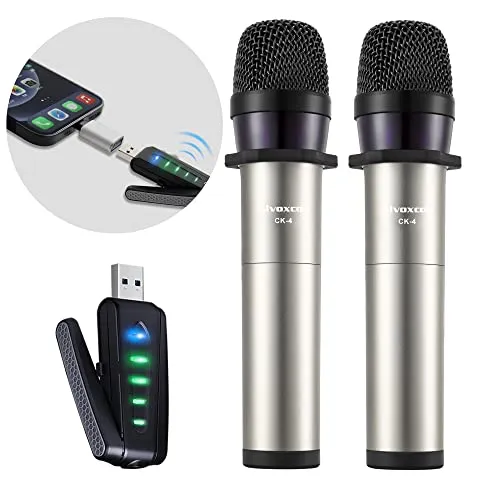
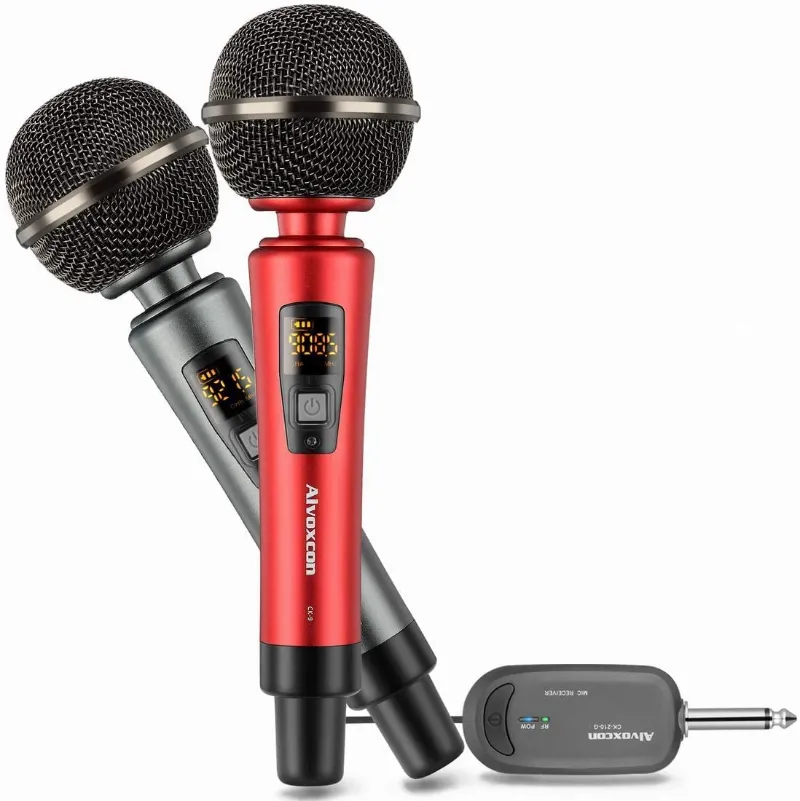
- The Alvoxcon Dual Wireless Microphone for iPhone and Computer, with two handheld mics and a dual mode USB receiver. Alvoxcon lists it as compatible with Windows and Mac computers, iPhone and Android phones, with no drivers needed.
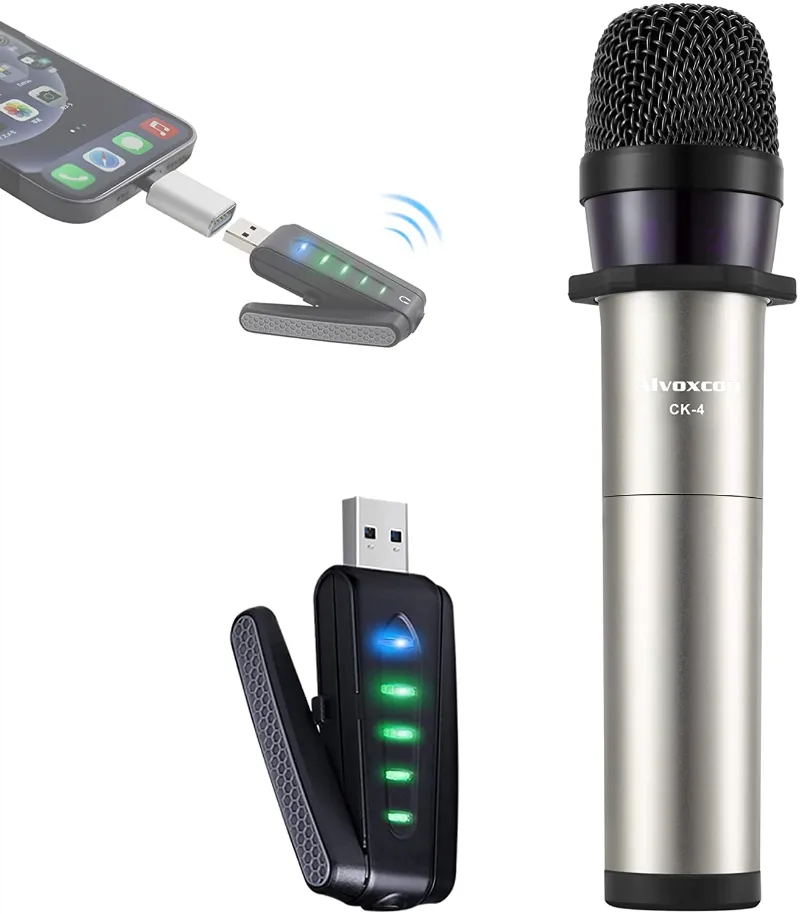
- The Alvoxcon USB Wireless Handheld Microphone for iPhone and Computer, a single handheld version with the same receiver type.
Alvoxcon gives each a working range of up to 60 ft and 7 hours of use on the built in rechargeable battery, and the receiver has a 3.5mm earphone jack for monitoring. Read the cautions on these listings before you buy. Alvoxcon says not to run more than one set at a time, to avoid radio interference, and the dual system’s listing says it is not compatible with Facebook Live on phones. The single handheld listing adds that it is for recording, not live use such as karaoke, and that you may need a specific app to record properly, as set out in the manual.
A USB receiver needs a way into your iPhone’s port. The listings do not say which adapter is included for iPhone, so ask Alvoxcon which one your model needs before you order.
The models that are not for iPhone
Some Alvoxcon mics are clearly marked for other devices:
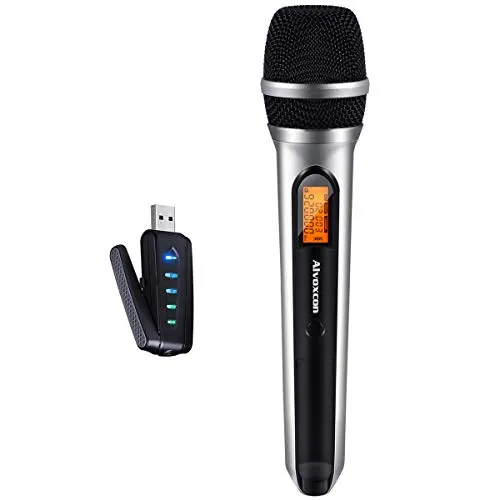
- USB Wireless Microphone for PC: Alvoxcon’s own precautions say “Do Not use it with iPhone or iPad.” It works with Windows and Mac computers and with Android phones (Android 5.0 or higher) through the included USB adapter.
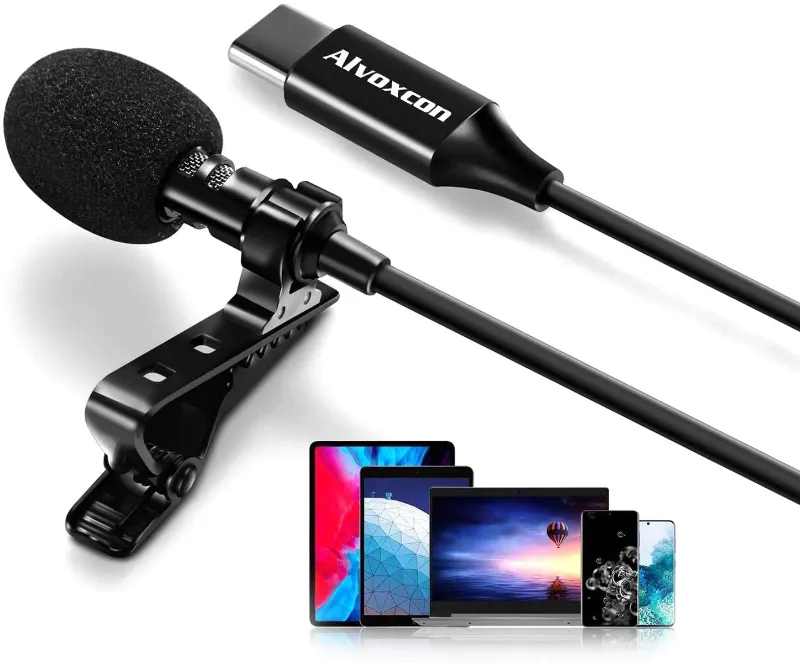
- Lavalier Lapel Microphone with Type C connector: a wired mic that Alvoxcon lists for Android phones.
- Wireless lavalier systems “for computer”: several list PC, Mac and Android without naming iPhone, so check the compatibility line on each.
The quick rule: buy a kit whose listing names iPhone, and check it names the port your iPhone has. If a listing does not mention iPhone, do not assume it works. Alvoxcon’s support can confirm a model before you buy, which saves a return.
Questions
Does Alvoxcon make a Bluetooth microphone for iPhone?
No. Alvoxcon's wireless mics use 2.4G or UHF wireless with their own receiver, which plugs into the phone. You do not pair them in Bluetooth settings.
Which iPhones work with the Alvoxcon 2.4G lapel mic?
Alvoxcon lists iPhone 6 through the iPhone 13 range, plus several iPads. Its receiver plugs into the Lightning port, so it does not fit USB-C iPhones.
Can I use the Alvoxcon USB Wireless Microphone for PC with an iPhone?
No. Alvoxcon's precautions for that model say not to use it with iPhone or iPad. It works with computers and Android phones.
Which Alvoxcon USB systems list iPhone support?
The Dual Wireless Microphone for iPhone and Computer and the USB Wireless Handheld Microphone for iPhone and Computer both list iPhone. Ask Alvoxcon which adapter your iPhone needs.
Can I use two Alvoxcon systems together?
Alvoxcon says not to run more than one set at a time, to avoid radio interference.
Products in this guide
 Shopping at Alvoxcon Audio? See the discount code
6% OFF All Orders
More in this series
 How to Clean and Store Your Alvoxcon Lavalier and Wireless Microphones7 Sep 20264 min
 Alvoxcon UHF Wireless Microphone Not Working? Common Fixes to Try First7 Sep 20264 minWhich Alvoxcon Wireless Mic Works for Teaching Through a Speaker?7 Sep 20263 minAlvoxcon Wired vs Wireless Lavalier Mic: Which Clip-On Setup Fits Your Device?7 Sep 20264 minHow to Set Up Your Alvoxcon USB Microphone for PC Podcasts and Streaming7 Sep 20265 min