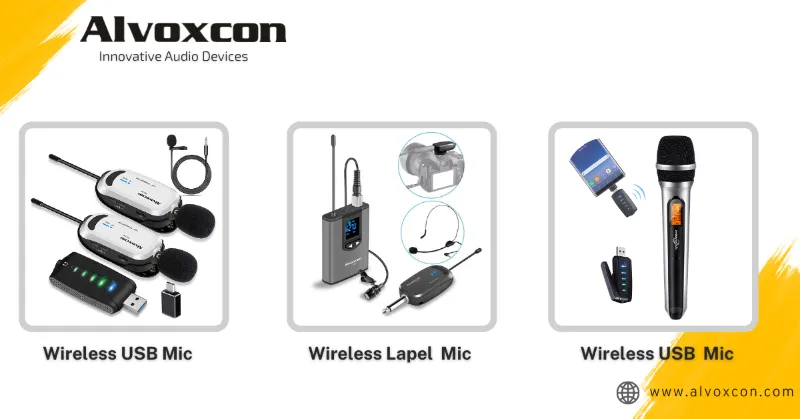
 A Alvoxcon Audio guide
Alvoxcon UHF Wireless Microphone Not Working? Common Fixes to Try First
If your Alvoxcon UHF wireless microphone cuts out or refuses to pair, check batteries first then scan for interference using the receiver.
If your Alvoxcon uhf wireless microphone suddenly stops transmitting or drops audio mid performance, the fix is often something simple you can check in under a minute. Before you assume the unit is broken or reach for a return label, walk through these common culprits that account for most Alvoxcon support calls we have heard about from our readers.
Check Power First on Both Transmitter and Receiver
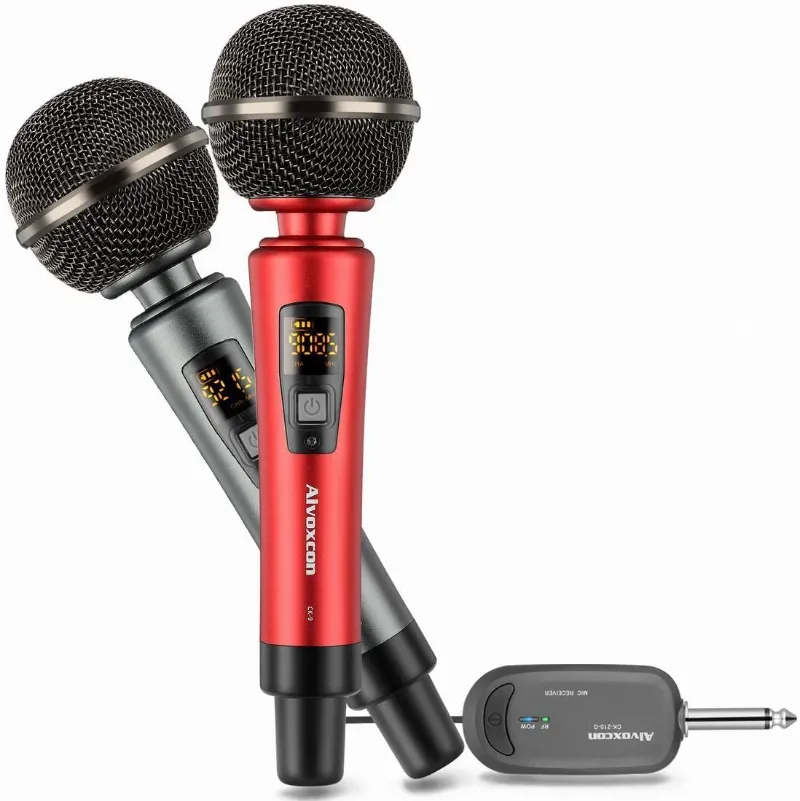
A dead battery is the number one reason a uhf wireless microphone goes silent. The transmitter unit (the handheld or bodypack that you wear) needs fresh alkaline or fully charged rechargeable cells. The radio microphone receiver also needs power. Check that the receiver is plugged into a live outlet and that its power LED is glowing. If the receiver has no light, try a different wall outlet or USB power brick. We have seen cases where a switched power strip was accidentally turned off.
Match Frequency Channels Between Transmitter and Receiver
A uhf wireless microphone uses specific frequency groups to carry the audio. If your Alvoxcon receiver and transmitter are on different channels, you get silence. Press the sync button on the receiver and then hold the handheld mic close to the receiver for the infrared pairing process. On older models you may need to manually set both units to the same channel number using the up or down arrows. This is one of the most common issues we see when someone buys a wireless microphone for iphone kit and tries to use it with a second receiver they already own.
Reduce Distance and Clear Line of Sight

UHF signals travel through walls but they weaken with distance and obstacles. Stand within 30 feet of the receiver first, with no furniture or walls between the transmitter and the antenna. If the audio returns, that tells you the signal path is the problem. Move the receiver higher up on a shelf or desk so its antennas are above head level. A wireless headset microphone works best when the receiver is placed in the same room.
Scan for a Clean Channel
Interference comes from Wi Fi routers, LED lights, and other wireless audio gear. Most Alvoxcon receivers have an auto scan function. Press the scan button on the front of the radio microphone receiver. The receiver will search for a quiet frequency group and automatically hop to it. Then resync the transmitter. This clears up crackling, hiss, and dropouts fast. If you are using multiple wireless systems at once, scan each one separately.
Try the Included Cables and Adapters
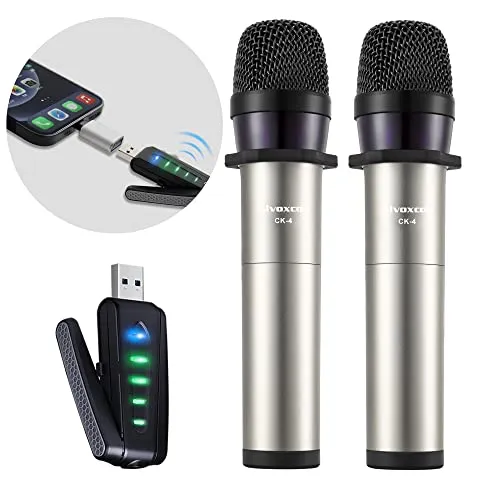
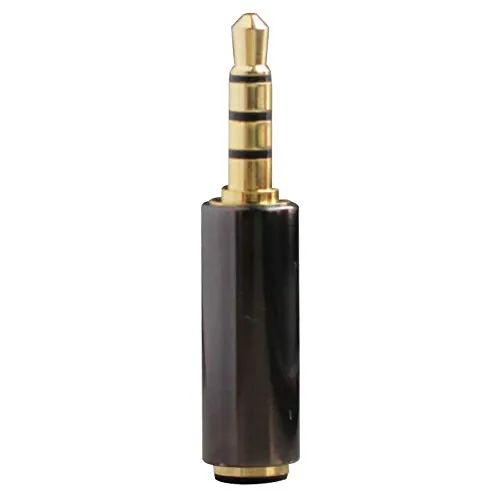
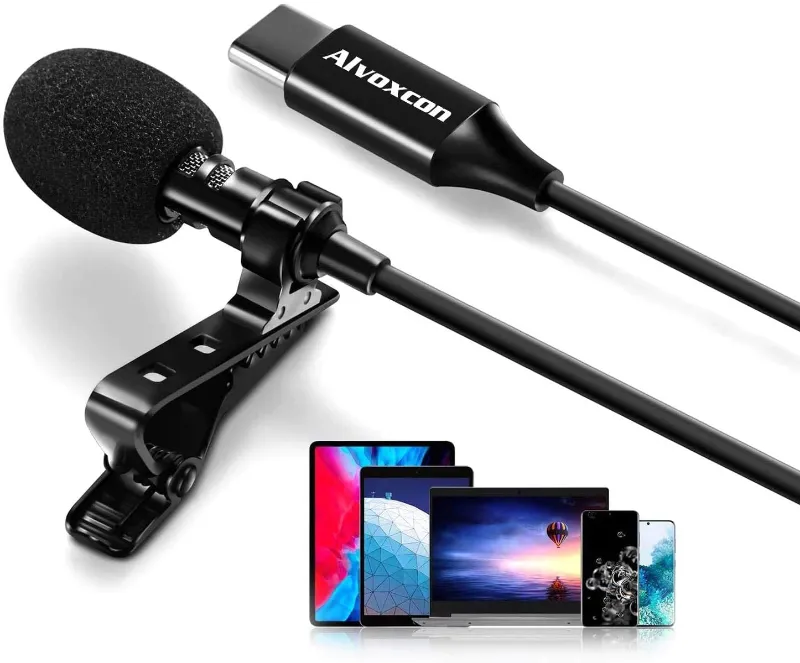
A loose or wrong cable blocks audio even when the RF signal is perfect. Check the output cable from the receiver. You need the correct connection for your speaker, mixer, or phone. If you are plugging into a smartphone, the Alvoxcon external mic for iphone kit includes a special output cable. For a laptop or desktop, use the usb mic for pc adapter cable that came in the box. A trs to trrs adapter is sometimes needed when the receiver output jack is a different size than your device input. Swap cables before you swap microphones.
Test with a Wired Lavalier to Isolate the Problem
If you have a wired lavalier mic handy, plug it directly into your audio interface or phone to confirm your recording device is working. If the wired mic works fine, the problem is on the wireless side. If the wired mic also fails, the issue is your phone or computer input settings. This quick A/B test saves you from replacing gear you do not need to replace.
Update Your Device Input Settings
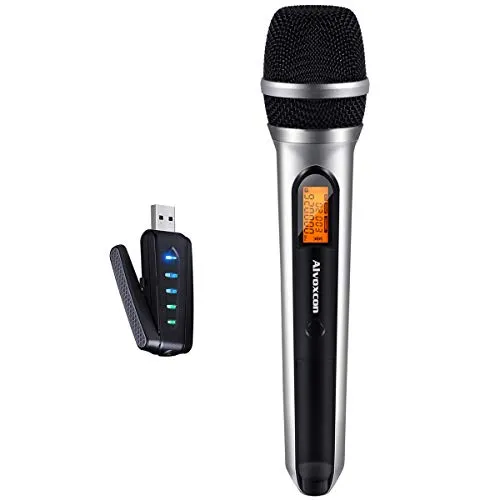
A common frustration with a bluetooth microphone for iphone or a bluetooth mic for iphone is that the phone may default to the internal microphone instead of the external receiver. Go to your audio source settings and select the connected USB or line input device. On most newer phones you will see “USB Audio” or “External Mic” appear when the receiver is plugged in. On a PC, open Sound Settings and set the pc microphone usb as the default input device.
Visual Troubleshooting Summary
| Problem | Likely Cause | Quick Fix |
|---|---|---|
| No sound at all | Dead batteries or wrong channel | Replace batteries, sync channels |
| Crackling or static | Interference or distance | Run auto scan, move closer |
| Receiver powers on but no RF signal | Transmitter off or out of range | Turn on transmitter, reduce distance |
| Phone does not detect mic | Wrong adapter or input setting | Use included cable, check input device |
When to Grab Our Discount Code
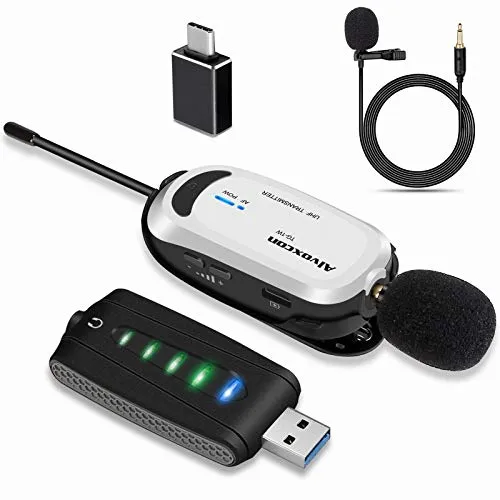
Most of the fixes above resolve the issue in under five minutes. If your uhf wireless microphone still will not cooperate, inspect the transmitter for physical damage or corrosion in the battery compartment. When you need a replacement or an upgrade, grab the code for 6 percent off all Alvoxcon gear at checkout. The Alvoxcon raummikro is a popular choice for presenters and content creators who want reliable UHF range without the usual dropouts.
Final Check Before You Give Up
Set both transmitter and receiver on a table side by side. Power both on. Verify the channel numbers match. Speak into the mic and watch the AF (audio frequency) bars on the receiver move. If they move but you still hear nothing, the output cable or the destination device is the problem. If the bars do not move, the transmitter or receiver pairing is broken. In either case the hardware is usually fine and the fix is a cable swap or a channel resync.
Questions
Why does my Alvoxcon UHF wireless microphone keep cutting out?
Audio dropouts usually come from interference or being too far from the receiver. Run the auto scan on the receiver to find a clean channel and keep the transmitter within 30 feet of the receiver with a clear line of sight.
How do I connect my Alvoxcon UHF wireless microphone to a speaker?
Use the included 1/4 inch or XLR cable from the receiver output to the speaker input. If your speaker has only a 3.5mm jack, you may need a trs to trrs adapter. Then power on the transmitter and receiver and confirm they are on the same channel.
Can I use two Alvoxcon wireless microphones at the same time?
Yes, as long as each microphone and receiver pair is set to a different frequency group. Use the auto scan function on each receiver separately so their channels do not overlap and cause interference.
What batteries does the Alvoxcon UHF wireless microphone transmitter take?
It takes two AA batteries. Alkaline batteries give the longest runtime. Rechargeable NiMH AA cells also work but may need replacing more often since their voltage drops steadily.
Why is there no sound from my Alvoxcon wireless microphone after I plugged it into my phone?
Your phone may not recognize the external mic automatically. Check that you are using the correct output cable from the receiver. Then go to your audio settings or recording app and select the external mic or USB audio input if prompted.
Is the Alvoxcon UHF wireless microphone compatible with a PC?
Yes. Plug the receiver into a USB port on your PC using the included USB cable. Then open your system sound settings and select the Alvoxcon USB microphone as the default input device.
Products in this guide
 Shopping at Alvoxcon Audio? See the discount code
6% OFF All Orders
Shopping at Alvoxcon Audio? See the discount code
6% OFF All Orders
More in this series
How to Clean and Store Your Alvoxcon Lavalier and Wireless Microphones7 Sep 20264 minCan You Connect an Alvoxcon Bluetooth Microphone to Any iPhone Model?7 Sep 20264 minWhy Your iPhone Videos Sound Better with an Alvoxcon External Microphone7 Sep 20266 minAlvoxcon Wireless vs Wired Lavalier Mic: Which Is Better for iPhone Video?7 Sep 20264 minHow to Set Up Your Alvoxcon USB Microphone for PC Podcasts and Streaming7 Sep 20265 min