 A MAXKGO guide
Can You Use a Onewheel Pint Battery Module With a Flipsky ESC?
Whether a Onewheel Pint battery module works with a Flipsky ESC, using the voltage ranges MAXKGO lists, plus connector, BMS and wiring checks.
Yes, you can run a Onewheel Pint battery module on a Flipsky ESC, as long as the pack’s full-charge voltage sits inside the ESC’s rated range and you solve the connector and BMS wiring. The two Flipsky controllers MAXKGO sells, the 75100 and the FT85BD, both list a 14 to 84V input range (4S to 20S), so voltage is a check to make, not a dead end. We keep the current code for MAXKGO on its store page.
What to Check Before You Start
- Voltage. Find the pack’s full-charge voltage on its label or charger and compare it with the ESC’s listed maximum. Never run a pack above the ESC’s rated input.
- Connector. The stock pack has its own connector, not a standard XT60 or XT90 plug. MAXKGO sells a breakout board for the stock XR, Pint, Pint X and GT pack connector: the connector comes pre-soldered to a small PCB with through-hole pads for a balance harness.
- BMS. Decide how the cells will be protected and balanced in your build before you wire anything (see the BMS section below).
- Current. Set current limits in the ESC that suit your pack and wiring, using the pack’s own specs.
The Flipsky ESCs MAXKGO Sells
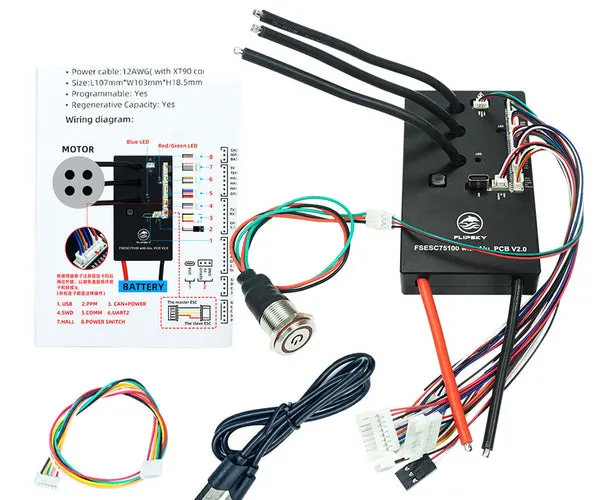
The Flipsky 75100 V2.0 is based on VESC. MAXKGO’s listing gives 14 to 84V (4S to 20S), 100A continuous and 250A peak current, 12 AWG wire and a power switch button, with firmware upgrades available.
The Flipsky FT85BD is a non-VESC dual ESC set up in Flipsky ESC Tool. The listing gives 14 to 84V (safe for 4S to 20S), 100A continuous per side and 200A for the pair, 10 AWG power wire, and protection functions that include low and high voltage protection and battery over-discharge protection.
| ESC | Listed input | Continuous current | Setup |
|---|---|---|---|
| Flipsky 75100 V2.0 | 14 to 84V (4S to 20S) | 100A | VESC based |
| Flipsky FT85BD | 14 to 84V (4S to 20S) | 100A per side, 200A dual | Flipsky ESC Tool |
MAXKGO’s AM32 ESCs Are a Different Kind
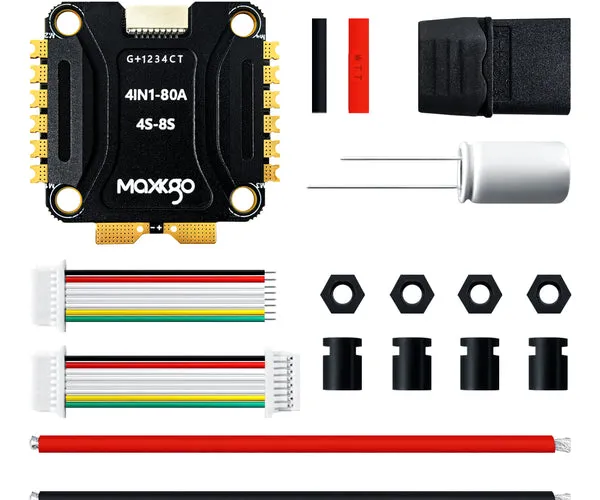
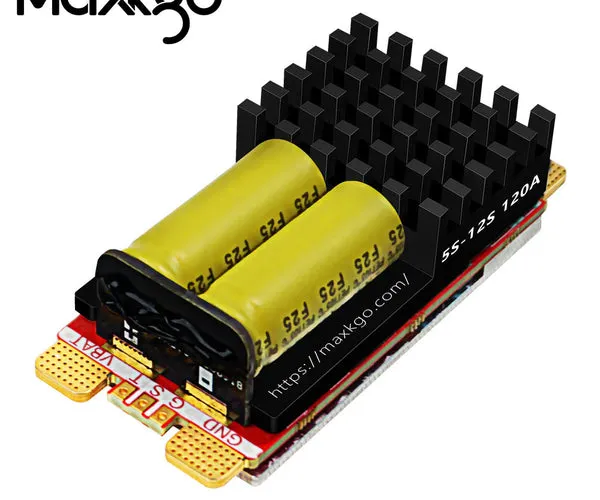
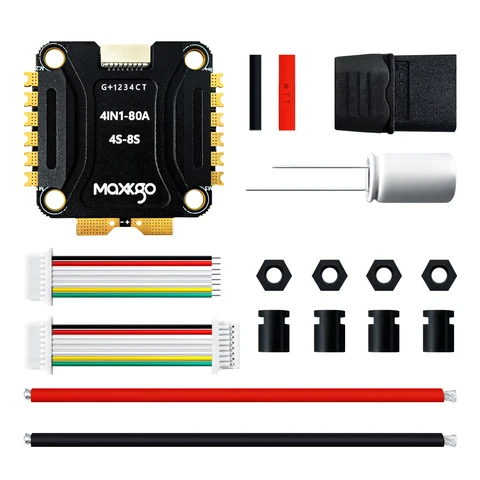
MAXKGO also sells its own AM32 ESCs, but they are built for drones and RC models. The 4-in-1 8S 80A ESC lists 4S to 8S input and is sold for FPV and multirotor drones. The 5 to 12S 120A ESC lists 5S to 12S input for drones, RC planes, cars and boats. Check those cell counts against your pack before you consider either one. The ESC-Link tool is for configuring and updating these AM32 ESCs, not the Flipsky controllers.
BMS Options
MAXKGO sells two kinds of BMS board that come up in Onewheel builds:
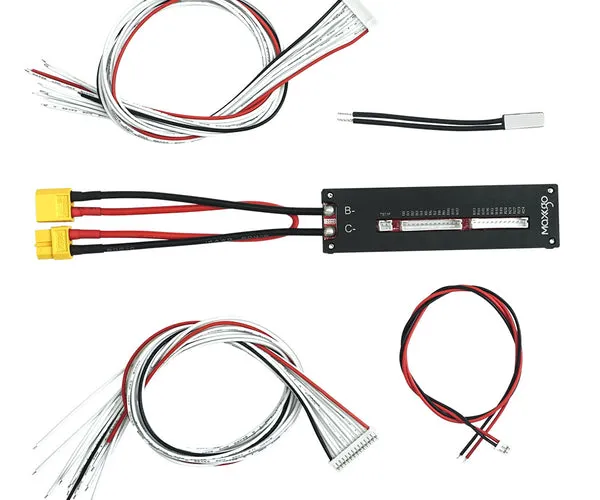
- The 4S to 24S 20A charge-only BMS board. It balances passively and handles charging at up to 20A. MAXKGO warns that it does not support discharge protection and that you must not discharge through it.
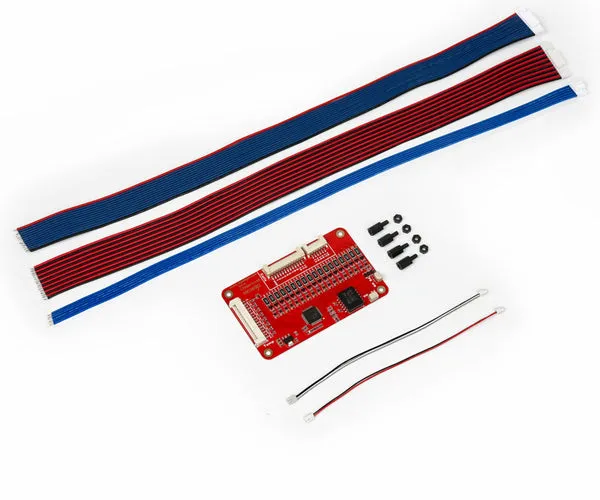
- The LTC6813 18S smart slave BMS board. It monitors 5 to 18 series cells per board, works with MAXKGO’s MKBMS master boards, and the store says it is compatible with ENNOID firmware. You need a master board as well.
Wiring Steps in Order
- Confirm the voltage. Check that the pack’s full-charge voltage is inside the ESC’s listed range.
- Plan the connector. Use a breakout board for the stock connector, or an adapter harness to the ESC’s input plug.
- Plan the protection. Decide how the cells will be balanced and protected, and wire the BMS to match.
- Set the limits in software. Use VESC Tool for the 75100 or Flipsky ESC Tool for the FT85BD, and set cut-off voltages and current limits that match your pack’s specs.
- Test at low power first. Run the motor unloaded and confirm the ESC shows no faults before you ride.
A lithium pack at this voltage can burn or start a fire if it is shorted. If you are not confident soldering and wiring high-voltage packs, have a qualified technician do it.
Where to Find a Onewheel Pint Battery Module
MAXKGO does not sell the battery itself, only the breakout board and BMS parts. Onewheel lists replacement parts on its own Parts page, and Fix My PEV has a DIY page on the Pint battery and BMS. For extended-range builds, an Instructables guide to a Pint battery upgrade shows one approach. If you buy a used module, ask the seller about its age and condition before you pay.
Questions
Can I use a Flipsky 75100 with a Onewheel Pint battery module?
MAXKGO lists the Flipsky 75100 V2.0 at 14 to 84V (4S to 20S). Check that your pack's full-charge voltage is inside that range, then adapt the stock connector and plan the BMS wiring.
How is the Flipsky FT85BD different from the 75100?
The FT85BD is a non-VESC dual ESC set up in Flipsky ESC Tool, while the 75100 is based on VESC. MAXKGO lists both at 14 to 84V input.
Can I use MAXKGO's 4-in-1 80A ESC with a Pint pack?
MAXKGO lists that ESC for 4S to 8S packs on FPV and multirotor drones. Check your pack's cell count against that range. It is not sold for board builds.
Does MAXKGO sell the Onewheel Pint battery?
No. It sells a breakout board for the stock XR, Pint, Pint X and GT pack connector, plus BMS boards. Look for the battery on Onewheel's parts page or from a repair service.
Can I discharge through MAXKGO's 4S to 24S charge-only BMS board?
No. MAXKGO says the charge-only board does not support discharge protection and that you should not discharge through it.
Products in this guide
 Shopping at MAXKGO? See the discount code
2% OFF Sitewide
More in this series
How to Wire the MAXKGO 4-in-1 80A AM32 ESC in a Drone Build5 Sep 20263 minWhat to Look for in a 12S ESC for Your Electric Skateboard or E-Bike5 Sep 20263 min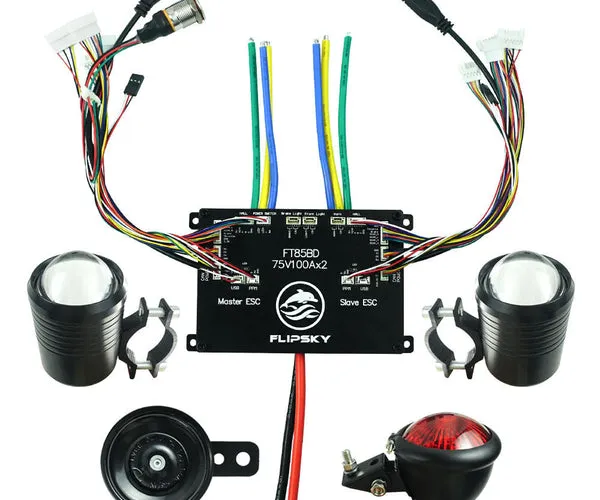 Flipsky FT85BD Not Working? Power, Remote and ESC Tool Checks5 Sep 20263 min4-in-1 ESC vs Individual ESCs: Which Is Right for Your Build?5 Sep 20265 minFlipsky 75100 ESC Setup: Specs, Switch Options and Which Tool to Use5 Sep 20263 min