 A ROCKBROS guide
Why Your Bike Lights Keep Dying and How to Fix It
Bike lights that die unexpectedly usually suffer from poor charging habits, water damage, or incompatible batteries—problems you can fix with the right approach.
Bike lights that die unexpectedly usually suffer from poor charging habits, water damage, or incompatible batteries. This guide walks you through the most common causes and the exact fixes that keep your lights running season after season.
The Real Reasons Your Bike Lights Fail Early
Most riders assume a dead light means it’s time to replace it, but the underlying issue is often fixable. Common causes include:
- Overcharging or deep discharge cycles that degrade lithium-ion cells faster than normal use
- Moisture intrusion through worn gaskets or charging ports left exposed in rain
- Mismatched USB cables that deliver the wrong voltage and fry the internal controller
- Firmware glitches in smart lights that drain the battery even when switched off
- Cold weather exposure that temporarily kills capacity until the cells warm up again
Temperature extremes hit harder than most riders expect.
How to Diagnose What’s Killing Your Light
Start with the charging port. Inspect the rubber flap or cover for cracks, and check inside the port for corrosion or green residue. If you see either, water has already breached the seal. Clean it gently with isopropyl alcohol on a cotton swab and let it dry completely before the next charge.
Next, test the battery under load. Charge the light fully, then run it on high beam for 30 minutes. If it dies or dims significantly faster than the manufacturer’s spec, the cell has degraded. Most rechargeable bike lights for night riding should hold at least 80 percent of rated capacity after a year of regular use.
Finally, check your charging cable. Use only the cable that shipped with your light or a certified replacement that matches the voltage and amperage.
Fixing Charging Problems That Kill Batteries Fast
Lithium-ion cells last longest when you keep them between 20 and 80 percent charge. Avoid leaving your light plugged in overnight or draining it to zero before every recharge. Unplug lights once they reach full charge, and check the manual for the typical charge time.
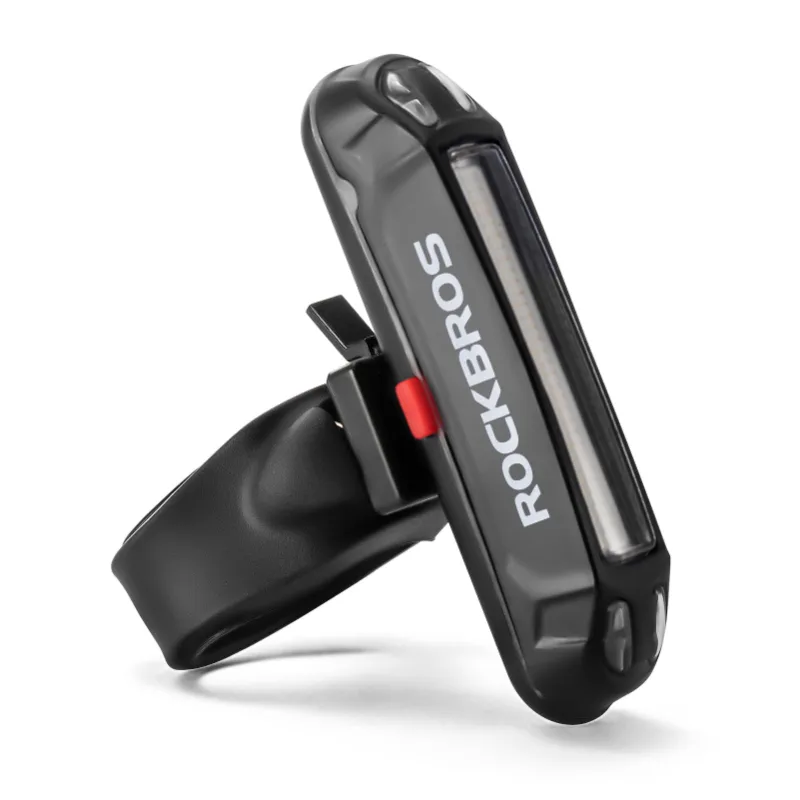
If your light gets hot during charging (too hot to hold comfortably) unplug it immediately. Excessive heat accelerates chemical breakdown inside the cell and can lead to swelling or leakage. Store your bike lights in a cool, dry spot between rides, and never leave them in a car on a summer afternoon.
For riders who commute year-round, we recommend removing the light and bringing it indoors when temperatures drop below freezing. Cold-soaked batteries won’t accept a charge efficiently, and forcing current into a frozen cell can cause permanent damage. Grab the latest ROCKBROS lights with improved cold-weather performance and check the discount code for current pricing.
Waterproofing Weak Points Before They Fail
Even lights rated IPX6 or higher can leak if the gasket isn’t seated correctly. After every wet ride, remove the light from its mount and dry the contact points and charging port. Applying a thin film of silicone grease to the gasket once per season keeps it supple and sealed.
Check the mount interface too. Vibration can loosen the clamp over time, letting water creep between the light body and the bracket. Tighten the mount until it’s snug but not over-torqued, and inspect it weekly if you ride rough trails or gravel roads.
If you’ve already got moisture inside the lens, disassemble the light (if the design allows) and place the components in a sealed container with silica gel packets for 24 hours. This pulls residual moisture out of the circuit board and can revive a light that flickers or won’t power on. For non-serviceable designs, aim a fan at the charging port and let it run for a full day before attempting to charge again.
Upgrading Your Setup to Prevent Future Problems
If you’re replacing lights frequently, it’s worth investing in models with user-replaceable batteries or USB-C charging with power delivery negotiation. These features let you swap a dead cell without discarding the entire unit and prevent voltage mismatches that fry electronics.
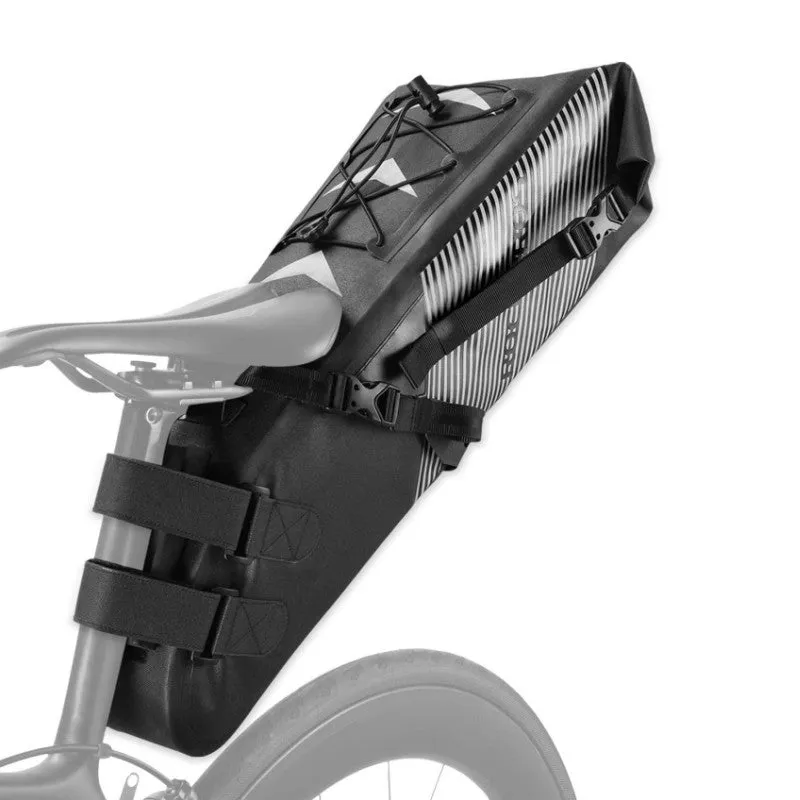
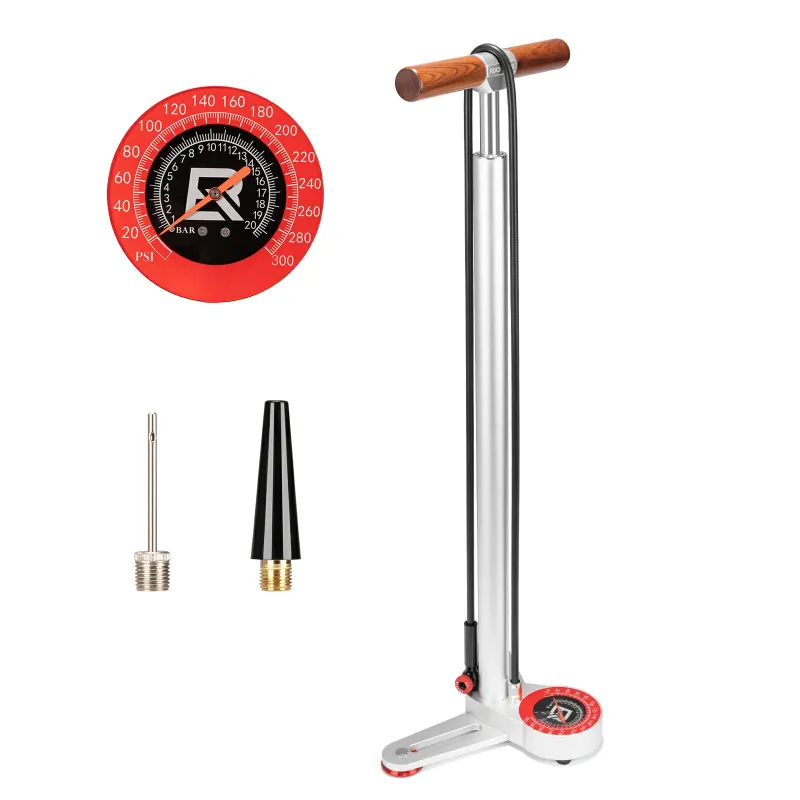
Pair your lighting upgrade with a saddle bag that holds a backup light or spare battery, especially for long commutes or night rides. A small bike pump and multi-tool are worth keeping in the same bag, since a flat tire in the dark turns into a safety issue fast when your light dies mid-repair.
For riders who want maximum visibility, consider adding bike lights for wheels or spoke-mounted LEDs that create a 360-degree profile. These typically run on coin cells that last months, so they serve as a reliable backup when your main headlight cuts out unexpectedly.
Maintenance Habits That Extend Light Lifespan
Clean your light’s lens and reflector every two weeks with a microfiber cloth. Road grime and mud reduce output by scattering the beam, which tempts you to run higher brightness levels and drain the battery faster. A clean lens delivers the same visibility at a lower power setting.
Update firmware when the manufacturer releases it. Many smart lights push updates that fix battery drain bugs or improve charge management. Connect your light to the companion app once per season and check for available patches.
Finally, rotate your lights if you own multiple sets. Running the same light every day accelerates wear on the switch and battery, while a backup sits unused and loses capacity from inactivity. Alternate between your primary and backup every few weeks to keep both in peak condition, and check the code when it’s time to add another set to your rotation.
When to Replace Instead of Repair
If your light has been through more than 500 charge cycles, the battery has likely hit the end of its service life. Calculate cycles by dividing total riding hours by the light’s rated runtime, most riders hit 500 cycles after two to three years of daily commuting.
Physical damage to the housing, cracked lenses, or burnt circuit boards aren’t worth repairing unless the light is a high-end model with available parts. For budget and mid-range lights, replacement is more cost-effective. Compare current models at trusted sources like Switchback Travel’s roundup to see what’s improved since your last purchase.
Consider upgrading to a set with better waterproofing, longer runtime, or a mounting system that works across your entire bike fleet. Many riders find that spending slightly more upfront on best bike lights reduces long-term costs from frequent replacements and delivers better visibility when it matters most.
Questions
Why do my bike lights die after only a few months?
Short lifespan usually results from overcharging, deep discharge cycles, or water damage through worn gaskets. Keeping your lights between 20 and 80 percent charge and drying the charging port after wet rides can help them last longer.
Can I use any USB cable to charge my bike light?
No. Use only the cable that came with your light or a certified replacement that matches the voltage and amperage. Mismatched cables can deliver the wrong voltage and permanently damage the charge controller.
How do I know if my bike light battery is dead or just needs charging?
Charge it fully, then run it on high beam for 30 minutes. If it dies or dims much faster than the manufacturer's spec, the battery has degraded and likely needs replacement.
Is it safe to leave bike lights charging overnight?
Avoid overnight charging. Lithium-ion batteries last longest when you unplug them after they reach full capacity, typically within two hours. Prolonged charging generates heat that accelerates cell degradation.
What should I do if water gets inside my bike light?
Disassemble it if possible and place the components in a sealed container with silica gel packets for 24 hours. For sealed designs, aim a fan at the charging port and let it dry for a full day before charging.
How cold is too cold for bike lights to work properly?
Most lithium-ion lights lose significant capacity below freezing. Remove your light and bring it indoors when temperatures drop near 32°F to prevent charging problems and permanent battery damage from forcing current into frozen cells.
Products in this guide
 Shopping at ROCKBROS? See the discount code
10% OFF All Orders
Shopping at ROCKBROS? See the discount code
10% OFF All Orders
More in this series
 ROCKBROS Cycling Gloves: Are They Worth It for Cold Weather Rides?8 Aug 20265 minDo You Really Need a Saddle Bag? What Every Cyclist Should Carry8 Aug 20264 min
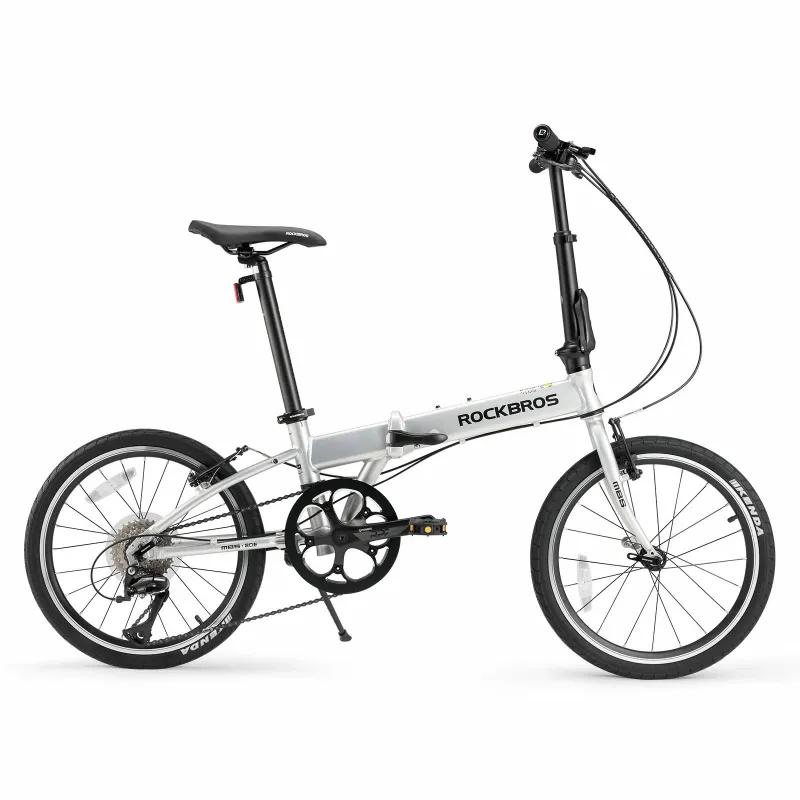
 Folding Bike vs Road Bike: Which Is Right for Your Commute?8 Aug 20265 min
 ROCKBROS Bike Helmet: Is It Safe Enough for Mountain Biking?8 Aug 20264 min
 How to Clean and Maintain Your Bike Chain for Longer Life8 Aug 20265 min