 A Weikav guide
Do WoB Keycaps Yellow? What White on Black Means for Weikav’s PBT Set
WoB keycaps are black with white legends, so the yellowing people see on white keycaps is hard to spot. Weikav's WoB Black set is double-shot PBT in Cherry profile.
Do WoB Keycaps Yellow?
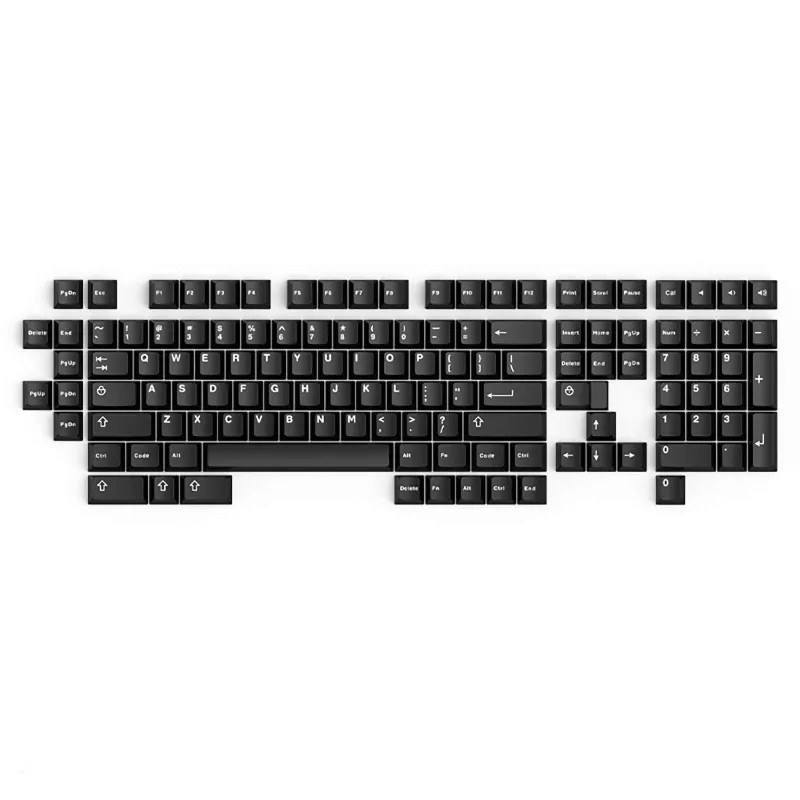
WoB keycaps are black keycaps with white legends, so the yellowing people worry about on all-white keycaps is much harder to see: the body is black, and only the small letters are light colored. Weikav’s WoB Black keycap set is also PBT with double-shot legends, per its product page. Our Weikav discount code page lists the current code and how to use it.
WoB stands for white on black, the reverse of BoW (black on white). A WoB set is not a white keycap set, so advice about white caps turning cream does not describe it well. We cannot give a timeline for how any keycap will change, since that depends on light, heat and handling, so this guide covers what the set is made of and how to look after it.
What Weikav Lists for the WoB Black Set
- Material: PBT.
- Legends: double-shot, meaning each legend is a separate piece of plastic molded into the keycap rather than printed on top, so it does not rub off the way printed legends can.
- Profile: Cherry.
- Keys: 125.
Cherry profile is a sculpted profile: each row of keys has its own height and angle, so a keycap from the number row will not sit the same way in the home row. Keep that in mind when you clean the set and put it back together.
Weikav’s keycaps page says its PBT keycaps are designed to resist shine. PBT is widely regarded as more resistant to shine and yellowing than ABS, the other common keycap plastic, though no plastic is immune to wear. Weikav’s product page also lists a 1-year limited warranty on its products, handled through its support email.
What Can Change Over Time
Even on a black set, a few things can change with use:
- Shine: keys you press most can develop a smoother, glossier surface where your fingers rest. On a matte black cap, that shine is easy to spot.
- Dust and skin oil: dark keycaps show dust, lint and fingerprints clearly, so they look tired sooner if they are not cleaned.
- The white legends: as the only light plastic on the key, the legends are the one place discoloration could show, and on a double-shot cap they are part of the key rather than a coating.
- Sunlight and heat: keeping any keyboard out of direct sun and away from heaters is a simple way to protect the plastic.
How to Clean WoB Keycaps
- Take a photo of your layout, then remove the keycaps with a keycap puller.
- Put them in a bowl of lukewarm water with a little mild dish soap and let them sit for a short while.
- Scrub gently with a soft brush, paying attention to the tops where fingers rest.
- Rinse them in clean water, spread them on a towel and let them dry completely before you refit them, so no water reaches the switches. Use your photo to put each key back in its own row.
- Between deep cleans, use a microfiber cloth and a soft brush or air blower to keep dust off.
Avoid very hot water, harsh solvents and bleaching methods such as hydrogen peroxide soaks. Those are meant for yellowed light plastic, not a black set, and strong chemicals can dull the surface.
Fitting the Set to a Weikav Board
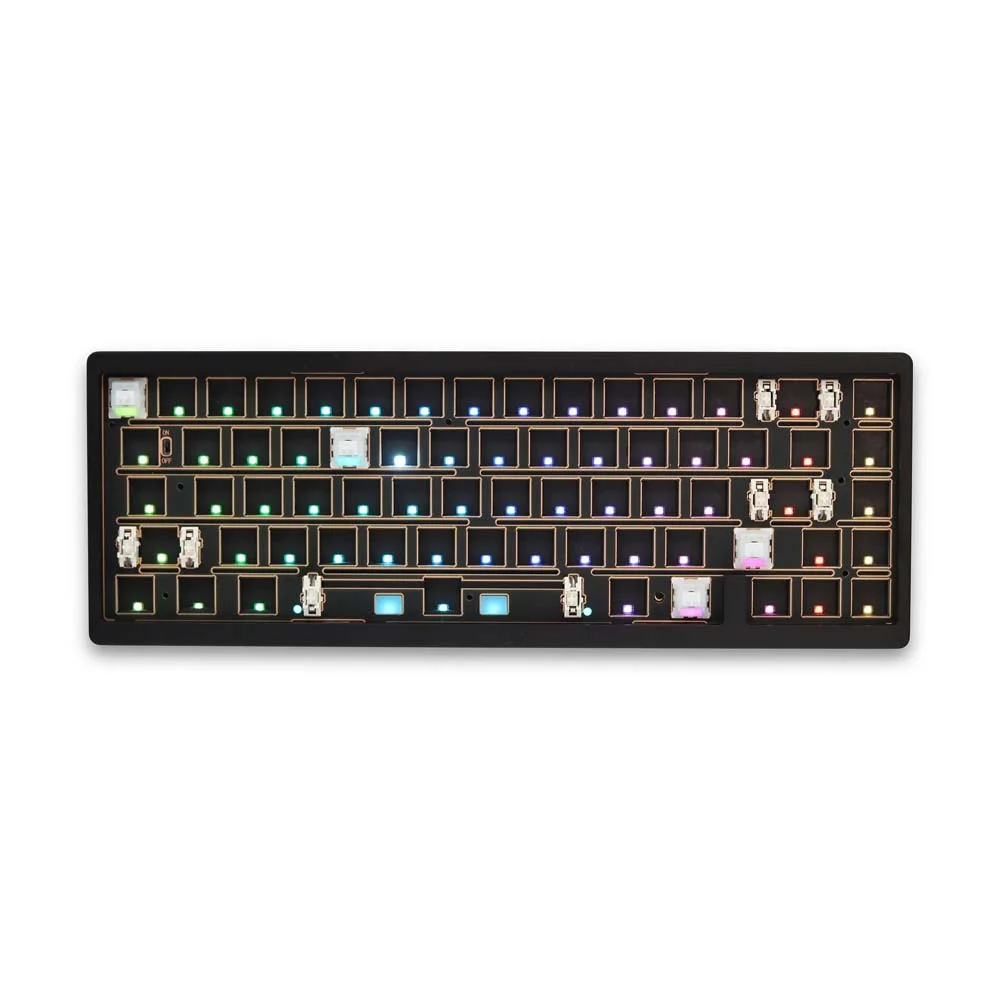
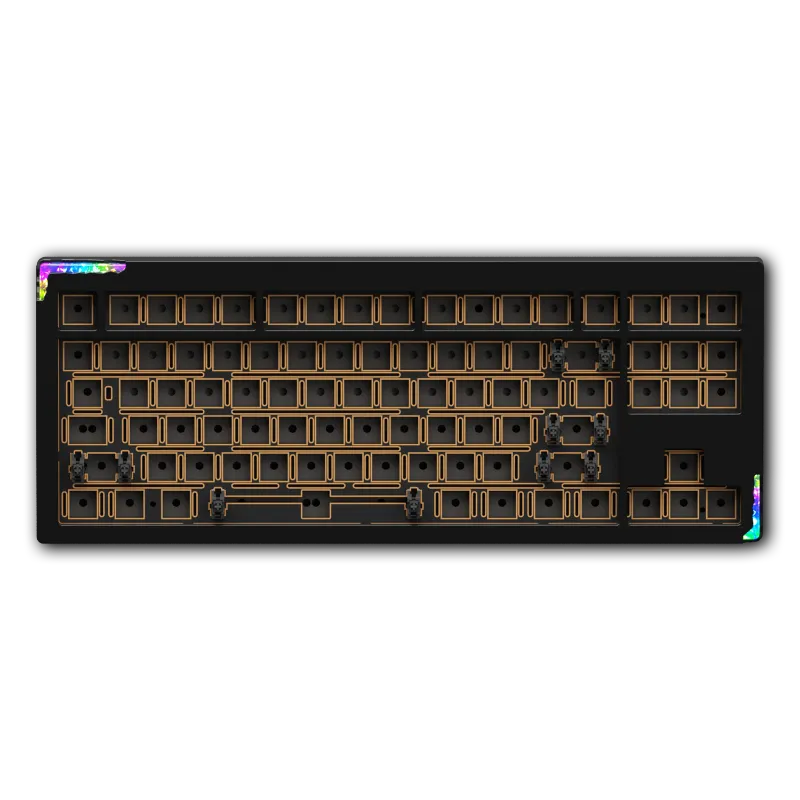
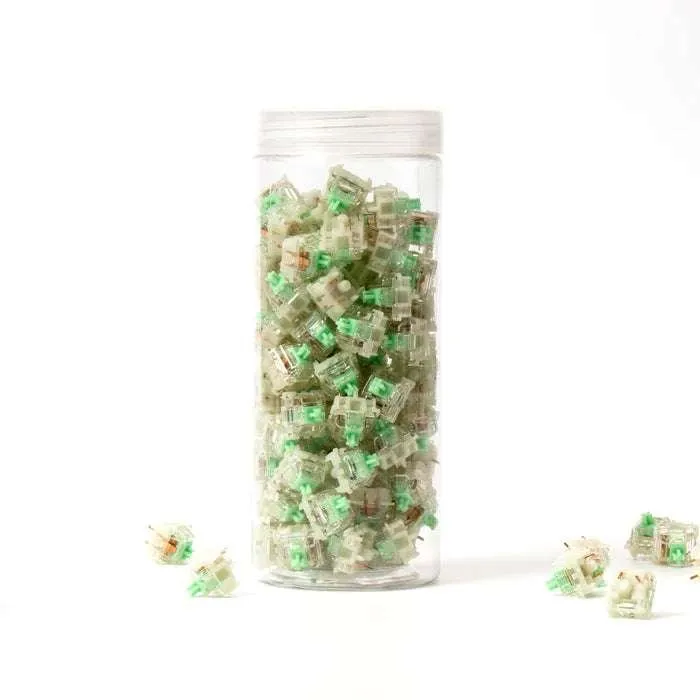
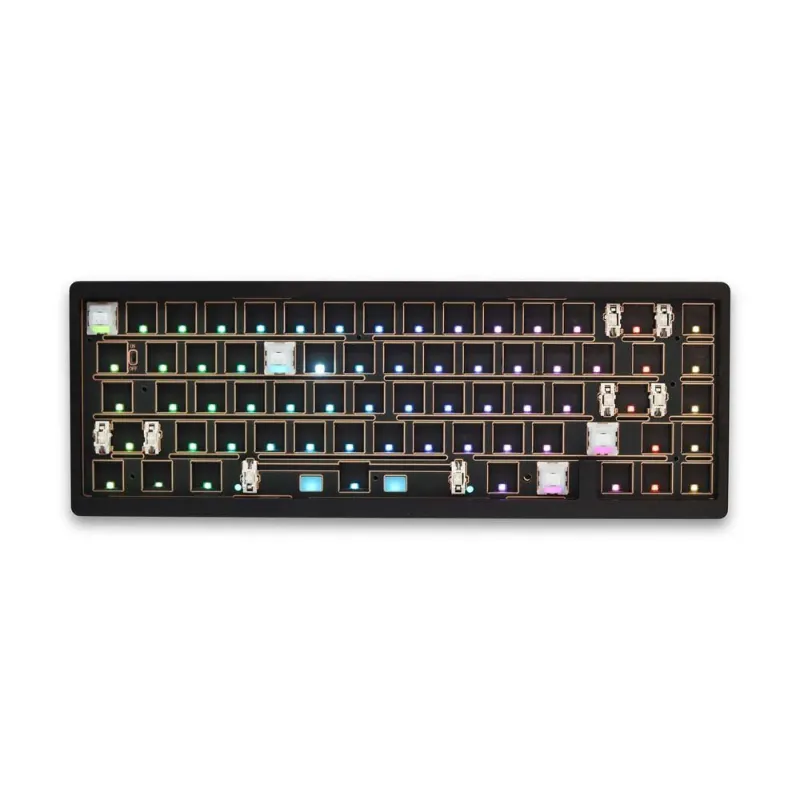
Weikav sells its keyboards as barebone kits, so keycaps and switches are not included. The Weikav NUT65 product page says the board ships without them, has hot-swap sockets and supports the ANSI layout only, and the Weikav Stars80 is a TKL (80 percent) barebone. The WoB Black set has 125 keys, more than a 65 percent or TKL board uses, but confirm it includes the exact key sizes your board needs, especially the spacebar and modifiers, before you order. If you also need switches, Weikav sells options such as the Gateron Baby Kangaroo tactile switch.
Questions
What does WoB mean on keycaps?
White on black: black keycaps with white legends. Weikav's WoB Black set is black PBT with double-shot white legends, per its product page.
Do WoB keycaps yellow like white keycaps?
The body is black, so the yellowing that shows on white keycaps is hard to see. Only the small white legends are light colored. We cannot give a timeline, since any change depends on light, heat and use.
Will the legends on Weikav's WoB Black set wear off?
The set uses double-shot legends, which are molded into the keycap as a separate piece of plastic rather than printed on, so they do not rub off like printed legends.
How should I clean WoB keycaps?
Remove them, soak them in lukewarm water with a little mild dish soap, scrub gently with a soft brush, rinse, and let them dry completely before refitting. Avoid harsh solvents and bleaching soaks.
Does the WoB Black set fit the Weikav NUT65?
The set is Cherry profile with 125 keys, and the NUT65 is an ANSI barebone kit with hot-swap sockets that ships without keycaps. Compare the set's key sizes with the NUT65 layout before you order.
Products in this guide
 Shopping at Weikav? See the discount code
5% OFF All Orders
More in this series
Weikav Keyboard Software and Support: VIA, Online Driver and Warranty6 Aug 20263 minWhat Shapes the Sound of a Weikav Keyboard? Mounts, Layers and Switches6 Aug 20263 minWeikav Stars80 vs NUT65: Which Keyboard Fits Your Desk?6 Aug 20263 minHow to Lubricate and Mod Your Nut65 Mechanical Keyboard6 Aug 20265 minGateron Baby Kangaroo Tactile Switches: Specs and Fit From Weikav6 Aug 20263 min