 A Weikav guide
Weikav Keyboard Software and Support: VIA, Online Driver and Warranty
Where to find Weikav VIA files and the online driver, the firmware warning on its site, and its warranty and returns terms.
Weikav keeps its keyboard software on one Softwares and Firmwares page, and its own advice is not to update the firmware if your keyboard already works. We keep the current code for Weikav on its store page.
What is on Weikav’s software page
The page is split into four download types: VIA JSON files, a web driver, user manuals and software. Weikav also tells you to check with the vendor you bought from before downloading firmware, because different keyboard models may need specific software versions.
- VIA JSON. Download links are listed per model, including the NUT65, the Stars80, the Stars80 Standard Edition, the NUT108, the Lucky65 v2 and v3, the Lucky80, the Stars21 and the Record Alice boards.
- Online driver. A launch link per model, including the NUT65, NUT75, EG75, Lucky65 v3, NUT108, AIR68, MAX102 and K-ONE.
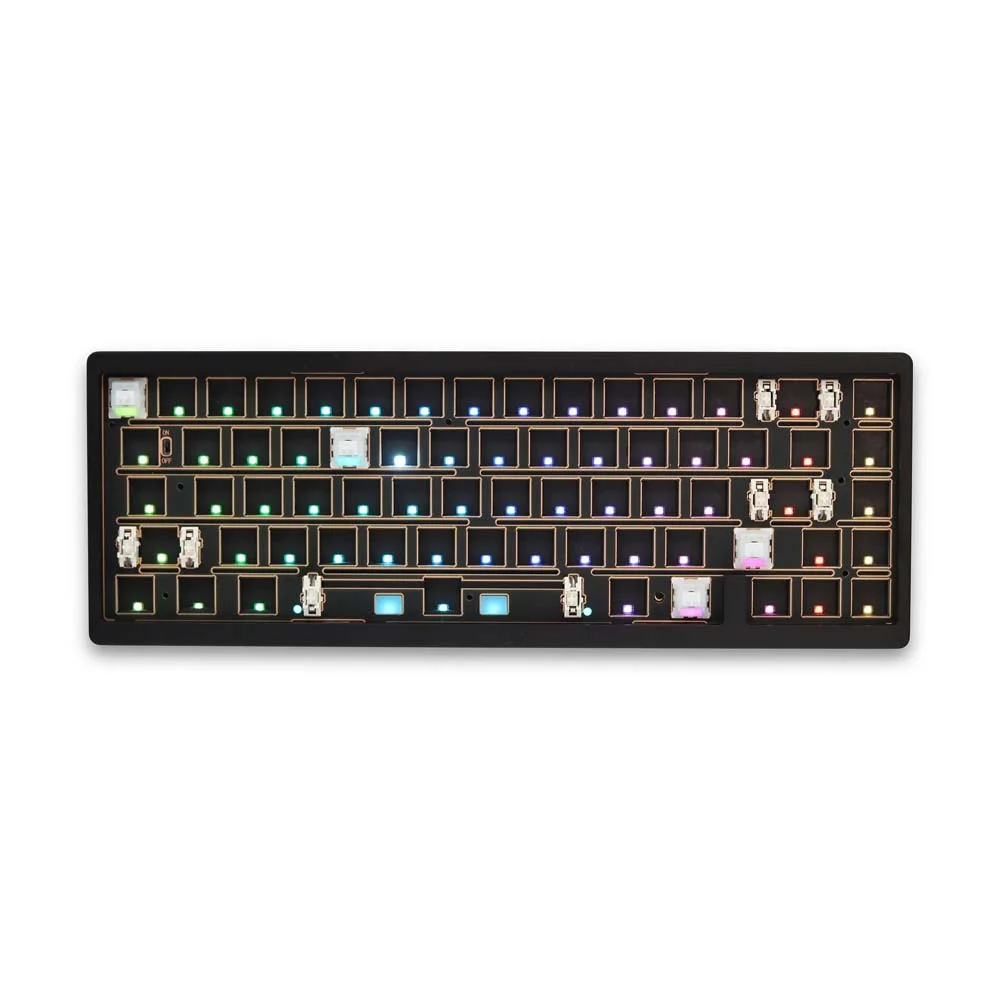
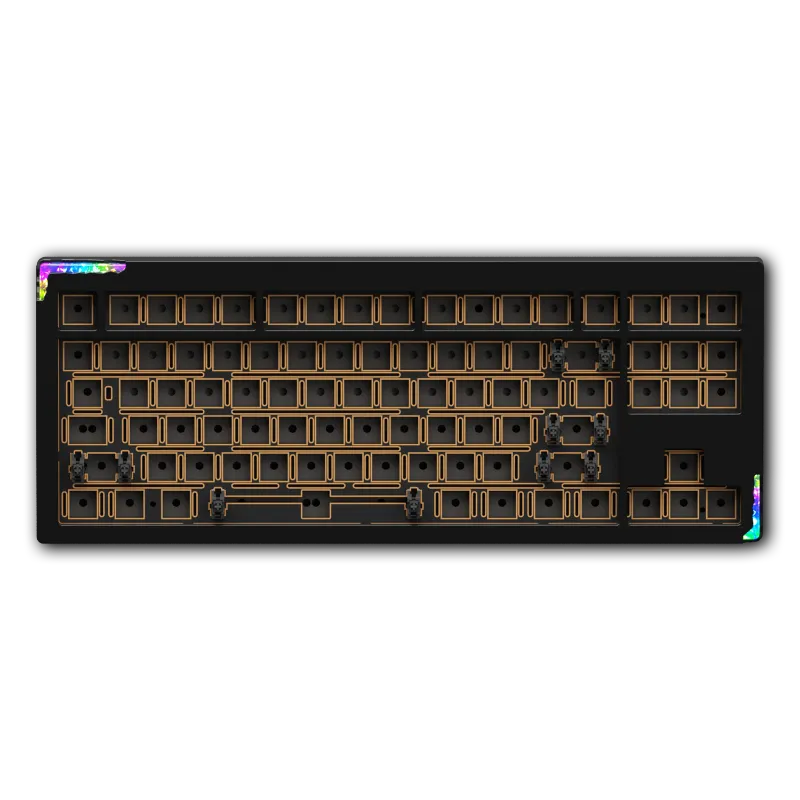
The Weikav NUT65 page ties this together. It says the board is powered by QMK and VIA, or by Weikav’s in-house driver, and either way gives you full control over key mapping and lighting behavior. The Weikav Stars80 page lists VIA and QMK support for custom key mappings, macros and settings. The Stars80 appears in the VIA JSON list but not in the online driver list, so use VIA for it.
The page does not explain how to load a VIA JSON file or run the online driver. It lists a User Manual download, so open the manual for your model before you start. If a manual is missing for your board, ask Weikav support at the address on its contact page rather than guessing.
The firmware warning
Weikav puts a warning at the top of its software page. If everything works fine with your keyboard, do not update the firmware, because there is a chance it can damage the keyboard. That is the store’s own wording, and it is the main thing to remember. A firmware update is not routine maintenance on these boards. Download one only if you have a specific reason and have checked it against your model.
Changing key mappings, macros and lighting is a different job from updating firmware. Those are the settings the product pages describe doing through VIA or the Weikav driver.
Checks before you contact support
These come from what the product pages state. They are not a repair guide. Weikav’s pages that we read give no step-by-step troubleshooting, so we do not invent any.
- Check the power switch. The NUT65 page describes a physical wireless switch under the Tab key that powers the board up or down. On the Stars80 page the switch is next to Caps Lock.
- Check the connection mode. Both boards list USB-C, Bluetooth and 2.4G. The NUT65 page says you can switch between up to five devices.
- Check the receiver. The Stars80 page describes a press-to-open storage slot on the back for the 2.4G receiver.
- Check your model against the software page if you are using VIA or the online driver. A file for a different model is not a match.
If something is wrong with the keyboard
Weikav’s pages give a clear route.
- Warranty. The product pages say Weikav offers a 1-year limited warranty. For a quality issue, send images or video to [email protected] for review.
- Returns. The refund and returns policy says Weikav does not support returns or refunds for non-defective items. Returns are accepted for defective, damaged or incorrect items, and you should contact support within 30 days of receiving your order.
- Approval first. The policy says items sent back without prior approval will not be accepted. If a return is approved, Weikav provides a return shipping label and instructions.
- Exchanges. There are no direct exchanges. You return an eligible item and place a new order.
Shipping notes
Weikav’s shipping policy says processing takes up to 3 business days, and that it uses 4PX as its primary shipping agent. The product pages say orders ship within 48 hours of order confirmation, so allow for the longer figure. The pages also ask you to contact Weikav quickly if your parcel is charged customs duty. Barebone kits come without switches and keycaps, so plan those purchases at the same time.
Questions
Where do I download VIA files for a Weikav keyboard?
Weikav lists VIA JSON downloads per model on its Softwares and Firmwares page, including the NUT65 and the Stars80.
Should I update the firmware on my Weikav keyboard?
Weikav says that if everything works fine, do not update the firmware, because there is a chance it can damage the keyboard.
Does the Weikav Stars80 have an online driver?
The Stars80 is listed with VIA JSON downloads. It does not appear in the online driver list we read, which includes the NUT65, NUT75 and EG75 among others.
What warranty does Weikav give?
The product pages say Weikav offers a 1-year limited warranty. For a quality issue, send images or videos to [email protected].
Can I return a Weikav keyboard if I change my mind?
Weikav's refund and returns policy says it does not support returns or refunds for non-defective items. It accepts returns for defective, damaged or incorrect items.
Products in this guide
 Shopping at Weikav? See the discount code
5% OFF All Orders
More in this series
What Shapes the Sound of a Weikav Keyboard? Mounts, Layers and Switches6 Aug 20263 min Do WoB Keycaps Yellow? What White on Black Means for Weikav’s PBT Set6 Aug 20263 minWeikav Stars80 vs NUT65: Which Keyboard Fits Your Desk?6 Aug 20263 min
 How to Lubricate and Mod Your Nut65 Mechanical Keyboard6 Aug 20265 min
 Gateron Baby Kangaroo Tactile Switches: Specs and Fit From Weikav6 Aug 20263 min